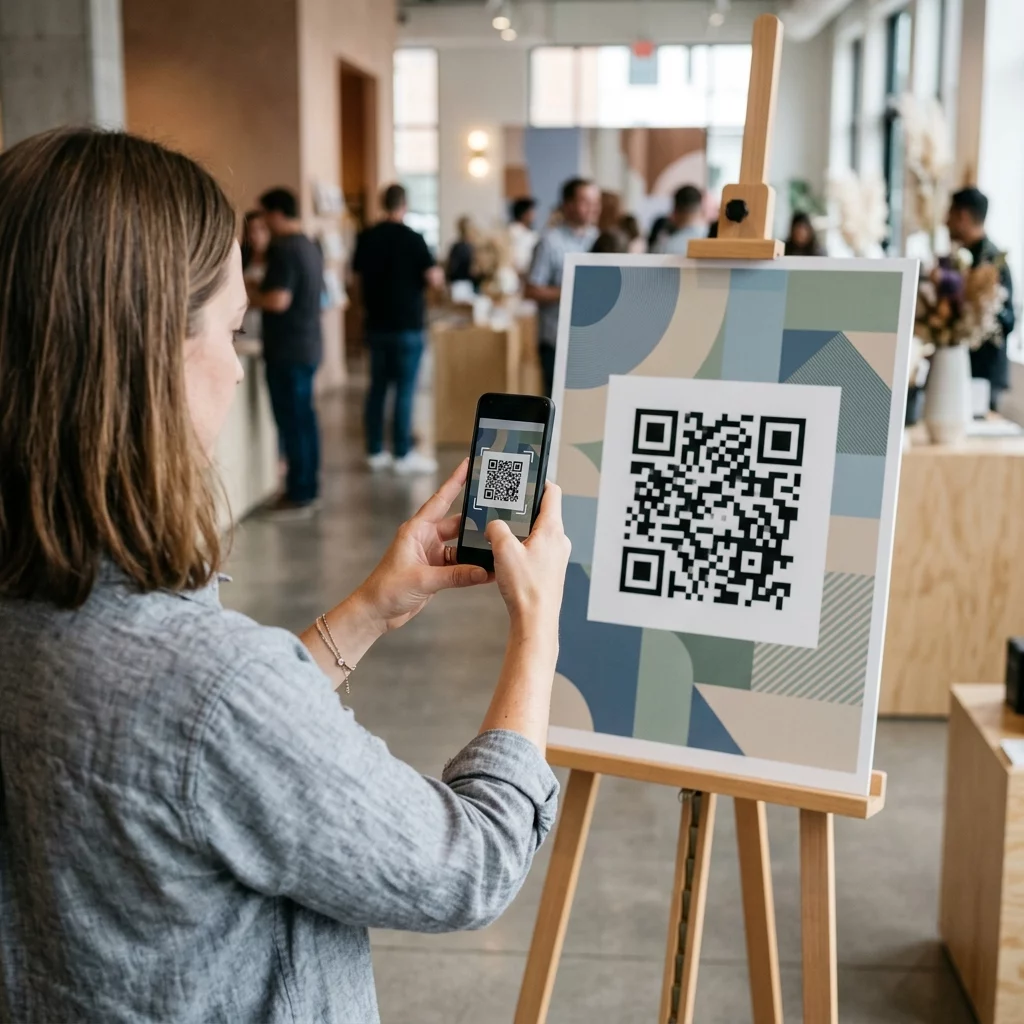
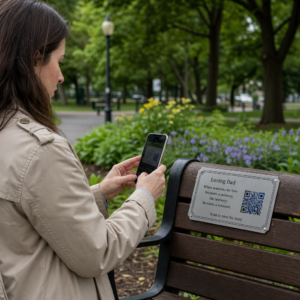
Czy Twoje kody QR są ignorowane? Niskie wskaźniki skanowania zazwyczaj sprowadzają się do kilku przewidywalnych, możliwych do naprawienia problemów – od złego umiejscowienia po utratę zaufania. Ten artykuł omawia każdą barierę i przedstawia konkretne kroki, aby ją pokonać.
Czy ludzie nadal używają kodów QR?
Skanowanie kodów QR stale rosło przez lata, a ich przyjęcie gwałtownie przyspieszyło w trakcie i po pandemii, gdy firmy przestawiły się na interakcje bezdotykowe. Jeśli nie uzyskujesz skanów, problem prawie na pewno nie leży w samej technologii – ale w sposobie, w jaki Twoje kody są zaprojektowane, umieszczone lub prezentowane.
Dlaczego Twoje kody QR nie są skanowane
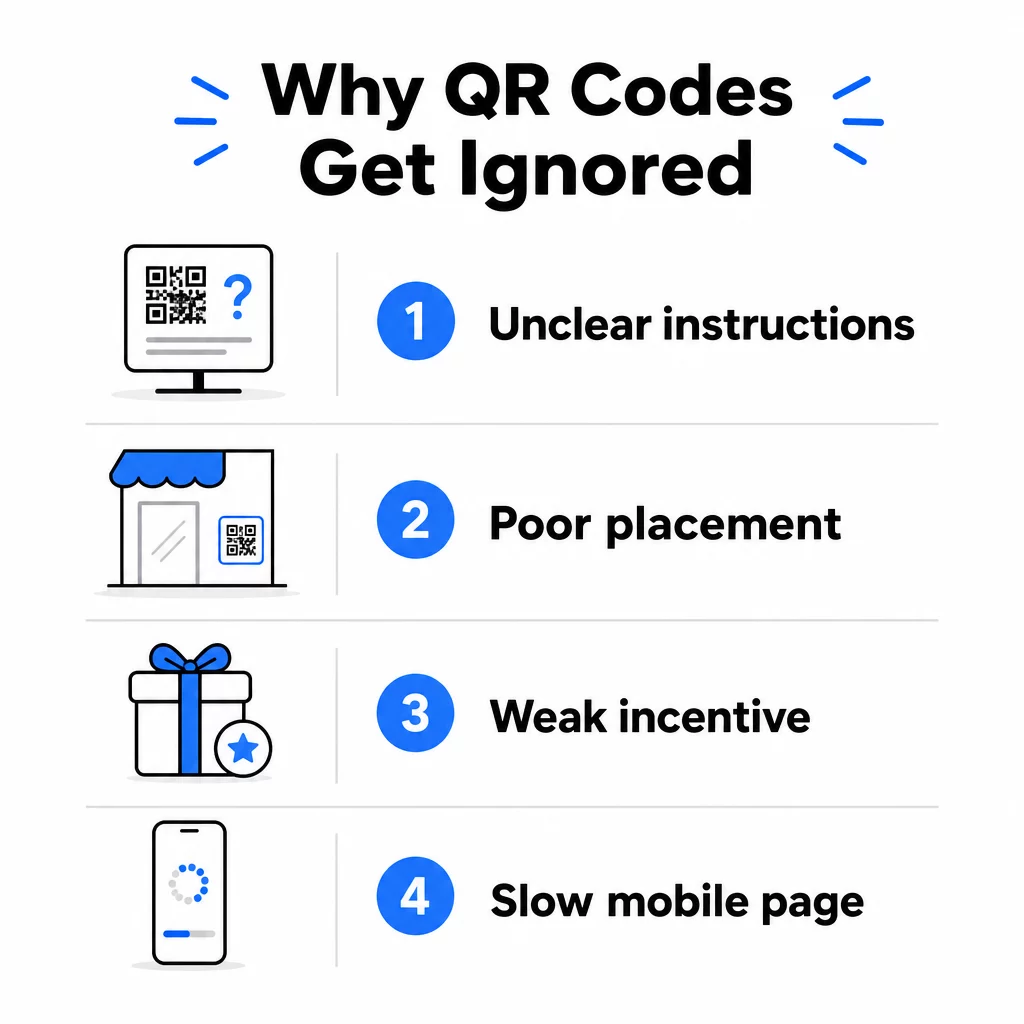
1. Ludzie nie wiedzą, co robić
Nie każda osoba, która napotka Twój kod, wie, jak go zeskanować, a zakładanie, że tak jest, to kosztowny błąd. Zwłaszcza starsze grupy demograficzne mogą nie być zaznajomione z tym procesem.
Rozwiązanie jest proste: dodaj krótkie instrukcje obok kodu. Tekst taki jak “Otwórz aplikację aparatu i skieruj ją tutaj” lub mała ikona telefonu eliminuje opory u niezdecydowanych użytkowników. W miejscach o dużym natężeniu ruchu pomocny może być krótki samouczek wideo wyświetlany w pobliżu. Możesz również użyć ramki kodu QR z wyraźnym wezwaniem do działania takiej jak “Zeskanuj mnie”, aby wizualnie pokierować ludzi, zanim jeszcze przeczytają instrukcje.
2. Kod jest umieszczony w niewłaściwym miejscu
Kod QR, którego nikt nie widzi – lub nie może dosięgnąć – nigdy nie zostanie zeskanowany. Umiejscowienie decyduje o tym, czy Twój kod zostanie zauważony, czy całkowicie zignorowany.
Skuteczne umiejscowienie to takie, gdzie Twoja publiczność ma czas i przestrzeń, aby wyjąć telefon. Dobre lokalizacje to:
- Ulotki i materiały drukowane
- Opakowania produktów i etykiety
- Wizytówki
- Witryny sklepowe i fasady
- Plakaty, banery i billboardy
- Magazyny i stojaki stołowe
Równie ważne jest to, czego należy unikać. Zakrzywione powierzchnie, materiały odblaskowe, słabo oświetlone obszary, zatłoczone tła i środowiska o silnym odblasku – wszystko to zmniejsza niezawodność skanowania. The kompletny przewodnik po umieszczaniu kodów QR w marketingu obejmuje zasady pozycjonowania, w tym wytyczne dotyczące odległości do rozmiaru 10:1 oraz zalecenie umieszczania kodów na wysokości wzroku, między 3,5 a 5,5 stopy.
3. Brak Powodu do Skanowania
Twoi klienci zawsze pytają: “Co ja z tego będę miał?” Jeśli nie potrafisz odpowiedzieć na to pytanie w ciągu dwóch sekund, które poświęcają na spojrzenie na Twój kod, pójdą dalej.
Zwykły kod QR bez kontekstu nie daje ludziom powodu do działania. Rozwiązaniem jest uczynienie wartości jawnej. Użyj wezwania do działania, które bezpośrednio określa korzyść, na przykład:
- “Zeskanuj, aby otrzymać 20% zniżki”
- “Zeskanuj, aby zobaczyć dzisiejsze menu”
- “Zeskanuj, aby wziąć udział w naszym konkursie”
Grywalizacja, ekskluzywne oferty i lead magnety – takie jak darmowy przewodnik PDF lub szansa na wygranie nagrody – wszystko to daje klientom namacalną zachętę. Badania Pageloot konsekwentnie pokazują, że dobrze zaprojektowane kampanie z kodami QR które komunikują wartość z góry, przewyższają ogólne kody ze znaczną przewagą.
Uzyskaj Więcej Skanów dzięki Markowym, Aktywnym Kodom QR Dodaj profesjonalne ramki, niestandardowe kolory i wyraźne wezwania do działania do swoich kodów za pomocą Pageloot Generator kodów QR. Bezpłatny 14-dniowy okres próbny, karta kredytowa nie jest wymagana.
4. Wiadomość Nie Przemawia do Twojej Publiczności
Kod QR jest tak skuteczny, jak kampania, która za nim stoi. Jeśli język, projekt lub oferta nie łączą się z Twoją konkretną publicznością, zaangażowanie spadnie, niezależnie od tego, jak dobrze kod jest umieszczony.
Aby wypełnić tę lukę, zacznij od zidentyfikowania rzeczywistych problemów, z którymi borykają się Twoi klienci. Następnie dopasuj wiadomość do platform i przestrzeni fizycznych, w których ta publiczność spędza czas. Kod na ulotce targowej skierowanej do menedżerów ds. zakupów wymaga innej wiadomości niż ten na stoliku w restauracji skierowany do przypadkowych gości. Niedopasowane komunikaty to niewidzialne komunikaty.
5. Doświadczenie na Stronie Docelowej Jest Słabe
Jedynym zadaniem kodu QR jest przekierowanie kogoś na stronę. Od tego momentu Twoja treść musi konwertować. Kod, który prowadzi do wolnej, zagraconej lub dostępnej tylko na komputerze strony, marnuje każde zdobyte skanowanie.
Ponieważ kody QR są skanowane na smartfonach, miejsce docelowe musi być w pełni zoptymalizowane pod kątem urządzeń mobilnych – nie tylko przyjazne dla urządzeń mobilnych. To nie to samo. Strona zoptymalizowana pod kątem urządzeń mobilnych jest zbudowana wokół doświadczenia mobilnego, z krótkim czasem ładowania, nawigacją przyjazną dla kciuka i treścią skalowaną do małych ekranów. Kluczowe czynniki do sprawdzenia przed opublikowaniem kodu:
- Czy strona jest responsywna i szybko ładuje się na połączeniach komórkowych?
- Czy istnieje jedno, wyraźne wezwanie do działania powyżej linii zgięcia?
- Czy usunąłeś elementy rozpraszające uwagę od głównego celu?
- Czy strona spełnia to, co obiecał kod QR?
Plik przewodnik po testowaniu kodów QR pod kątem użyteczności mobilnej zaleca czasy ładowania poniżej dwóch do trzech sekund oraz testowanie na wielu urządzeniach i przeglądarkach przed uruchomieniem.
6. Kod ma problemy techniczne
Technicznie uszkodzony kod QR to najszybszy sposób na zniszczenie zaufania i utratę skanowania na zawsze. Typowe problemy to kody, które są zbyt małe, mają niewystarczający kontrast lub prowadzą do uszkodzonego adresu URL.
Kluczowe standardy techniczne do sprawdzenia:
- Rozmiar: Użyj co najmniej 2 × 2 cm do skanowania z bliskiej odległości i skaluj w górę w oparciu o oczekiwaną odległość oglądania, stosując współczynnik 10:1 (odległość skanowania ÷ 10 = minimalna szerokość).
- Kontrast: Zachowaj ciemny pierwszy plan na jasnym tle. Czarny na białym zapewnia najwyższą niezawodność. Unikaj kombinacji kolorów o niskim kontraście, gradientów i odwróconych wzorów. najlepszymi praktykami kontrastu kolorów kodów QR zaleca dążenie do współczynnika kontrastu co najmniej 4.5:1 dla niezawodnego skanowania.
- Strefa ciszy: Zachowaj wyraźną ramkę o szerokości co najmniej czterech modułów z każdej strony kodu. Skanery wykorzystują tę przestrzeń do zlokalizowania początku i końca kodu.
- Korekcja błędów: Użyj wyższego poziomu korekcji błędów (Q lub H), jeśli dodajesz logo lub dostosowujesz projekt. Poziomy te mogą skompensować do 25–30% utraty danych spowodowanej przeszkodą lub uszkodzeniem.
Zawsze testuj swój kod na wielu urządzeniach, w różnych aplikacjach aparatu i warunkach oświetleniowych przed jego rozpowszechnieniem. przewodnik po najlepszych praktykach czytelności kodów QR oraz standardy użyteczności oparte na ISO/IEC 18004 szczegółowo opisują te wymagania techniczne. Możesz również użyć bezpłatnego narzędzia do skanowania kodów QR aby sprawdzić, czy Twoje kody skanują się poprawnie przed wydrukowaniem.
7. Używasz kodu statycznego, którego nie możesz zaktualizować
Statyczne kody QR kodują stałe miejsce docelowe. Jeśli ten adres URL zmieni się, przestanie działać lub wygaśnie po wydrukowaniu kodu, każda osoba, która go zeskanuje, trafi w ślepy zaułek – i nie możesz tego naprawić bez ponownego wydrukowania wszystkiego.
Dynamiczne kody QR rozwiąż ten problem, wskazując krótki link przekierowujący, który możesz zaktualizować w dowolnym momencie z panelu sterowania. Zmień docelowy adres URL, zamień plik PDF lub przekieruj do nowej oferty – bez dotykania wydrukowanego kodu. Kody dynamiczne odblokowują również analitykę skanowania, dostarczając danych o tym, ile osób zeskanowało, kiedy, gdzie i na jakim urządzeniu. Ta funkcja śledzenia pozwala mierzyć rzeczywistą wydajność kampanii i optymalizować ją w czasie.
Utrzymuj swoje kampanie aktualne bez ponownego drukowania Użyj Generator dynamicznych kodów QR aby tworzyć kody, które możesz aktualizować w dowolnym momencie – i śledzić każde skanowanie dzięki wbudowanej analityce.
Problem z zaufaniem: Dlaczego niektórzy ludzie nigdy niczego nie skanują
Poza problemami technicznymi i projektowymi istnieje głębsza bariera, która nie otrzymuje wystarczającej uwagi: obawy dotyczące bezpieczeństwa. Niektórzy użytkownicy niechętnie skanują kody QR z nieznanych źródeł, ponieważ nie widzą, dokąd prowadzi kod, zanim się zaangażują. Ta obawa jest uzasadniona – złośliwe kody QR mogą przekierowywać użytkowników na strony phishingowe, wywoływać pobieranie złośliwego oprogramowania lub przechwytywać wrażliwe informacje.
Jako marketer lub właściciel firmy możesz zmniejszyć to tarcie, wbudowując sygnały zaufania w umiejscowienie kodu QR:
- Wyświetlaj swoją markę wyraźnie obok kodu, aby użytkownicy wiedzieli, kto za nim stoi
- Dodaj krótki opis tego, do czego prowadzi kod (“Zeskanuj, aby wyświetlić nasze cyfrowe menu”)
- Używaj miejsc docelowych HTTPS i upewnij się, że Twoje strony docelowe wyglądają profesjonalnie i wiarygodnie
- Unikaj umieszczania kodów w środowiskach o niskim zaufaniu, gdzie użytkownicy nie mają kontekstu, dlaczego kod się tam znajduje
Markowe kody QR – z osadzonym logo, kolorami pasującymi do Twojej tożsamości i wyraźną ramką CTA – sygnalizują legalność i zwiększają prawdopodobieństwo, że ostrożny użytkownik zeskanuje kod.
Ostateczna lista kontrolna przed wdrożeniem
Przejrzyj te pytania przed opublikowaniem jakiejkolwiek kampanii z kodami QR:
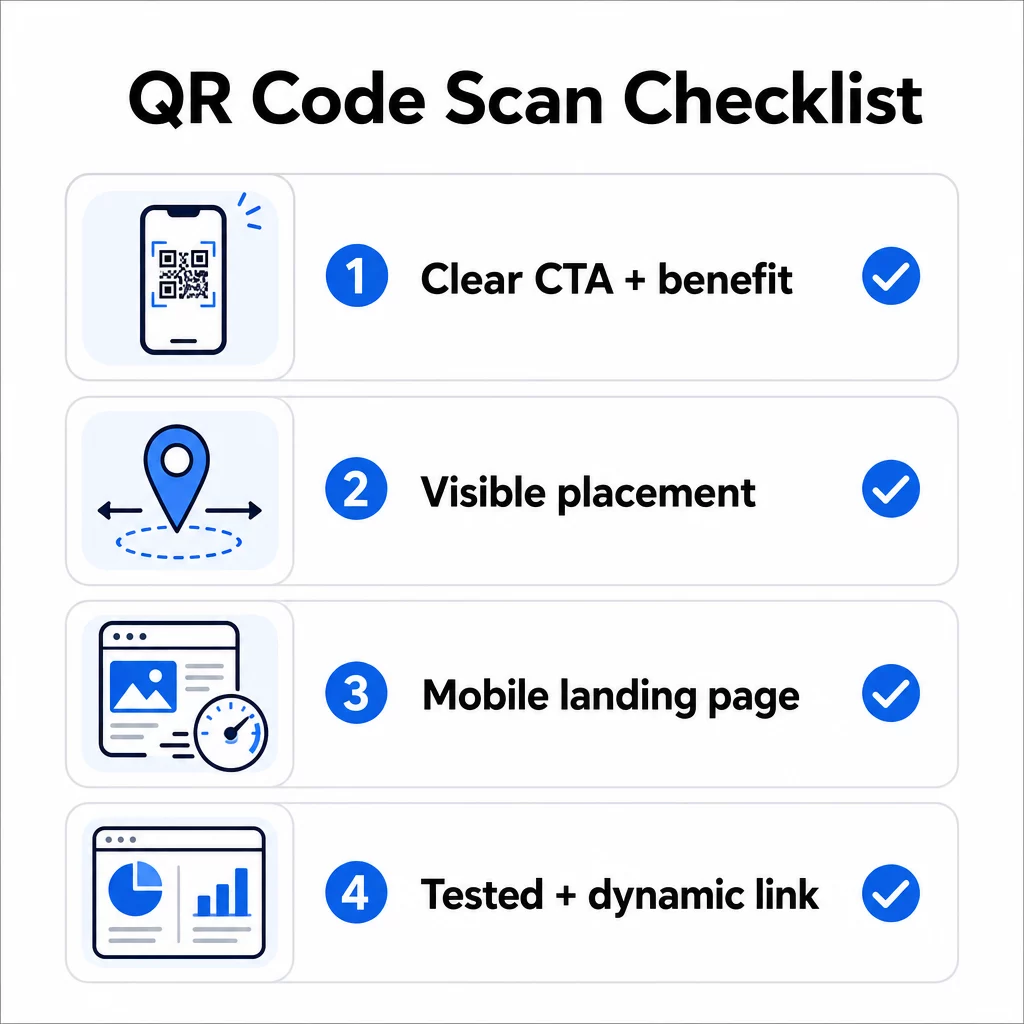
- Czy dodałeś instrukcje lub widoczne wezwanie do działania, aby użytkownicy wiedzieli, co robić?
- Czy kod jest umieszczony tam, gdzie Twoja publiczność ma czas i przestrzeń na skanowanie?
- Czy kod oferuje jasny, przekonujący powód do skanowania?
- Czy wiadomość pasuje do Twojej konkretnej grupy docelowej?
- Czy strona docelowa jest w pełni zoptymalizowana pod kątem urządzeń mobilnych i szybko się ładuje?
- Czy przetestowałeś kod na wielu urządzeniach i w rzeczywistych warunkach?
- Czy używasz kodu dynamicznego, aby móc zaktualizować miejsce docelowe w razie potrzeby?
Jeśli jakakolwiek odpowiedź brzmi “nie”, to jest to Twoje wąskie gardło. Zajmij się tym, zanim kod zostanie uruchomiony – nie po.
Aby uzyskać bardziej szczegółowe wskazówki dotyczące projektowania i standardów technicznych, zobacz stronę z najlepszymi praktykami użyteczności kodów QR oraz przewodnik po śledzeniu skanów kodów QR są dobrymi kolejnymi przystankami.
Najczęściej zadawane pytania
Czynniki środowiskowe, takie jak słabe oświetlenie, odblaski od błyszczących powierzchni i duże odległości skanowania, wpływają na niezawodność. Upewnij się, że Twój kod spełnia wytyczne dotyczące stosunku rozmiaru do odległości 10:1, używa ciemnego pierwszego planu na jasnym tle i jest umieszczony na płaskiej, matowej powierzchni z odpowiednim oświetleniem. Przetestuj kod w rzeczywistej lokalizacji przed ostatecznym umieszczeniem.
Statyczny kod QR na stałe koduje swoje miejsce docelowe, więc jeśli adres URL zmieni się lub przestanie działać, kod staje się bezużyteczny i musi zostać ponownie wydrukowany. Dynamiczny kod QR wskazuje na link przekierowujący, który możesz zaktualizować w dowolnym momencie z panelu sterowania. Kody dynamiczne dostarczają również analitykę skanowania – w tym liczbę skanów, lokalizacje, typy urządzeń i czas – co czyni je lepszym wyborem dla każdej kampanii marketingowej, gdzie liczy się elastyczność lub pomiar.
Najskuteczniejsze zmiany to dodanie wyraźnego wezwania do działania, które określa korzyść (takie jak “Skanuj, aby otrzymać zniżkę” lub “Skanuj, aby wyświetlić menu”), umieszczenie kodu tam, gdzie użytkownicy mają czas, aby się zatrzymać i zeskanować, zapewnienie szybkiego ładowania strony docelowej na urządzeniach mobilnych oraz użycie markowego projektu, który sygnalizuje, że kod jest legalny. Usunięcie wszelkich tarć – czy to niejasnych instrukcji, wolno ładującej się strony docelowej, czy źle umieszczonego kodu – bezpośrednio zwiększa wskaźniki skanowania.