A QR-kódjaidat figyelmen kívül hagyják? A rossz beolvasási arányok általában néhány előre jelezhető, orvosolható problémára vezethetők vissza – a rossz elhelyezéstől a bizalom hiányáig. Ez a cikk végigveszi az egyes akadályokat, és konkrét lépéseket ad azok leküzdésére.
Használnak még az emberek QR-kódokat?
A QR-kódok beolvasása évek óta folyamatosan növekszik, és a pandémia alatt és után meredeken felgyorsult az elfogadottság, ahogy a vállalkozások áttértek az érintésmentes interakciókra. Ha nem kap beolvasásokat, a probléma szinte biztosan nem maga a technológia – hanem az, ahogyan a kódjaidat tervezték, elhelyezték vagy bemutatták.
Miért nem kapnak beolvasásokat a QR-kódjaid
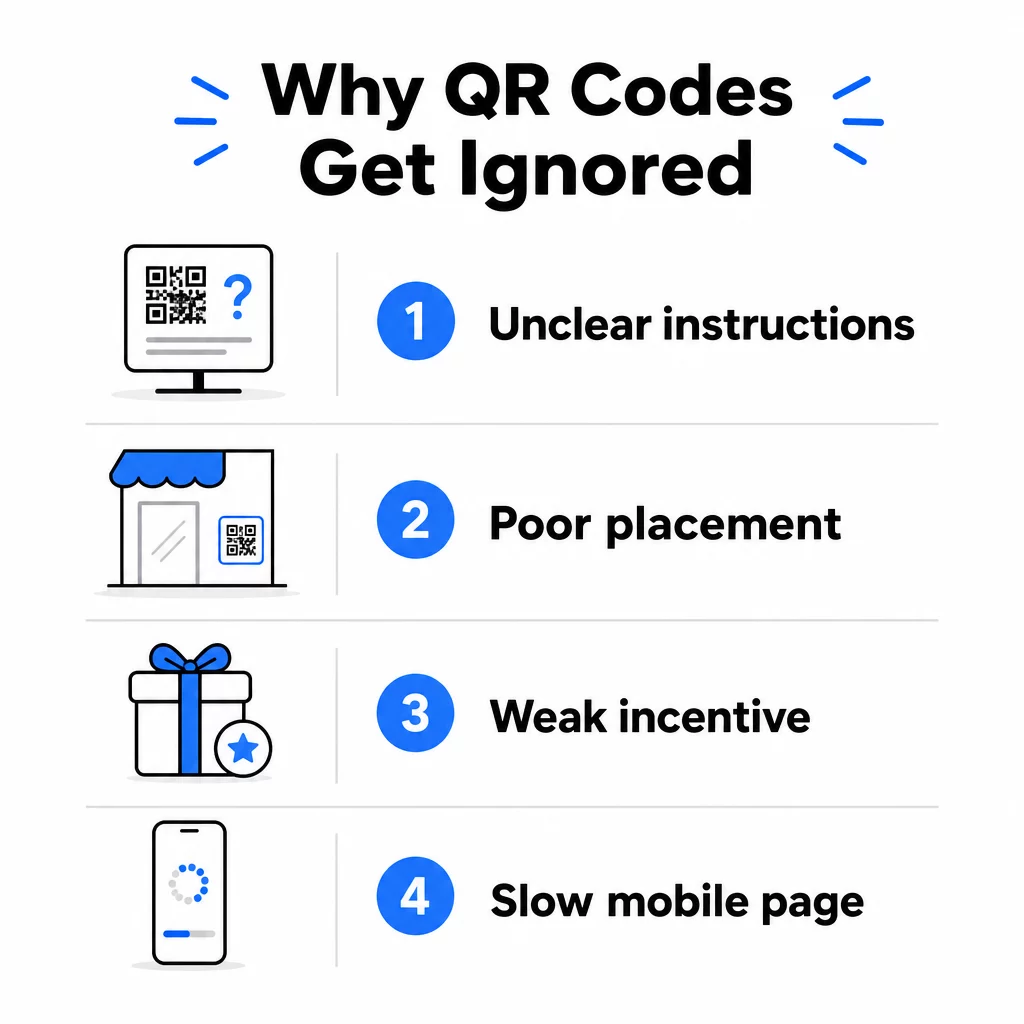
1. Az emberek nem tudják, mit tegyenek
Nem mindenki tudja, hogyan olvassa be a kódodat, és feltételezni, hogy tudják, költséges hiba. Különösen az idősebb demográfiai csoportok lehetnek járatlanok a folyamatban.
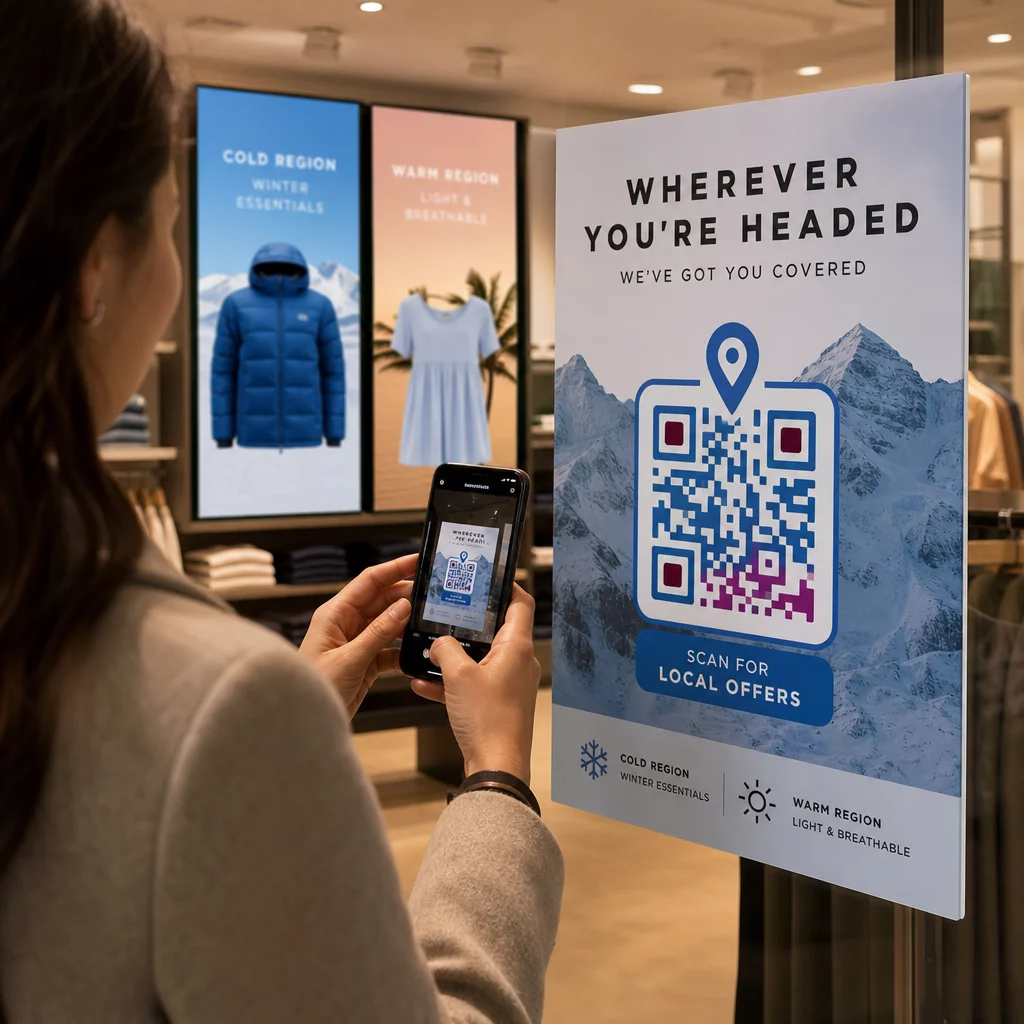
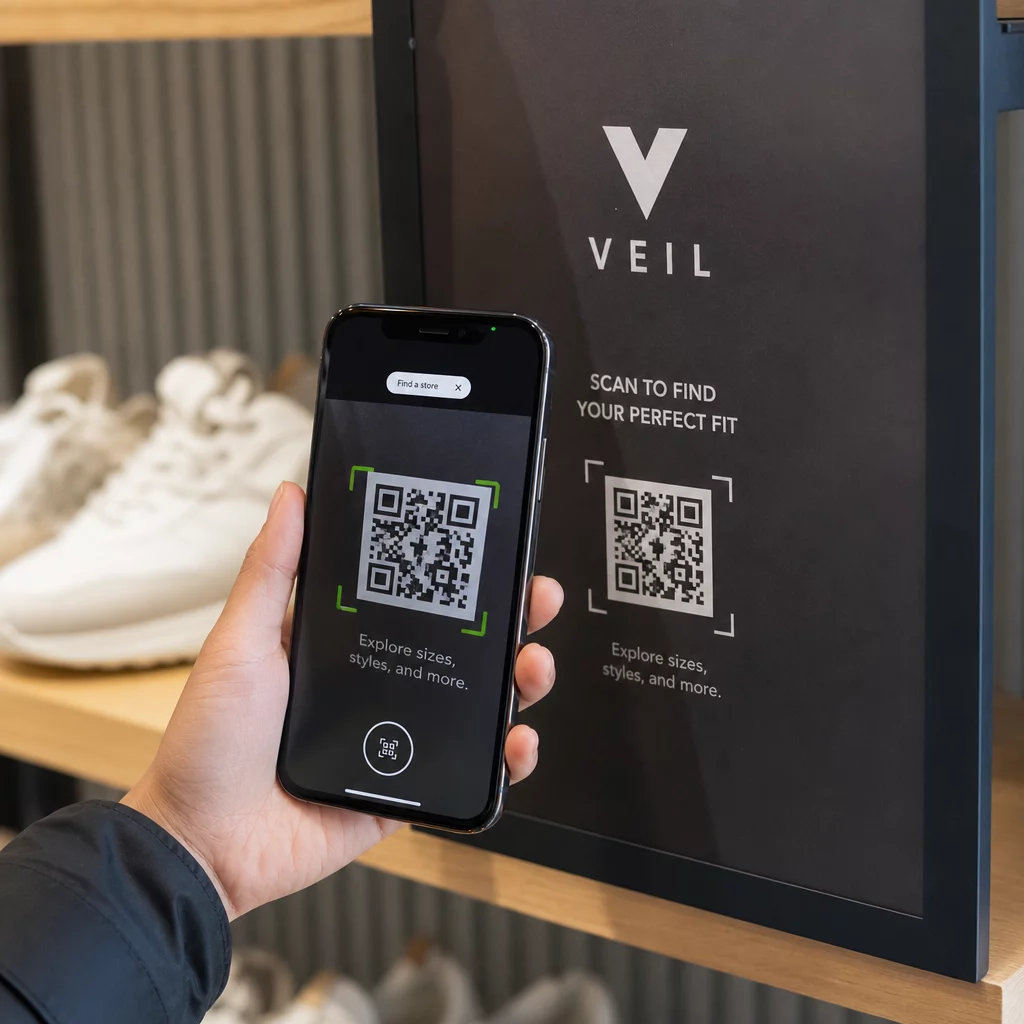
A megoldás egyszerű: adj rövid utasításokat a kód mellé. Az olyan szövegek, mint “Nyisd meg a kamera alkalmazásodat, és irányítsd ide”, vagy egy kis telefon ikon eltávolítja a súrlódást a habozó felhasználók számára. Nagy forgalmú helyeken egy rövid, a közelben megjelenített videós oktatóanyag segíthet. Használhatsz egy QR-kód keretet egyértelmű cselekvésre ösztönzéssel például “Szkennelj be engem”, hogy vizuálisan irányítsd az embereket, mielőtt még elolvasnák az utasításokat.
2. A kód rossz helyen van elhelyezve
Egy QR-kód, amit senki sem lát – vagy ér el – soha nem lesz beolvasva. Az elhelyezés határozza meg, hogy a kódod elkötelezettséget vált-e ki, vagy teljesen figyelmen kívül hagyják.
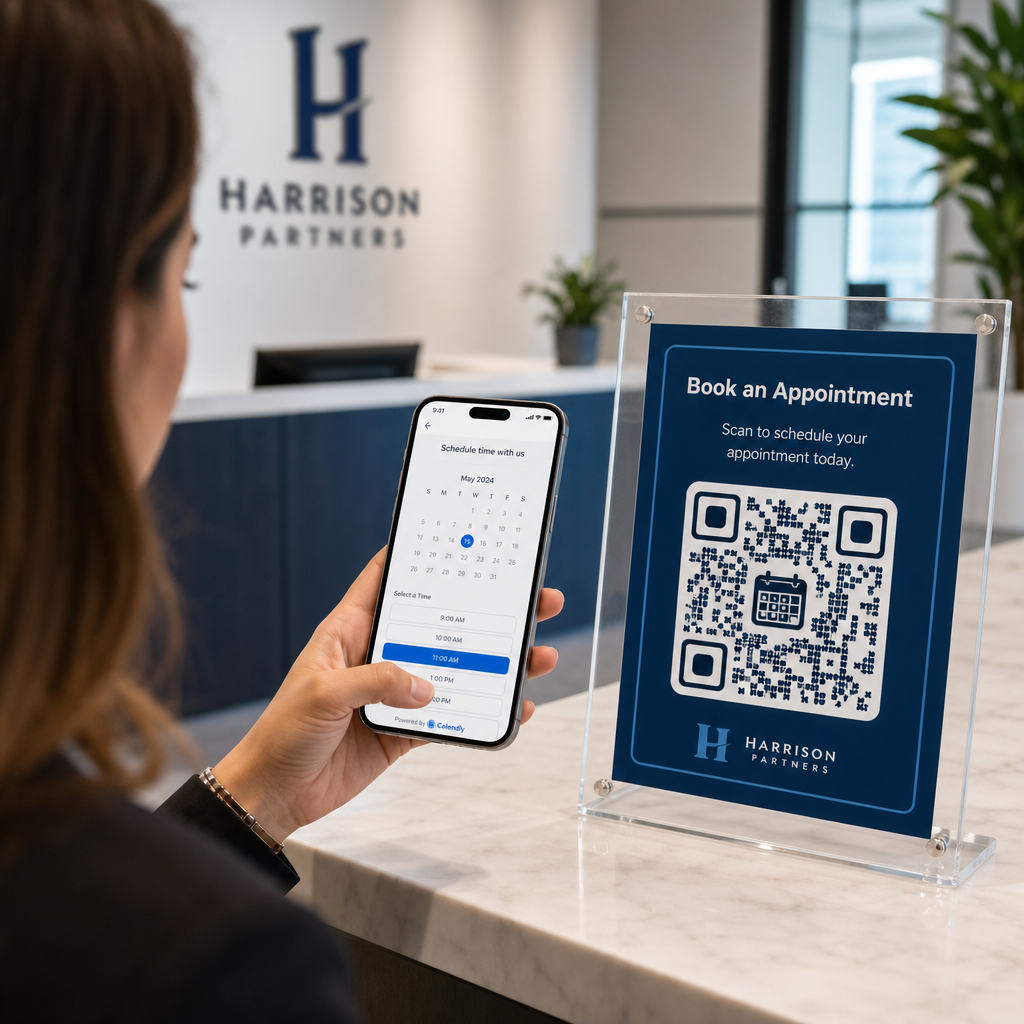
A hatékony elhelyezések oda teszik a kódot, ahol a közönségednek van ideje és helye elővenni a telefonját. Erős helyszínek a következők:
- Szórólapok és nyomtatott anyagok
- Termékcsomagolás és címkék
- Névjegykártyák
- Üzletportálok és homlokzatok
- Plakátok, bannerek és óriásplakátok
- Magazinok és asztali display-ek
Ugyanilyen fontos, hogy mit kerüljünk el. Az ívelt felületek, a fényvisszaverő anyagok, a gyenge fényviszonyok, a zsúfolt hátterek és az erős tükröződésű környezetek mind csökkentik a szkennelés megbízhatóságát. A átfogó útmutató a QR-kód elhelyezéséhez a marketingben leírja az elhelyezési szabályokat, beleértve a 10:1 távolság-méret arányra vonatkozó irányelvet és azt az ajánlást, hogy a kódokat szemmagasságban, 3,5 és 5,5 láb között helyezzük el.
3. Nincs ok a szkennelésre
Ügyfelei mindig azt kérdezik: “Mi van ebben nekem?” Ha nem tudja megválaszolni ezt a kérdést abban a két másodpercben, amíg a kódjára néznek, tovább fognak menni.
Egy egyszerű, kontextus nélküli QR-kód nem ad okot az embereknek a cselekvésre. A megoldás az, hogy az értéket egyértelművé tegyük. Használjon olyan cselekvésre ösztönző felhívást, amely közvetlenül megfogalmazza az előnyt, például:
- “Szkenneljen 20%-os kedvezményért”
- “Szkenneljen a mai menü megtekintéséhez”
- “Szkenneljen, hogy részt vegyen nyereményjátékunkon”
A gamifikáció, az exkluzív ajánlatok és a lead magnetek – mint például egy ingyenes PDF útmutató vagy egy nyereményjátékban való részvétel lehetősége – mind kézzelfogható ösztönzést nyújtanak az ügyfeleknek. A Pageloot kutatásai következetesen azt mutatják, hogy a jól megtervezett QR-kód kampányok amelyek előre kommunikálják az értéket, jelentős mértékben felülmúlják az általános kódokat.
Több szkennelés márkás, cselekvésre ösztönző QR-kódokkal Adjon professzionális kereteket, egyedi színeket és egyértelmű cselekvésre ösztönző felhívásokat kódjaihoz a Pageloot QR Kód Generátor. Ingyenes 14 napos próbaidőszak, hitelkártya nem szükséges.
4. Az üzenet nem szól a közönségéhez
Egy QR-kód csak annyira hatékony, amennyire a mögötte álló kampány. Ha a nyelv, a design vagy az ajánlat nem kapcsolódik az Ön specifikus közönségéhez, az elkötelezettség csökkenni fog, függetlenül attól, hogy mennyire jól van elhelyezve a kód.
Ennek a hiánynak a megszüntetéséhez kezdje azzal, hogy azonosítja azokat a problémákat, amelyekkel ügyfelei valójában szembesülnek. Ezután illessze az üzenetet azokhoz a platformokhoz és fizikai terekhez, ahol ez a közönség időt tölt. Egy beszerzési vezetőket célzó kiállítási szórólapon lévő kódnak más üzenetre van szüksége, mint egy éttermi asztalon lévő kódnak, amely alkalmi vendégeket céloz. A nem megfelelő üzenet láthatatlan üzenet.
5. A céloldal élménye gyenge
A QR-kód egyetlen feladata, hogy valakit egy oldalra juttasson. Ettől a ponttól kezdve a tartalomnak konvertálnia kell. Egy lassú, zsúfolt vagy csak asztali gépre optimalizált oldalra vezető kód minden beolvasást elpazarol.
Mivel a QR-kódokat okostelefonokon olvassák be, a céloldalnak teljesen mobilra optimalizáltnak kell lennie – nem csupán mobilbarátnak. Ez a kettő nem ugyanaz. Egy mobilra optimalizált oldal a mobilélmény köré épül, gyors betöltési időkkel, hüvelykujjbarát navigációval és kis képernyőkre méretezett tartalommal. Kulcsfontosságú tényezők, amelyeket ellenőrizni kell a kód közzététele előtt:
- Az oldal reszponzív és gyorsan betöltődik mobilhálózaton?
- Van egyetlen, világos cselekvésre ösztönzés a hajtás felett?
- Eltávolítottad a figyelemelterelő tényezőket, amelyek elvonják a figyelmet a fő céltól?
- Az oldal teljesíti azt, amit a QR-kód ígért?
A útmutató a QR-kódok mobil használhatóságának teszteléséhez ajánlja a két-három másodpercnél rövidebb betöltési időt, valamint a több eszközön és böngészőn történő tesztelést a bevezetés előtt.
6. A kódnak technikai problémái vannak
Egy technikailag hibás QR-kód a leggyorsabb módja a bizalom lerombolásának és egy beolvasás örökre elvesztésének. Gyakori problémák közé tartoznak a túl kicsi, elégtelen kontrasztú kódok, vagy a hibás URL-re mutató linkek.
Főbb technikai szabványok, amelyeket ellenőrizni kell:
- Méret: Használjon legalább 2 × 2 cm-t közeli beolvasáshoz, és méretezze fel a várható megtekintési távolság alapján a 10:1 arányt használva (beolvasási távolság ÷ 10 = minimális szélesség).
- Kontraszt: Tartson sötét előteret világos háttéren. A fekete fehéren biztosítja a legmagasabb megbízhatóságot. Kerülje az alacsony kontrasztú színkombinációkat, a színátmeneteket és az invertált mintákat. QR-kód színkontrasztra vonatkozó legjobb gyakorlatokat ajánlja legalább 4,5:1 kontrasztarány megcélzását a megbízható beolvasás érdekében.
- Csendes zóna: Tartson legalább négy modul széles tiszta szegélyt a kód minden oldalán. A szkennerek ezt a teret használják annak meghatározására, hogy hol kezdődik és hol végződik a kód.
- Hibajavítás: Használjon magasabb hibajavító szintet (Q vagy H), ha logót ad hozzá vagy testreszabja a designt. Ezek a szintek akár 25–30%-os adatvesztést is képesek kompenzálni az akadályozás vagy sérülés miatt.
Mindig tesztelje a kódját több eszközön, kameraalkalmazáson és fényviszonyok között, mielőtt terjesztené. A QR-kód olvashatósági legjobb gyakorlatok útmutató és használhatósági szabványok az ISO/IEC 18004 alapján részletesen lefedik ezeket a technikai követelményeket. Használhatja a ingyenes QR-kód olvasó eszközt is, hogy ellenőrizze, helyesen olvashatók-e a kódjai nyomtatás előtt.
7. Statikus Kódot Használ, Amit Nem Tud Frissíteni
A statikus QR-kódok rögzített célállomást kódolnak. Ha az URL megváltozik, elromlik vagy lejár a kód kinyomtatása után, mindenki, aki beolvassa, zsákutcába jut – és ezt nem tudja kijavítani anélkül, hogy mindent újra kinyomtatna.
Dinamikus QR-kódok oldja meg ezt a problémát azáltal, hogy egy rövid átirányítási linkre mutat, amelyet bármikor frissíthet egy irányítópultról. Változtassa meg a cél URL-t, cseréljen ki egy PDF-et, vagy irányítson át egy új ajánlatra – anélkül, hogy hozzáérne a kinyomtatott kódhoz. A dinamikus kódok emellett feloldják a beolvasási analitikát, adatokat szolgáltatva arról, hogy hányan szkenneltek, mikor, hol és milyen eszközön. Ez a nyomon követési képesség teszi lehetővé a kampány valódi teljesítményének mérését és idővel történő optimalizálását.
Tartsa Naprakészen Kampányait Újra Nyomtatás Nélkül Használja a Dinamikus QR-kód generátor kódok létrehozásához, amelyeket bármikor frissíthet – és nyomon követhet minden beolvasást a beépített analitikával.
A Bizalom Problémája: Miért Nem Szkennelnek Be Soha Egyes Emberek Semmit
A technikai és tervezési problémákon túl van egy mélyebb akadály, amely nem kap elég figyelmet: a biztonsági aggályok. Egyes felhasználók vonakodnak beolvasni ismeretlen forrásból származó QR-kódokat, mert nem látják, hová vezet a kód, mielőtt elköteleznék magukat. Ez az aggodalom jogos – a rosszindulatú QR-kódok átirányíthatják a felhasználókat adathalász webhelyekre, rosszindulatú szoftverek letöltését indíthatják el, vagy érzékeny információkat rögzíthetnek.
Marketingesként vagy cégtulajdonosként csökkentheti ezt a súrlódást azáltal, hogy bizalmi jeleket épít be a QR-kód elhelyezésébe:
- Jelenítse meg márkáját feltűnően a kód mellett, hogy a felhasználók tudják, ki áll mögötte
- Adjon hozzá egy rövid leírást arról, hogy hová vezet a kód (“Szkennelje be digitális menünk megtekintéséhez”)
- Használjon HTTPS célhelyeket, és gondoskodjon arról, hogy a céloldalai professzionálisnak és hitelesnek tűnjenek
- Kerülje a kódok elhelyezését alacsony bizalmi környezetben, ahol a felhasználóknak nincs kontextusuk arról, hogy miért van ott egy kód
A márkás QR-kódok – beágyazott logóval, az identitásához illeszkedő színekkel és egyértelmű CTA kerettel – hitelességet jeleznek, és növelik annak valószínűségét, hogy egy óvatos felhasználó beolvassa.
Végső ellenőrzőlista a telepítés előtt
Fussa át ezeket a kérdéseket, mielőtt bármilyen QR-kód kampányt közzétenne:
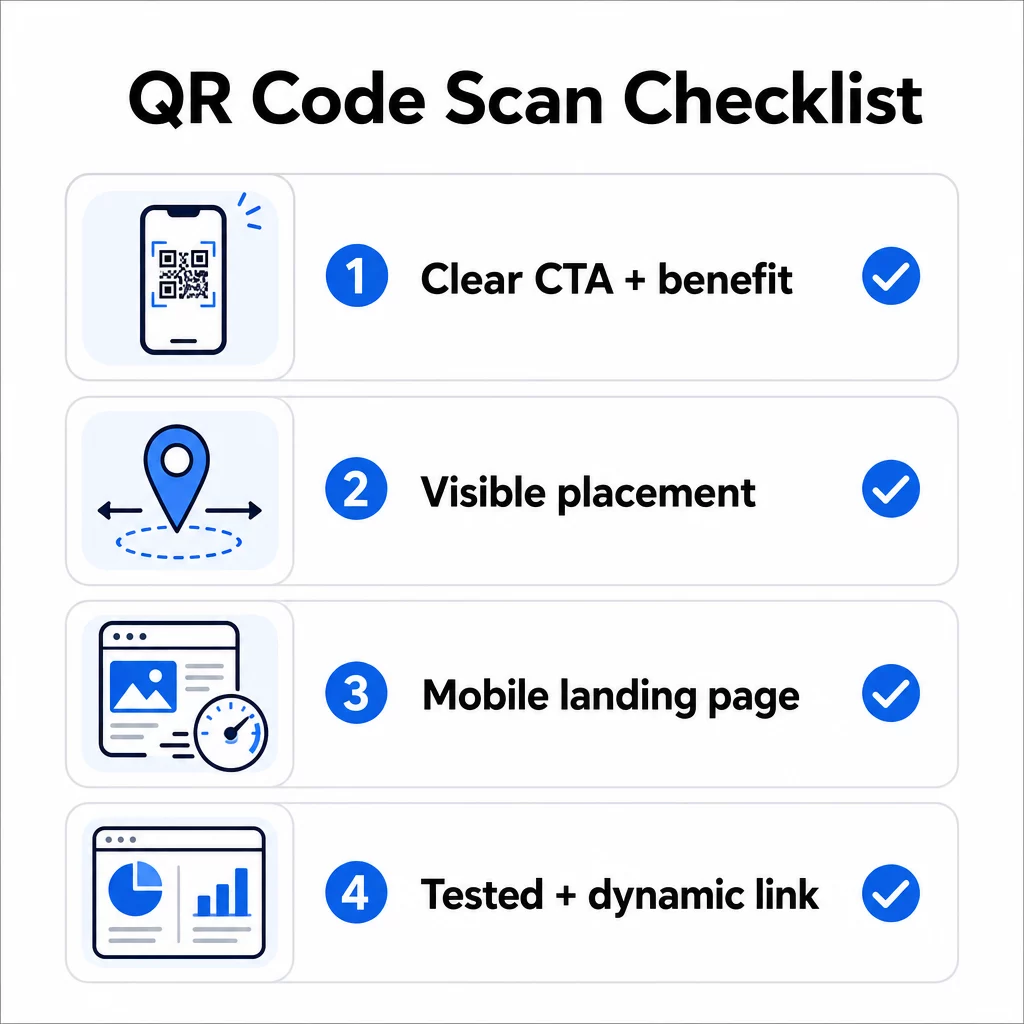
- Hozzáadott-e utasításokat vagy látható cselekvésre ösztönzést, hogy a felhasználók tudják, mit kell tenniük?
- A kód olyan helyen van elhelyezve, ahol a közönségének van ideje és tere a beolvasásra?
- A kód egyértelmű, meggyőző okot kínál a beolvasásra?
- Az üzenet illeszkedik az Ön specifikus célközönségéhez?
- A céloldal teljesen mobilra optimalizált és gyorsan betöltődik?
- Tesztelte a kódot több eszközön és valós körülmények között?
- Dinamikus kódot használ, hogy szükség esetén frissíthesse a célhelyet?
Ha bármelyik válasz “nem”, az a szűk keresztmetszet. Kezelje ezt, mielőtt a kód élesbe kerül – ne utána.
A tervezési és műszaki szabványokkal kapcsolatos mélyebb útmutatásért a QR-kód használhatósági legjobb gyakorlatok oldala és a útmutató a QR-kód beolvasások nyomon követéséhez jó következő állomások.
Gyakori kérdések
A környezeti tényezők, mint például a rossz megvilágítás, a fényes felületekről visszaverődő csillogás és a hosszú szkennelési távolságok, mind befolyásolják a megbízhatóságot. Győződjön meg róla, hogy a kódja megfelel a 10:1 méret-távolság irányelvnek, sötét előteret használ világos háttéren, és sík, matt felületre van helyezve, megfelelő megvilágítással. Tesztelje a kódot a tényleges helyszínen, mielőtt véglegesítené az elhelyezést.
Egy statikus QR-kód véglegesen kódolja a célállomását, így ha az URL megváltozik vagy elromlik, a kód használhatatlanná válik és újra kell nyomtatni. Egy dinamikus QR-kód egy átirányítási linkre mutat, amit bármikor frissíthet egy irányítópultról. A dinamikus kódok emellett szkennelési analitikát is biztosítanak – beleértve a szkennelések számát, helyszíneit, eszköz típusait és időzítését – ezáltal jobb választássá téve őket bármilyen marketingkampányhoz, ahol a rugalmasság vagy a mérés számít.
A leghatékonyabb változtatások közé tartozik egyértelmű cselekvésre ösztönző felhívás hozzáadása, amely megfogalmazza az előnyt (például “Szkenneljen kedvezményért” vagy “Szkenneljen a menü megtekintéséhez”), a kód elhelyezése olyan helyre, ahol a felhasználóknak van idejük megállni és szkennelni, annak biztosítása, hogy a céloldal gyorsan betöltődjön mobilon, és márkás design használata, amely jelzi, hogy a kód legitim. Bármilyen súrlódás megszüntetése – legyen az homályos utasítás, lassú céloldal vagy rosszul elhelyezett kód – közvetlenül növeli a szkennelési arányt.