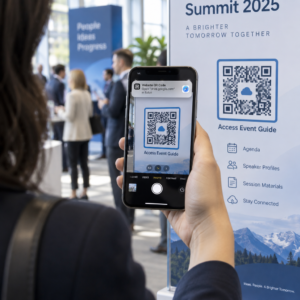
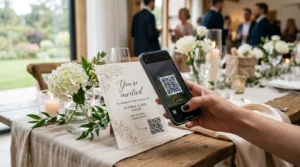
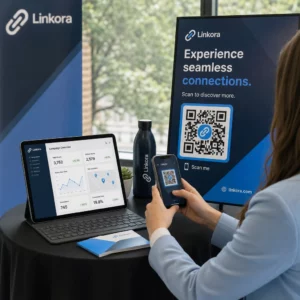
Ignorujú sa vaše QR kódy? Nízka miera skenovania zvyčajne pramení z niekoľkých predvídateľných, riešiteľných problémov – od zlého umiestnenia po narušenú dôveru. Tento článok prechádza každou prekážkou a poskytuje vám konkrétne kroky na jej prekonanie.
Používajú ľudia stále QR kódy?
Skenovanie QR kódov neustále rástlo po celé roky a ich prijatie sa prudko zrýchlilo počas a po pandémii, keďže podniky prešli na bezkontaktné interakcie. Ak nezískavate skeny, problém takmer určite nie je v samotnej technológii – je to v tom, ako sú vaše kódy navrhnuté, umiestnené alebo prezentované.
Prečo vaše QR kódy nezískavajú skeny
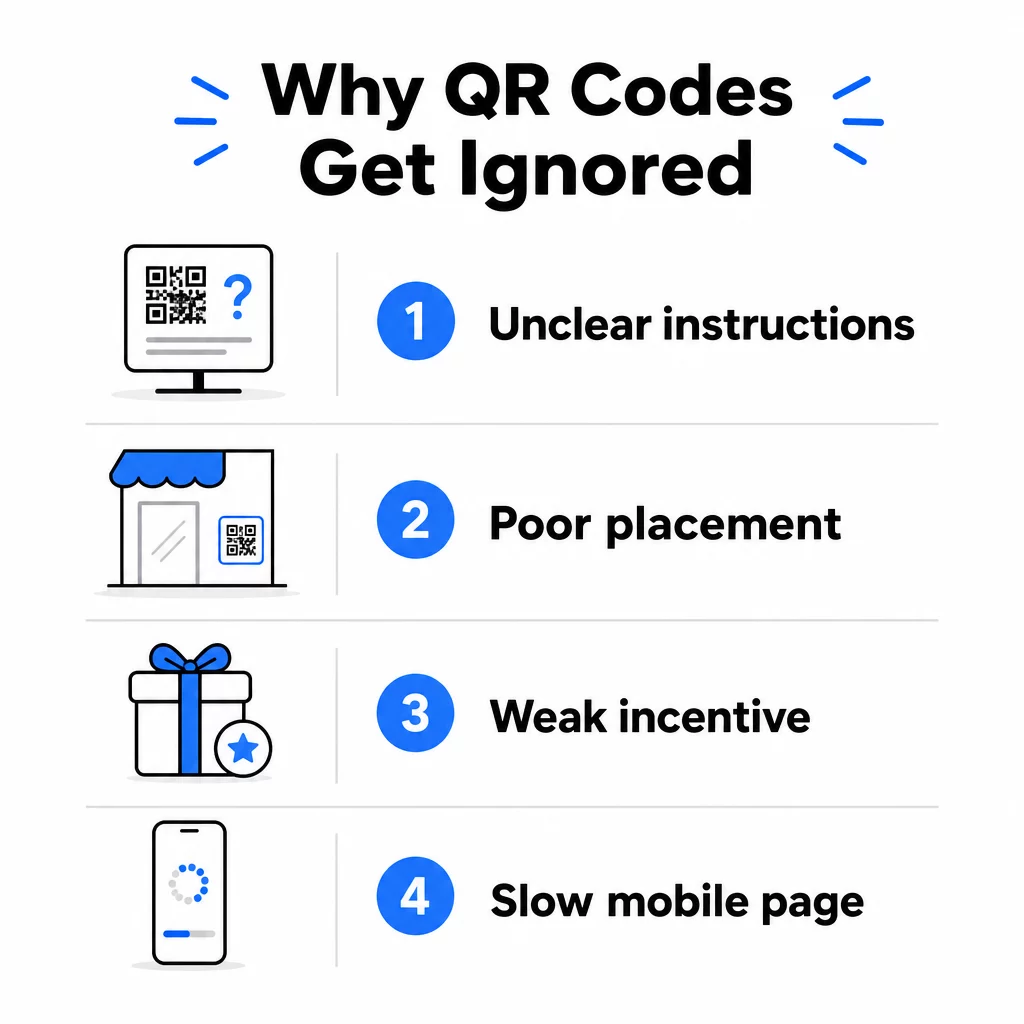
1. Ľudia nevedia, čo majú robiť
Nie každý, kto narazí na váš kód, vie, ako ho naskenovať, a predpokladať, že áno, je nákladná chyba. Najmä staršie demografické skupiny nemusia byť s týmto procesom oboznámené.
Riešenie je jednoduché: pridajte krátke pokyny vedľa kódu. Text ako “Otvorte aplikáciu fotoaparátu a namierte ju sem” alebo malá ikona telefónu odstraňuje prekážky pre váhavých používateľov. Pre miesta s vysokou návštevnosťou môže pomôcť krátky videonávod zobrazený v blízkosti. Môžete tiež použiť rámik QR kódu s jasnou výzvou k akcii ako napríklad “Naskenujte ma”, aby ste ľudí vizuálne naviedli ešte predtým, ako si prečítajú pokyny.
2. Kód je umiestnený na nesprávnom mieste
QR kód, ktorý nikto nevidí – alebo nedosiahne – sa nikdy nenasníma. Umiestnenie určuje, či váš kód získa angažovanosť alebo bude úplne ignorovaný.
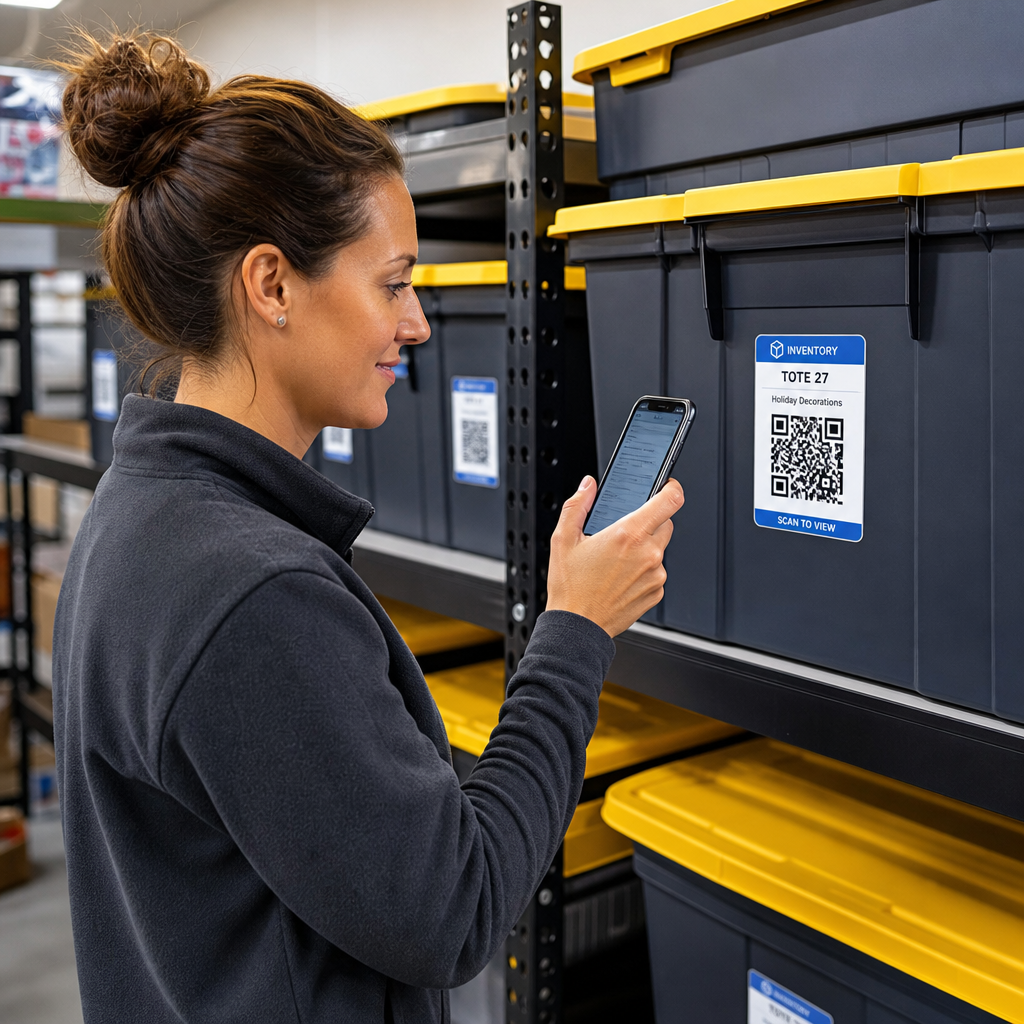
Efektívne umiestnenie kódu je tam, kde má vaše publikum čas a priestor vybrať si telefón. Medzi vhodné miesta patria:
- Letáky a tlačené materiály
- Obaly a etikety produktov
- Vizitky
- Výklady obchodov a fasády
- Plagáty, bannery a bilbordy
- Časopisy a stolové stojany
Rovnako dôležité je, čomu sa vyhnúť. Zakrivené povrchy, reflexné materiály, slabo osvetlené miesta, rušné pozadia a prostredia s vysokým leskom znižujú spoľahlivosť skenovania. The kompletný sprievodca umiestnením QR kódu v marketingu pokrýva pravidlá umiestnenia, vrátane smernice 10:1 vzdialenosť k veľkosti a odporúčania umiestniť kódy vo výške očí medzi 3,5 a 5,5 stôp.
3. Neexistuje dôvod na skenovanie
Vaši zákazníci sa vždy pýtajú: “Čo z toho budem mať ja?” Ak nedokážete odpovedať na túto otázku za dve sekundy, ktoré strávia pozeraním na váš kód, budú pokračovať v chôdzi.
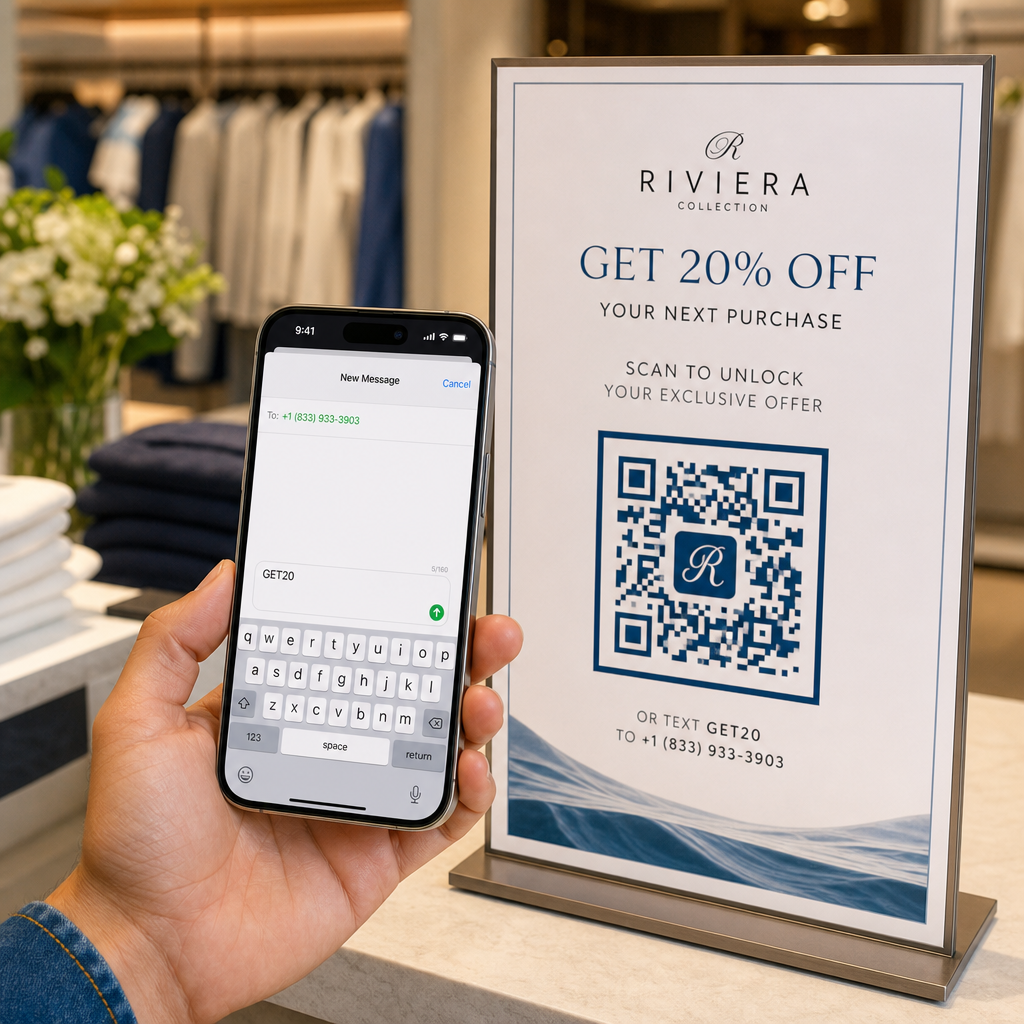
Obyčajný QR kód bez kontextu nedáva ľuďom dôvod konať. Riešením je urobiť hodnotu explicitnou. Použite výzvu na akciu, ktorá priamo uvádza výhodu, napríklad:
- “Naskenujte pre zľavu 20%”
- “Skenujte, aby ste videli dnešné menu”
- “Naskenujte pre účasť v našej súťaži”
Gamifikácia, exkluzívne ponuky a lead magnety – ako napríklad bezplatný PDF sprievodca alebo šanca vyhrať cenu – to všetko dáva zákazníkom hmatateľnú motiváciu. Výskum spoločnosti Pageloot dôsledne ukazuje, že dobre navrhnuté kampane s QR kódmi ktoré komunikujú hodnotu vopred, prekonávajú generické kódy s výrazným náskokom.
Získajte viac skenov s brandovanými, akčnými QR kódmi Pridajte profesionálne rámčeky, vlastné farby a jasné výzvy na akciu k vašim kódom s Generátor QR kódov Pageloot. Bezplatná 14-dňová skúšobná verzia, nie je potrebná kreditná karta.
4. Správa neoslovuje vaše publikum
QR kód je len taký efektívny, ako kampaň za ním. Ak jazyk, dizajn alebo ponuka nesúvisí s vaším konkrétnym publikom, angažovanosť klesne bez ohľadu na to, ako dobre je kód umiestnený.
Na prekonanie tejto medzery začnite identifikáciou skutočných problémov, ktoré majú vaši zákazníci. Potom prispôsobte správu platformám a fyzickým priestorom, kde sa toto publikum zdržiava. Kód na letáku z veľtrhu zameraný na manažérov obstarávania potrebuje inú správu ako kód na stole v reštaurácii zameraný na bežných hostí. Nesúladné správy sú neviditeľné správy.
5. Skúsenosť s cieľovou stránkou je slabá
Jedinou úlohou QR kódu je dostať niekoho na stránku. Od tohto bodu musí váš obsah konvertovať. Kód, ktorý vedie na pomalú, preplnenú alebo len pre stolné počítače určenú stránku, premrhá každé získané skenovanie.
Pretože QR kódy sa skenujú na smartfónoch, cieľová stránka musí byť plne optimalizovaná pre mobilné zariadenia – nielen prispôsobená pre mobilné zariadenia. Toto nie je to isté. Stránka optimalizovaná pre mobilné zariadenia je postavená okolo mobilného zážitku, s rýchlym načítaním, navigáciou prispôsobenou pre palec a obsahom prispôsobeným pre malé obrazovky. Kľúčové faktory na audit pred zverejnením kódu:
- Je stránka responzívna a rýchlo sa načítava na mobilných pripojeniach?
- Je nad záhybom jeden, jasný výzva k akcii?
- Odstránili ste rušivé prvky, ktoré odvádzajú pozornosť od hlavného cieľa?
- Spĺňa stránka to, čo QR kód sľuboval?
Ten sprievodca testovaním QR kódov pre mobilnú použiteľnosť odporúča časy načítania pod dve až tri sekundy a testovanie na viacerých zariadeniach a prehliadačoch pred spustením.
6. Kód má technické problémy
Technicky nefunkčný QR kód je najrýchlejší spôsob, ako zničiť dôveru a navždy stratiť skenovanie. Bežné problémy zahŕňajú kódy, ktoré sú príliš malé, majú nedostatočný kontrast alebo odkazujú na nefunkčnú URL adresu.
Kľúčové technické štandardy na kontrolu:
- Veľkosť: Použite minimálne 2 × 2 cm pre skenovanie zblízka a zväčšite ho na základe očakávanej pozorovacej vzdialenosti pomocou pomeru 10:1 (vzdialenosť skenovania ÷ 10 = minimálna šírka).
- Kontrast: Udržujte tmavé popredie na svetlom pozadí. Čierna na bielej poskytuje najvyššiu spoľahlivosť. Vyhnite sa nízkokontrastným farebným kombináciám, prechodom a invertovaným dizajnom. osvedčené postupy pre farebný kontrast QR kódov odporúča cieľový kontrastný pomer minimálne 4,5:1 pre spoľahlivé skenovanie.
- Tichá zóna: Udržujte jasný okraj s minimálne štyrmi modulmi na každej strane kódu. Skenery používajú tento priestor na určenie, kde kód začína a končí.
- Korekcia chýb: Použite vyššiu úroveň korekcie chýb (Q alebo H), ak pridávate logo alebo prispôsobujete dizajn. Tieto úrovne dokážu kompenzovať až 25–30 % straty dát v dôsledku prekážky alebo poškodenia.
Vždy otestujte svoj kód na viacerých zariadeniach, aplikáciách fotoaparátu a svetelných podmienkach pred jeho distribúciou. sprievodca osvedčenými postupmi čitateľnosti QR kódov a štandardy použiteľnosti založené na ISO/IEC 18004 podrobne pokrývajú tieto technické požiadavky. Môžete tiež použiť bezplatný nástroj na skenovanie QR kódov na overenie, či sa vaše kódy správne naskenujú pred tlačou.
7. Používate statický kód, ktorý nemôžete aktualizovať
Statické QR kódy kódujú pevnú destináciu. Ak sa táto URL zmení, prestane fungovať alebo vyprší po vytlačení kódu, každý, kto ho naskenuje, narazí na slepú uličku – a nemôžete to opraviť bez opätovnej tlače všetkého.
Dynamické kódy QR vyriešte tento problém nasmerovaním na krátky presmerovací odkaz, ktorý môžete kedykoľvek aktualizovať z ovládacieho panela. Zmeňte cieľovú URL, vymeňte PDF alebo presmerujte na novú ponuku – bez dotyku vytlačeného kódu. Dynamické kódy tiež odomykajú analytiku skenovania, čo vám poskytuje údaje o tom, koľko ľudí skenovalo, kedy, kde a na akom zariadení. Táto schopnosť sledovania vám umožňuje merať skutočný výkon kampane a optimalizovať ju v priebehu času.
Udržujte svoje kampane aktuálne bez opätovnej tlače Použi Dynamický QR kód generátor na vytváranie kódov, ktoré môžete kedykoľvek aktualizovať – a sledovať každé skenovanie pomocou vstavanej analýzy.
Problém dôvery: Prečo niektorí ľudia nikdy nič neskenujú
Okrem technických a dizajnových problémov existuje hlbšia prekážka, ktorej sa nevenuje dostatočná pozornosť: bezpečnostné obavy. Niektorí používatelia sa zdráhajú skenovať QR kódy z neznámych zdrojov, pretože nevidia, kam kód vedie, kým sa nezaviažu. Táto obava je oprávnená – škodlivé QR kódy môžu presmerovať používateľov na phishingové stránky, spustiť sťahovanie malvéru alebo zachytiť citlivé informácie.
Ako marketér alebo majiteľ firmy môžete toto trenie znížiť zabudovaním signálov dôvery do umiestnenia vášho QR kódu:
- Zobrazte svoju značku výrazne vedľa kódu, aby používatelia vedeli, kto za ním stojí
- Pridajte krátky popis toho, kam kód vedie (“Naskenujte pre zobrazenie nášho digitálneho menu”)
- Používajte HTTPS destinácie a uistite sa, že vaše vstupné stránky vyzerajú profesionálne a legitímne
- Vyhnite sa umiestňovaniu kódov do prostredí s nízkou dôverou, kde používatelia nemajú kontext, prečo tam kód je
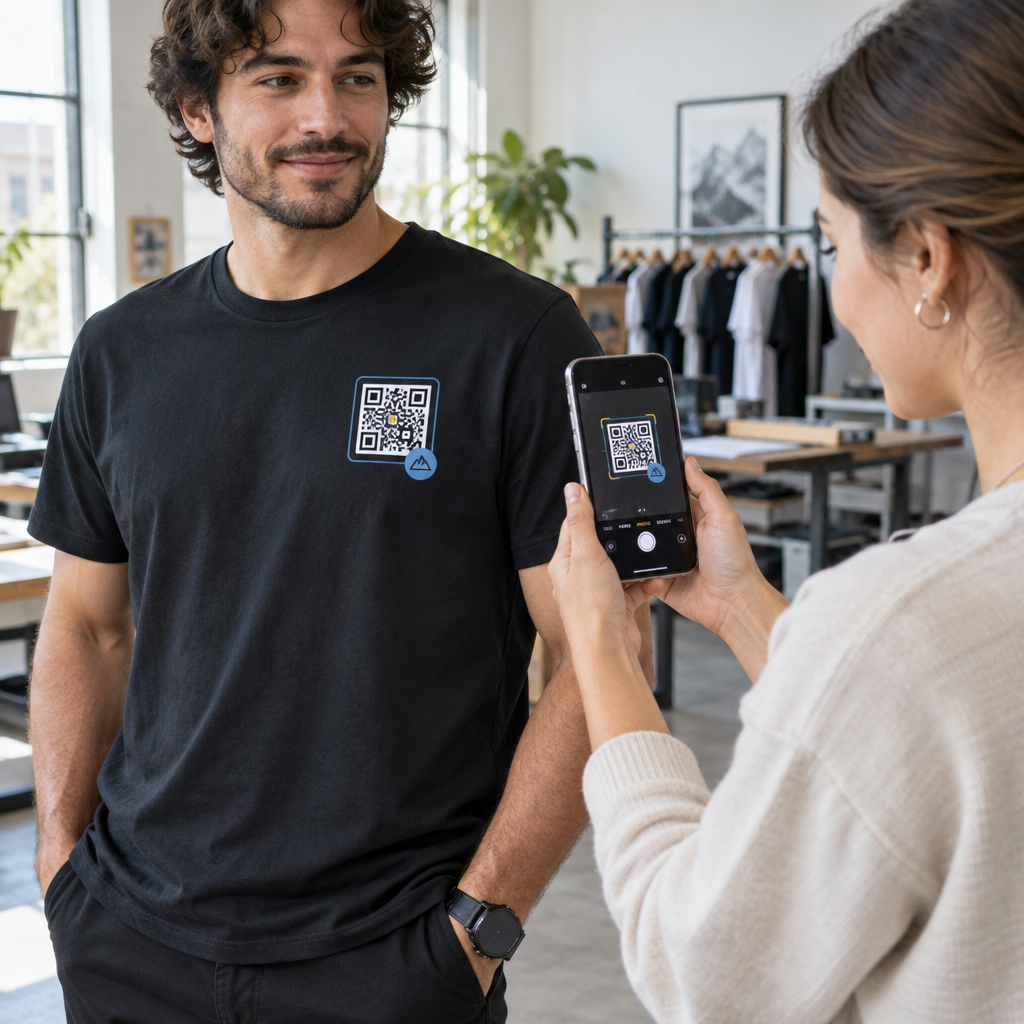
Značkové QR kódy – s vloženým logom, farbami, ktoré zodpovedajú vašej identite, a jasným rámom s výzvou na akciu (CTA) – signalizujú legitimitu a zvyšujú pravdepodobnosť, že opatrný používateľ naskenuje.
Finálny kontrolný zoznam pred nasadením
Prejdite si tieto otázky pred zverejnením akejkoľvek kampane s QR kódmi:
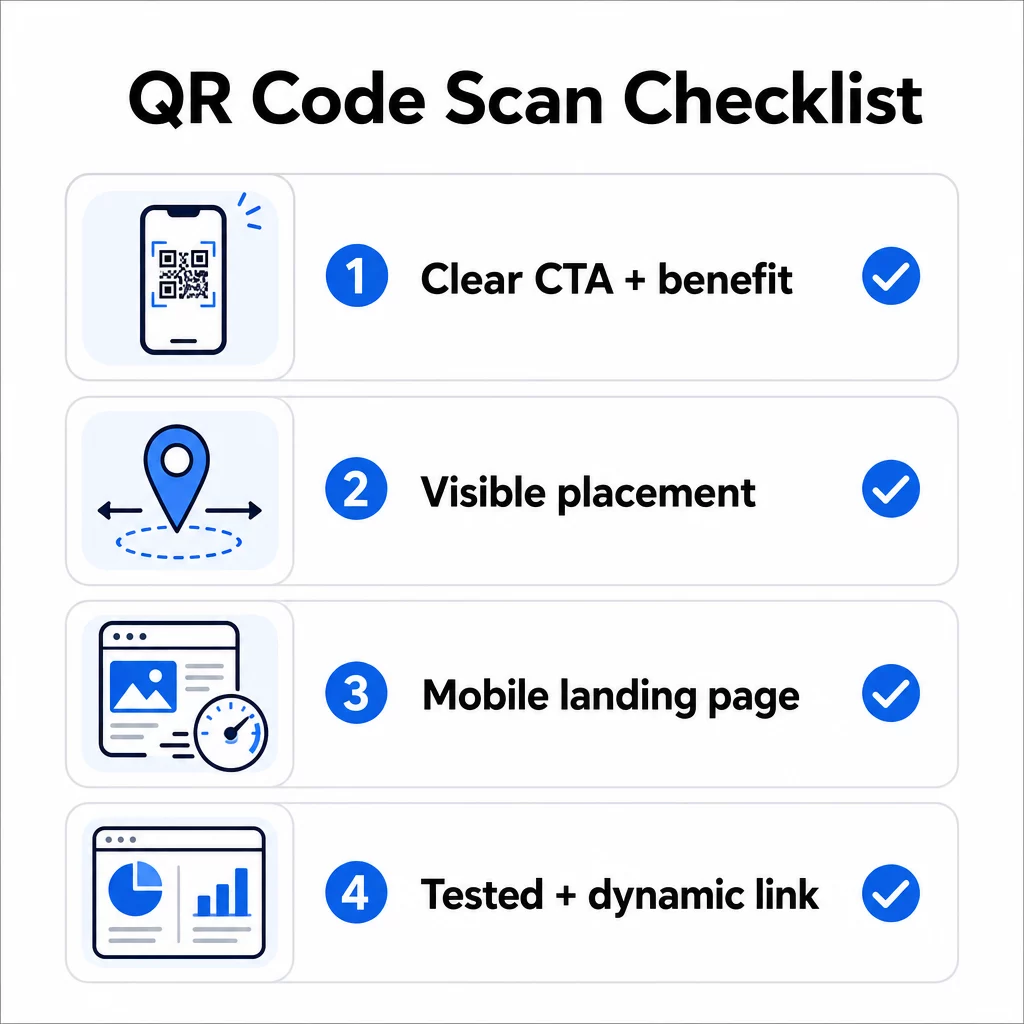
- Pridali ste pokyny alebo viditeľnú výzvu na akciu, aby používatelia vedeli, čo majú robiť?
- Je kód umiestnený tam, kde má vaše publikum čas a priestor na skenovanie?
- Ponúka kód jasný, presvedčivý dôvod na skenovanie?
- Zodpovedá správa vašej konkrétnej cieľovej skupine?
- Je cieľová stránka plne optimalizovaná pre mobilné zariadenia a rýchlo sa načítava?
- Testovali ste kód na viacerých zariadeniach a v reálnych podmienkach?
- Používate dynamický kód, aby ste mohli v prípade potreby aktualizovať cieľ?
Ak je ktorákoľvek odpoveď “nie”, to je vaše úzke miesto. Vyriešte to predtým, ako kód pôjde naživo – nie potom.
Pre podrobnejšie usmernenia k dizajnu a technickým štandardom, pozrite si stránku s osvedčenými postupmi pre použiteľnosť QR kódov and the sprievodca sledovaním skenov QR kódov sú dobré ďalšie zastávky.
Často kladené otázky
Environmentálne faktory ako zlé osvetlenie, odlesky z lesklých povrchov a dlhé skenovacie vzdialenosti všetky ovplyvňujú spoľahlivosť. Uistite sa, že váš kód spĺňa smernicu 10:1 pre pomer veľkosti k vzdialenosti, používa tmavé popredie na svetlom pozadí a je umiestnený na rovnom, matnom povrchu s dostatočným osvetlením. Otestujte kód na skutočnom mieste pred dokončením umiestnenia.
Statický QR kód trvalo kóduje svoj cieľ, takže ak sa URL zmení alebo prestane fungovať, kód sa stane nepoužiteľným a musí sa pretlačiť. Dynamický QR kód odkazuje na presmerovací odkaz, ktorý môžete kedykoľvek aktualizovať z ovládacieho panela. Dynamické kódy tiež poskytujú analytiku skenovania – vrátane počtu skenov, lokalít, typov zariadení a časovania – čo z nich robí lepšiu voľbu pre akúkoľvek marketingovú kampaň, kde záleží na flexibilite alebo meraní.
Najefektívnejšie zmeny sú pridanie jasnej výzvy na akciu, ktorá uvádza výhodu (ako napríklad “Naskenujte pre zľavu” alebo “Naskenujte pre zobrazenie menu”), umiestnenie kódu tam, kde majú používatelia čas zastaviť sa a naskenovať ho, zabezpečenie rýchleho načítania cieľovej stránky na mobile a použitie značkového dizajnu, ktorý signalizuje, že kód je legitímny. Odstránenie akéhokoľvek trenia – či už ide o nejasné pokyny, pomalú vstupnú stránku alebo zle umiestnený kód – priamo zvyšuje mieru skenovania.