¿Están siendo ignorados tus códigos QR? Las bajas tasas de escaneo suelen deberse a un puñado de problemas predecibles y solucionables, que van desde una mala ubicación hasta la falta de confianza. Este artículo analiza cada barrera y te ofrece pasos concretos para superarla.
¿La gente sigue usando códigos QR?
El escaneo de códigos QR ha crecido constantemente durante años, y su adopción se aceleró drásticamente durante y después de la pandemia a medida que las empresas cambiaron a interacciones sin contacto. Si no estás obteniendo escaneos, el problema casi con certeza no es la tecnología en sí, sino cómo están diseñados, ubicados o presentados tus códigos.
Por qué tus códigos QR no están obteniendo escaneos
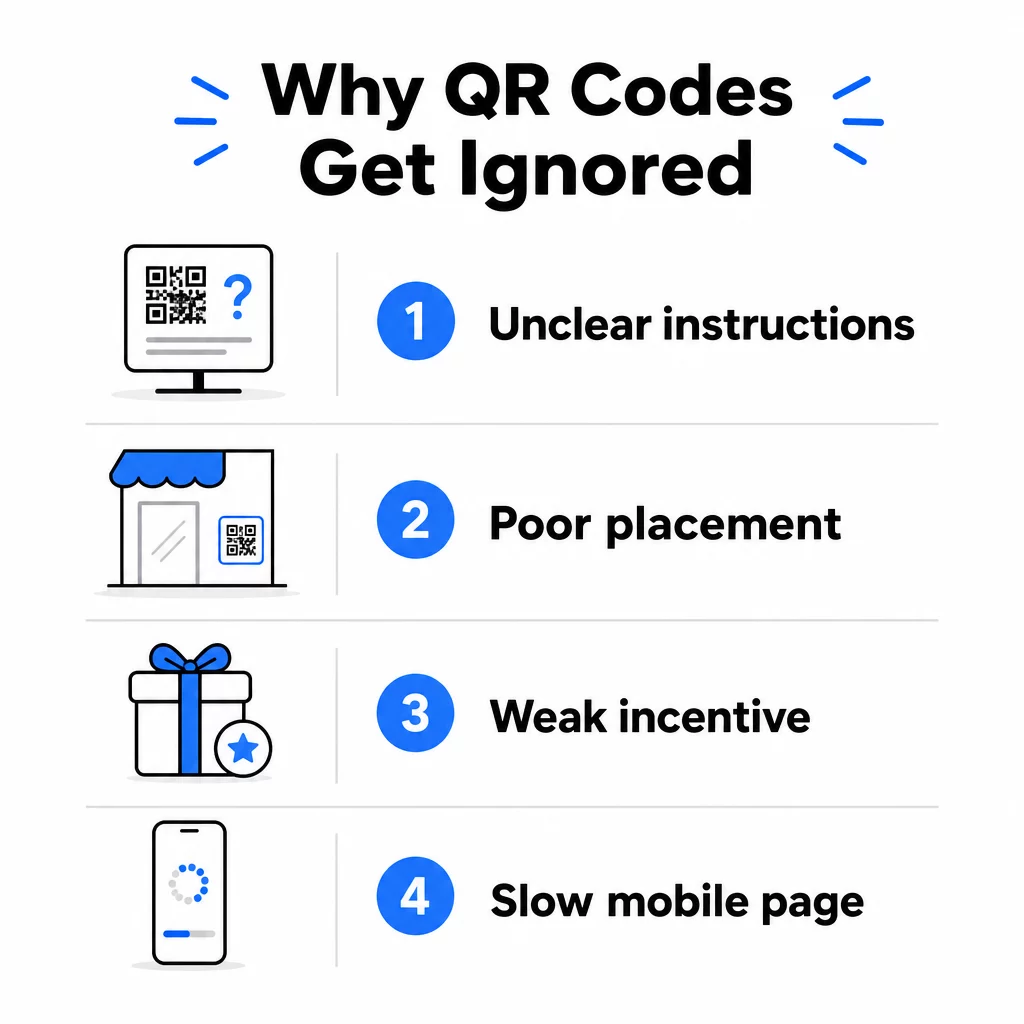
1. La gente no sabe qué hacer
No todas las personas que encuentran tu código saben cómo escanearlo, y asumir que sí lo saben es un error costoso. Los grupos demográficos de mayor edad, en particular, pueden no estar familiarizados con el proceso.
La solución es simple: añade instrucciones breves junto al código. Un texto como “Abre la aplicación de tu cámara y apúntala aquí” o un pequeño icono de teléfono elimina la fricción para los usuarios indecisos. Para ubicaciones de alto tráfico, un breve tutorial en video mostrado cerca puede ayudar. También puedes usar un marco de código QR con una clara llamada a la acción como “Escanéame” para guiar a las personas visualmente antes incluso de que lean las instrucciones.
2. El código está colocado en el lugar equivocado
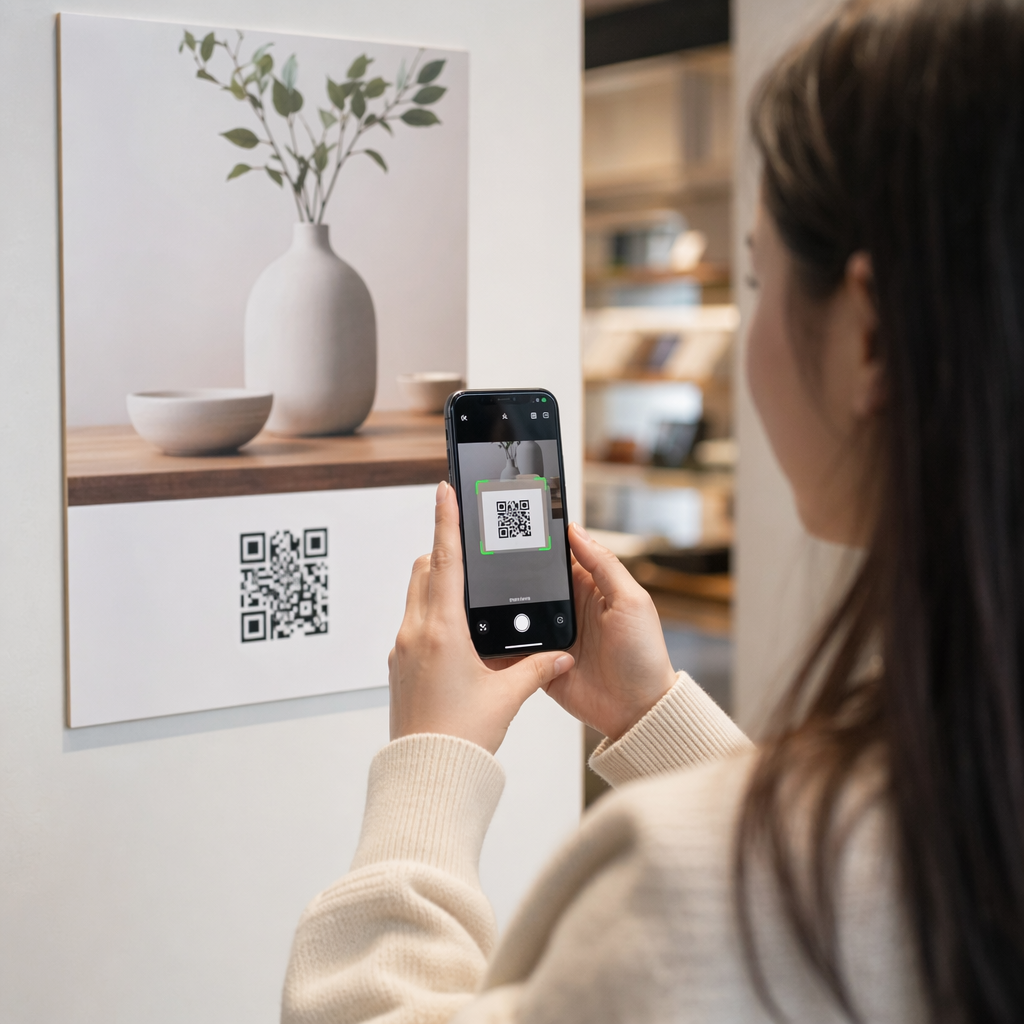
Un código QR que nadie puede ver – o alcanzar – nunca será escaneado. La ubicación determina si tu código obtiene interacción o es ignorado por completo.
Las ubicaciones efectivas colocan el código donde tu audiencia tiene el tiempo y el espacio para sacar su teléfono. Las ubicaciones sólidas incluyen:
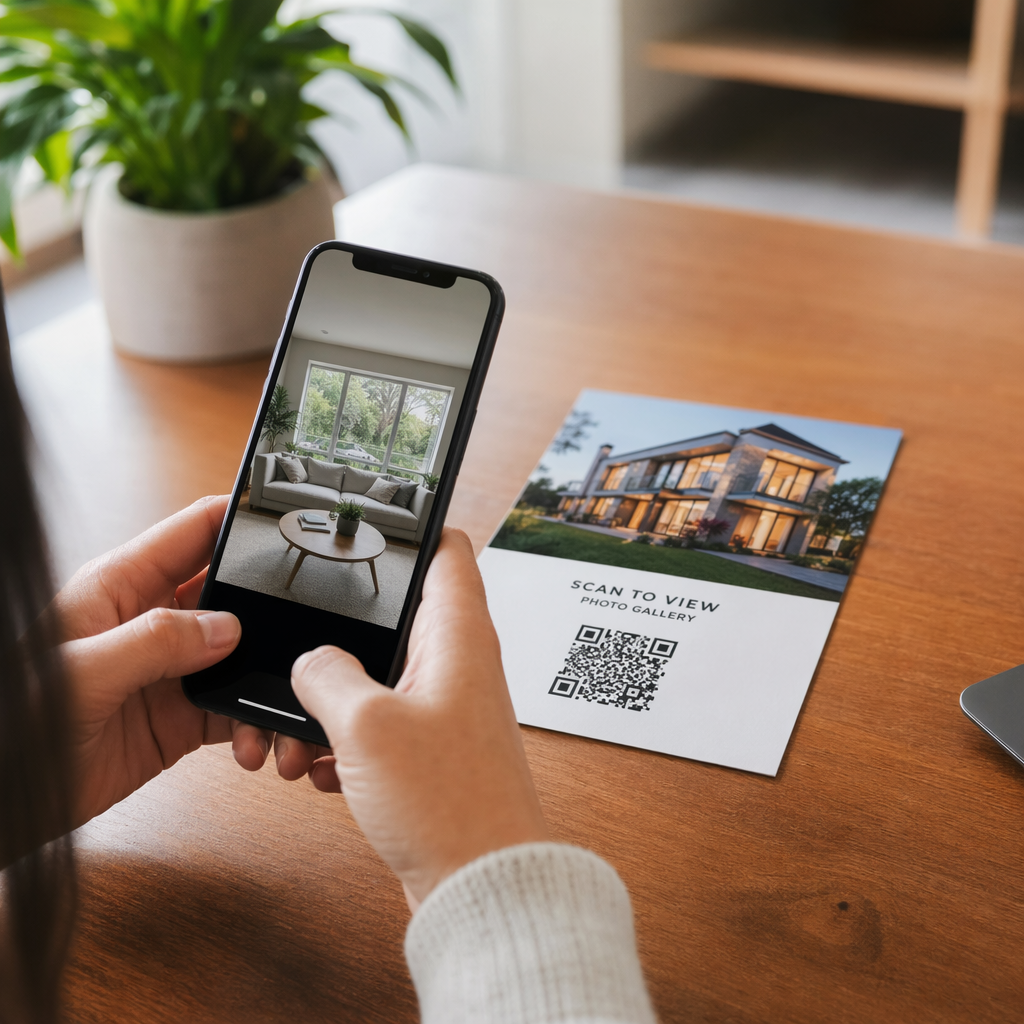
- Folletos y material impreso
- Envases y etiquetas de productos
- Tarjetas de visita
- Escaparates y fachadas de tiendas
- Carteles, pancartas y vallas publicitarias
- Revistas y expositores de mesa
Igual de importante es lo que hay que evitar. Las superficies curvas, los materiales reflectantes, las zonas con poca luz, los fondos recargados y los entornos con mucho deslumbramiento reducen la fiabilidad del escaneo. El guía definitiva para la colocación de códigos QR en marketing cubre las reglas de posicionamiento, incluyendo la guía de distancia a tamaño de 10:1 y la recomendación de colocar los códigos a la altura de los ojos entre 3.5 y 5.5 pies.
3. No Hay Razón para Escanear
Tus clientes siempre preguntan: “¿Qué gano yo con esto?” Si no puedes responder a esa pregunta en los dos segundos que pasan mirando tu código, seguirán de largo.
Un código QR simple sin contexto no da a la gente ninguna razón para actuar. La solución es hacer explícito el valor. Utiliza una llamada a la acción que indique el beneficio directamente, como:
- “Escanea para un descuento de 20%”
- “Escanea para ver el menú de hoy”
- “Escanea para participar en nuestro sorteo”
La gamificación, las ofertas exclusivas y los imanes de clientes potenciales – como una guía PDF gratuita o la oportunidad de ganar un premio – todo ello ofrece a los clientes un incentivo tangible. La investigación de Pageloot muestra consistentemente que las campañas de códigos QR bien diseñadas que comunican el valor por adelantado superan a los códigos genéricos por un margen significativo.
Consigue Más Escaneos con Códigos QR de Marca y Accionables Añade marcos profesionales, colores personalizados y llamadas a la acción claras a tus códigos con el Generador de códigos QR de Pageloot. Prueba gratuita de 14 días, no se requiere tarjeta de crédito.
4. El Mensaje No Conecta con Tu Audiencia
Un código QR es tan efectivo como la campaña que lo respalda. Si el lenguaje, el diseño o la oferta no conectan con tu audiencia específica, el engagement disminuirá independientemente de lo bien que esté colocado el código.
Para cerrar esta brecha, comienza identificando los puntos débiles que realmente tienen tus clientes. Luego, adapta el mensaje a las plataformas y espacios físicos donde esa audiencia pasa tiempo. Un código en un folleto de feria comercial dirigido a gerentes de compras necesita un mensaje diferente al de uno en la mesa de un restaurante dirigido a comensales ocasionales. Un mensaje desajustado es un mensaje invisible.
5. La Experiencia de la Página de Destino es Pobre
La única función del código QR es llevar a alguien a una página. A partir de ese momento, tu contenido tiene que convertir. Un código que lleva a una página lenta, desordenada o solo para escritorio desperdicia cada escaneo que obtiene.
Dado que los códigos QR se escanean en teléfonos inteligentes, el destino debe estar completamente optimizado para dispositivos móviles, no solo ser compatible con dispositivos móviles. No son lo mismo. Una página optimizada para dispositivos móviles está construida alrededor de la experiencia móvil, con tiempos de carga rápidos, navegación fácil de usar con el pulgar y contenido escalado para pantallas pequeñas. Factores clave a auditar antes de publicar un código:
- ¿La página es responsiva y de carga rápida en conexiones celulares?
- ¿Hay una única y clara llamada a la acción visible sin necesidad de desplazarse?
- ¿Has eliminado las distracciones que desvían la atención del objetivo principal?
- ¿La página cumple con lo que el código QR prometió?
El guía para probar códigos QR para la usabilidad móvil recomienda tiempos de carga inferiores a dos o tres segundos y pruebas en múltiples dispositivos y navegadores antes del lanzamiento.
6. El Código Tiene Problemas Técnicos
Un código QR técnicamente roto es la forma más rápida de destruir la confianza y perder un escaneo para siempre. Los problemas comunes incluyen códigos que son demasiado pequeños, tienen contraste insuficiente o enlazan a una URL rota.
Estándares técnicos clave a verificar:
- El tamaño: Utilice al menos 2 × 2 cm para escaneos de corto alcance, y escale según la distancia de visualización esperada utilizando la relación 10:1 (distancia de escaneo ÷ 10 = ancho mínimo).
- Contraste: Mantenga un primer plano oscuro sobre un fondo claro. El negro sobre blanco proporciona la mayor fiabilidad. Evite combinaciones de colores de bajo contraste, degradados y diseños invertidos. mejores prácticas de contraste de color de códigos QR recomienda apuntar a una relación de contraste de al menos 4.5:1 para un escaneo fiable.
- Zona tranquila: Mantenga un borde claro de al menos cuatro módulos en cada lado del código. Los escáneres utilizan este espacio para localizar dónde comienza y termina el código.
- Corrección de errores: Utilice un nivel de corrección de errores más alto (Q o H) si está añadiendo un logotipo o personalizando el diseño. Estos niveles pueden compensar hasta un 25-30% de pérdida de datos por obstrucción o daño.
Pruebe siempre su código en múltiples dispositivos, aplicaciones de cámara y condiciones de iluminación antes de distribuirlo. Los guía de mejores prácticas de legibilidad de códigos QR y estándares de usabilidad basados en ISO/IEC 18004 cubren estos requisitos técnicos en detalle. También puede utilizar la herramienta gratuita de escáner de códigos QR para verificar que sus códigos se escanean correctamente antes de imprimirlos.
7. Está Utilizando un Código Estático que No Puede Actualizar
Los códigos QR estáticos codifican un destino fijo. Si esa URL cambia, se rompe o caduca después de que se imprime el código, cada persona que lo escanea llega a un callejón sin salida, y no puede solucionarlo sin reimprimir todo.
Códigos QR dinámicos resuelva este problema apuntando a un enlace de redirección corto que puede actualizar en cualquier momento desde un panel de control. Cambie la URL de destino, reemplace un PDF o redirija a una nueva oferta, sin tocar el código impreso. Los códigos dinámicos también desbloquean el análisis de escaneos, brindándole datos sobre cuántas personas escanearon, cuándo, dónde y en qué dispositivo. Esta capacidad de seguimiento es lo que le permite medir el verdadero rendimiento de la campaña y optimizarla con el tiempo.
Mantenga Sus Campañas Actualizadas Sin Reimprimir Use el Generador de códigos QR dinámicos para crear códigos que puede actualizar en cualquier momento, y rastrear cada escaneo con análisis integrados.
El Problema de la Confianza: Por Qué Algunas Personas Nunca Escanean Nada
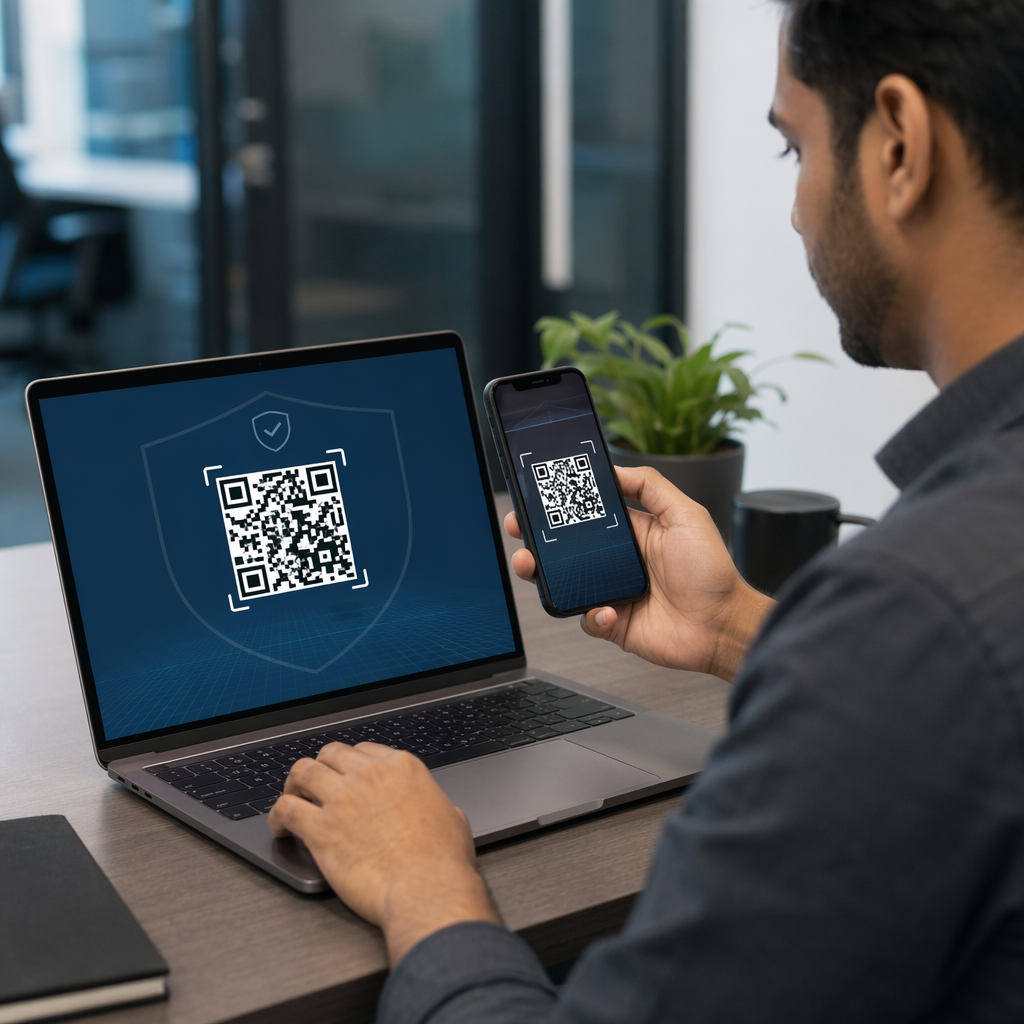
Más allá de los problemas técnicos y de diseño, existe una barrera más profunda que no recibe suficiente atención: las preocupaciones de seguridad. Algunos usuarios son reacios a escanear códigos QR de fuentes desconocidas porque no pueden ver a dónde lleva el código antes de comprometerse. Esta preocupación es legítima: los códigos QR maliciosos pueden redirigir a los usuarios a sitios de phishing, activar descargas de malware o capturar información sensible.
Como comercializador o propietario de un negocio, puede reducir esta fricción incorporando señales de confianza en la ubicación de su código QR:
- Muestre su marca de forma destacada junto al código para que los usuarios sepan quién está detrás
- Añada una breve descripción de a qué lleva el código (“Escanear para ver nuestro menú digital”)
- Utilice destinos HTTPS y asegúrese de que sus páginas de destino se vean profesionales y legítimas
- Evite colocar códigos en entornos de baja confianza donde los usuarios no tienen contexto de por qué hay un código allí
Los códigos QR de marca –con su logotipo incrustado, colores que coinciden con su identidad y un marco de CTA claro– señalan legitimidad y aumentan la probabilidad de que un usuario cauteloso escanee.
Una lista de verificación final antes de implementar
Revise estas preguntas antes de publicar cualquier campaña de código QR:
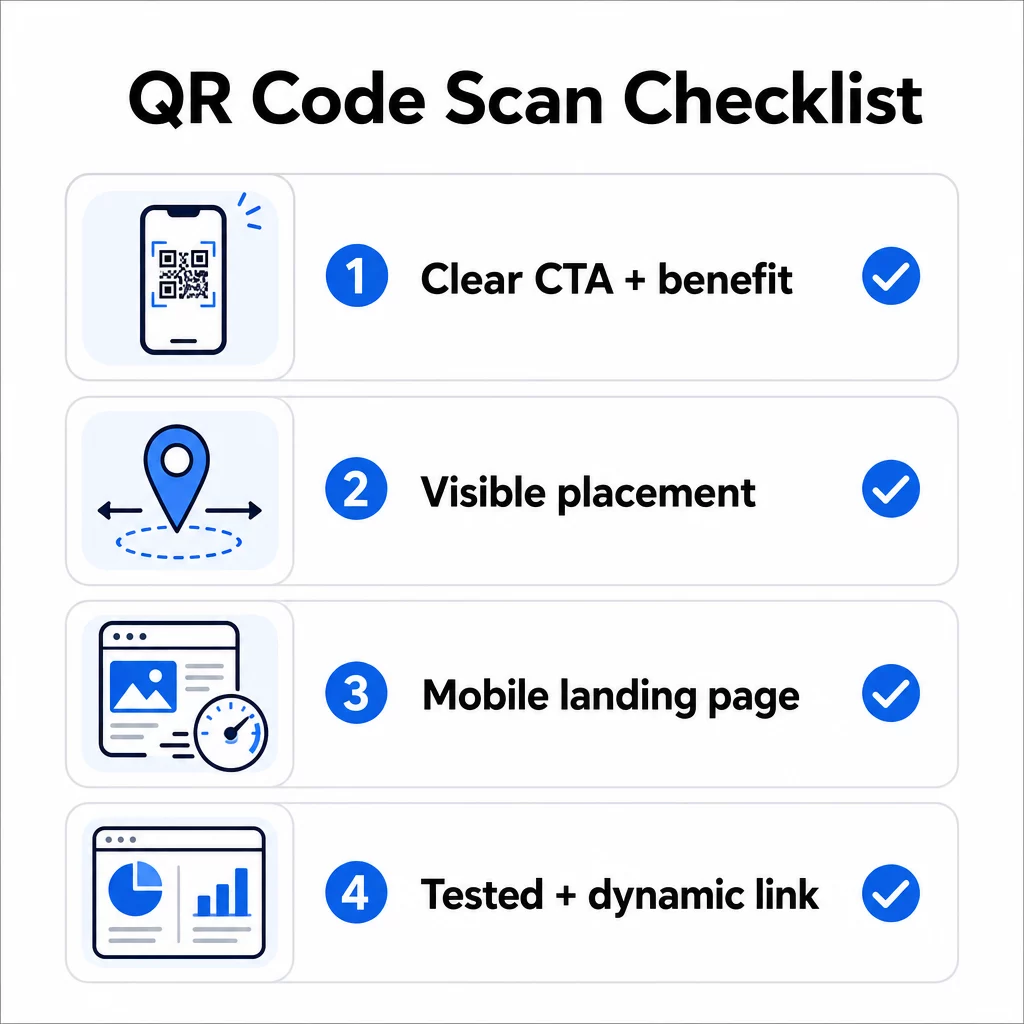
- ¿Ha añadido instrucciones o una llamada a la acción visible para que los usuarios sepan qué hacer?
- ¿Está el código colocado donde su audiencia tiene tiempo y espacio para escanear?
- ¿Ofrece el código una razón clara y convincente para escanear?
- ¿Coincide el mensaje con su público objetivo específico?
- ¿Está la página de destino completamente optimizada para móviles y carga rápidamente?
- ¿Ha probado el código en múltiples dispositivos y en condiciones del mundo real?
- ¿Está utilizando un código dinámico para poder actualizar el destino si es necesario?
Si alguna respuesta es “no”, ese es su cuello de botella. Soluciónelo antes de que el código se active, no después.
Para una guía más profunda sobre diseño y estándares técnicos, la página de mejores prácticas de usabilidad de códigos QR y la guía para el seguimiento de escaneos de códigos QR son buenas próximas paradas.
Preguntas frecuentes
Factores ambientales como la mala iluminación, el deslumbramiento de superficies brillantes y las largas distancias de escaneo afectan la fiabilidad. Asegúrese de que su código cumpla con la guía de relación tamaño-distancia de 10:1, utilice un primer plano oscuro sobre un fondo claro y esté colocado sobre una superficie plana y mate con iluminación adecuada. Pruebe el código en la ubicación real antes de finalizar la colocación.
Un código QR estático codifica permanentemente su destino, por lo que si la URL cambia o se rompe, el código se vuelve inútil y debe reimprimirse. Un código QR dinámico apunta a un enlace de redirección que puedes actualizar en cualquier momento desde un panel de control. Los códigos dinámicos también proporcionan análisis de escaneo – incluyendo recuentos de escaneos, ubicaciones, tipos de dispositivos y tiempos – lo que los convierte en la mejor opción para cualquier campaña de marketing donde la flexibilidad o la medición sean importantes.
Los cambios más efectivos son añadir una llamada a la acción clara que indique el beneficio (como “Escanear para un descuento” o “Escanear para ver el menú”), colocar el código donde los usuarios tengan tiempo para detenerse y escanear, asegurar que la página de destino cargue rápidamente en el móvil y usar un diseño de marca que señale que el código es legítimo. Eliminar cualquier fricción, ya sean instrucciones poco claras, una página de destino lenta o un código mal colocado, aumenta directamente las tasas de escaneo.