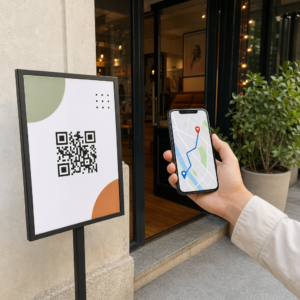
Kas teie QR-koodid jäävad tähelepanuta? Halvad skaneerimismäärad tulenevad tavaliselt mõnest ennustatavast ja parandatavast probleemist – alates halvast paigutusest kuni rikutud usalduseni. See artikkel käsitleb iga takistust ja annab teile konkreetsed sammud selle ületamiseks.
Kas inimesed kasutavad endiselt QR-koode?
QR-koodide skaneerimine on aastaid pidevalt kasvanud ja nende kasutuselevõtt kiirenes järsult pandeemia ajal ja pärast seda, kui ettevõtted läksid üle kontaktivabadele interaktsioonidele. Kui te ei saa skaneeringuid, ei ole probleem peaaegu kindlasti tehnoloogias endas – see on selles, kuidas teie koodid on kujundatud, paigutatud või esitatud.
Miks teie QR-koodid skaneeringuid ei saa
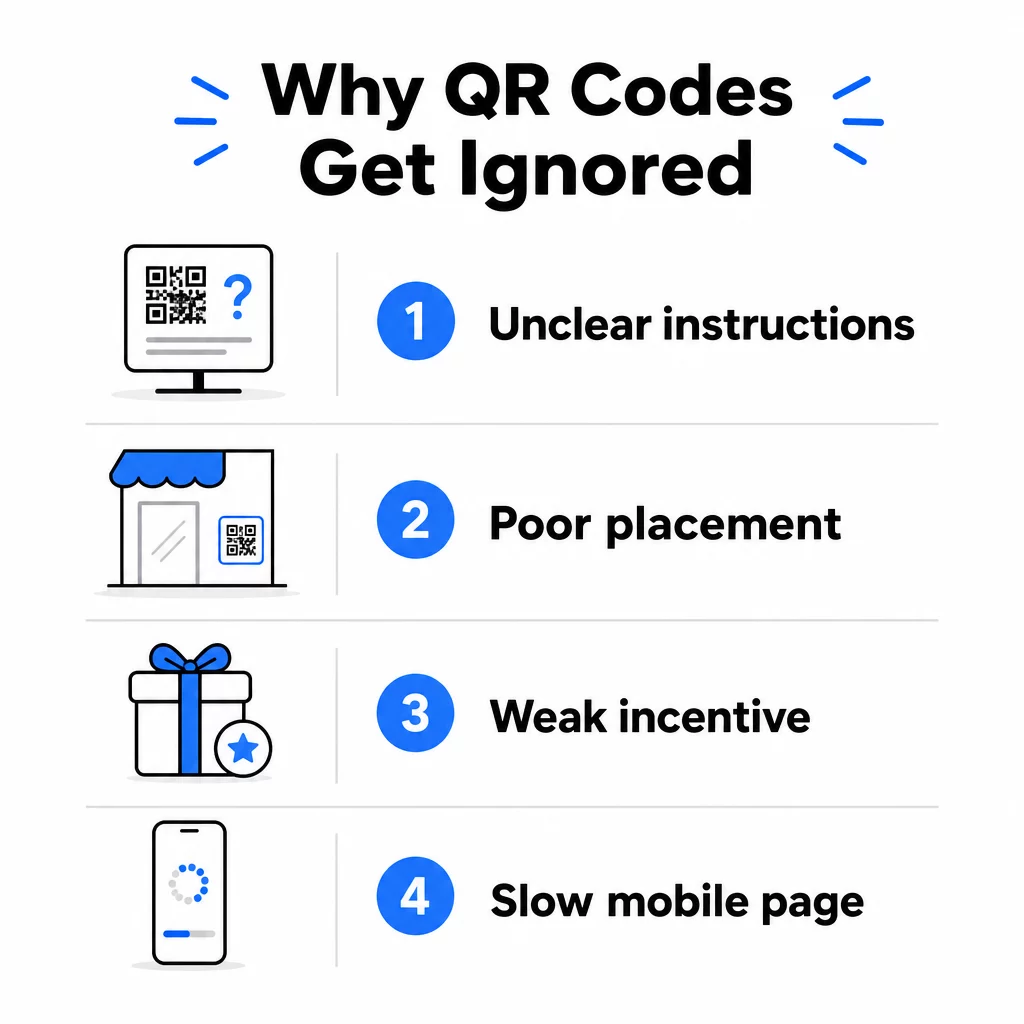
1. Inimesed ei tea, mida teha
Mitte iga inimene, kes teie koodiga kokku puutub, ei tea, kuidas seda skaneerida, ja eeldamine, et nad teavad, on kulukas viga. Eriti vanemad demograafilised rühmad ei pruugi protsessiga tuttavad olla.
Lahendus on lihtne: lisage koodi kõrvale lühikesed juhised. Tekst nagu “Avage oma kaamerarakendus ja suunake see siia” või väike telefoniikoon eemaldab kõhklevate kasutajate jaoks hõõrdumise. Suure liiklusega kohtades võib aidata läheduses kuvatav lühike videoõpetus. Võite kasutada ka QR-koodi raami selge üleskutsega tegevusele nagu “Skaneeri mind”, et suunata inimesi visuaalselt, enne kui nad isegi juhiseid loevad.
2. Kood on paigutatud valesse kohta
QR-kood, mida keegi ei näe – või ei ulatu –, ei saa kunagi skaneeritud. Paigutus määrab, kas teie kood saab kaasatust või jääb täielikult tähelepanuta.
Tõhusad paigutused asetavad koodi sinna, kus teie publikul on aega ja ruumi oma telefon välja võtta. Tugevad asukohad hõlmavad:
- Flaierid ja trükitud jaotusmaterjalid
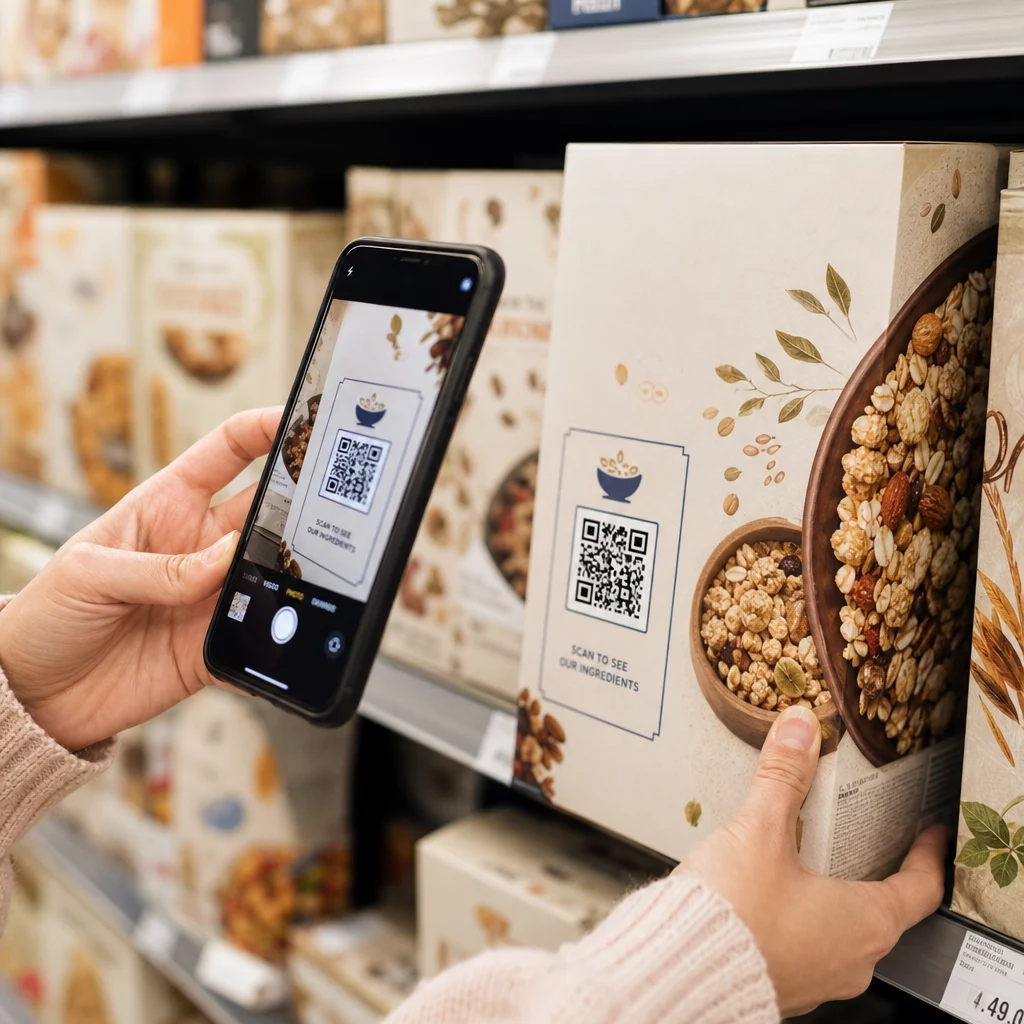
- Tootepakendid ja etiketid
- Visiitkaardid
- Poeklaasid ja fassaadid
- Plakatid, bännerid ja reklaamtahvlid
- Ajakirjad ja lauatelgid
Sama oluline on see, mida vältida. Kumerad pinnad, peegeldavad materjalid, hämarad alad, hõivatud taustad ja tugeva valgusega keskkonnad vähendavad kõik skaneerimise usaldusväärsust. The ülim juhend QR-koodi paigutamiseks turunduses hõlmab paigutusreegleid, sealhulgas 10:1 kauguse-suuruse juhist ja soovitust paigutada koodid silmade kõrgusele vahemikus 3,5 kuni 5,5 jalga.
3. Skaneerimiseks Puudub Põhjus
Teie kliendid küsivad alati: “Mis kasu sellest mulle on?” Kui te ei suuda sellele küsimusele vastata kahe sekundi jooksul, mil nad teie koodi vaatavad, kõnnivad nad edasi.
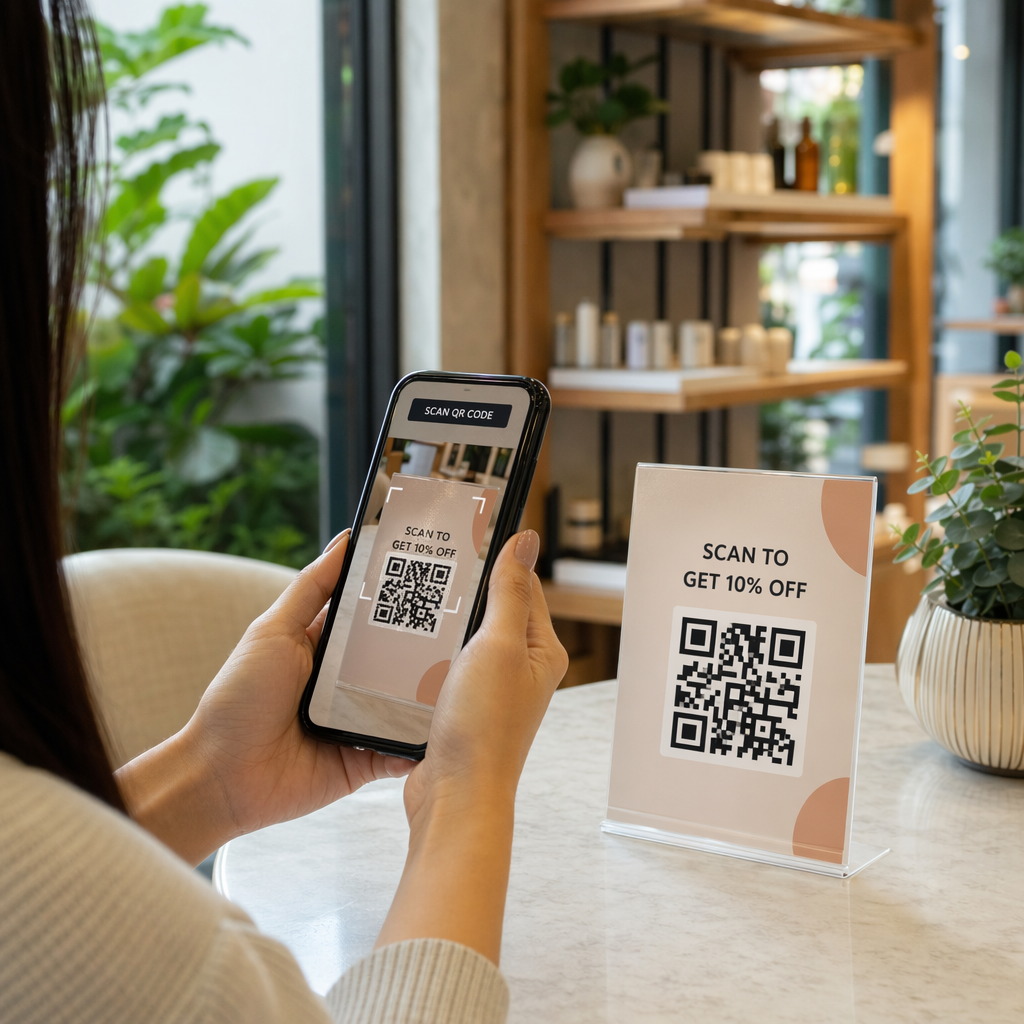
Lihtne QR-kood ilma kontekstita ei anna inimestele põhjust tegutseda. Lahendus on muuta väärtus selgesõnaliseks. Kasutage üleskutset tegevusele, mis väljendab kasu otse, näiteks:
- “Skaneeri 20% allahindluse saamiseks”
- “Skaneeri, et näha tänast menüüd”
- “Skaneeri, et osaleda meie loosimises”
Mängustamine, eksklusiivsed pakkumised ja müügivihjete magnetid – näiteks tasuta PDF-juhend või võimalus võita auhind – annavad kõik klientidele käegakatsutava stiimuli. Pagelooti uuringud näitavad järjepidevalt, et hästi kujundatud QR-koodi kampaaniad mis edastavad väärtust koheselt, edestavad üldisi koode märkimisväärselt.
Saa rohkem skaneeringuid bränditud, tegevusele kutsuvate QR-koodidega Lisage oma koodidele professionaalsed raamid, kohandatud värvid ja selged üleskutsed tegevusele Pageloot QR-koodi generaator. Tasuta 14-päevane prooviperiood, krediitkaarti pole vaja.
4. Sõnum ei kõneta teie sihtrühma
QR-kood on sama tõhus kui selle taga olev kampaania. Kui keel, disain või pakkumine ei ühendu teie konkreetse sihtrühmaga, langeb kaasatus olenemata sellest, kui hästi kood on paigutatud.
Selle lünga sulgemiseks alustage oma klientide tegelike valupunktide tuvastamisest. Seejärel sobitage sõnum platvormide ja füüsiliste ruumidega, kus see sihtrühm aega veedab. Messilehe kood, mis on suunatud hankejuhile, vajab teistsugust sõnumit kui restorani laual olev kood, mis on suunatud juhuslikele sööjatele. Sobimatu sõnum on nähtamatu sõnum.
5. Maandumislehe kogemus on kehv
QR-koodi ainus ülesanne on suunata keegi lehele. Sellest hetkest alates peab teie sisu konverteerima. Kood, mis viib aeglasele, segasele või ainult lauaarvutitele mõeldud lehele, raiskab iga skaneeringu, mille see teenib.
Kuna QR-koode skaneeritakse nutitelefonidega, peab sihtkoht olema täielikult mobiilile optimeeritud – mitte lihtsalt mobiilisõbralik. Need ei ole sama asi. Mobiilile optimeeritud leht on ehitatud mobiilikogemuse ümber, kiire laadimisaja, pöidlasõbraliku navigeerimise ja väikestele ekraanidele kohandatud sisuga. Peamised tegurid, mida enne koodi avaldamist kontrollida:
- Kas leht on mobiilsideühendustel tundlik ja kiiresti laaditav?
- Kas lehe ülemises osas on üks selge üleskutse tegevusele?
- Kas olete eemaldanud segajad, mis tõmbavad tähelepanu peamisest eesmärgist eemale?
- Kas leht täidab seda, mida QR-kood lubas?
See juhend QR-koodide testimiseks mobiilse kasutatavuse osas soovitab laadimisaegu alla kahe kuni kolme sekundi ja testimist mitmes seadmes ja brauseris enne käivitamist.
6. Koodil on tehnilisi probleeme
Tehniliselt rikkis QR-kood on kiireim viis usalduse hävitamiseks ja skaneeringu igaveseks kaotamiseks. Levinud probleemide hulka kuuluvad koodid, mis on liiga väikesed, ebapiisava kontrastsusega või lingivad katkisele URL-ile.
Peamised tehnilised standardid, mida kontrollida:
- Suurus: Kasutage lähiskaneerimiseks vähemalt 2 × 2 cm ja suurendage vastavalt eeldatavale vaatamiskaugusele, kasutades suhet 10:1 (skaneerimiskaugus ÷ 10 = minimaalne laius).
- Kontrast: Hoidke tume esiplaan heledal taustal. Must valgel pakub kõrgeimat töökindlust. Vältige madala kontrastsusega värvikombinatsioone, gradiente ja pööratud kujundusi. QR-koodi värvikontrasti parimaid tavasid soovitab usaldusväärseks skaneerimiseks sihtida kontrastsussuhet vähemalt 4,5:1.
- Vaikne tsoon: Hoidke koodi igal küljel vähemalt nelja mooduli laiune selge äär. Skannerid kasutavad seda ruumi koodi alguse ja lõpu asukoha määramiseks.
- Veaparandus: Kasutage kõrgemat veaparandustaset (Q või H), kui lisate logo või kohandate disaini. Need tasemed suudavad kompenseerida kuni 25–30% andmekadu takistuse või kahjustuse tõttu.
Enne levitamist testige oma koodi alati mitmes seadmes, kaamerarakenduses ja erinevates valgustingimustes. The QR-koodi loetavuse parimate tavade juhend ja ISO/IEC 18004-l põhinevad kasutusstandardid käsitlevad neid tehnilisi nõudeid üksikasjalikult. Saate kasutada ka tasuta QR-koodi skanneri tööriista et kontrollida, kas teie koodid skaneerivad enne printimist õigesti.
7. Kasutate staatilist koodi, mida te ei saa uuendada
Staatilised QR-koodid kodeerivad fikseeritud sihtkoha. Kui see URL muutub, katkeb või aegub pärast koodi printimist, satub iga seda skaneeriv inimene tupikusse – ja te ei saa seda parandada ilma kõike uuesti printimata.
Dünaamilised QR-koodid lahendage see probleem, suunates lühikesele ümbersuunamislingile, mida saate igal ajal juhtpaneelilt uuendada. Muutke siht-URL-i, vahetage PDF-i või suunake uuele pakkumisele – puudutamata prinditud koodi. Dünaamilised koodid avavad ka skaneerimisanalüütika, andes teile andmeid selle kohta, kui palju inimesi skaneeris, millal, kus ja millisel seadmel. See jälgimisvõimalus võimaldab teil mõõta kampaania tegelikku toimivust ja optimeerida aja jooksul.
Hoidke oma kampaaniad ajakohasena ilma uuesti printimata Kasuta Dünaamilise QR koodi generaator luua koode, mida saate igal ajal uuendada – ja jälgida iga skaneeringut sisseehitatud analüütikaga.
Usaldusprobleem: miks mõned inimesed ei skaneeri kunagi midagi
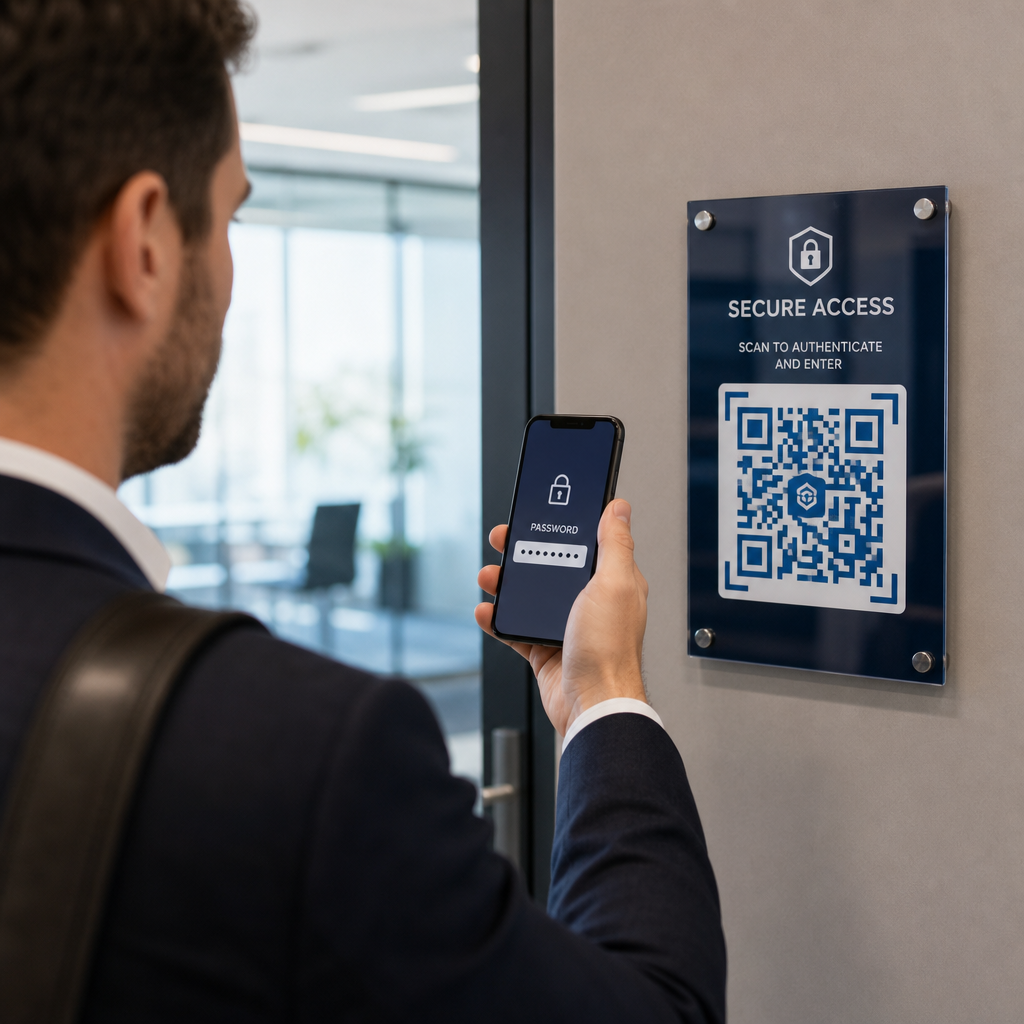
Lisaks tehnilistele ja disainiprobleemidele on olemas sügavam takistus, mis ei saa piisavalt tähelepanu: turvaprobleemid. Mõned kasutajad on vastumeelsed skaneerima QR-koode tundmatutest allikatest, sest nad ei näe, kuhu kood viib, enne kui nad sellele pühenduvad. See mure on õigustatud – pahatahtlikud QR-koodid võivad suunata kasutajaid andmepüügisaitidele, käivitada pahavara allalaadimisi või koguda tundlikku teavet.
Turundaja või ettevõtte omanikuna saate seda hõõrdumist vähendada, lisades oma QR-koodi paigutusse usaldussignaale:
- Kuvage oma brändi silmatorkavalt koodi kõrval, et kasutajad teaksid, kes selle taga on
- Lisage lühike kirjeldus selle kohta, kuhu kood viib (“Skaneeri, et vaadata meie digitaalset menüüd”)
- Kasutage HTTPS-sihtkohti ja veenduge, et teie sihtlehed näeksid välja professionaalsed ja legitiimsed
- Vältige koodide paigutamist madala usaldusega keskkondadesse, kus kasutajatel puudub kontekst, miks kood seal on
Bränditud QR-koodid – millel on teie logo, teie identiteediga sobivad värvid ja selge CTA-raam – annavad märku legitiimsusest ja suurendavad tõenäosust, et ettevaatlik kasutaja selle skannib.
Lõplik kontrollnimekiri enne juurutamist
Enne mis tahes QR-koodi kampaania avaldamist vastake neile küsimustele:
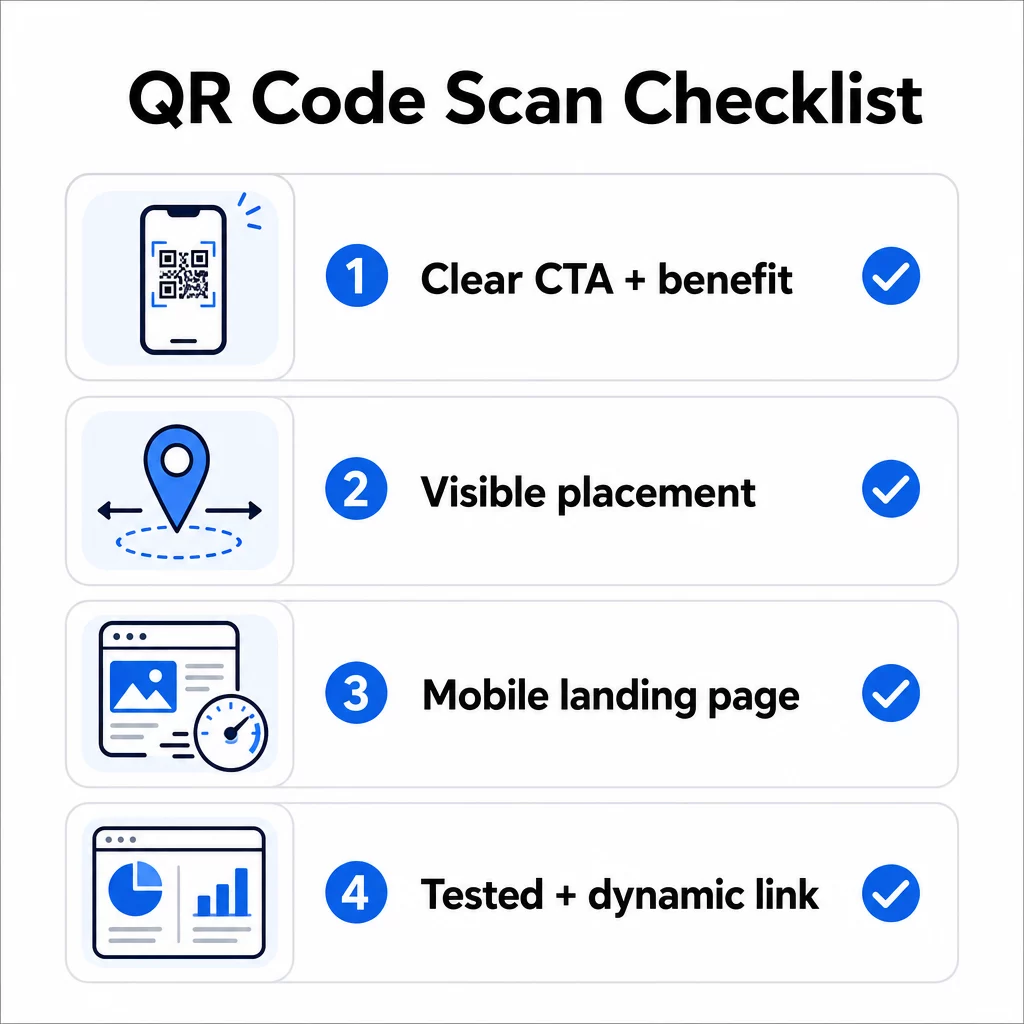
- Kas olete lisanud juhised või nähtava üleskutse tegevusele, et kasutajad teaksid, mida teha?
- Kas kood on paigutatud kohta, kus teie sihtrühmal on aega ja ruumi skannimiseks?
- Kas kood pakub selget ja veenvat põhjust skannimiseks?
- Kas sõnum vastab teie konkreetsele sihtrühmale?
- Kas sihtleht on täielikult mobiilile optimeeritud ja kiiresti laaditav?
- Kas olete koodi testinud mitmel seadmel ja reaalsetes tingimustes?
- Kas kasutate dünaamilist koodi, et saaksite vajadusel sihtkohta värskendada?
Kui mõni vastus on “ei”, siis see on teie kitsaskoht. Lahendage see enne koodi avaldamist – mitte pärast.
Disaini ja tehniliste standardite kohta põhjalikuma juhendi leiate QR-koodi kasutatavuse parimate tavade lehelt ja juhend QR-koodi skannimiste jälgimiseks on head järgmised sammud.
Korduma kippuvad küsimused
Keskkonnategurid nagu halb valgustus, läikivate pindade peegeldus ja pikad skaneerimiskaugused mõjutavad kõik töökindlust. Veenduge, et teie kood vastaks 10:1 suuruse ja kauguse juhisele, kasutaks tumedat esiplaanil heledal taustal ning oleks paigutatud tasasele, matile pinnale piisava valgustusega. Testige koodi tegelikus asukohas enne paigutuse lõplikku kinnitamist.
Staatiline QR-kood kodeerib oma sihtkoha püsivalt, nii et kui URL muutub või katkeb, muutub kood kasutuks ja see tuleb uuesti printida. Dünaamiline QR-kood viitab ümbersuunamislingile, mida saate igal ajal juhtpaneelilt värskendada. Dünaamilised koodid pakuvad ka skaneerimisanalüütikat – sealhulgas skaneerimiste arvu, asukohti, seadmetüüpe ja ajastust – muutes need paremaks valikuks igale turunduskampaaniale, kus paindlikkus või mõõtmine on oluline.
Kõige tõhusamad muudatused on selge kasu väljendava üleskutse lisamine tegevusele (näiteks “Skanni allahindluse saamiseks” või “Skanni menüü vaatamiseks”), koodi paigutamine kohta, kus kasutajatel on aega peatuda ja skannida, tagades, et sihtleht laadib mobiilis kiiresti, ja kasutades bränditud disaini, mis annab märku koodi legitiimsusest. Igasuguse hõõrdumise eemaldamine – olgu selleks ebaselged juhised, aeglaselt laadiv sihtleht või halvasti paigutatud kood – suurendab otseselt skannimismäärasid.