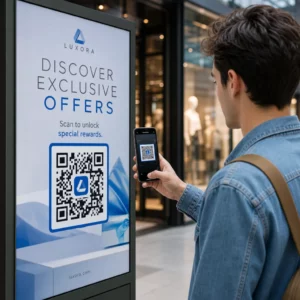
Ignoreras dina QR-koder? Låga skanningsfrekvenser beror oftast på en handfull förutsägbara, åtgärdbara problem – allt från dålig placering till bristande förtroende. Denna artikel går igenom varje hinder och ger dig konkreta steg för att övervinna det.
Använder Folk Fortfarande QR-koder?
Skanning av QR-koder har vuxit stadigt i åratal, och antagandet accelererade kraftigt under och efter pandemin när företag övergick till kontaktlösa interaktioner. Om du inte får skanningar är problemet nästan säkert inte tekniken i sig – det är hur dina koder är designade, placerade eller presenterade.
Varför Dina QR-koder Inte Får Skanningar
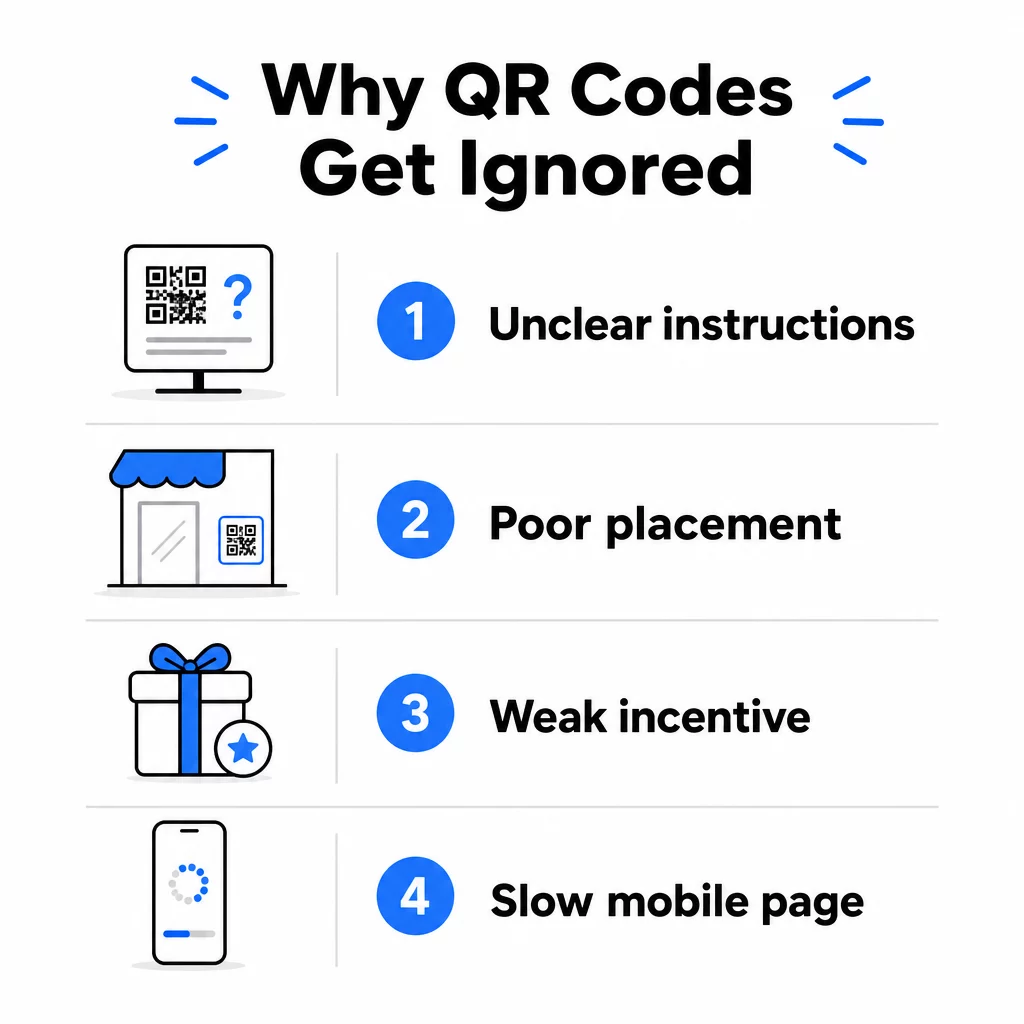
1. Folk Vet Inte Vad De Ska Göra
Inte alla som stöter på din kod vet hur man skannar den, och att anta att de gör det är ett kostsamt misstag. Äldre demografier, i synnerhet, kan vara obekanta med processen.
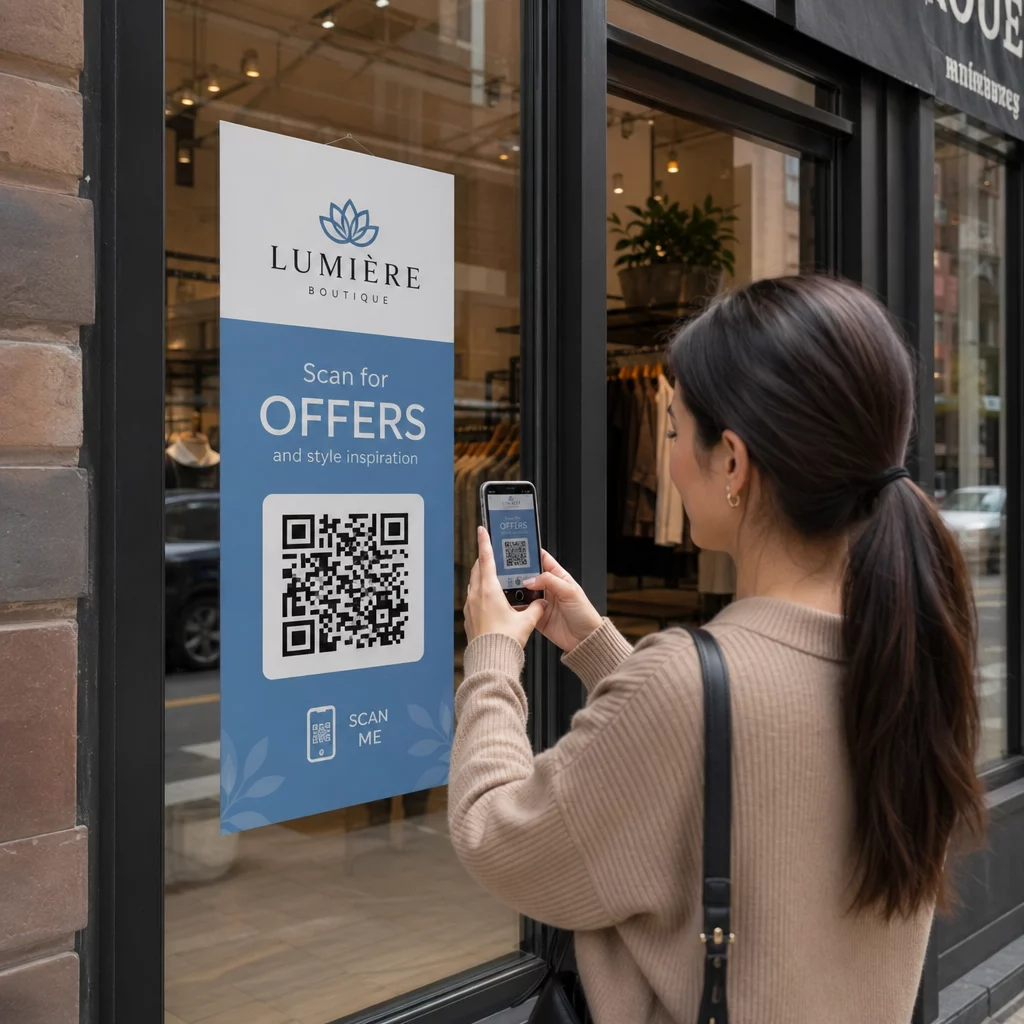
Lösningen är enkel: lägg till korta instruktioner bredvid koden. Text som “Öppna din kameraapp och rikta den hit” eller en liten telefonikon tar bort friktionen för tveksamma användare. För platser med hög trafik kan en kort videohandledning som visas i närheten hjälpa. Du kan också använda en QR-kodram med en tydlig uppmaning som “Skanna Mig” för att vägleda människor visuellt innan de ens läser instruktionerna.
2. Koden Är Placerad på Fel Ställe
En QR-kod som ingen kan se – eller nå – kommer aldrig att skannas. Placering avgör om din kod får engagemang eller ignoreras helt.
Effektiva placeringar sätter koden där din publik har tid och utrymme att ta fram sin telefon. Starka platser inkluderar:
- Flygblad och tryckta utdelningar
- Produktförpackningar och etiketter
- Visitkort
- Butiksfönster och fasader
- Affischer, banderoller och reklamskyltar
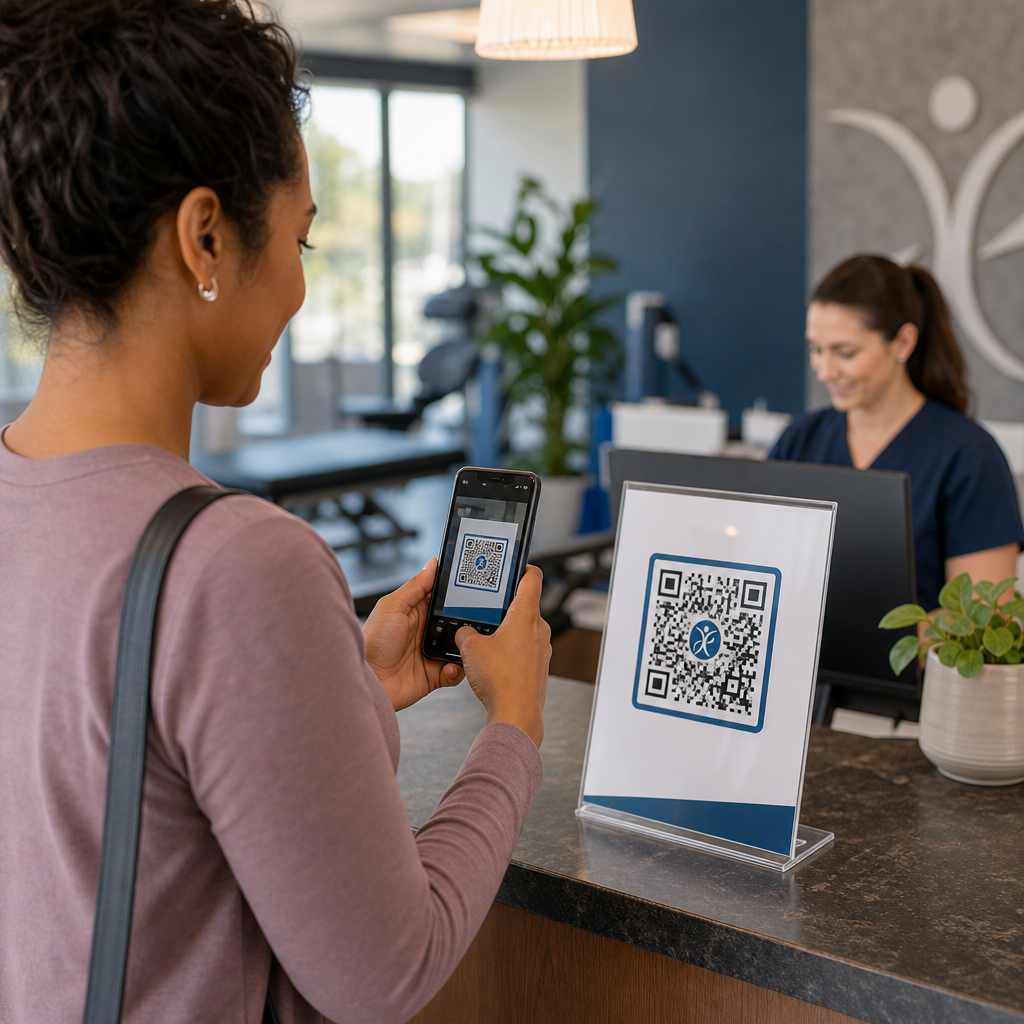
- Tidningar och bordsställ
Lika viktigt är vad man ska undvika. Böjda ytor, reflekterande material, områden med svagt ljus, röriga bakgrunder och miljöer med stark bländning minskar alla skanningspålitligheten. Den ultimat guide för placering av QR-koder inom marknadsföring täcker placeringsregler, inklusive riktlinjen 10:1 avstånd till storlek och rekommendationen att placera koder i ögonhöjd mellan 3,5 och 5,5 fot.
3. Det Finns Ingen Anledning att Skanna
Dina kunder frågar alltid: “Vad får jag ut av det?” Om du inte kan svara på den frågan under de två sekunder de tittar på din kod, kommer de att fortsätta gå.
En enkel QR-kod utan sammanhang ger människor ingen anledning att agera. Lösningen är att göra värdet tydligt. Använd en uppmaning till handling som direkt anger fördelen, till exempel:
- “Skanna för 20% rabatt”
- “Skanna för att se dagens meny”
- “Skanna för att delta i vår tävling”
Gamification, exklusiva erbjudanden och lead magnets – som en gratis PDF-guide eller en chans att vinna ett pris – ger alla kunder ett påtagligt incitament. Pageloots forskning visar konsekvent att väldesignade QR-kodkampanjer som kommunicerar värde i förväg överträffar generiska koder med en betydande marginal.
Få Fler Skanningar med Märkesanpassade, Handlingsbara QR-koder Lägg till professionella ramar, anpassade färger och tydliga uppmaningar till handling till dina koder med Pageloot QR-kodgenerator. Gratis 14-dagars provperiod, inget kreditkort krävs.
4. Budskapet Talar Inte till Din Målgrupp
En QR-kod är bara så effektiv som kampanjen bakom den. Om språket, designen eller erbjudandet inte ansluter till din specifika målgrupp, kommer engagemanget att minska oavsett hur väl koden är placerad.
För att överbrygga denna klyfta, börja med att identifiera de smärtpunkter dina kunder faktiskt har. Matcha sedan budskapet med de plattformar och fysiska utrymmen där den målgruppen tillbringar tid. En kod på en mässflyer riktad till inköpschefer behöver ett annat budskap än en på ett restaurangbord riktad till avslappnade matgäster. Felaktigt matchade budskap är osynliga budskap.
5. Landningssidans Upplevelse Är Dålig
QR-kodens enda uppgift är att få någon till en sida. Från den punkten måste ditt innehåll konvertera. En kod som leder till en långsam, rörig eller endast för datorer avsedd sida slösar bort varje skanning den får.
Eftersom QR-koder skannas på smartphones måste destinationen vara helt mobiloptimerad – inte bara mobilvänlig. Dessa är inte samma sak. En mobiloptimerad sida är byggd kring mobilupplevelsen, med snabba laddningstider, tumvänlig navigering och innehåll anpassat för små skärmar. Viktiga faktorer att granska innan du publicerar en kod:
- Är sidan responsiv och snabbladdande på mobila anslutningar?
- Finns det en enda, tydlig uppmaning till handling ovanför vecket?
- Har du tagit bort distraktioner som drar uppmärksamheten från huvudmålet?
- Levererar sidan det som QR-koden lovade?
De guide för att testa QR-koder för mobil användbarhet rekommenderar laddningstider under två till tre sekunder och testning på flera enheter och webbläsare före lansering.
6. Koden har tekniska problem
En tekniskt trasig QR-kod är det snabbaste sättet att förstöra förtroendet och förlora en skanning för alltid. Vanliga problem inkluderar koder som är för små, har otillräcklig kontrast eller länkar till en trasig URL.
Viktiga tekniska standarder att kontrollera:
- Storlek: Använd minst 2 × 2 cm för skanning på nära håll, och skala upp baserat på det förväntade visningsavståndet med hjälp av förhållandet 10:1 (skanningsavstånd ÷ 10 = minsta bredd).
- Kontrast: Håll en mörk förgrund på en ljus bakgrund. Svart på vitt ger högst tillförlitlighet. Undvik färgkombinationer med låg kontrast, gradienter och inverterade designer. bästa praxis för färgkontrast i QR-koder rekommenderar att sikta på ett kontrastförhållande på minst 4,5:1 för tillförlitlig skanning.
- Tyst zon: Bibehåll en tydlig kant på minst fyra moduler på varje sida av koden. Skannrar använder detta utrymme för att lokalisera var koden börjar och slutar.
- Felkorrigering: Använd en högre felkorrigeringsnivå (Q eller H) om du lägger till en logotyp eller anpassar designen. Dessa nivåer kan kompensera för upp till 25–30% dataförlust på grund av hinder eller skada.
Testa alltid din kod på flera enheter, kameraappar och ljusförhållanden innan du distribuerar den. De guide för bästa praxis för QR-kodläsbarhet och användbarhetsstandarder baserade på ISO/IEC 18004 täcker dessa tekniska krav i detalj. Du kan också använda det kostnadsfria QR-kodskanningsverktyget för att verifiera att dina koder skannas korrekt innan utskrift.
7. Du använder en statisk kod som du inte kan uppdatera
Statiska QR-koder kodar en fast destination. Om den URL:en ändras, går sönder eller upphör att gälla efter att koden har skrivits ut, hamnar varje person som skannar den i en återvändsgränd – och du kan inte åtgärda det utan att skriva ut allt igen.
Dynamiska QR-koder lösa detta problem genom att peka på en kort omdirigeringslänk som du kan uppdatera när som helst från en kontrollpanel. Ändra destinations-URL:en, byt ut en PDF eller omdirigera till ett nytt erbjudande – utan att röra den utskrivna koden. Dynamiska koder låser också upp skanningsanalys, vilket ger dig data om hur många personer som skannade, när, var och på vilken enhet. Denna spårningsförmåga är det som gör att du kan mäta verklig kampanjprestanda och optimera över tid.
Håll dina kampanjer uppdaterade utan att skriva ut igen Använd Dynamisk QR-kodgenerator för att skapa koder du kan uppdatera när som helst – och spåra varje skanning med inbyggd analys.
Förtroendeproblemet: Varför vissa människor aldrig skannar något
Utöver tekniska och designmässiga problem finns det en djupare barriär som inte får tillräckligt med uppmärksamhet: säkerhetsfrågor. Vissa användare är ovilliga att skanna QR-koder från okända källor eftersom de inte kan se vart koden leder innan de förbinder sig. Denna oro är legitim – skadliga QR-koder kan omdirigera användare till nätfiskesidor, utlösa nedladdningar av skadlig programvara eller fånga känslig information.
Som marknadsförare eller företagare kan du minska denna friktion genom att bygga in förtroendesignaler i din QR-kodplacering:
- Visa ditt varumärke tydligt bredvid koden så att användarna vet vem som ligger bakom den
- Lägg till en kort beskrivning av vad koden leder till (“Skanna för att se vår digitala meny”)
- Använd HTTPS-destinationer och se till att dina landningssidor ser professionella och legitima ut
- Undvik att placera koder i miljöer med lågt förtroende där användare inte har någon kontext för varför en kod finns där
Varumärkesanpassade QR-koder – med din logotyp inbäddad, färger som matchar din identitet och en tydlig CTA-ram – signalerar legitimitet och ökar sannolikheten att en försiktig användare skannar.
En sista checklista innan du distribuerar
Gå igenom dessa frågor innan du publicerar någon QR-kodkampanj:
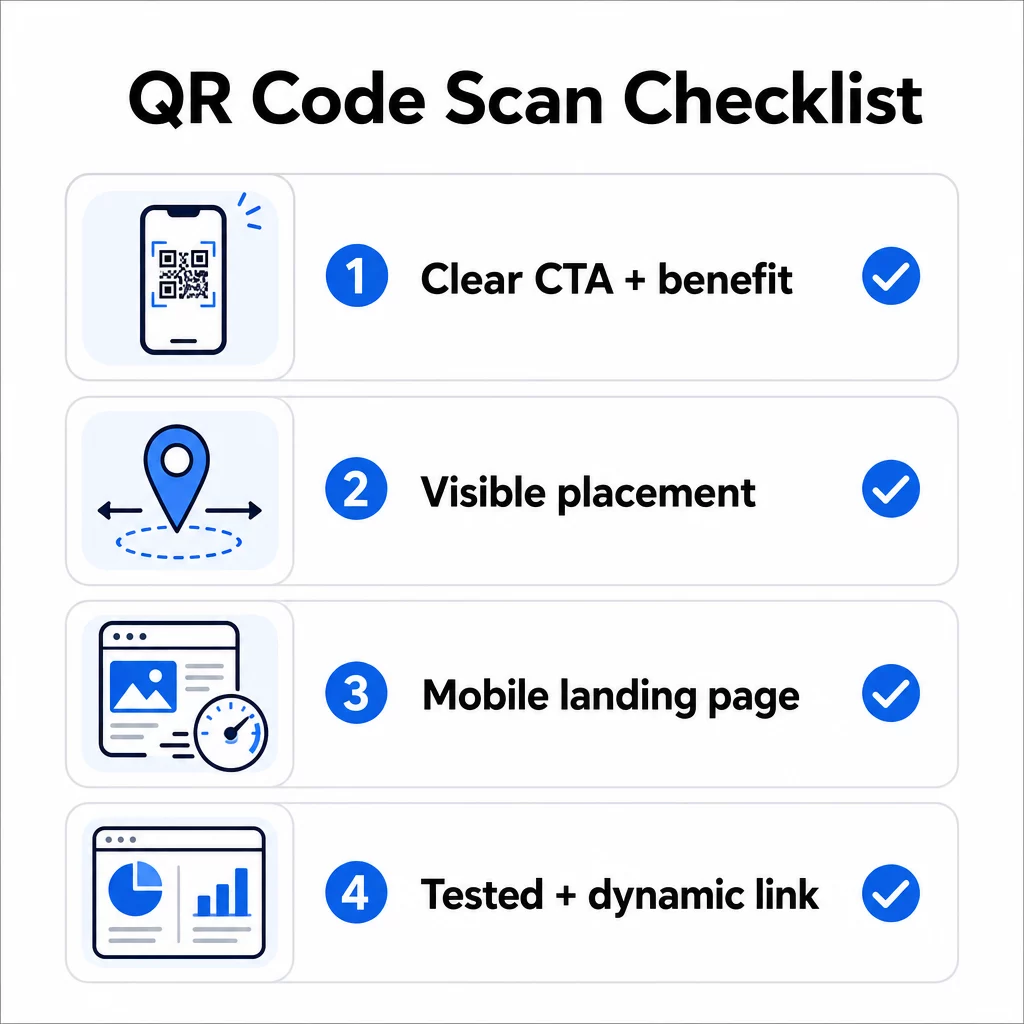
- Har du lagt till instruktioner eller en synlig uppmaning så att användarna vet vad de ska göra?
- Är koden placerad där din målgrupp har tid och utrymme att skanna?
- Erbjuder koden en tydlig, övertygande anledning att skanna?
- Matchar meddelandet din specifika målgrupp?
- Är destinationssidan helt mobiloptimerad och snabbladdad?
- Har du testat koden på flera enheter och under verkliga förhållanden?
- Använder du en dynamisk kod så att du kan uppdatera destinationen vid behov?
Om något svar är “nej”, är det din flaskhals. Åtgärda det innan koden går live – inte efter.
För djupare vägledning om design och tekniska standarder, se sidan med bästa praxis för användbarhet av QR-koder och guide för att spåra QR-kodskanningar är bra nästa steg.
Vanliga frågor
Miljöfaktorer som dålig belysning, bländning från glansiga ytor och långa skanningsavstånd påverkar alla tillförlitligheten. Se till att din kod uppfyller riktlinjen 10:1 för storlek-till-avstånd, använder en mörk förgrund på en ljus bakgrund och placeras på en plan, matt yta med tillräcklig belysning. Testa koden på den faktiska platsen innan du slutför placeringen.
En statisk QR-kod kodar permanent sin destination, så om URL:en ändras eller går sönder, blir koden oanvändbar och måste tryckas om. En dynamisk QR-kod pekar på en omdirigeringslänk som du kan uppdatera när som helst från en kontrollpanel. Dynamiska koder tillhandahåller också skanningsanalys – inklusive antal skanningar, platser, enhetstyper och tidpunkter – vilket gör dem till det bättre valet för alla marknadsföringskampanjer där flexibilitet eller mätbarhet spelar roll.
De mest effektiva förändringarna är att lägga till en tydlig uppmaning till handling som anger fördelen (som “Skanna för rabatt” eller “Skanna för att se menyn”), att placera koden där användare har tid att stanna och skanna, att säkerställa att målsidan laddar snabbt på mobilen, och att använda en varumärkesdesign som signalerar att koden är legitim. Att ta bort all friktion – oavsett om det är otydliga instruktioner, en långsam landningssida eller en dåligt placerad kod – ökar direkt skanningsfrekvensen.