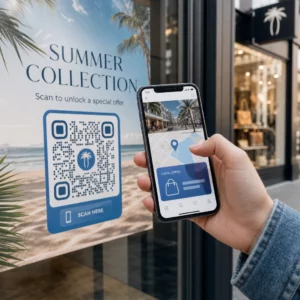
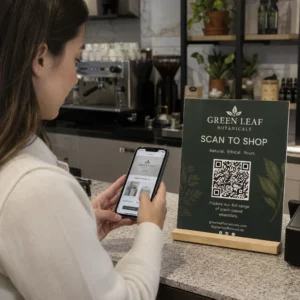
Bliver dine QR-koder ignoreret? Dårlige scanningsrater skyldes som regel en håndfuld forudsigelige, løsbare problemer – lige fra dårlig placering til brudt tillid. Denne artikel gennemgår hver barriere og giver dig konkrete skridt til at overvinde den.
Bruger Folk Stadig QR-koder?
Scanning af QR-koder er vokset støt i årevis, og udbredelsen accelererede kraftigt under og efter pandemien, da virksomheder skiftede til kontaktløse interaktioner. Hvis du ikke får scanninger, er problemet næsten helt sikkert ikke selve teknologien – det er, hvordan dine koder er designet, placeret eller præsenteret.
Hvorfor Dine QR-koder Ikke Bliver Scannet
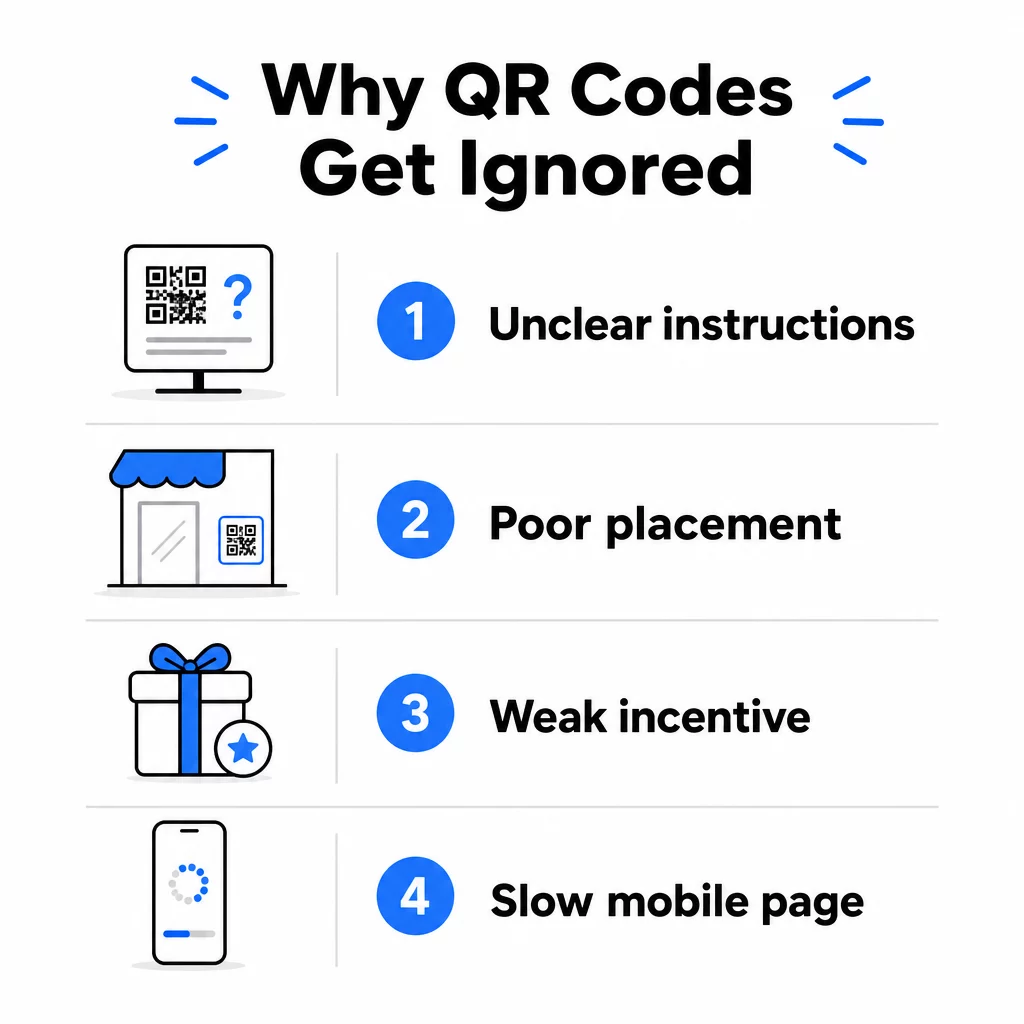
1. Folk Ved Ikke, Hvad De Skal Gøre
Ikke alle, der støder på din kode, ved, hvordan man scanner den, og at antage, at de gør, er en kostbar fejl. Ældre demografiske grupper kan især være ukendte med processen.
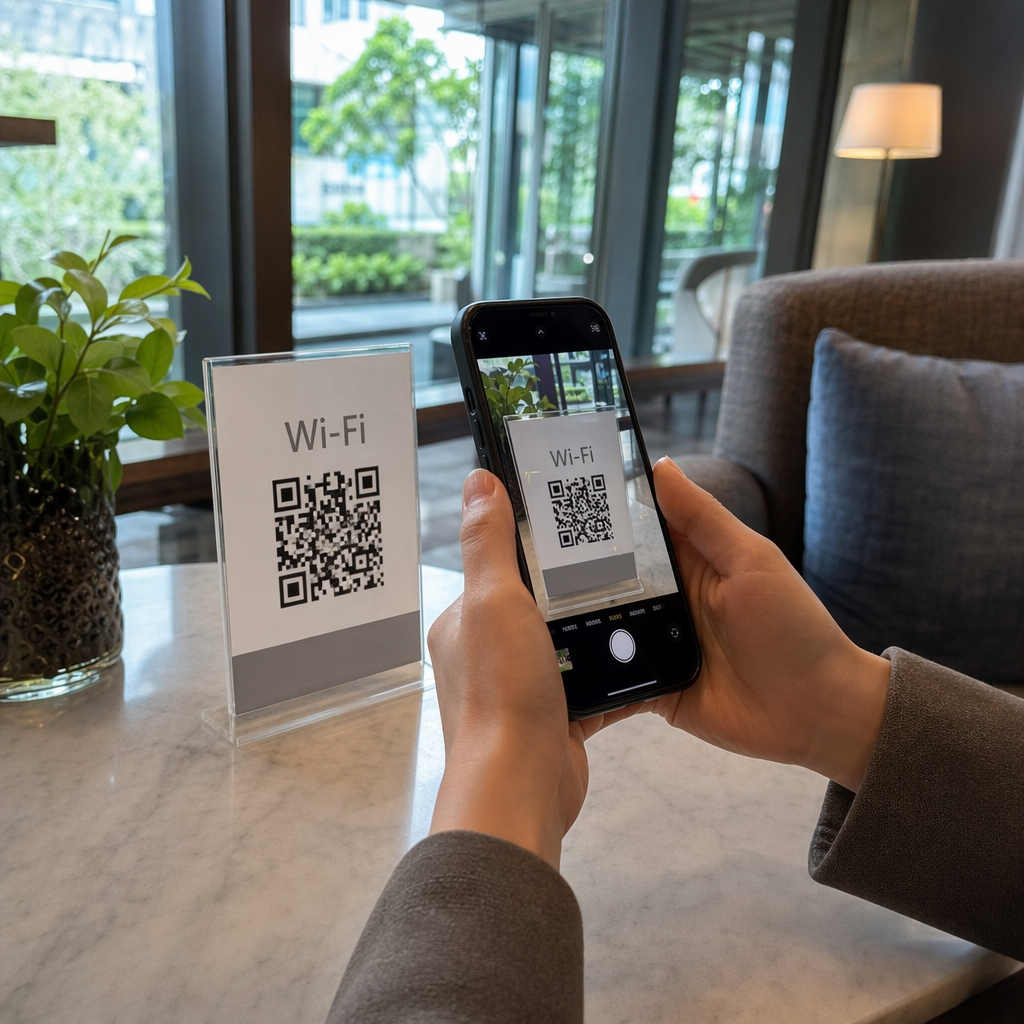
Løsningen er enkel: tilføj korte instruktioner ved siden af koden. Tekst som “Åbn din kamera-app og peg den her” eller et lille telefonikon fjerner friktionen for tøvende brugere. Ved placeringer med høj trafik kan en kort video-tutorial vist i nærheden hjælpe. Du kan også bruge en QR-kode ramme med en tydelig opfordring til handling såsom “Scan Mig” for at guide folk visuelt, før de overhovedet læser instruktionerne.
2. Koden Er Placeret Det Forkerte Sted
En QR-kode, som ingen kan se – eller nå – vil aldrig blive scannet. Placering afgør, om din kode får engagement eller bliver fuldstændig ignoreret.
Effektive placeringer sætter koden, hvor dit publikum har tid og plads til at tage deres telefon frem. Stærke placeringer inkluderer:
- Flyers og trykte uddelingsmaterialer
- Produktemballage og etiketter
- Visitkort
- Butiksvinduer og facader
- Plakater, bannere og billboards
- Magasiner og bordkort
Lige så vigtigt er, hvad man skal undgå. Buet overflader, reflekterende materialer, områder med svagt lys, travle baggrunde og miljøer med høj blænding reducerer alle scanningspålideligheden. Den ultimativ guide til placering af QR-koder i markedsføring dækker placeringsregler, herunder retningslinjen for afstand-til-størrelse på 10:1 og anbefalingen om at placere koder i øjenhøjde mellem 3,5 og 5,5 fod.
3. Der er ingen grund til at scanne
Dine kunder spørger altid: “Hvad får jeg ud af det?” Hvis du ikke kan besvare det spørgsmål på de to sekunder, de bruger på at se på din kode, vil de gå videre.
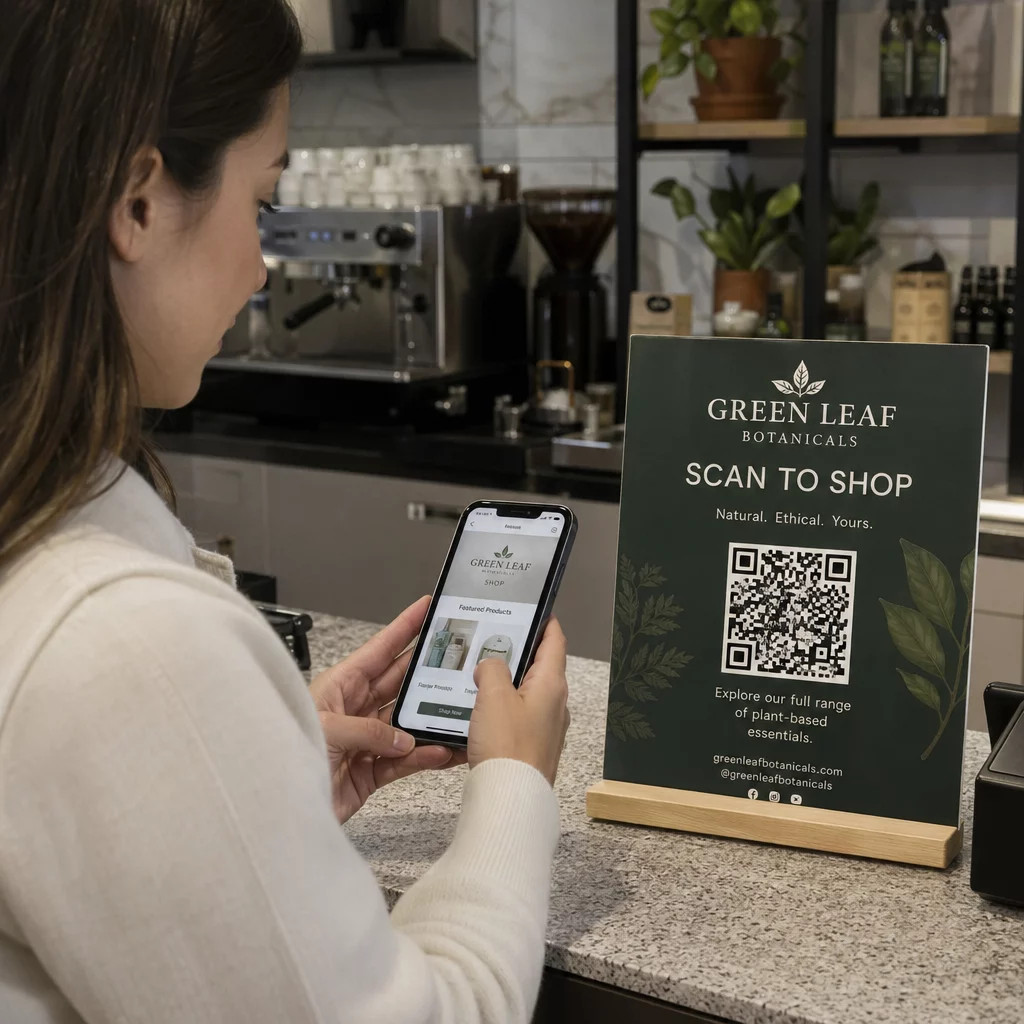
En almindelig QR-kode uden kontekst giver folk ingen grund til at handle. Løsningen er at gøre værdien eksplicit. Brug en opfordring til handling, der direkte angiver fordelen, såsom:
- “Scan for 20% rabat”
- “Scan for at se dagens menu”
- “Scan for at deltage i vores giveaway”
Gamification, eksklusive tilbud og lead magnets – såsom en gratis PDF-guide eller en chance for at vinde en præmie – giver alle kunder et håndgribeligt incitament. Pageloots forskning viser konsekvent, at veldesignede QR-kodekampagner der kommunikerer værdi på forhånd, overgår generiske koder med en betydelig margin.
Få flere scanninger med brandede, handlingsorienterede QR-koder Tilføj professionelle rammer, brugerdefinerede farver og klare opfordringer til handling til dine koder med Pageloot QR-kodegenerator. Gratis 14-dages prøveperiode, intet kreditkort påkrævet.
4. Budskabet taler ikke til dit publikum
En QR-kode er kun så effektiv som kampagnen bag den. Hvis sproget, designet eller tilbuddet ikke forbinder med dit specifikke publikum, vil engagementet falde, uanset hvor godt koden er placeret.
For at lukke dette hul skal du starte med at identificere de smertepunkter, dine kunder faktisk har. Match derefter budskabet med de platforme og fysiske rum, hvor dette publikum tilbringer tid. En kode på en messeflyer rettet mod indkøbschefer kræver et andet budskab end en på et restaurantbord rettet mod afslappede spisende gæster. Uoverensstemmende budskaber er usynlige budskaber.
5. Landingssideoplevelsen er dårlig
QR-kodens eneste opgave er at få nogen til en side. Fra det punkt skal dit indhold konvertere. En kode, der fører til en langsom, rodet eller kun-desktop-side, spilder hver scanning, den opnår.
Fordi QR-koder scannes på smartphones, skal destinationen være fuldt mobiloptimeret – ikke kun mobilvenlig. Disse er ikke det samme. En mobiloptimeret side er bygget op omkring mobiloplevelsen, med hurtige indlæsningstider, tommelfinger-venlig navigation og indhold skaleret til små skærme. Nøglefaktorer at gennemgå, før du udgiver en kode:
- Er siden responsiv og hurtigt indlæst på mobilforbindelser?
- Er der en enkelt, klar opfordring til handling over folden?
- Har du fjernet distraktioner, der trækker opmærksomheden væk fra hovedmålet?
- Leverer siden det, QR-koden lovede?
Det guide til test af QR-koder for mobil brugervenlighed anbefaler indlæsningstider under to til tre sekunder og test på tværs af flere enheder og browsere før lancering.
6. Koden har tekniske problemer
En teknisk ødelagt QR-kode er den hurtigste måde at ødelægge tillid og miste en scanning for evigt. Almindelige problemer inkluderer koder, der er for små, har utilstrækkelig kontrast eller linker til en ødelagt URL.
Vigtige tekniske standarder at kontrollere:
- Størrelse: Brug mindst 2 × 2 cm til scanning på kort afstand, og skaler op baseret på den forventede visningsafstand ved hjælp af 10:1-forholdet (scanningsafstand ÷ 10 = minimum bredde).
- Kontrast: Hold en mørk forgrund på en lys baggrund. Sort på hvid giver den højeste pålidelighed. Undgå farvekombinationer med lav kontrast, gradienter og inverterede designs. bedste praksis for farvekontrast i QR-koder anbefaler at sigte efter et kontrastforhold på mindst 4,5:1 for pålidelig scanning.
- Stillezone: Oprethold en klar kant på mindst fire moduler på hver side af koden. Scannere bruger dette område til at lokalisere, hvor koden begynder og slutter.
- Fejlkorrektion: Brug et højere fejlkorrektionsniveau (Q eller H), hvis du tilføjer et logo eller tilpasser designet. Disse niveauer kan kompensere for op til 25-30% datatab fra obstruktion eller skade.
Test altid din kode på tværs af flere enheder, kamera-apps og lysforhold, før du distribuerer den. De vejledning i bedste praksis for læsbarhed af QR-koder og brugervenlighedsstandarder baseret på ISO/IEC 18004 dækker disse tekniske krav i detaljer. Du kan også bruge det gratis QR-kodescanner-værktøj til at verificere, at dine koder scanner korrekt, før du udskriver.
7. Du bruger en statisk kode, du ikke kan opdatere
Statiske QR-koder koder en fast destination. Hvis den URL ændres, går i stykker eller udløber, efter koden er udskrevet, rammer enhver person, der scanner den, en blindgyde – og du kan ikke rette det uden at genudskrive alt.
Dynamiske QR-koder løse dette problem ved at pege på et kort omdirigeringslink, som du kan opdatere når som helst fra et dashboard. Skift destinations-URL'en, udskift en PDF, eller omdiriger til et nyt tilbud – uden at røre den udskrevne kode. Dynamiske koder låser også op for scanningsanalyser, hvilket giver dig data om, hvor mange mennesker der scannede, hvornår, hvor og på hvilken enhed. Denne sporingsfunktion er det, der giver dig mulighed for at måle ægte kampagneydelse og optimere over tid.
Hold dine kampagner opdaterede uden at genudskrive Brug Dynamisk QR-kode generator for at oprette koder, du kan opdatere når som helst – og spore hver scanning med indbygget analyse.
Tillidsproblemet: Hvorfor nogle mennesker aldrig scanner noget
Ud over tekniske og designmæssige problemer er der en dybere barriere, der ikke får nok opmærksomhed: sikkerhedsbekymringer. Nogle brugere er tilbageholdende med at scanne QR-koder fra ukendte kilder, fordi de ikke kan se, hvor koden fører hen, før de forpligter sig. Denne bekymring er legitim – ondsindede QR-koder kan omdirigere brugere til phishing-sider, udløse malware-downloads eller indsamle følsomme oplysninger.
Som marketingmedarbejder eller virksomhedsejer kan du reducere denne friktion ved at indbygge tillidssignaler i din QR-kodeplacering:
- Vis dit brand tydeligt ved siden af koden, så brugerne ved, hvem der står bag den
- Tilføj en kort beskrivelse af, hvad koden fører til (“Scan for at se vores digitale menu”)
- Brug HTTPS-destinationer, og sørg for, at dine landingssider ser professionelle og legitime ud
- Undgå at placere koder i miljøer med lav tillid, hvor brugere ikke har nogen kontekst for, hvorfor en kode er der
Branded QR-koder – med dit logo indlejret, farver der matcher din identitet og en tydelig CTA-ramme – signalerer legitimitet og øger sandsynligheden for, at en forsigtig bruger vil scanne.
En sidste tjekliste, før du implementerer
Gennemgå disse spørgsmål, før du udgiver en QR-kodekampagne:
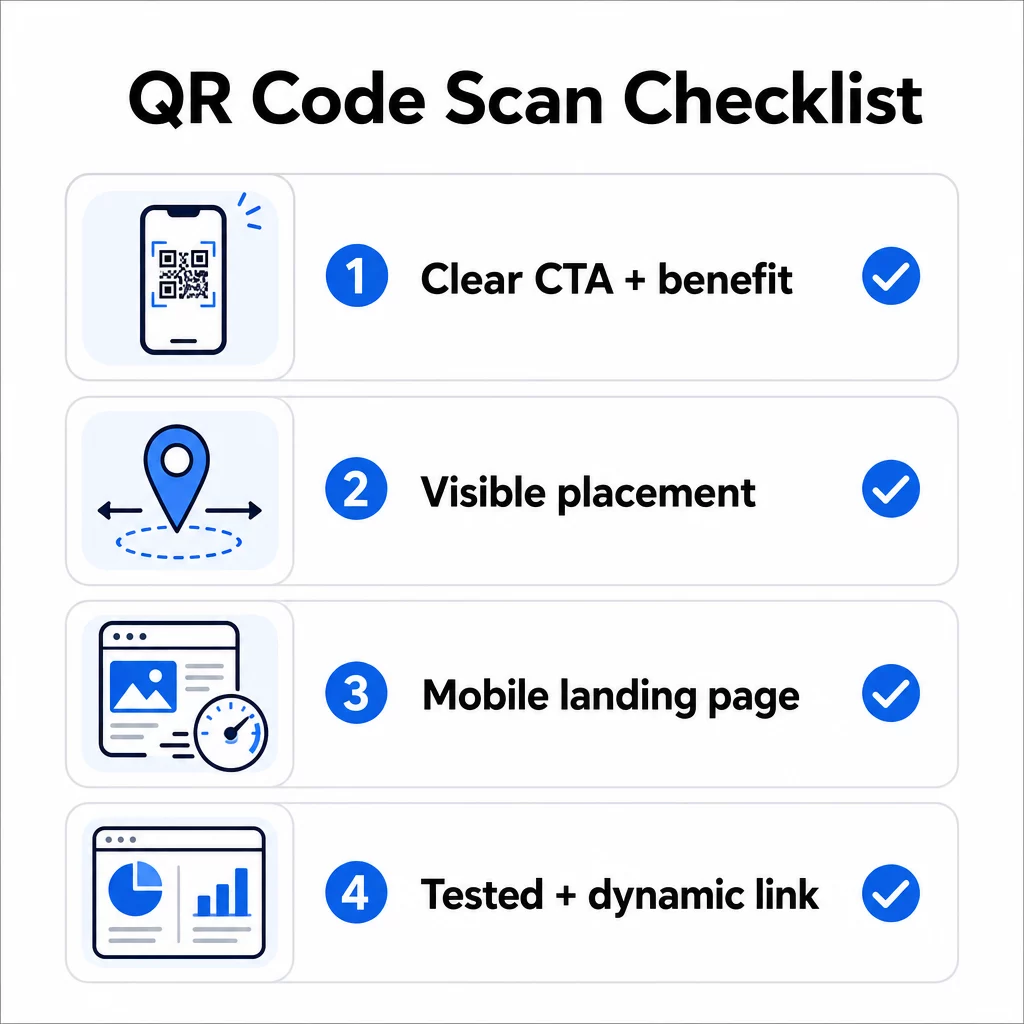
- Har du tilføjet instruktioner eller en synlig opfordring til handling, så brugerne ved, hvad de skal gøre?
- Er koden placeret, hvor dit publikum har tid og plads til at scanne?
- Tilbyder koden en klar, overbevisende grund til at scanne?
- Matcher budskabet din specifikke målgruppe?
- Er destinationssiden fuldt mobiloptimeret og hurtigt indlæst?
- Har du testet koden på flere enheder og under virkelige forhold?
- Bruger du en dynamisk kode, så du kan opdatere destinationen, hvis det er nødvendigt?
Hvis et svar er “nej”, er det din flaskehals. Løs det, før koden går live – ikke efter.
For dybere vejledning om design og tekniske standarder, se side om bedste praksis for QR-kodes brugervenlighed og vejledning til sporing af QR-kodescanninger er gode næste stop.
Ofte stillede spørgsmål
Miljømæssige faktorer som dårlig belysning, genskin fra blanke overflader og lange scanningsafstande påvirker alle pålideligheden. Sørg for, at din kode overholder retningslinjen for størrelse-til-afstand på 10:1, bruger en mørk forgrund på en lys baggrund og er placeret på en flad, mat overflade med tilstrækkelig belysning. Test koden på det faktiske sted, før du færdiggør placeringen.
En statisk QR-kode koder permanent sin destination, så hvis URL'en ændres eller går i stykker, bliver koden ubrugelig og skal genprintes. En dynamisk QR-kode peger på et omdirigeringslink, du kan opdatere når som helst fra et dashboard. Dynamiske koder giver også scanningsanalyser – herunder antal scanninger, placeringer, enhedstyper og tidspunkter – hvilket gør dem til det bedre valg for enhver marketingkampagne, hvor fleksibilitet eller måling er vigtigt.
De mest effektive ændringer er at tilføje en klar opfordring til handling, der angiver fordelen (såsom “Scan for rabat” eller “Scan for at se menuen”), placere koden, hvor brugere har tid til at stoppe og scanne, sikre at destinationssiden indlæses hurtigt på mobil, og bruge et brandet design, der signalerer, at koden er legitim. Fjernelse af enhver friktion – hvad enten det er uklare instruktioner, en langsom landingsside eller en dårligt placeret kode – øger direkte scanningsraterne.