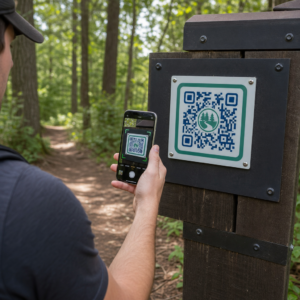
Ar jūsų QR kodai ignoruojami? Prasti nuskaitymo rodikliai dažniausiai susiję su keliais nuspėjamais, išsprendžiamais problemomis – nuo netinkamo išdėstymo iki prarasto pasitikėjimo. Šis straipsnis apžvelgia kiekvieną kliūtį ir pateikia konkrečius žingsnius, kaip ją įveikti.
Ar žmonės vis dar naudoja QR kodus?
QR kodų nuskaitymas nuolat augo daugelį metų, o jų naudojimas smarkiai išaugo pandemijos metu ir po jos, verslui pereinant prie bekontakčių sąveikų. Jei jūsų kodai nenuskaitomi, problema beveik neabejotinai yra ne pati technologija – tai, kaip jūsų kodai yra sukurti, išdėstyti ar pateikti.
Kodėl jūsų QR kodai nenuskaitomi
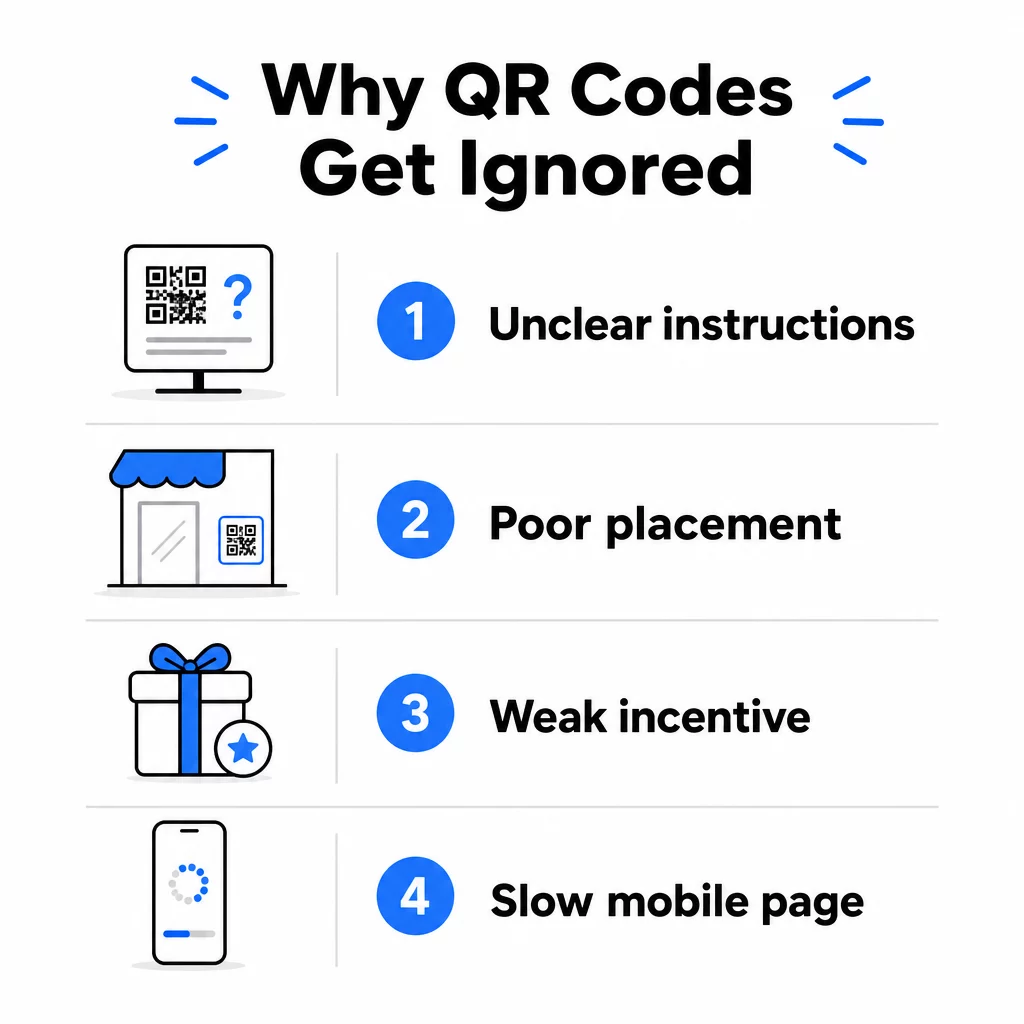
1. Žmonės nežino, ką daryti
Ne kiekvienas žmogus, susidūręs su jūsų kodu, žino, kaip jį nuskaityti, o manyti, kad jie žino, yra brangi klaida. Ypač vyresnio amžiaus demografinės grupės gali būti nepažįstamos su šiuo procesu.
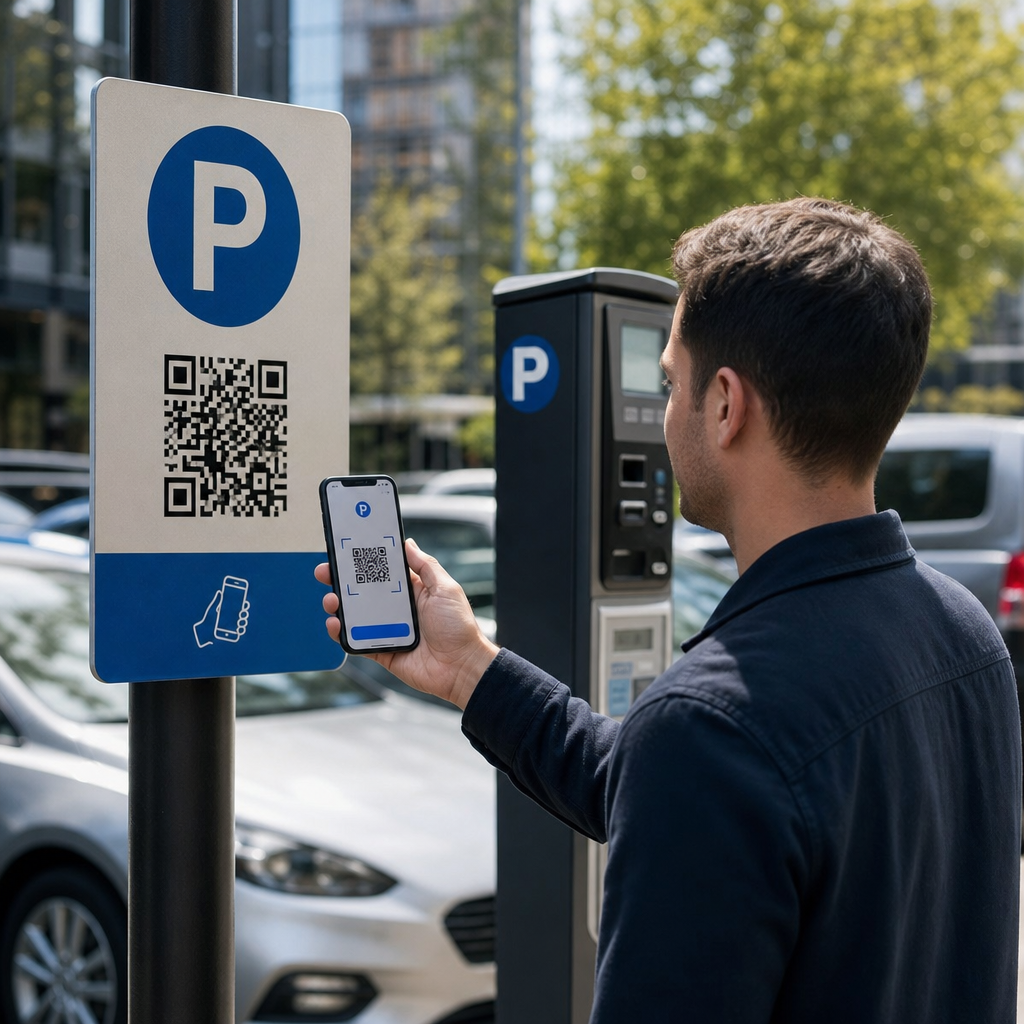
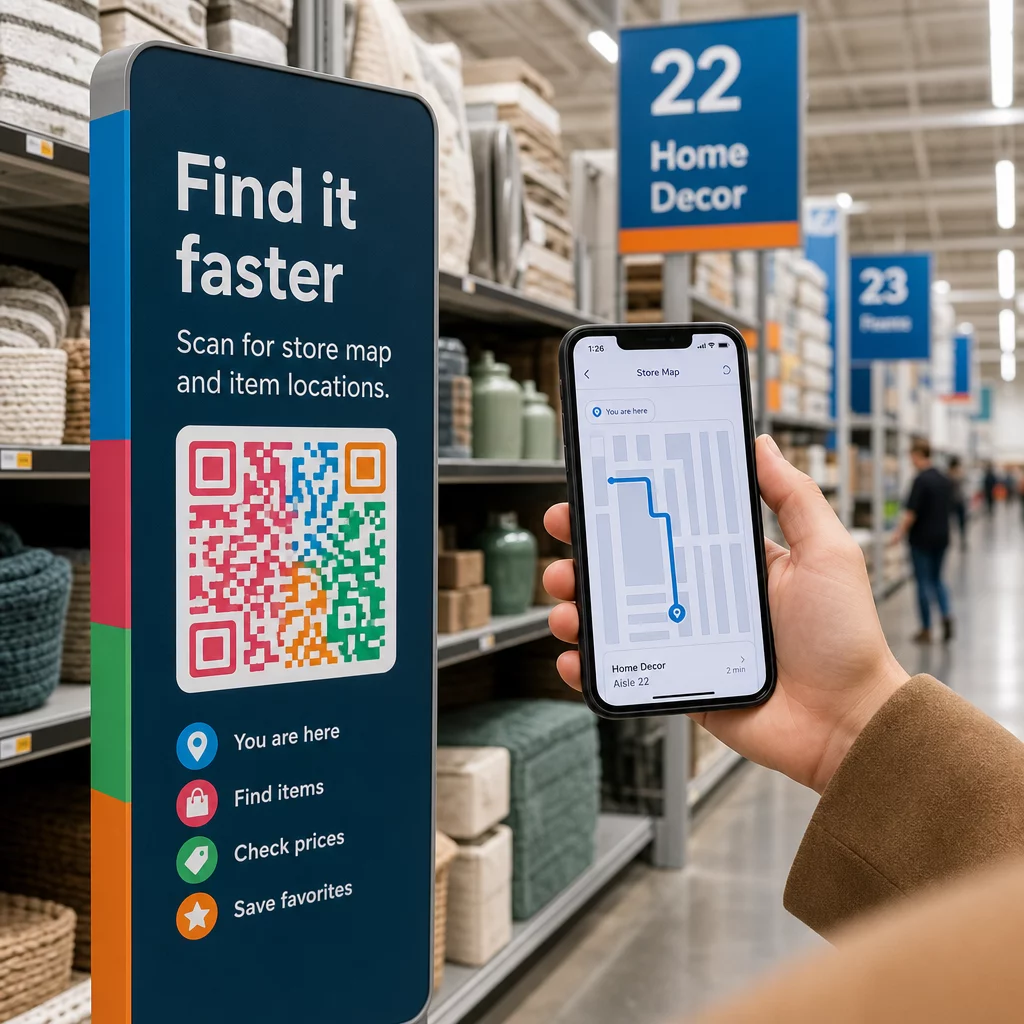
Sprendimas paprastas: šalia kodo pridėkite trumpas instrukcijas. Tekstas, pvz., “Atidarykite fotoaparato programėlę ir nukreipkite ją čia” arba maža telefono piktograma pašalina dvejojančių vartotojų kliūtis. Didelio srauto vietose gali padėti netoliese rodomas trumpas vaizdo įrašo vadovas. Taip pat galite naudoti QR kodo rėmelį su aiškiu raginimu veikti pvz., “Nuskaitykite mane”, kad vizualiai nukreiptumėte žmones dar prieš jiems perskaitant instrukcijas.
2. Kodas yra netinkamoje vietoje
QR kodas, kurio niekas nemato – arba nepasiekia – niekada nebus nuskaitytas. Išdėstymas lemia, ar jūsų kodas sulauks įsitraukimo, ar bus visiškai ignoruojamas.
Efektyvus išdėstymas yra ten, kur jūsų auditorija turi laiko ir erdvės išsiimti telefoną. Tinkamos vietos apima:
- Skrajutės ir spausdinti dalomoji medžiaga
- Produktų pakuotės ir etiketės
- Vizitinės kortelės
- Parduotuvių vitrinos ir fasadai
- Plakatai, baneriai ir reklaminiai stendai
- Žurnalai ir stalo palapinės
Taip pat svarbu, ko vengti. Lenkti paviršiai, atspindinčios medžiagos, prasto apšvietimo zonos, užimtas fonas ir stipraus atspindžio aplinka – visa tai mažina nuskaitymo patikimumą. išsamus QR kodo išdėstymo rinkodaroje vadovas apima padėties nustatymo taisykles, įskaitant 10:1 atstumo ir dydžio gaires bei rekomendaciją kodus dėti akių lygyje, tarp 3,5 ir 5,5 pėdų.
3. Nėra priežasties nuskaityti
Jūsų klientai visada klausia: “Kokia man iš to nauda?” Jei negalite atsakyti į šį klausimą per dvi sekundes, kurias jie praleidžia žiūrėdami į jūsų kodą, jie eis toliau.
Paprastas QR kodas be konteksto nesuteikia žmonėms jokios priežasties veikti. Sprendimas yra aiškiai nurodyti vertę. Naudokite raginimą veikti, kuris tiesiogiai nurodo naudą, pavyzdžiui:
- “Nuskaitykite, kad gautumėte 20% nuolaidą”
- “Nuskaitykite, kad pamatytumėte šiandienos meniu”
- “Nuskaitykite, kad dalyvautumėte mūsų loterijoje”
Žaidimas, išskirtiniai pasiūlymai ir potencialių klientų pritraukimo priemonės – tokios kaip nemokamas PDF vadovas ar galimybė laimėti prizą – visa tai suteikia klientams apčiuopiamą paskatą. „Pageloot“ tyrimai nuosekliai rodo, kad gerai suplanuotos QR kodų kampanijos kurios iš anksto praneša apie vertę, gerokai pralenkia bendrinius kodus.
Gaukite daugiau nuskaitymų naudodami firminius, veiksmų reikalaujančius QR kodus Pridėkite profesionalius rėmelius, pasirinktines spalvas ir aiškius raginimus veikti prie savo kodų su „Pageloot“ QR kodų generatorius. Nemokamas 14 dienų bandomasis laikotarpis, nereikia kredito kortelės.
4. Žinutė nekalba jūsų auditorijai
QR kodas yra toks efektyvus, kokia yra už jo slypinti kampanija. Jei kalba, dizainas ar pasiūlymas nesusijungs su jūsų konkrečia auditorija, įsitraukimas sumažės, nepaisant to, kaip gerai kodas yra patalpintas.
Norėdami užpildyti šią spragą, pradėkite nuo to, kad nustatytumėte, kokias problemas iš tikrųjų turi jūsų klientai. Tada pritaikykite žinutę platformoms ir fizinėms erdvėms, kuriose ta auditorija praleidžia laiką. Kodas ant parodos skrajutės, skirtos pirkimų vadybininkams, reikalauja kitokios žinutės nei kodas ant restorano stalo, skirtas atsitiktiniams lankytojams. Nesuderinta žinutė yra nematoma žinutė.
5. Nukreipiamojo puslapio patirtis yra prasta
QR kodo vienintelė užduotis yra nukreipti žmogų į puslapį. Nuo to momento jūsų turinys turi konvertuoti. Kodas, vedantis į lėtą, perkrautą ar tik darbalaukiui skirtą puslapį, iššvaisto kiekvieną nuskaitymą.
Kadangi QR kodai nuskaitomi išmaniaisiais telefonais, paskirties vieta turi būti visiškai optimizuota mobiliesiems – ne tik pritaikyta mobiliesiems. Tai nėra tas pats. Mobiliesiems optimizuotas puslapis yra sukurtas atsižvelgiant į mobiliąją patirtį, su greitu įkėlimo laiku, patogia navigacija nykščiu ir turiniu, pritaikytu mažiems ekranams. Pagrindiniai veiksniai, kuriuos reikia patikrinti prieš publikuojant kodą:
- Ar puslapis yra reaguojantis ir greitai įkeliamas naudojant mobiliojo ryšio jungtis?
- Ar yra vienas, aiškus raginimas veikti virš matomos dalies?
- Ar pašalinote blaškančius elementus, kurie nukreipia dėmesį nuo pagrindinio tikslo?
- Ar puslapis įvykdo tai, ką pažadėjo QR kodas?
Tas QR kodų testavimo mobiliajam naudojimui vadovas rekomenduoja įkėlimo laiką iki dviejų ar trijų sekundžių ir testavimą įvairiuose įrenginiuose bei naršyklėse prieš paleidimą.
6. Kodas turi techninių problemų
Techniškai sugedęs QR kodas yra greičiausias būdas sunaikinti pasitikėjimą ir prarasti nuskaitymą amžinai. Dažnos problemos apima per mažus kodus, nepakankamą kontrastą arba nuorodą į neveikiančią URL.
Pagrindiniai techniniai standartai, kuriuos reikia patikrinti:
- Dydis: Naudokite bent 2 × 2 cm artimam nuskaitymui ir didinkite mastelį pagal numatomą žiūrėjimo atstumą, naudodami santykį 10:1 (nuskaitymo atstumas ÷ 10 = minimalus plotis).
- Kontrastas: Laikykitės tamsaus priekinio plano šviesiame fone. Juoda ant balto užtikrina didžiausią patikimumą. Venkite mažo kontrasto spalvų derinių, gradientų ir apverstų dizainų. QR kodo spalvų kontrasto geriausios praktikos rekomenduoja siekti bent 4,5:1 kontrasto santykio patikimam nuskaitymui.
- Tylioji zona: Išlaikykite aiškų bent keturių modulių kraštą kiekvienoje kodo pusėje. Skaitytuvai naudoja šią erdvę, kad nustatytų, kur kodas prasideda ir baigiasi.
- Klaidų taisymas: Naudokite aukštesnį klaidų taisymo lygį (Q arba H), jei pridedate logotipą arba pritaikote dizainą. Šie lygiai gali kompensuoti iki 25–30% duomenų praradimą dėl užstojimo ar pažeidimo.
Visada išbandykite savo kodą įvairiuose įrenginiuose, kameros programėlėse ir apšvietimo sąlygomis prieš jį platindami. The QR kodo skaitomumo geriausios praktikos vadovas ir naudojimo standartai, pagrįsti ISO/IEC 18004 išsamiai apima šiuos techninius reikalavimus. Taip pat galite naudoti nemokamą QR kodo skaitytuvo įrankį norėdami patikrinti, ar jūsų kodai nuskaitomi teisingai prieš spausdinant.
7. Naudojate statinį kodą, kurio negalite atnaujinti
Statiniai QR kodai užkoduoja fiksuotą paskirties vietą. Jei tas URL pasikeičia, sugenda arba baigiasi jo galiojimas po kodo atspausdinimo, kiekvienas, kuris jį nuskaito, atsiduria aklavietėje – ir jūs negalite to ištaisyti neperspausdinę visko.
Dinaminiai QR kodai išspręskite šią problemą nukreipdami į trumpą peradresavimo nuorodą, kurią galite bet kada atnaujinti iš valdymo pulto. Pakeiskite paskirties URL, pakeiskite PDF failą arba nukreipkite į naują pasiūlymą – neliesdami atspausdinto kodo. Dinaminiai kodai taip pat atrakina nuskaitymo analizę, suteikdami jums duomenis apie tai, kiek žmonių nuskenavo, kada, kur ir kokiu įrenginiu. Ši stebėjimo galimybė leidžia jums įvertinti tikrąjį kampanijos našumą ir optimizuoti laikui bėgant.
Atnaujinkite savo kampanijas be perspausdinimo Naudoti Dinaminis QR kodo generatorius kurti kodus, kuriuos galite atnaujinti bet kada – ir stebėti kiekvieną nuskaitymą su integruota analize.
Pasitikėjimo problema: kodėl kai kurie žmonės niekada nieko nenuskaito
Be techninių ir dizaino problemų, egzistuoja gilesnė kliūtis, kuriai neskiriama pakankamai dėmesio: saugumo problemos. Kai kurie vartotojai nenoriai nuskaito QR kodus iš nepažįstamų šaltinių, nes negali matyti, kur kodas veda, prieš jiems įsipareigojant. Šis susirūpinimas yra pagrįstas – kenkėjiški QR kodai gali nukreipti vartotojus į sukčiavimo svetaines, sukelti kenkėjiškų programų atsisiuntimus arba rinkti jautrią informaciją.
Kaip rinkodaros specialistas ar verslo savininkas, galite sumažinti šią trintį, įdiegdami pasitikėjimo signalus į savo QR kodo išdėstymą:
- Ryškiai parodykite savo prekės ženklą šalia kodo, kad vartotojai žinotų, kas už jo stovi
- Pridėkite trumpą aprašymą, kur kodas veda (“Nuskaitykite, kad peržiūrėtumėte mūsų skaitmeninį meniu”)
- Naudokite HTTPS paskirties vietas ir užtikrinkite, kad jūsų nukreipimo puslapiai atrodytų profesionaliai ir teisėtai
- Venkite dėti kodus mažo pasitikėjimo aplinkoje, kur vartotojai neturi konteksto, kodėl kodas ten yra
Firminiai QR kodai – su įterptu jūsų logotipu, spalvomis, atitinkančiomis jūsų tapatybę, ir aiškiu raginimo veikti (CTA) rėmeliu – signalizuoja teisėtumą ir padidina tikimybę, kad atsargus vartotojas nuskaitys.
Galutinis kontrolinis sąrašas prieš diegiant
Peržiūrėkite šiuos klausimus prieš paskelbdami bet kokią QR kodo kampaniją:
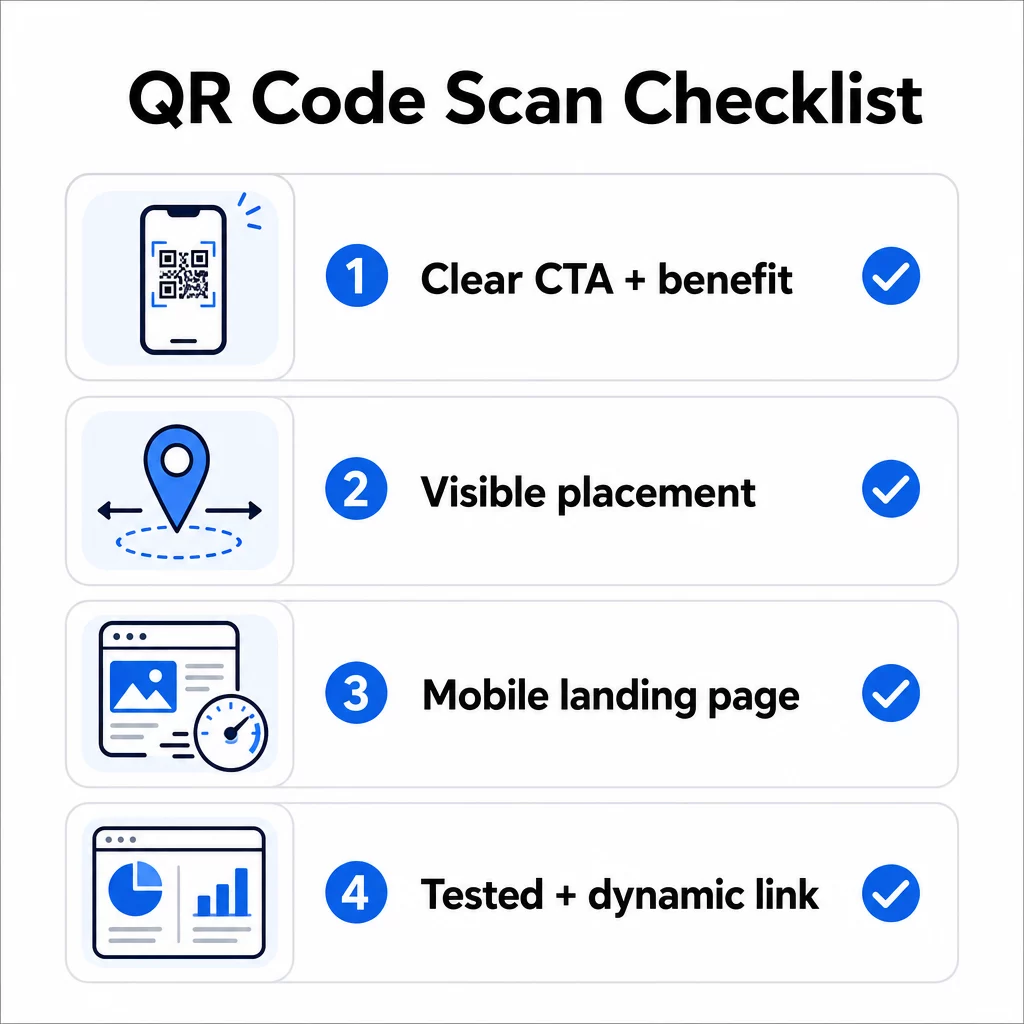
- Ar pridėjote instrukcijas arba matomą raginimą veikti, kad vartotojai žinotų, ką daryti?
- Ar kodas patalpintas ten, kur jūsų auditorija turi laiko ir erdvės nuskaityti?
- Ar kodas siūlo aiškią, įtikinamą priežastį nuskaityti?
- Ar pranešimas atitinka jūsų konkrečią tikslinę auditoriją?
- Ar paskirties puslapis yra visiškai optimizuotas mobiliesiems įrenginiams ir greitai įkeliamas?
- Ar išbandėte kodą keliuose įrenginiuose ir realiomis sąlygomis?
- Ar naudojate dinaminį kodą, kad prireikus galėtumėte atnaujinti paskirties vietą?
Jei bet kuris atsakymas yra “ne”, tai yra jūsų kliūtis. Išspręskite tai prieš kodui pradedant veikti – ne po to.
Išsamesnių gairių dėl dizaino ir techninių standartų rasite: QR kodo naudojimo geriausios praktikos puslapis ir QR kodo nuskaitymų stebėjimo vadovas yra geros kitos stotelės.
Dažniausiai užduodami klausimai
Aplinkos veiksniai, tokie kaip prastas apšvietimas, blizgesys nuo blizgių paviršių ir ilgi nuskaitymo atstumai, visi veikia patikimumą. Įsitikinkite, kad jūsų kodas atitinka 10:1 dydžio ir atstumo gaires, naudoja tamsų priekinį planą šviesiame fone ir yra patalpintas ant lygaus, matinio paviršiaus su tinkamu apšvietimu. Išbandykite kodą faktinėje vietoje prieš galutinai nustatydami jo vietą.
Statinis QR kodas visam laikui užkoduoja savo paskirties vietą, todėl, jei URL pasikeičia arba sugenda, kodas tampa nenaudingas ir turi būti perspausdintas. Dinaminis QR kodas nukreipia į peradresavimo nuorodą, kurią galite bet kada atnaujinti iš valdymo pulto. Dinaminiai kodai taip pat teikia nuskaitymo analizę – įskaitant nuskaitymų skaičių, vietas, įrenginių tipus ir laiką – todėl jie yra geresnis pasirinkimas bet kuriai rinkodaros kampanijai, kurioje svarbu lankstumas ar matavimas.
Efektyviausi pokyčiai yra aiškaus raginimo veikti, nurodančio naudą (pvz., “Nuskaitykite, kad gautumėte nuolaidą” arba “Nuskaitykite, kad peržiūrėtumėte meniu”), pridėjimas, kodo patalpinimas ten, kur vartotojai turi laiko sustoti ir nuskaityti, užtikrinimas, kad paskirties puslapis greitai įkeltų mobiliajame įrenginyje, ir firminio dizaino, signalizuojančio, kad kodas yra teisėtas, naudojimas. Pašalinus bet kokią trintį – ar tai būtų neaiškios instrukcijos, lėtai įkeliantis nukreipimo puslapis ar netinkamai patalpintas kodas – tiesiogiai padidėja nuskaitymo rodikliai.