ホーム > QRニュース > Are QR Codes Dead? Here’s What the Data Says
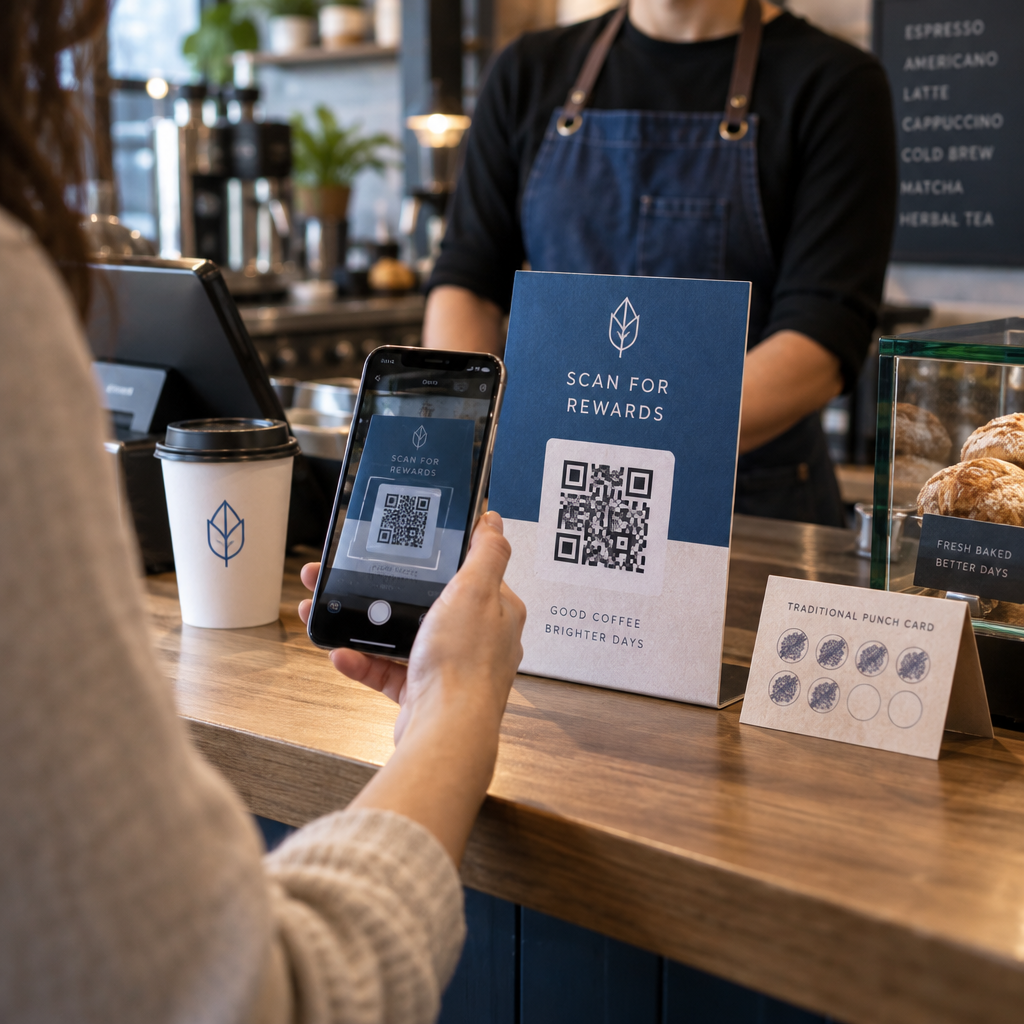
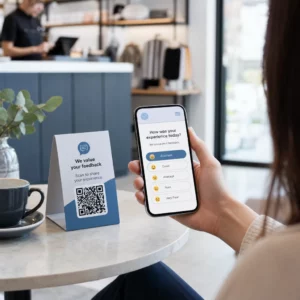
顧客がQRコードをスキャン

Are QR Codes Dead? Here’s What the Data Says

QR codes are more active than ever with 89 million US users in 2025. Explore the latest data, global adoption trends, and how to use them for your business.
Updated on 6月 10, 2026
目次

Are you wondering whether QR codes are still worth using in your marketing or business materials? That question is more common than you’d think – and the answer matters if you’re planning a campaign, updating packaging, or rethinking how customers interact with your brand. This article breaks down the current state of QR code adoption, who’s using them, and how to make them work effectively.

QR Codes Are Not Dead – They’re Growing

The short answer: QR codes are more active than ever. Scan volumes have increased steadily year over year, and the technology has moved well beyond its early, clunky reputation.

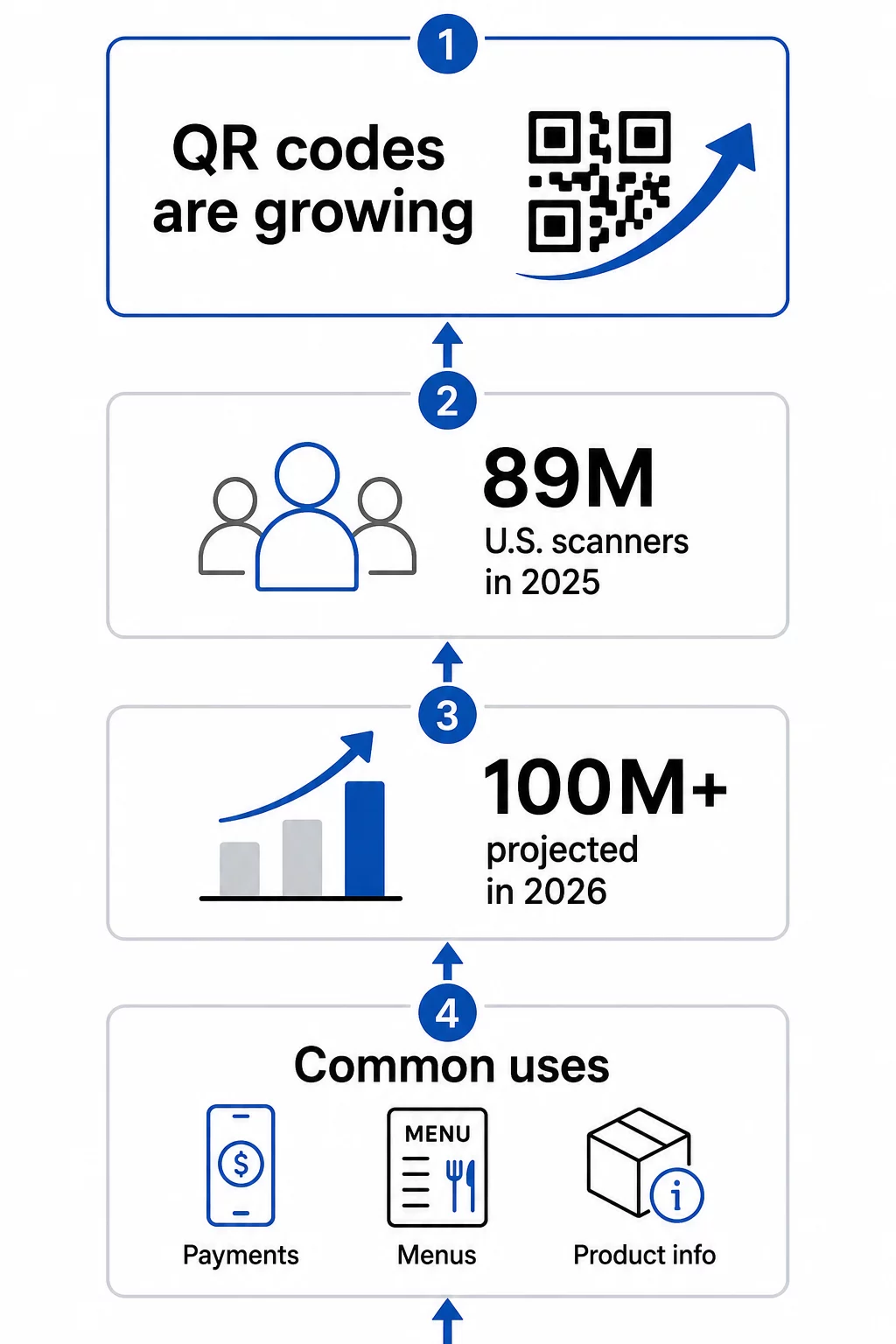
In the United States alone, 89 million people scanned a QR code in 2025. That number is projected to exceed 100 million U.S. users in 2026 – roughly one in three Americans. Among people who already use them, most scan several times a month, and about one in five report using them weekly.

QR code growth data

Globally, adoption is even more pronounced. Asian markets lead by a wide margin:

  • Hong Kong indexes at 100% relative interest in QR code usage
  • マカオ at 93%
  • シンガポール 80%
  • マレーシア at 74%
  • 70%で台湾
  • フィリピン at 58%
  • 39%でタイ
  • ドイツ at 38%
  • アラブ首長国連邦 at 37%
  • スイス at 37%
  • 36%でのベルギー
  • 36%でのオーストリア

The United States, despite its large consumer base, ranks around #24 in relative interest – meaning there’s still significant room for growth in the North American market.

Why QR Codes Disappeared – Then Came Back Stronger

QR codes did peak around 2011, and many people assumed they faded after that. What actually happened is more nuanced: adoption stalled because smartphones of that era required dedicated scanning apps, and the user experience was too fragmented to feel natural.

That changed when Apple and Android integrated native QR scanning directly into their camera apps. No extra download required – just point and scan. That single shift removed the biggest barrier to consumer adoption.

The COVID-19 pandemic accelerated things further. Restaurants replaced printed menus with QR-linked digital versions almost overnight. Businesses discovered that a scannable code could replace physical touchpoints entirely, and consumers adapted quickly. The behavior became normalized across demographics that had never used QR codes before.

Today, QR code use has become a sustained trend, not a fad. The technology has been on an upward trajectory since 2016, and the infrastructure – both on the consumer device side and the business tools side – is now mature enough to support serious marketing and operational use.

Who Is Actually Using QR Codes in 2024 and Beyond

The question isn’t really whether people are scanning QR codes – they clearly are. The more useful question is: what are they scanning, and why does that matter to your business?

According to survey data from U.S. consumers, the top reported use cases are:

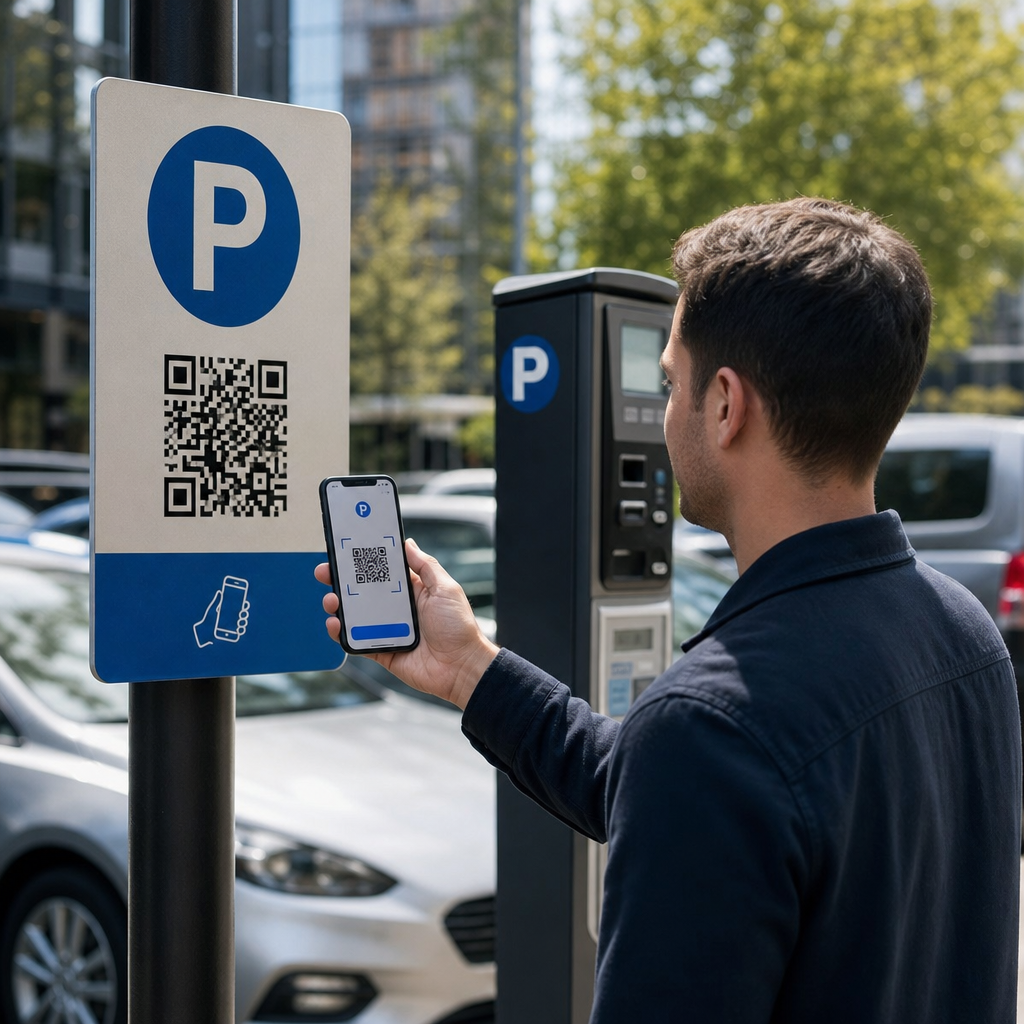
  • Making payments – contactless checkout via QR has become standard in many retail and food service environments
  • Checking information on food and beverage products – ingredient transparency, sourcing details, and promotional content
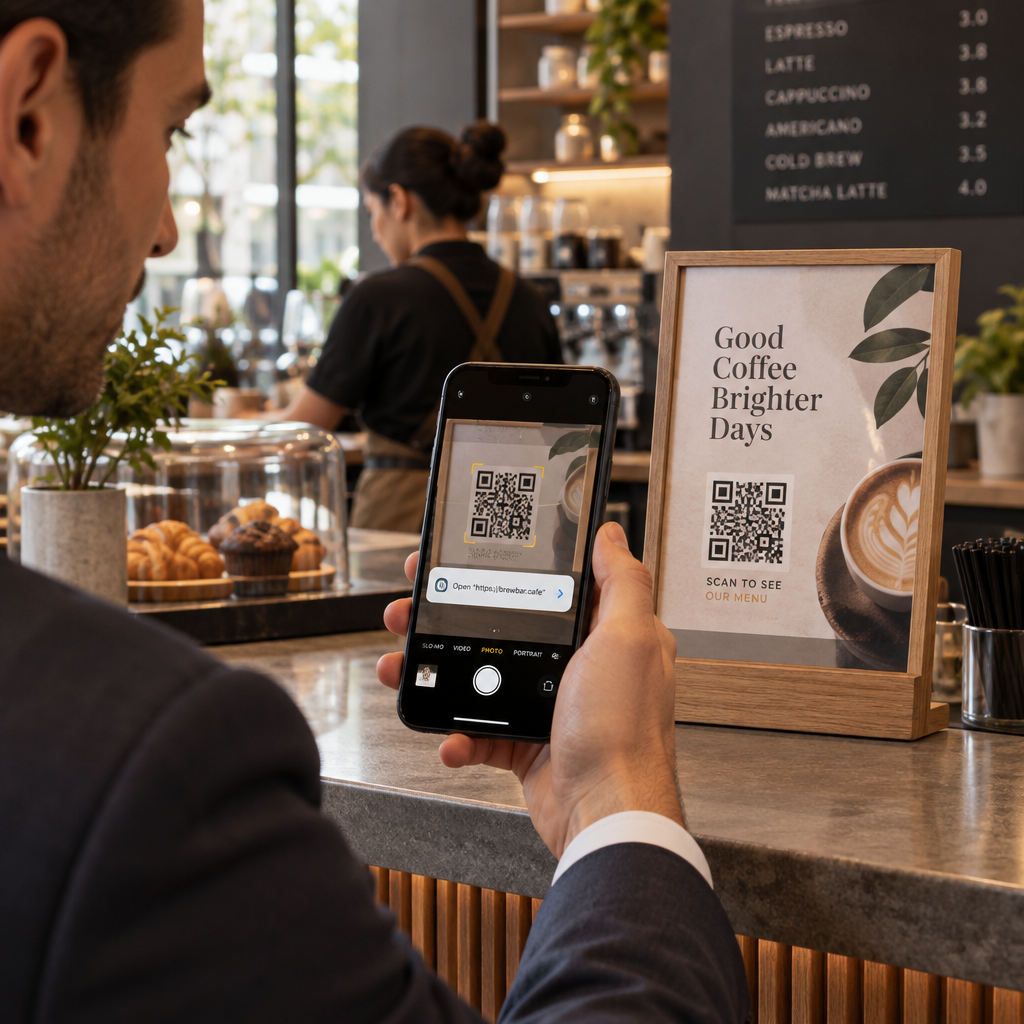
  • レストランメニュー – 57% of U.S. consumers reported scanning a QR code at a restaurant in the past month in 2025

Beyond consumer behavior, the business side is equally compelling. In a 2025 survey, 98% of companies using QR codes said they had a positive impact on marketing, and 95% said QR codes help them gather first-party customer data – a meaningful advantage as third-party tracking becomes less reliable.

Real-world results back this up. A Capri Sun sweepstakes campaign that used QR codes on product packaging generated more than 579,000 landing page views and over 28,000 subscription entries. A large hotel brand reported saving $150,000 in printing costs by replacing physical menus and flyers with QR-code-based digital versions.

The Most Useful QR Code Types for Businesses

There are over a dozen QR code types available, but a handful account for the majority of business use cases. Understanding which type fits your goal saves time and produces better results.

URL/Link QR codes are the most common. They direct scanners to any web address – a product page, a landing page, a social profile, or an uploaded file. If you’re running a campaign and want flexibility, a dynamic link QR code lets you change the destination after printing without creating a new code.

PDF QRコード allow you to attach a document directly to the code – brochures, instruction manuals, menus, or catalogs. Unlike linking to a cloud storage file, hosting the PDF through a QR platform keeps the content stable and accessible without depending on third-party services.

vカードQRコード function as digital business cards. When scanned, they push contact details directly into the user’s phone, eliminating manual data entry. In professional settings, this is measurably faster and more accurate than exchanging paper cards.

Email QR codes pre-populate an email addressed to you when scanned, lowering the friction between someone intending to contact you and actually doing it.

Wi-Fi QR codes share network credentials automatically on scan. Instead of sharing a password verbally or on a printed card, guests connect instantly – a small improvement in experience that adds up in hospitality, office, and retail environments.

See What’s Possible with Dynamic QR Codes Want to create codes that can be updated after printing and tracked in real time? Explore the ダイナミックQRコードジェネレーター to build flexible, measurable QR codes for any use case.

Static vs. Dynamic: Why the Distinction Matters

Not all QR codes behave the same way. 静的QRコード encode information directly into the pattern – once created, the destination is fixed. They’re appropriate for permanent information like a Wi-Fi password that never changes or a simple URL you’ll never need to update.

ダイナミックQRコード work differently. They encode a short redirect URL, and the actual destination can be updated at any time without generating or reprinting a new code. That flexibility alone is valuable in marketing contexts, but the bigger advantage is tracking.

With a dynamic code, you can monitor:

  • Total scans and unique scan counts
  • Geographic location of scans
  • Device type and operating system
  • Time and date of each scan
  • Scan frequency over a campaign period

This data lets you measure which placements are working, which aren’t, and where to focus future efforts. You can learn more about how tracking works on Pageloot’s QR code tracking and analytics guide.

For any campaign where you’re printing materials in volume – packaging, signage, direct mail – dynamic QR codes are the practical choice. If the destination changes or the campaign evolves, you update the link rather than reprint everything. You can compare both approaches in detail on the static vs. dynamic QR codes page.

How to Make QR Codes Work Effectively

Generating a QR code is straightforward. Making it actually perform requires a few deliberate choices.

Design for scannability. Use a dark foreground on a light background – never invert this. Avoid busy backgrounds or decorative elements that reduce contrast. If you’re adding a logo, use a higher error correction level (Q or H) to compensate for the covered modules.

Size it for the scanning distance. A practical minimum is about 0.8 × 0.8 inches (2 × 2 cm) for materials scanned up close. For posters or signage, increase the size proportionally – roughly 1 cm of code per 10 cm of expected scanning distance. A poster viewed from 20 inches should be at least 2 × 2 inches. You can find detailed technical guidance in the QR code usability best practices article.

Place it where people can scan it naturally. Front and center on printed materials, at eye level on posters, away from folds and edges, and never in a location without reliable mobile signal. Placement that requires awkward physical contortion will reduce scans noticeably.

Write a clear call to action. “Scan to see the menu,” “Scan for your discount,” or “Scan to learn more” all perform better than a QR code with no explanation. Place the CTA directly above or below the code, and make sure the instruction matches what the user actually receives when they scan.

Optimize the destination for mobile. The linked content should load quickly, display cleanly on a small screen, and deliver exactly what the CTA promised. Sending someone to your homepage when the code says “scan for the menu” is a quick way to lose the engagement you just earned.

Test before you publish. Scan the code on multiple devices, in different lighting conditions, at the intended viewing distance, and on actual printed materials. Check that the link works. Recheck it periodically during the campaign to confirm the destination remains active.

For a deeper look at effective campaign design, the best QR code campaigns guide および how to use QR codes page offer practical examples across industries.

Where QR Codes Fit in Your Marketing Strategy

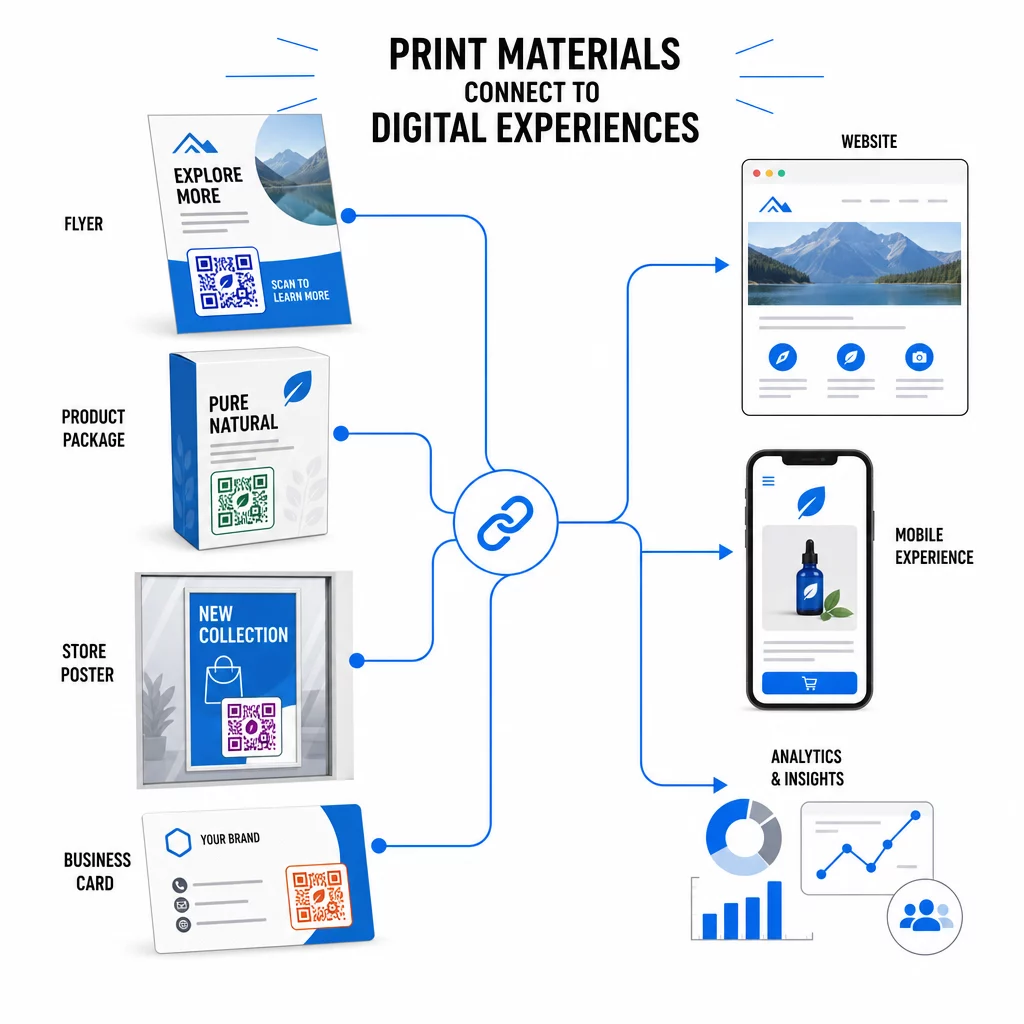
QR codes solve a specific and persistent problem: the gap between physical materials and digital experiences. A flyer, a package, a business card, or a storefront window can only hold so much information – but a QR code turns any of those surfaces into a gateway to unlimited digital content.

Print connects digital

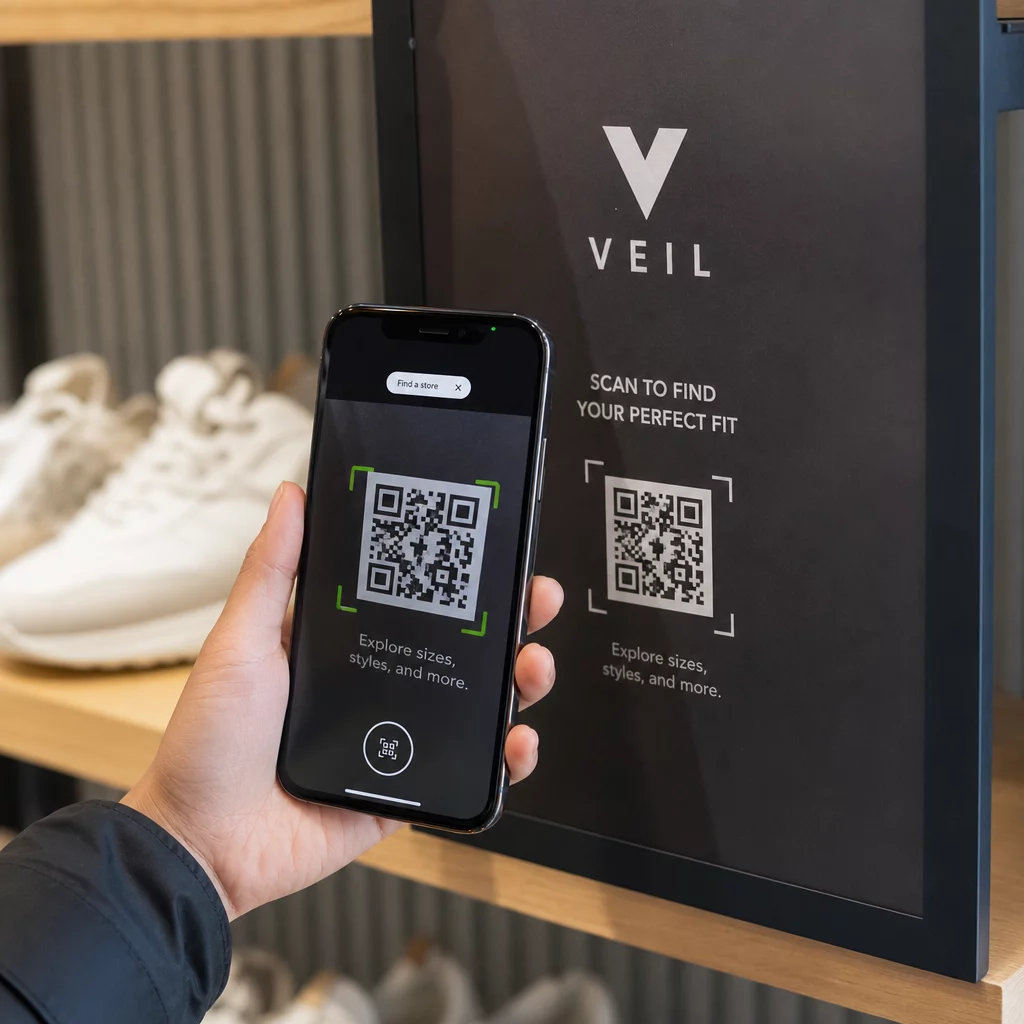
Retailers use codes on shelves, receipts, and windows to connect physical displays to campaign landing pages, loyalty programs, and post-purchase engagement. The scan data reveals which placements drive the most interest, allowing ongoing optimization. You can explore industry-specific applications on the QR code solutions by industry page or review specific feature options on the features page.

For marketers specifically, QR codes serve as a first-party data collection tool. Every scan generates a data point. Aggregate those across a campaign and you have behavioral data – when, where, and how often people are engaging with your physical materials – without relying on cookies or third-party platforms.

QR code marketing overview covers the strategic case in more detail, and the guide to connecting print and digital marketing shows how specific campaigns have used QR codes to bridge both channels measurably.

Start Tracking Your QR Code Performance See exactly when, where, and how often your codes are being scanned. The ダイナミックQRコードジェネレーター includes a full analytics dashboard so you can measure what’s working and update your content without reprinting. QR codes are a practical, measurable tool with proven adoption and real business applications. The question isn’t whether they work – it’s whether you’re using them in a way that captures the data and engagement they’re capable of generating. Start with a clear use case, choose the right code type, and make sure the experience on the other side of the scan is worth the tap.

よくある質問

Are QR codes still relevant in 2025?

Yes. In the U.S. alone, 89 million people scanned a QR code in 2025, and that number is projected to exceed 100 million in 2026. Adoption is growing globally, and QR codes are used widely in retail, hospitality, food and beverage, events, and marketing campaigns.

静的QRコードと動的QRコードの違いは何ですか?

A static QR code has a fixed destination that cannot be changed after creation. A dynamic QR code uses a redirect URL that can be updated anytime without reprinting the code. Dynamic codes also support scan tracking, giving you data on when, where, and how often your code is scanned.

How do I make sure my QR code actually gets scanned?

Use high contrast (dark on light), size the code appropriately for the scanning distance, place it where users can comfortably reach it, and always include a clear call to action explaining what they’ll get when they scan. Test the code on multiple devices before distributing printed materials.

著者について

Siim KostabiはPagelootのコンテンツリードです。Pagelootの革新的なQRコード生成サービスについて執筆しています。5年以上にわたるQRコードに関する深い専門知識を持つSiimは、この分野の専門家です。QRテクノロジーを活用してデジタルインタラクションを簡素化・拡張する上で、大きな進歩を遂げています。.

カテゴリー
について詳しくはこちら

オンラインでQRコードを作成する必要がある場合は QRコードを作る ここで無料で
ページルートは #1のGo-Toソリューション でQRコードを作成してスキャンすることができます。

QRN-017

ブログジェネ

売上、レビュー、フォロワーを増やすために 20,000 を超えるブランドから信頼されています。

クライアントのロゴ
トップブランドから信頼される
5 のうち 4.8 と評価しました

4.86 / 5つ星評価

ユーゴ・ローラン
ユーゴ・ローラン
レストランオーナー
最も簡単で信頼性の高いQRコードジェネレータです。PDFファイルを即座にアップロードできます。レストランのメニューがデジタル化されました。
ルーカス・ジャンセン
ルーカス・ジャンセン
不動産開発業者
これは優れたツールで、QRコードでちょうど欲しいところに連れて行ってくれます。私たちは位置情報のQRコードしか使っていませんが、とても便利な機能がたくさんあります。
エマ・モレッティ
エマ・モレッティ
小売製品
使いやすいし、早い。素晴らしい機能で、完璧な画像を作成してくれるので、社員は私のvCardをダウンロードすることができます。
ユーゴ・ローラン
ユーゴ・ローラン
レストランオーナー
最も簡単で信頼性の高いQRコードジェネレータです。PDFファイルを即座にアップロードできます。レストランのメニューがデジタル化されました。
ルーカス・ジャンセン
ルーカス・ジャンセン
不動産開発業者
これは優れたツールで、QRコードでちょうど欲しいところに連れて行ってくれます。私たちは位置情報のQRコードしか使っていませんが、とても便利な機能がたくさんあります。
エマ・モレッティ
エマ・モレッティ
小売製品
使いやすいし、早い。素晴らしい機能で、完璧な画像を作成してくれるので、社員は私のvCardをダウンロードすることができます。
QRコードをもっと見る
Trusted QR code
誰も気にしないQRコードについて
あらゆるものをデジタル体験に変えよう 3分以内に。

14日間の無料トライアル。

クレジットカードは必要ありません。

初回購入で30%オフ

次のコードを使用してください:

MP3ファイルを共有

PDF QRコードを作成するにはサインアップしてください

必要なものをすべてアップロードして表示する。

  • オーディオファイル
  • ポッドキャスト
  • 音楽

サインアップで14日間無料トライアル。.
トライアル終了後、QRコードは期限切れになります。.

オーディオmp3 QRコードを作成するにはサインアップしてください

フレームでより多くのスキャンを獲得

QRコードにフレームを追加するにはサインアップしてください

コールトゥアクションフレームは、お客様が簡単にQRコードと対話できるようにします。ぜひお試しください。

サインアップで14日間無料トライアル。.
トライアル終了後、QRコードは期限切れになります。.

QRコードにフレームを追加するにはサインアップしてください

シェイプでスタイルを追加

より多くの図形を作成するにはサインアップしてください

QRコードは四角いものである必要はありません。あなたのブランドのイメージに合わせて変えてみてください。

サインアップで14日間無料トライアル。.
トライアル終了後、QRコードは期限切れになります。.

より多くの図形を作成するにはサインアップしてください

QRコードにロゴを追加

QRコードにロゴを追加するにはサインアップしてください

QRコードにロゴやブランドを入れることで、目立たせることができます。

サインアップで14日間無料トライアル。.
トライアル終了後、QRコードは期限切れになります。.

QRコードにロゴを追加するにはサインアップしてください

スマートなApp Storeリダイレクト

アプリストアのQRコードを作成するにはサインアップしてください

スマートなApp StoreのQRコードに、あなたのアプリのリンクを追加します。ユーザーは、デバイスに応じてリダイレクトされます。

サインアップで14日間無料トライアル。.
トライアル終了後、QRコードは期限切れになります。.

アプリストアのQRコードを作成するにはサインアップしてください

QRコードに画像をアップロード

画像QRコードを作成するにはサインアップしてください

画像を簡単に共有できます。どんな画像も、数秒でダイナミックに変化します。

サインアップで14日間無料トライアル。.
トライアル終了後、QRコードは期限切れになります。.

画像QRコードを作成するにはサインアップしてください

PDFファイルを共有

PDF QRコードを作成するにはサインアップしてください

必要なものをすべてアップロードして表示する。

  • メニュー&プライスリスト
  • 指示
  • 任意の書類

サインアップで14日間無料トライアル。.
トライアル終了後、QRコードは期限切れになります。.

PDF QRコードを作成するにはサインアップしてください

印刷せずに後で編集

再度印刷せずにQRコードを編集するにはサインアップしてください

ダイナミックQRコードは、新たにQRコードを印刷することなく、QRコードの内容を変更することができます。

サインアップで14日間無料トライアル。.
トライアル終了後、QRコードは期限切れになります。.

再度印刷せずにQRコードを編集するにはサインアップしてください

いつ?どこで?QRコードのスキャンを追跡

QRコードを追跡するにはサインアップしてください

どのQRコードが最も多くスキャンされ、何が最も顧客を喜ばせているのかを知ることができます。

サインアップで14日間無料トライアル。.
トライアル終了後、QRコードは期限切れになります。.

QRコードを追跡するにはサインアップしてください

印刷可能なファイルが利用可能

PDFやSVGのようなベクターQRコードを作成するにはサインアップしてください

.eps、.pdf、.svg

QRコードをHD解像度でダウンロードしたいですか?すぐに印刷できるベクターまたはピクセル形式を入手しましょう。

サインアップで14日間無料トライアル。.
トライアル終了後、QRコードは期限切れになります。.

PDFやSVGのようなベクターQRコードを作成するにはサインアップしてください

しばらくお待ちください。あなたのQRコードは ロード... ロード...

あなただけのものに

サインアップしてQRコードを後で保存してください

異なる色、ロゴ、コールトゥアクションフレームで素晴らしいQRコードを作成することで、より多くのスキャンを得ることができます。

サインアップで14日間無料トライアル。.
トライアル終了後、QRコードは期限切れになります。.

サインアップしてQRコードを後で保存してください