首页 > 指南 > How to Create a QR Code for a Phone Number
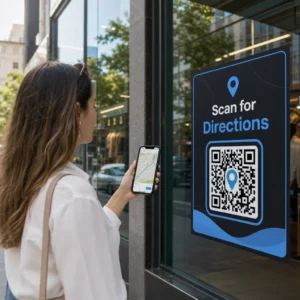
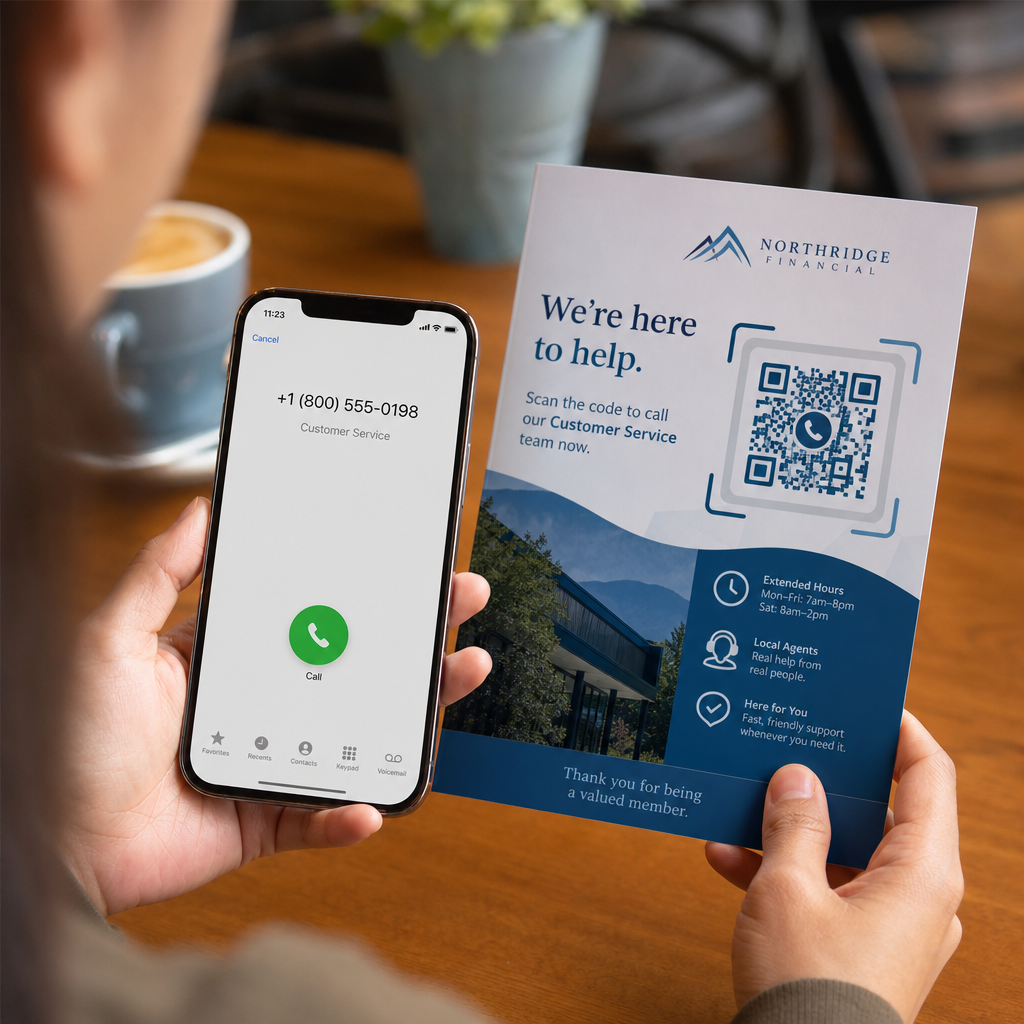
Scanning phone call QR

How to Create a QR Code for a Phone Number

Learn how to create a phone number QR code step-by-step. Discover proper E.164 formatting, static vs. dynamic options, and best practices for printing.
Updated on 7 月 27, 2026
目录

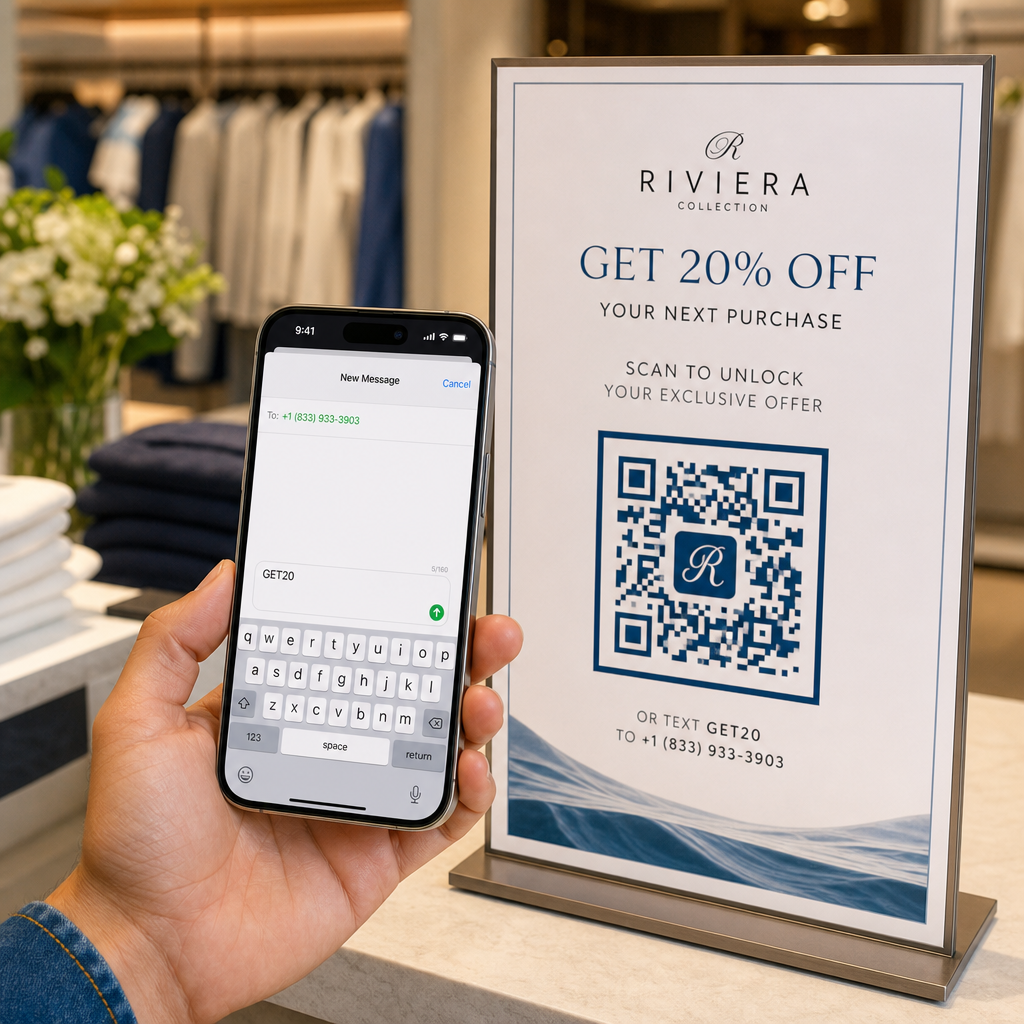
Are your prospective customers abandoning calls because typing a long phone number from print media is frustrating? Manual dialing errors directly reduce inbound sales leads and support inquiries. Creating a phone number QR code lets prospects instantly populate their mobile dialer with your number in a single scan.

How Phone Call QR Codes Work

When a smartphone camera scans a phone call QR code, it reads a standardized communication protocol known as a `tel:` Uniform Resource Identifier (URI). Defined by the IETF RFC 3966 standard, this string encodes the telephone number into a structure that mobile operating systems immediately recognize as a phone call request.

To ensure your code works seamlessly across all mobile carriers and international networks, always format your number using the E.164 international standard. This format starts with a plus sign (`+`), followed by the country code, area code, and subscriber number with no spaces, hyphens, or parentheses (for example, `+12025550123`).

Security and Operating System Behavior

Mobile operating systems deliberately prevent QR codes from placing calls automatically without direct user interaction. This built-in security layer protects users from accidental dialing or malicious toll charges:

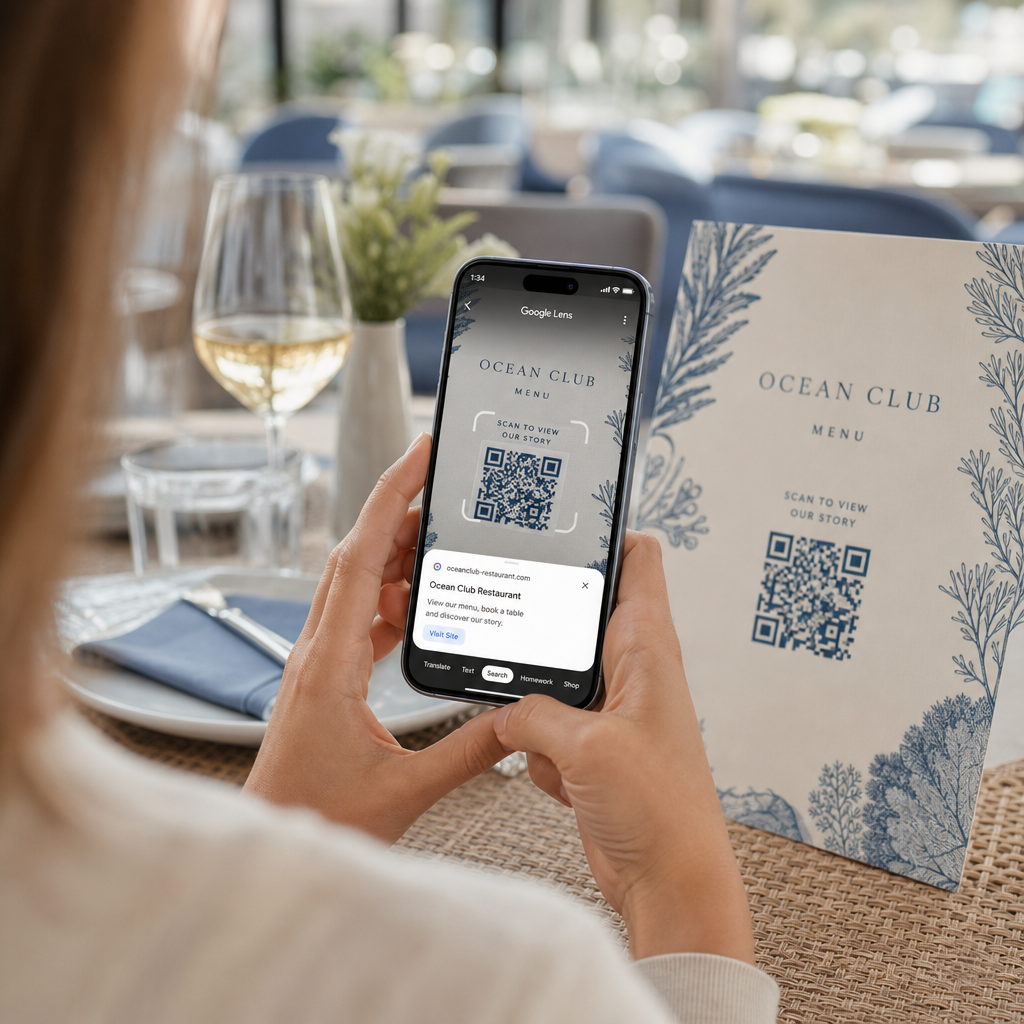
  • iOS (iPhone): Scanning the code displays an on-screen prompt showing the phone number and asking for explicit confirmation before dialing.
  • Android: Scanning the code opens the device’s native Phone app with the number pre-filled in the dialer, requiring the user to tap the call button.

Both platforms require a final manual tap from the user, ensuring full control over the call process.

Step-by-Step Guide to Generating a Call QR Code

Generating a high-resolution phone QR code requires no technical expertise. Follow these straightforward steps to build your code:

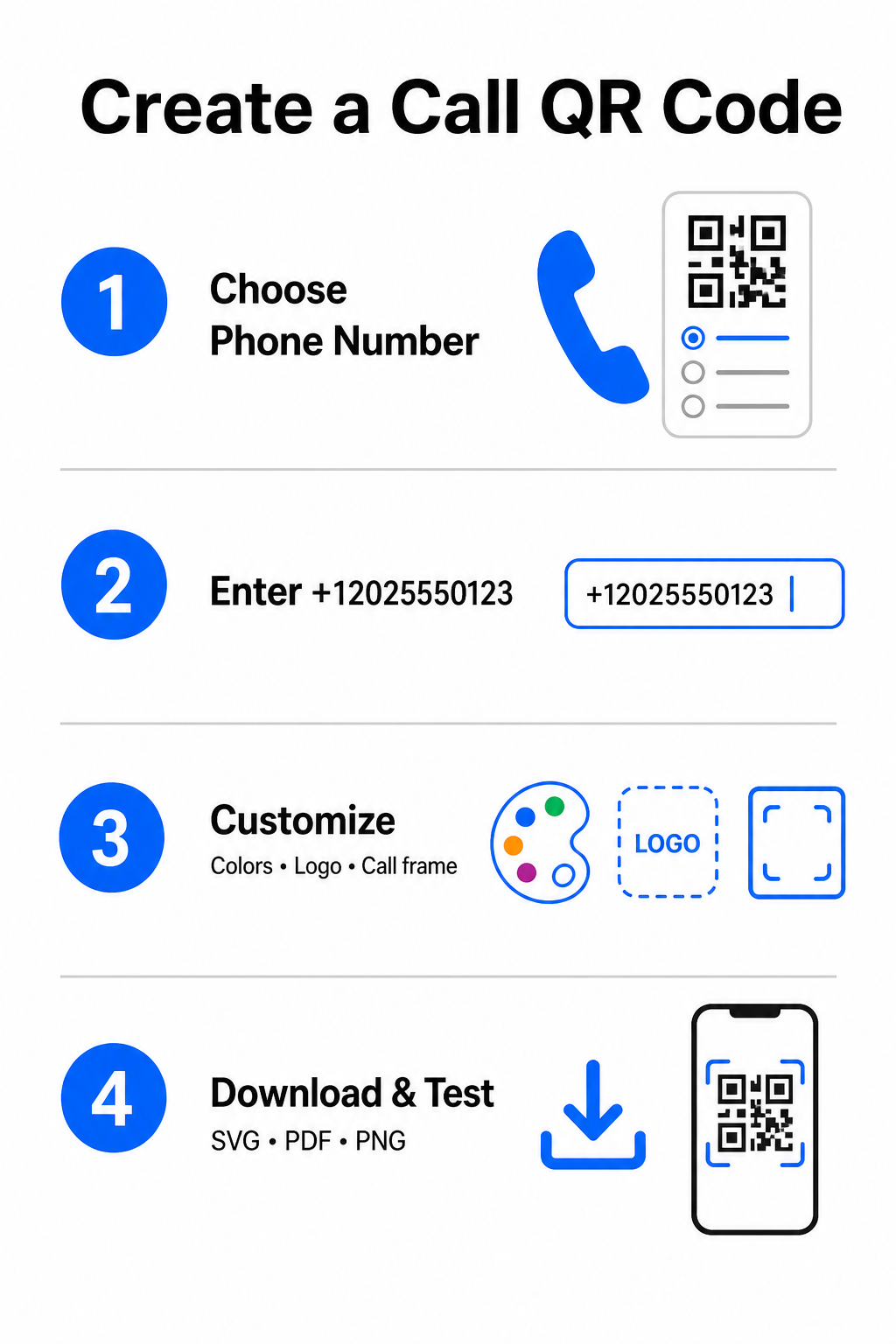
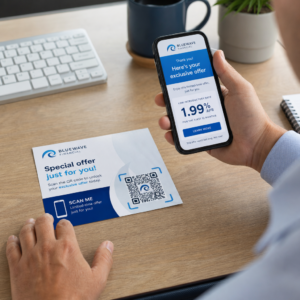
Call QR creation steps
  • Open the generator: Go to the online Pageloot QR码生成器.
  • Select the phone option: 选择 Phone Number 要么 称呼 option from the available code types.
  • Input the phone number: Enter your full contact number in E.164 format, including your country code (such as `+1` for North America).
  • Customize the visual design: Select custom brand colors, upload a company logo, or add a protective frame with a clear call-to-action phrase.
  • Download the finished file: Download your code in vector formats like .SVG 要么 PDF文件 for commercial printing, or .PNG for digital displays.

If you need to share a broader set of professional details – including your full name, email address, physical address, and job title – use a dedicated vCard QR码生成器 instead. You can also explore our guide on how to share contact info using QR codes to decide which format fits your promotional campaign.

Static vs. Dynamic Phone QR Codes

Selecting the right underlying structure for your QR code depends on whether you need to update your phone number or track engagement over time.

功能 Static Phone QR Code Dynamic Phone QR Code
数据存储 Number encoded directly into code pattern Short intermediate URL hosted on a server
Post-Print Editing Permanent (Cannot be changed after creation) Update destination phone number anytime
扫描分析 不支持 Track total scans, locations, and time patterns
Recommended Use Permanent contact lines (Main office, toll-free desks) Marketing campaigns, seasonal call centers

Start Driving Instant Phone Calls Want to track how many scans convert into actual customer calls? Use the Pageloot QR码生成器 to create customizable, trackable call codes today.

打印和可扫描性的最佳实践

A phone QR code only generates inquiries if smartphone cameras can scan it reliably under realistic conditions. Adhere to these core print standards before sending your designs to production:

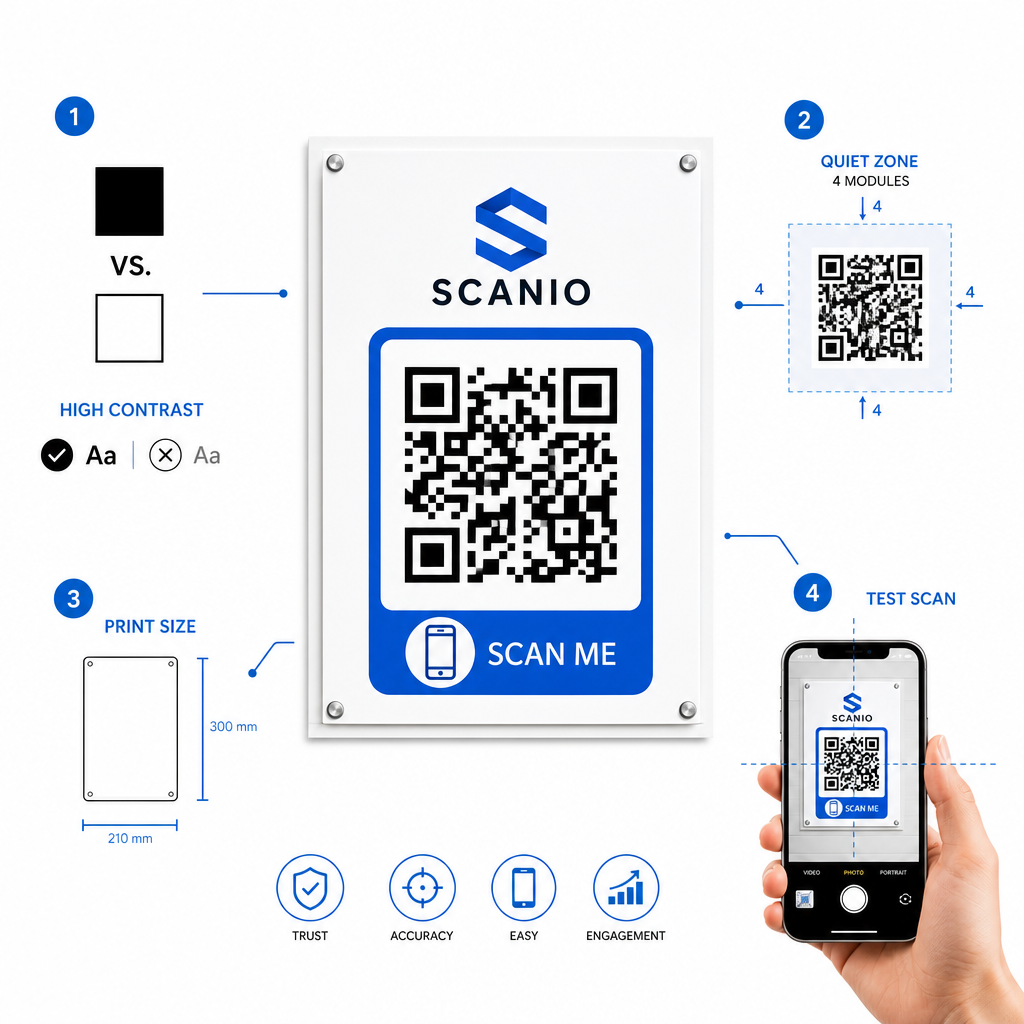
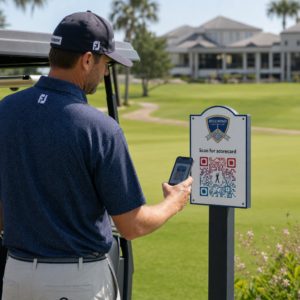
二维码印刷最佳实践
  • Maintain high color contrast: Choose dark modules on a light background, such as black on white. Scanners struggle to read inverted colors or low-contrast combinations like light gray on white.
  • Maintain the quiet zone: Keep a clear margin equal to at least 4 modules (the individual squares in the code pattern) completely free of text, borders, or graphics on all four sides.
  • Scale for viewing distance: Print close-range materials (like business cards or table tents) at a minimum size of 0.8 × 0.8 英寸(2 × 2 厘米). For distant signage, apply the 10:1 distance rule, meaning a code scanned from 10 feet away should measure at least 1 foot wide.
  • Perform real-world testing: Print a physical test proof on the target substrate and attempt to scan the QR code with smartphones on both iOS and Android platforms under different lighting conditions.

Connecting Offline Audiences to Your Phone Lines

By eliminating manual typing errors, phone number QR codes remove friction from offline marketing channels and connect interested prospects directly to your team. Whether you deploy a static code on permanent office signage or rely on dynamic tracking for seasonal advertising campaigns, keeping your design scannable ensures a smooth path from physical touchpoint to phone conversation.

Ready to simplify customer outreach? Visit the Pageloot QR码生成器 today to create, customize, and deploy your custom call QR code.

常见问题

Will scanning a QR code place a call automatically?

No. Operating systems like iOS and Android require user confirmation to prevent accidental or unauthorized calls. Scanning pre-fills the native phone dialer or displays a confirmation prompt, but the user must tap the call button.

What format should I use when entering my phone number?

Use the E.164 international standard, which starts with a plus sign (+), followed by the country code, area code, and subscriber number without dashes, spaces, or parentheses (for example, +12025550123).

Can I update the phone number after printing the QR code?

Yes, if you create a dynamic QR code. Dynamic codes route traffic through a short link, allowing you to edit the destination phone number at any time without reprinting physical materials.

关于作者

Siim Kostabi 是 Pageloot 的内容主管,负责撰写关于我们创新型二维码生成器服务的文章。凭借五年多来在二维码领域积累的深厚专业知识,Siim 是该领域的专家。他致力于利用二维码技术简化和增强数字交互,并取得了显著的成果。.

类别
了解更多关于
QR QR码的#1解决方案

如果您需要在线创建QR码,则可以 制作二维码 就在这里免费!
Pageloot是 #1转到解决方案 创建和扫描QR码。

BL-0332

博客生成器

受到超过 20,000 个品牌的信赖,可获得更多销售、评论和关注者。

客户徽标
受到顶级品牌的信赖
评分为 4.8(共 5)

4.86 / 5 星评级

雨果·劳伦特
雨果·劳伦特
餐馆老板
有史以来最容易和最可靠的QR码生成器。PDF文件可以立即上传。我们的餐厅菜单现在是数字化的。
卢卡斯-詹森
卢卡斯-詹森
房地产开发商
这是一个很好的工具,二维码带你到你想要的地方。我们只使用位置二维码,但有许多有用的功能。
艾玛-莫雷蒂
艾玛-莫雷蒂
零售产品
易于使用和快速。它工作得很好,创造了一个完美的图像,所以员工可以下载我的vCard。
雨果·劳伦特
雨果·劳伦特
餐馆老板
有史以来最容易和最可靠的QR码生成器。PDF文件可以立即上传。我们的餐厅菜单现在是数字化的。
卢卡斯-詹森
卢卡斯-詹森
房地产开发商
这是一个很好的工具,二维码带你到你想要的地方。我们只使用位置二维码,但有许多有用的功能。
艾玛-莫雷蒂
艾玛-莫雷蒂
零售产品
易于使用和快速。它工作得很好,创造了一个完美的图像,所以员工可以下载我的vCard。
查看更多QR码
将一切转化为数字体验 不到3分钟。

免费试用 14 天。

无需信用卡。

首次购买可享受 30% 折扣

使用代码:

分享您的 MP3 文件

注册以创建 PDF QR 码

上传和显示你需要的一切。

  • 音频文件
  • 播客
  • 音乐

注册即可享 14 天免费试用。.
试用期结束后,二维码将失效。.

注册以创建音频 mp3 二维码

使用边框获得更多扫描

注册以向您的二维码添加更多框架

呼叫行动框架帮助您的客户与QR码轻松互动。试试吧!

注册即可享 14 天免费试用。.
试用期结束后,二维码将失效。.

注册以向您的二维码添加更多框架

使用形状添加更多样式

注册以创建更多形状

二维码不一定是方形的。试着改变它以适应你的品牌形象。

注册即可享 14 天免费试用。.
试用期结束后,二维码将失效。.

注册以创建更多形状

为您的二维码添加徽标

注册以将您的徽标添加到二维码中

通过在二维码上添加你的标志和品牌,使你的二维码脱颖而出。

注册即可享 14 天免费试用。.
试用期结束后,二维码将失效。.

注册以将您的徽标添加到二维码中

智能应用商店重定向

注册以创建应用商店二维码

将您的应用程序链接添加到我们的智能应用程序商店QR码。用户会根据他们的设备被重新定向。

注册即可享 14 天免费试用。.
试用期结束后,二维码将失效。.

注册以创建应用商店二维码

将图片上传到二维码

注册以创建图像二维码

轻松分享你的图像。在几秒钟内动态地改变任何图像。

注册即可享 14 天免费试用。.
试用期结束后,二维码将失效。.

注册以创建图像二维码

分享您的 PDF 文件

注册以创建 PDF QR 码

上传和显示你需要的一切。

  • 菜单和价格表
  • 使用说明
  • 任何文件

注册即可享 14 天免费试用。.
试用期结束后,二维码将失效。.

注册以创建 PDF QR 码

稍后编辑,无需打印

注册即可编辑您的二维码,无需再次打印

动态QR码让你改变你的QR码的内容,而不需要打印新的QR码。

注册即可享 14 天免费试用。.
试用期结束后,二维码将失效。.

注册即可编辑您的二维码,无需再次打印

何时?何地?追踪您的二维码扫描

注册以追踪您的二维码

发现你的哪些二维码收到了最多的扫描,以及什么最能让你的客户兴奋。

注册即可享 14 天免费试用。.
试用期结束后,二维码将失效。.

注册以追踪您的二维码

提供可打印文件

注册以创建 PDF 和 SVG 等矢量二维码

.EPS, .PDF, .SVG

想下载高清分辨率的QR码吗?获得矢量或像素格式,可随时打印。

注册即可享 14 天免费试用。.
试用期结束后,二维码将失效。.

注册以创建 PDF 和 SVG 等矢量二维码

请等待。您的二维码是 正在加载... 正在加载...

打造专属

注册以保存您的二维码以供日后使用

通过创建具有不同颜色、标识和行动呼吁框架的出色的QR码,获得更多的扫描。

注册即可享 14 天免费试用。.
试用期结束后,二维码将失效。.

注册以保存您的二维码以供日后使用