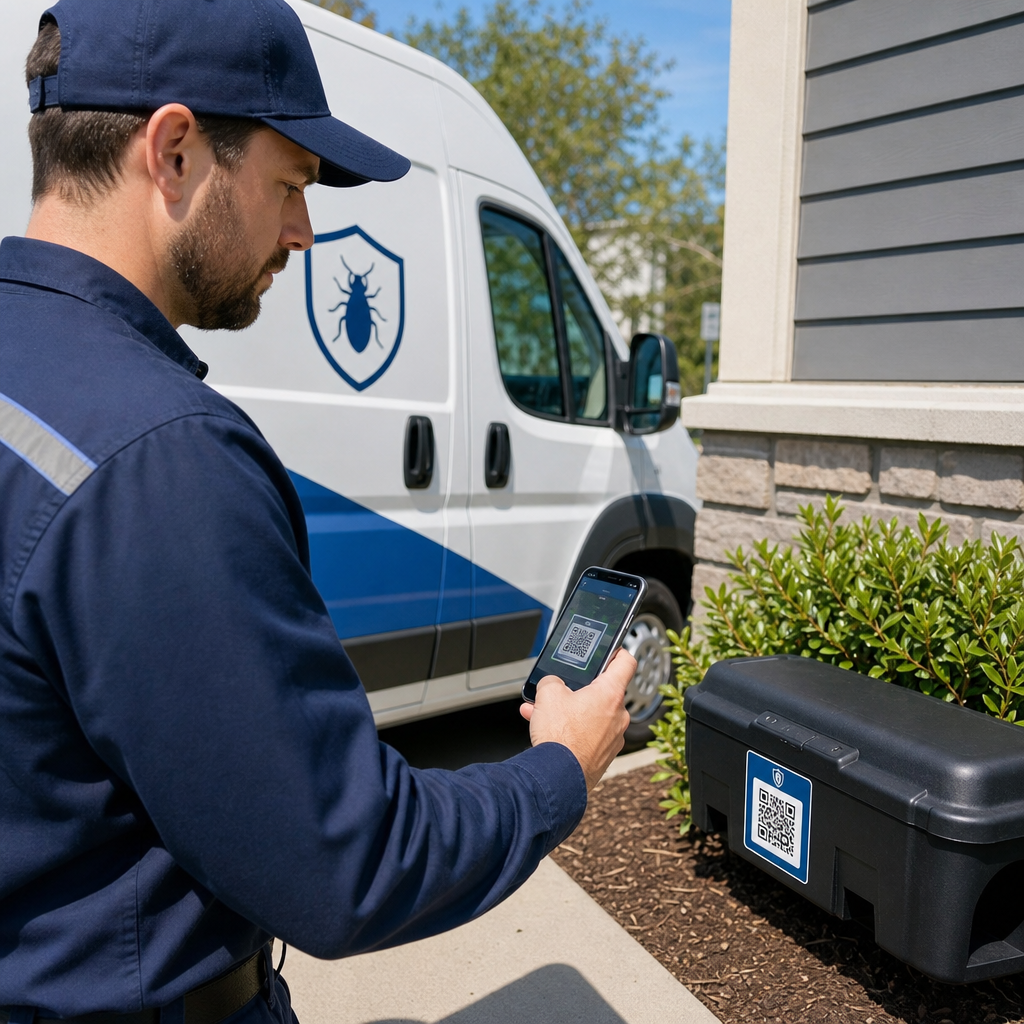
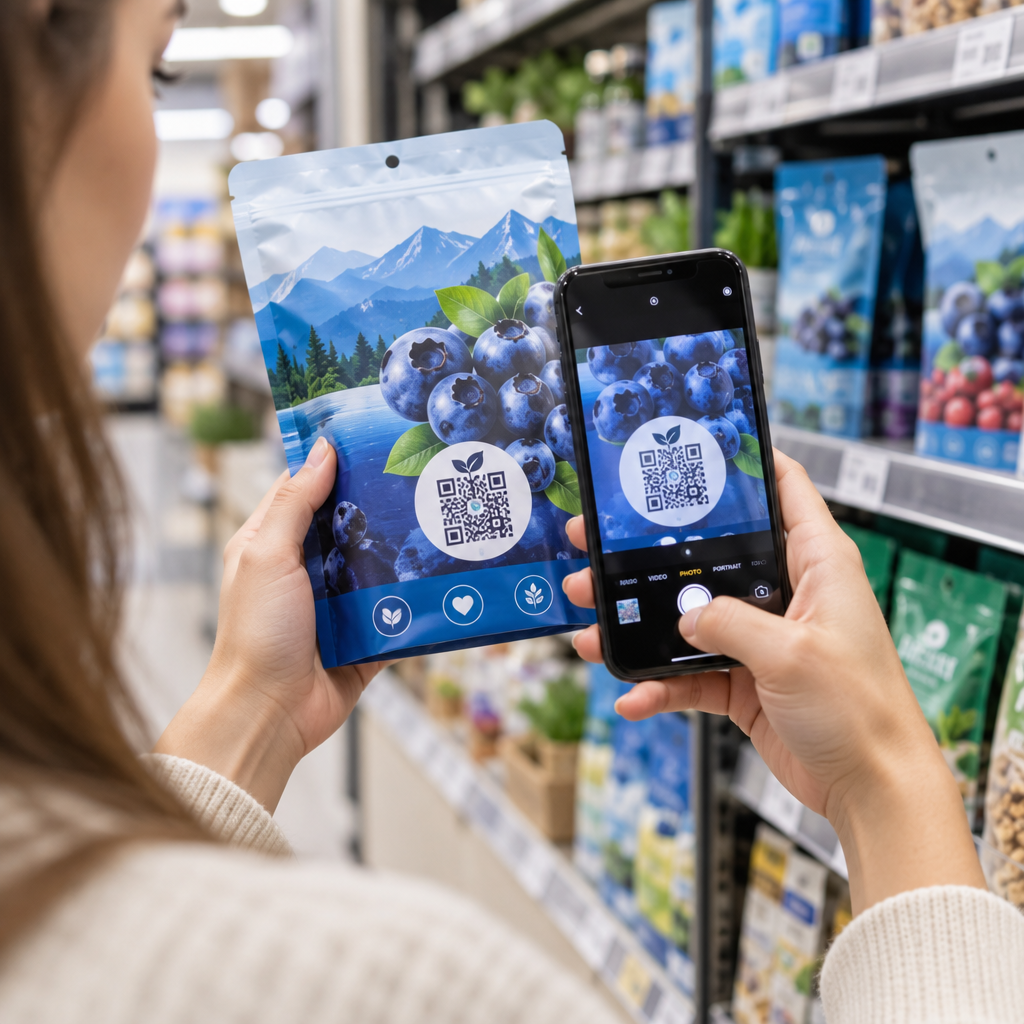
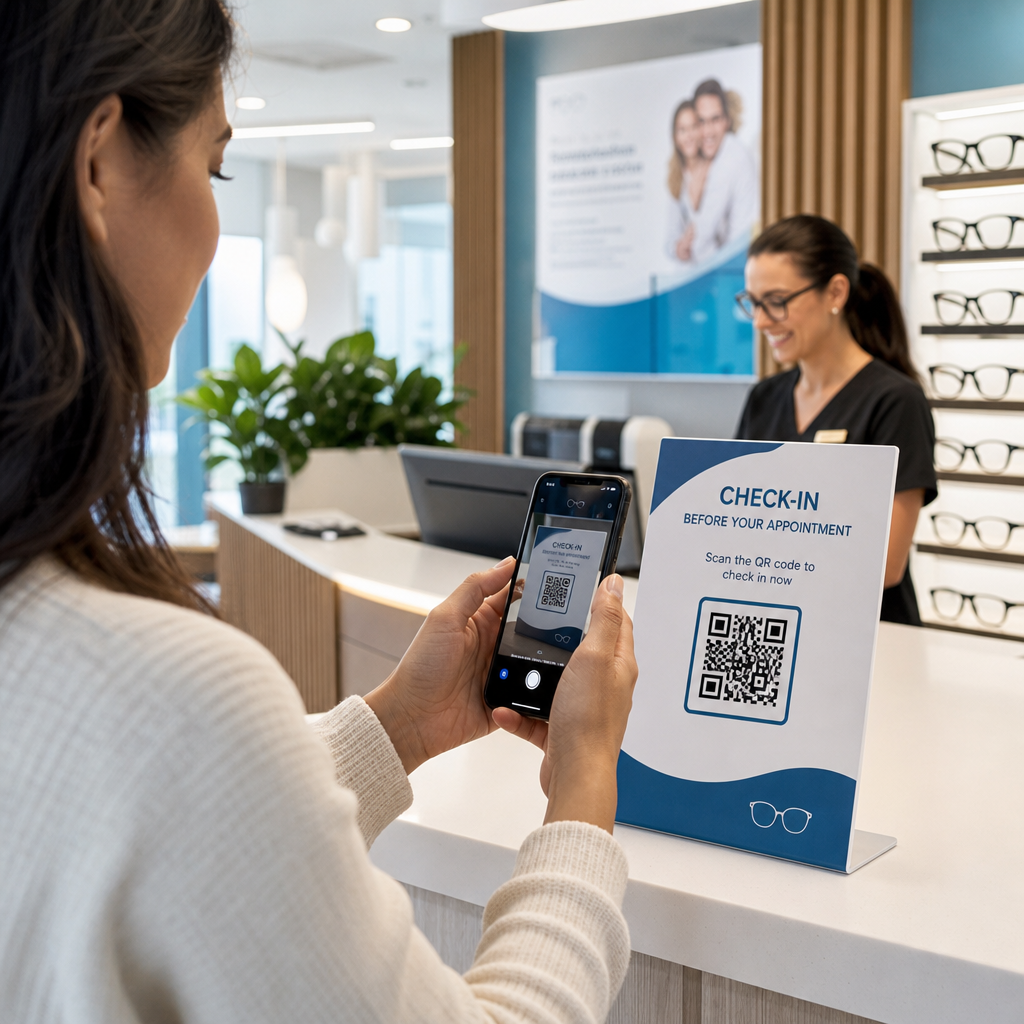
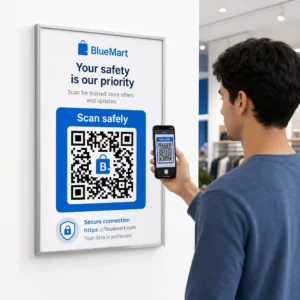
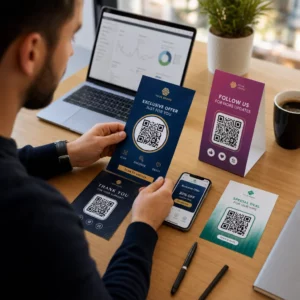
Sukar untuk menjadikan kod QR anda kelihatan seperti ia benar-benar milik jenama anda? Kod hitam-putih biasa secara teknikalnya berfungsi, tetapi ia terlepas peluang sebenar untuk mengukuhkan pengiktirafan dan mendorong lebih banyak imbasan. Panduan ini akan membimbing anda cara membuat kod QR berjenama profesional menggunakan templat sedia ada, logo dan warna anda sendiri, serta ciri dinamik yang memastikan kempen anda fleksibel selepas dicetak.
Mengapa Kod QR Berjenama Berprestasi Lebih Baik
Kod QR adalah titik sentuh. Setiap kali seseorang melihatnya pada pembungkusan, risalah, atau kad perniagaan, mereka membuat penilaian pantas sama ada untuk mengimbasnya. Kod QR berjenama – yang menggabungkan logo, skema warna, dan gaya visual anda – menandakan kesahihan dan kebiasaan, yang secara langsung mempengaruhi kadar imbasan.
Penyelidikan secara konsisten menunjukkan bahawa kod QR berjenama dengan logo boleh meningkatkan kadar imbasan sebanyak 30% hingga 70% berbanding dengan yang hitam-putih generik. Jurang itu berpunca daripada kepercayaan: kod yang kelihatan seperti milik jenama yang dikenali orang akan diimbas dengan lebih mudah berbanding yang kelihatan generik atau tidak dapat disahkan.
Selain kadar imbasan, kod berjenama mencipta konsistensi merentasi bahan pemasaran anda. Apabila kod QR anda sepadan dengan pembungkusan, papan tanda, dan aset digital anda, ia mengukuhkan identiti jenama dan bukannya melemahkannya.
Cipta Kod QR Selaras Jenama Tanpa Bermula Dari Awal Pageloot Templat kod QR memberikan anda reka bentuk sedia ada yang boleh anda sesuaikan dengan warna, logo, dan gaya anda – supaya setiap kod kelihatan seperti sebahagian daripada jenama anda, bukan sesuatu yang difikirkan kemudian.
Memilih Templat yang Tepat untuk Jenama Anda
Templat yang anda pilih menetapkan asas visual untuk kod QR anda. Templat yang sepadan dengan baik mengurangkan masa reka bentuk, memastikan kebolehimbasan, dan memberikan kod anda rupa yang kemas yang sesuai secara semula jadi dalam bahan sedia ada anda.
Apabila menilai templat, utamakan:
- Penjajaran jenama – Adakah julat warna, susun atur, dan gaya visual templat sepadan dengan identiti sedia ada anda?
- Kesesuaian kes penggunaan – Templat yang direka untuk kad perniagaan mempunyai perkadaran dan ketumpatan yang berbeza daripada yang dibina untuk poster atau label produk.
- Kebolehimbasan – Templat yang telah diuji dari platform yang boleh dipercayai sudah dioptimumkan untuk keperluan kontras dan zon senyap
Pageloot Perpustakaan templat kod QR menawarkan reka bentuk yang disusun mengikut kes penggunaan, dari runcit dan acara hingga profil sosial dan menu. Anda boleh memilih templat yang sudah kelihatan sedia untuk kempen, kemudian laraskan warna, tambah logo anda, dan gunakannya semula merentasi bahan untuk penampilan yang konsisten.
Memadankan Templat dengan Industri Anda
Industri yang berbeza mempunyai jangkaan visual yang berbeza, dan templat kod QR anda harus mencerminkan konteks tersebut:
- Restoran dan hospitaliti – Gunakan nada hangat dan tipografi bersih yang sesuai untuk kad meja dan menu; matlamatnya adalah mudah didekati dan cepat diimbas
- Runcit dan e-dagang – Pilih templat yang melengkapi pembungkusan produk tanpa bersaing dengannya secara visual
- Hartanah – Reka bentuk yang canggih, minimalis dengan ruang untuk penjenamaan ejen dan butiran hubungan berfungsi dengan baik pada papan tanda dan bahan bercetak
- Penjagaan kesihatan – Reka bentuk bersih, kontras tinggi dalam palet tenang mewujudkan kepercayaan dan kejelasan yang diperlukan oleh konteks ini
- Pendidikan – Reka bentuk yang mengimbangi kebolehdekatan dengan autoriti; warna sekolah dan CTA yang jelas membantu membimbing pelajar dan ibu bapa
- Agensi acara dan pemasaran – Templat serba boleh yang boleh disesuaikan mengikut kempen sambil mengekalkan identiti keseluruhan agensi anda
Menyesuaikan Kod QR dengan Elemen Penjenamaan Anda
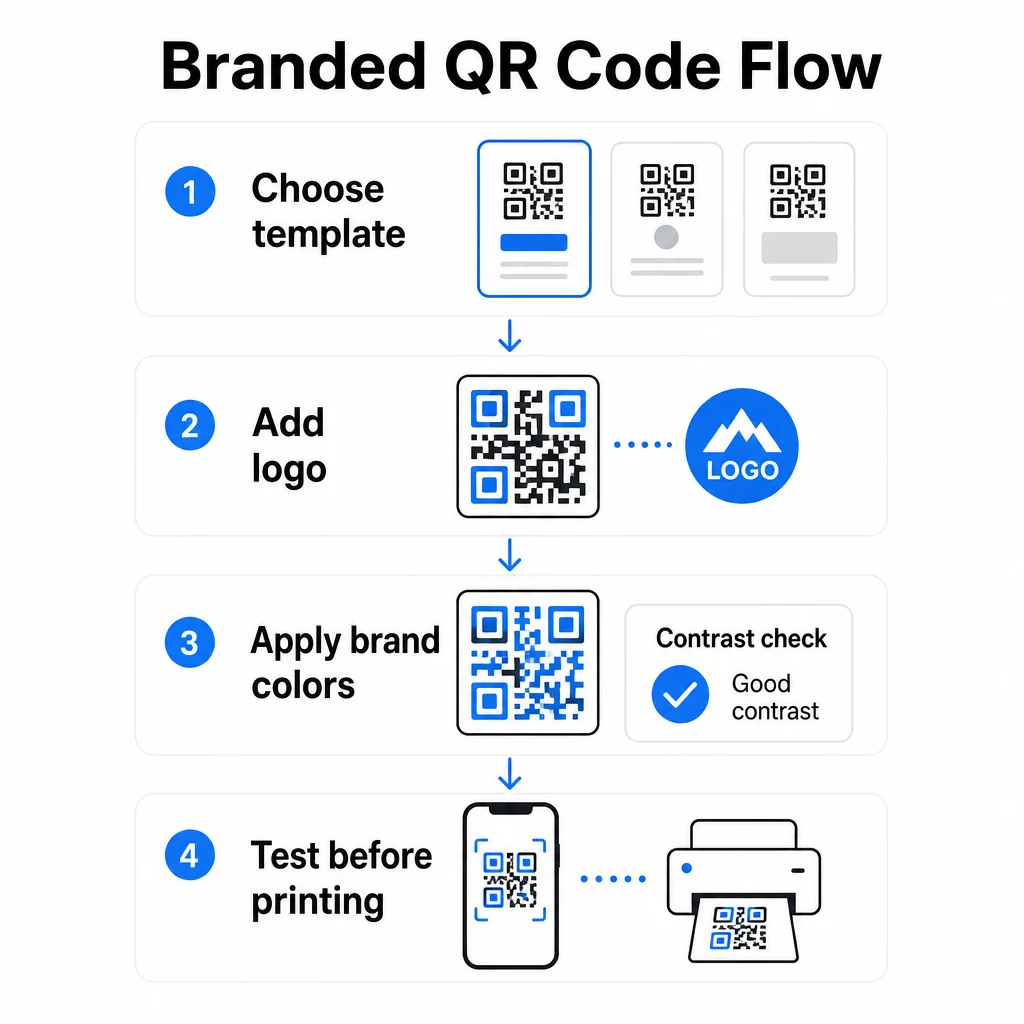
Setelah anda memilih templat, kerja penjenamaan sebenar bermula. Menambah logo anda, menggunakan palet warna anda, dan memperhalusi butiran reka bentuk mengubah templat generik menjadi kod yang kelihatan jelas milik anda.
Menambah Logo Syarikat Anda
Meletakkan logo anda di tengah kod QR mencipta hubungan jenama serta-merta pada saat imbasan. Untuk melakukan ini dengan betul:
- Gunakan a fail vektor berkualiti tinggi (SVG atau EPS) supaya logo anda kekal tajam pada sebarang saiz
- Pastikan logo berpusat dan jauh dari tiga petak corak pencari di penjuru
- Hadkan liputan logo kepada tidak lebih daripada 20–30% daripada jumlah kawasan kod – melebihi itu, kebolehimbasan menurun
- Gunakan Pembetulan ralat Tahap H apabila menambah logo; ini membolehkan kod memulihkan sehingga 30% data yang rosak atau tersembunyi, mengimbangi kawasan yang diliputi oleh logo anda
Pageloot QR code with logo mengendalikan pembetulan ralat secara automatik apabila anda memuat naik logo, mengurangkan risiko menjana kod yang kelihatan baik tetapi tidak akan mengimbas dengan boleh dipercayai.
Tambah Logo Anda pada Kod QR dalam Beberapa Minit Menggunakan QR code with logo untuk memuat naik logo jenama anda, gunakan warna anda, dan muat turun fail sedia cetak – tiada perisian reka bentuk diperlukan.
Menggunakan Warna Jenama Tanpa Memecahkan Kebolehimbasan
Warna adalah di mana banyak kod QR berjenama menghadapi masalah. Kod masih memerlukan kontras yang mencukupi antara modul data dan latar belakang untuk mengimbas dengan boleh dipercayai. Garis panduan untuk diikuti:
- Latar depan gelap pada latar belakang cerah adalah kombinasi yang paling boleh dipercayai; hitam di atas putih kekal sebagai standard emas
- Sasarkan untuk nisbah kontras minimum 4.5:1 untuk kod kecil; 3:1 boleh diterima untuk format yang lebih besar di mana pengimbas mempunyai lebih banyak kawasan permukaan untuk dibaca
- Elakkan gradien dan bayang-bayang – ini mencipta tona pertengahan yang mengelirukan pengimbas dengan menjadikan sempadan antara modul tidak jelas
- Jangan sekali-kali menterbalikkan warna (kod cerah pada latar belakang gelap) tanpa ujian pelbagai peranti yang menyeluruh; sesetengah pengimbas mengendalikan ini dengan teruk
Untuk butiran lanjut tentang kombinasi warna yang berfungsi dan yang perlu dielakkan, panduan amalan terbaik kontras warna kod QR merangkumi contoh nisbah kontras tertentu dan jadual perbandingan.
Butiran Penyesuaian Lanjutan
Selain warna dan logo, beberapa pilihan reka bentuk tambahan boleh meningkatkan penampilan kod QR anda tanpa menjejaskan fungsi:
- Bentuk corak pencari tersuai – Tiga segi empat sama di sudut boleh dibulatkan atau digayakan; ini menambah personaliti sambil memastikan corak dapat dikenali oleh pengimbas
- Bingkai dan seruan bertindak – Menambah sempadan berjenama dan frasa pendek seperti “Imbas untuk Lihat Menu” atau “Imbas untuk Muat Turun” meningkatkan penglibatan dengan memberitahu pengguna dengan tepat apa yang akan mereka dapat
- Zon senyap – Sentiasa kekalkan margin kosong sekurang-kurangnya empat modul pada semua sisi kod; ini adalah keperluan ISO/IEC 18004 dan adalah kritikal untuk pengimbas mencari kod dengan betul
- Saiz minimum – Untuk kegunaan cetakan, kekalkan kod sekurang-kurangnya 2 × 2 cm (0.8 × 0.8 in) untuk pengimbasan jarak dekat; skala secara berkadaran untuk poster atau papan tanda menggunakan peraturan umum 1 cm lebar kod bagi setiap 10 cm jarak pengimbasan yang dijangka
Gunakan format vektor (SVG atau EPS) untuk semua aplikasi cetakan bagi mengelakkan pikselasi pada saiz yang lebih besar. Untuk panduan tambahan, amalan terbaik untuk kebolehbacaan kod QR dan panduan penciptaan kod QR tersuai meliputi saiz, resolusi, dan penempatan dengan lebih terperinci.
Sentiasa uji sebelum mencetak. Cetak kod pada saiz yang dimaksudkan, ujinya pada pelbagai peranti dan aplikasi pengimbas, dan semaknya di bawah keadaan pencahayaan sebenar di mana ia akan digunakan. Ini amat penting apabila logo, warna tidak standard, atau saiz kecil terlibat, kerana pembolehubah ini boleh menjejaskan kebolehimbasan dalam cara yang tidak kelihatan pada skrin.
Menggunakan Kod QR Dinamik untuk Kempen Fleksibel
Kod QR statik mengunci destinasi tetap pada masa penciptaan. Itu baik untuk kes penggunaan kekal, tetapi ia menimbulkan masalah apabila URL berubah, promosi tamat, atau menu dikemas kini – kerana anda perlu mencetak semula setiap bahan yang membawa kod tersebut.
Kod QR dinamik menyelesaikan masalah ini. Daripada mengekod destinasi secara langsung, ia mengekod URL pengalihan pendek yang anda kawal dari papan pemuka. Apabila anda perlu menukar ke mana kod itu menunjuk – halaman pendaratan baharu, PDF yang dikemas kini, tawaran bermusim – anda mengemas kini destinasi tanpa menyentuh kod yang dicetak itu sendiri.
Ini menjadikan kod dinamik sebagai lalai praktikal untuk kebanyakan aplikasi perniagaan. Kelebihan utama termasuk:
- Edit destinasi selepas mencetak tanpa mencetak semula bahan, menjimatkan masa dan kos
- Analitik masa nyata termasuk jumlah imbasan, imbasan unik, jenis peranti, dan lokasi imbasan
- Pengesanan peranti untuk kes penggunaan seperti muat turun aplikasi, di mana kod secara automatik menghalakan pengguna iOS ke App Store dan pengguna Android ke Google Play
- Tarikh luput dan perlindungan kata laluan untuk kandungan sensitif masa atau eksklusif
Pageloot Penjana dynamic QR code termasuk papan pemuka berpusat di mana anda boleh memantau semua kod aktif, mengemas kini destinasi, dan menarik data prestasi dalam masa nyata. Anda juga boleh menambah parameter UTM pada pautan kod QR untuk integrasi langsung dengan Google Analytics, menghubungkan data imbasan ke corong pemasaran anda yang lebih luas.
Untuk konteks tentang bagaimana teknologi asas berfungsi, cara pembetulan ralat berfungsi dalam kod QR yang boleh diedit menerangkan mengapa kod dinamik kekal boleh diimbas walaupun URL pendek yang dikodkan kekal malar merentasi kemas kini reka bentuk atau kandungan.
Kemas Kini Kempen Anda Tanpa Mencetak Semula Pageloot kod QR dinamik membolehkan anda menukar destinasi, menjejaki prestasi, dan mengoptimumkan kempen dari satu papan pemuka – walaupun selepas bahan anda sudah dicetak.
Di Mana Menggunakan Kod QR Berjenama
Kod QR berjenama serba boleh merentasi bahan fizikal dan digital. Aplikasi biasa termasuk:
- Kad perniagaan – Pautkan terus ke halaman hubungan digital, portfolio, atau profil sosial; Kad perniagaan digital dengan kod QR dibina khas untuk kes penggunaan ini
- Menu restoran – Kod dinamik pada khemah meja membolehkan anda mengemas kini menu tanpa mencetak semula kad
- Pembungkusan produk – Pautkan ke arahan, ulasan, atau kandungan promosi; penjenamaan yang konsisten pada kod mengukuhkan identiti produk
- Bahan acara – Risalah, tiket, dan papan tanda dengan kod yang memaut ke jadual, halaman pendaftaran, atau kandungan selepas acara
- Papan tanda runcit – Memacu trafik pejalan kaki ke tawaran dalam talian atau program kesetiaan
- Iklan bercetak dan mel terus – Jejaki kempen mana yang menjana imbasan menggunakan parameter UTM dan analitik
Untuk kempen di mana anda memerlukan satu kod QR tunggal untuk menunjuk ke berbilang pautan atau kepingan kandungan, Ciri halaman pendaratan Pageloot membolehkan anda mencipta halaman mudah alih berjenama di sebalik satu imbasan – berguna untuk profil sosial, maklumat acara, atau koleksi produk.
Anda boleh meneroka rangkaian penuh ciri-ciri yang tersedia dan kes penggunaan di Gambaran keseluruhan ciri Pageloot.
Menjejaki Prestasi dan Memperbaiki Hasil
Analitik di sebalik kod QR anda adalah apa yang memisahkan titik sentuh pasif daripada aset pemasaran yang boleh diukur. Setelah kod berjenama anda digunakan, data yang mereka hasilkan memberitahu anda apa yang berfungsi dan apa yang perlu disesuaikan.
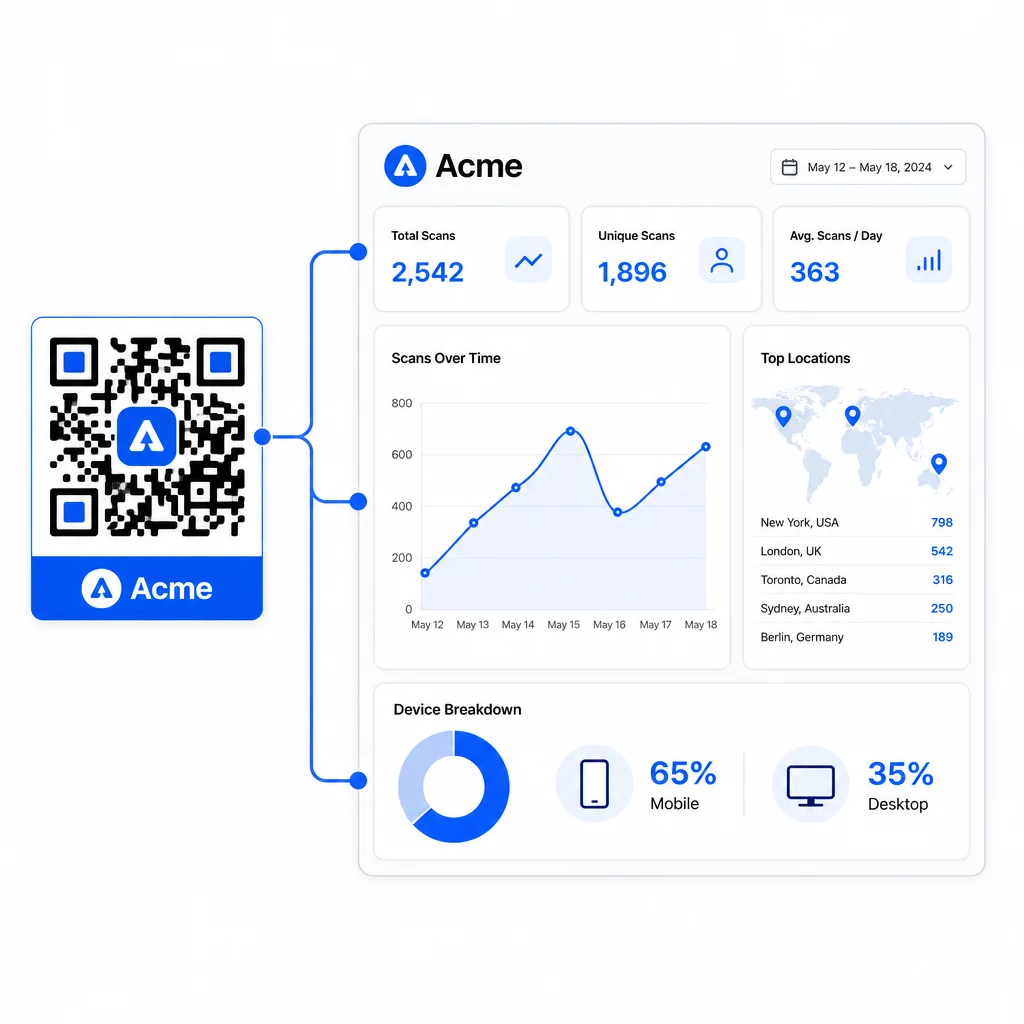
Dari papan pemuka Pageloot, anda boleh menjejaki:
- Jumlah dan kiraan imbasan unik setiap kod
- Lokasi imbasan (negara, bandar)
- Jenis peranti (iOS lwn. Android, mudah alih lwn. desktop)
- Corak masa imbasan – hari dan jam mana yang menjana aktiviti paling banyak
Data ini membolehkan anda mengenal pasti penempatan mana yang mendorong penglibatan, membandingkan prestasi merentasi kempen, dan membuat perubahan reka bentuk atau penempatan berdasarkan tingkah laku sebenar dan bukannya andaian. Sebagai contoh, jika imbasan pada risalah tertentu menurun di pertengahan kempen, anda boleh mengemas kini destinasi yang dipautkan kepada tawaran yang lebih segar tanpa menggantikan bahan bercetak.
Menambah parameter UTM pada URL kod QR anda membawa data ini terus ke Google Analytics, menghubungkan tingkah laku imbasan luar talian ke corong penukaran penuh anda.
Menyatukan Semuanya
Kod QR berjenama paling berkesan apabila reka bentuk, fungsi dan data berfungsi bersama. Bermula dengan templat yang sepadan memastikan kod anda konsisten secara visual dan sedia untuk kempen. Menambah logo anda, warna jenama, dan seruan tindakan yang jelas menjadikannya mudah dikenali dan berorientasikan tindakan. Menggunakan kod dinamik memberi anda fleksibiliti untuk mengemas kini destinasi dan menjejaki prestasi tanpa perlu menyentuh bahan bercetak.
Sama ada anda meletakkan kod pada kad perniagaan, menu, pembungkusan, atau papan tanda acara, gabungan reka bentuk profesional dan analitik masa nyata mengubah kod mudah menjadi sebahagian yang boleh diukur dalam strategi pemasaran anda. Mulakan dengan kod QR percuma daripada penjana Pageloot dan bina dari situ.
Soalan lazim
Gunakan pembetulan ralat Tahap H apabila menambah logo – ini membolehkan kod memulihkan sehingga 30% data yang tersembunyi, mengimbangi liputan logo. Pastikan logo tidak melebihi 20–30% daripada jumlah kawasan kod dan letakkannya di tengah jauh dari corak pencari. Untuk warna, kekalkan nisbah kontras minimum 4.5:1 antara modul latar depan dan latar belakang, elakkan gradien, dan sentiasa uji pada pelbagai peranti sebelum mencetak.
Kod QR statik mengekod destinasi secara langsung, jadi ia tidak boleh diubah selepas penciptaan tanpa menjana kod baharu. Kod QR dinamik mengekod URL pengalihan pendek yang anda kawal dari papan pemuka, bermakna anda boleh mengemas kini destinasi, menambah perlindungan kata laluan, menetapkan tarikh luput, dan menjejaki analitik imbasan – semuanya tanpa mencetak semula bahan anda. Untuk kebanyakan kes penggunaan pemasaran dan perniagaan, kod dinamik adalah pilihan yang lebih praktikal.
Minimum umum untuk imbasan jarak dekat ialah 2 × 2 cm (0.8 × 0.8 in). Untuk bahan di mana jarak imbasan lebih besar – seperti poster atau papan tanda – gunakan peraturan 10:1: tambah 1 cm lebar kod untuk setiap 10 cm jarak pandangan yang dijangkakan. Kod berjenama dengan logo atau warna tersuai mungkin perlu sedikit lebih besar untuk memastikan kerumitan reka bentuk tambahan tidak mengurangkan kebolehimbasan.