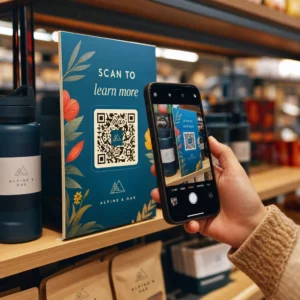
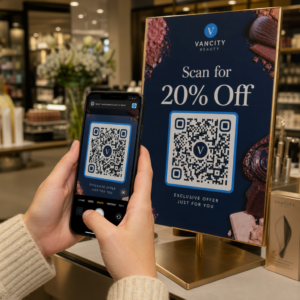
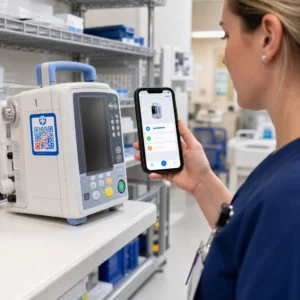
Har du svært ved at få dine QR-koder til at se ud, som om de faktisk tilhører dit brand? En almindelig sort-hvid kode gør jobbet teknisk set, men den går glip af en reel mulighed for at styrke genkendelsen og drive flere scanninger. Denne guide fører dig igennem, hvordan du opretter professionelle brandede QR-koder ved hjælp af færdige skabeloner, dit eget logo og farver samt dynamiske funktioner, der holder dine kampagner fleksible efter udskrivning.
Hvorfor brandede QR-koder præsterer bedre
En QR-kode er et berøringspunkt. Hver gang nogen ser den på emballage, en flyer eller et visitkort, foretager de en hurtig vurdering af, om de skal scanne den. Brandede QR-koder – dem, der inkorporerer dit logo, farveskema og visuelle stil – signalerer legitimitet og genkendelighed, hvilket direkte påvirker scanningsraterne.
Forskning viser konsekvent, at brandede QR-koder med logoer kan øge scanningsraterne med 30% til 70% sammenlignet med generiske sort-hvide koder. Det hul skyldes tillid: en kode, der ser ud til at tilhøre et brand, folk genkender, bliver scannet lettere end en, der ser generisk eller uverificerbar ud.
Ud over scanningsrater skaber brandede koder konsistens på tværs af dine marketingmaterialer. Når din QR-kode matcher din emballage, skiltning og digitale aktiver, styrker den brandidentiteten i stedet for at underminere den.
Opret brandede QR-koder uden at starte fra bunden Pageloots QR-kode skabeloner giver dig færdige designs, du kan tilpasse med dine farver, logo og stil – så hver kode ser ud som en del af dit brand, ikke en eftertanke.
Valg af den rigtige skabelon til dit brand
Den skabelon, du vælger, danner det visuelle grundlag for din QR-kode. En velvalgt skabelon reducerer designtiden, sikrer scanningsmulighed og giver din kode et poleret udseende, der passer naturligt ind i dine eksisterende materialer.
Når du evaluerer skabeloner, prioriter:
- Brandtilpasning – Passer skabelonens farveudvalg, layout og visuelle stil til din eksisterende identitet?
- Anvendelsesformål – En skabelon designet til et visitkort har andre proportioner og tæthed end en, der er bygget til en plakat eller et produktmærke.
- Scannbarhed – Forhåndstestede skabeloner fra pålidelige platforme er allerede optimeret til kontrast- og stillezonekrav
Pageloots QR-kode skabelonbibliotek tilbyder designs organiseret efter brugssituation, fra detailhandel og begivenheder til sociale profiler og menuer. Du kan vælge en skabelon, der allerede ser kampagneklar ud, derefter justere farver, tilføje dit logo og genbruge den på tværs af materialer for et ensartet udtryk.
Tilpasning af skabeloner til din branche
Forskellige brancher har forskellige visuelle forventninger, og din QR-kode skabelon bør afspejle denne kontekst:
- Restauranter og hotelbranchen – Brug varme toner og ren typografi, der passer til bordkort og menuer; målet er at være imødekommende og hurtig at scanne
- Detailhandel og e-handel – Vælg skabeloner, der komplementerer produktemballagen uden at konkurrere visuelt med den
- Fast ejendom – Sofistikerede, minimale designs med plads til agentbranding og kontaktoplysninger fungerer godt på skilte og trykte materialer
- Sundhedspleje – Rene, høj-kontrast designs i rolige paletter etablerer den tillid og klarhed, som denne kontekst kræver
- Uddannelse – Designs, der balancerer imødekommenhed med autoritet; skolefarver og klare CTA'er hjælper med at guide elever og forældre
- Begivenheder og marketingbureauer – Alsidige skabeloner, der kan tilpasses pr. kampagne, samtidig med at dit bureaus overordnede identitet bevares
Tilpasning af QR-koder med dine brandingelementer
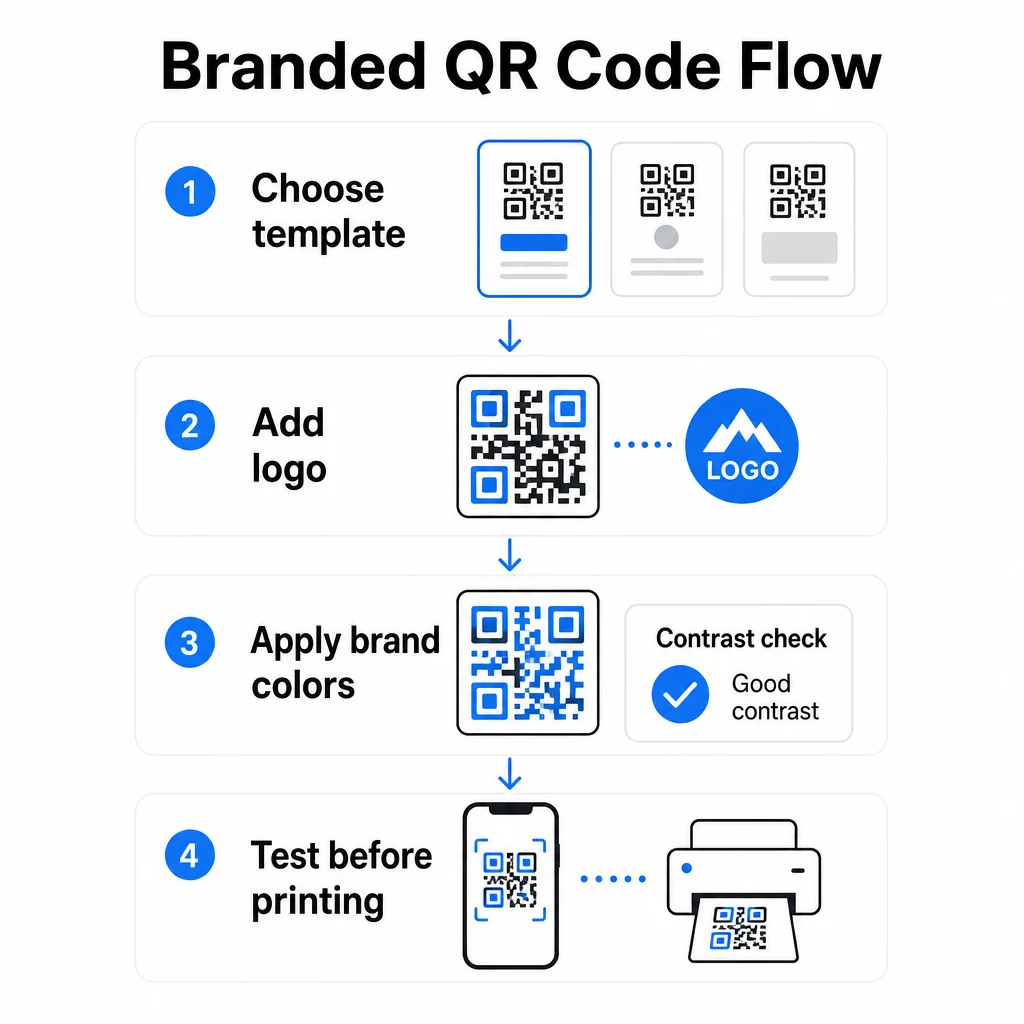
Når du har valgt en skabelon, begynder det egentlige brandarbejde. Tilføjelse af dit logo, anvendelse af din farvepalet og finjustering af design detaljer forvandler en generisk skabelon til en kode, der ser umiskendeligt din ud.
Tilføjelse af dit firmalogo
At placere dit logo i midten af en QR-kode skaber en øjeblikkelig brandforbindelse i scanningsøjeblikket. For at gøre dette korrekt:
- Brug en vektorfil i høj kvalitet (SVG eller EPS), så dit logo forbliver skarpt i enhver størrelse
- Hold logoet centreret og væk fra de tre søgemønsterkvadrater i hjørnerne
- Begræns logodækningen til ikke mere end 20-30% af det samlede kodeområde – ud over det falder scanningsmuligheden
- Brug Fejlkorrektion niveau H når du tilføjer et logo; dette gør det muligt for koden at gendanne op til 30% af beskadigede eller skjulte data, hvilket kompenserer for det område, dit logo dækker
Pageloots QR-kode generator med logo håndterer fejlkorrektion automatisk, når du uploader et logo, hvilket reducerer risikoen for at generere en kode, der ser godt ud, men ikke scanner pålideligt.
Tilføj dit logo til en QR-kode på få minutter Brug QR-kode generator med logo for at uploade dit brandlogo, anvende dine farver og downloade en printklar fil – ingen designsoftware nødvendig.
Anvendelse af brandfarver uden at ødelægge scanningsmuligheden
Farve er der, hvor mange brandede QR-koder løber ind i problemer. Koden har stadig brug for tilstrækkelig kontrast mellem datamodulerne og baggrunden for at scanne pålideligt. Retningslinjer at følge:
- Mørk forgrund på en lys baggrund er den mest pålidelige kombination; sort på hvid forbliver guldstandarden
- Sigt efter et minimum kontrastforhold på 4,5:1 for små koder; 3:1 er acceptabelt for større formater, hvor scanneren har mere overfladeareal at læse
- Undgå gradienter og skygger – disse skaber mellemtonefarver, der forvirrer scannere ved at gøre grænsen mellem moduler tvetydig
- Inverter aldrig farverne (lys kode på mørk baggrund) uden grundig test på flere enheder; nogle scannere håndterer dette dårligt
For flere detaljer om hvilke farvekombinationer der virker, og hvilke der skal undgås, er vejledningen til bedste praksis for QR-kode farvekontrast dækker specifikke eksempler på kontrastforhold og en sammenligningstabel.
Avancerede tilpasningsdetaljer
Udover farve og logoer kan et par yderligere designvalg forbedre din QR-kodes udseende uden at gå på kompromis med funktionen:
- Brugerdefinerede søgemønsterformer – De tre firkanter i hjørnerne kan afrundes eller styles; dette tilføjer personlighed, samtidig med at mønsteret forbliver genkendeligt for scannere
- Rammer og opfordringer til handling – Tilføjelse af en mærkevarekant og en kort sætning som “Scan for at se menuen” eller “Scan for at downloade” øger engagementet ved at fortælle brugerne præcis, hvad de får
- Stillezone – Oprethold altid en tom margen på mindst fire moduler på alle sider af koden; dette er et ISO/IEC 18004-krav og er afgørende for, at scannere kan lokalisere koden korrekt
- Mindstestørrelse – Til printbrug skal koder holdes mindst 2 × 2 cm (0,8 × 0,8 tommer) til scanning på kort afstand; skaler proportionalt op til plakater eller skiltning ved at bruge den generelle regel om 1 cm kodebredde pr. 10 cm forventet scanningsafstand
Brug vektorformater (SVG eller EPS) til alle printapplikationer for at forhindre pixelering ved større størrelser. For yderligere vejledning, se bedste praksis for QR-kodelæsbarhed og vejledning til oprettelse af brugerdefinerede QR-koder dækker størrelse, opløsning og placering mere detaljeret.
Test altid før print. Print koden i dens tilsigtede størrelse, test den på flere enheder og scannerapps, og tjek den under de faktiske lysforhold, hvor den skal bruges. Dette er især vigtigt, når logoer, ikke-standardfarver eller små størrelser er involveret, da disse variabler kan påvirke scannbarheden på måder, der ikke er synlige på skærmen.
Brug af dynamiske QR-koder til fleksible kampagner
Statiske QR-koder låser en fast destination fast i skabelsesøjeblikket. Det er fint til permanente brugsscenarier, men det skaber problemer i det øjeblik en URL ændres, en kampagne slutter, eller en menu opdateres – fordi du ville skulle genprinte hvert stykke materiale, der bærer koden.
Dynamiske QR-koder løser dette. I stedet for at kode destinationen direkte, koder de en kort omdirigerings-URL, som du styrer fra et dashboard. Når du skal ændre, hvor koden peger hen – en ny landingsside, en opdateret PDF, et sæsonbestemt tilbud – opdaterer du destinationen uden at røre ved selve den printede kode.
Dette gør dynamiske koder til den praktiske standard for de fleste forretningsapplikationer. Nøglefordele inkluderer:
- Rediger destinationen efter print uden at genprinte materialer, hvilket sparer tid og omkostninger
- Statistik i realtid inklusive samlede scanninger, unikke scanninger, enhedstyper og scanningslokationer
- Enhedsdetektion til brugsscenarier som app-downloads, hvor koden automatisk dirigerer iOS-brugere til App Store og Android-brugere til Google Play
- Udløbsdatoer og adgangskodebeskyttelse til tidsfølsomt eller eksklusivt indhold
Pageloots Dynamisk QR-kode generator inkluderer et centraliseret dashboard, hvor du kan overvåge alle aktive koder, opdatere destinationer og trække præstationsdata i realtid. Du kan også tilføje UTM-parametre til QR-kodelinks for direkte integration med Google Analytics, hvilket forbinder scanningsdata med din bredere marketingtragt.
For kontekst om, hvordan den underliggende teknologi fungerer, Sådan virker fejlkorrektion i redigerbare QR-koder forklarer, hvorfor dynamiske koder forbliver scanbare, selvom den kodede korte URL forbliver konstant på tværs af design- eller indholdsopdateringer.
Opdater dine kampagner uden genoptryk Pageloots dynamiske QR-koder lader dig ændre destinationer, spore ydeevne og optimere kampagner fra ét dashboard – selv efter at dine materialer allerede er trykt.
Hvor man kan bruge brandede QR-koder
Brandede QR-koder er alsidige på tværs af fysiske og digitale materialer. Almindelige anvendelser inkluderer:
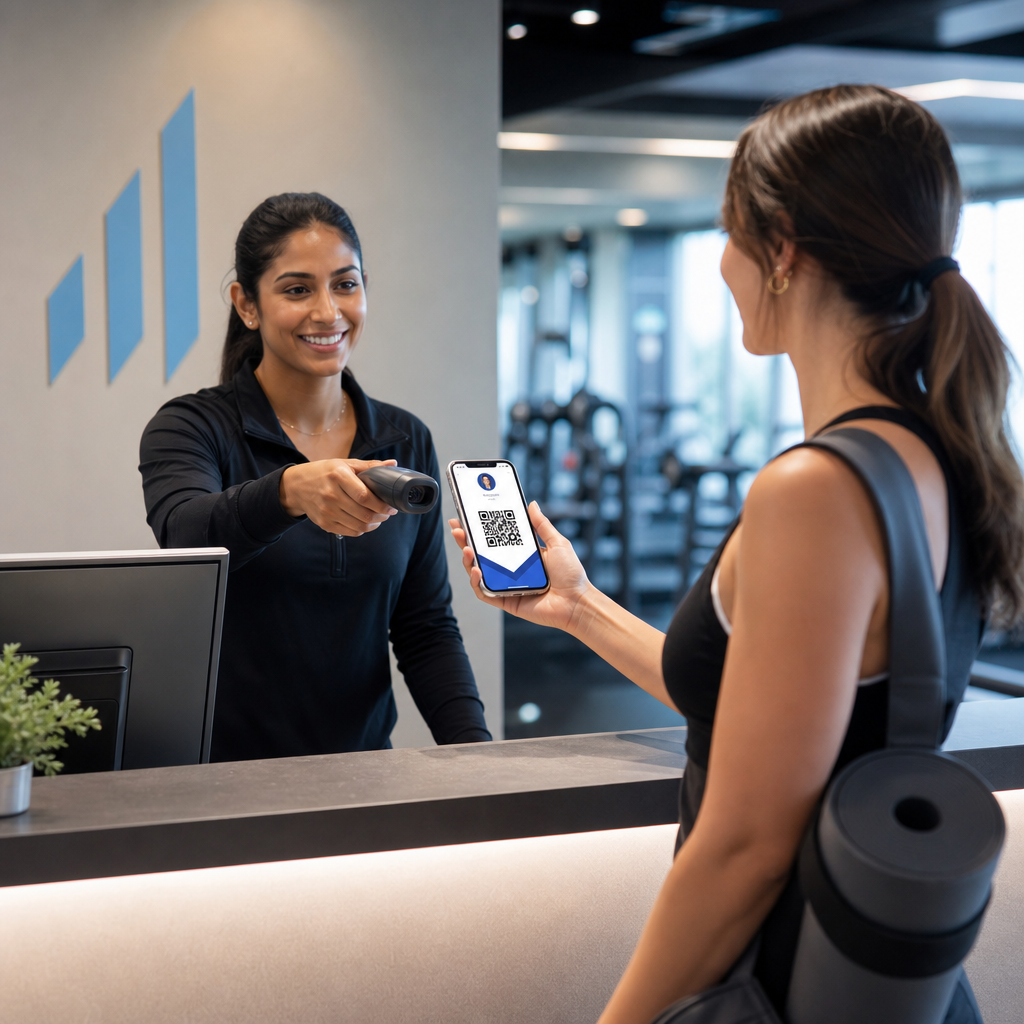
- Visitkort – Link direkte til en digital kontaktside, portfolio eller social profil; den QR-kode visitkort generator er specialbygget til dette brugsscenarie
- Restaurantmenuer – Dynamiske koder på bordtelte lader dig opdatere menuen uden at genoptrykke kort
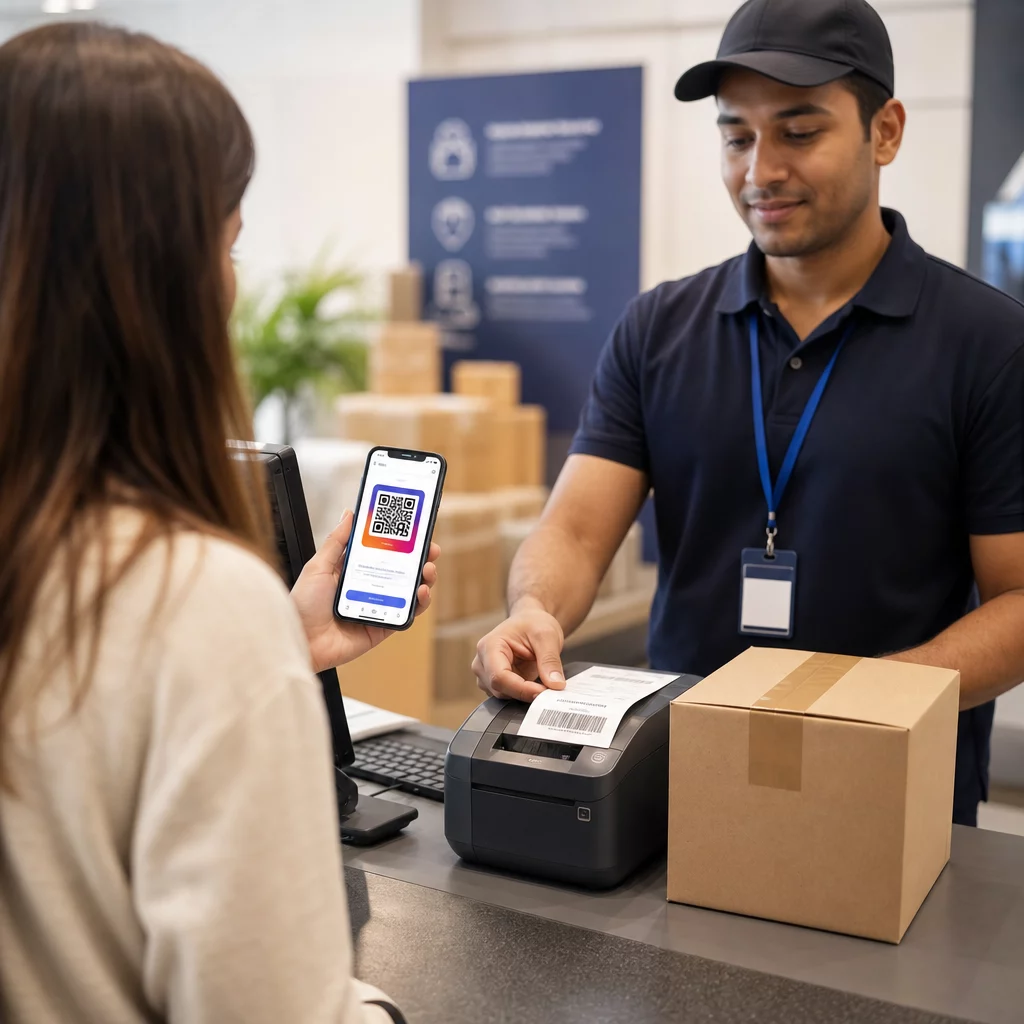
- Produktemballage – Link til instruktioner, anmeldelser eller salgsfremmende indhold; konsekvent branding på koden forstærker produktets identitet
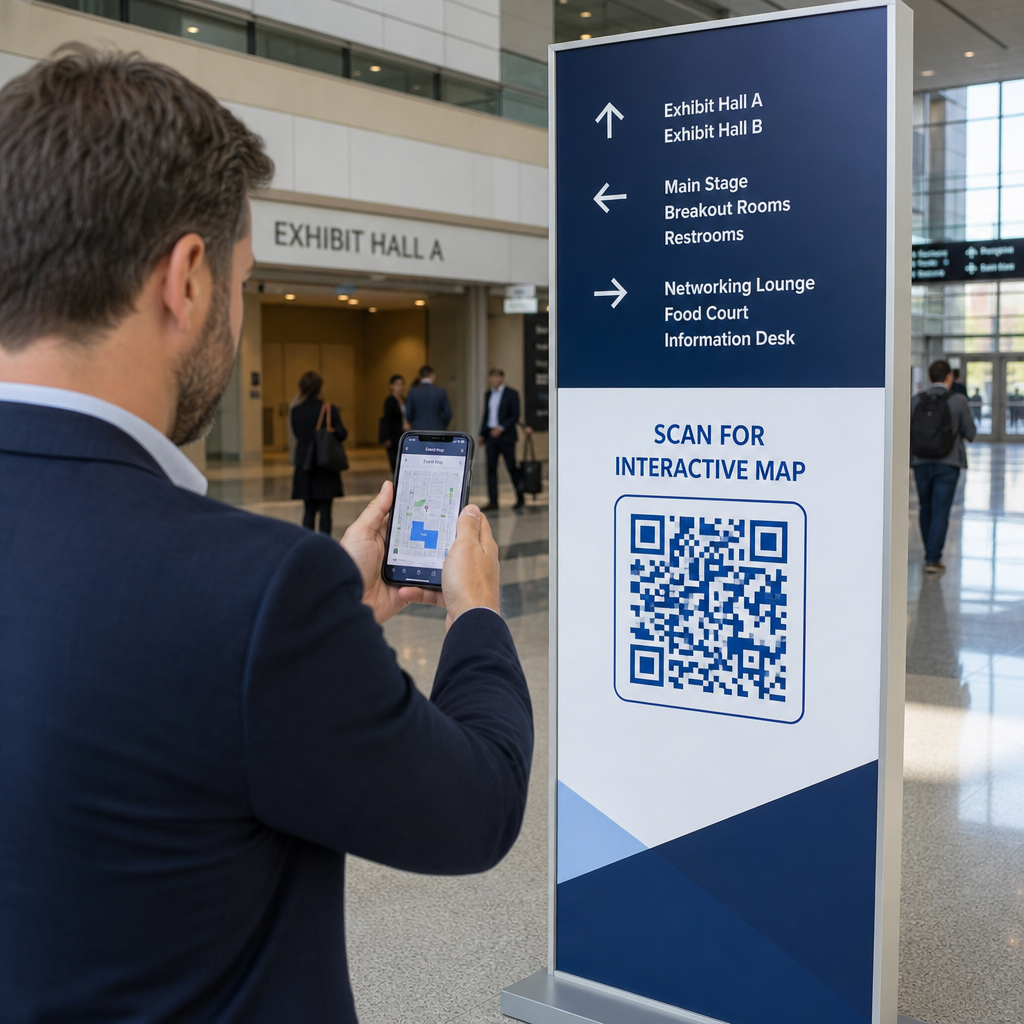
- Eventmaterialer – Flyers, billetter og skiltning med koder, der linker til tidsplaner, registreringssider eller indhold efter arrangementet
- Skiltning i detailhandlen – Drive kundetrafik til online tilbud eller loyalitetsprogrammer
- Trykte annoncer og direct mail – Spor hvilke kampagner der genererer scanninger ved hjælp af UTM-parametre og analyser
For kampagner hvor du har brug for en enkelt QR-kode til at pege på flere links eller stykker indhold, Pageloots landingssidefunktion lader dig oprette en brandet mobilside bag en enkelt scanning – nyttig til sociale profiler, begivenhedsinformation eller produktsamlinger.
Du kan udforske hele udvalget af tilgængelige funktioner og brugsscenarier på Pageloot funktionsoversigt.
Sporing af ydeevne og forbedring af resultater
Analyserne bag dine QR-koder er det, der adskiller et passivt kontaktpunkt fra et målbart marketingaktiv. Når dine brandede koder er implementeret, fortæller de data, de genererer, dig, hvad der virker, og hvad der skal justeres.
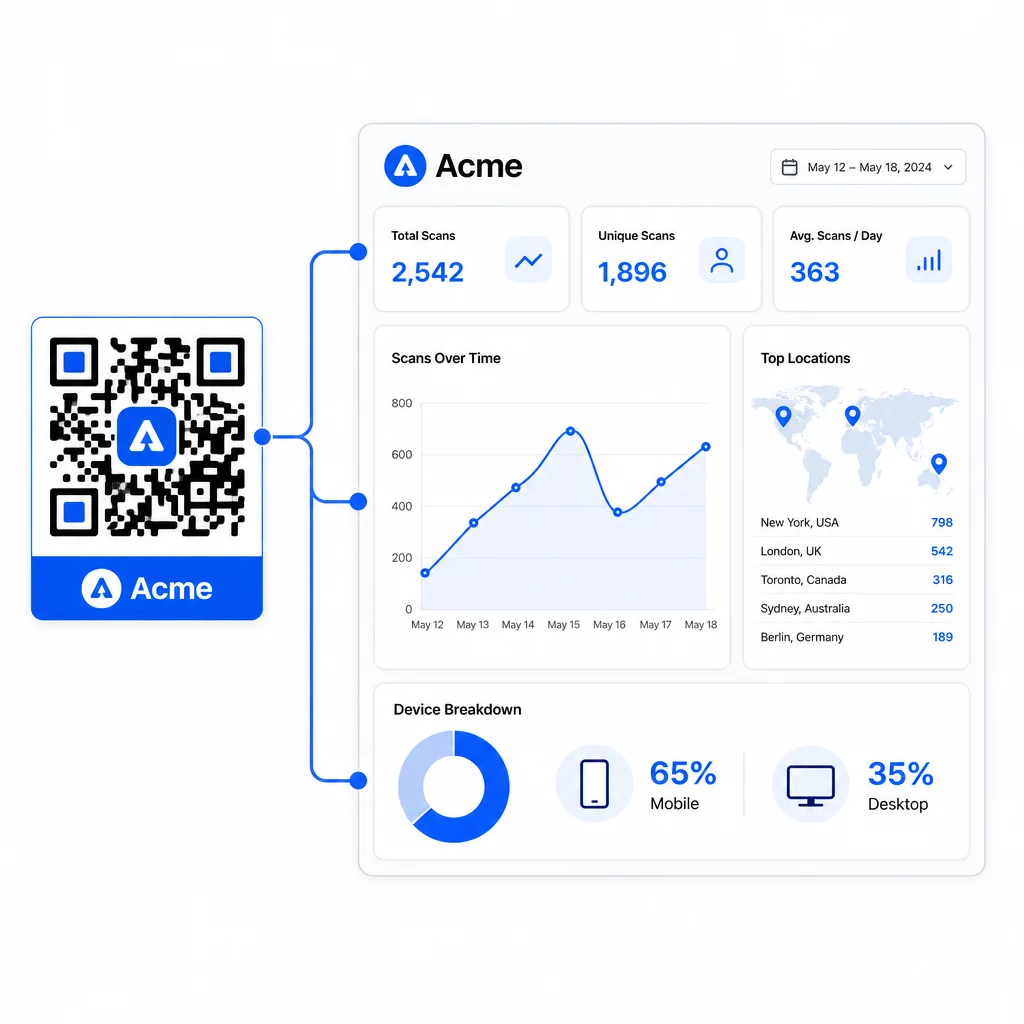
Fra Pageloot-dashboardet kan du spore:
- Samlet og unikt antal scanninger pr. kode
- Scanningslokationer (land, by)
- Enhedstyper (iOS vs. Android, mobil vs. desktop)
- Scan timingmønstre – hvilke dage og timer genererer mest aktivitet
Disse data giver dig mulighed for at identificere, hvilke placeringer der skaber engagement, sammenligne ydeevne på tværs af kampagner og foretage design- eller placeringsændringer baseret på faktisk adfærd snarere end antagelser. For eksempel, hvis scanninger på en bestemt flyer falder midt i kampagnen, kan du opdatere den linkede destination til et friskere tilbud uden at udskifte det trykte materiale.
Tilføjelse af UTM-parametre til dine QR-kode-URL'er bringer disse data direkte ind i Google Analytics og forbinder offline scanningsadfærd med din fulde konverteringstragt.
Sammenfatning
Branded QR-koder er mest effektive, når design, funktionalitet og data arbejder sammen. At starte med en veltilpasset skabelon holder dine koder visuelt konsistente og kampagneklar. Tilføjelse af dit logo, brandfarver og en klar opfordring til handling gør dem genkendelige og handlingsorienterede. Brug af dynamiske koder giver dig fleksibiliteten til at opdatere destinationer og spore ydeevne uden nogensinde at røre ved det trykte materiale.
Uanset om du placerer koder på visitkort, menuer, emballage eller event-skilte, forvandler kombinationen af professionelt design og realtidsanalyse en simpel kode til en målbar del af din marketingstrategi. Start med en gratis QR-kode fra Pageloots generator og byg videre derfra.
Ofte stillede spørgsmål
Brug fejlkorrektion på niveau H, når du tilføjer et logo – dette gør det muligt for koden at gendanne op til 30% af skjulte data, hvilket kompenserer for logoets dækning. Hold logoet til ikke mere end 20-30% af det samlede kodeområde og centrer det væk fra søgemønstrene. For farver skal du opretholde et minimumskontrastforhold på 4,5:1 mellem forgrundsmodulerne og baggrunden, undgå gradienter og altid teste på flere enheder før udskrivning.
En statisk QR-kode koder destinationen direkte, så den kan ikke ændres efter oprettelse uden at generere en ny kode. En dynamisk QR-kode koder en kort omdirigerings-URL, som du styrer fra et dashboard, hvilket betyder, at du kan opdatere destinationen, tilføje adgangskodebeskyttelse, indstille udløbsdatoer og spore scanningsanalyser – alt sammen uden at genoptrykke dine materialer. For de fleste marketing- og forretningsbrugsscenarier er dynamiske koder det mere praktiske valg.
Det generelle minimum for scanning på kort afstand er 2 × 2 cm (0,8 × 0,8 tommer). For materialer, hvor scanningsafstanden er større – såsom plakater eller skilte – skal du bruge 10:1-reglen: tilføj 1 cm kodebredde for hver 10 cm forventet visningsafstand. Branded koder med logoer eller brugerdefinerede farver skal muligvis være lidt større for at sikre, at den tilføjede designkompleksitet ikke reducerer scanningsmuligheden.