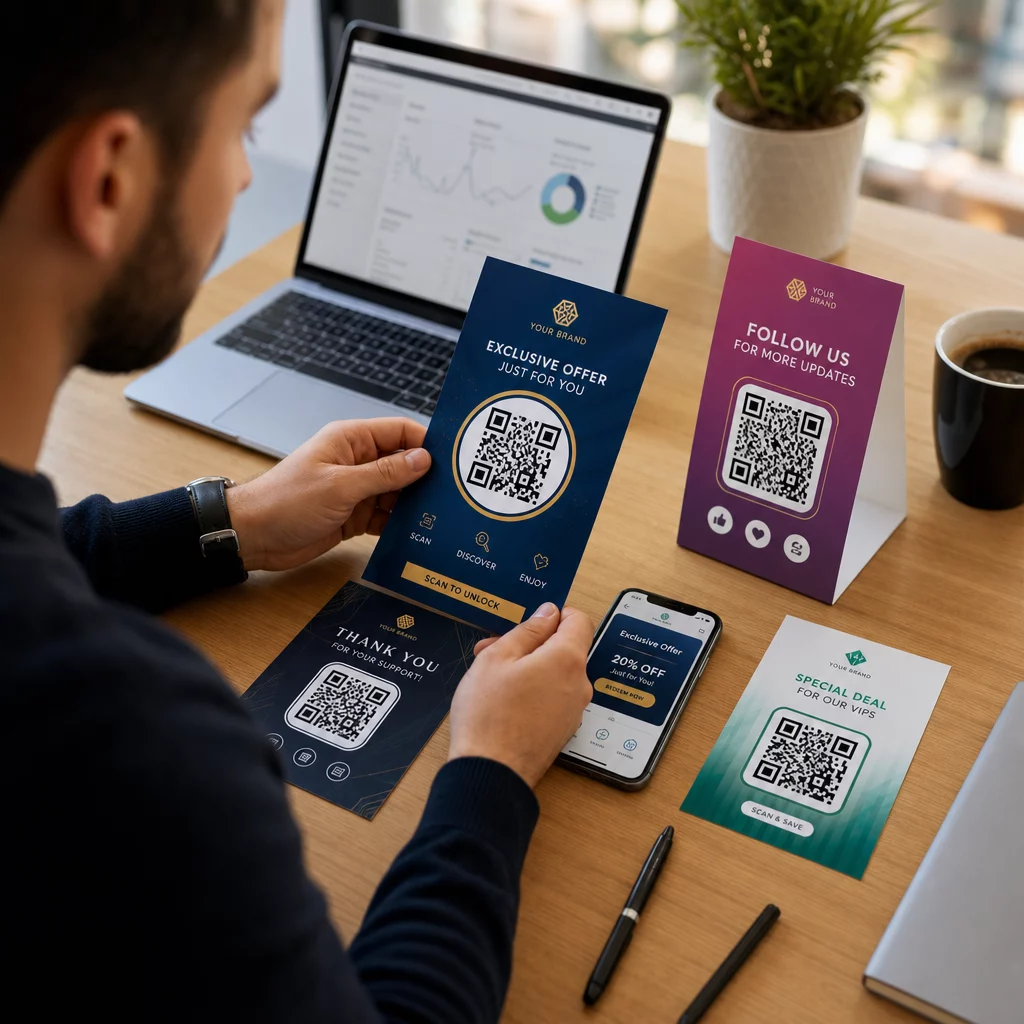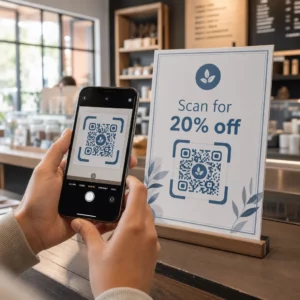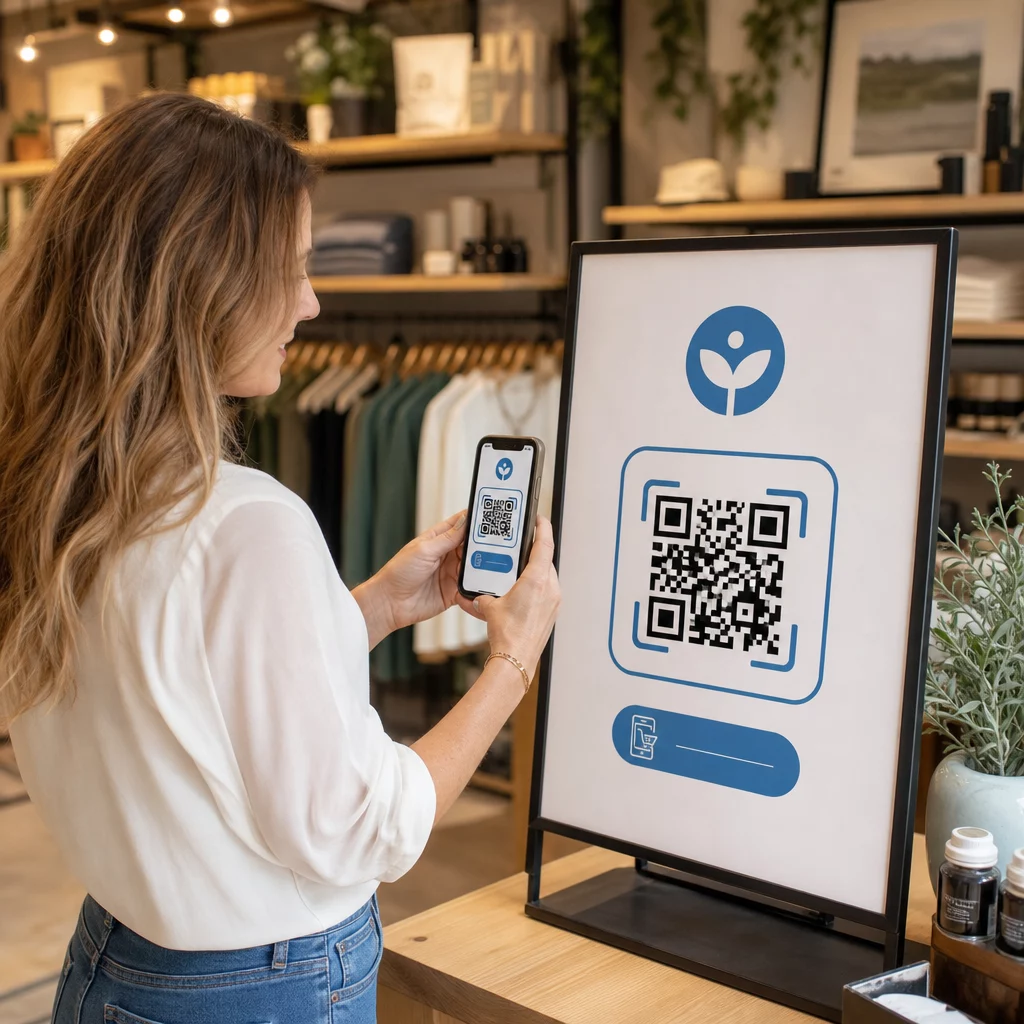
Nežinote, kaip naudoti QR kodus, be nuorodos į jūsų pagrindinį puslapį? Dauguma įmonių vos paliečia paviršių to, ką šie kodai gali padaryti, o praleistos galimybės dažnai reiškia mažiau konversijų, silpnesnes kampanijas ir jokio būdo išmatuoti, kas veikia. Šis vadovas supažindins jus su praktinėmis QR kodų rinkodaros idėjomis, kurias galite pritaikyti savo kanaluose jau dabar.
Nukreipkite klientus į bet kurį jūsų svetainės puslapį
Dažniausias naudojimas – ir vis dar vienas efektyviausių – yra QR kodo susiejimas su konkrečiu tinklalapiu. Tai nebūtinai turi būti jūsų pagrindinis puslapis. Specialus nukreipimo puslapis akcijai, sezoniniam pasiūlymui ar produkto pristatymui konvertuoja daug geriau nei lankytojų siuntimas į bendrinį URL.
Svarbiausia užtikrinti, kad paskirties vieta būtų optimizuota mobiliesiems įrenginiams. Dauguma žmonių nuskaitys iš savo telefono, todėl lėtas arba prastai suformatuotas puslapis sunaikins jūsų rezultatus dar prieš jiems prasidedant. Galite naudoti Nuorodos QR kodo generatorius norėdami sukurti kodus bet kokiam URL ir atnaujinti paskirties vietą be pakartotinio spausdinimo, jei pasirinksite dinaminį kodą.
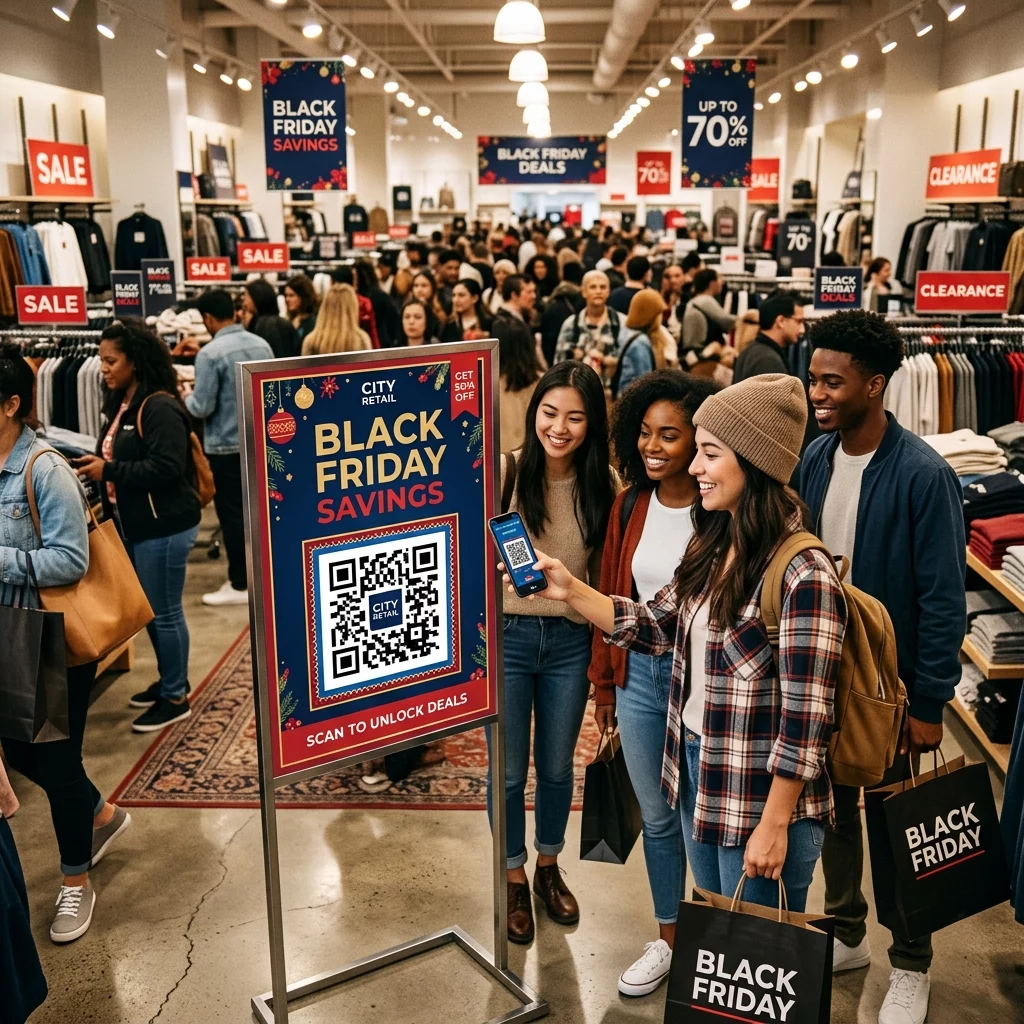
Nukreipkite neprisijungusį srautą į savo skaitmenines kampanijas Įdėkite QR kodus ant skrajučių, pakuočių ar parduotuvės iškabų ir susiekite juos tiesiogiai su savo kampanijos nukreipimo puslapiais. Naudokite QR kodo generatorius kad pradėtumėte per kelias sekundes – nereikia jokių dizaino įgūdžių.
Siūlykite kuponus ir nuolaidų kodus
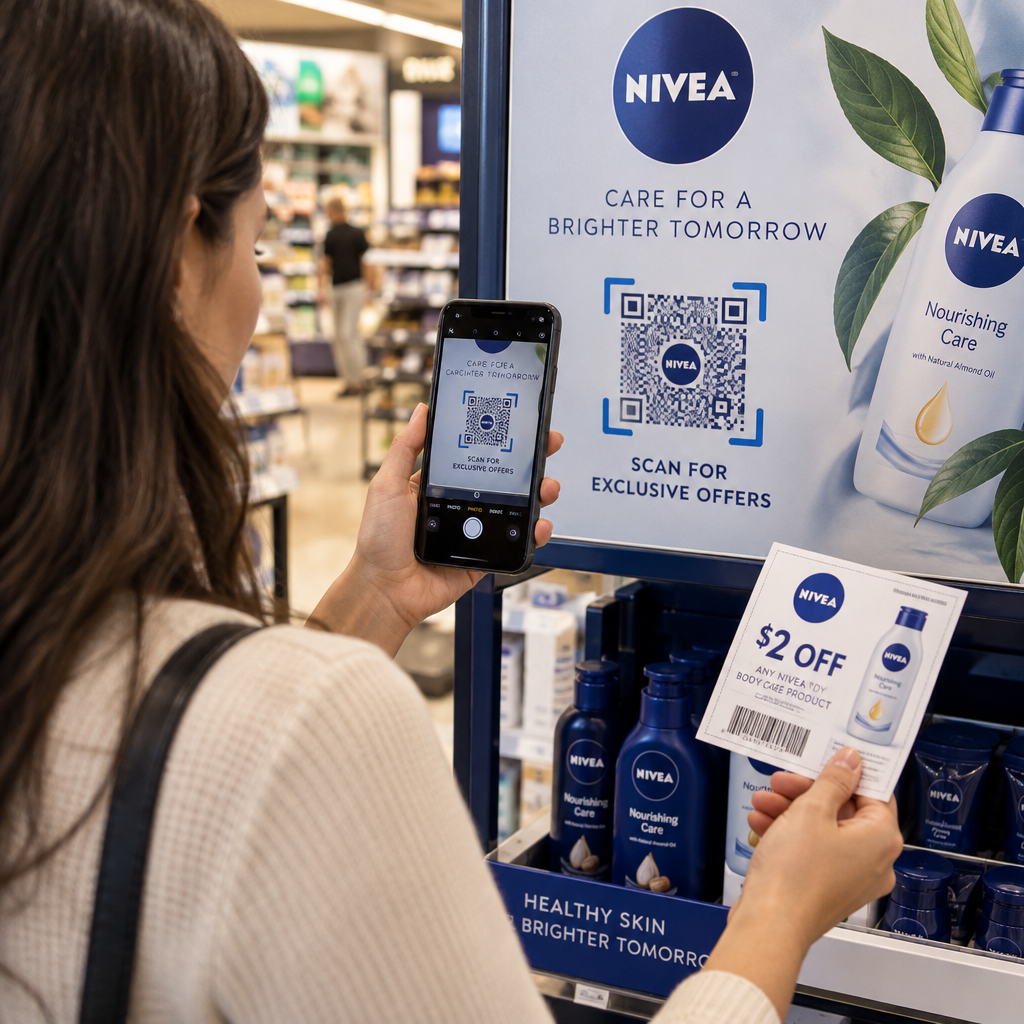
Viena iš geriausiai veikiančių QR kodų rinkodaros idėjų yra kodo naudojimas kuponui ar išskirtinei nuolaidai suteikti. Pakuotės, kvitai, tiesioginis paštas ir parduotuvės iškabos yra natūralios vietos. Kai klientas nuskaito ir iš karto gauna vertę – tarkime, 15% nuolaidą kitam pirkiniui – sumažinate trintį pirkimo procese ir suteikiate žmonėms konkrečią priežastį nuskaityti.
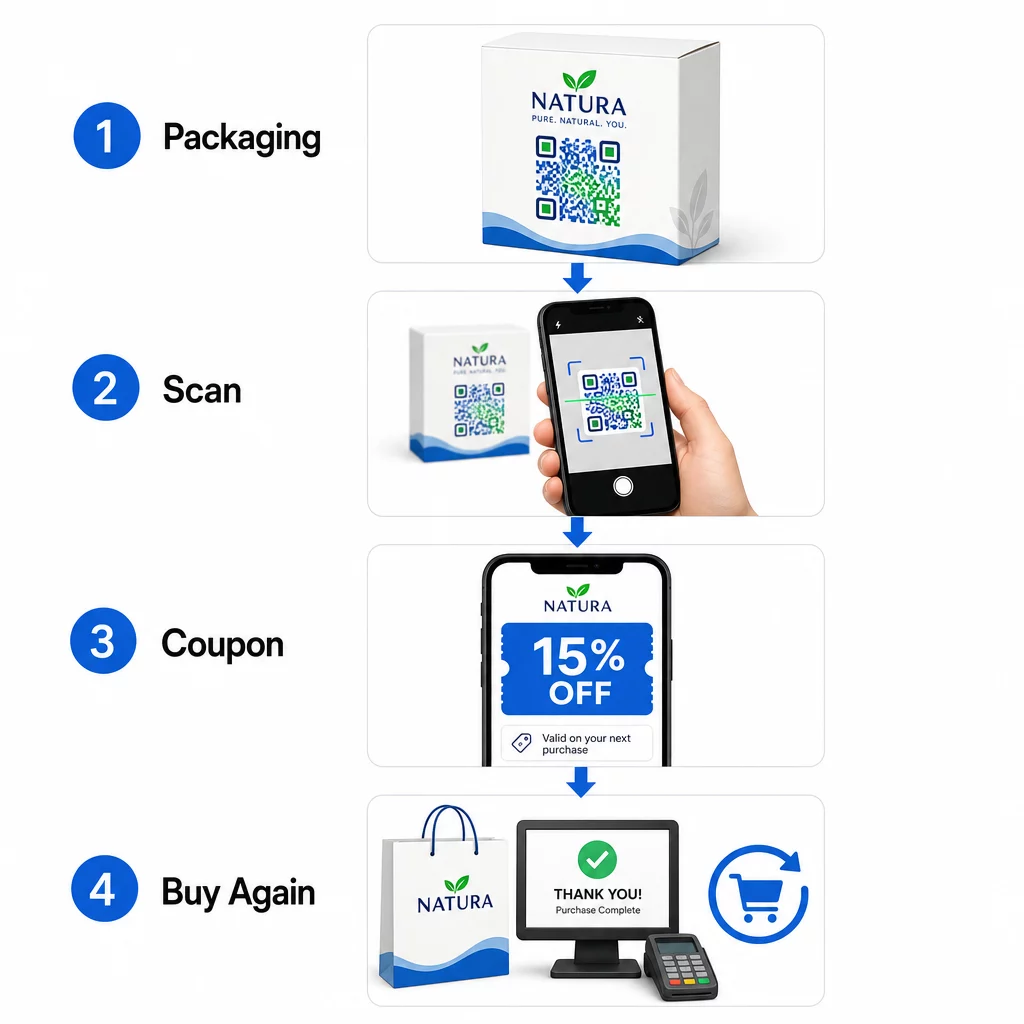
Supakuotų maisto ir gėrimų prekių ženklai JAV jau plačiai naudoja šį metodą, spausdindami QR kodus ant etikečių, kurios atrakina skaitmeninius kuponus ir skatina pakartotinius pirkimus. Kuponų QR kodo generatorius leidžia jums sukurti nukreipimo puslapį su keliais pasiūlymais, pridėti sąlygas ir dalintis kodu spausdintais bei skaitmeniniais kanalais.
Akimirksniu dalinkitės kontaktiniais duomenimis su QR vizitine kortele
Dauguma popierinių vizitinių kortelių atsiduria stalčiuje – arba šiukšlių dėžėje – dar prieš išsaugant kontaktą. QR kodas ant jūsų vizitinės kortelės tai pakeičia. Kai kas nors jį nuskaito, jūsų vardas, telefono numeris, el. paštas, svetainė ir kiti duomenys automatiškai pridedami prie jų telefono adresų knygos be jokio rankinio įvedimo.
Tai ypač vertinga parodose, konferencijose ir tinklaveikos renginiuose, kur žmonės greitai keičiasi kortelėmis. Vizitinės kortelės QR kodo generatorius leidžia jums įtraukti visus savo kontaktinius laukus ir pritaikyti dizainą, kad jis atitiktų jūsų prekės ženklą.
Surinkite klientų atsiliepimus
Paskatinti klientus palikti “Google” atsiliepimą yra vienas sunkiausių uždavinių vietinėje rinkodaroje. QR kodas pašalina beveik visą trintį. Padėkite kodus ant kvitų, stalo palapinių, pakuočių arba prie kasos su raginimu, pavyzdžiui: „Patiko jūsų patirtis? Nuskaitykite, kad paliktumėte mums atsiliepimą.“
Kai klientai nuskaito, jie patenka tiesiai į jūsų „Google“ atsiliepimų puslapį – nereikia ieškoti, nereikia naršyti. Google atsiliepimų QR kodo generatorius leidžia lengvai tai nustatyti, o daugiau atsiliepimų tiesiogiai palaiko jūsų vietinės paieškos reitingus.
Vykdykite apklausas ir rinkite potencialių klientų duomenis
QR kodai, kurie susieja su formomis, yra praktiškas būdas rinkti pirminius klientų duomenis – informaciją, kurią turite ir galite tiesiogiai naudoti savo rinkodaroje. Susiekite kodą su trumpa apklausa, loterijos įrašu arba el. pašto registracijos forma ir padėkite jį bet kur, kur jūsų auditorija natūraliai sustoja: ant produktų pakuočių, laukiamuosiuose, renginių stenduose ar spausdintuose meniu.
Gėrimų prekės ženklas, vykdantis loteriją per QR kodus ant pakuotės priekio, vienos kampanijos metu sugeneravo daugiau nei 579 000 nukreipimo puslapio peržiūrų ir daugiau nei 28 000 el. pašto prenumeratos įrašų. Google formos QR kodo generatorius yra paprastas būdas sukurti nuskaitomą nuorodą į bet kurią jau sukurtą „Google“ formą.
Suteikite „Wi-Fi“ prieigą nepasidalindami slaptažodžiu
Jei jūsų verslas turi laukiamąjį, vestibiulį, kavinę ar prekybos salę, „Wi-Fi“ QR kodas yra nedidelė detalė, kurią klientai nuoširdžiai vertina. Kode yra jūsų tinklo prisijungimo duomenys, ir kai kas nors jį nuskaito, jo telefonas prisijungia automatiškai – nereikia įvesti slaptažodžio, o jūsų tikrasis slaptažodis lieka privatus.
Tai puikiai tinka restoranuose, viešbučiuose, sporto salėse, medicinos įstaigose ir bet kurioje erdvėje, kur svečiai praleidžia laiką. Tai lengva nustatyti ir sukuria iškart teigiamą patirtį.
Padėkite klientams jus rasti
Jei jūsų vieta yra atokiau nuo pagrindinio kelio arba jūsų adresas yra sudėtingas, geolokacijos QR kodas apsaugo klientus nuo neteisingo posūkio. Kode yra jūsų platumos ir ilgumos koordinatės, o nuskenavus, jis atidaro jūsų tikslią vietą vartotojo numatytojoje žemėlapių programoje.
Tai praktiškas priedas prie vizitinių kortelių, kvietimų į renginius, tiesioginio pašto ir vietinės reklamos – visur, kur kam nors gali prireikti pirmą kartą atvažiuoti pas jus.
Automatiškai pridėkite įvykius į kalendorius
Reklamuojate produkto pristatymą, atvirų durų dieną ar sezoninį išpardavimą? QR kodas gali paskatinti klientus vienu palietimu išsaugoti įvykį tiesiai į savo telefono kalendorių. Įtraukite įvykio pavadinimą, datą, laiką ir vietą į kodą, o kai kas nors jį nuskaito, jų prašoma patvirtinti išsaugojimą.
Tai yra daug efektyviau nei tiesiog atspausdinti datą ant skrajutės ir tikėtis, kad žmonės ją prisimins.
Inicijuoti telefono skambutį arba tekstinę žinutę
Jei tiesioginis atsakas yra tikslas – priversti ką nors paskambinti į jūsų pardavimų liniją arba parašyti žinutę dėl atgalinio skambučio – QR kodas gali iš anksto užpildyti telefono numerį ir automatiškai jį surinkti, arba atidaryti iš anksto parašytą tekstinę žinutę, laukiančią patvirtinimo. Abi parinktys pašalina rankinio skaičių įvedimo pastangas, o tai žymiai padidina tikimybę, kad kas nors iš tikrųjų tai padarys.
Tai naudinga ant spausdintų skelbimų, parduotuvių iškabų ir tiesioginio pašto, kur raginimas veikti yra riboto laiko.
Dėti QR kodus ant produktų pakuočių
Mažmeninė pakuotė yra viena iš labiausiai nepanaudotų QR kodų vietų fizinėje rinkodaroje. Kodas ant produkto šono ar nugaros gali nukreipti į mokomuosius vaizdo įrašus, išsamią ingredientų ar tiekimo informaciją, garantijos registraciją arba papildomų produktų rekomendacijas. Vartojimo prekių ženklai tai naudoja dalintis turiniu, kuris niekada netilptų ant etiketės – išsamius mitybos duomenis, receptų idėjas ar produkto istoriją.
Kai kurie prekės ženklai eina toliau: vyno etiketės QR kodas, kuris atrakina papildytosios realybės patirtį, arba energetinio gėrimo skardinė, kuri nuskaičius apdovanoja žaidėjus žaidimo elementais. Esmė ta, kad pakuotė jau yra klientų rankose – padarykite ją interaktyvią.
Norėdami gauti platesnį vaizdą, kaip QR kodai tinka fizinėms rinkodaros medžiagoms, šis QR kodų išdėstymo rinkodaroje vadovas išsamiai aprašo dydžio, pozicionavimo ir dizaino geriausią praktiką.
Suteikite savo QR kodams prekės ženklo išvaizdą geresniam nuskaitymo dažniui
Paprastas juodai baltas QR kodas nieko nepraneša apie už jo esantį prekės ženklą, o tai gali sumažinti pasitikėjimą ir nuskaitymo dažnį. Pridėjus savo logotipą, prekės ženklo spalvas ir trumpą raginimo veikti rėmelį – pavyzdžiui, “Nuskaitykite ir gaukite 10% nuolaidą” arba “Peržiūrėkite meniu” – padaro kodą atpažįstamesnį ir suteikia žmonėms priežastį veikti.
Individualizuoti QR kodai išsiskiria tarp konkuruojančių vizualinių elementų ant pakuočių, iškabų ir spausdintų medžiagų. Šis QR kodo generatorius su logotipu leidžia lengvai pritaikyti nuoseklų prekės ženklą visiems jūsų kodams.
Padarykite kiekvieną kodą atpažįstamą Pridėkite savo logotipą, prekės ženklo spalvas ir raginimo veikti rėmelį prie savo QR kodų naudodami QR kodo generatorius su logotipu kad padidintumėte pasitikėjimą ir nuskaitymo dažnį visose jūsų spausdintose ir skaitmeninėse medžiagose.
Stebėti našumą ir atnaujinti kodus be perspausdinimo
Statiniai QR kodai yra fiksuoti – atspausdinus negalite pakeisti, kur jie nukreipia, ar matyti, kaip jie veikia. Dinaminiai QR kodai išsprendžia abi problemas. Galite bet kada atnaujinti paskirties URL neliesdami atspausdinto kodo ir gauti prieigą prie nuskaitymo analizės: bendro nuskaitymų skaičiaus, unikalių vartotojų, įrenginių tipų, geografinių duomenų ir laiko pagrindu sudarytų modelių.
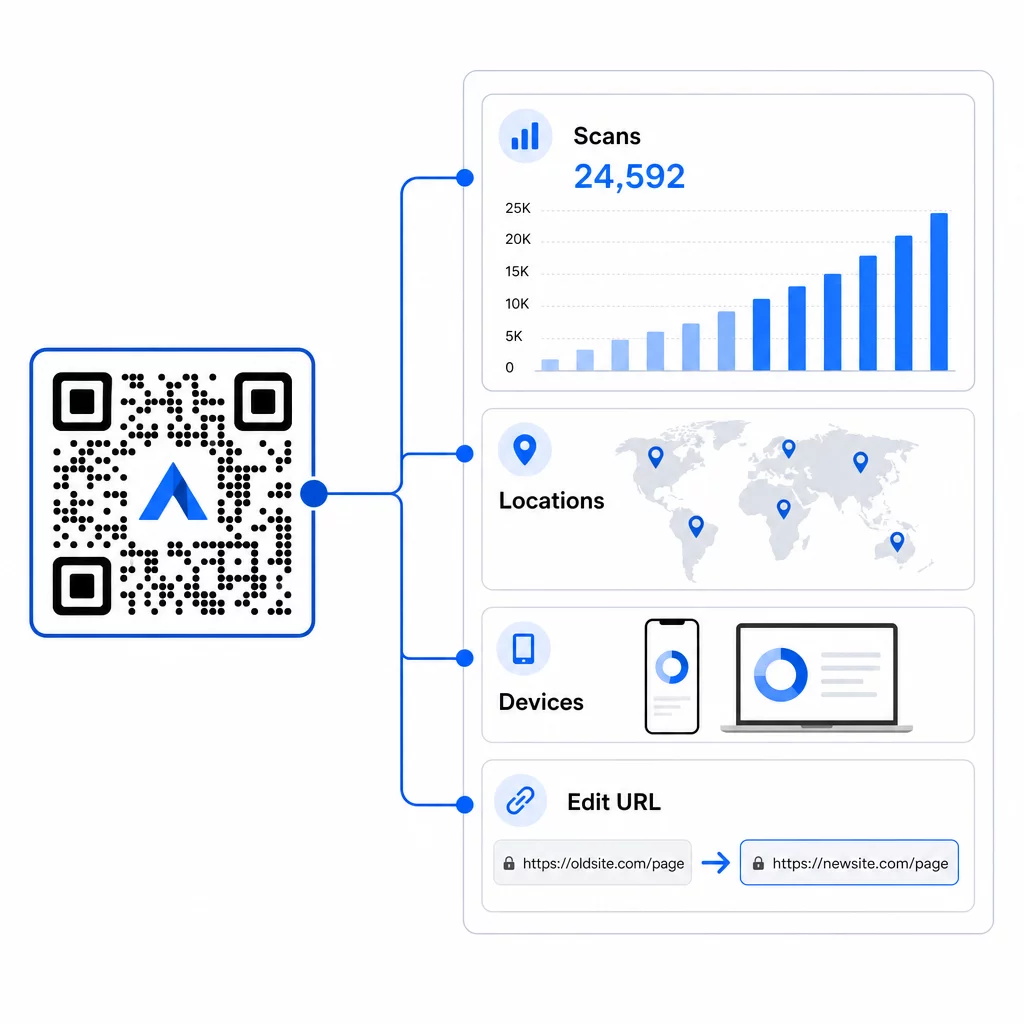
Tai svarbiausia vykstančiose kampanijose. Jei sezoninė akcija baigiasi, galite nukreipti tą patį atspausdintą kodą į naują pasiūlymą. Jei viena vieta veikia geriau nei kita, jūsų analizė tiksliai parodys, kur ir kada žmonės nuskaito. Norėdami gauti išsamią informaciją apie tai, ką fiksuoja stebėjimas, žr. vadovą sekimo QR kodus.
Tikros kampanijos demonstruoja poveikį: didelė viešbučių grupė įdiegė QR kodus, kad pakeistų spausdintus meniu ir kambariuose esančias medžiagas, sutaupydama maždaug 150 000 spausdinimo išlaidų ir pagerindama svečių patirtį. Toks lankstumas atsiranda naudojant dinaminius kodus nuo pat pradžių.
Stebėkite kiekvieną nuskaitymą realiuoju laiku Naudoti Dinaminis QR kodo generatorius kurti sekamus, redaguojamus kodus ir stebėti našumą visose jūsų vietose iš vienos prietaisų skydelio.
Išdėstymo ir dizaino patarimai, kurie iš tiesų svarbūs
Geriausia rinkodaros idėja neveiks, jei kodas bus per mažas, netinkamai išdėstytas arba sunkiai nuskaitomas. Keletas praktinių taisyklių, kurių reikia laikytis:
- Dydis pagal nuskaitymo atstumą – apytikslė gairė yra 1 cm kodo pločio kiekvieniems 10 cm numatomo žiūrėjimo atstumo; siekite bent 2 × 2 cm kaip minimumo
- Padėkite akių lygyje – maždaug nuo 3,5 iki 5,5 pėdų nuo žemės daugumai stovinčių išdėstymų
- Naudokite didelį kontrastą – tamsus kodas ant šviesaus fono; atvirkštinės spalvos dažnai sukelia nuskaitymo gedimus
- Palikite ramią zoną – palikite aiškią erdvę aplink kodą be teksto, raštų ar logotipų, kurie persidengtų su ta riba
- Pridėkite aiškų raginimą veikti – QR kodas pats savaime nieko nepasako žmonėms; visada įtraukite trumpą raginimą, paaiškinantį, ką jie gaus
- Išbandykite prieš spausdindami – nuskaitykite kodą keliais įrenginiais, skirtingomis apšvietimo sąlygomis ir numatytu fiziniu dydžiu
Norėdami gauti išsamų išdėstymo strategijų pagal formatą ir pramonę aprašymą, QR kodo išdėstymo vadovas apima viską nuo vizitinių kortelių iki reklaminių stendų.
Dažniausiai užduodami klausimai
Dinaminiai QR kodai geriausiai tinka rinkodarai, nes juos galima atnaujinti po spausdinimo ir juose yra nuskaitymo analizė. Naudokite URL kodus nukreipimo puslapiams ir akcijoms, kuponų kodus nuolaidoms, vCard kodus tinklaveikai ir formų kodus potencialių klientų pritraukimui. Tinkamas tipas priklauso nuo jūsų kampanijos tikslo – vadovas, kaip pasirinkti tinkamą QR kodą jūsų kampanijai, gali padėti jums apsispręsti.
Su dinaminiais QR kodais gaunate prieigą prie realaus laiko analizės, kuri rodo bendrą nuskaitymų skaičių, unikalius vartotojus, įrenginių tipus, geografinę vietą ir laiko pagrindu sudarytus modelius. Taip pat galite pridėti UTM parametrus prie savo paskirties URL, kad stebėtumėte QR kodu generuojamą srautą „Google Analytics“ kartu su kitais kanalais. Sužinokite daugiau apie QR kodų stebėjimą.
Nebūtinai, tačiau naudojant atskirus kodus kiekvienai vietai – vieną pakuotei, vieną skrajutei, vieną plakatui – leidžia palyginti našumą įvairiuose kanaluose ir nustatyti, kurie sąlyčio taškai skatina didžiausią įsitraukimą. Dinaminiai kodai palengvina valdymą, nes galite atnaujinti paskirties vietas centralizuotai, neperspausdinant kiekvienos medžiagos.