Túl sok időt töltenek a csapolt söröző személyzete azzal, hogy ugyanazokra a kérdésekre válaszolnak a söreikről? A változó csapolt sörlisták, az ABV részletek, az ételpárosítások és a szezonális kiadások között az ügyfelek tájékoztatása a csapat túlterhelése nélkül igazi működési kihívás. Ez az útmutató bemutatja, hogyan használnak a sörfőzdék QR-kódokat ennek a problémának a megoldására – a digitális csapolt sörlistáktól az ügyfél-visszajelzési eszközökig.
Miért fordulnak a csapolt sörözők a QR-kódokhoz?
A csapolt sörözők és sörfőzdék az összes amerikai kézműves sörfőző vállalkozás 73%-át teszik ki, mégis csak a teljes kézműves sör mennyiség 15%-át adják. Ez a struktúra óriási súlyt helyez a közvetlen fogyasztói élményre, és az iparági útmutatás egyre inkább a csapolt sörözői élményekre való fokozott összpontosításra mutat rá, mint a kézműves sörfőzők jövőbeli útjára.
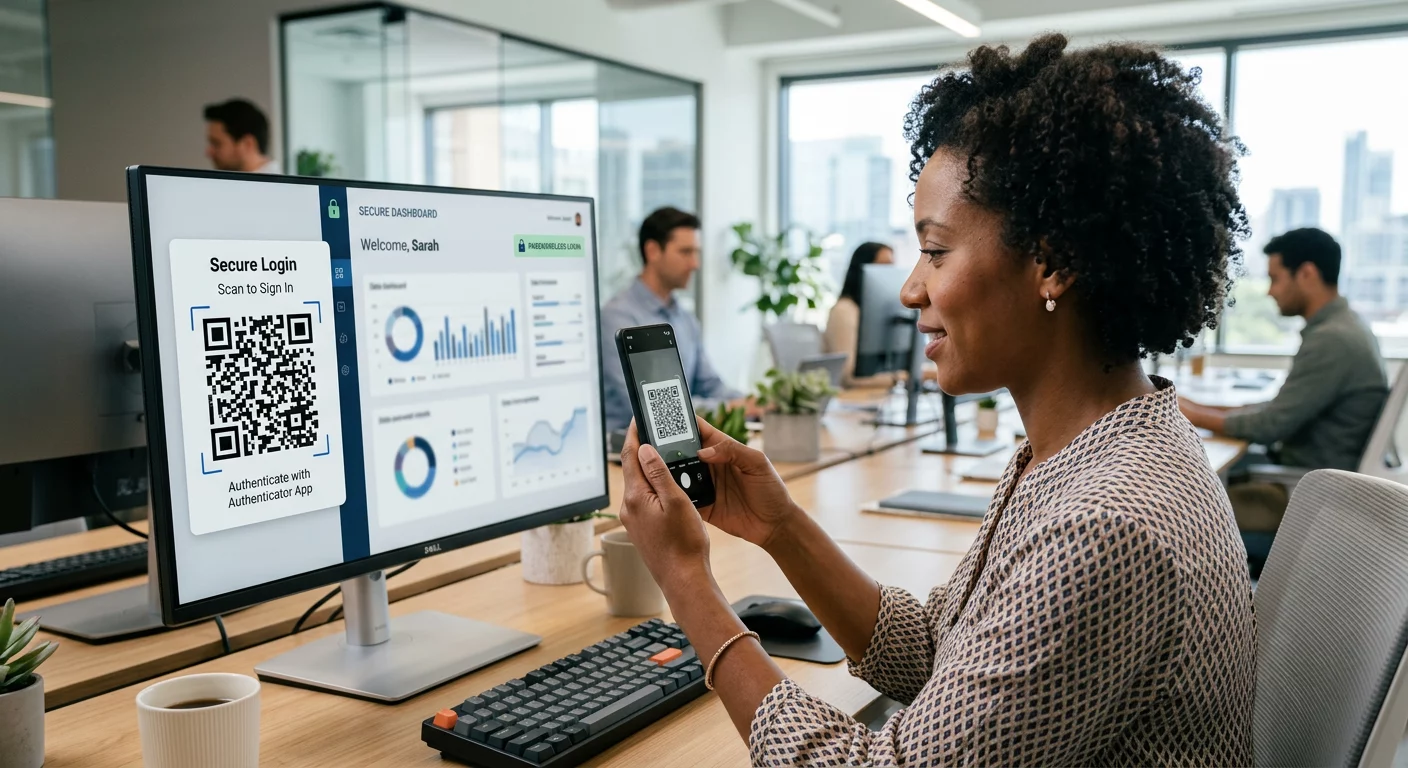
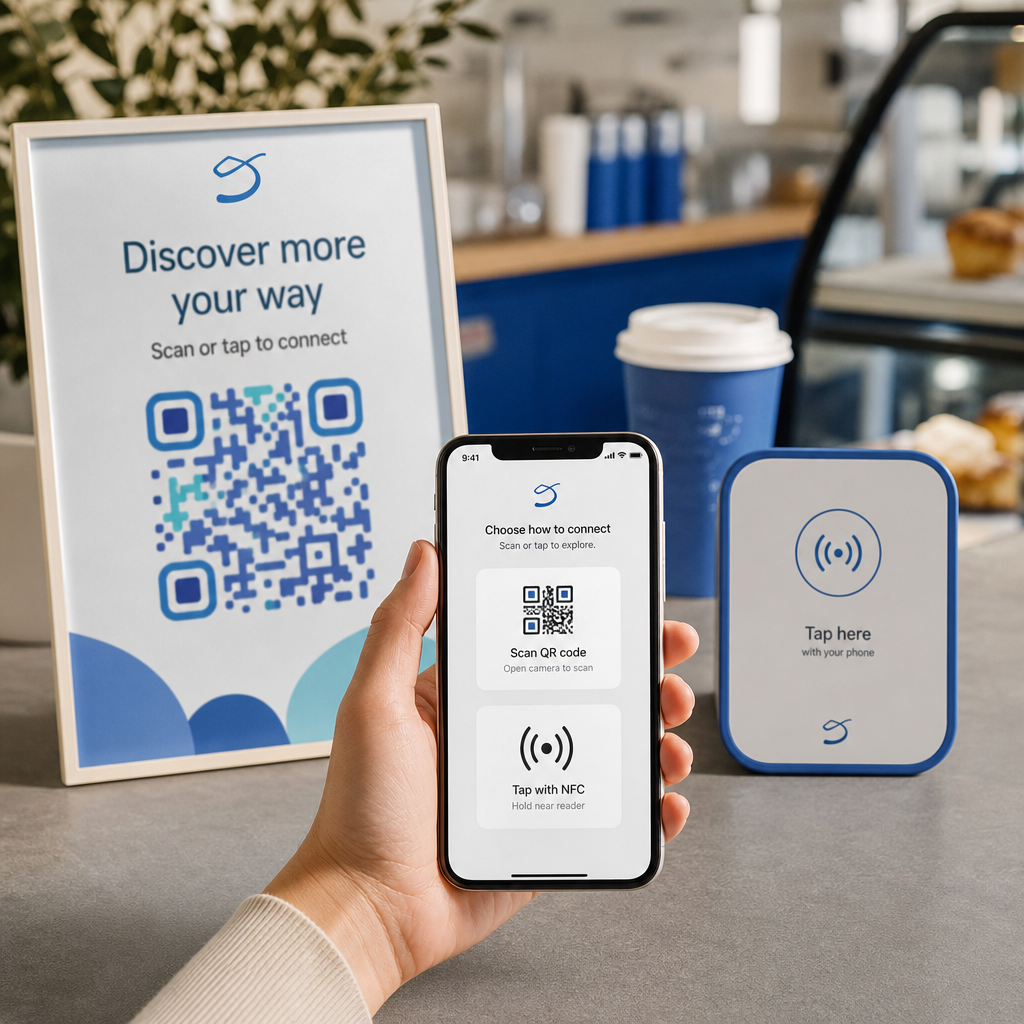
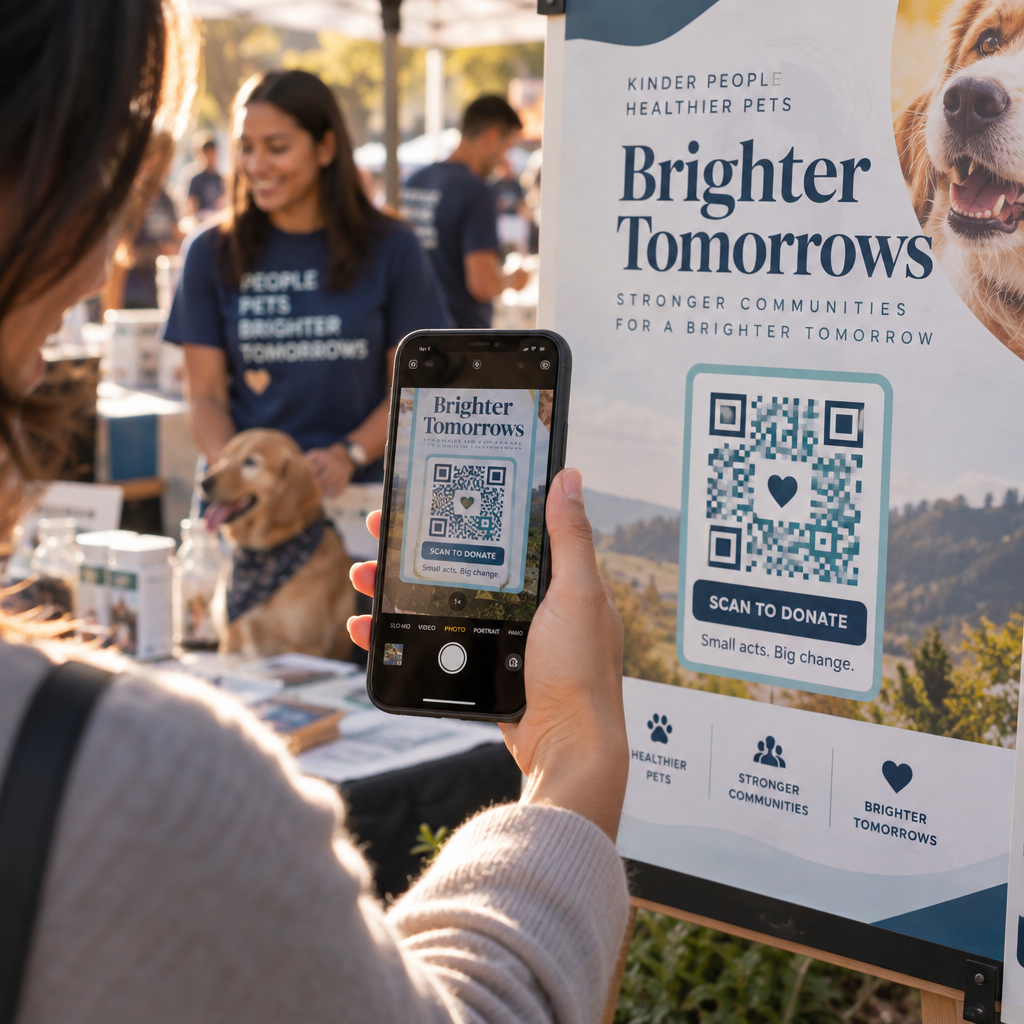
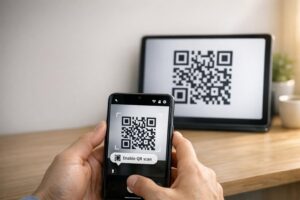
A QR-kódok természetesen illeszkednek ebbe a stratégiába. Egyetlen, asztalon elhelyezett, beolvasható kód helyettesítheti a laminált menük halmát, azonnali hozzáférést biztosíthat az ügyfeleknek a kóstolójegyzetekhez és a sör részleteihez, és meghívhatja őket, hogy kövessék sörfőzdéjét a közösségi médiában – mindezt anélkül, hogy a személyzetnek el kellene lépnie a pulttól.
Vállalkozások számára a vendéglátásban, a QR-kódok olcsó módot kínálnak a fizikai terek digitális tartalommal való összekapcsolására. A sörfőzdék különösen jól illeszkednek, mert az ügyfelek által keresett információk – ABV, IBU, stílusleírások, kóstolórepülés opciók – rendszeresen változnak, és előnyös, ha újranyomtatás nélkül frissíthetők.
A digitális csapolt sörlista: Az Ön legpraktikusabb felhasználási esete
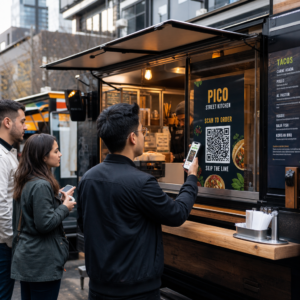
A legközvetlenebb alkalmazás a nyomtatott csapolt sörlista cseréje vagy kiegészítése egy digitális verzióval, amelyet az ügyfelek a pultnál, asztali sátrakon vagy a bejáratnál lévő kód beolvasásával érhetnek el.
A menü QR-kódot lehetővé teszi, hogy digitális csapolt sörlistát hozzon létre, amely megjeleníti a sörneveket, stílusokat, ABV-t, IBU-t, kóstolójegyzeteket és az árképzést öntési méret szerint. A sörfőzdei menük gyakran tartalmaznak kóstolókat és kóstolórepüléseket is, így digitális menüjét úgy strukturálhatja, hogy az összes elérhető opciót tükrözze a tábla vagy papírkártya formázási korlátai nélkül.
A kulcsfontosságú működési előny az, hogy a menüt frissítheti anélkül, hogy megérintené a fizikai QR-kódot. Amikor egy hordó kiürül, és egy új szezonális sör váltja fel, Ön frissíti a digitális célállomást – az asztalon lévő nyomtatott kód változatlan marad. Ez fontos olyan környezetben, ahol a csapolt sörlista naponta vagy hetente változhat.
Hozzon létre digitális csapolt sörlistát sörfőzdéjéhez Készen áll egy olyan menü létrehozására, amelyet ügyfelei egyetlen beolvasással elérhetnek? Használja a QR kódos digitális menü generátor , hogy feltöltse csapolt sörlistáját PDF-ként, vagy építsen egy interaktív mobilmenüt – és frissítse bármikor újranyomtatás nélkül.
Mit tartalmazzon egy sörfőzde digitális menüje?
Egy jól strukturált digitális csapolt sörlista segít az ügyfeleknek gyorsabban dönteni, és csökkenti a személyzettel való oda-vissza kommunikációt. Fontolja meg a következő elemek köré szervezését:
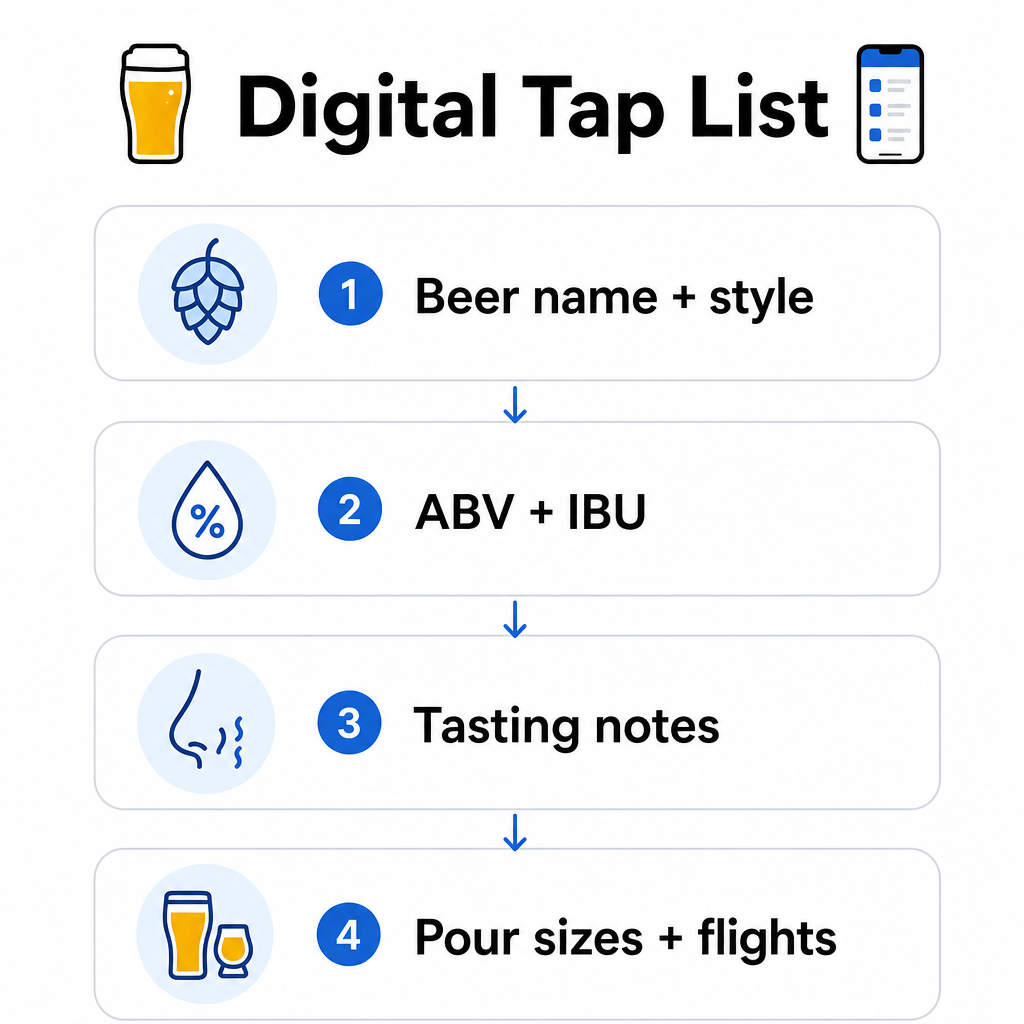
- Sör neve és stílusa – pl. West Coast IPA, Hazy Double IPA, Dry Irish Stout
- ABV és IBU – segít az ügyfeleknek egy pillantással felmérni az erősséget és a keserűséget
- Kóstolójegyzetek vagy ízleírások – a “citrusos, száraz lecsengéssel” hasznosabb, mint pusztán az “IPA”
- Elérhető öntési méretek és árak – ha 5 oz, 10 oz és pint méretet kínál, minden méretnek saját árral kell rendelkeznie
- Kóstolórepülés és mintavételi opciók – egyértelműen mutassa be, hogyan vannak strukturálva és árazva a kóstolórepülések
- Szezonális vagy korlátozott kiadások – emelje ki ezeket, hogy az ügyfelek tudják, mi az új
Ha sörfőzdéje ételt is felszolgál, ugyanaz a QR-kód hivatkozhat egy teljes étel- és italmenüre. Az étrendi korlátozásokkal vagy allergén aggályokkal küzdő vendégek számára a digitális formátum megkönnyíti a részletes összetevőinformációk feltüntetését. Megjegyzendő, hogy a TTB allergén címkézése az alkohollal kapcsolatos címkéken a jelenlegi szabályozás szerint önkéntes marad, de ezen információk proaktív megosztása a digitális menüjén keresztül jó gyakorlat az ügyfélbizalom szempontjából.
PDF QR-kódok használata sörmenükhöz és kiegészítő anyagokhoz
Ha már rendelkezik PDF formátumú, megtervezett csapolt sörlistával, generálhat egy QR-kódot, amely közvetlenül erre a fájlra hivatkozik. Az ügyfelek beolvassák, és a PDF megnyílik a telefonjukon – nincs szükség alkalmazásra.
Ez a megközelítés jól működik számos sörfőzde-specifikus forgatókönyv esetén:
- Szezonális menükártyák, amelyeket negyedévente újratervez
- Söroktatási lapok csapfoglalásokhoz vagy eseményekhez
- Nyomtatott kiegészítő anyagok sörfőzdei túrákhoz, amelyeket digitálisan szeretne kiterjeszteni
- Kóstoló útmutatók, kóstolórepülések köré strukturálva
PDF QR kódok különösen praktikusak, mert kicserélheti a hivatkozott PDF-et anélkül, hogy megváltoztatná a nyomtatott kódot. Ha egy szezonális eseményre asztali sátrakat nyomtat, és a menü a futam közepén változik, akkor a PDF-et frissíti a kódok újranyomtatása helyett. A PDF QR-kódok szélesebb körű alkalmazásai vállalkozások számára további módokat fednek le ennek a megközelítésnek a marketing és az üzemeltetés területén történő alkalmazására.
Google vélemények gyűjtése, amíg az ügyfelek még elkötelezettek
A legjobb pillanat egy vélemény kérésére közvetlenül egy pozitív élmény után van – ami egy sörözőben azt jelenti, hogy valaki éppen befejez egy nagyszerű korsót, nem pedig három nappal később, amikor már elfelejtette a sörneveket.
A Google értékelés QR-kóddal az asztalra, poháralátétre vagy nyugtára helyezve egyetlen szkenneléssel közvetlenül a Google Cégem véleményezési oldalára viszi az ügyfeleket. Egy rövid felszólítás, mint például “Élvezte a látogatását? Mondja el másoknak”, természetesebbé teszi a kérést, nem pedig tolakodóvá.
Több vélemény segít sörfőzdéjének rangsorolásában a helyi keresési eredmények között, és hitelességet épít az új látogatók körében, akik éppen eldöntik, hol töltsenek el egy délutánt. Ez egy alacsony erőfeszítésű érintkezési pont, valós, későbbi hatással a gyalogos forgalomra.
Az étlapon túl: Egyéb sörözői QR-kód alkalmazások
A QR-kódok számos egyéb funkciót is elláthatnak a söröző működése során.
Közösségi média és hírlevél feliratkozások – Egy link QR-kóddal az asztali sátrakon vagy a bárpulton elhelyezve az Instagram, Facebook oldalára vagy egy e-mail feliratkozási űrlapra irányíthatja a látogatókat. Azok a vendégek, akik jól érezték magukat, nyitottak a kapcsolattartásra, ezért biztosítson számukra egy egyszerű módot erre, amíg az élmény még friss.
Esemény- és kiadási bejelentések – Linkeljen egy QR-kódot egy céloldalra, amelyen a közelgő események, sörkiadási dátumok vagy a söröző nyitvatartási idejének változásai szerepelnek. Mivel a dinamikus QR-kódok nyomtatás után frissíthetők, ugyanazt a fizikai kódot használhatja különböző közelgő események népszerűsítésére az idő múlásával, anélkül, hogy bármit is újra kellene nyomtatnia.
Söroktatás és sörfőzde története – Egyes sörfőzdék QR-kódot használnak egy sör történetének megosztására – az élesztőtörzs, a komlófajta, a recept inspirációja. Ez a fajta tartalom elmélyíti a sörözői élményt anélkül, hogy a személyzetnek minden kiöntésnél teljes magyarázatot kellene adnia. Különösen jól működik korlátozott vagy kollaborációs kiadásoknál, ahol a háttértörténet a vonzerő része.
Érintésmentes fizetések – A QR-alapú fizetési lehetőségek felgyorsíthatják a fizetési folyamatot a forgalmas sörözőkben. Az ügyfelek szkennelnek, áttekintik a számlájukat, és fizetnek – csökkentve az oda-vissza járkálást a bárban csúcsidőben. A QR-kódos fizetések előnyei éttermi környezetben közvetlenül alkalmazhatók a söröző működésére is.
Kapcsoljon minden sörözői érintkezési pontot digitális tartalomhoz Használja a QR Kód Generátor márkás, nyomon követhető kódok létrehozásához a csaplistájához, közösségi médiájához, eseményeihez és még sok máshoz – mindezt egyetlen irányítópultról kezelve.
Dinamikus vs. Statikus QR-kódok: Amit a sörfőzdéknek tudniuk kell
Kétféle QR-kód létezik: statikus és Dinamikus. A különbség megértése segít kiválasztani a megfelelő eszközt az egyes alkalmazásokhoz.
| FUNKCIÓ | Statikus QR-kód | Dinamikus QR-kód |
|---|---|---|
| Cél URL | Létrehozáskor rögzített | Bármikor frissíthető |
| ELEMZÉS | Nincs | Szkennelések, helyszínek, eszköz típusok, időpontok |
| Legjobb: | Egyszeri vagy állandó linkek | Csaplisták, események, változó tartalom |
| Újra nyomtatás szükséges frissítés után? | Igen | Nem |
A legtöbb sörfőzdei alkalmazáshoz – különösen a csaplistákhoz és az események promóciójához – a dinamikus QR-kódok a megfelelő választás. A csaplista változik. Az események jönnek és mennek. A szezonális menük rotálódnak. Egy dinamikus kód lehetővé teszi, hogy frissítse a célállomást anélkül, hogy kidobná a nyomtatott anyagait, ami fontos, ha egyedi nyomtatású asztali sátrakba vagy poháralátétekbe fektetett be.
A dinamikus kódok elemzéseket is biztosítanak: hányszor szkennelték be a kódot, melyik helyről, milyen eszközökön és milyen időpontokban. Ez az adat megmondja, hogy a vendégek valóban használják-e a digitális menüjét, vagy figyelmen kívül hagyják – ami segít eldönteni, hová helyezze el a kódokat, és hogyan tervezze meg őket a jobb láthatóság érdekében. A dinamikus kódok által nyomon követett adatok és azok fontosságának teljes áttekintéséért lásd milyen adatokat gyűjtenek a dinamikus QR-kódok.
QR-kódok tervezése sörözői környezetbe
A sörözők olyan specifikus fizikai körülményeket mutatnak, amelyeket figyelembe kell vennie: a környezeti világítás, amely a világostól a félhomályosig terjedhet, felületek, amelyek magukban foglalják a fát, a táblát és az üveget, valamint a vendégek, akik egy karhossznyira ülve szkennelhetnek egy bárszékről.
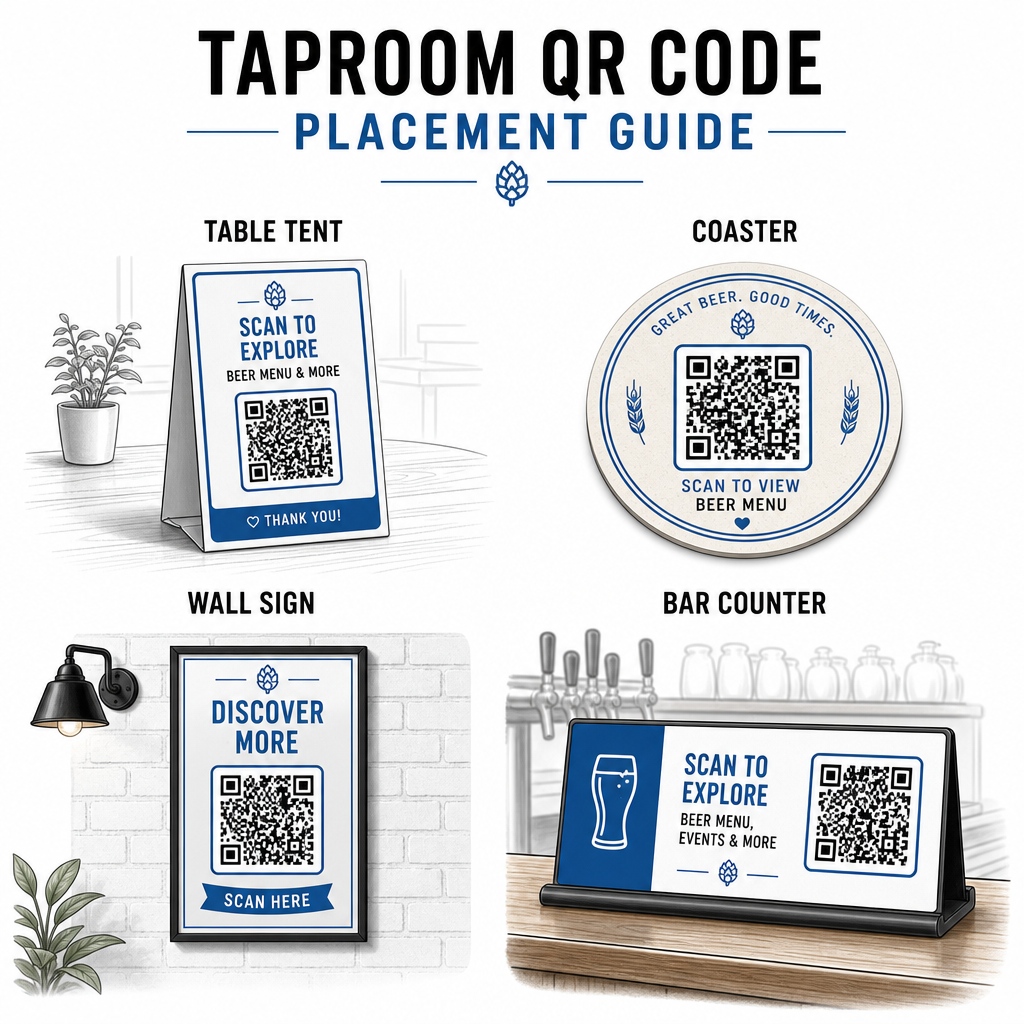
Néhány gyakorlati irányelv, amely a a QR-kód olvashatóságára vonatkozó legjobb gyakorlatokat:
- Méret – Használjon legalább 2 × 2 cm-es (kb. 0,8 × 0,8 hüvelyk) méretet a közeli szkenneléshez. A falakra vagy táblákra helyezett kódoknál, ahol a vendégek távolabbról szkennelnek, alkalmazza a 10:1 szabályt: a kód szélessége legalább az elvárt szkennelési távolság egytizede legyen.
- Kontraszt – Tartson erős kontrasztot a kódminta és a háttere között. A sötét minta világos háttéren a standard. Kerülje a kódok közvetlen sötét fára helyezését fehér háttér nélkül.
- Csendes zóna – Hagyjon tiszta margót a kód körül – nagyjából 0,25 hüvelyket –, hogy a szkenner megtalálja és elolvassa a kódot anélkül, hogy a környező elemek zavarnák.
- Felület – Kerülje az ívelt vagy texturált felületeket, mint például a palackok. Az asztali sátrak, poháralátétek, nyomtatott menük és fali táblák a legjobb elhelyezések. QR-kódok használata asztali sátrakon részletesebben tárgyalja az elhelyezési sajátosságokat.
- Fájlformátum – Töltse le a kódjait SVG, EPS vagy PDF formátumban a kiváló minőségű nyomtatáshoz. A raszteres formátumok, mint a JPG, romlanak nagyobb nyomtatási méreteknél, és olvashatatlanná válhatnak.
Ha hozzáadja sörfőzdéje logóját a kódhoz – ami segít a márkafelismerésben – használjon Q vagy H hibajavítási szintet, és tartsa a logót a kód területének legfeljebb 30%-án, hogy elkerülje a szkennelhetőség zavarását.
Őszinte korlátok, amelyekkel számolni kell
A QR-kódok hasznosak, de a legjobban a csapolt söröző élményének kiegészítőjeként működnek, semmint minden analóg érintkezési pont teljes helyettesítőjeként.
A kutatások következetesen azt mutatják, hogy a vendégek jelentős része még mindig a fizikai menüket részesíti előnyben. A felmérések adatai szerint a vendégek 67%-a inkább a digitális és a hagyományos menüopciókat is preferálja, semmint csak az egyiket vagy a másikat. Néhány nyomtatott vagy táblás menü elérhetővé tétele a QR-kódok mellett összhangban van a legtöbb vendég preferenciáival, és elkerüli azok elidegenítését, akik frusztrálónak találják a csak QR-kódos beállításokat.
Vannak továbbá akadálymentességi szempontok is, amelyeket érdemes közvetlenül kezelni:
- Az okostelefon nélküli vendégek, vagy az idősebb, szkenneléssel küszködő eszközökkel rendelkezők, szükségük van egy alternatív lehetőségre.
- A csak képként megjelenített PDF menük hozzáférhetetlenek lehetnek a képernyőolvasót használó vendégek számára – a strukturált szöveges vagy HTML menük befogadóbbak.
- A gyenge Wi-Fi az idősebb csapolt söröző épületekben lassíthatja a menü betöltési idejét, frusztrálva a vendégeket – győződjön meg róla, hogy a belső hálózata képes kezelni az igényt, mielőtt teljesen eltávolítaná a fizikai menüket.
Ezen problémák előzetes kezelése – egy tartalék papír menü elérhetővé tétele, biztosítva, hogy a digitális tartalma gyorsan betöltődjön, és tesztelve a kódjait a csapolt söröző tényleges fényviszonyai között – a QR-kódokat kényelmi, nem pedig súrlódási ponttá teszi a vendégek számára.
Mi működik, annak nyomon követése
A dinamikus QR-kódok egyik alulhasznált előnye egy csapolt sörözőben az analitikai réteg. Ha kódokat helyez el a bárban, az asztalokon és a bejárat közelében, láthatja, mely helyszínek generálják a legtöbb szkennelést. Ha szezonális promóciót futtat és összekapcsolja egy QR-kóddal, mérheti, hányan vettek részt benne.
Idővel ez az adat segít jobb elhelyezési döntéseket hozni, megérteni, mely tartalom rezonál a vendégekkel, és mérni, hogy a digitális elkötelezettsége növekszik-e a gyalogos forgalommal együtt. Segít továbbá azonosítani a holt zónákat – olyan helyszíneket, ahol kódok vannak elhelyezve, de ritkán szkennelik őket – így ennek megfelelően módosíthat.
Ez a fajta mérés különösen releváns a csapolt sörözők számára, amelyek nagymértékben támaszkodnak az ismételt látogatásokra és a szájhagyományra. A QR-kódok szélesebb körű szerepének megtekintéséhez a vendéglátóiparban, beleértve a nyomon követési és elkötelezettségi stratégiákat is, a vendéglátóipari forrás teljes képet nyújt.
Egy hatékony csapolt söröző üzemeltetése azt jelenti, hogy gyorsan megadja a vendégeknek a kívánt információkat, miközben a személyzetet arra összpontosítja, amiben a legjobbak. A QR-kódok kezelik az információs réteget – csapolt sör listák, sör részletek, eseményhirdetések és értékelési felhívások – anélkül, hogy működési komplexitást adnának hozzá. Kezdje egy dinamikus menü QR-kóddal az asztalain, adjon hozzá egy Google értékelési felhívást, és használja a szkennelési analitikát az elhelyezés és a tartalom finomítására onnan.
Kezdje el a Csapolt Söröző QR-kódokkal Hozza létre első QR-kódját percek alatt a Pageloot QR Kód Generátor – szabja testre sörfőzdéje márkajelzésével, kapcsolja össze a csapolt sör listájával vagy bármely digitális célállomással, és frissítse bármikor újranyomtatás nélkül.
Gyakori kérdések
Igen, ha dinamikus QR-kódot használ. A dinamikus kódok egy átirányítási URL-t használnak, amelyet a platform kezel, így bármikor frissítheti a cél tartalmat – például egy új csaplista PDF-et vagy egy élő menüoldalt – anélkül, hogy új kódot generálna, vagy kicserélné a fizikai kódot az asztalain vagy az alátétein.
Tartson fizikai vagy táblás menüt elérhetővé tartalékként. Felmérés adatai szerint a vendégek 67%-a előnyben részesíti a digitális és hagyományos menüopciókat is, így egy hibrid megközelítés szolgálja ki a vendégek legszélesebb körét. A QR-kódok kiegészítésként működnek a legjobban, nem pedig az analóg alternatívák helyettesítőjeként.
Dinamikus QR-kódokkal hozzáférést kap a szkennelési analitikához – beleértve az összes szkennelést, a szkennelési időket, az eszköztípusokat és a helyadatokat. Helyezzen el különböző kódokat különböző helyeken (bár, asztalok, bejárat), hogy összehasonlítsa a területi elkötelezettséget, és használja fel ezeket az adatokat az elhelyezés és a design idővel történő optimalizálására.