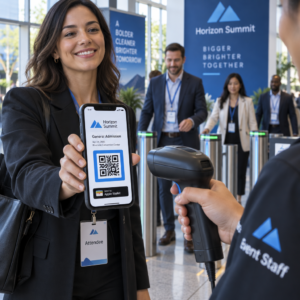
Gérer manuellement la participation à un événement est lent, sujet aux erreurs et déconnecté des systèmes importants. Ce guide vous montre comment créer des codes QR dynamiques qui alimentent les données d'enregistrement directement dans votre CRM, éliminant ainsi la saisie manuelle et vous offrant un registre de présence en temps réel pour chaque contact.
Pourquoi les codes QR dynamiques fonctionnent pour les enregistrements CRM
Un code QR statique encode une URL fixe et ne peut être ni suivi ni modifié après impression. Un code QR dynamique, en revanche, utilise un lien de redirection court comme intermédiaire. Vous pouvez mettre à jour cette destination à tout moment sans réimpression, et chaque scan est enregistré avec des données incluant l'horodatage, le type d'appareil et la localisation géographique.
Pour les enregistrements CRM, cette distinction est extrêmement importante. Lorsque chaque participant reçoit un code dynamique unique lié à son dossier de contact, le scanner à l'entrée fait trois choses simultanément : il vérifie l'identité, marque la présence et pousse les données dans votre CRM – le tout sans qu'un membre du personnel n'ait à taper quoi que ce soit.
Des plateformes comme HubSpot suivent le statut d'inscription, l'état de présence, les annulations et les indicateurs de non-présentation par rapport aux dossiers de contact individuels via leurs outils d'événements marketing. Les systèmes qui utilisent des enregistrements basés sur des formulaires peuvent mettre à jour un dossier de contact existant en ajoutant l'ID unique du contact à l'URL du formulaire, de sorte que la soumission fusionne avec le bon profil plutôt que de créer un doublon. La même logique s'applique que vous utilisiez une plateforme événementielle dédiée ou un CRM généraliste avec des intégrations de formulaires.
Pour comprendre la différence complète entre les types de codes avant de construire votre flux de travail, voir la comparaison de static vs dynamic QR codes.
Créez des codes d'enregistrement traçables en quelques minutes Utilisez le Générateur de QR code dynamique pour créer des codes QR éditables et prêts pour l'analyse qui se connectent directement à vos formulaires d'événements et à vos flux de travail CRM.
Ce dont vous avez besoin avant de commencer
Avant de générer un seul code, assurez-vous que trois choses sont en place :
- Un formulaire web CRM qui accepte les paramètres d'URL. La plupart des outils CRM et de formulaires – y compris Google Forms, les formulaires HubSpot et les plateformes similaires – vous permettent de pré-remplir des champs en passant des valeurs via des chaînes de requête dans l'URL (par exemple, `?email=value&first_name=value`). Confirmez que votre formulaire prend en charge cela avant de construire le flux de travail.
- Dossiers de contact avec des champs de fusion. Votre CRM doit être capable d'extraire des données comme l'e-mail, le prénom et le nom de famille des dossiers de contact existants et d'insérer ces valeurs dynamiquement dans un modèle d'URL.
- Un générateur de codes QR dynamiques avec des analyses. Vous avez besoin d'une plateforme qui génère des codes uniques par contact, suit chaque scan et vous permet de mettre à jour les destinations sans réimpression. La outil de code QR de présence est conçue précisément pour ce cas d'utilisation.
Étape par étape : Création de codes QR dynamiques pour les enregistrements CRM
Configurez votre formulaire d'enregistrement
Créez un formulaire web dans votre CRM ou votre outil de formulaire avec des champs qui capturent les données dont vous avez besoin lors de l'enregistrement : au minimum, l'adresse e-mail, le prénom et le nom de famille. Si vous utilisez Google Forms, la Générateur de QR code Google Forms vous permet de lier directement à votre formulaire et de suivre les scans en même temps que les soumissions.
Votre formulaire doit également être configuré pour mettre à jour un enregistrement de contact existant plutôt que d'en créer un nouveau. Dans les systèmes qui le permettent, l'ajout d'un identifiant de contact à l'URL – tel que `?contact_id={{contact.id}}` – lie automatiquement la soumission du formulaire à l'enregistrement CRM correct.
Construire l'URL dynamique avec des champs de fusion
Une URL d'enregistrement dynamique utilise la syntaxe des champs de fusion de votre CRM pour insérer les données de chaque contact en tant que paramètres de requête. Un modèle ressemble à ceci :
“`
https://yourform.com/checkin?email=[Contact.Email]&firstname=[Contact.FirstName]&lastname=[Contact.LastName]
“`
Lorsque votre CRM traite ce modèle pour un contact individuel, les espaces réservés sont remplacés par des valeurs réelles :
“`
https://yourform.com/[email protected]&firstname=Jane&lastname=Smith
“`
La syntaxe exacte des champs de fusion dépend de votre CRM. Keep/Infusionsoft utilise des balises de style crochet ; HubSpot utilise son propre format de jeton de personnalisation. Consultez la documentation de votre plateforme pour connaître la syntaxe correcte.
Encodez correctement l'URL
Les URL se cassent quand elles contiennent des caractères spéciaux non encodés. Les espaces, les esperluettes et les signes égal à l'intérieur des paramètres valeurs doivent être encodés en pourcentage afin que les navigateurs et les lecteurs de codes QR les interprètent correctement. Les conversions courantes incluent :
- Space → `%20`
- Ampersand (`&`) → `%26`
- Equal sign (`=`) → `%3D`
La plupart des plateformes CRM incluent une fonction d'encodage d'URL que vous pouvez appliquer à la sortie des champs de fusion. Utilisez-la. Un seul caractère non encodé dans le nom d'un contact – comme une esperluette dans un nom d'entreprise – peut silencieusement interrompre l'ensemble du processus d'enregistrement pour ce participant.
Générer un Code QR Dynamique Unique par Contact
Une fois le modèle d'URL encodé prêt, générez un code QR dynamique par participant. Chaque code pointe vers l'URL du formulaire pré-rempli de cette personne. Comme il s'agit de codes dynamiques, vous conservez la possibilité de mettre à jour la destination ultérieurement – utile si l'URL de votre formulaire change après que les codes ont déjà été distribués.
Pour les grands événements, la plupart des plateformes CRM et des outils d'automatisation d'e-mails prennent en charge la génération de codes en masse : fusionnez le modèle d'URL, encodez-le et déclenchez la création de codes QR pour chaque contact dans une séquence. Le code résultant est ensuite inclus dans l'e-mail de confirmation du participant, avec les détails de son inscription.
Le Générateur de QR code événement prend en charge ce flux de travail et vous permet de personnaliser l'apparence du code – en ajoutant l'image de marque de votre événement, votre logo ou votre palette de couleurs – avant la distribution.
Distribuer et Déployer à l'Entrée
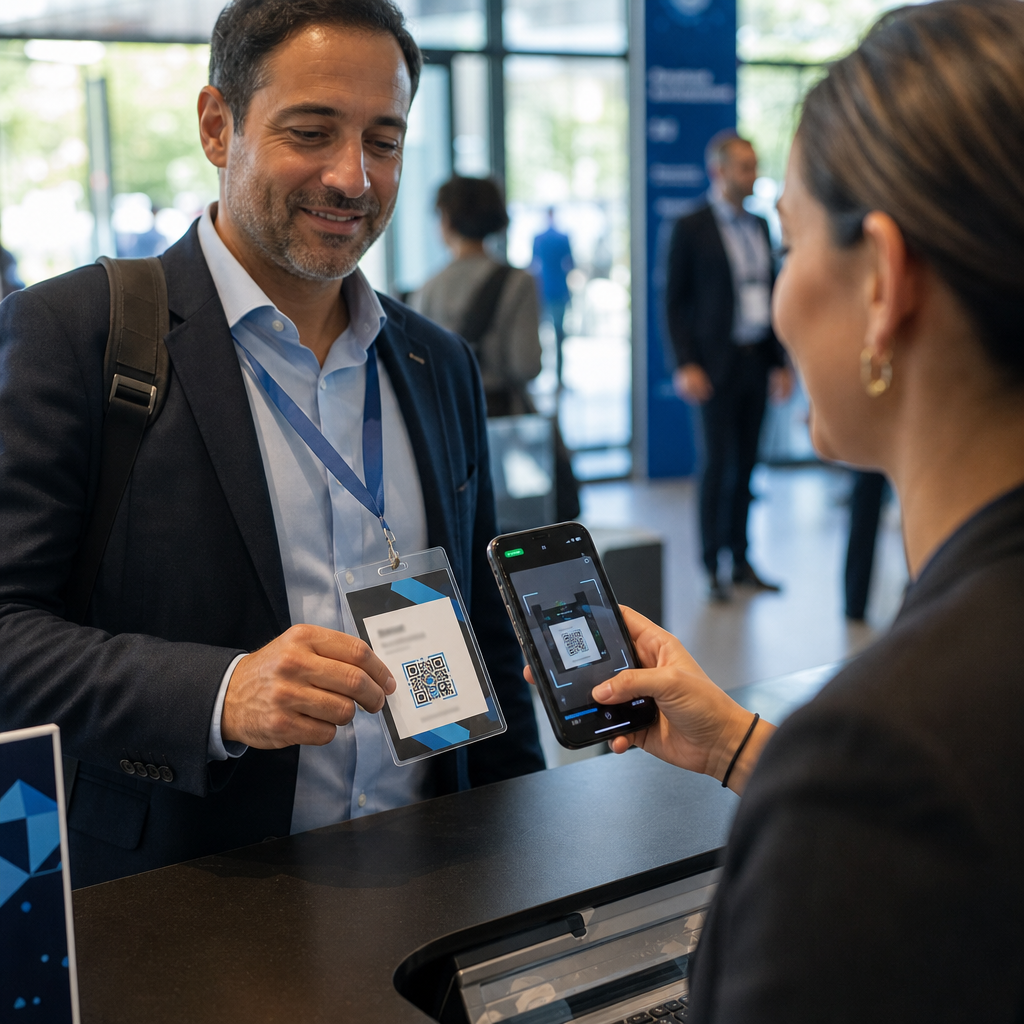
Envoyez à chaque participant son code QR unique dans son e-mail de confirmation. À l'entrée de l'événement, un membre du personnel scanne le code à l'aide de n'importe quel appareil photo de smartphone standard. Le scan ouvre le formulaire pré-rempli, le participant confirme ou soumet, et l'enregistrement CRM est mis à jour avec l'horodatage de la présence.
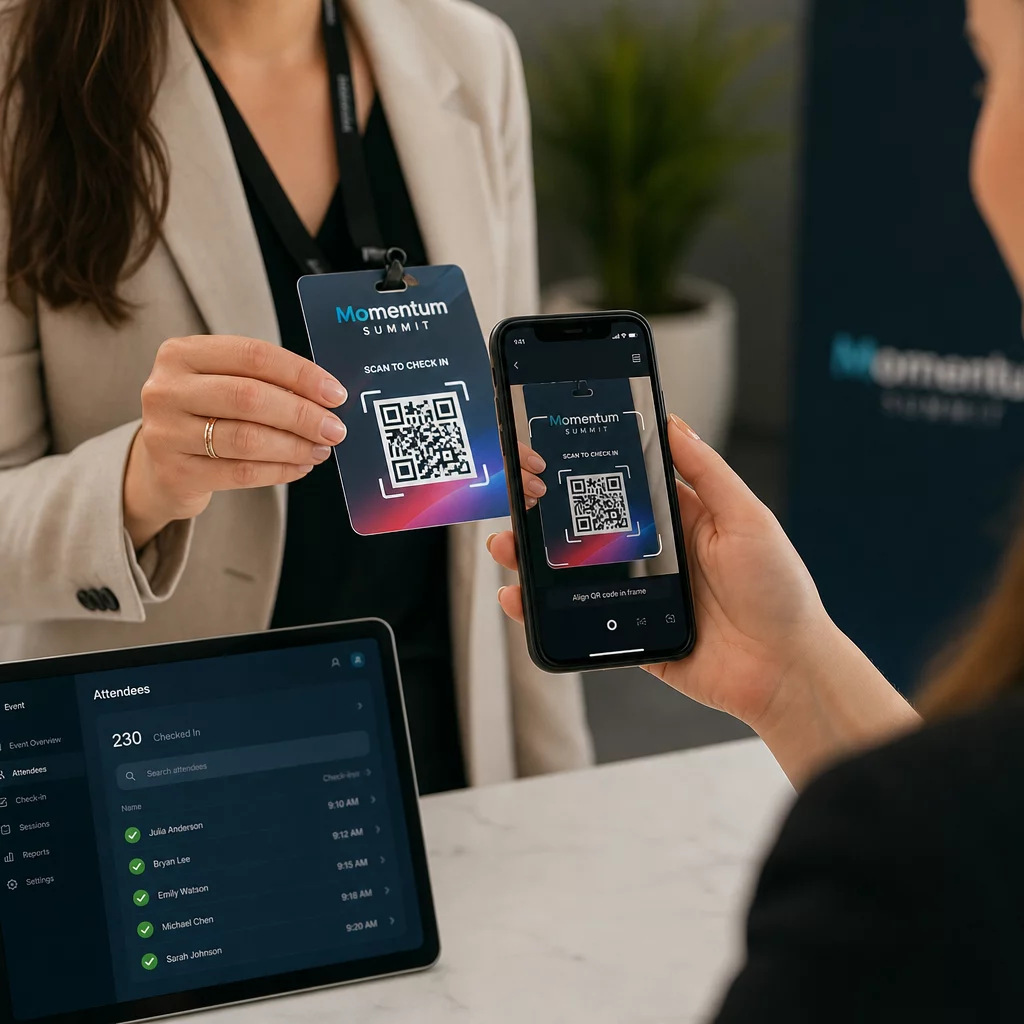
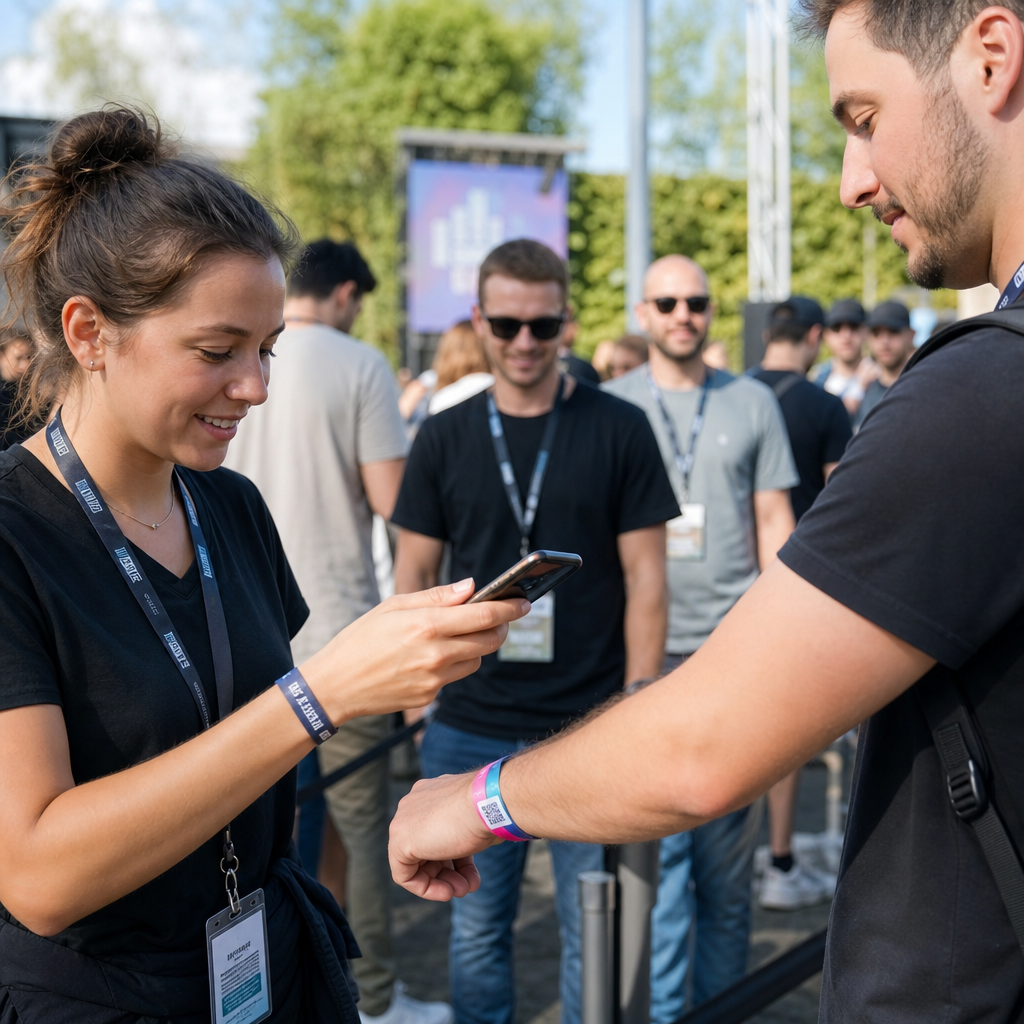
Pour les événements plus importants, envisagez de mettre en place des stations de scan dédiées. Formez le personnel à tenir l'appareil de scan à environ 30 cm du code et à activer le flash de l'appareil photo dans les environnements peu éclairés. Si vous imprimez des codes sur des badges ou des bracelets, utilisez des matériaux mats plutôt que des finitions brillantes pour éviter que les reflets n'interfèrent avec le scan. Plus de détails sur les meilleures pratiques de déploiement physique sont disponibles dans le guide ultime des codes QR pour l'enregistrement aux événements.
Comment les Données de Présence S'intègrent à Votre CRM
Le scan d'enregistrement déclenche une chaîne d'événements qui se termine par un enregistrement de contact mis à jour. Voici ce qui se passe à chaque étape :
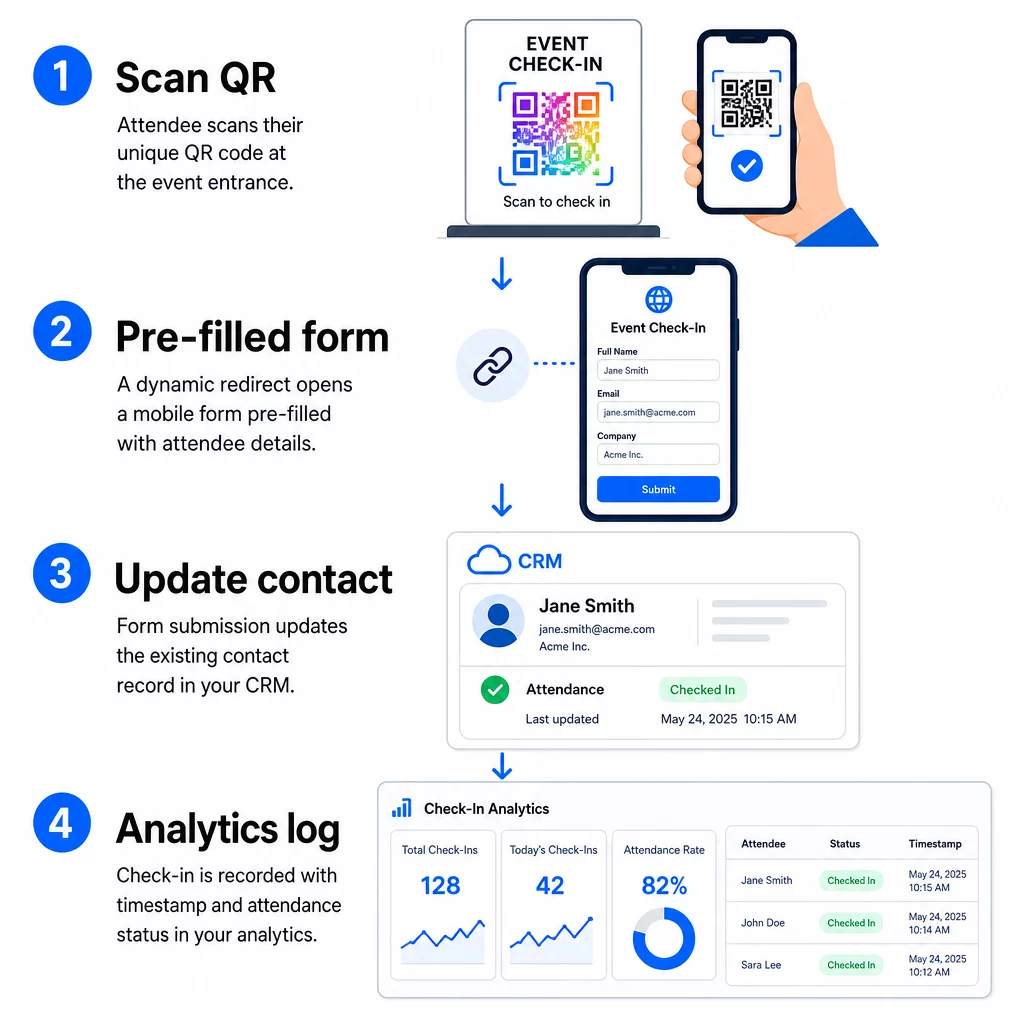
- Le code QR unique du participant est scanné à l'entrée.
- La redirection dynamique charge le formulaire d'enregistrement pré-rempli dans le navigateur du participant.
- Le participant soumet le formulaire (ou le formulaire se soumet automatiquement après une brève confirmation).
- La soumission du formulaire, liée à l'ID unique du contact, met à jour l'enregistrement CRM existant avec le statut d'enregistrement, l'horodatage et tout champ supplémentaire capturé.
- Si votre CRM prend en charge l'automatisation basée sur les webhooks, la soumission peut simultanément déclencher des actions en aval : attribuer une tâche de suivi, envoyer un e-mail post-événement ou mettre à jour le statut d'une campagne.
Des plateformes comme HubSpot stockent les états de participation – Inscrit, Présent, Absent, Annulé – directement sur la fiche d'événements marketing du contact, offrant à votre équipe un historique complet des présences pour chaque contact sans aucune réconciliation manuelle. Pour savoir comment connecter plus largement les scans aux actions CRM automatisées, consultez le guide sur Automatisation du flux de travail de scan de code QR.
Suivi des performances d'enregistrement avec l'analyse
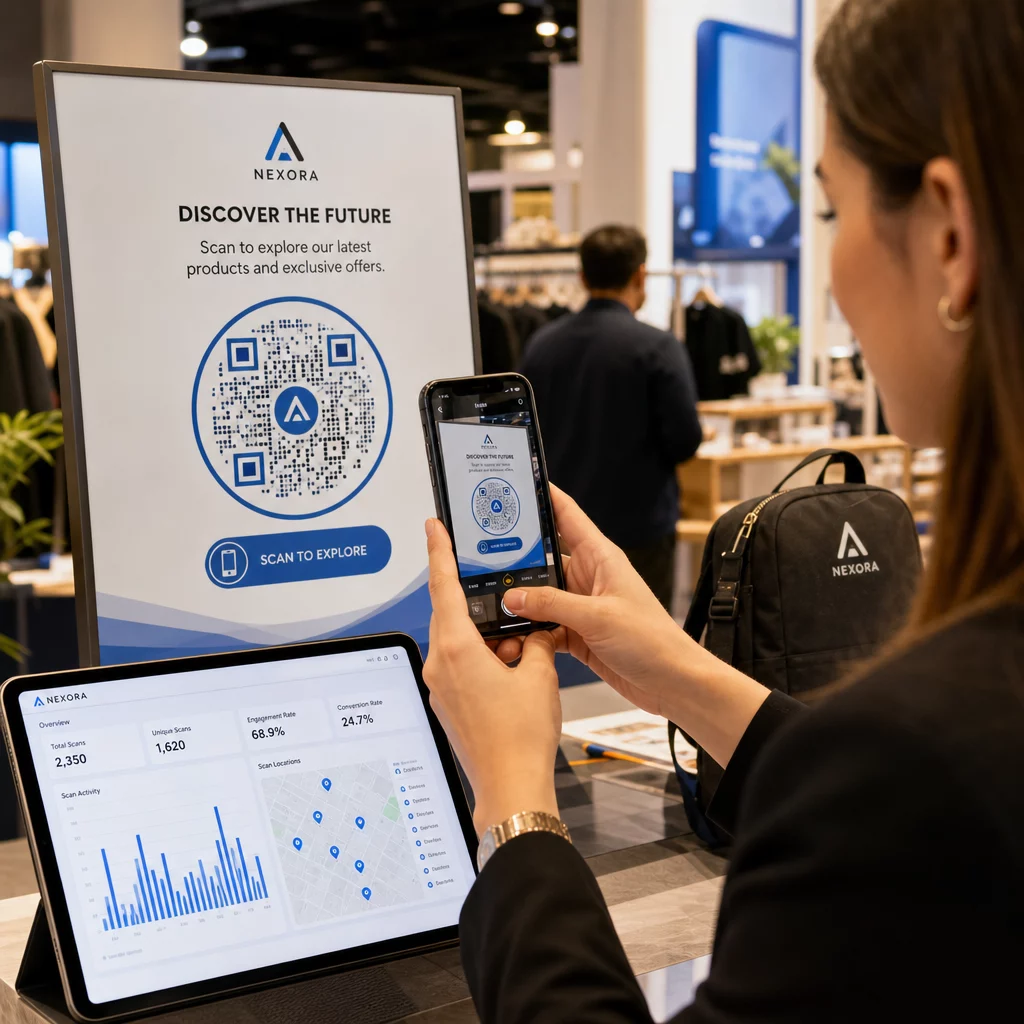
Parce que vous utilisez des codes dynamiques, chaque scan génère des données analytiques – pas seulement un formulaire rempli. Votre tableau de bord de codes QR capture :
- Scans totaux vs. scans uniques – utile pour identifier si quelqu'un a scanné son code plusieurs fois
- Horodatages des scans – vous permet de reconstituer les schémas d'arrivée et d'identifier les périodes d'enregistrement de pointe
- Type d'appareil et système d'exploitation – vous aide à optimiser l'expérience mobile de votre formulaire d'enregistrement
- Localisation géographique – confirme que les scans ont lieu au lieu attendu
Ces données s'ajoutent à vos enregistrements de présence CRM et vous offrent une deuxième couche de vérification. Si la soumission du formulaire d'un contact a échoué mais que son scan QR a été enregistré, vous disposez d'un enregistrement à examiner. Pour un examen plus approfondi de ce qu'il faut mesurer et comment agir, le guide sur l'analyse des codes QR d'entreprise et les métriques clés couvre l'ensemble du tableau.
Vous pouvez également suivre les scans de codes QR et les analyses au niveau de la campagne, en segmentant par événement, plage de dates ou code individuel pour comparer les performances sur plusieurs points d'enregistrement.
Surveiller la participation en temps réel Voyez exactement qui a scanné, quand et depuis quel endroit. Utilisez l' outil de code QR de présence pour déployer des codes d'enregistrement avec des analyses de scan complètes intégrées.
Problèmes courants et comment les résoudre
URL cassées après la substitution de champs de fusion. Testez toujours votre URL encodée avec des données de contact réelles avant d'envoyer les codes aux participants. Portez une attention particulière aux contacts dont les noms ou adresses e-mail contiennent des caractères spéciaux.
Enregistrements CRM en double créés lors de l'enregistrement. Cela se produit lorsque l'URL du formulaire ne contient pas l'identifiant du contact. Ajoutez le paramètre d'ID de contact à votre modèle d'URL et confirmez que votre CRM est configuré pour correspondre à ce champ plutôt que de créer un nouvel enregistrement.
Codes QR qui cessent de fonctionner après distribution. C'est là que les codes dynamiques prouvent leur valeur. Si l'URL de votre formulaire change – parce que vous avez changé d'outils de formulaire ou mis à jour votre domaine – vous pouvez mettre à jour la destination dans votre tableau de bord de gestion des codes QR sans redistribuer de nouveaux codes aux participants.
Codes qui scannent correctement mais ne pré-remplissent pas le formulaire. Vérifiez si votre outil de formulaire nécessite des noms de paramètres de requête spécifiques. Certaines plateformes utilisent `email` tandis que d'autres nécessitent `entry.12345` (Google Forms) ou une clé de champ personnalisé. Alignez votre modèle d'URL avec les noms de paramètres attendus par votre outil de formulaire.
Échecs de scan en basse lumière à l'entrée. Assurez-vous que vos codes QR imprimés respectent le rapport taille-distance de 10:1 : un code scanné à 10 pouces de distance doit mesurer au moins 1 pouce de large. Utilisez une impression à contraste élevé – modules sombres sur fond blanc – et évitez le papier glacé ou le laminage.
Points clés à retenir
Les codes QR dynamiques pour les enregistrements CRM fonctionnent parce que chaque code contient l'identité d'un contact encodée dans son URL de destination, achemine ces données vers un formulaire lié à un enregistrement existant, et enregistre le scan lui-même comme un événement analytique distinct. Le résultat est un registre de présence précis, horodaté et connecté à votre CRM sans aucune saisie manuelle de données.
Les exigences techniques sont simples : un CRM avec des champs de fusion et des formulaires web qui acceptent les paramètres d'URL, des URL dynamiques correctement encodées, et une plateforme de codes QR qui prend en charge la génération de codes par contact et le suivi des scans. Si ces trois éléments sont corrects, le processus d'enregistrement se déroule en grande partie de lui-même.
Commencez à construire votre système d'enregistrement avec le Générateur de QR code dynamique – aucune carte de crédit requise pour l'essai de 14 jours.
Questions fréquentes
Un code QR statique encode une URL fixe directement dans son motif et ne peut être modifié ou suivi après impression. Un code QR dynamique utilise un lien de redirection court que vous pouvez mettre à jour à tout moment depuis votre tableau de bord, et chaque scan est enregistré avec des données incluant l'horodatage, le type d'appareil et l'emplacement. Pour les enregistrements CRM, les codes dynamiques sont essentiels car ils permettent une personnalisation de l'URL par contact et fournissent les analyses nécessaires pour vérifier la présence.
Ajoutez l'identifiant CRM unique de votre contact en tant que paramètre de requête dans l'URL d'enregistrement – par exemple, `?contact_id={{contact.id}}`. Lorsque le formulaire est soumis, votre CRM utilise cet identifiant pour faire correspondre la soumission à l'enregistrement existant plutôt que d'en créer un nouveau. La plupart des plateformes CRM ont également un paramètre pour fusionner sur l'adresse e-mail comme solution de repli lorsqu'aucun identifiant de contact n'est présent.
Oui. Parce que les codes sont dynamiques, vous pouvez modifier l'URL de destination dans votre tableau de bord de gestion des codes QR à tout moment. Le code imprimé ou distribué reste exactement le même – seule la cible de redirection change. Cela signifie que si l'URL de votre formulaire change après l'envoi des e-mails de confirmation, les participants munis des codes originaux atteindront toujours le bon formulaire.