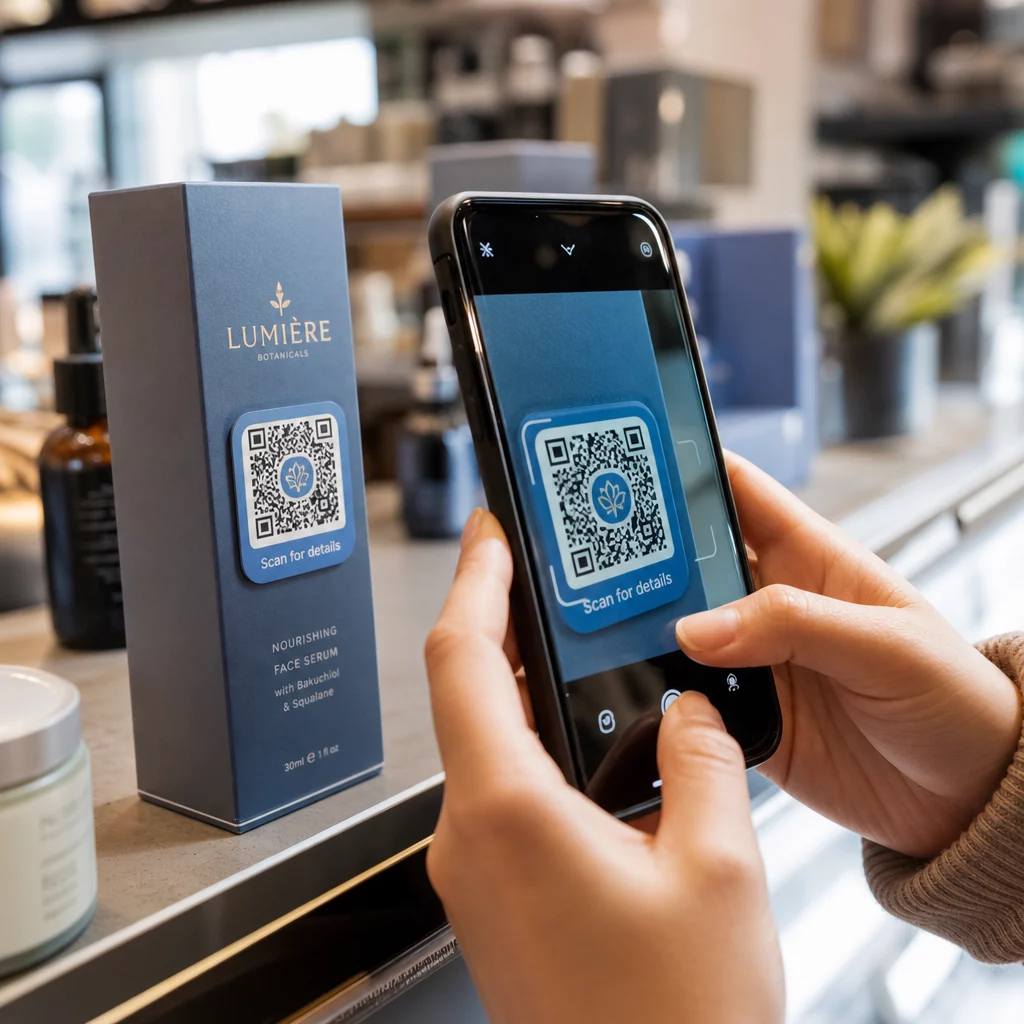
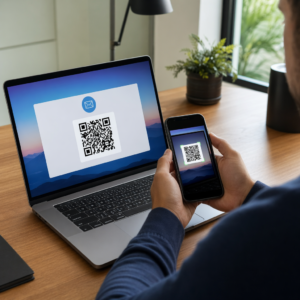
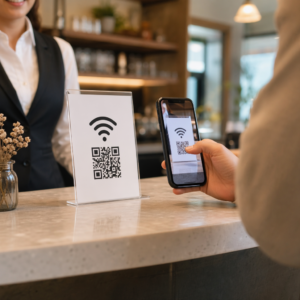
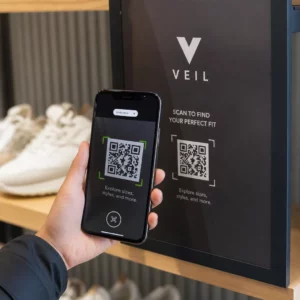
¿Están tus bolsas de compra haciendo algún trabajo después de que un cliente sale de la tienda? La mayoría no lo hacen, y esa es una oportunidad perdida para mantener la conversación. Esta página te muestra cómo diseñar códigos QR efectivos para bolsas de compra, a qué vincularlos y cómo medir los resultados.
Por qué las bolsas de compra son una superficie valiosa para códigos QR
Una bolsa de compra viaja mucho más allá del punto de venta. Viaja en el metro, se sienta en un escritorio de oficina, se reutiliza en un mercado de agricultores. Cada viaje es una impresión potencial, y un escaneo potencial.
Una encuesta a consumidores de World Sync 2024 encontró que el 64% de los compradores ya han escaneado un código QR en un producto mientras compraban en la tienda, y el 42% dice que los códigos QR han mejorado significativamente su experiencia de compra en persona. Los compradores están listos para escanear. La pregunta es si tu bolsa les da una razón para hacerlo.
A diferencia del embalaje del producto, que un cliente a menudo desecha después de abrir, una bolsa de compra se reutiliza con frecuencia. Esa vida útil prolongada significa que tu código QR tiene exposición repetida, para el comprador original y para todos a su alrededor. Para los minoristas que buscan exprimir más valor de los puntos de contacto físicos, la bolsa es uno de los lugares más sencillos para empezar. Puedes explorar la gama completa de casos de uso de códigos QR para negocios minoristas para ver cómo se comparan otros puntos de contacto.
A qué vincular el código QR de tu bolsa de compra
El destino importa tanto como el propio código. Un código QR que no lleva a ningún lugar útil se escanea una vez y se olvida. Aquí están los destinos más efectivos para las bolsas de venta al por menor:
- Descuentos o cupones exclusivos – Recompensa a los clientes que escanean después de la compra con un descuento en su próximo pedido. Un código QR de cupón te permite mostrar múltiples ofertas en una única página de destino de marca.
- Registro en el programa de fidelización – Convierte a un comprador único en un cliente recurrente haciendo que sea fácil unirse a tu programa de recompensas.
- Novedades o colecciones de temporada – Enlaza a una página de producto curada que mantiene el impulso de compra después de que salgan de la tienda.
- Perfiles en redes sociales – Aumenta tus seguidores dando a los receptores de la bolsa un camino directo a tu página de Instagram, TikTok o Pinterest.
- Contenido instructivo o historia de la marca – Un video corto o artículo sobre cómo se fabrican tus productos construye afinidad y confianza con la marca.
- Páginas de registro de producto o garantía – Especialmente útil para tecnología, electrodomésticos o productos premium.
- Página de reseñas – Invita a los clientes a dejar una reseña en Google o en redes sociales mientras la compra aún está reciente.
UNA código QR de enlace maneja la mayoría de estos casos de uso de forma limpia: ingresas una URL, personalizas el código para que coincida con tu marca y estás listo para imprimir.
Convierte tu bolsa de compra en un canal de marketing Use el Generador de códigos QR para crear un código de marca y rastreable para tu próxima tirada de impresión de bolsas. No se necesitan conocimientos técnicos.
Por qué deberías usar códigos QR dinámicos en bolsas
Los códigos QR estáticos codifican una URL fija. Una vez que los imprimes, ese destino es permanente. Si la promoción termina, la página de destino cambia o el enlace se rompe, cada bolsa en circulación se convierte en un callejón sin salida.
Códigos QR dinámicos resuelven esto enrutando los escaneos a través de una redirección, para que puedas actualizar el destino en cualquier momento sin reimprimir las bolsas. Esto los convierte en la opción práctica para el embalaje minorista, donde el inventario de bolsas a menudo dura meses.
Más allá de la flexibilidad, los códigos QR dinámicos proporcionan análisis de escaneo detallados: recuentos de escaneos totales y únicos, tiempos de escaneo, tipos de dispositivos y datos geográficos hasta el nivel de ciudad o región. Esos datos convierten una bolsa pasiva en un activo de campaña activo que puedes medir y mejorar. Puedes leer más sobre qué datos recopilan los códigos QR dinámicos y cómo usarlo.
Para los minoristas que ejecutan campañas estacionales o prueban diferentes ofertas en varias ubicaciones de tiendas, la capacidad de actualizar destinos y comparar el rendimiento de escaneo por ubicación es especialmente valiosa. Las soluciones de códigos QR para minoristas de Pageloot están diseñadas exactamente para este tipo de gestión de campañas.
Actualiza tu campaña de bolsas sin reimpresión Crea un código QR dinámico en Generador de código QR de Pageloot y cambia tu URL de destino en cualquier momento; tus bolsas impresas se mantienen actualizadas automáticamente.
Cómo diseñar un código QR que escanee de forma fiable en una bolsa
Un código QR que no escanea es peor que ningún código QR: frustra a los clientes y desperdicia el presupuesto de impresión. Las bolsas presentan desafíos de diseño específicos: superficies texturizadas, paneles plegados, asas que interrumpen el área de impresión y condiciones de iluminación variables en el punto de escaneo. Esto es lo que hay que hacer bien.
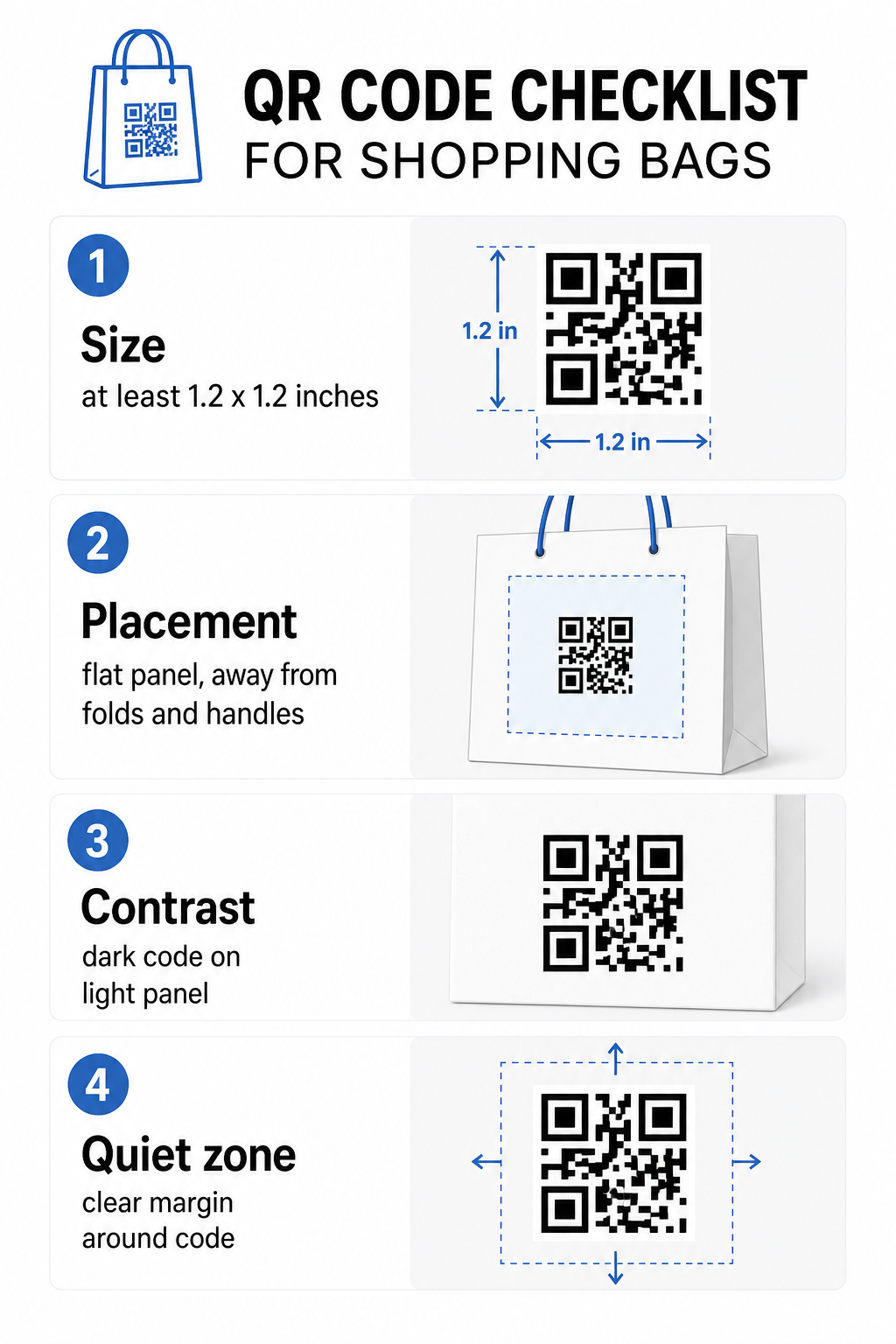
Tamaño
El tamaño de impresión mínimo recomendado para un escaneo fiable a la distancia de un brazo es 0.8 × 0.8 pulgadas (2 × 2 cm). Para una bolsa de compra, donde la distancia de escaneo es típicamente mayor y la bolsa puede estar en movimiento, apunta a al menos 1.2 × 1.2 pulgadas (3 × 3 cm).
Una regla general útil es la relación distancia-tamaño 10:1: el código debe tener 1 cm de ancho por cada 10 cm de distancia de escaneo esperada. Si es probable que alguien escanee su bolsa desde unos 30 cm (12 pulgadas) de distancia, el código debe tener al menos 3 cm de ancho. Los códigos QR más densos –aquellos que codifican URLs más largas o más datos– requieren un tamaño adicional para seguir siendo legibles, por lo tanto usar URLs acortadas o dinámicas mantiene el patrón del código menos denso y más fácil de escanear.
UBICACIÓN DEL CÓDIGO
Evite colocar el código cerca de pliegues, costuras, asas o bordes reforzados. Estas áreas distorsionan la geometría del código, lo que confunde a los escáneres. El panel central plano –frontal o trasero– es la ubicación más segura. Si el diseño de su bolsa incluye un fuelle lateral, ese panel también funciona, siempre que la superficie sea plana cuando la bolsa se mantiene abierta. Para un pensamiento de ubicación más estratégico, la guía para ubicaciones principales de códigos QR para tiendas minoristas cubre cómo pensar sobre la superficie, la visibilidad y el contexto juntos.
Contraste
Los escáneres de códigos QR detectan la diferencia entre módulos oscuros y un fondo claro. Patrón oscuro sobre un fondo claro es la combinación más fiable. Apunte a una relación de contraste de al menos 4:1 entre el código y su fondo –cuanto mayor, mejor. Evite los degradados, que crean un contraste desigual, y evite los esquemas de color invertidos (código claro sobre fondo oscuro), que algunos escáneres no pueden leer.
Si su bolsa tiene un color base oscuro, coloque el código QR dentro de un panel blanco o de color claro en lugar de imprimir directamente sobre la superficie oscura. Para un desglose completo de qué combinaciones de colores funcionan y cuáles evitar, vea el guía de mejores prácticas de contraste de color de códigos QR.
Zona tranquila
El zona tranquila es el margen vacío que rodea un código QR. Señala al escáner dónde comienza y termina el código. El estándar requiere al menos cuatro módulos de espacio libre en todos los lados –donde un módulo es la unidad cuadrada más pequeña en la cuadrícula del código. En una bolsa impresa de tamaños típicos, esto se traduce en aproximadamente 3–4 mm de espacio vacío en cada lado.
No permita que texto, logotipos, patrones de marca o elementos decorativos invadan este margen. Incluso una invasión parcial puede causar fallos de escaneo. Si el diseño de su bolsa está denso con gráficos, coloque el código QR dentro de una caja blanca con borde para proteger la zona de silencio.
Personalización de marca del código
Un código QR de marca –uno que incorpora su logotipo y colores de marca– es más probable que sea escaneado que una versión simple en blanco y negro. Los clientes son más propensos a interactuar cuando reconocen la fuente y entienden que hay algo que vale la pena escanear. Puede usar el Generador de código QR con logo para incrustar su logotipo en el centro del código mientras mantiene la capacidad de escaneo.
Al añadir un logotipo, use un nivel de corrección de errores más alto (Q o H) para que el código siga siendo legible incluso con parte del patrón cubierto. Mantenga el logotipo en no más del 30% del área total del código. El guía de mejores prácticas de legibilidad de códigos QR cubre la colocación del logotipo junto con las pautas de contraste y tamaño en detalle completo.
Pruebas antes de imprimir
Siempre pruebe el código final en múltiples dispositivos y en condiciones que coincidan con el uso real –niveles de luz variables, diferentes ángulos de escaneo y a la distancia de escaneo esperada. Pruebe tanto en iOS como en Android. Imprima una muestra física antes de comprometerse con una tirada completa de bolsas, porque un código que se ve bien en pantalla puede fallar en una superficie de bolsa texturizada o laminada.
Añadir una llamada a la acción cerca del código
Una investigación de Scantrust encontró que los consumidores que no suelen escanear códigos QR dijeron que serían más propensos a hacerlo si el código comunicara claramente lo que obtendrían. Una llamada a la acción corta y directa colocada cerca del código hace exactamente eso.
Manténgalo breve y específico. Ejemplos que funcionan bien en bolsas:
- Escanee para obtener un 15% de descuento en su próximo pedido
- Escanee para unirse a nuestro programa de recompensas
- Escanee para ver las novedades
- Oferta exclusiva dentro – escanee para desbloquear
Indicaciones vagas como “Escanéame” o “Más información” no dan a los clientes ninguna razón para actuar. Dígales lo que obtendrán antes de escanear. Este principio se aplica a todas las ubicaciones físicas de códigos QR –puede ver cómo funciona en contextos más amplios de códigos QR en el comercio minorista también.
Seguimiento del rendimiento de la campaña
Uno de los argumentos más sólidos para los códigos QR en bolsas de compra es la capacidad de medición. A diferencia de un número de teléfono impreso o una URL de sitio web, un escaneo de código QR es un evento rastreable. Con códigos QR dinámicos, cada escaneo registra puntos de datos clave que convierten su bolsa en un activo de campaña medible:
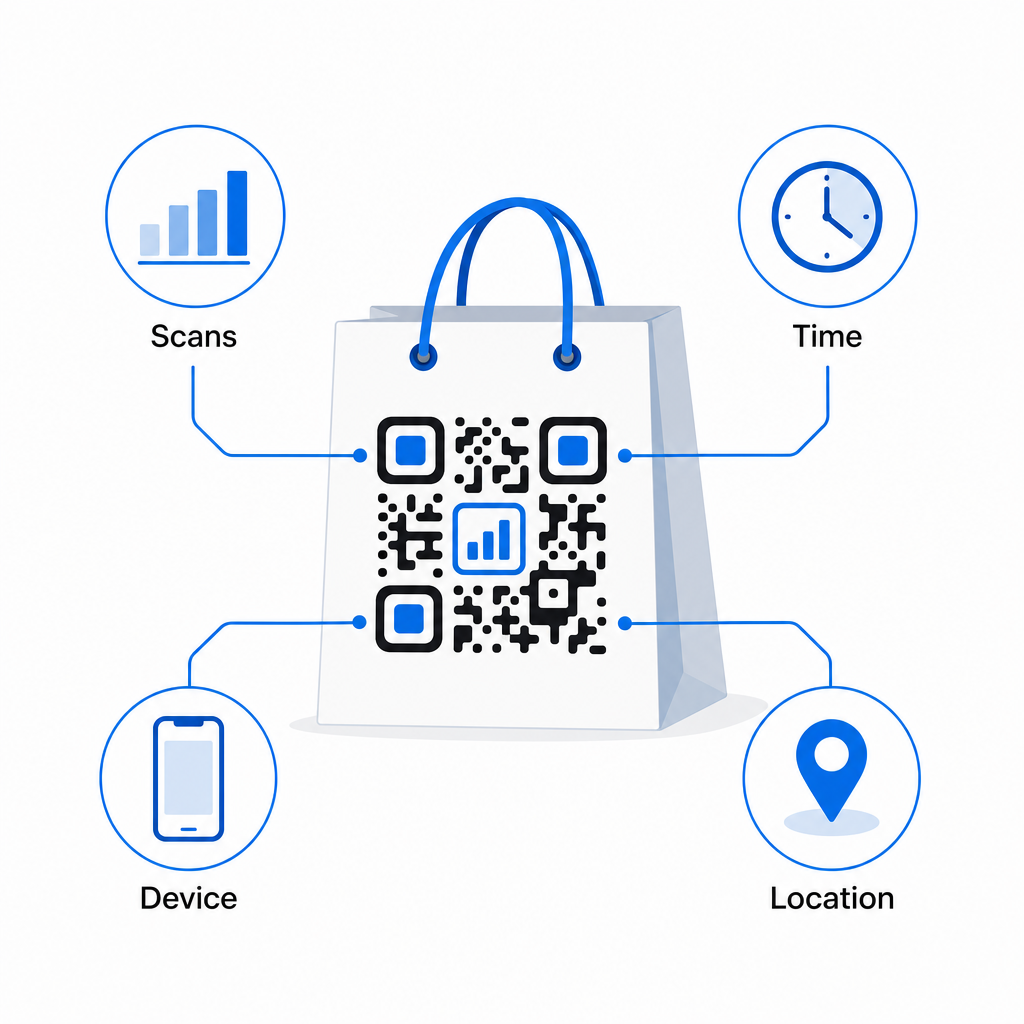
- Escaneos totales y escaneos únicos – distingue el alcance general del compromiso repetido
- Hora y fecha de escaneo – revela cuándo es más probable que los clientes interactúen después de la compra
- Tipo de dispositivo – le ayuda a optimizar la página de destino para el dispositivo más común que usan sus clientes
- Datos de ubicación – útil para minoristas con múltiples ubicaciones o campañas regionales
Estos datos le permiten comparar el rendimiento entre versiones de bolsas, ubicaciones de tiendas o períodos de campaña. Si una promoción particular genera significativamente más escaneos, puede extenderla. Si los escaneos disminuyen después de dos semanas, sabe que la oferta ha cumplido su ciclo y puede actualizar el destino sin tocar la bolsa. El función de análisis y seguimiento del código QR explica lo que muestra el panel de control y cómo interpretar los datos de escaneo en tiempo real.
Para minoristas que ejecutan campañas en múltiples formatos físicos más allá de las bolsas, el centro de soluciones de la industria ofrece una visión más amplia de cómo los códigos QR encajan en una estrategia coordinada.
Lista de verificación de diseño y técnica
Antes de enviar el diseño de su bolsa a imprimir, confirme cada uno de los siguientes:
| Elemento | Requisito |
|---|---|
| Tamaño del código | Mínimo 1.2 × 1.2 pulgadas (3 × 3 cm) para bolsas |
| Relación de contraste | Al menos 4:1 entre el código y el fondo |
| Zona tranquila | Mínimo 4 módulos de espacio libre en todos los lados |
| UBICACIÓN DEL CÓDIGO | Panel plano, lejos de pliegues, costuras y asas |
| Tipo de código | Código QR dinámico para destinos actualizables |
| Llamada a la acción | Específica y orientada a beneficios, colocada cerca del código |
| Logotipo (si se usa) | Nivel de corrección de errores Q o H, ≤30% del área del código |
| Pruebas | Escaneable confirmado en iOS y Android con iluminación real |
Una bolsa de compras es uno de los pocos materiales minoristas que sigue funcionando después de que termina la transacción. Con un código QR bien diseñado y vinculado dinámicamente, se convierte en una conexión rastreable entre la compra física y su relación digital continua con ese cliente. Diseñe con cuidado, dé a los clientes una razón clara para escanear, y use los análisis para seguir mejorando la campaña con el tiempo.
Comience a construir su campaña de bolsas Use el Generador de códigos QR de Pageloot para crear un código QR dinámico y de marca listo para la impresión de bolsas minoristas – con análisis completos incluidos.
Preguntas frecuentes
Sí. Con un código QR dinámico, usted puede usar un solo código en todas las ubicaciones y rastrear datos de escaneo por geografía, lo que le permite ver qué tiendas generan la mayor interacción. Alternativamente, usted puede crear códigos separados por ubicación para comparar el rendimiento directamente.
Con un código QR dinámico, usted simplemente actualiza la URL de destino en su panel de control de Pageloot. Los clientes que escaneen bolsas antiguas aterrizarán en su nueva página automáticamente. Usted nunca necesita reimprimir para mantener la experiencia actualizada.
Imprima el código en una superficie plana y mate y evite colocarlo cerca de pliegues, costuras o áreas laminadas brillantes que causen reflejos. Si su bolsa tiene un acabado texturizado en toda su extensión, considere aplicar una pequeña etiqueta plana o un panel impreso específicamente para el código QR, asegurando una superficie limpia y escaneable.