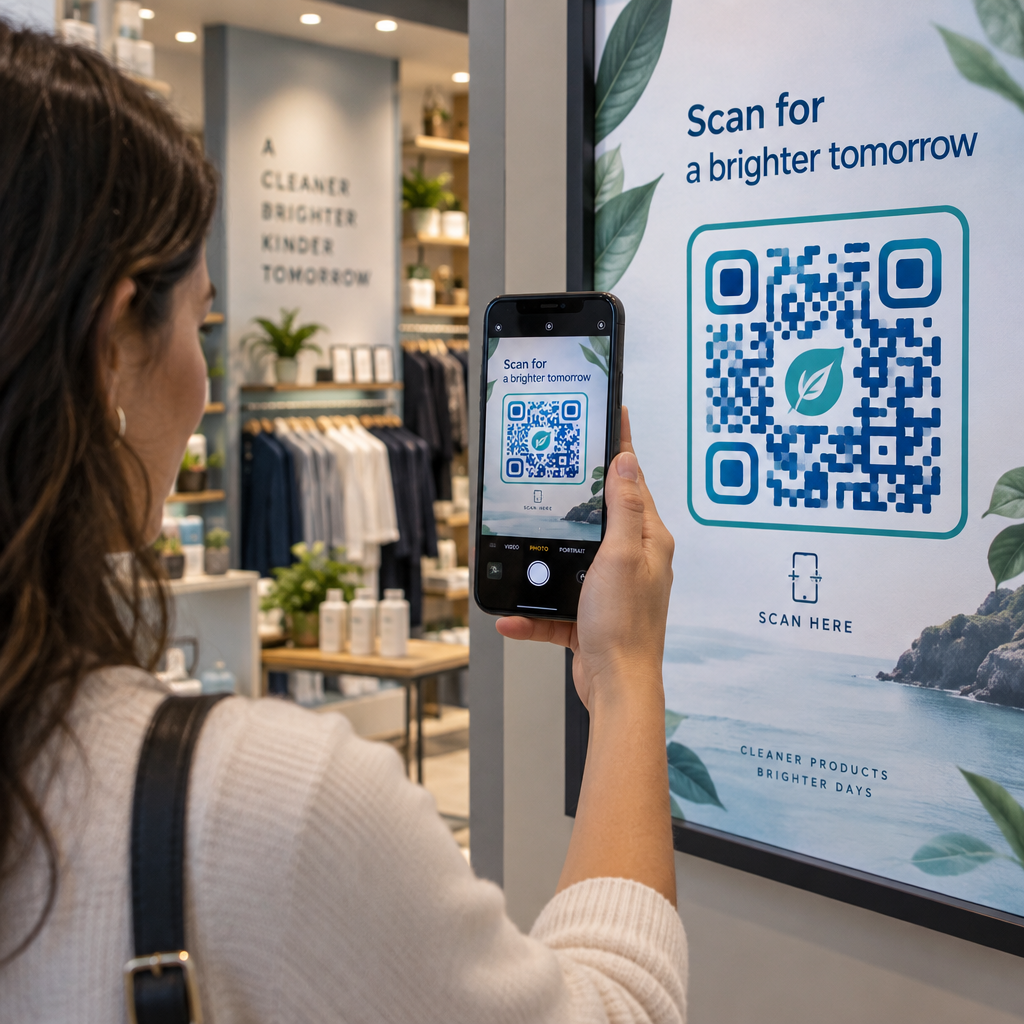
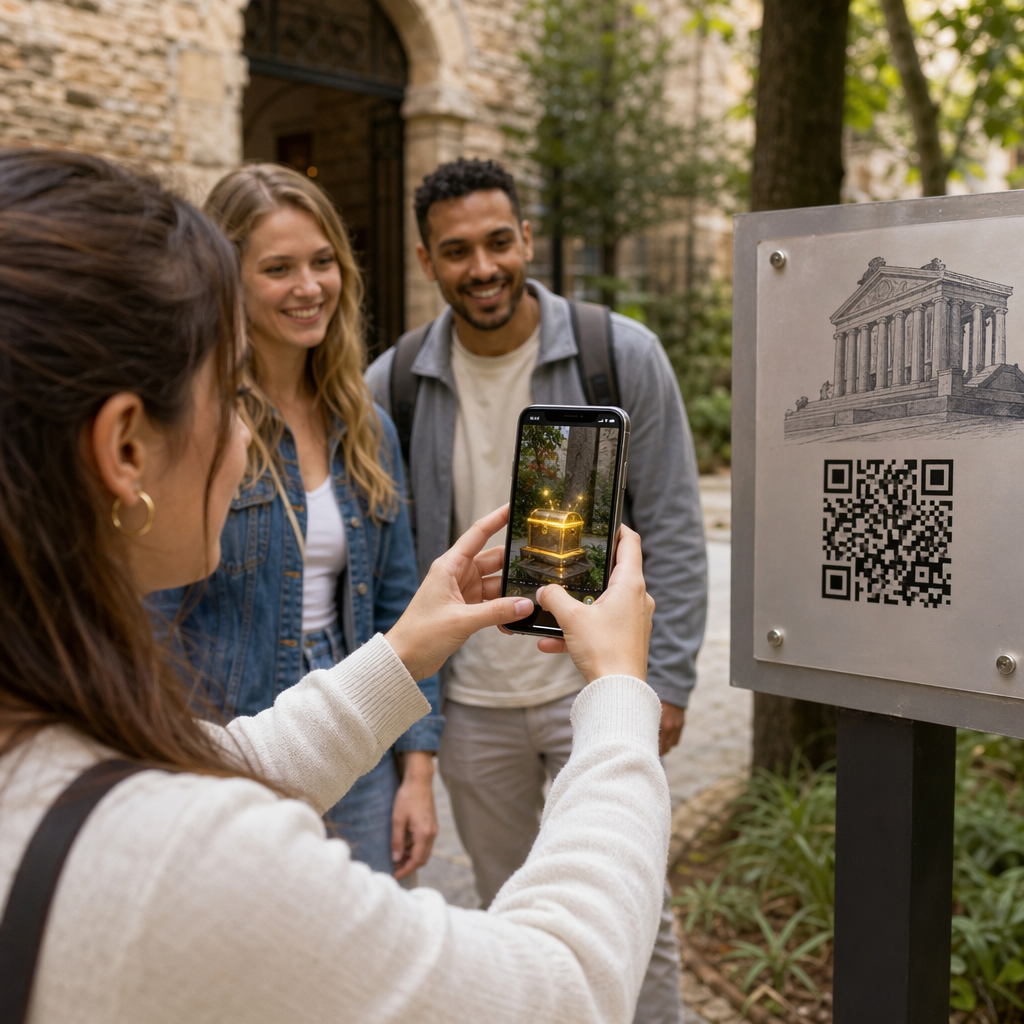
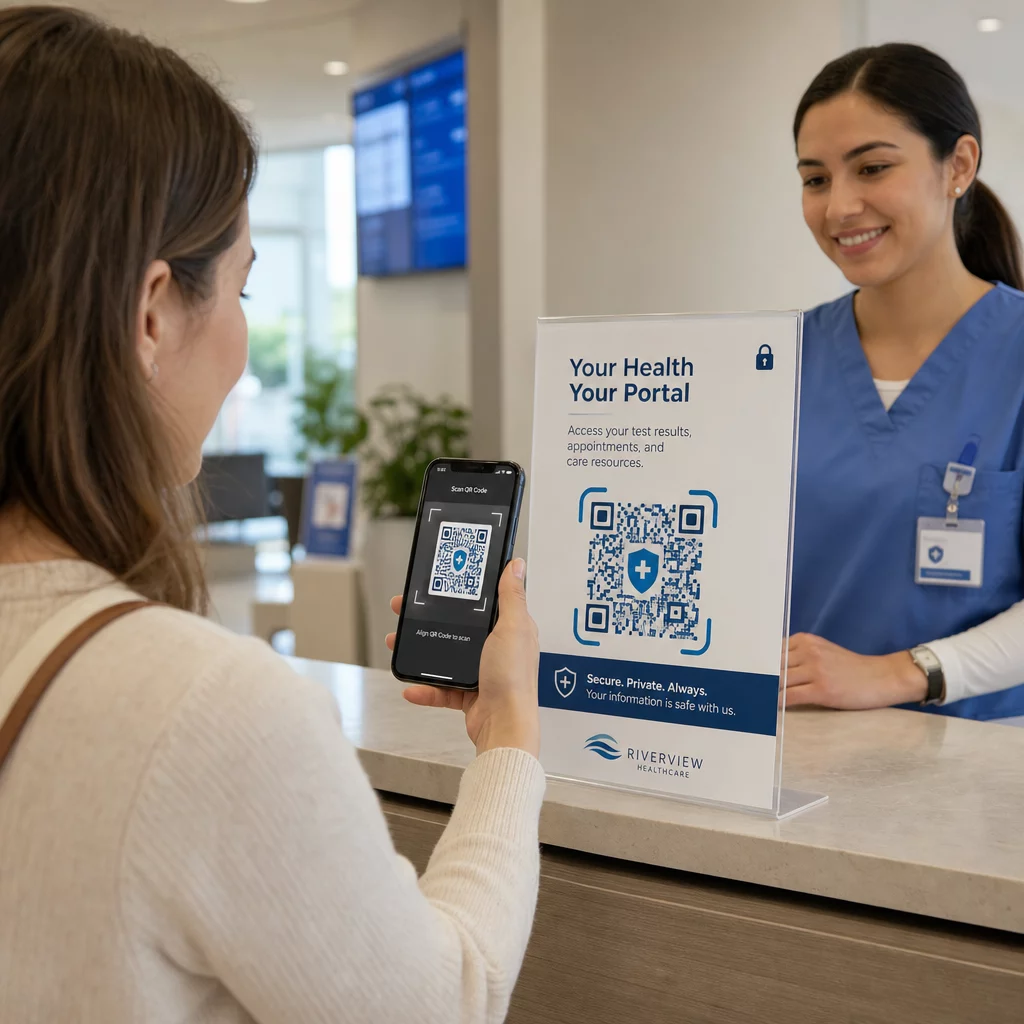
Doen uw boodschappentassen nog werk nadat een klant de deur uitloopt? De meeste niet – en dat is een gemiste kans om het gesprek gaande te houden. Deze pagina laat u zien hoe u effectieve QR-codes voor boodschappentassen ontwerpt, waarnaar u ze moet linken, en hoe u de resultaten meet.
Waarom boodschappentassen een waardevol QR-code oppervlak zijn
Een boodschappentas reist ver voorbij het verkooppunt. Hij reist met de metro, ligt op een bureau, wordt hergebruikt op een boerenmarkt. Elke reis is een potentiële impressie – en een potentiële scan.
Een consumentenonderzoek van World Sync 2024 wees uit dat 64% van de shoppers al een QR-code op een product heeft gescand tijdens het winkelen in de winkel, en 42% zegt dat QR-codes hun persoonlijke winkelervaring aanzienlijk hebben verbeterd. Shoppers zijn klaar om te scannen. De vraag is of uw tas hen een reden geeft om dat te doen.
In tegenstelling tot productverpakkingen, die een klant vaak weggooit na opening, wordt een boodschappentas vaak hergebruikt. Die langere levensduur betekent dat uw QR-code herhaaldelijk wordt blootgesteld – aan de oorspronkelijke koper en aan iedereen om hen heen. Voor retailers die meer waarde willen halen uit fysieke contactpunten, is de tas een van de eenvoudigste plekken om te beginnen. U kunt het volledige aanbod van QR-code gebruiksscenario's voor retailbedrijven om te zien hoe andere contactpunten vergelijken.
Waarnaar u uw boodschappentas QR-code moet linken
De bestemming is net zo belangrijk als de code zelf. Een QR-code die nergens nuttigs toe leidt, wordt één keer gescand en vergeten. Hier zijn de meest effectieve bestemmingen voor retailtassen:
- Exclusieve kortingen of coupons – Beloon klanten die na aankoop scannen met een korting op hun volgende bestelling. Een kortingsbon QR-code laat u meerdere aanbiedingen weergeven op een enkele branded landingspagina.
- Aanmelding loyaliteitsprogramma – Verander een eenmalige koper in een terugkerende klant door het moeiteloos te maken om deel te nemen aan uw beloningsprogramma.
- Nieuwe collecties of seizoenscollecties – Link naar een samengestelde productpagina die het winkelmomentum gaande houdt nadat ze de winkel verlaten.
- Sociale media profielen – Vergroot uw volgers door ontvangers van de tas een directe weg te geven naar uw Instagram-, TikTok- of Pinterest-pagina.
- How-to content of merkverhaal – Een korte video of artikel over hoe uw producten worden gemaakt, bouwt merkloyaliteit en vertrouwen op.
- Productregistratie- of garantiepagina's – Vooral handig voor technologie, apparaten of premium goederen.
- Beoordelingspagina – Vraag klanten om een Google- of sociale beoordeling achter te laten terwijl de aankoop nog vers is.
EEN link-QR-code handelt de meeste van deze gebruiksscenario's netjes af – u voert een URL in, past de code aan uw merk aan, en u bent klaar om te printen.
Verander uw boodschappentas in een marketingkanaal Gebruik de QR-codegenerator om een branded, traceerbare code te creëren voor uw volgende tasprintrun. Geen technische kennis nodig.
Waarom u dynamische QR-codes op tassen moet gebruiken
Statische QR-codes coderen een vaste URL. Zodra u ze print, is die bestemming permanent. Als de promotie eindigt, de landingspagina verandert, of de link kapot is, wordt elke tas in omloop een doodlopende weg.
Dynamische QR codes lossen dit op door scans via een omleiding te routeren, zodat u de bestemming op elk moment kunt bijwerken zonder de tassen opnieuw te printen. Dit maakt ze de praktische keuze voor retailverpakkingen, waar de tassenvoorraad vaak maanden meegaat.
Naast flexibiliteit bieden dynamische QR-codes gedetailleerde scananalyses: totale en unieke scanaantallen, scantijden, apparaattypen en geografische gegevens tot op stads- of regioniveau. Die gegevens veranderen een passieve tas in een actief campagne-middel dat u kunt meten en verbeteren. U kunt meer lezen over welke gegevens dynamische QR-codes verzamelen en hoe u het gebruikt.
Voor retailers die seizoenscampagnes voeren of verschillende aanbiedingen testen op verschillende winkellocaties, is de mogelijkheid om bestemmingen bij te werken en scanprestaties per locatie te vergelijken bijzonder waardevol. Pageloot's QR-code oplossingen voor retailers zijn gebouwd voor precies dit soort campagnemanagement.
Werk uw tascampagne bij zonder herdruk Maak een dynamische QR-code op Pageloot's QR Code Generator en wijzig uw bestemmings-URL op elk moment – uw geprinte tassen blijven automatisch actueel.
Hoe u een QR-code ontwerpt die betrouwbaar scant op een tas
Een QR-code die niet scant, is erger dan helemaal geen QR-code – het frustreert klanten en verspilt printbudget. Tassen introduceren specifieke ontwerpuitdagingen: gestructureerde oppervlakken, gevouwen panelen, handvatten die het printgebied onderbreken, en variërende lichtomstandigheden op het scanpunt. Dit is wat u goed moet doen.
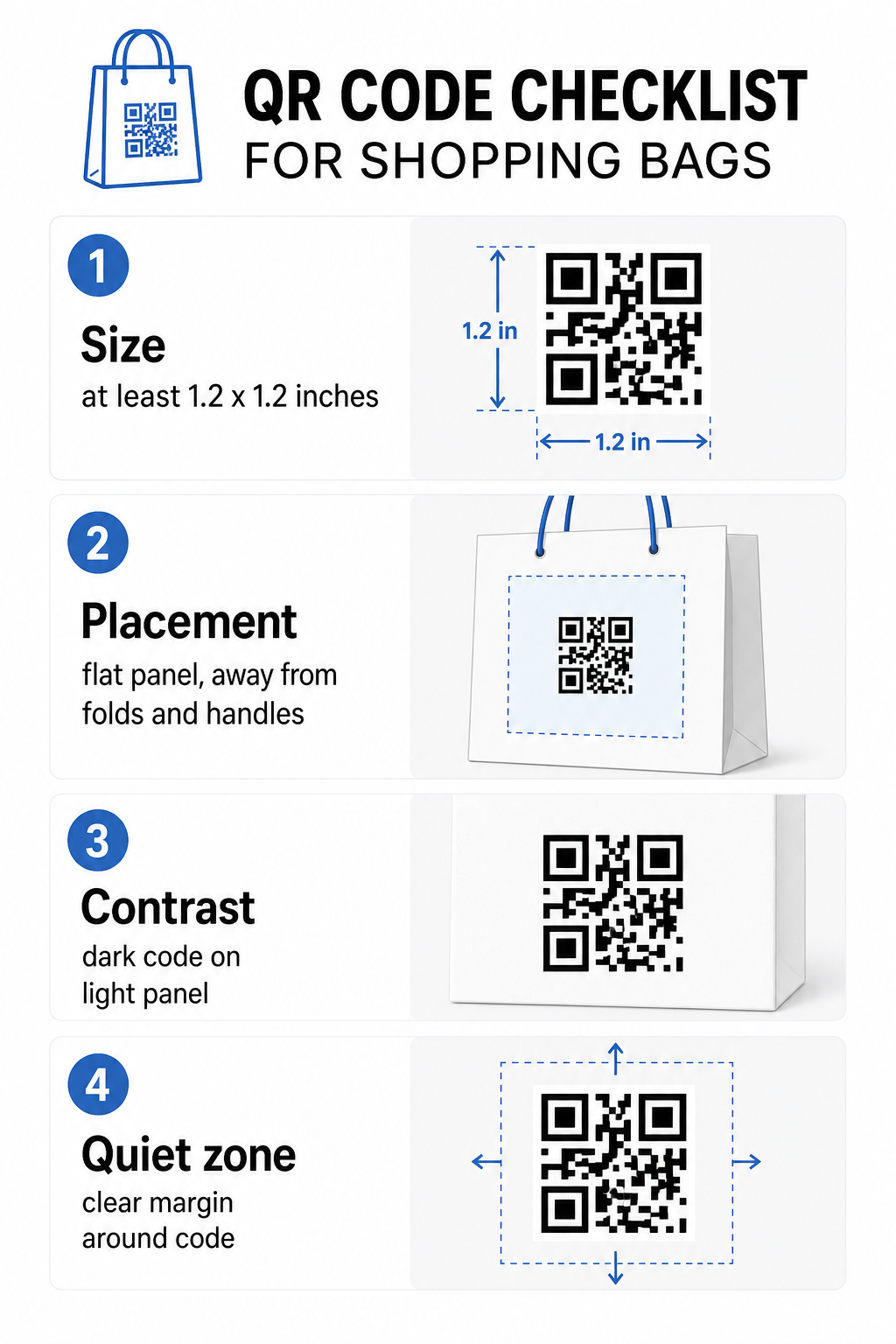
Grootte
De minimaal aanbevolen printgrootte voor betrouwbaar scannen op armlengte is 0,8 × 0,8 inch (2 × 2 cm). Voor een boodschappentas, waar de scanafstand doorgaans groter is en de tas mogelijk beweegt, streef naar ten minste 1,2 × 1,2 inch (3 × 3 cm).
Een handige vuistregel is de 10:1 afstand-tot-grootte verhouding: de code moet 1 cm breed zijn voor elke 10 cm verwachte scanafstand. Als iemand waarschijnlijk uw tas scant vanaf ongeveer 30 cm (12 inches) afstand, moet de code minimaal 3 cm breed zijn. Dichtere QR-codes – die langere URL's of meer gegevens coderen – vereisen extra grootte om leesbaar te blijven, dus het gebruik van verkorte of dynamische URL's houdt het code-patroon minder dicht en gemakkelijker te scannen.
PLAATSING
Vermijd het plaatsen van de code nabij vouwen, naden, handvatten of versterkte randen. Deze gebieden vervormen de geometrie van de code, wat scanners in verwarring brengt. Het vlakke middenpaneel – voor- of achterkant – is de veiligste locatie. Als uw tasontwerp een zijvouw omvat, werkt dat paneel ook, mits het oppervlak vlak is wanneer de tas open wordt gehouden. Voor meer strategisch plaatsingsdenken, de gids voor beste QR-codeplaatsingen voor winkels behandelt hoe te denken over oppervlak, zichtbaarheid en context samen.
Contrast
QR-code scanners detecteren het verschil tussen donkere modules en een lichte achtergrond. Donker patroon op een lichte achtergrond is de meest betrouwbare combinatie. Streef naar een contrastverhouding van minimaal 4:1 tussen de code en de achtergrond ervan – hoger is beter. Vermijd verlopen, die ongelijkmatig contrast creëren, en vermijd omgekeerde kleurenschema's (lichte code op donkere achtergrond), die sommige scanners niet kunnen lezen.
Als uw tas een donkere basiskleur heeft, plaats de QR-code dan in een wit of lichtgekleurd paneel in plaats van direct op het donkere oppervlak te printen. Voor een volledige uitsplitsing van welke kleurcombinaties werken en welke te vermijden, zie de gids voor best practices voor kleurcontrast van QR-codes.
Rustige zone
De stille zone is de lege marge rondom een QR-code. Het signaleert aan de scanner waar de code begint en eindigt. De standaard vereist minimaal vier modules vrije ruimte aan alle zijden – waarbij een module de kleinste vierkante eenheid in het codenetwerk is. Op een bedrukte tas van typische afmetingen vertaalt dit zich naar ongeveer 3–4 mm lege ruimte aan elke zijde.
Laat geen tekst, logo's, merkpatronen of decoratieve elementen deze marge binnendringen. Zelfs gedeeltelijke inbreuk kan scanfouten veroorzaken. Als uw tasontwerp dicht is met afbeeldingen, plaats de QR-code dan in een omrand wit vak om de rustzone te beschermen.
Branding van de code
Een gebrande QR-code – een die uw logo en merkkleuren omvat – wordt waarschijnlijker gescand dan een eenvoudige zwart-witversie. Klanten zullen eerder betrokken raken wanneer ze de bron herkennen en begrijpen dat er iets de moeite waard is om te scannen. U kunt de QR code met logo maken om uw logo in te sluiten in het midden van de code met behoud van scanbaarheid.
Bij het toevoegen van een logo, gebruik een hoger foutcorrectieniveau (Q of H) zodat de code leesbaar blijft, zelfs met een deel van het patroon bedekt. Houd het logo tot niet meer dan 30% van het totale codegebied. De gids voor best practices voor de leesbaarheid van QR-codes behandelt logoplaatsing naast contrast- en groottrichtlijnen in volledig detail.
Testen voordat u print
Test altijd de uiteindelijke code op meerdere apparaten en in omstandigheden die overeenkomen met reëel gebruik – variërende lichtniveaus, verschillende scanhoeken en op de verwachte scanafstand. Test op zowel iOS als Android. Print een fysiek voorbeeld voordat u zich verbindt aan een volledige tassenproductie, omdat een code die er op het scherm goed uitziet, kan falen op een gestructureerd of gelamineerd tasoppervlak.
Een Call-to-Action toevoegen Nabij de code
Onderzoek van Scantrust wees uit dat consumenten die doorgaans geen QR-codes scannen, zeiden dat ze dit waarschijnlijker zouden doen als de code duidelijk communiceerde wat ze zouden krijgen. Een korte, directe call-to-action geplaatst nabij de code doet precies dat.
Houd het kort en specifiek. Voorbeelden die goed werken op tassen:
- Scan voor 15% korting op uw volgende bestelling
- Scan om deel te nemen aan ons beloningsprogramma
- Scan voor nieuwe aanwinsten
- Exclusieve aanbieding binnenin – scan om te ontgrendelen
Vage aanwijzingen zoals “Scan mij” of “Meer informatie” geven klanten geen reden om te handelen. Vertel hen wat ze krijgen voordat ze scannen. Dit principe is van toepassing op alle fysieke QR-codeplaatsingen – u kunt zien hoe het werkt in bredere retail QR-code contexten ook.
Campagneprestaties volgen
Een van de sterkste argumenten voor QR-codes op boodschappentassen is meetbaarheid. In tegenstelling tot een gedrukt telefoonnummer of website-URL, is een QR-codescan een traceerbare gebeurtenis. Met dynamische QR-codes registreert elke scan belangrijke gegevenspunten die uw tas omzetten in een meetbaar campagne-item:
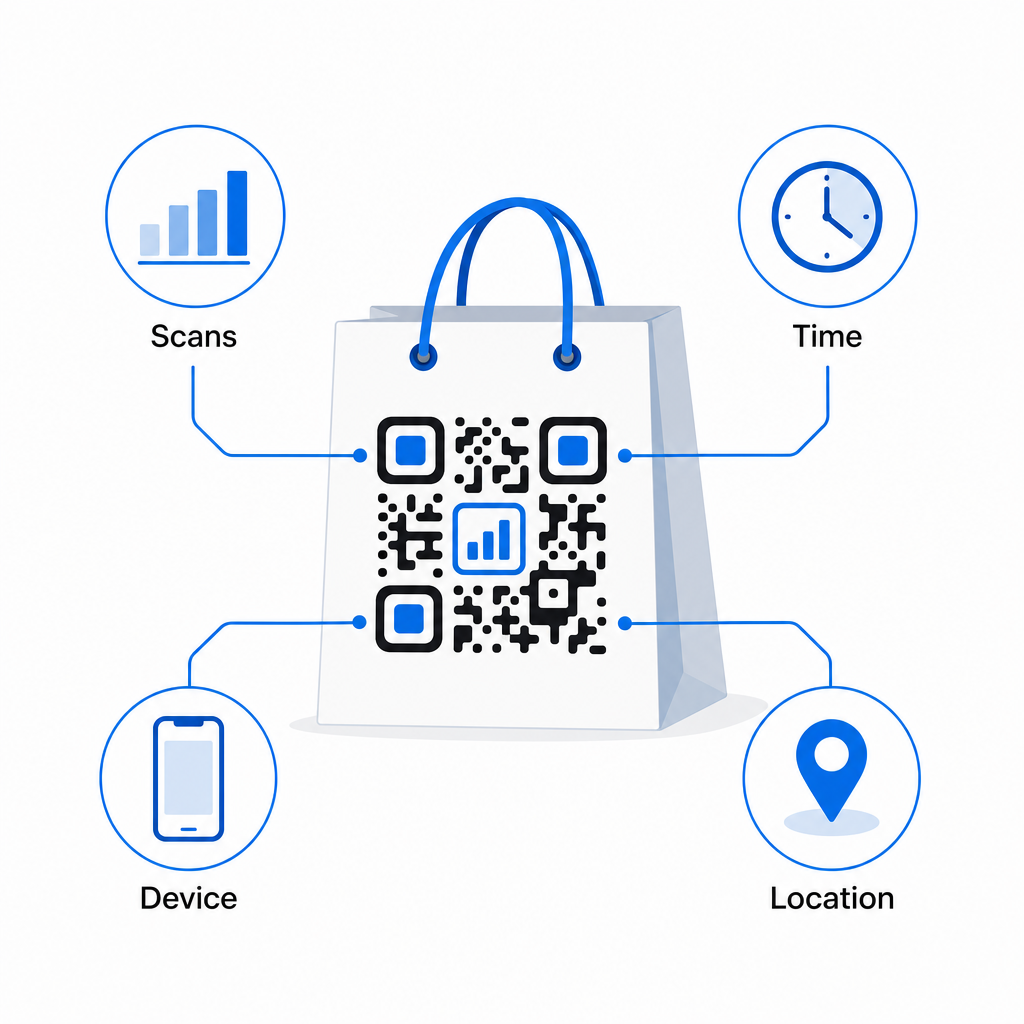
- Totaal aantal scans en unieke scans – onderscheidt algeheel bereik van herhaalde betrokkenheid
- Scantijd en -datum – onthult wanneer klanten het meest waarschijnlijk na aankoop betrokken raken
- Apparaattype – helpt u de landingspagina te optimaliseren voor het meest voorkomende apparaat dat uw klanten gebruiken
- Locatiegegevens – nuttig voor retailers met meerdere locaties of regionale campagnes
Deze gegevens laten u prestaties vergelijken tussen tasversies, winkellocaties of campagneperiodes. Als een bepaalde promotie aanzienlijk meer scans genereert, kunt u deze verlengen. Als scans na twee weken afnemen, weet u dat de aanbieding zijn loop heeft gehad en kunt u de bestemming bijwerken zonder de tas aan te raken. De QR-code analyse- en trackingfunctie legt uit wat het dashboard toont en hoe scan data in real time te interpreteren.
Voor retailers die campagnes voeren over meerdere fysieke formaten buiten tassen, de hub voor brancheoplossingen geeft een breder beeld van hoe QR-codes passen in een gecoördineerde strategie.
Ontwerp- en technische checklist
Voordat u uw tasontwerp naar de drukker stuurt, bevestig elk van de volgende:
| Element | Vereiste |
|---|---|
| Codeformaat | Minimaal 1,2 × 1,2 inch (3 × 3 cm) voor tassen |
| Contrastverhouding | Minimaal 4:1 tussen code en achtergrond |
| Stille zone | Minimaal 4 modules vrije ruimte aan alle zijden |
| PLAATSING | Plat paneel, weg van vouwen, naden en handvatten |
| Codetype | Dynamische QR-code voor bijwerkbare bestemmingen |
| Oproep tot actie | Specifiek en voordeelgericht, geplaatst nabij de code |
| Logo (indien gebruikt) | Foutcorrectieniveau Q of H, ≤30% van het codegebied |
| Testen | Bevestigd scanbaar op iOS en Android in echte verlichting |
Een boodschappentas is een van de weinige retailmaterialen die blijft werken nadat de transactie is voltooid. Met een goed ontworpen, dynamisch gekoppelde QR-code wordt het een traceerbare verbinding tussen de fysieke aankoop en uw voortdurende digitale relatie met die klant. Ontwerp het zorgvuldig, geef klanten een duidelijke reden om te scannen, en gebruik de analyses om de campagne in de loop van de tijd te blijven verbeteren.
Begin met het opbouwen van uw tascampagne Gebruik de Pageloot QR-codegenerator om een branded, dynamische QR-code te creëren, klaar voor het bedrukken van retailtassen – met volledige analyses inbegrepen.
Veelgestelde vragen
Ja. Met een dynamische QR-code kunt u één code gebruiken voor alle locaties en scangegevens per geografie bijhouden, wat u laat zien welke winkels de meeste betrokkenheid genereren. Als alternatief kunt u afzonderlijke codes per locatie aanmaken om de prestaties direct te vergelijken.
Met een dynamische QR-code werkt u eenvoudigweg de bestemmings-URL bij in uw Pageloot-dashboard. Klanten die oude tassen scannen, komen automatisch op uw nieuwe pagina terecht. U hoeft nooit opnieuw af te drukken om de ervaring actueel te houden.
Print de code op een vlak, mat oppervlak en vermijd het plaatsen ervan in de buurt van vouwen, naden, of glanzend gelamineerde gebieden die schittering veroorzaken. Als uw tas overal een getextureerde afwerking heeft, overweeg dan een klein vlak label of een bedrukt paneel specifiek voor de QR-code aan te brengen, om een schoon, scanbaar oppervlak te garanderen.