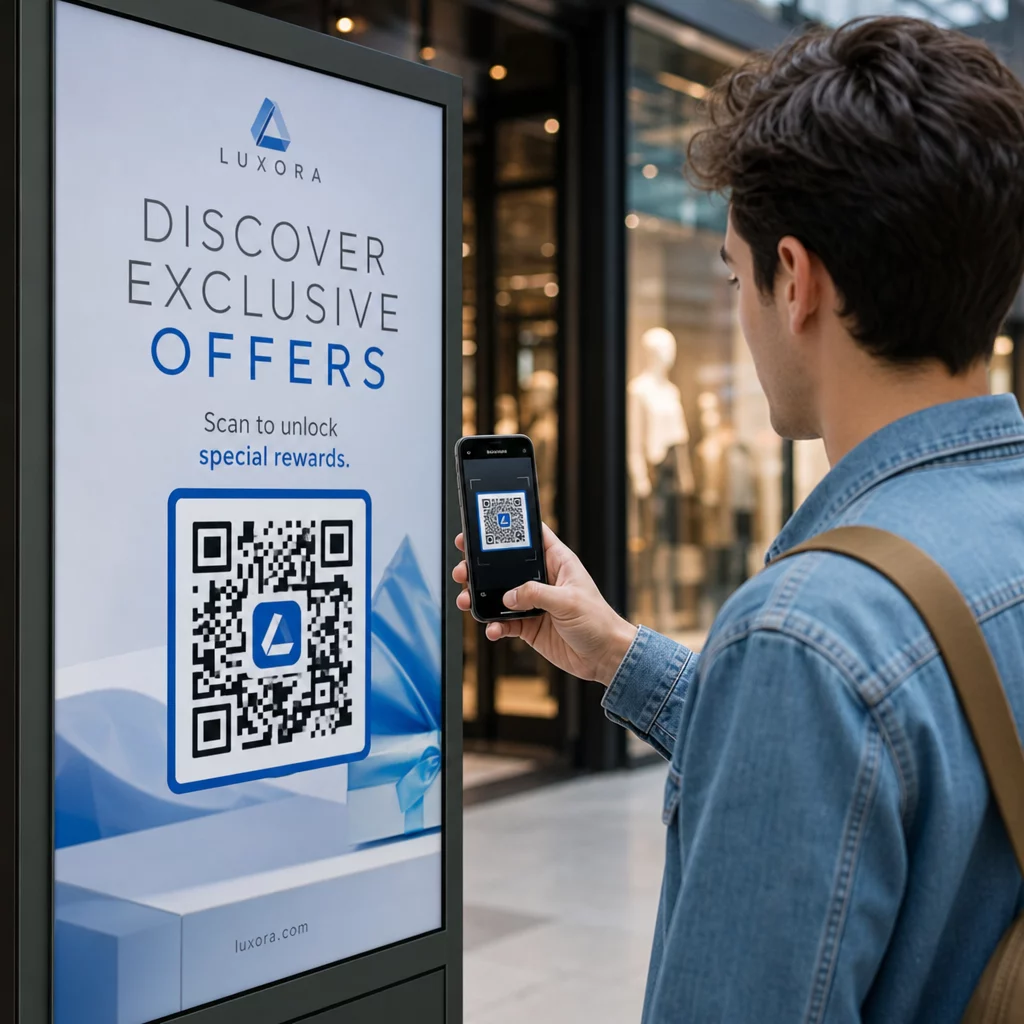
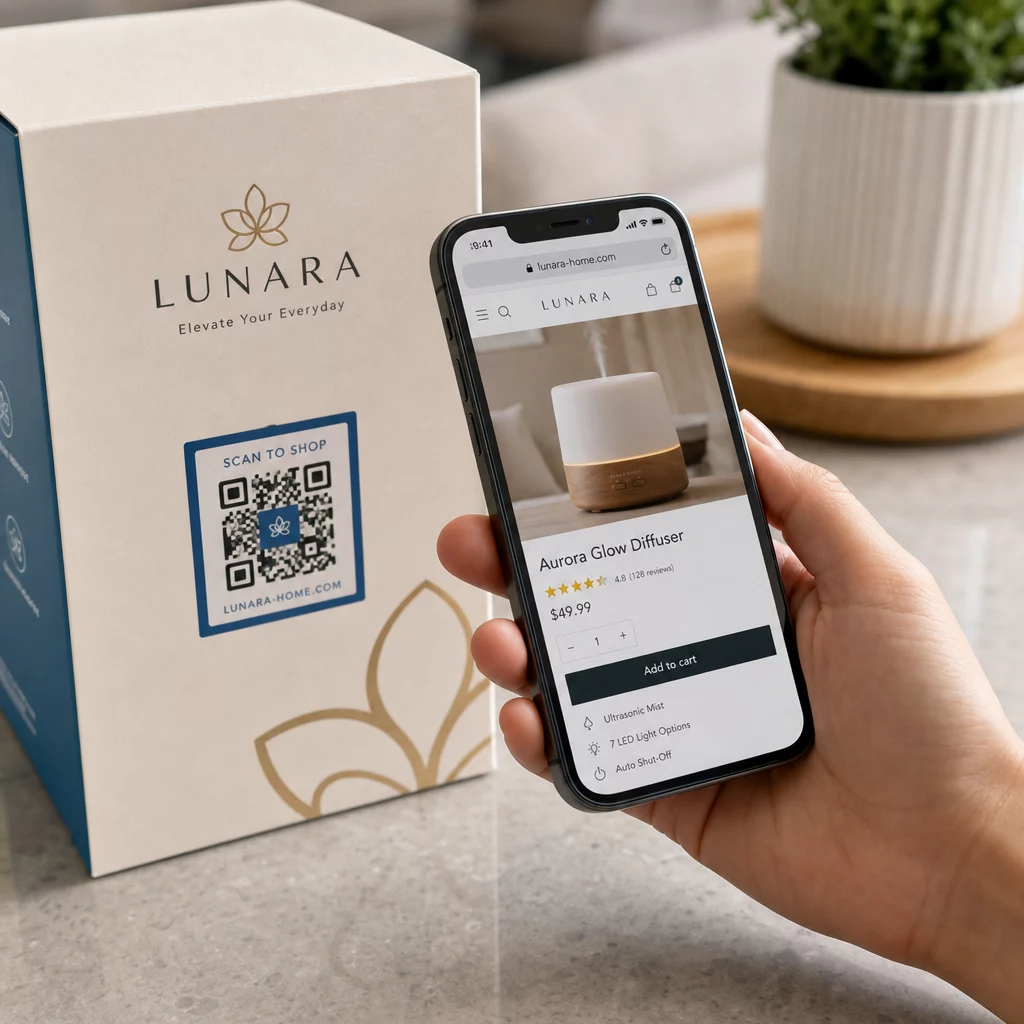
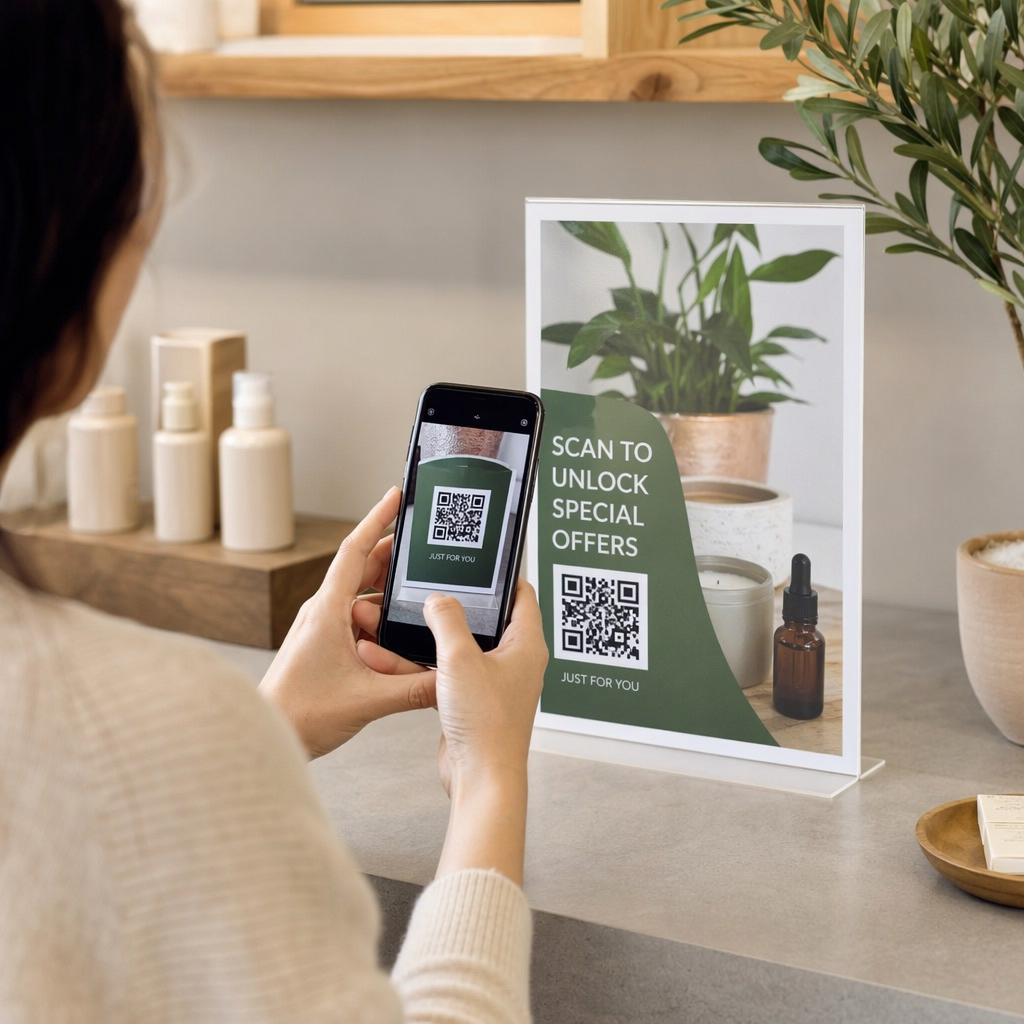
Vos sacs de courses font-ils encore du travail après qu'un client quitte le magasin ? La plupart non – et c'est une occasion manquée de maintenir la conversation. Cette page vous montre comment concevoir des codes QR efficaces pour les sacs de courses, à quoi les lier, et comment mesurer les résultats.
Pourquoi les sacs de courses sont une surface précieuse pour les codes QR
Un sac de courses voyage bien au-delà du point de vente. Il prend le métro, repose sur un bureau, est réutilisé au marché fermier. Chaque trajet est une impression potentielle – et un scan potentiel.
Une enquête auprès des consommateurs de World Sync 2024 a révélé que 64 % des acheteurs ont déjà scanné un code QR sur un produit lors de leurs achats en magasin, et 42 % déclarent que les codes QR ont considérablement amélioré leur expérience d'achat en personne. Les acheteurs sont prêts à scanner. La question est de savoir si votre sac leur donne une raison de le faire.
Contrairement à l'emballage du produit, qu'un client jette souvent après l'ouverture, un sac de courses est fréquemment réutilisé. Cette durée de vie prolongée signifie que votre code QR bénéficie d'une exposition répétée – à l'acheteur original et à tous ceux qui l'entourent. Pour les détaillants cherchant à tirer plus de valeur des points de contact physiques, le sac est l'un des endroits les plus simples pour commencer. Vous pouvez explorer la gamme complète de cas d'utilisation des codes QR pour les entreprises de détail pour voir comment les autres points de contact se comparent.
À quoi lier le code QR de votre sac de courses
La destination compte autant que le code lui-même. Un code QR qui ne mène nulle part d'utile est scanné une fois et oublié. Voici les destinations les plus efficaces pour les sacs de détail :
- Remises ou coupons exclusifs – Récompensez les clients qui scannent après l'achat avec une remise sur leur prochaine commande. Un code QR de coupon vous permet d'afficher plusieurs offres sur une seule page de destination de marque.
- Inscription au programme de fidélité – Transformez un acheteur unique en client fidèle en rendant l'adhésion à votre programme de fidélité sans effort.
- Nouveautés ou collections saisonnières – Liez à une page produit sélectionnée qui maintient l'élan d'achat après qu'ils aient quitté le magasin.
- Profils de médias sociaux – Développez votre audience en offrant aux destinataires du sac un chemin direct vers votre page Instagram, TikTok ou Pinterest.
- Contenu pratique ou histoire de marque – Une courte vidéo ou un article sur la fabrication de vos produits renforce l'affinité et la confiance envers la marque.
- Pages d'enregistrement de produit ou de garantie – Particulièrement utile pour la technologie, les appareils électroménagers ou les produits haut de gamme.
- Page d'avis – Incitez les clients à laisser un avis Google ou social tant que l'achat est encore frais.
UNE QR code de lien gère la plupart de ces cas d'utilisation proprement – vous entrez une URL, personnalisez le code pour qu'il corresponde à votre marque, et vous êtes prêt à imprimer.
Transformez votre sac de courses en canal marketing Utilisez le Générateur de codes QR pour créer un code de marque traçable pour votre prochaine série d'impression de sacs. Aucune connaissance technique n'est nécessaire.
Pourquoi vous devriez utiliser des codes QR dynamiques sur les sacs
Les codes QR statiques encodent une URL fixe. Une fois imprimés, cette destination est permanente. Si la promotion se termine, la page de destination change, ou le lien est rompu, chaque sac en circulation devient une impasse.
Codes QR dynamiques résolvent ce problème en acheminant les scans via une redirection, afin que vous puissiez mettre à jour la destination à tout moment sans réimprimer les sacs. Cela en fait le choix pratique pour l'emballage de détail, où l'inventaire des sacs dure souvent des mois.
Au-delà de la flexibilité, les codes QR dynamiques fournissent des analyses de scan détaillées : nombre total et unique de scans, heures de scan, types d'appareils et données géographiques jusqu'au niveau de la ville ou de la région. Ces données transforment un sac passif en un actif de campagne actif que vous pouvez mesurer et améliorer. Vous pouvez en savoir plus sur quelles données les codes QR dynamiques collectent et comment l'utiliser.
Pour les détaillants menant des campagnes saisonnières ou testant différentes offres dans plusieurs magasins, la capacité de mettre à jour les destinations et de comparer les performances de scan par emplacement est particulièrement précieuse. Les solutions de Pageloot de codes QR pour les détaillants sont conçues précisément pour ce type de gestion de campagne.
Mettez à jour votre campagne de sacs sans réimpression Créez un code QR dynamique sur Le générateur de code QR de Pageloot et modifiez votre URL de destination à tout moment – vos sacs imprimés restent à jour automatiquement.
Comment concevoir un code QR qui scanne de manière fiable sur un sac
Un code QR qui ne scanne pas est pire que pas de code QR du tout – il frustre les clients et gaspille le budget d'impression. Les sacs présentent des défis de conception spécifiques : surfaces texturées, panneaux pliés, poignées qui interrompent la zone d'impression, et conditions d'éclairage variables au point de scan. Voici ce qu'il faut faire correctement.
Taille
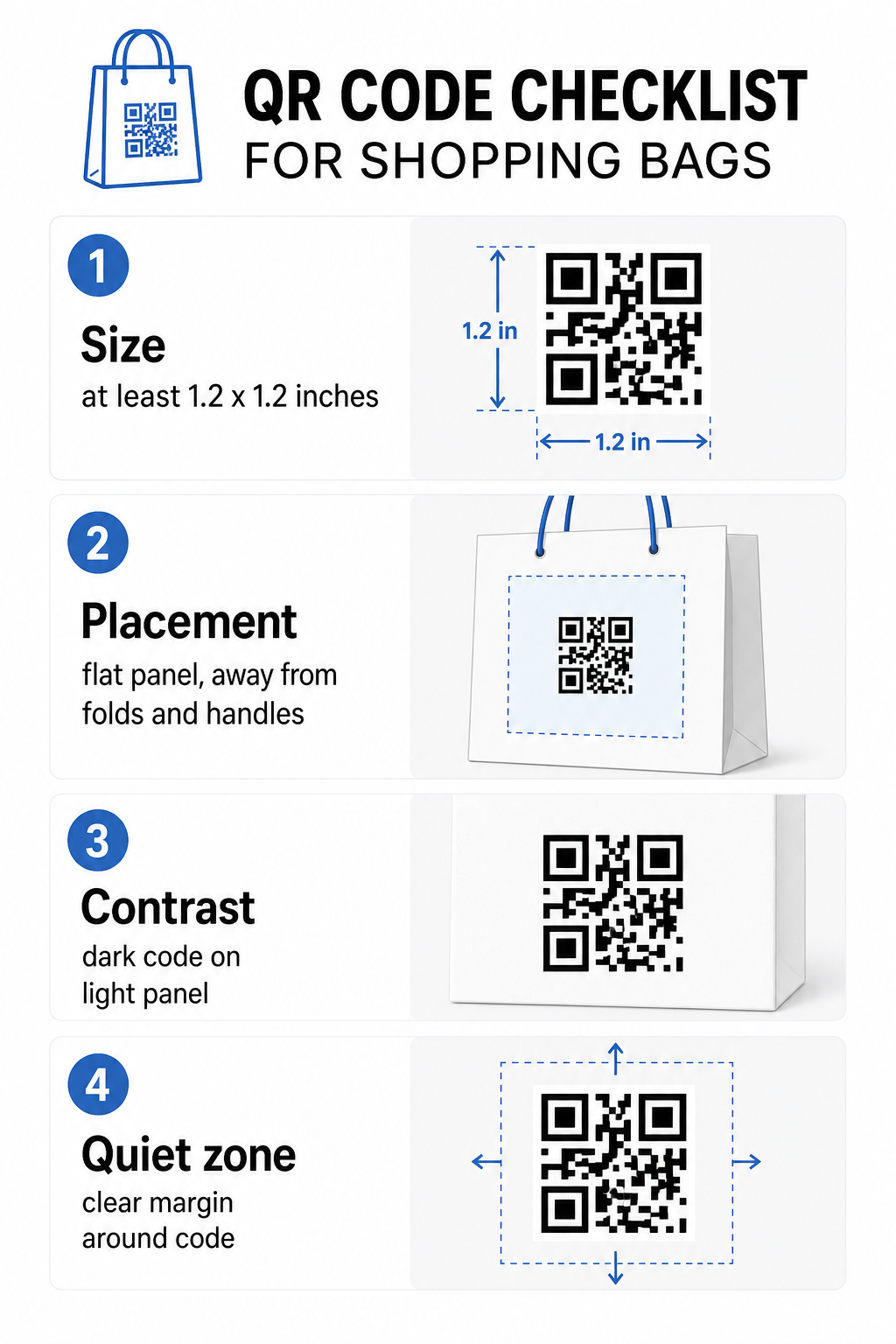
La taille d'impression minimale recommandée pour un scan fiable à bout de bras est 0,8 × 0,8 pouces (2 × 2 cm). Pour un sac de courses, où la distance de scan est généralement plus grande et le sac peut être en mouvement, visez au moins 1,2 × 1,2 pouces (3 × 3 cm).
Une règle empirique utile est la rapport distance/taille de 10:1: le code doit mesurer 1 cm de large pour chaque 10 cm de distance de scan attendue. Si quelqu'un est susceptible de scanner votre sac d'environ 30 cm (12 pouces) de distance, le code doit mesurer au moins 3 cm de large. Les codes QR plus denses – ceux encodant des URL plus longues ou plus de données – nécessitent une taille supplémentaire pour rester lisibles, donc l'utilisation d'URL raccourcies ou dynamiques maintient le motif du code moins dense et plus facile à scanner.
EMPLACEMENT
Évitez de placer le code près des plis, des coutures, des poignées ou des bords renforcés. Ces zones déforment la géométrie du code, ce qui perturbe les scanners. Le panneau central plat – avant ou arrière – est l'emplacement le plus sûr. Si la conception de votre sac inclut un soufflet latéral, ce panneau fonctionne aussi, à condition que la surface soit plate lorsque le sac est tenu ouvert. Pour une réflexion plus stratégique sur le placement, le guide de meilleurs emplacements de codes QR pour les magasins de détail couvre comment penser à la surface, la visibilité et le contexte ensemble.
Contraste
Les scanners de codes QR détectent la différence entre les modules sombres et un fond clair. Motif sombre sur un fond clair est la combinaison la plus fiable. Visez un rapport de contraste d'au moins 4:1 entre le code et son arrière-plan – plus élevé est mieux. Évitez les dégradés, qui créent un contraste inégal, et évitez les schémas de couleurs inversés (code clair sur fond sombre), que certains scanners ne parviennent pas à lire.
Si votre sac a une couleur de base foncée, placez le code QR à l'intérieur d'un panneau blanc ou de couleur claire plutôt que d'imprimer directement sur la surface foncée. Pour une analyse complète des combinaisons de couleurs qui fonctionnent et de celles à éviter, consultez le guide des meilleures pratiques de contraste des couleurs des codes QR.
Zone de calme
Le zone de silence est la marge vide entourant un code QR. Elle signale au scanner où le code commence et se termine. La norme exige au moins quatre modules d'espace clair de tous les côtés – où un module est la plus petite unité carrée dans la grille du code. Sur un sac imprimé de tailles typiques, cela se traduit par environ 3 à 4 mm d'espace vide de chaque côté.
Ne laissez pas de texte, logos, motifs de marque ou éléments décoratifs empiéter sur cette marge. Même un empiètement partiel peut entraîner des échecs de scan. Si la conception de votre sac est dense en graphiques, placez le code QR à l'intérieur d'une boîte blanche bordée pour protéger la zone de silence.
Personnaliser le code
Un code QR personnalisé – un qui intègre votre logo et les couleurs de votre marque – est plus susceptible d'être scanné qu'une version simple en noir et blanc. Les clients sont plus susceptibles de s'engager lorsqu'ils reconnaissent la source et comprennent qu'il y a quelque chose qui vaut la peine d'être scanné. Vous pouvez utiliser le Générateur de QR code avec logo pour intégrer votre logo au centre du code tout en maintenant la scannabilité.
Lors de l'ajout d'un logo, utilisez un niveau de correction d'erreur plus élevé (Q ou H) afin que le code reste lisible même avec une partie du motif couverte. Maintenez le logo à pas plus de 30% de la surface totale du code. Le guide des meilleures pratiques de lisibilité des codes QR couvre le placement du logo ainsi que les directives de contraste et de taille en détail.
Tests avant l'impression
Testez toujours le code final sur plusieurs appareils et dans des conditions qui correspondent à une utilisation réelle – niveaux de lumière variables, différents angles de scan et à la distance de scan attendue. Testez sur iOS et Android. Imprimez un échantillon physique avant de vous engager dans une production complète de sacs, car un code qui semble correct à l'écran peut échouer sur une surface de sac texturée ou laminée.
Ajouter un appel à l'action près du code
Une recherche de Scantrust a révélé que les consommateurs qui ne scannent généralement pas les codes QR ont déclaré qu'ils seraient plus susceptibles de le faire si le code communiquait clairement ce qu'ils obtiendraient. Un appel à l'action court et direct placé près du code fait exactement cela.
Gardez-le bref et spécifique. Exemples qui fonctionnent bien sur les sacs :
- Scannez pour 15% de réduction sur votre prochaine commande
- Scannez pour rejoindre notre programme de fidélité
- Scannez pour les nouveautés
- Offre exclusive à l'intérieur – scannez pour débloquer
Des invites vagues comme “ Scannez-moi ” ou “ En savoir plus ” ne donnent aucune raison d'agir aux clients. Dites-leur ce qu'ils obtiendront avant de scanner. Ce principe s'applique à tous les placements physiques de codes QR – vous pouvez voir comment cela fonctionne dans des contextes plus larges de codes QR de vente au détail également.
Suivi des performances de la campagne
L'un des arguments les plus solides en faveur des codes QR sur les sacs de courses est la mesurabilité. Contrairement à un numéro de téléphone imprimé ou une URL de site web, un scan de code QR est un événement traçable. Avec les codes QR dynamiques, chaque scan enregistre des points de données clés qui transforment votre sac en un actif de campagne mesurable :
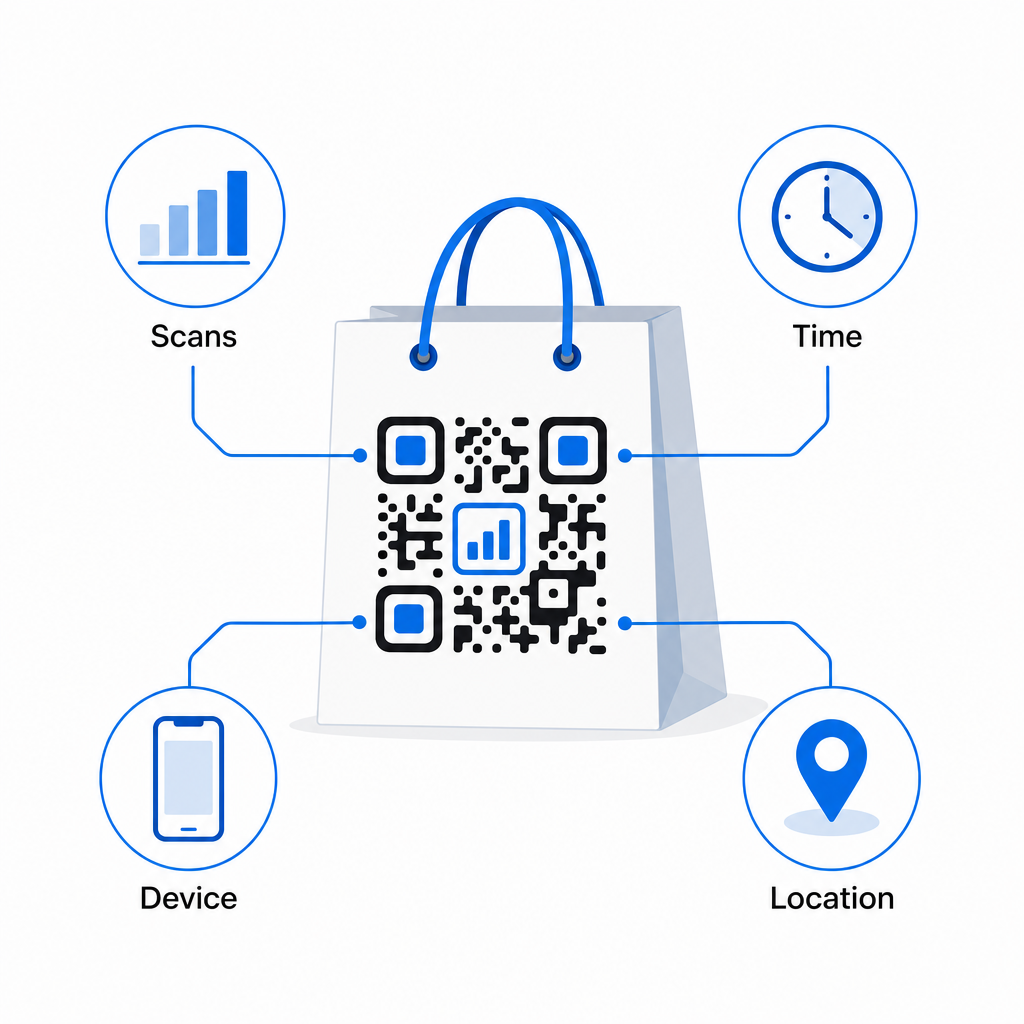
- Scans totaux et scans uniques – distingue la portée globale de l'engagement répété
- Heure et date du scan – révèle quand les clients sont les plus susceptibles de s'engager après l'achat
- Type d'appareil – vous aide à optimiser la page de destination pour l'appareil le plus courant utilisé par vos clients
- Données de localisation – utile pour les détaillants ayant plusieurs emplacements ou des campagnes régionales
Ces données vous permettent de comparer les performances entre les versions de sacs, les emplacements de magasins ou les périodes de campagne. Si une promotion particulière génère beaucoup plus de scans, vous pouvez la prolonger. Si les scans diminuent après deux semaines, vous savez que l'offre a fait son temps et pouvez mettre à jour la destination sans toucher au sac. Le fonction d'analyse et de suivi du code QR explique ce que le tableau de bord affiche et comment interpréter les données de scan en temps réel.
Pour les détaillants menant des campagnes sur plusieurs formats physiques au-delà des sacs, le centre de solutions sectorielles donne une vue plus large de la façon dont les codes QR s'intègrent dans une stratégie coordonnée.
Liste de contrôle de conception et technique
Avant d'envoyer la conception de votre sac à l'impression, confirmez chacun des points suivants :
| Élément | Exigence |
|---|---|
| Taille du code | Minimum 1,2 × 1,2 pouces (3 × 3 cm) pour les sacs |
| Rapport de contraste | Au moins 4:1 entre le code et l'arrière-plan |
| Zone de silence | Minimum 4 modules d'espace clair sur tous les côtés |
| EMPLACEMENT | Panneau plat, loin des plis, des coutures et des poignées |
| Type de code | Code QR dynamique pour des destinations actualisables |
| Appel à l'action | Spécifique et axé sur les avantages, placé près du code |
| Logo (si utilisé) | Niveau de correction d'erreur Q ou H, ≤30 % de la zone du code |
| Test | Confirmé scannable sur iOS et Android dans un éclairage réel |
Un sac de courses est l'un des rares matériaux de vente au détail qui continue de fonctionner après la fin de la transaction. Avec un code QR bien conçu et lié dynamiquement, il devient une connexion traçable entre l'achat physique et votre relation numérique continue avec ce client. Concevez-le avec soin, donnez aux clients une raison claire de scanner, et utilisez les analyses pour continuer à améliorer la campagne au fil du temps.
Commencez à construire votre campagne de sacs Utilisez le Générateur de code QR Pageloot pour créer un code QR dynamique et de marque prêt pour l'impression sur sacs de vente au détail – avec des analyses complètes incluses.
Questions fréquentes
Oui. Avec un code QR dynamique, vous pouvez utiliser un seul code dans tous les emplacements et suivre les données de scan par géographie, ce qui vous permet de voir quels magasins génèrent le plus d'engagement. Alternativement, vous pouvez créer des codes séparés par emplacement pour comparer directement les performances.
Avec un code QR dynamique, vous mettez simplement à jour l'URL de destination dans votre tableau de bord Pageloot. Les clients scannant d'anciens sacs atterriront automatiquement sur votre nouvelle page. Vous n'aurez jamais besoin de réimprimer pour maintenir l'expérience à jour.
Imprimez le code sur une surface plate et mate et évitez de le placer près des plis, des coutures ou des zones laminées brillantes qui provoquent des reflets. Si votre sac a une finition texturée partout, envisagez d'appliquer une petite étiquette plate ou un panneau imprimé spécifiquement pour le code QR, assurant une surface propre et scannable.