Leží vaše faktury nezaplacené dlouho po splatnosti? Pozdní platby jsou jedním z nejčastějších problémů s peněžními toky, kterým podniky čelí – a významným faktorem je jednoduše tření spojené s placením. Tento průvodce vám ukáže, jak přidání QR kódu na vaše faktury toto tření odstraňuje a vkládá peníze na váš účet rychleji.
Proč jsou pozdní platby faktur skutečným obchodním problémem
Čísla nelze ignorovat. 56% malých podniků v USA uvádí, že jim dluží peníze z nezaplacených nebo pozdních faktur, a v průměru tyto podniky drží více než $17 000 v nesplacených pohledávkách každá. Platby obvykle dorazí 8,2 dne po dohodnutém termínu – ne proto, že by zákazníci neměli v úmyslu platit, ale proto, že tradiční pracovní postupy od faktury k platbě mají příliš mnoho kroků.
Zákazníci obdrží papírovou nebo PDF fakturu, poté musí najít vaše bankovní údaje, přejít na platební portál nebo si vzpomenout napsat šek. Každý další krok je příležitostí ke zpoždění. Čím jednodušší platbu uděláte, tím rychleji dostanete zaplaceno.
Jak fungují QR kódy na fakturách
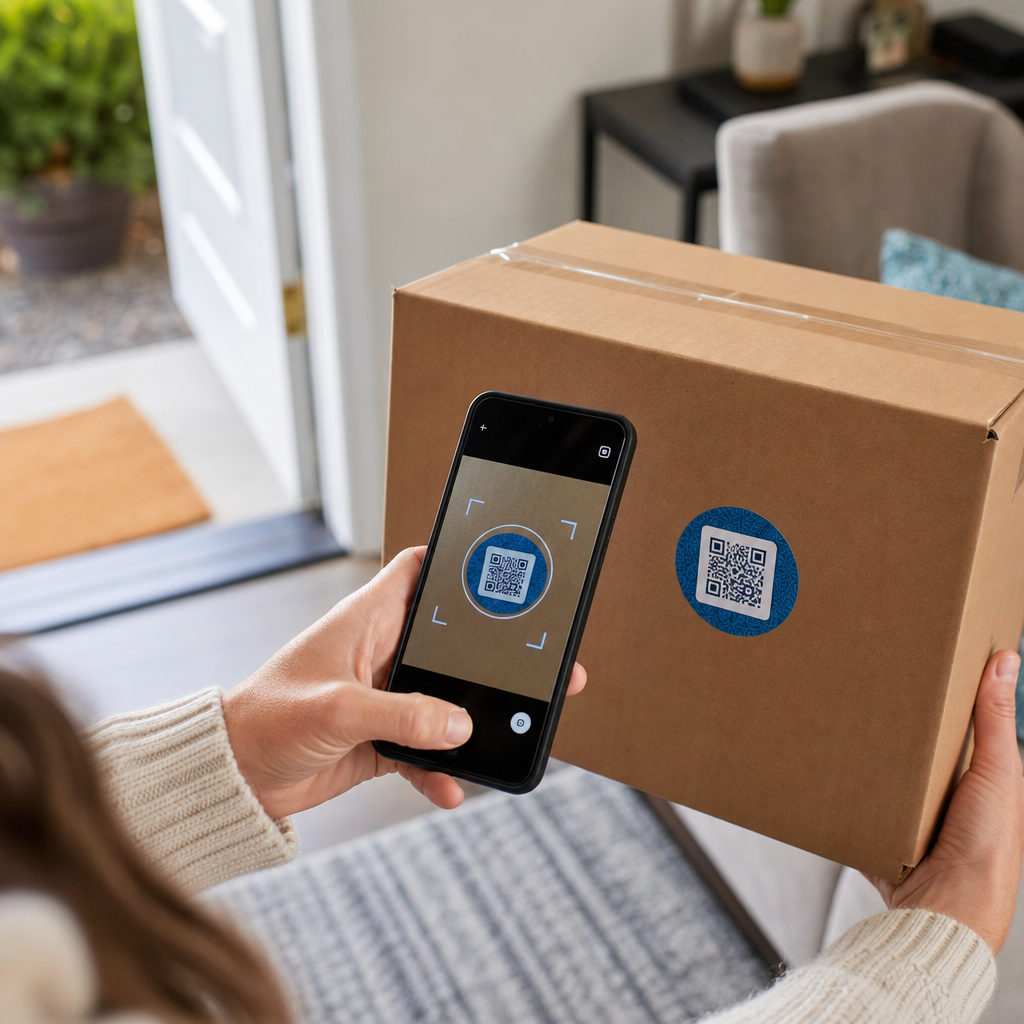
Platební QR kód na faktuře kóduje URL, která vede přímo na zabezpečenou platební stránku. Když zákazník naskenuje kód fotoaparátem svého smartphonu, platební stránka se automaticky otevře v jeho prohlížeči. Potvrdí částku, zvolí si platební metodu – kreditní kartu, bankovní převod, digitální peněženku – a dokončí transakci během několika sekund.
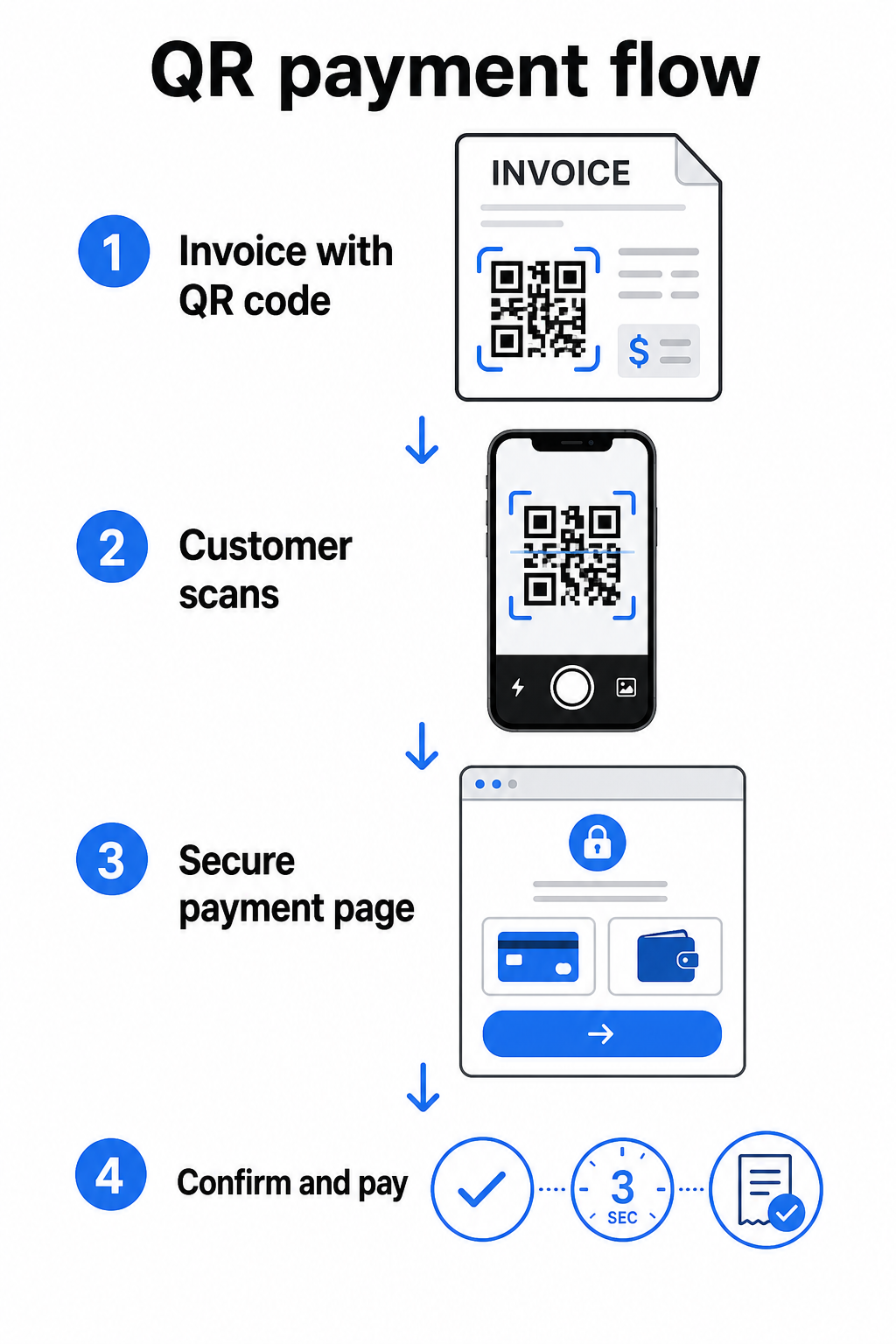
Služba FedNow Federálního rezervního systému popisuje tento přesný pracovní postup: digitálně zaslané účty s vloženým QR kódem umožňují zákazníkům skenovat a iniciovat platbu namísto čekání na papírové výpisy nebo ručního vyhledávání platebních portálů. Klienti mohou dokonce naskenovat QR kód obsahující Žádost o platbu (RfP) k zahájení okamžité platby přímo přes FedNow.
Obecný proces funguje takto:
- Vygenerujte platební odkaz prostřednictvím svého poskytovatele plateb (jako je PayPal, Stripe nebo Square)
- Převeďte tento odkaz na QR kód pomocí generátoru QR kódů
- Umístěte QR kód na vaši fakturu, PDF nebo výpis z účtu
- Zákazník naskenuje, zkontroluje částku a zaplatí – často během několika sekund
Hlavní američtí poskytovatelé plateb, včetně PayPal, Stripe a Square, všichni podporují platební odkazy, které lze sdílet jako QR kódy, takže na žádné straně není vyžadován žádný speciální hardware ani software.
Jste připraveni vytvořit platební QR kód? Proměňte jakýkoli platební odkaz na skenovatelný QR kód, který vaši zákazníci mohou použít přímo z vaší faktury. Použijte Pageloot’s QR kód pro platbu přes PayPal nebo obecný Generátor QR kódů abyste začali během několika minut.
Na co propojit QR kód vaší faktury
Samotný QR kód je pouze mechanismus doručení. To, na co ho propojíte, určuje, jak hladká bude skutečná platební zkušenost.
Platební stránka nebo odkaz na pokladnu je nejpřímější možností. Vygenerujte platební odkaz z řídicího panelu vašeho poskytovatele – s předvyplněnou částkou faktury, popisem a vašimi obchodními údaji – a převeďte jej na QR kód. Zákazníci se dostanou na stránku připravenou k platbě bez nutnosti ručního zadávání dat. Pageloot’s průvodce platebními QR kódy popisuje, jak to funguje s poskytovateli jako PayPal a Stripe.
PDF celé faktury je užitečné, když chcete zákazníkům poskytnout přístup k podrobným položkám, podmínkám nebo podpůrné dokumentaci spolu s možností platby. QR kód PDF QR kód propojuje přímo s dokumentem, takže zákazníci jej mohou okamžitě otevřít nebo stáhnout, aniž by prohledávali svou doručenou poštu.
Platební portál nebo samoobslužná stránka funguje dobře pro podniky s opakujícími se klienty. QR kód QR kód z odkazu může odkazovat na přihlašovací stránku nebo řídicí panel účtu, kde klienti spravují všechny své faktury na jednom místě.
Správná volba závisí na vašem fakturačním pracovním postupu, ale pro většinu podniků, které se snaží zkrátit dobu do platby, vytváří QR kód s přímým platebním odkazem nejkratší cestu od faktury k vypořádání.
Statické vs. Dynamické QR kódy: Které byste měli použít?
Při generování QR kódu pro faktury máte dvě možnosti: statický a dynamický. Pro účely fakturace, dynamické QR kódy nabízejí významné praktické výhody.
| FUNKCE | Statický QR kód | Dynamický QR kód |
|---|---|---|
| Upravit cíl po tisku | Ne | Ano |
| Sledovat data skenování | Ne | Ano |
| Aktualizovat platební odkaz, pokud se změní | Vyžaduje přetisk | Aktualizovat v řídicím panelu |
| Sledovat, kdo otevřel fakturu | Ne | Ano |
| Deaktivovat v případě potřeby | Ne | Ano |
S dynamickým QR kódem můžete aktualizovat cílovou URL, aniž byste museli vytvářet nový kód nebo znovu tisknout šablonu faktury. Pokud se změní váš poskytovatel plateb, aktualizuje se rozložení vaší faktury nebo chcete přesměrovat na jinou platební metodu pro konkrétního klienta, změna se projeví okamžitě – tištěný nebo digitální QR kód zůstane stejný.
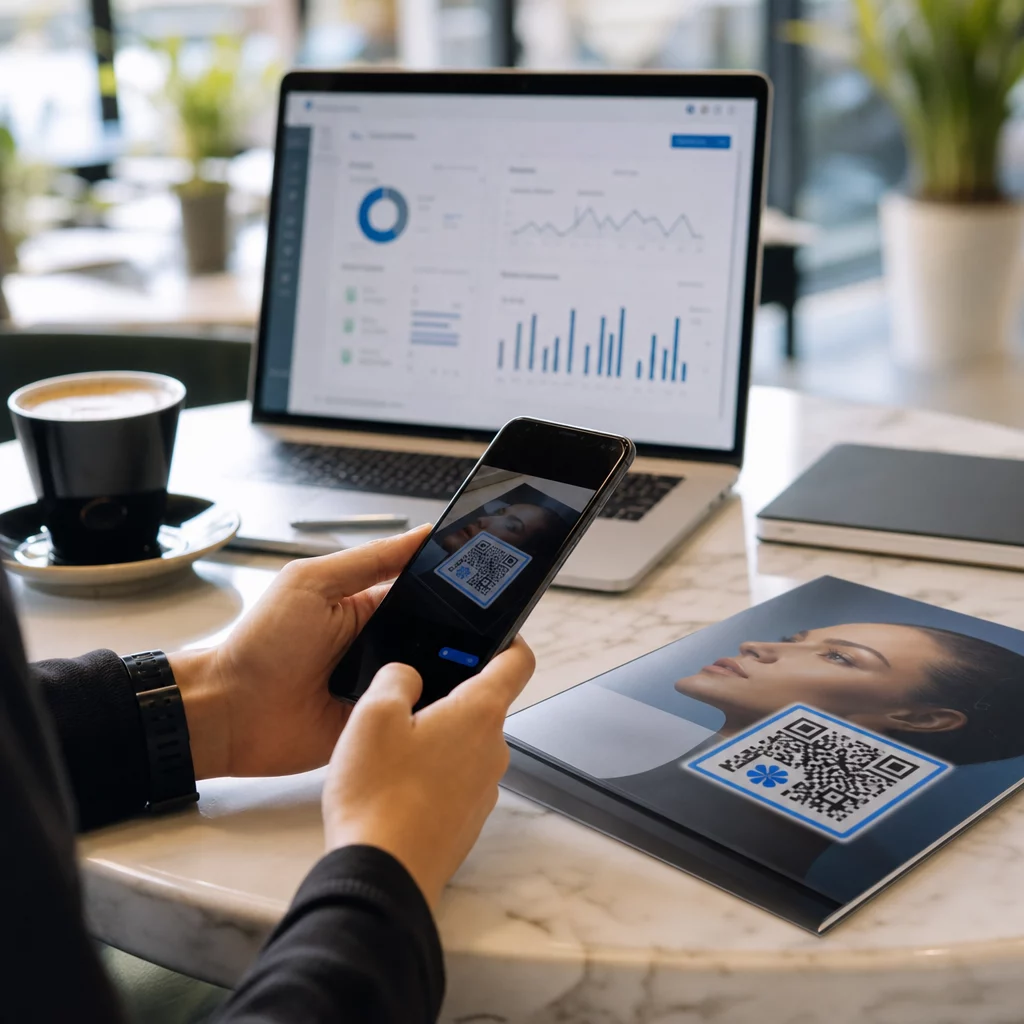
Dynamické kódy vám také poskytují analýzami skenování: časová razítka, typy zařízení a geografická data, která vám řeknou, zda klient otevřel a interagoval s jejich fakturou. Pokud velká faktura vykazuje nulové skeny týden před datem splatnosti, je to užitečný včasný signál k proaktivnímu sledování.
Jak přidat QR kód do vašich faktur
Přidání QR kódu do stávajícího pracovního postupu fakturace je jednoduché a nevyžaduje přestavbu vašeho fakturačního nastavení od nuly.
Krok 1: Vygenerujte svůj platební odkaz. Přihlaste se ke svému poskytovateli plateb (PayPal, Stripe, Square nebo jiný poskytovatel v USA) a vytvořte platební odkaz. Zahrňte částku faktury, název vaší firmy a referenční číslo nebo popis, aby bylo platbu snadné sladit.
Krok 2: Převeďte odkaz na QR kód. Vložte platební URL do Pageloot’s Generátor QR kódů nebo QR kód pro platbu přes PayPal. Zvolte dynamický QR kód, pokud chcete možnosti úprav a sledování.
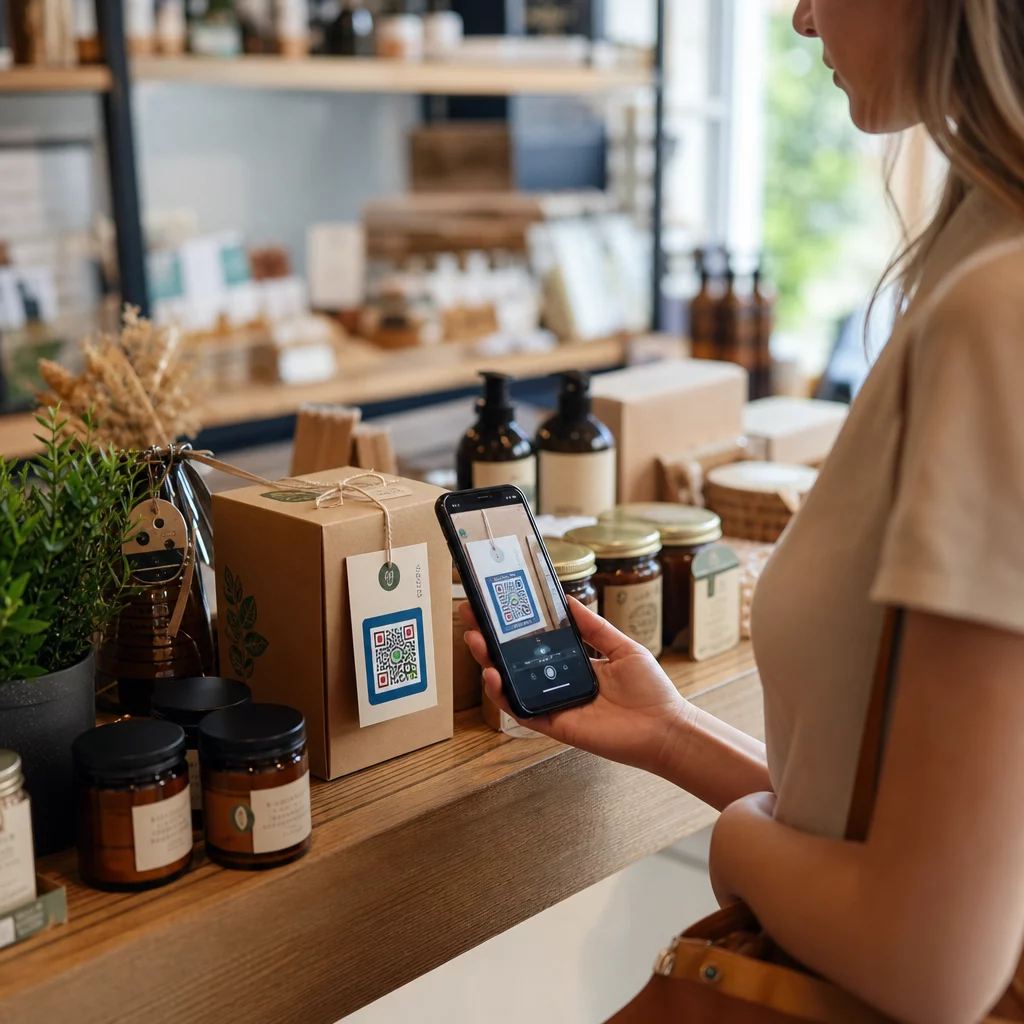
Krok 3: Přizpůsobte kód. Přidejte své logo, použijte barvy své značky a zahrňte krátký štítek s výzvou k akci, jako je “Naskenujte k zaplacení.” Značkové kódy budují důvěru zákazníků a je těžší je padělat – důležitá úvaha vzhledem k rizikům, která představují škodlivé QR kódy v platebních kontextech.
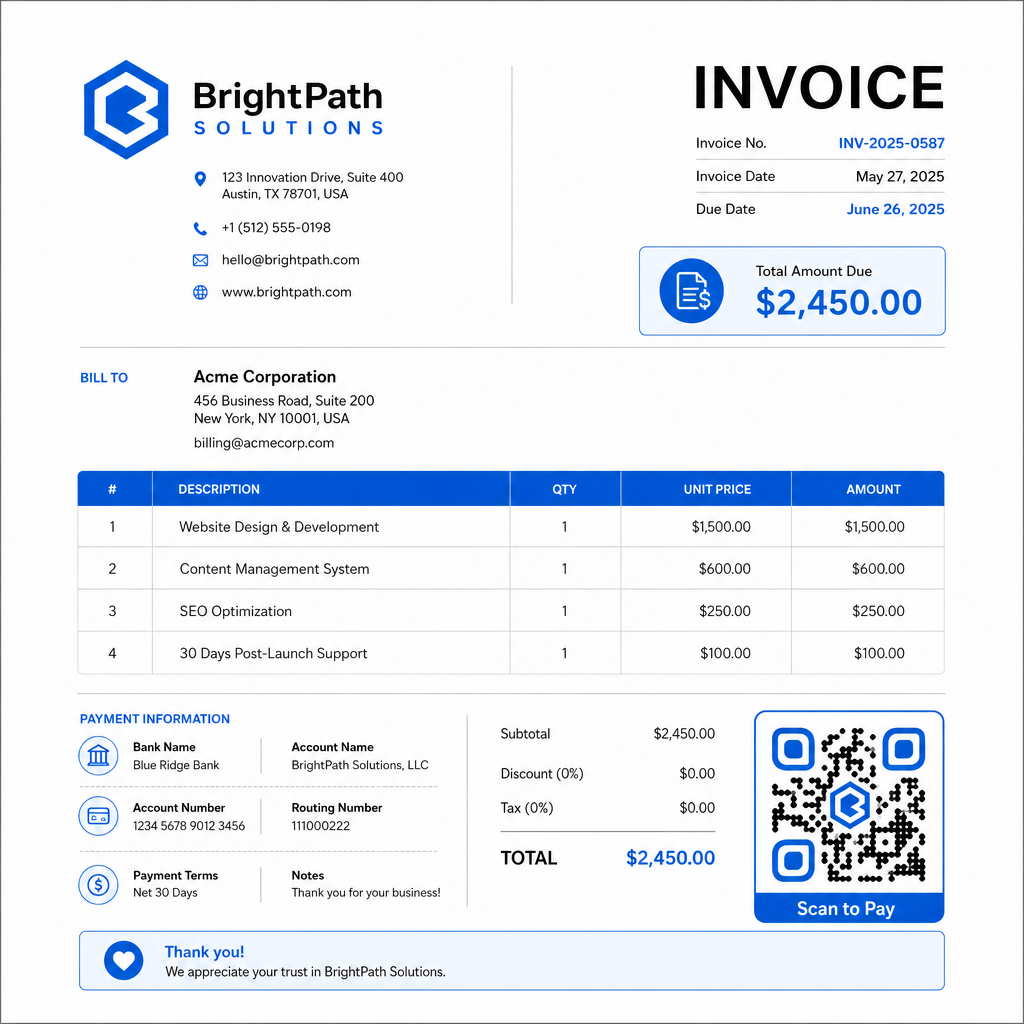
Krok 4: Stáhněte ve správném formátu. Exportujte QR kód jako soubor SVG nebo EPS pro faktury, které budou vytištěny, nebo jako PNG ve vysokém rozlišení pro PDF nebo digitální faktury. Vektorové formáty zabraňují pixelizaci a udržují skenovatelnost v jakékoli velikosti.
Krok 5: Umístěte a otestujte před odesláním. Vložte QR kód do šablony faktury. Otestujte jej na minimálně dvou různých zařízeních a potvrďte, že se platební stránka načítá správně, částka je přesná a potvrzovací tok funguje od začátku do konce.
Sledujte zapojení faktur v reálném čase Vězte, zda váš klient naskenoval vaši fakturu před datem splatnosti. Dynamické QR kódy Pageloot vám poskytují počty skenů, data zařízení a časová razítka z jednoho panelu. Vytvořte dynamický QR kód k zahájení sledování.
Standardy designu QR kódů pro tištěné a digitální faktury
QR kód, který se nespolehlivě skenuje, ztrácí smysl. Mějte na paměti tyto standardy při umisťování kódů na faktury:
- Minimální velikost: Tiskněte QR kódy o velikosti minimálně 2×2 cm pro skenování zblízka. Pro faktury, kde může být kód naskenován z tištěné stránky, je spolehlivým základem 1×1 palec nebo větší.
- Kontrast: Používejte tmavé vzory na světlém pozadí s kontrastním poměrem minimálně 4:1. Vyhněte se umisťování kódu na barevná pozadí, vzorované plochy nebo vodoznaky.
- Tichá zóna: Udržujte jasný prázdný okraj kolem celého kódu. Žádný text, loga ani designové prvky by neměly zasahovat do tohoto okraje.
- Formát souboru: Použijte SVG nebo EPS pro tisk. Tyto vektorové formáty zůstávají ostré v jakémkoli rozlišení, na rozdíl od rastrových souborů PNG zvětšených z malého originálu.
- Proporcionalita: Nikdy neroztahujte ani nestlačujte QR kód. Změňte jeho velikost proporcionálně, abyste zachovali čtvercový tvar.
- Korekce chyb: Použijte vysokou úroveň korekce chyb (Q nebo H), pokud přidáváte logo dovnitř kódu. Jakékoli vložené logo udržujte vycentrované a pokrývající ne více než 30% plochy kódu.
- Popisek: Zahrňte krátkou instrukci poblíž kódu, například “Naskenujte k zaplacení faktury.” To pomáhá zákazníkům, kteří nejsou obeznámeni s procesem, a také podporuje přístupnost.
Pro úplné pokyny k přístupnosti – včetně doporučení velikosti a možností vícejazyčných instrukcí – viz Pageloot’s osvědčených postupů pro přístupnost plateb QR kódem.
Bezpečnostní aspekty pro QR kódy pro platby faktur
Platební QR kódy na fakturách jsou kontextem vysoké důvěry – zákazníci jsou žádáni o zaslání peněz. To činí bezpečnostní postupy nesmlouvavými.
Používejte pouze platební odkazy HTTPS. Každá URL, na kterou váš QR kód odkazuje, by měla používat HTTPS. Nezabezpečený odkaz je pro zákazníky červenou vlajkou a skutečným rizikem pro zachycená data.
Ověřte odkaz před distribucí faktur. Před odesláním dávky faktur naskenujte kód sami a potvrďte, že vede na správnou, funkční platební stránku. To zachytí chyby v URL a potvrdí, že platební tok funguje podle očekávání.
Používejte dynamické kódy, abyste mohli reagovat na problémy. Pokud je platební odkaz kompromitován nebo je třeba jej změnit, dynamický QR kód vám umožní okamžitě aktualizovat nebo deaktivovat cíl bez opětovného vystavení faktury. Statické kódy nelze po vytištění nebo odeslání změnit.
Viditelně označte své QR kódy. Zahrnutí vašeho loga do QR kódu ztěžuje podvodníkům nahrazení falešného kódu a dává zákazníkům vizuální nápovědu, že skenují něco legitimního. Přečtěte si více o správě zabezpečení plateb v Pageloot’s Průvodce zabezpečením a rychlostí plateb QR kódem and the Průvodce dodržováním PCI-DSS pro platby QR kódem.
Odvětví, která těží z QR kódů na fakturách
Faktury s platbou QR kódem se uplatňují v široké škále typů podnikání. Několik běžných případů použití ilustruje, kde má tento přístup nejjasnější dopad:
- Freelanceři a poskytovatelé služeb – QR kód na PDF faktuře umožňuje klientům platit z jejich telefonu v okamžiku, kdy dokument otevřou, namísto přihlašování do portálu o několik dní později.
- Terénní služby a doručovací firmy – Technici nebo řidiči mohou předložit fakturu s QR kódem v místě služby, což umožňuje platbu na místě, než odejdou.
- Advokátní kanceláře a profesionální služby – Měsíční výpisy fakturace s vloženými QR kódy snižují zbytečné dotazy ohledně platebních pokynů a usnadňují klientům okamžitou platbu.
- Zdravotnická zařízení – Výpisy fakturace pacientů s QR kódem umožňují pacientům platit z domova po jejich schůzce, což snižuje manipulaci s platbami na recepci.
- Stavebnictví a dodavatelské služby – Faktury za průběžné platby s QR kódy poskytují klientům jasnou, bezproblémovou platební cestu vázanou na každý milník.
Pagelootův stránka s průmyslovými řešeními pokrývá další sektorově specifické aplikace pro QR kódy v obchodních pracovních postupech.
Pozdní platby stojí podniky čas, peněžní tok a administrativní úsilí. Přidání QR kódu na vaše faktury je jedním z nejpřímějších kroků, které můžete podniknout ke zkrácení mezery mezi odesláním faktury a přijetím platby. Čím méně kroků musí zákazník dokončit, tím pravděpodobnější je, že zaplatí včas. Nastavte si svůj první platební QR kód s Pageloot’s Generátor QR kódů nebo vyhrazený QR kód pro platbu přes PayPal, a začněte sledovat výsledky z vaší první faktury.
Často kladené otázky
Záleží na vašem nastavení platby. Pokud používáte jednu platební stránku, kde zákazníci zadávají částku ručně, jeden QR kód může fungovat pro všechny faktury. Pokud chcete předvyplnit konkrétní částky pro každou fakturu, budete potřebovat individuální platební odkazy – a proto individuální QR kódy pro každou fakturu. Dynamické QR kódy vám umožňují aktualizovat cíl, pokud se váš platební odkaz změní, bez opětovného generování nebo tisku kódu.
Vždy zahrňte záložní možnost vedle QR kódu – URL platby v prostém textu, vaše bankovní údaje pro převod, nebo telefonní číslo pro dotazy k fakturaci. Ne každý zákazník bude mít chytrý telefon nebo se bude cítit pohodlně s používáním QR kódů, a udržování alternativních platebních možností zajišťuje, že žádná faktura nezůstane nezaplacena kvůli technické překážce. Osvědčené postupy Pageloot pro přístupnost plateb QR kódem pokrývají další alternativy podrobně.
Ano, za předpokladu, že dodržujete osvědčené bezpečnostní postupy. Používejte platební odkazy HTTPS, označte své QR kódy svým logem, aby zákazníci mohli vizuálně ověřit zdroj, a používejte dynamické QR kódy, abyste mohli kód okamžitě deaktivovat nebo aktualizovat, pokud se něco pokazí. Vyhněte se statickým QR kódům pro platební účely, protože je nelze změnit, pokud je propojená stránka kompromitována. Vždy otestujte celý platební tok před odesláním faktur a poučte zákazníky, aby zkontrolovali URL, která se objeví po naskenování, před zadáním jakýchkoli platebních údajů.