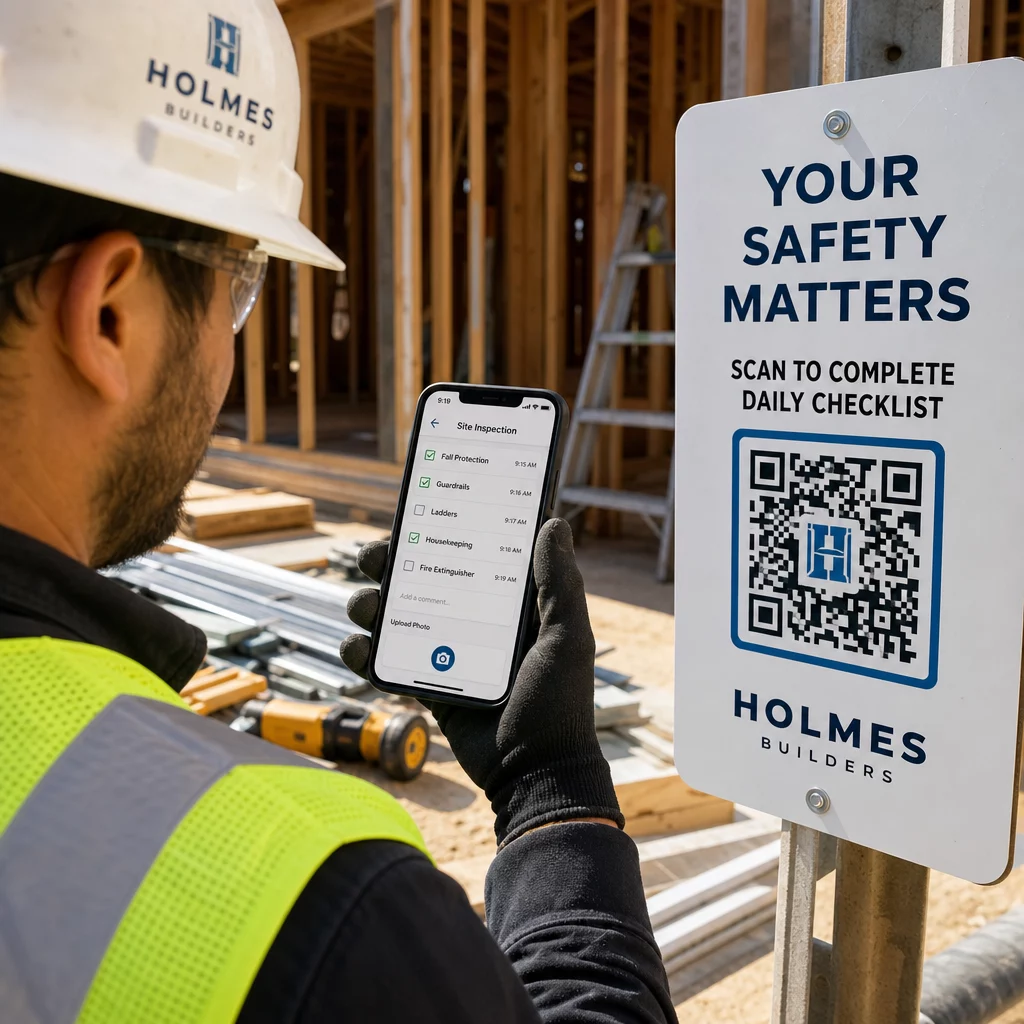
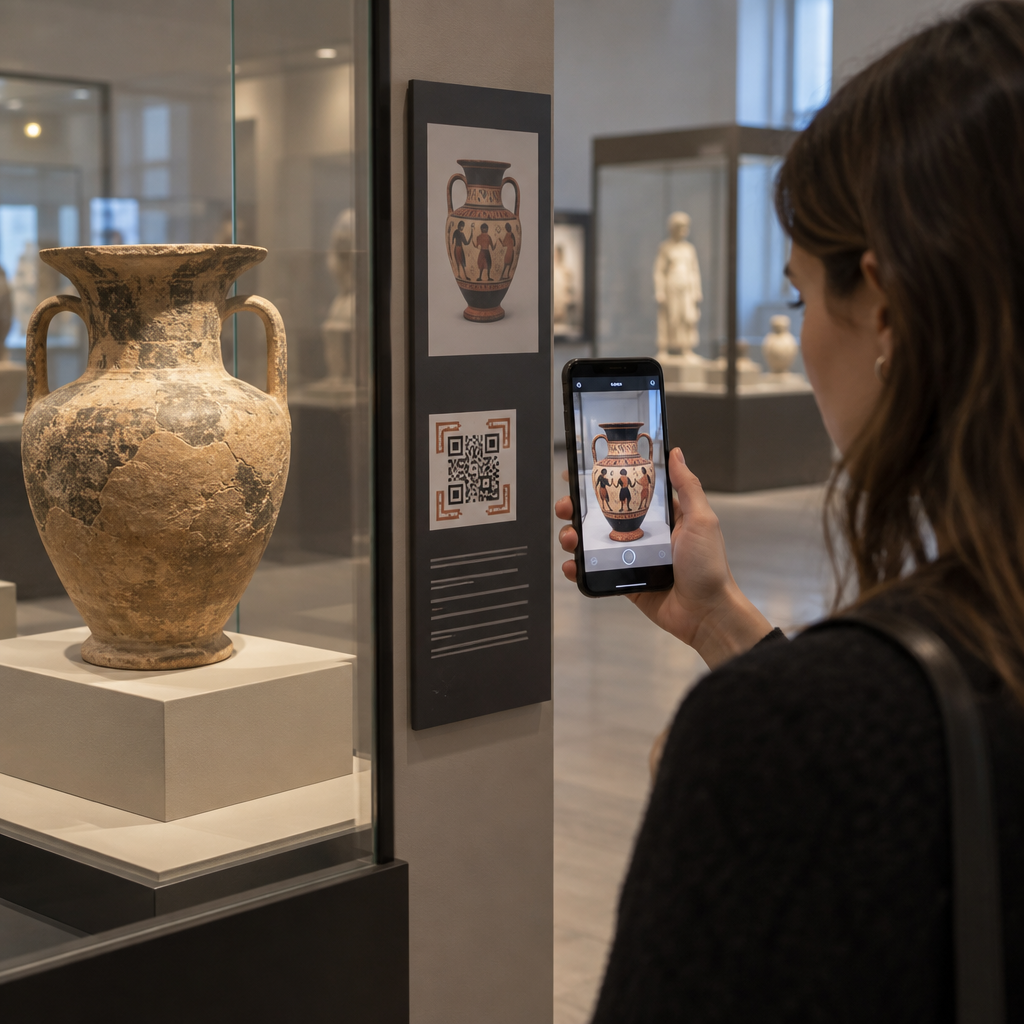
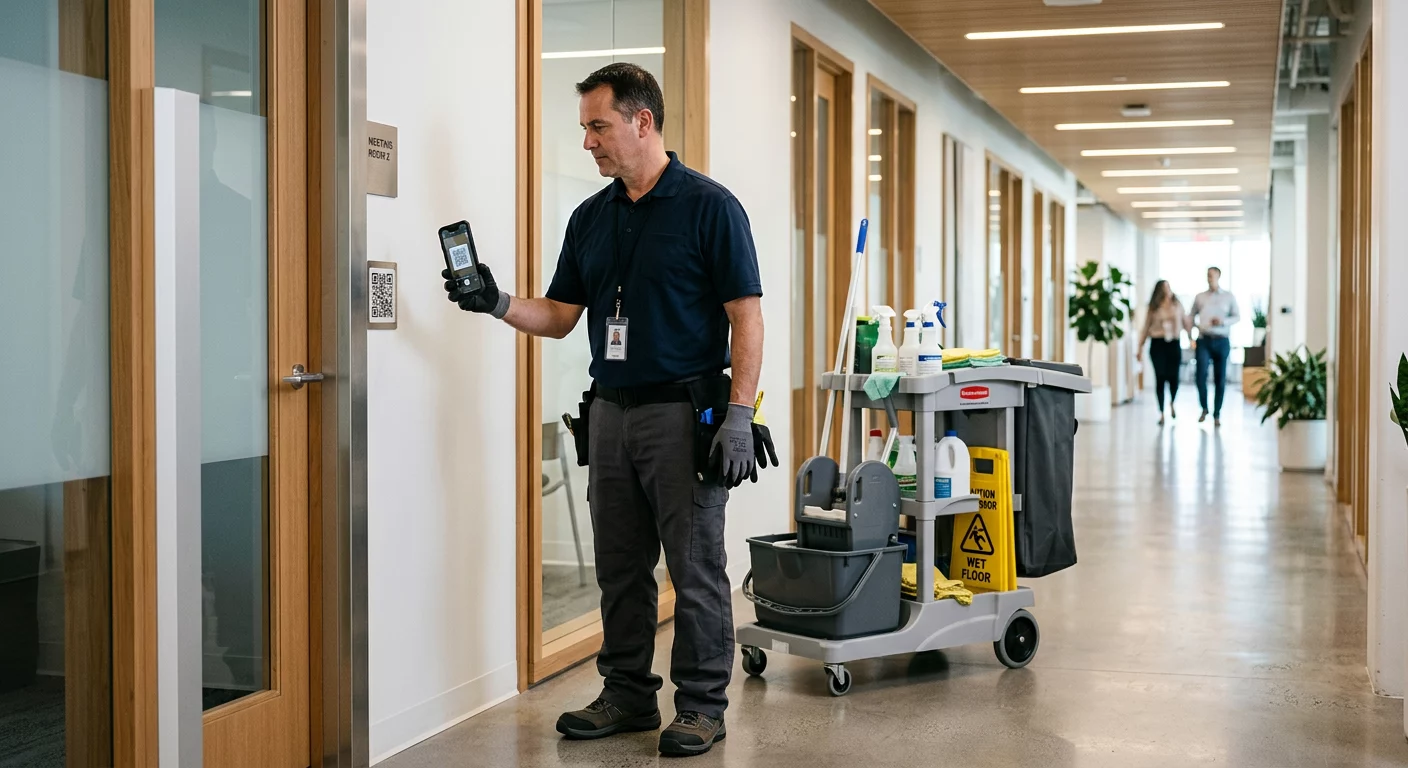
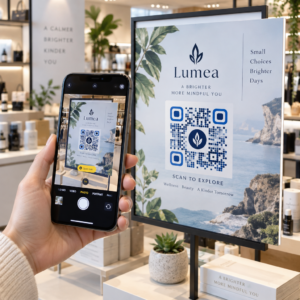
هل تحتاج إلى إنشاء المئات – أو الآلاف – من رموز QR دون بناء كل واحد يدويًا؟ إن إنشائها واحدًا تلو الآخر غير عملي على نطاق واسع ويؤدي إلى عدم الاتساق عبر حملاتك. يرشدك هذا الدليل عبر أسرع الطرق وأكثرها موثوقية لإنشاء رموز QR بكميات كبيرة، بدءًا من تحميل ملفات CSV وصولًا إلى الأتمتة على مستوى المؤسسات.
لماذا يهم إنشاء رموز QR بكميات كبيرة
عندما تدير إطلاق منتج، أو تدير تسجيلات الفعاليات، أو تقوم بتسمية المخزون، فإن إنشاء رمز QR فردي لا يتناسب ببساطة مع النطاق. حتى عند 50 رمزًا، يستهلك الإنشاء اليدوي ساعات من العمل المتكرر – وهذا قبل احتساب اتساق التصميم، أو تنظيم الملفات، أو إعداد التتبع.
تحل أدوات رموز QR المجمعة هذه المشكلة عن طريق السماح لك بتحديد جميع رموزك في ملف منظم – عادةً ما يكون ملف CSV أو جدول بيانات – وإنشاء الدفعة بأكملها في سير عمل واحد. والنتيجة هي مجموعة متسقة وجاهزة للتنزيل من الرموز التي يمكن نشرها على الفور.
حالات الاستخدام تمتد إلى كل صناعة تقريبًا:
- البيع بالتجزئة والتجارة الإلكترونية: رموز منتج فريدة لكل وحدة تخزين (SKU) تربط بالمواصفات، أو المراجعات، أو صفحات الشراء
- الفعاليات: رموز لكل مشارك لتسجيل الدخول، أو الوصول إلى الجلسات، أو البرامج الرقمية
- ضيافة: رموز قائمة لكل طاولة أو روابط معلومات خاصة بالغرفة
- اللوجستيات والمخزون: علامات أصول تربط بسجلات الصيانة أو بيانات الموقع
- وكالات التسويق: رموز خاصة بالحملة مع تتبع فردي لكل موضع
ما تحتاجه قبل البدء
قبل إنشاء دفعتك، ستشكل بعض القرارات سير عملك بشكل كبير.
رموز ثابتة مقابل رموز ديناميكية: تقوم رموز QR الثابتة بترميز الوجهة مباشرة في النمط. بمجرد طباعتها، لا يمكن تغييرها. تستخدم رموز QR الديناميكية عنوان URL قصيرًا لإعادة التوجيه تديره المنصة، مما يعني أنه يمكنك تحديث الوجهة في أي وقت – حتى بعد طباعة الرموز وتوزيعها بالفعل. بالنسبة للحملات الكبيرة حيث قد يتطور المحتوى،, رموز QR الديناميكية هي الخيار الأفضل.
ملف البيانات الخاص بك: تقبل أدوات الإنشاء بالجملة عادةً ملف CSV أو جدول بيانات يحتوي على صف واحد لكل رمز QR. كحد أدنى، يحتاج كل صف إلى عنوان URL الوجهة أو المحتوى. اعتمادًا على المنصة، يمكنك أيضًا تضمين حقول لاسم الرمز، أو تعيين المجلد، أو معلمات UTM، أو قالب التصميم.
اتساق التصميم: إذا كانت رموزك تحتاج إلى حمل ألوان العلامة التجارية، أو الشعارات، أو أنماط إطارات محددة، فتأكد من أن الأداة تسمح لك بتطبيق قالب تصميم مشترك عبر الدفعة بأكملها بدلاً من تكوين كل رمز على حدة.
الحجم: اعرف نطاقك قبل اختيار أداة. تحد بعض المنصات الإنشاء بالجملة ببضع مئات من الرموز لكل دفعة؛ تدعم المنصات على مستوى المؤسسات مثل Pageloot ما يصل إلى 100,000 رمز QR عبر تحميل ملف CSV واحد.
كيفية إنشاء رموز QR بكميات كبيرة باستخدام تحميل ملف CSV
الإنشاء بالجملة المستند إلى CSV هو الطريقة الأكثر شيوعًا. إليك كيفية عمل العملية على منصة مثل Pageloot.
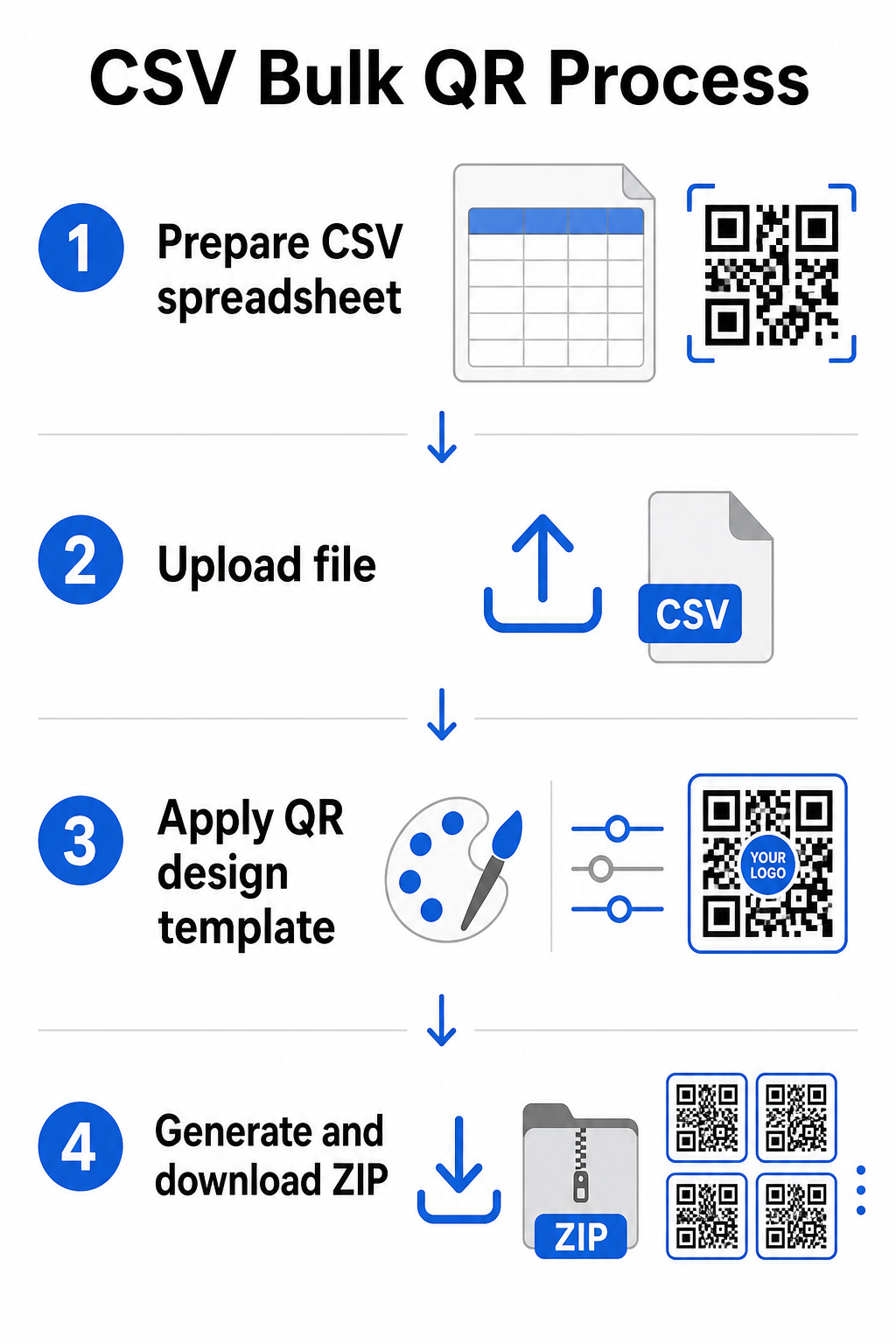
الخطوة 1: جهز جدول البيانات الخاص بك
افتح أداة جدول بيانات – Excel، أو Google Sheets، أو أي محرر CSV – وقم بهيكلة بياناتك. يمثل كل صف رمز QR واحدًا. قم بتضمين كحد أدنى:
- عنوان URL الوجهة أو المحتوى لكل رمز
- اسم أو تسمية لكل رمز (يساعد هذا في التنظيم لاحقًا)
- أي معرفات حملة أو مجلد تريد استخدامها
قم بتصدير الملف كملف CSV (قيم مفصولة بفاصلات) عندما تكون جاهزًا للتحميل.
الخطوة 2: قم بتحميل ملف CSV إلى مولد الدفعات
سجل الدخول إلى حساب Pageloot الخاص بك وانتقل إلى قسم الإنشاء بالجملة. قم بتحميل ملف CSV الخاص بك. ستقوم المنصة بتحليل كل صف ووضع الرموز في قائمة الانتظار للإنشاء. راجع المعاينة لتأكيد أن التعيين صحيح – يجب أن تتطابق عناوين URL الوجهة مع الصفوف المقصودة.
الخطوة 3: تطبيق قالب تصميم
بدلاً من تصميم كل رمز يدويًا، حدد قالب تصميم مشتركًا لتطبيقه عبر الدفعة بأكملها. هذا هو المكان الذي تضيف فيه شعار علامتك التجارية، وتختار الألوان، وتكوّن أنماط الإطارات. يضمن تطبيق تصميم متسق في هذه المرحلة أن تبدو جميع الرموز موحدة عبر التعبئة والتغليف، أو المواد المطبوعة، أو اللافتات.
الخطوة 4: إنشاء وتنزيل
ابدأ الدفعة. تقوم المنصة بإنشاء جميع الرموز في وقت واحد وتعبئتها للتنزيل، عادةً كملف ZIP يحتوي على ملفات صور فردية (PNG، أو SVG، أو PDF، أو EPS اعتمادًا على احتياجات الإخراج الخاصة بك). تتوافق أسماء الملفات عادةً مع أسماء الرموز من جدول البيانات الخاص بك، مما يجعل من السهل مطابقة كل رمز مع استخدامه المقصود.
أنشئ دفعتك بأكملها دفعة واحدة تخطى العمل اليدوي وأنشئ المئات أو الآلاف من رموز QR من جدول بيانات واحد. استخدم مولد رمز الاستجابة السريعة أو استكشف خيارات رموز QR الديناميكية للبدء في الإنشاء بالجملة اليوم.
استخدام جداول بيانات Google لرموز QR الثابتة بالجملة
إذا كان فريقك يعمل بالفعل في جداول بيانات Google، فإن Pageloot يدعم التكامل المباشر لإنشاء العديد من رموز QR الثابتة من بيانات جداول البيانات. يعد هذا النهج مناسبًا بشكل خاص للفرق التي تحتفظ ببيانات حية في جداول البيانات – مثل كتالوجات المنتجات، أو قوائم حضور الفعاليات، أو أدلة المواقع – حيث تكون بيانات المصدر منظمة بالفعل ويتم تحديثها بشكل تعاوني.
تحاكي العملية طريقة CSV، ولكن بدلاً من التصدير وإعادة الرفع، تقوم بتوصيل جدول البيانات الخاص بك مباشرةً. يصبح كل صف في العمود المحدد هو المدخل لرمز QR واحد. هذا يقلل الاحتكاك للفرق التي لا ترغب في إدارة عمليات تصدير CSV منفصلة في كل مرة تتغير فيها بيانات المصدر.
تنظيم الدفعات الكبيرة بعد الإنشاء
إنشاء الرموز هو جزء فقط من التحدي. عند الحجم، يصبح إبقاؤها منظمة مهمة بحد ذاتها. بعض الممارسات تساعد بشكل كبير.
استخدم المجلدات لفرز الرموز حسب الحملة، أو المشروع، أو العميل، أو خط الإنتاج. ميزة مجلد رموز QR من Pageloot تجعل من السهل الحفاظ على عشرات الحملات النشطة منفصلة حتى يتمكن أعضاء الفريق من التنقل دون ارتباك. أنشئ اتفاقية تسمية واضحة في ملف CSV الخاص بك قبل التحميل – شيء مثل `اسم-الحملةمكان وضعهالمتغير` – بحيث تكون الرموز الفردية سهلة التحديد والمطابقة ببيانات التحليلات الخاصة بها لاحقًا. أخيرًا، قم بالتجميع حسب حالة الاستخدام من البداية: احتفظ برموز الفعاليات، ورموز المنتجات، ورموز التسويق في مجلدات منفصلة بحيث تبقى تقارير الأداء نظيفة وقابلة للتنفيذ.
رموز QR المجمعة مع التحديث الديناميكي
أحد القيود الهامة لرموز QR الثابتة المجمعة هو أن أي تغيير في الوجهة يتطلب إعادة الطباعة. إذا قمت بإنشاء 5,000 ملصق منتج وتغير عنوان URL لصفحة الهبوط المرتبطة، تصبح تلك الرموز قديمة لحظة توزيعها.
رموز QR الديناميكية المجمعة تقضي على هذه المشكلة. يشير كل رمز في دفعتك إلى عنوان URL قصير لإعادة التوجيه تحتفظ به Pageloot. يمكنك تحديث الوجهة للرموز الفردية – أو دفع التغييرات عبر دفعة كاملة – دون لمس الرمز المادي نفسه. هذا ذو قيمة خاصة للحملات الموسمية حيث تتغير صفحات الهبوط، وتغليف المنتجات حيث يتم تحديث صفحات المعلومات بعد الطباعة، ومواد الفعاليات المعدة مسبقًا قبل تأكيد عناوين URL النهائية.
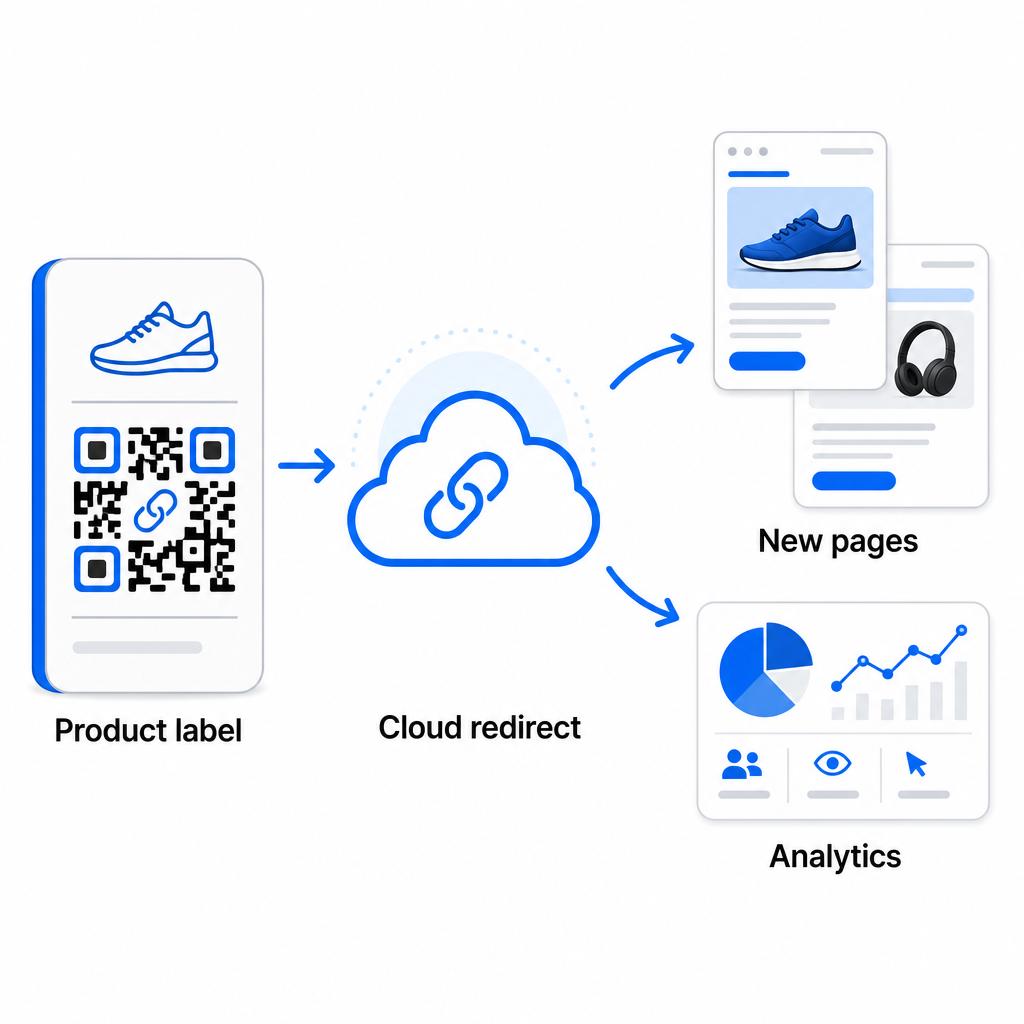
أبعد من المرونة، تفتح الرموز الديناميكية أيضًا تحليلات مسح مفصلة: عدد عمليات المسح، أوقات المسح، المواقع الجغرافية، أنواع الأجهزة، بيانات المتصفح ونظام التشغيل، وتتبع الموقع المستند إلى GPS. لأي نشر مجمع حيث يكون الأداء مهمًا، تمنحك هذه البيانات رؤية مباشرة حول أي الرموز تعمل وأين يكون التفاعل أعلى. يمكنك معرفة المزيد حول كيف تدعم رموز QR الديناميكية حملات التسويق ولماذا هذه المرونة مهمة على نطاق واسع.
تتبع كل عملية مسح عبر دفعتك الكاملة تتيح لك رموز QR الديناميكية تحديث الوجهات ومراقبة الأداء في الوقت الفعلي – عبر كل رمز في حملتك. استكشف الـ مولد QR code ديناميكي لإنشاء رموز مجمعة قابلة للتتبع مع لوحة تحكم تحليلات كاملة.
التوسع إلى حجم المؤسسة
للمؤسسات التي تنشئ عشرات الآلاف من الرموز – فكر في سلاسل البيع بالتجزئة الكبيرة، أو عمليات لوجستية للمؤسسات، أو حملات تسويقية وطنية – يجب أن يكون سير العمل أكثر قوة من تحميل ملف CSV واحد.
Pageloot منصة رموز QR للمؤسسات تدعم إنشاء الدفعات على نطاق واسع، مع سير عمل قائم على CSV قادر على إنتاج ما يصل إلى 100,000 رمز QR في عملية واحدة. عند هذا المستوى، تدخل اعتبارات إضافية حيز التنفيذ.
تكامل واجهة برمجة التطبيقات (API) يزيل الخطوات اليدوية بالكامل عن طريق أتمتة إنشاء الرموز مباشرة من الأنظمة الداخلية مثل أنظمة إدارة علاقات العملاء (CRMs)، أو منصات إدارة المخزون، أو الواجهات الخلفية للتجارة الإلكترونية. يسمح لك سير العمل القائم على واجهة برمجة التطبيقات (API) بإنشاء الرموز وتحديثها وإيقافها برمجيًا مع تغير بياناتك. لإلقاء نظرة أعمق على كيفية عمل ذلك في الممارسة، راجع الدليل حول إدارة رموز QR المستندة إلى واجهة برمجة التطبيقات (API).
الوصول المستند إلى الدور يصبح مهمًا للفرق الكبيرة، مما يسمح لمستخدمين مختلفين بإدارة حملات محددة أو عملاء دون الوصول إلى بيانات غير ذات صلة.
خيارات العلامة البيضاء ذات صلة بشكل خاص بـ الوكالات التي تدير عمليات نشر رموز QR المجمعة نيابة عن العملاء. مع ميزات العلامة البيضاء، تحل رموز QR إلى نطاقات العملاء ولوحات التحكم تحمل علامة العميل التجارية – مما يحافظ على تجربة العميل سلسة واحترافية.
أخطاء شائعة لتجنبها في الإنشاء المجمع
تظهر بعض المشكلات بشكل متكرر عندما تنشئ الفرق رموز QR عند الحجم، ومعظمها سهل المنع بقليل من التخطيط المسبق.
عدم الاختبار قبل الطباعة هو الخطأ الأكثر تكلفة. قم دائمًا بمسح عينة ممثلة من دفعتك قبل الالتزام بدورة طباعة. يمكن أن ينتشر خطأ تنسيق واحد في ملف CSV الخاص بك إلى مئات من الرموز المعطلة. وبالمثل، فإن استخدام الرموز الثابتة للمحتوى الذي قد يتغير هو خطر تزيله الرموز الديناميكية بالكامل – إذا كان هناك أي احتمال لتحديث عنوان URL وجهة أو صفحة مقصودة، فقم ببناء هذه المرونة منذ البداية.
متطلبات تنسيق الملفات تهم أيضًا أكثر مما تتوقعه الفرق غالبًا. تحتاج طباعة الإنتاج إلى تنسيقات المتجهات (SVG، EPS، PDF) لإخراج حاد بأي حجم، بينما تعمل ملفات PNG للاستخدام الرقمي ولكن يمكن أن تتدهور عند تكبيرها للطباعة ذات التنسيق الكبير. تخطي التنظيم قبل الإنشاء يخلق مشاكل إدارية بسرعة – قم بإعداد هيكل مجلداتك واتفاقية التسمية قبل تشغيل الدفعة، وليس بعدها. أخيرًا، التصميم غير المتناسق عبر دفعة كبيرة يبدو غير احترافي ويقوض مصداقية العلامة التجارية؛ تطبيق قالب مشترك في وقت الإنشاء هو أكثر كفاءة بكثير من تحرير الرموز بشكل فردي بعد ذلك.
الأسئلة الشائعة
معظم أدوات رمز QR المجمّع، بما في ذلك Pageloot، تقبل ملفات CSV (القيم المفصولة بفواصل). يمكنك إعداد بياناتك في Excel أو جداول بيانات جوجل وتصديرها كـ CSV. يصبح كل صف في ملفك رمز QR واحدًا. يدعم Pageloot أيضًا التكامل المباشر مع جداول بيانات جوجل للتوليد المجمّع الثابت دون الحاجة إلى تصدير ملف منفصل.
رموز QR الثابتة ترمّز الوجهة بشكل دائم – بمجرد إنشائها وطباعتها، لا يمكن تغيير الوجهة. تستخدم رموز QR الديناميكية عنوان URL لإعادة التوجيه تدار بواسطة المنصة، بحيث يمكنك تحديث الوجهة في أي وقت دون إعادة الطباعة. للدفعات الكبيرة حيث قد يتغير المحتوى – مثل صفحات المنتجات، تفاصيل الأحداث، أو صفحات الهبوط للحملات – يوصى بشدة بالرموز الديناميكية. كما أنها توفر تحليلات مسح تفصيلية لا يمكن للرموز الثابتة تقديمها.
هذا يعتمد على المنصة والخطة. تدعم أدوات Pageloot على مستوى المؤسسات إنشاء ما يصل إلى 100,000 رمز QR من تحميل CSV واحد، مما يجعله مناسبًا لعمليات البيع بالتجزئة واللوجستيات والتسويق واسعة النطاق. للكميات الأصغر، تستوعب الخطط القياسية احتياجات العمل النموذجية مثل الفعاليات أو خطوط الإنتاج أو الحملات الخاصة بالمواقع.