مولد QR code ديناميكي
Create a dynamic QR code that you can edit after it is printed. Use this dynamic QR code generator to add your link, logo and colors. A dynamic QR code also records every scan. Start the 14-day free trial to save your code and manage it from one dashboard.
قم بإنشاء رمز QR ديناميكي أمثلة
اضغط على الصور للتكبير
ما هو رمز الاستجابة السريعة الديناميكي؟
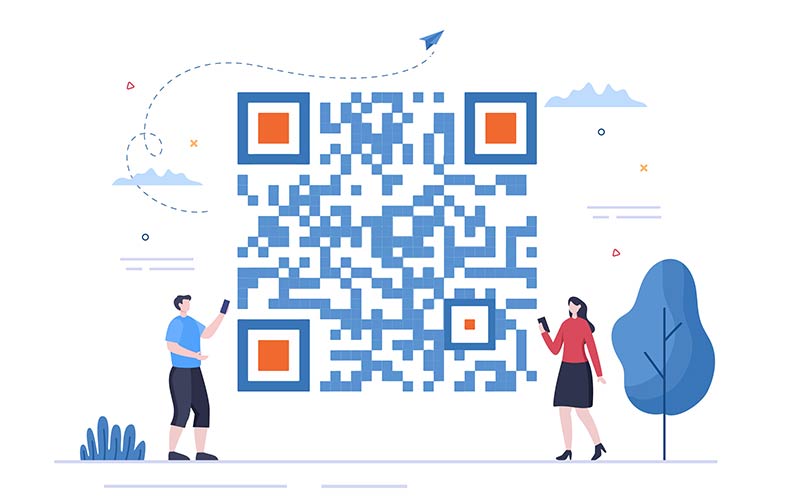
A dynamic QR code is a QR code that contains a short redirect link instead of your final destination. The real destination, for example your website URL, is stored in your Pageloot account. You can change it at any time. The printed code does not change.
Every scan passes through the short link, so Pageloot can log it. You see when the code was scanned, where, and on what kind of device.
A static QR code works differently. It has the destination written into the pattern itself. You cannot edit it or track it, but it also does not depend on an account. The table below shows when each type makes sense.


كيف تعمل رموز QR الديناميكية؟


You enter a destination, such as a website URL. The code does not contain that URL. It contains a short redirect link, and your destination is saved in your account.


A phone camera reads the short link and opens it. No app is needed. The scan is logged with the time, the place and the device type.


Pageloot sends the phone to the destination saved in your account. The visitor lands on your page, file or contact card without typing anything.
Log in, change the destination and save. The printed code stays the same. The next scan goes to the new destination. You can point it to a different website, a PDF, a vCard or a menu.
How to create a dynamic QR code online
This dynamic QR code generator with logo and color options works in five steps. Follow them to generate dynamic QR codes. You need a Pageloot account, and the account starts with a 14-day free trial.
After you download the code, scan it with two different phones before you print it. Scan it again after every edit. If you only need a code that never changes, a static code is free to download without an account.
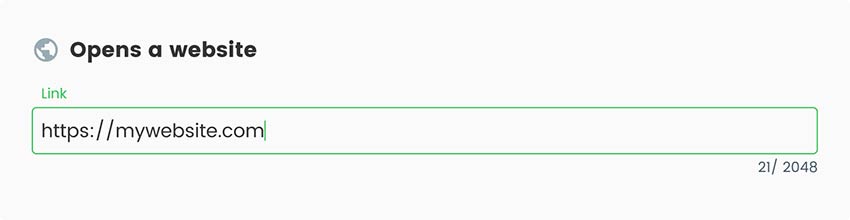
سجل للحصول على النسخة التجريبية المجانية لمدة 14 يومًا لإنشاء رمز QR ديناميكي. أدخل المعلومات المحددة التي تريد تشفيرها. على سبيل المثال، إذا كنت تقوم بإنشاء رمز QR ديناميكي لعنوان URL لموقع ويب، فأدخل عنوان URL في الحقل المخصص لذلك.

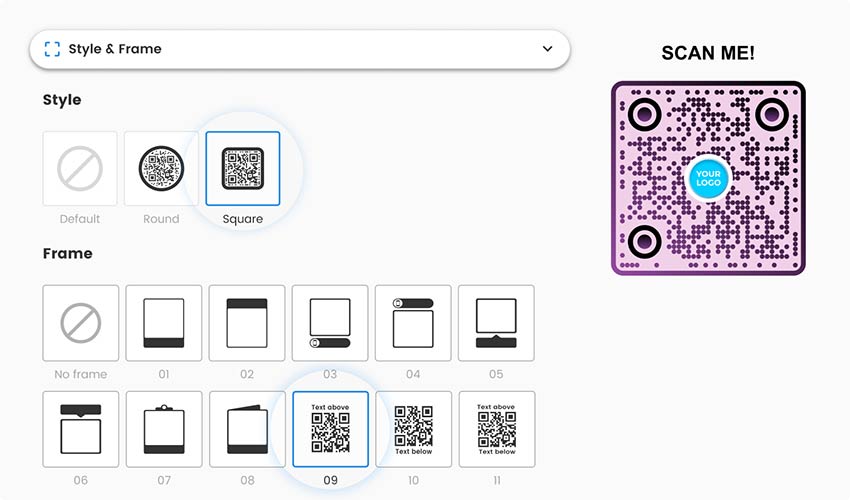
يوفر مولد رمز QR الديناميكي Pageloot المرونة لتخصيص مظهر رموز QR الخاصة بك.

بمجرد إدخال المعلومات المطلوبة وإجراء أي تخصيصات، قم بإنشاء رمز الاستجابة السريعة الديناميكي بالنقر فوق الزر المناسب.

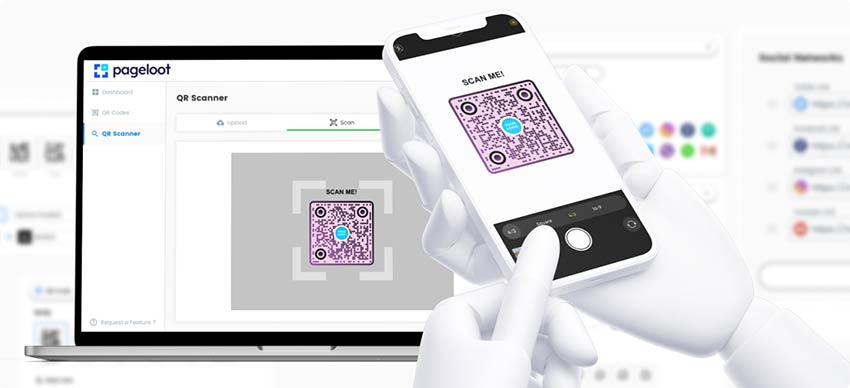
قبل توزيع رمز الاستجابة السريعة أو استخدامه، اختبره باستخدام تطبيق مسح رمز الاستجابة السريعة أو كاميرا الهاتف الذكي للتأكد من أنه يتم فك تشفيره بشكل صحيح.

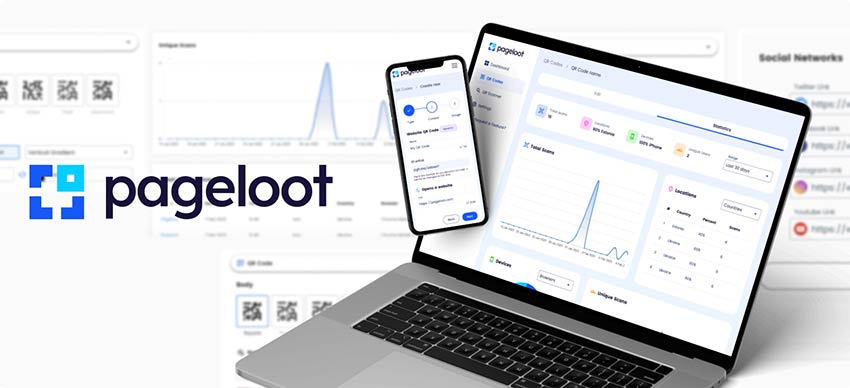
ملكنا منصة توليد رمز الاستجابة السريعة يوفر لك هذا التطبيق ميزات إدارة وتتبع قوية لحملات رموز الاستجابة السريعة (QR code). حمّل رمز الاستجابة السريعة الديناميكي الخاص بك وقم بإدارته من لوحة التحكم. تتبع عمليات المسح، وحدّث الوجهات، وحسّن الأداء في الوقت الفعلي.
Static vs dynamic QR code: which one do you need?


إستخدم ثابتة QR code when the destination will never change and you do not need scan data. A Wi-Fi sticker, a link on a business card or a code for a page that will stay online are good examples. A static code is free and keeps working for as long as the destination exists.
إستخدم متحرك QR code when the destination might change, when reprinting is expensive, or when you want to know how many people scan. Menus, posters, packaging, event signs and flyers are typical cases.
| رمز QR ثابت | رمز الاستجابة السريعة الديناميكي | |
|---|---|---|
| Where the destination is stored | Inside the code pattern | In your Pageloot account. The code holds a short redirect link. |
| التعديل بعد الطباعة | No. A new destination needs a new code. | Yes. Change the destination and the printed code keeps working. |
| Scan statistics | لا شيء | Yes: when, where and on what kind of device |
| معلمات UTM | Only if you type them into the link yourself | Can be added in your account |
| Pattern | Denser for long links | Simpler, because the code holds only a short link |
| يكلف | مجانا | Paid plan with a 14-day free trial. Starter is EUR 7 per month, billed yearly. |
| If you stop paying | Nothing changes. It keeps working. | The code becomes inactive after your plan expires. |
| Good for | A link that will never change and needs no stats | Menus, posters, packaging, signs, flyers and campaigns |
The trade-off: a dynamic code works only while your plan is active. Per our pricing FAQ, your QR codes become inactive after your plan has expired. Keep your plan active for as long as the code is printed and in use. If nobody will pay for the plan in two or three years, use a static code instead.
Want the full comparison? Read رموز QR الثابتة مقابل الديناميكية. For current plans, see التسعير. The code NEW30 gives 30% off your first purchase.
What a Pageloot dynamic QR code includes
وجهة قابلة للتعديل
A dynamic URL QR code can point to a website, but also to a PDF or other file, a vCard, a menu, a social profile, a location or a form. Change the destination whenever you need to.
Your own design
Add your logo, change colors, shapes and frames, and add a short call to action such as “Scan for the menu”. A readability score tells you if the contrast is too low.
ملفات جاهزة للطباعة
Download the finished code in formats made for print and screen, then hand it to your printer.
المجلدات
Group your codes by project, campaign or client so you can find them later.
Scan statistics
Open the dashboard to see how often each code is scanned. The level of detail depends on your plan.
أسئلة متكررة
A static QR code stores the destination inside the pattern. You cannot edit it or track it, and it works without an account. A dynamic QR code stores a short redirect link, and the destination sits in your Pageloot account. You can edit it after printing and see scan statistics.
Only if it is a dynamic code. Log in to your Pageloot account, open the code, change the destination and save. The printed code stays the same, and the next scan goes to the new destination. A static code cannot be edited. It needs a new code and a new print run.
Per our pricing FAQ, your QR codes become inactive after your plan has expired. To edit them or see their statistics, renew your subscription. Keep your plan active for as long as the code is printed and in use. Static codes do not depend on a plan.
Dynamic codes need a Pageloot plan. Start with the 14-day free trial. The Starter plan is EUR 7 per month, billed yearly. Check the pricing page for current plans. The code NEW30 gives 30% off your first purchase.
You can make a static QR code for free and download it as PNG, SVG or PDF without an account (an email may be asked). A dynamic code needs a paid plan. You can try it first with the 14-day free trial.
You cannot change an existing static code, because its destination is fixed in the pattern. Create a new dynamic code with the same destination and replace the printed one. If the old code points to a link you control, such as a redirect on your own website, you can change where that link goes. If it points to a third-party link, you cannot.
Yes. A dynamic code logs each scan, so you can see when it was scanned, where and on what device. The level of detail depends on your plan. Add UTM parameters if you want the traffic to show up in Google Analytics.
A website or landing page, a PDF or other file, a vCard, a menu, a social profile, a location, a form, or an email, phone or text message action. You can change the destination later.


اتصل بنا وسنكون سعداء لمساعدتك!
تقييم 4.86 / 5 نجوم


نسخة تجريبية مجانية لمدة 14 يومًا. بطاقة الإئتمان غير مطالب بها.


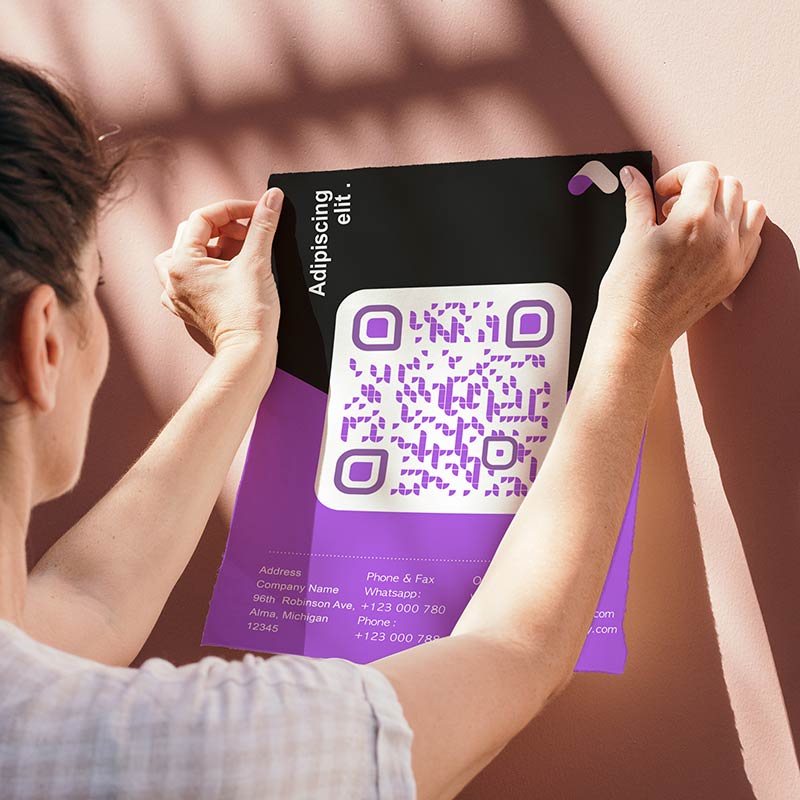
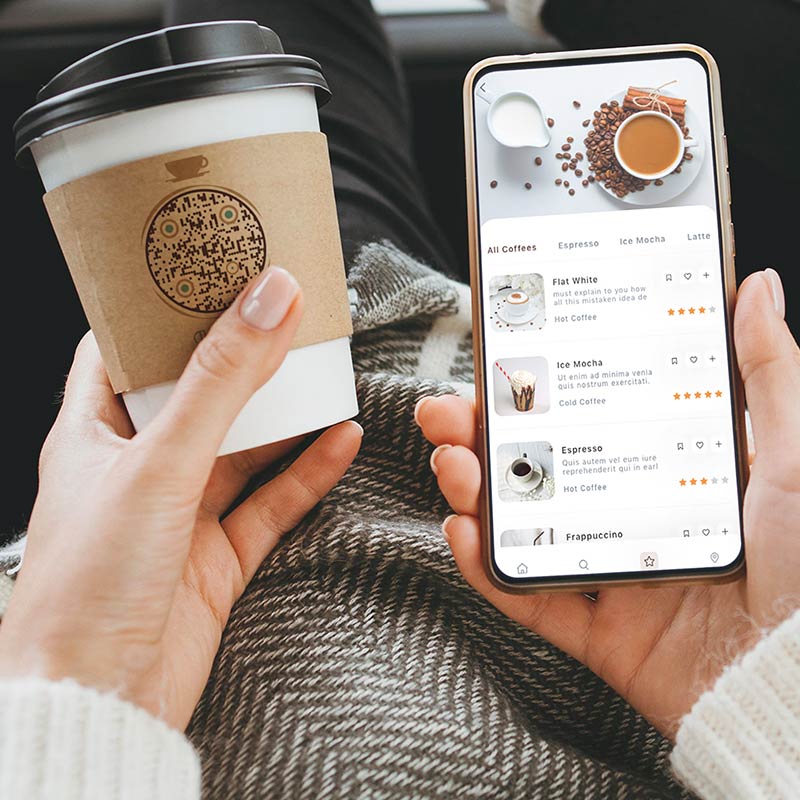
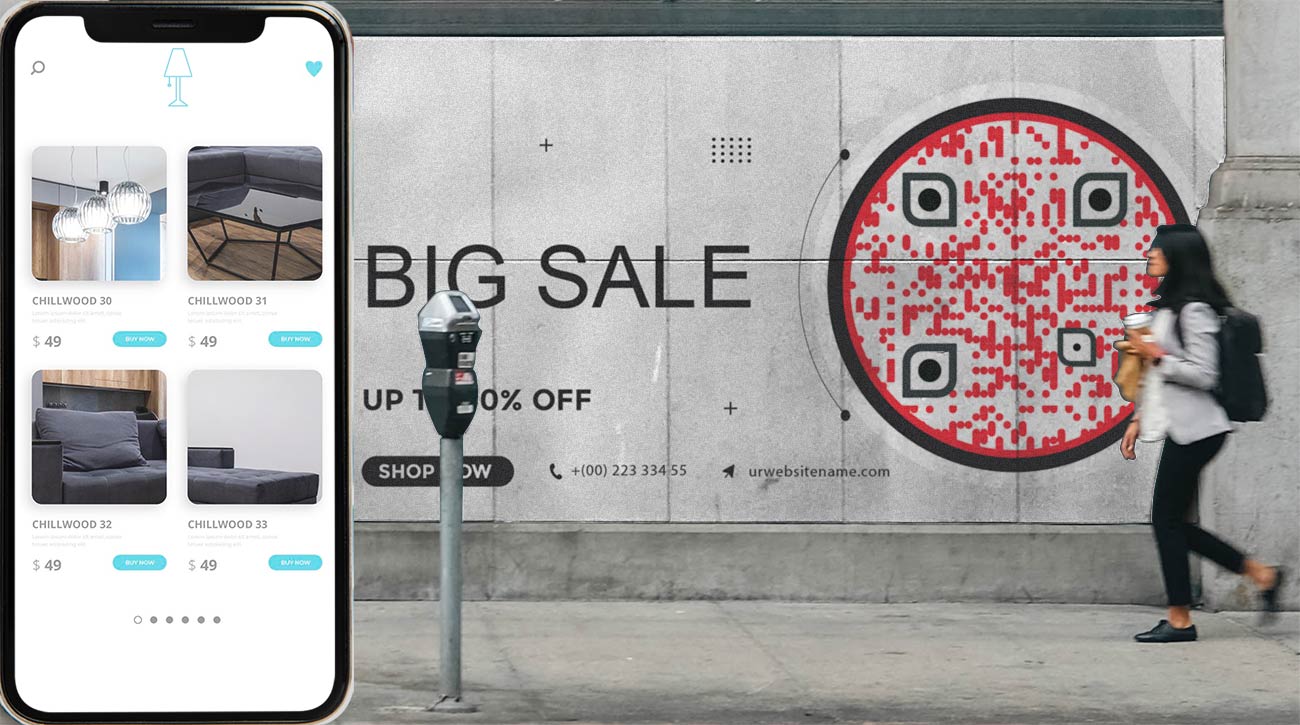
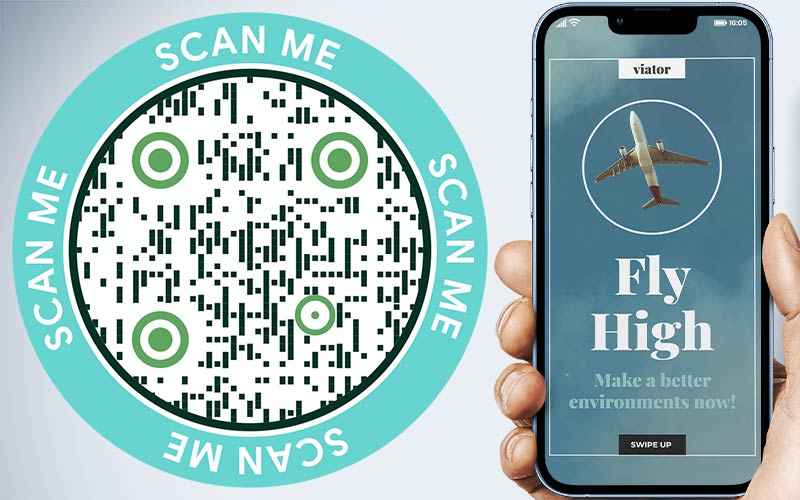
أين يمكن استخدام رمز الاستجابة السريعة الديناميكي؟ أمثلة
اضغط على الصور للتكبير


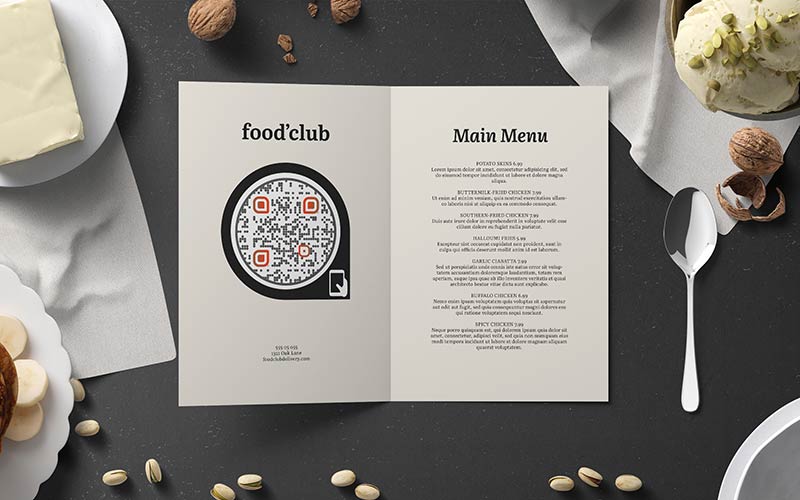
Print a code once on table tents, menus or takeout bags. When dishes or prices change, edit the destination. The printed tents stay in use. The statistics show when people scan, for example at lunch or in the evening.


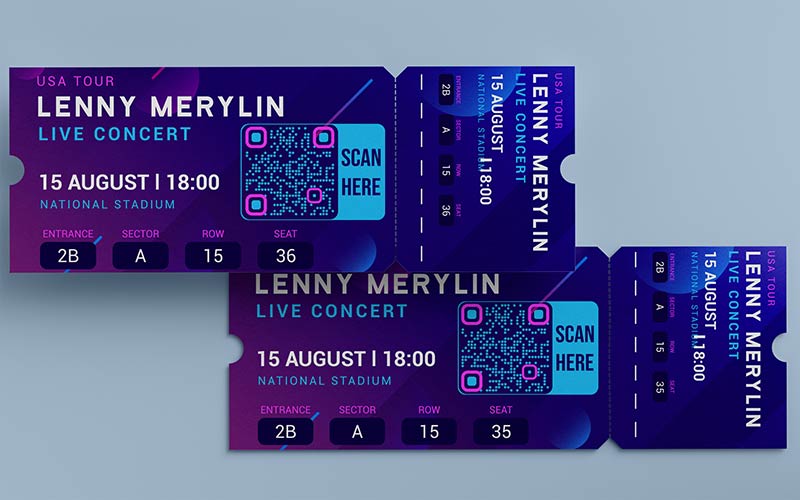
Put one code on badges, signs and programs. Before the event it opens registration. On the day it opens the schedule. Afterwards you point it to the slides or a feedback form. Nothing is reprinted.


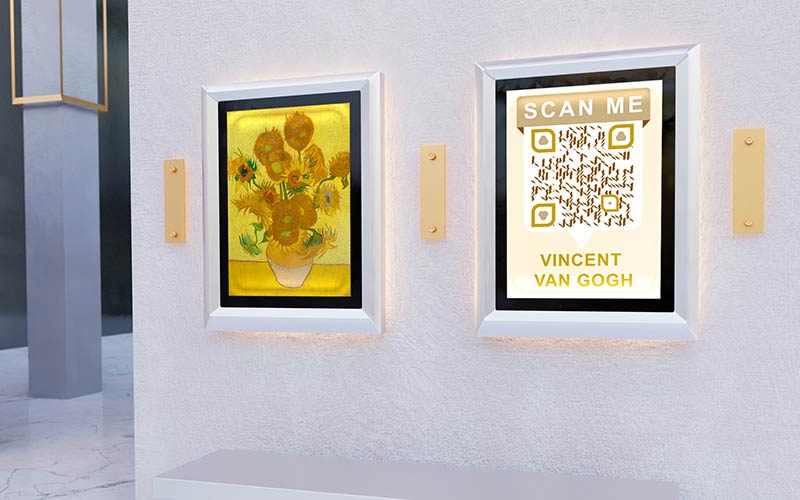
Place a code next to each exhibit and link it to the text, an audio guide or a video. When the exhibition changes, update the destination and keep the printed labels.


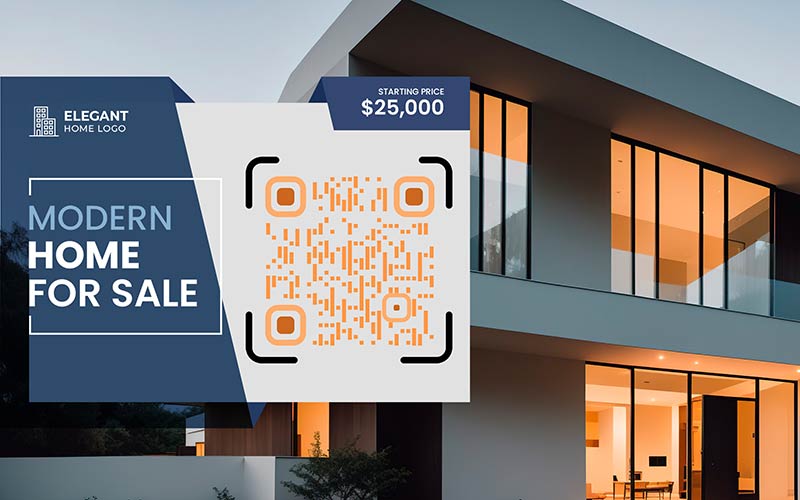
Put the code on a For Sale sign or a flyer and link it to the listing or a virtual tour. Later you can switch it to the next property or a contact page. Scan counts show which signs attract attention.
Dynamic QR code not working? Check these first
-
Your plan has expired
Dynamic codes become inactive after the plan expires. Renew the subscription in your account to edit the code and see its statistics again. -
The destination is wrong or offline
Open the destination in a browser on your phone. Check for typos, a missing https:// and pages that were deleted or moved. If you use smart link rules such as a password, a time window or a country or language, check those rules too.
-
The code is too small, too pale or stretched
Print it at least 2 x 2 cm (0.8 in), bigger for posters. Use a dark code on a light background, keep a blank border around it and do not stretch the image. Keep the logo small. -
The surface or light makes it hard to read
Glare, curved bottles, folds and scratches stop cameras from reading a code. Scan the real printed item with an iPhone and an Android phone, from the distance people will use.
أفضل الممارسات لرموز QR الديناميكية
A dynamic code works only while your plan is active. Before you print something that stays up for years, such as a sign or packaging, decide who pays for the plan and who gets the renewal reminder. If no one will, choose a static code.


Put the code at eye level on a flat, steady surface. Add a short call to action next to it that says what people get, for example “Scan to see the menu”.
After you change a destination, scan the printed code and open the page on your phone. Make sure it loads fast on mobile and shows what the sign promises.


Use your brand colors, but keep strong contrast between the code and the background. Test the final design with two different phones before you print.
نسخة تجريبية مجانية لمدة 14 يومًا. بطاقة الإئتمان غير مطالب بها.


فوائد استخدام رمز الاستجابة السريعة القابل للتغيير


Send people to different destinations depending on a password, the time or the visitor’s country or language.


When a link, price or offer changes, you edit the destination. You do not reprint posters, menus or packaging.


Add UTM parameters so scans from a poster or flyer show up as their own source in Google Analytics.
See how often a code is scanned, when, where and on what device. Compare posters, flyers and locations.


Change the destination at any time. The code stays the same, so everything you already printed keeps working.


Heatmaps show where your scans come from, so you can see which areas respond best.