> 사용 사례 > How to Use QR Codes in Newspapers and Magazines
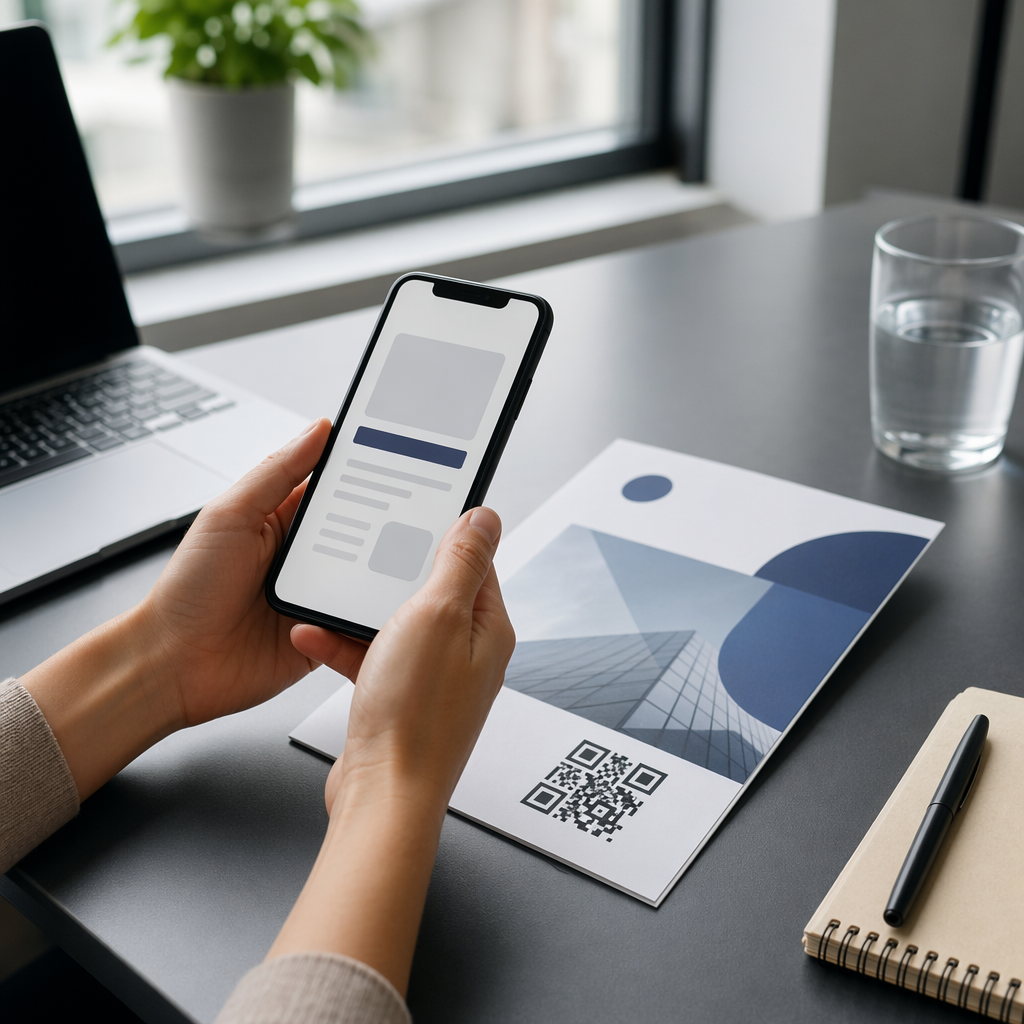
Scanning print QR code

How to Use QR Codes in Newspapers and Magazines

Turn print ads into digital interactions with QR codes for newspapers and magazines. Learn best practices for design, sizing, and tracking scan performance.
Updated on 6월 10, 2026
목차

Are your print ads sending readers nowhere? Newspapers and magazines still reach loyal, engaged audiences – but without a bridge to your digital content, that attention stops at the page. This guide shows you how to use QR codes in print media to turn static ads and editorial space into measurable digital interactions.

Why Print Media Is Still Worth Investing In

Readers of newspapers and magazines engage differently than digital audiences. They slow down, read carefully, and invest time in the content in front of them – something that digital skimmers rarely do. That depth of attention makes print one of the most favorable environments for QR codes.

Unlike flyers or packaging, a magazine or newspaper ad gives you enough space to explain what the QR code does and why readers should scan it. That context matters. Research shows that many people who don’t scan QR codes simply don’t understand what they’ll get – and that they’re more likely to scan when the code clearly states what’s offered. Print gives you the room to answer that question before the reader even picks up their phone.

For industries like food, publishing, education, and retail, print media remains a critical marketing channel. QR codes make it possible to connect that offline audience with your website, video content, exclusive offers, or digital tools – without asking readers to type a URL.

Connect Your Print Ads to Digital Campaigns 사용 링크 QR 코드 생성기 to create a branded, trackable QR code for any URL – ready to drop into your next newspaper or magazine ad.

What You Can Link to From a Magazine or Newspaper QR Code

Before designing your placement, decide what the QR code will actually do. The destination shapes everything from the call-to-action copy to the size and position of the code on the page.

Common and effective uses include:

  • Website or landing page – Drive readers to a campaign page, product detail page, or sign-up form using the 링크 QR 코드 생성기
  • PDF 문서 – Share a catalog, menu, press kit, or editorial supplement with the PDF QR 코드 생성기
  • Video content – Link to a product video, recipe walkthrough, interview, or DIY tutorial using the YouTube QR 코드 생성기
  • Exclusive coupon or discount – Offer a print-only promotion through the 쿠폰 QR코드 생성기
  • Audio content – Link to an MP3 of a journalist interview or podcast segment
  • Social profile or digital business card – Place codes next to writers’ names so readers can connect directly with contributors

Magazines in particular have used QR codes to let readers shop for items featured in a spread, watch behind-the-scenes video from a shoot, or access recipe instructions that don’t fit on the printed page. The more relevant and immediate the payoff, the higher your scan rate will be.

How to Design a QR Code That Gets Scanned

Creating the code takes minutes. Making it work in print requires a few deliberate decisions.

Brand the code visually

A plain black-and-white QR code blends into the page. A branded code – using your brand colors and a logo centered in the middle – signals to readers that scanning is safe and worthwhile. Customized QR codes consistently earn more scans than generic ones because they build trust and recognition at a glance. Use the QR 코드 생성기 to apply your brand colors, add a logo, and choose a shape that fits your ad layout.

When customizing colors, always maintain strong contrast: the code modules should be significantly darker than the background. Black on white is the most reliable combination. Avoid reversing the colors (light pattern on dark background), and never place the code over a complex background pattern or image.

Choose dynamic over static

For any print campaign, 동적 QR 코드 are strongly recommended over static ones. A 동적 QR 코드 stores a short redirect URL rather than the final destination. That means you can update where the code points – even after thousands of copies have been printed and distributed – without changing the printed code itself.

Dynamic codes also unlock scan tracking, so you can measure how many people scanned, when, where, and on what device. Static codes offer none of that. For a magazine ad that may run for weeks or months, the ability to update the destination and monitor performance is worth far more than the simplicity of a static code. Learn more about how to edit QR codes after printing.

Update Your Ads Without Reprinting 그만큼 동적 QR 코드 생성기 lets you change your destination URL anytime and track every scan by date, location, and device type.

Write a clear call-to-action

Place a short line of text near the code that tells readers exactly what they’ll get. “Scan to watch the recipe video” or “Scan for your exclusive discount” removes hesitation and motivates action. Vague instructions like “Scan here” or no instructions at all are missed opportunities. If the reader doesn’t know what’s behind the code, they won’t bother finding out.

Optimize the destination for mobile

Every reader who scans a QR code in a magazine or newspaper will land on a mobile device. If your destination page isn’t optimized for mobile – slow to load, difficult to navigate on a small screen, or requiring desktop-style scrolling – you’ll lose them immediately. Before printing a single copy, test the full scan-to-landing experience on both iOS and Android.

Placement and Sizing Guidelines for Print

Where and how large you print your QR code directly affects whether readers can scan it reliably. These are the key technical standards for newspaper and magazine use.

Print QR code guidelines

Minimum size

Print QR codes at a minimum of 2 × 2 cm (approximately 0.8 × 0.8 inches) for close-range scanning. For ads with more complex designs or longer encoded URLs, scale up – denser codes need more physical space to remain scannable. A reliable working size for most magazine placements is 1.2 to 1.6 inches (30–40 mm). See QR code sizing guidelines for different print materials 형식별 권장 사항을 확인하세요.

Quiet zone

Every QR code needs a 명확한 콰이어트 존 – a blank margin of at least four data modules on all sides. This empty border is what allows a camera to distinguish the code from the surrounding page layout. Don’t let ad copy, images, or design elements encroach on this space.

Placement on the page

Place the code where it naturally catches the reader’s eye and where they can comfortably hold and scan the page. The middle or lower section of an ad works well. Corners are easy to overlook and harder to position for scanning. Avoid placing codes near the spine or fold of a magazine – the distortion caused by the fold can make the code unscannable. Review best practices for QR code placement in marketing for additional positioning guidance.

Print quality

Use vector file formats (SVG or EPS) when sending the code to print so it scales without any loss of sharpness. Low-resolution or pixelated codes fail to scan. If your publication uses glossy paper, be aware that glare can interfere with scanning – consider requesting a matte finish in the area around the code if possible. For a full breakdown of how paper stock and printing methods affect scannability, see 인쇄 기술이 QR 코드 스캔 가능성에 미치는 영향.

Always test before the print run

Test the final code at its intended size, on the actual paper stock, using multiple smartphones under different lighting conditions. What scans reliably on your monitor may not scan reliably in print. This step is non-negotiable before a large run. For a comprehensive testing checklist, refer to QR 코드 가독성을 위한 모범 사례.

How to Track and Measure Your Print QR Campaign

One of the strongest arguments for using QR codes in print is the ability to measure what would otherwise be untrackable. When a reader sees a print ad and visits your website directly, you don’t know the ad drove them. When they scan a QR code, you do.

QR 캠페인 분석

동적 QR 코드, you can track:

  • Total scans and unique scans – how many interactions the code received
  • Scan date and time – which issues or days generated the most activity
  • Geographic location – which regions responded to the campaign
  • Device type – whether readers used iOS or Android, which informs mobile optimization decisions

Assigning a unique QR code to each publication or ad placement lets you compare performance across titles, issues, or regions. Over time, this data lets you refine where you place codes, what destinations perform best, and which calls-to-action drive the most scans. Learn more about QR 코드가 인쇄 광고 참여를 추적하는 방법QR 코드가 인쇄 및 디지털 마케팅을 연결하는 방법.

See Exactly Who’s Scanning and When Track every scan by date, location, and device with Pageloot’s 동적 QR 코드 생성기 – no guesswork, just clear campaign data.

모두 종합하기

A QR code in a newspaper or magazine ad is only as effective as the thinking behind it. Readers who invest time in print deserve a payoff worth scanning for – relevant content, a genuine offer, or something they can’t get elsewhere. When the code is well-designed, clearly explained, correctly sized, and properly placed, it becomes a direct channel from your print campaign into your digital ecosystem.

Use dynamic codes so you can update destinations and measure results. Brand the design so readers trust what they’re scanning. And always test on real paper before the press run.

For a complete walkthrough of print media QR code best practices, visit 인쇄 매체에서 QR 코드를 사용하는 방법.

자주 묻는 질문

What size should a QR code be in a magazine or newspaper ad?

Print QR codes at a minimum of 2 × 2 cm (about 0.8 × 0.8 inches) for reliable close-range scanning. For most magazine placements, a size of 1.2 to 1.6 inches (30–40 mm) is more practical and ensures the code remains scannable even with some design customization. More complex codes or those placed farther from the reader’s hands should be sized up accordingly.

Should I use a dynamic or static QR code in a print campaign?

Dynamic QR codes are strongly recommended for any print campaign. They allow you to update the destination URL after printing – useful if a campaign page changes or a promotion expires – and they provide scan analytics including date, location, and device type. Static QR codes cannot be edited or tracked, which limits their usefulness for ongoing campaigns.

Where should I place a QR code in a magazine or newspaper ad?

Place the code in the middle or lower section of the ad where it’s easy to see and scan. Avoid corners, which are easy to overlook, and avoid placing codes near magazine folds or spines, where distortion can prevent scanning. Always maintain a clear quiet zone (blank margin) around the code and pair it with a short call-to-action that tells readers what they’ll get when they scan.

작성자 정보

시임 코스타비는 페이지루트의 콘텐츠 책임자입니다. 그는 페이지루트의 혁신적인 QR 코드 생성 서비스에 대한 글을 쓰고 있습니다. 5년 이상 QR 코드 분야에서 쌓아온 깊이 있는 전문 지식을 바탕으로, 시임은 이 분야의 전문가로 인정받고 있습니다. 그는 QR 기술을 활용하여 디지털 상호작용을 간소화하고 향상시키는 데 크게 기여하고 있습니다.

범주
에 대해 자세히 알아보기
쇼핑객이 QR 코드를 스캔한다
QR 코드 소매상
QR 명함 스캔
QR 코드 만들기 명함

온라인으로 QR 코드를 생성해야하는 경우 QR 코드 만들기 무료로 여기!
Pageloot는 #1 Go-To 솔루션 QR 코드를 만들고 스캔합니다.

QO-16

블로그 세대

20,000개 이상의 브랜드로부터 신뢰를 받아 더 많은 매출, 리뷰, 팔로워를 확보했습니다.

클라이언트 로고
최고 브랜드의 신뢰
5 중 4.8 평가

4.86 / 5 별점

휴고 로랑
휴고 로랑
레스토랑 주인
가장 쉽고 안정적인 QR 코드 생성기. PDF 파일을 즉시 업로드할 수 있습니다. 이제 레스토랑 메뉴가 디지털화되었습니다.
루카스 얀센
루카스 얀센
부동산 개발사
이것은 훌륭한 도구이며 QR 코드를 사용하면 원하는 곳으로 이동할 수 있습니다. 우리는 위치 QR 코드만 사용하지만 유용한 기능이 너무 많습니다.
엠마 모레티
엠마 모레티
소매 제품
사용하기 쉽고 빠릅니다. 그것은 훌륭하게 작동하고 완벽한 이미지를 생성하므로 직원들이 내 vCard를 다운로드할 수 있습니다.
휴고 로랑
휴고 로랑
레스토랑 주인
가장 쉽고 안정적인 QR 코드 생성기. PDF 파일을 즉시 업로드할 수 있습니다. 이제 레스토랑 메뉴가 디지털화되었습니다.
루카스 얀센
루카스 얀센
부동산 개발사
이것은 훌륭한 도구이며 QR 코드를 사용하면 원하는 곳으로 이동할 수 있습니다. 우리는 위치 QR 코드만 사용하지만 유용한 기능이 너무 많습니다.
엠마 모레티
엠마 모레티
소매 제품
사용하기 쉽고 빠릅니다. 그것은 훌륭하게 작동하고 완벽한 이미지를 생성하므로 직원들이 내 vCard를 다운로드할 수 있습니다.
더 많은 QR 코드보기
Tourist scanning QR code
QR 코드 도시 관광
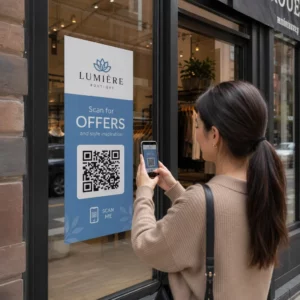
휴대폰으로 QR 포스터 스캔
QR 코드 스캔 스마트 폰
무엇이든 디지털 경험으로 전환하세요 3분 이내에.

14일 무료 체험.

신용카드는 필요 없습니다.

첫 구매 시 30% 할인

코드를 사용하세요:

MP3 파일 공유

PDF QR 코드를 생성하려면 가입하세요

필요한 모든 것을 업로드하고 표시합니다.

  • 오디오 파일
  • 팟캐스트
  • 음악

가입 시 14일 무료 체험.
체험 기간 후 QR 코드 만료.

오디오 mp3 QR 코드를 생성하려면 가입하세요

프레임으로 더 많은 스캔 확보

QR 코드에 더 많은 프레임을 추가하려면 가입하세요

클릭 유도 문안 프레임은 고객이 QR 코드와 쉽게 상호 작용할 수 있도록 도와줍니다. 사용해 보세요!

가입 시 14일 무료 체험.
체험 기간 후 QR 코드 만료.

QR 코드에 더 많은 프레임을 추가하려면 가입하세요

도형으로 더 많은 스타일 추가

더 많은 도형을 만들려면 가입하세요

QR 코드는 정사각형일 필요가 없습니다. 브랜드 이미지에 맞게 전환해 보세요.

가입 시 14일 무료 체험.
체험 기간 후 QR 코드 만료.

더 많은 도형을 만들려면 가입하세요

QR 코드에 로고 추가

QR 코드에 로고를 추가하려면 가입하세요

로고와 브랜드를 추가하여 QR 코드를 돋보이게 만드세요.

가입 시 14일 무료 체험.
체험 기간 후 QR 코드 만료.

QR 코드에 로고를 추가하려면 가입하세요

스마트 앱 스토어 리디렉션

앱 스토어 QR 코드를 생성하려면 가입하세요

스마트 앱 스토어 QR 코드에 앱 링크를 추가하세요. 사용자는 장치에 따라 리디렉션됩니다.

가입 시 14일 무료 체험.
체험 기간 후 QR 코드 만료.

앱 스토어 QR 코드를 생성하려면 가입하세요

QR 코드에 이미지 업로드

이미지 QR 코드를 생성하려면 가입하세요

이미지를 쉽게 공유하세요. 몇 초 안에 동적으로 이미지를 변경하십시오.

가입 시 14일 무료 체험.
체험 기간 후 QR 코드 만료.

이미지 QR 코드를 생성하려면 가입하세요

PDF 파일 공유

PDF QR 코드를 생성하려면 가입하세요

필요한 모든 것을 업로드하고 표시합니다.

  • 메뉴 및 가격표
  • 명령
  • 모든 문서

가입 시 14일 무료 체험.
체험 기간 후 QR 코드 만료.

PDF QR 코드를 생성하려면 가입하세요

인쇄 없이 나중에 편집

다시 인쇄하지 않고 QR 코드를 편집하려면 가입하세요

동적 QR 코드를 사용하면 새 QR 코드를 인쇄하지 않고도 QR 코드의 내용을 변경할 수 있습니다.

가입 시 14일 무료 체험.
체험 기간 후 QR 코드 만료.

다시 인쇄하지 않고 QR 코드를 편집하려면 가입하세요

언제? 어디서? QR 코드 스캔 추적

QR 코드를 추적하려면 가입하세요

어떤 QR 코드가 가장 많이 스캔되고 무엇이 고객을 가장 흥분시키는지 알아보십시오.

가입 시 14일 무료 체험.
체험 기간 후 QR 코드 만료.

QR 코드를 추적하려면 가입하세요

인쇄 준비 파일 제공

PDF 및 SVG와 같은 벡터 QR 코드를 생성하려면 가입하세요.

.EPS, .PDF, .SVG

HD 해상도로 QR 코드를 다운로드하고 싶으신가요? 인쇄할 준비가 된 벡터 또는 픽셀 형식을 가져옵니다.

가입 시 14일 무료 체험.
체험 기간 후 QR 코드 만료.

PDF 및 SVG와 같은 벡터 QR 코드를 생성하려면 가입하세요.

기다리세요. 귀하의 QR 코드는 로드 중... 로드 중...

나만의 것으로 만들기

나중을 위해 QR 코드를 저장하려면 가입하세요.

다양한 색상, 로고 및 클릭 유도문안 프레임으로 멋진 QR 코드를 만들어 더 많은 스캔을 받으세요.

가입 시 14일 무료 체험.
체험 기간 후 QR 코드 만료.

나중을 위해 QR 코드를 저장하려면 가입하세요.