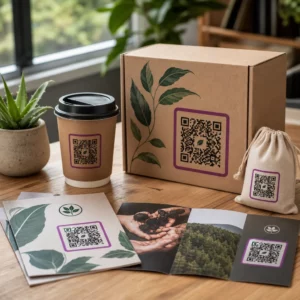
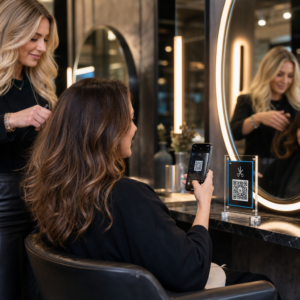
En QR-kode i en avis- eller magasinannonce sender læsere fra den trykte side til en hjemmeside, video, kupon eller PDF. For at tilføje en: opret koden, print den mindst 2 x 2 cm (0.8 x 0.8 tommer) med en tom margen omkring den, placer en kort opfordring til handling ved siden af, og test den på det rigtige papir før trykningen. Denne guide dækker hvert trin for QR-koder til trykte annoncer i magasiner og aviser.
Hurtige svar om QR-koder i aviser og magasiner
- Størrelse: mindst 2 x 2 cm (0.8 x 0.8 tommer). Brug 3 til 4 cm (1.2 til 1.6 tommer) for de fleste magasinannoncer og lidt mere for avistryk.
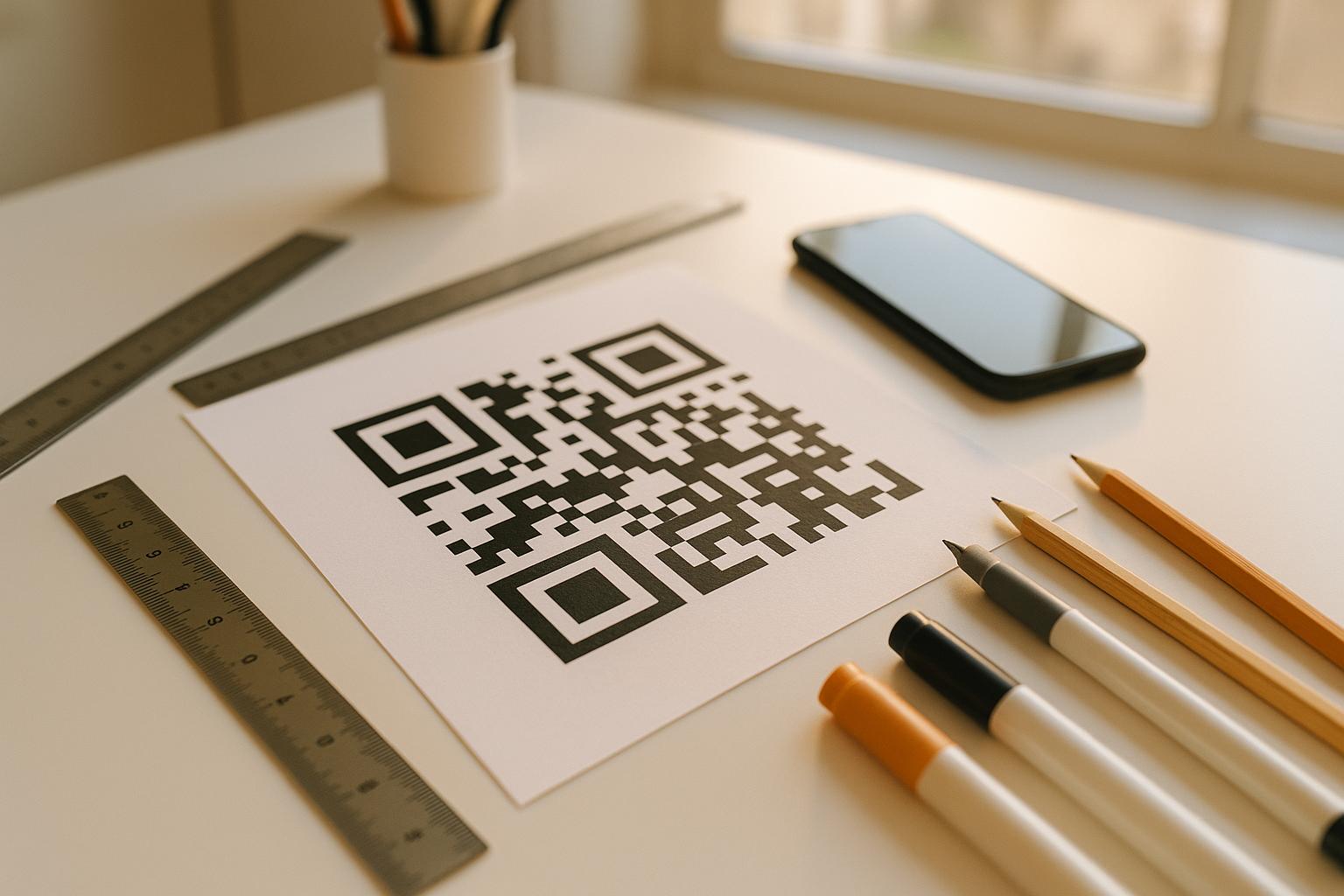
- Stillezone: hold en tom margen på mindst fire moduler (de små firkanter) på hver side.
- Farver: mørk kode på en lys, ensfarvet baggrund. Sort på hvid er det sikreste valg.
- Placering: midten eller nederste del af annoncen, væk fra falsen eller ryggen.
- Kodetype: en dynamisk kode, hvis annoncen kører i uger, eller du ønsker scanningsstatistik. En statisk kode er nok til et engangslink, der aldrig vil ændre sig.
- Før trykning: scan et korrekturaftryk på det faktiske papir med mindst én iPhone og én Android-telefon.
Hvorfor trykte medier stadig fungerer med en QR-kode
Læsere af aviser og magasiner sætter tempoet ned og læser. En trykt annonce har også plads til at forklare, hvad koden gør, og hvorfor en læser skal scanne den. En linje som “Scan for at se opskriftsvideoen” fortæller læseren, hvad der sker dernæst, hvilket en bar kode ikke gør.
Mad, udgivelse, uddannelse, detailhandel og lokale tjenester bruger alle print. En QR-kode forbinder dette publikum til din hjemmeside, video, tilbud eller app uden at bede nogen om at indtaste en URL.
Forbind dine printannoncer med digitale kampagner Brug Link QR-kodegenerator for at oprette en QR-kode til enhver URL, klar til at blive indsat i din næste avis- eller magasinannonce.
Hvad skal en QR-kode i et magasin eller avis linke til?
Beslut, hvad koden skal gøre, før du designer annoncen. Destinationen bestemmer opfordringen til handling, størrelsen og placeringen på siden.
- Hjemmeside eller landingsside: en kampagneside, produktside eller tilmeldingsformular, lavet med Link QR-kodegenerator
- PDF-dokument: et katalog, en menu, et pressekatalog eller et supplement, lavet med PDF QR-kode generator
- Video: en produktvideo, opskrift eller interview, lavet med YouTube QR-kode generator
- Kupon kun til print: et tilbud, som kun læsere af dette nummer kan gøre krav på, lavet med Kupon QR-kode generator
- Lyd: en MP3 af et journalistinterview eller et podcastsegment
- Social profil eller kontaktoplysninger: en kode ved siden af en skribents navn, så læsere kan følge eller kontakte bidragyderen
Praktiske eksempler: Et madmagasin kan linke et opskriftsopslag til den fulde video. En annonce i en avis kan linke til en ejendomsannonce med fotos. En lokal butik kan printe en kuponkode i en ugeavis og tælle, hvor mange der indløser den. Jo hurtigere og mere relevant scanningsresultatet er, desto flere scanninger får du.
Sådan tilføjer du en QR-kode til en avis- eller magasinannonce
- Åbn QR-kodegenerator og vælg typen: link, PDF, video eller kupon.
- Indtast destinationen. Brug en kort, endelig URL. Længere URL'er skaber en tættere kode, der kræver mere plads i print.
- Vælg en mørk kodefarve og en lys baggrund. Tilføj kun et logo, hvis koden forbliver let at scanne. Tilføj ikke et logo til en lille avistrykskode.
- Download en vektorfil (SVG eller PDF) til printeren. En PNG skal være mindst 1000 px bred, hvis ingen vektorfil er mulig.
- Placer koden i annoncelayoutet ved 2 x 2 cm eller større, med en tom rolig zone omkring den.
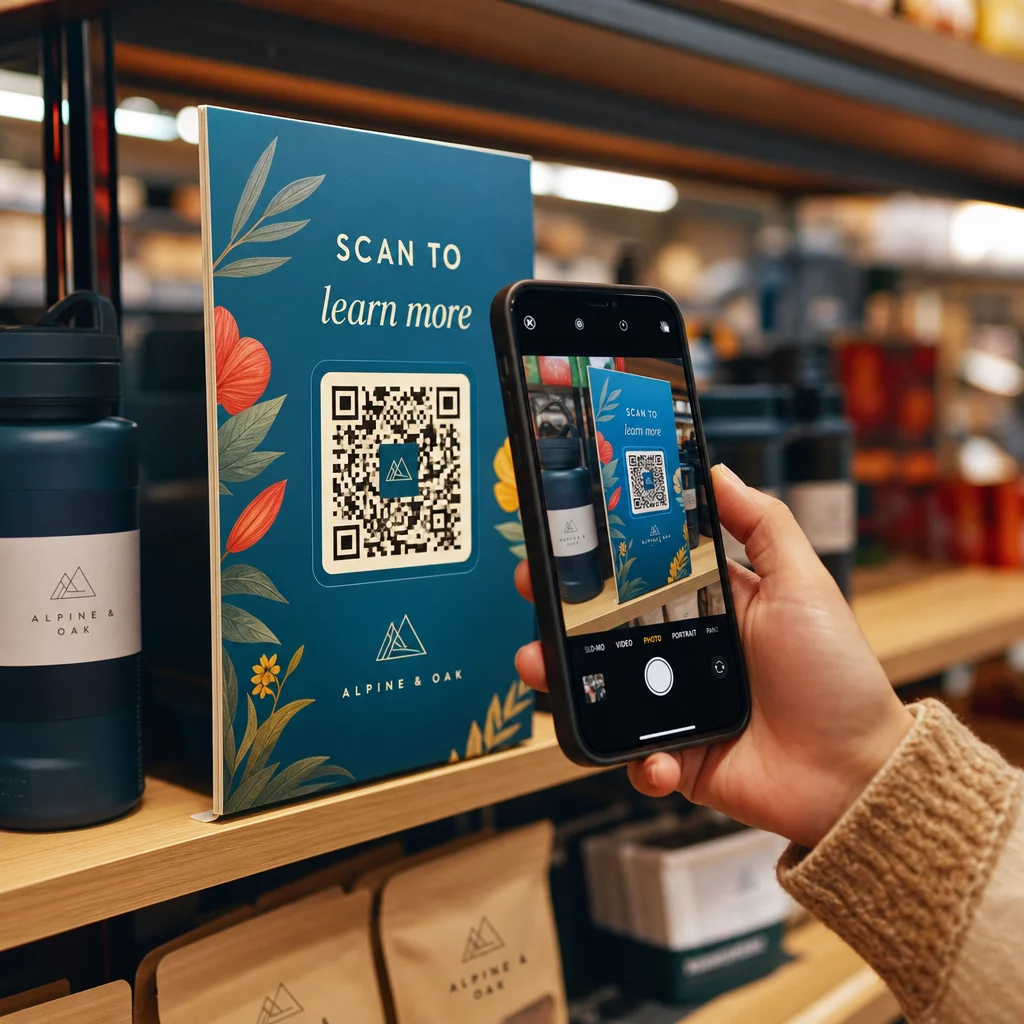
- Tilføj en opfordring til handling ved siden af koden, der fortæller, hvad læseren får.
- Bed udgivelsen eller printeren om en prøve, og scan den derefter med flere telefoner før det endelige oplag.
Sådan designer du en QR-kode, der bliver scannet
Brand koden visuelt
En almindelig sort kode falder i ét med siden. Brandfarver og et lille logo i midten viser læserne, hvem koden tilhører. Brug QR-kodegenerator til at indstille dine farver, tilføje et logo og vælge en form, der passer til dit annoncelayout.
Oprethold stærk kontrast. Kodefelterne skal være meget mørkere end baggrunden. Sort på hvid er den mest pålidelige. Vend ikke farverne om (lys kode på mørk baggrund), og placer ikke koden over et foto eller et mønster.
Vælg dynamisk frem for statisk
EN dynamisk QR-kode lagrer et kort omdirigeringslink i stedet for den endelige adresse. Du kan ændre, hvor koden peger hen, efter tusindvis af kopier er trykt, og den trykte kode forbliver den samme. Dynamiske koder viser også scanningsstatistik: hvornår, hvor og på hvilken enhed folk scannede. Læs mere om hvordan man redigerer QR-koder efter udskrivning.
En statisk kode er tilstrækkelig, når linket aldrig vil ændre sig, og du ikke har brug for statistik, for eksempel et permanent link til din hjemmeside. For en annonce, der kører i uger, eller en annonce, hvis tilbud kan udløbe, er dynamisk det værd. En statisk kode udløber aldrig. En dynamisk kode på en måneds- eller årsplan holder op med at fungere, når planen udløber, så hold planen aktiv, mens udgivelsen er i omløb.
Dynamiske koder har en 14-dages gratis prøveperiode. Se planerne på pageloot.com/pricing.
Opdater dine annoncer uden at genudskrive Det Dynamisk QR-kode generator giver dig mulighed for at ændre din destinations-URL når som helst og se scanninger efter dato, placering og enhedstype.
Skriv en klar opfordring til handling
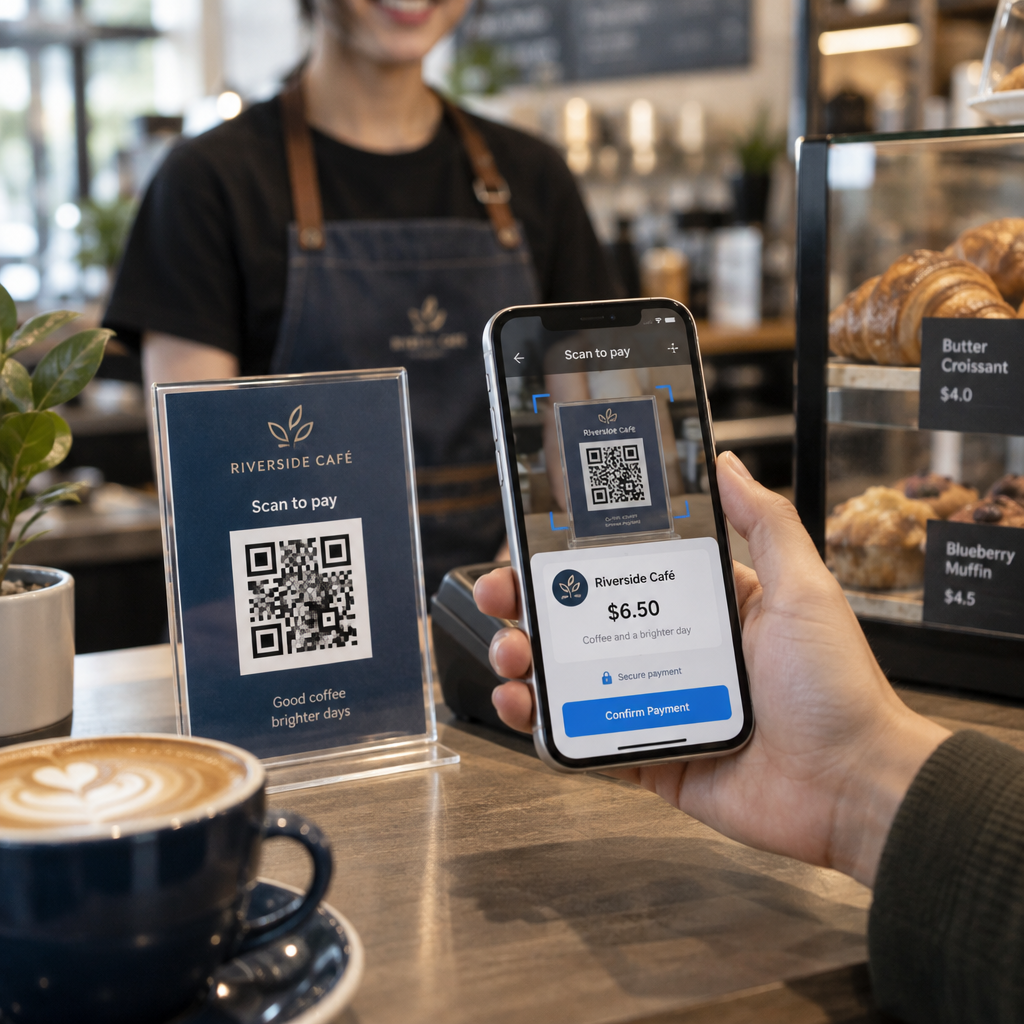
Sæt en kort linje nær koden, der fortæller, hvad læseren får. “Scan for at se opskriftsvideoen” eller “Scan for din læserrabat” virker. “Scan her” siger intet. Hvis læseren ikke ved, hvad der er bag koden, vil de fleste springe den over.
Optimer destinationen til mobil
Hver læser, der scanner en kode i print, lander på en telefon. Siden skal indlæses hurtigt, passe til en lille skærm og vise tilbuddet øverst. Før du udskriver, test hele vejen fra scanning til landingsside på både iOS og Android.
Retningslinjer for placering og størrelse af QR-koder i magasiner og aviser
Størrelse, placering og papir afgør, om en kode kan scannes. Dette er de vigtigste regler.

Mindstestørrelse
Udskriv koden mindst 2 x 2 cm (ca. 0,8 x 0,8 tommer). En brugbar størrelse for de fleste magasinannoncer er 1,2 til 1,6 tommer (30 til 40 mm). Tætte koder med lange URL'er kræver mere plads. Se Retningslinjer for QR-kodestørrelse til forskellige printmaterialer for formatspecifikke råd.
Avispapir versus glittet magasinpapir
Avispapir er porøst og absorberer blæk, så fine detaljer ser bløde ud, og koden kan printe mørkere og mere sløret end på skærmen. Brug en større kode (3 cm eller mere), et simpelt kvadratisk design, intet logo i midten og ren sort på hvid. Glittet magasinpapir printer skarpere, men genskin kan gøre scanning sværere. Bed om et mat område omkring koden, hvis udgiveren kan gøre det. Disse størrelser er et sikkert udgangspunkt. Din korrektur afgør den endelige størrelse.
Stillezone
Efterlad en tom margen på mindst fire moduler på alle sider. Denne margen gør, at kameraet kan finde koden. Lad ikke tekst, billeder eller rammer komme ind i den.
Placering på siden
Placer koden i midten eller nederste del af annoncen, hvor en læser kan holde siden og sigte med en telefon. Hjørner er nemme at overse. Hold koden væk fra ryggen eller folden af et magasin, da bøjningen forvrænger den. Placer ikke koden på en sidekant, der bliver skåret af. Se bedste praksis for placering af QR-koder i markedsføring.
Printkvalitet
Send printeren en vektorfil (SVG, PDF eller EPS), så koden forbliver skarp i enhver størrelse. En lavopløselig kode er den mest almindelige årsag til, at en trykt kode fejler. Se hvordan printteknikker påvirker QR-kodens scanbarhed.
Test altid før tryk
Scan en korrektur i dens endelige størrelse, på det faktiske papir, med flere telefoner, i dagslys og i stuetemperatur. En kode, der scanner på din skærm, kan fejle på papir. Se bedste praksis for QR-kodelæsbarhed for en tjekliste.
Scanner den ikke? Tjek disse årsager
- For lille: under 2 cm, eller mindre end korrekturen tillader. Forstør den.
- Ingen stilhedszone: tekst eller billeder rører koden. Tilføj en tom margen.
- Lav kontrast eller omvendte farver: brug en mørk kode på en lys baggrund.
- Kode på folden: flyt den væk fra ryggen.
- Blækudtværing på avispapir: forstør koden og fjern logoet.
- Tæt kode: forkort URL'en, eller brug en dynamisk kode, som har et kort link og et mindre tæt mønster.
- Dødt link: en dynamisk kode på en udløbet plan, eller en destinationsside der blev fjernet.
Sådan sporer og måler du din print QR-kampagne
Printannoncer er svære at måle. Når en læser ser en annonce og senere indtaster din adresse, ved du ikke, om annoncen forårsagede besøget. En scannet kode fortæller dig det.

Med dynamiske QR-koder kan du se:
- Samlede scanninger og unikke scanninger: hvor mange gange koden blev brugt
- Scan dato og tid: hvilket nummer eller hvilken dag der gav flest scanninger
- Placering: hvilke regioner der svarede
- Enhedstype: iOS eller Android, som hjælper dig med at tjekke mobilsiden
Opret én kode for hver publikation, udgave eller annonceplacering. Derefter kan du sammenligne titler og positioner. Detaljeringsgraden afhænger af din plan. Lær mere om Sådan sporer QR-koder engagement på printannoncer og hvordan QR-koder forbinder print- og digital marketing.
Se hvem der scanner og hvornår Spor scanninger efter dato, placering og enhed med Pageloots Dynamisk QR-kode generator.
Sammenfatning
En QR-kode i en avis eller et magasin virker, når læseren får noget, der er scanningen værd: en video, et tilbud eller information, der ikke passer på siden. Gør koden stor nok, behold den tomme margen, forklar den i én linje og test den på det rigtige papir.
Brug en dynamisk kode, hvis du vil ændre destinationen eller se resultater. Brug en statisk kode til et permanent link.
For mere om print, se hvordan man bruger QR-koder i trykte medier.
Ofte stillede spørgsmål
Print koden i mindst 2 x 2 cm (cirka 0,8 x 0,8 tommer). For de fleste magasineannoncer er 3 til 4 cm (1,2 til 1,6 tommer) sikrere. På avispapir, vælg et større format, da blækket spreder sig på papiret. Test altid et prøvetryk.
Brug en dynamisk kode, hvis annoncen kører i lang tid, tilbuddet kan ændre sig, eller du ønsker scanningsstatistikker som dato, sted og enhed. Du kan redigere destinationen efter udskrivning. Brug en statisk kode til et permanent link, du aldrig behøver at ændre. Statiske koder udløber ikke.
Placer den i midten eller nederste del af annoncen. Undgå hjørner, falsen og ryggen af et magasin. Oprethold en tom margen på mindst fire moduler omkring den, og tilføj en kort opfordring til handling.
Ja. Avisannoncer, rubrikannoncer og artikler kan alle indeholde en QR-kode. Brug en større størrelse, mørkt blæk på en lys baggrund og intet logo, fordi avispapir absorberer blæk og udjævner fine detaljer.
Brug en dynamisk QR-kode. Den viser, hvornår, hvor og på hvilken enhed folk scannede. Giv hvert magasin, nummer eller annonce sin egen kode, så du kan sammenligne dem. Pageloots dynamiske koder har en 14-dages gratis prøveperiode.
En mobilvenlig side, der leverer det, som opfordringen til handling lovede, f.eks. en video, en kupon eller en produktside. Undlad at linke til en generel hjemmeside.
De sædvanlige årsager er en kode, der er for lille, ingen tom margen omkring den, lav kontrast, placering på falsen eller et lavtopløseligt billede. Test et prøvetryk på det rigtige papir med flere telefoner.
En statisk kode udløber ikke. En dynamisk kode på et månedligt eller årligt abonnement bliver inaktiv, når abonnementet udløber, så hold abonnementet aktivt, mens udgaven er i omløb.