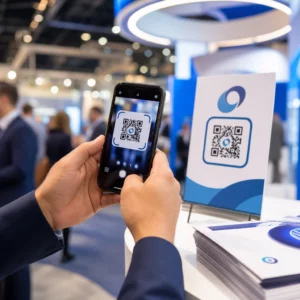
Pazudis mājdzīvnieks un paļaujaties uz mazu iegravētu birku, lai to atgrieztu mājās? Iegravētām birkām ir reāli ierobežojumi – tālruņa numuri mainās, teksts nodilst, un vienkārši nav vietas medicīniskai informācijai vai alternatīviem kontaktiem. QR kods uz mājdzīvnieka birkas atrisina visu to, savienojot ikvienu, kurš atrod jūsu mājdzīvnieku, ar pilnu digitālo profilu dažu sekunžu laikā.
Kāpēc standarta iegravēta birka bieži vien ir nepietiekama
Tradicionāla mājdzīvnieka ID birka var saturēt varbūt divas teksta rindas. Tas varētu būt pietiekami vārdam un vienam tālruņa numuram, taču tas izlaiž visu, kas atradējam patiešām nepieciešams stresa situācijā: rezerves kontaktu, jūsu mājdzīvnieka medicīniskos stāvokļus, vai tas ir mikročipēts, vai norādījumus, kā rīkoties ar satrauktu dzīvnieku.
Fiziskās birkas arī nolietojas. Gravējums izbalē, birkas saskrāpējas, un, ja jūs pārvietojaties vai maināt savu numuru, birka nekavējoties kļūst novecojusi. American Humane atzīmē, ka mikročips atkalapvieno mājdzīvnieku ar tā īpašnieku tikai tad, ja kontaktinformācija datubāzē ir precīza un atjaunināta – tas pats princips attiecas uz jebkuru ID metodi, ko izmantojat. QR koda birka pilnībā apiet atjaunināšanas problēmu, jo jūs maināt informāciju digitāli, nevis nomaināt fizisko birku.
Kā darbojas QR koda mājdzīvnieka birka
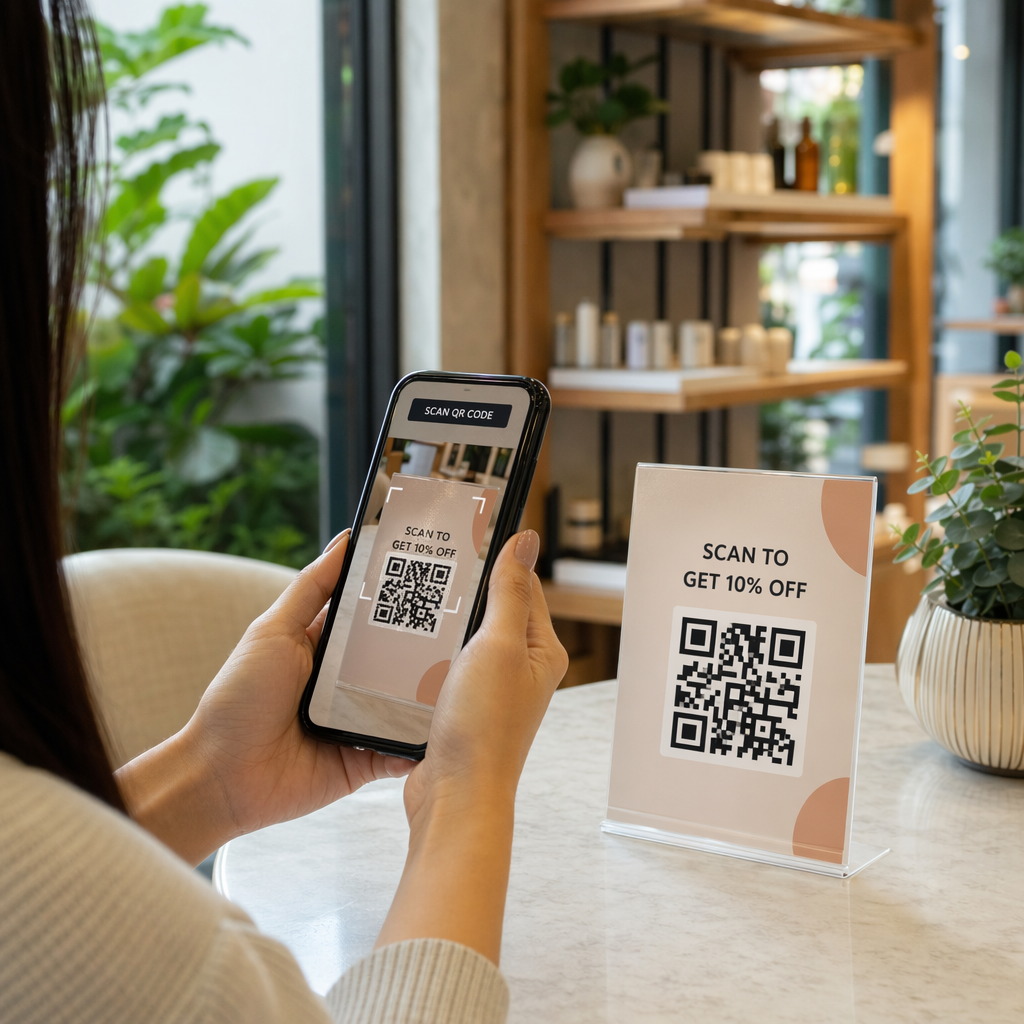
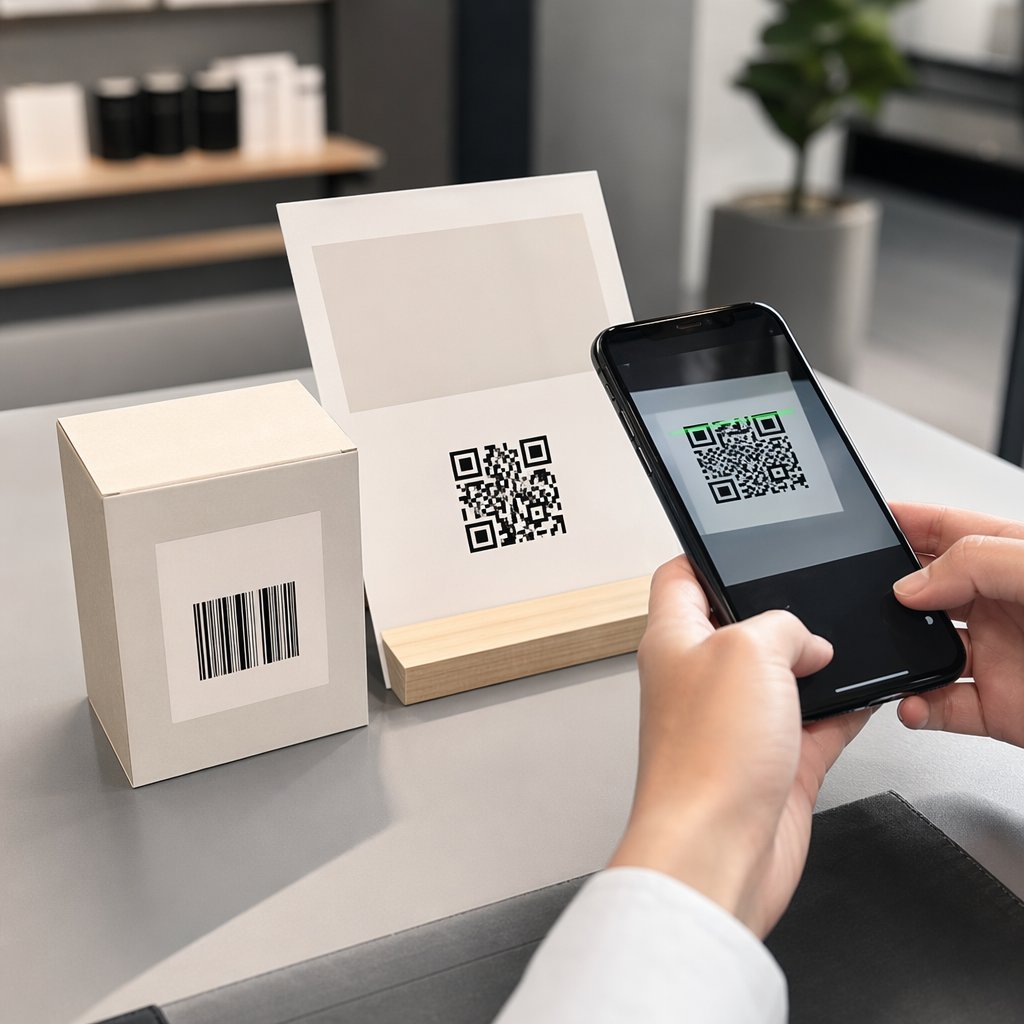
QR kods ir skenējams raksts, ko jebkura moderna viedtālruņa kamera var nolasīt bez īpašas lietotnes. Kad kāds atrod jūsu mājdzīvnieku, viņš pavērš savu tālruni pret birku, kamera atpazīst kodu, un dažu sekunžu laikā viņi skatās jūsu mājdzīvnieka profilu – jūsu vārdu, tālruņa numuru, adresi, jūsu mājdzīvnieka medicīniskās vajadzības un visu citu, ko esat iekļāvis.
Lai tas laika gaitā darbotos uzticami, ir jāizmanto dinamiskais QR kods nevis statisku. Statisks QR kods kodē informāciju tieši savā rakstā, kas nozīmē, ka to nekad nevar mainīt. Dinamisks QR kods norāda uz īsu pāradresācijas saiti, ko jūs kontrolējat, lai jūs varētu atjaunināt galamērķi – savu tālruņa numuru, adresi, jaunu ārkārtas kontaktu – nepieskaroties fiziskajai birkai. Šis statisko un dinamisko QR kodu salīdzinājumu sīki izskaidro šo atšķirību, ja vēlaties iedziļināties pirms izlemt, kuru veidu izmantot.
Uzturiet sava mājdzīvnieka profilu vienmēr aktuālu Izmantojiet Dinamisks QR kodu ģenerators lai izveidotu birkas QR kodu, ko varat rediģēt jebkurā laikā – mainīt tālruņa numuru, pievienot jaunu kontaktu vai atjaunināt medicīnisko informāciju, bez birkas atkārtotas drukāšanas vai nomaiņas.
Ko iekļaut sava mājdzīvnieka digitālajā profilā
Mērķis ir snie

- Your name and primary phone number – the most critical pieces, front and center
- A backup phone number or emergency contact – in case you’re unreachable
- Your address – useful if your pet is found nearby
- Your pet’s name – helps the finder calm and communicate with the animal
- Medical conditions or medications – especially critical for diabetic pets, those on heart medication, or animals with severe allergies
- Behavioral notes – whether your pet is friendly, anxious around strangers, or prone to bolting
- Microchip number – useful if the finder takes your pet to a vet or shelter that can scan for chips
- Vet contact information – a secondary resource if medical attention is needed quickly
One practical format for this is a vCard QR kods, which encodes contact information in a standard format that smartphones recognize natively. When scanned, the device automatically prompts the finder to save your details directly to their contacts. The vCard QR koda ģenerators lets you create exactly this type of code – just enter your name and at least one contact method to get started. You can find additional guidance on structuring vCard codes in the guide to vCard QR codes.
If you want to share more than contact details – a full pet profile with medical notes, photos, and multiple contacts – a QR koda galvenā lapa gives you a single scan destination that holds all of it in a clean, mobile-friendly format. You can also use the QR koda ģenerators vairākām saitēm to create a code that links to several resources at once, such as your contact page, your vet’s number, and a found-pet reporting form.
QR koda izveide, kas uzticami skenējas uz mājdzīvnieka birkas
Mājdzīvnieka birka ir maza, un tā pastāvīgi kustas uz aktīva dzīvnieka. Šie faktori padara skenējamību šeit svarīgāku nekā gandrīz jebkurā citā QR koda lietojumā. Ievērojiet šīs vadlīnijas, lai nodrošinātu, ka kods darbojas reālos apstākļos:
- Minimālais izmērs 0,8 × 0,8 collas (2 × 2 cm) – minimālais ieteicamais tuvās distances skenēšanai; lielāks ir labāk, ja birka to atļauj
- Augsts kontrasts – izmantojiet tumšu rakstu uz gaiša fona un tiecieties uz vismaz 4:1 kontrasta attiecību; izvairieties no krāsu kombinācijām, kas samazina lasāmību
- Tīra klusā zona – atstājiet tīru baltas vietas apmali ap kodu, aptuveni 0,25 collas katrā pusē, lai skeneris varētu atšķirt kodu no birkas virsmas
- Izturīgs materiāls un apdare – mājdzīvnieku birkas saskaras ar skrāpējumiem, mitrumu un pastāvīgu nodilumu; izmantojiet matētu apdari, ja iespējams, lai samazinātu atspīdumu, un izvēlieties gravētus vai UV drukātus kodus, nevis papīra uzlīmes
- Augstas izšķirtspējas izvade – lejupielādējiet savu QR kodu vektora formātā, piemēram, SVG vai EPS, lai nodrošinātu, ka tas paliek ass jebkurā drukas izmērā bez pikseļu veidošanās
Portāls QR kodu lasāmības labākās prakses ceļvedis un ceļvedi par QR kodu drukāšana uz uzlīmēm apraksta šos principus padziļinātāk. Ir vērts pievienot arī īsu aicinājuma frāzi pie birkas vai uz tās, ja dizains to atļauj – kaut ko līdzīgu “Skenēt, lai iegūtu īpašnieka informāciju” novērš jebkādu neskaidrību atradējam, kurš varētu uzreiz neatpazīt, kam paredzēts QR kods.
Mājdzīvnieka profila uzturēšana aktuālu
Viena no praktiskākajām dinamiskas QR koda mājdzīvnieka birkas priekšrocībām ir tā, ka jūsu fiziskā birka nekad nekļūst novecojusi. Pārcelties uz jaunu pilsētu? Atjauniniet savu adresi vadības panelī. Iegūt jaunu tālruņa numuru? Mainiet to dažu sekunžu laikā. Pievienot medicīnisku stāvokli, kas jūsu mājdzīvniekam attīstās vēlāk dzīvē? Gatavs – nepasūtot jaunu birku.
Tas ir svarīgi, jo statiskā informācija zaudē savu lietderību brīdī, kad mainās jūsu apstākļi. Ar dinamisku kodu jūs rediģēt QR koda galamērķi no sava konta informācijas paneļa, un fiziskā birka turpina darboties tieši tāpat kā iepriekš. Pageloot platforma nodrošina arī skenēšanas analīzi, lai jūs varētu redzēt, vai un kad kods tika skenēts – noderīgs konteksts, ja jūsu mājdzīvnieks pazūd un jūs mēģināt izsekot situācijai reāllaikā.
Izveidojiet pilnīgu mājdzīvnieka profilu vienuviet Izpētiet visas funkcijas, kas pieejamas caur Pageloot QR kodu platforma lai izveidotu, pielāgotu un pārvaldītu mājdzīvnieka birkas QR kodu, kas paliek aktuāls neatkarīgi no tā, kas mainās jūsu dzīvē.
QR birkas un mikročipi: izmantojiet abus
QR koda birka un mikročips kalpo dažādām funkcijām un vislabāk darbojas kopā. Mikročipa nolasīšanai nepieciešams skeneris veterinārārsta praksē vai patversmē – tas ir neredzams sabiedrībai un nesniedz palīdzību parastam cilvēkam, kurš atrod klaiņojošu suni uz ielas. Turpretim QR koda birku var nolasīt ar jebkuru viedtālruni un tā nekavējoties savieno atradēju ar jūsu kontaktinformāciju, bez nepieciešamības pēc aprīkojuma.

Ohaio štata universitātes patversmes pētījums atklāja, ka suņi ar mikročipiem tika atgriezti saviem īpašniekiem 52,2% gadījumu, salīdzinot ar 21,9% suņiem bez mikročipiem – tas ir būtisks uzlabojums. Taču redzamām identifikācijas birkām joprojām ir nozīme, jo tās ir pirmā lieta, ko ikviens redz, sastopoties ar pazudušu dzīvnieku. QR koda birka padara šo redzamo identifikāciju daudz jaudīgāku nekā tikai iegravēts teksts, jo tā nodrošina pilnīgu, aktuālu profilu, nevis statisku teksta rindu.
Praktiskā pieeja ir izmantot QR koda birku kā primāro redzamo identifikāciju – ar dinamisku kodu, kas saistīts ar pilnu digitālo profilu – un saglabāt mikročipu kā rezerves slāni gadījumā, ja birka tiek pazaudēta vai kaklasiksna nokrīt.
QR kods uz mājdzīvnieka birkas novērš informācijas problēmu. Tā vietā, lai cerētu, ka divu rindu gravējums ir pietiekams, jūs sniedzat jebkuram atradējam tūlītēju piekļuvi visam, kas viņam nepieciešams. Iestatiet dinamisku QR kodu, lai jūsu profils paliktu precīzs neatkarīgi no izmaiņām, izvēlieties izturīgu birkas formātu, kas iztur ikdienas nodilumu, un vienmēr pārbaudiet skenēšanu, pirms birka tiek piestiprināta jūsu mājdzīvnieka kaklasiksnai.
Izveidojiet sava mājdzīvnieka QR birku šodien Sāciet ar Saites QR koda ģenerators vai Dinamisks QR kodu ģenerators lai izveidotu skenējamu mājdzīvnieka profilu, ko varat atjaunināt jebkurā laikā.
Biežāk uzdotie jautājumi
Jā. Jebkurš mūsdienīgs viedtālrunis ar iebūvētu kameras lietotni var skenēt QR kodu, nelejupielādējot papildu programmatūru. Kamera automātiski atpazīst kodu un atver saistīto lapu pārlūkprogrammā, padarot to pieejamu praktiski ikvienam, kurš atrod jūsu mājdzīvnieku.
Ja jūs izmantojat dinamisku QR kodu, jūs vienkārši piesakāties savā konta informācijas panelī un atjaunināt kontaktinformāciju. Fiziskā birka paliek nemainīga – QR kods nekavējoties novirza uz atjaunināto profilu. Ar statisku QR kodu, kodēto informāciju nevar mainīt, tāpēc jums būtu jānomaina visa birka.
vCard QR kods ir īpaši paredzēts kontaktinformācijai – skenējot tas aicina atradēju saglabāt jūsu datus tieši sava tālruņa kontaktos. Saites QR kods norāda uz jebkuru URL, kas varētu būt pilna mājdzīvnieka profila lapa ar medicīnisko vēsturi, fotogrāfijām un vairākiem kontaktiem. Pilnīgam mājdzīvnieka profilam saites vai galvenās lapas QR kods sniedz lielāku elastību; ātrai kontaktu kopīgošanai vCard QR kods darbojas labi.