Thú cưng của bạn bị lạc và bạn đang dựa vào một chiếc thẻ khắc nhỏ xíu để đưa chúng về nhà? Thẻ khắc có những hạn chế thực sự – số điện thoại thay đổi, chữ bị mờ và đơn giản là không có chỗ cho thông tin y tế hoặc liên hệ thay thế. Mã QR trên thẻ thú cưng giải quyết tất cả những vấn đề đó bằng cách kết nối bất kỳ ai tìm thấy thú cưng của bạn với một hồ sơ kỹ thuật số đầy đủ chỉ trong vài giây.
Tại sao một thẻ khắc tiêu chuẩn thường không đủ
Một thẻ ID thú cưng truyền thống có thể chứa khoảng hai dòng văn bản. Điều đó có thể đủ cho một tên và một số điện thoại duy nhất, nhưng nó bỏ qua mọi thứ mà người tìm thấy thực sự cần trong một tình huống căng thẳng: một liên hệ dự phòng, tình trạng sức khỏe của thú cưng của bạn, liệu chúng có được gắn microchip hay không, hoặc hướng dẫn xử lý một con vật lo lắng.
Thẻ vật lý cũng bị xuống cấp. Chữ khắc bị mờ, thẻ bị trầy xước, và nếu bạn di chuyển hoặc thay đổi số của mình, thẻ sẽ ngay lập tức trở nên lỗi thời. American Humane lưu ý rằng một microchip chỉ đoàn tụ thú cưng với chủ của nó khi thông tin liên hệ trong cơ sở dữ liệu là chính xác và được cập nhật – nguyên tắc tương tự áp dụng cho bất kỳ phương pháp ID nào bạn sử dụng. Một thẻ mã QR tránh hoàn toàn vấn đề cập nhật, bởi vì bạn thay đổi thông tin kỹ thuật số thay vì thay thế thẻ vật lý.
Cách thẻ thú cưng mã QR hoạt động
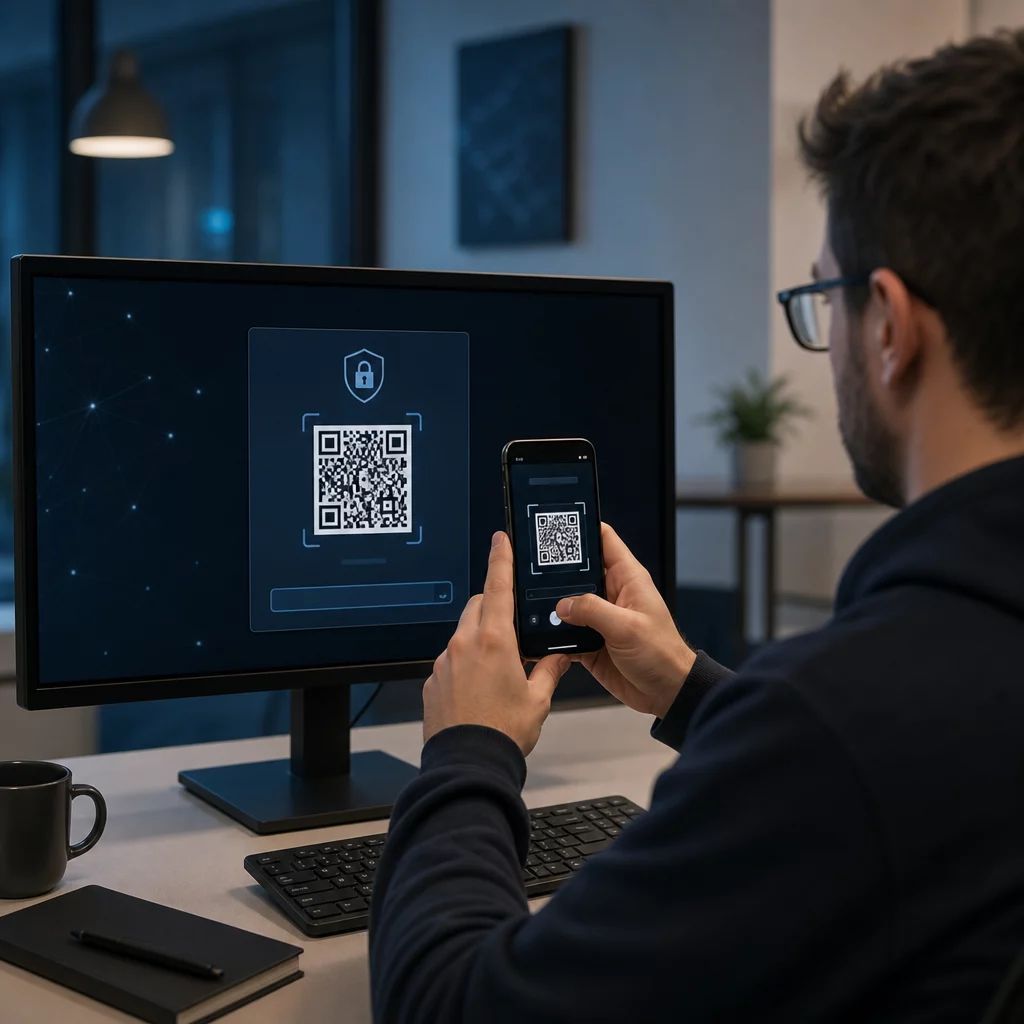
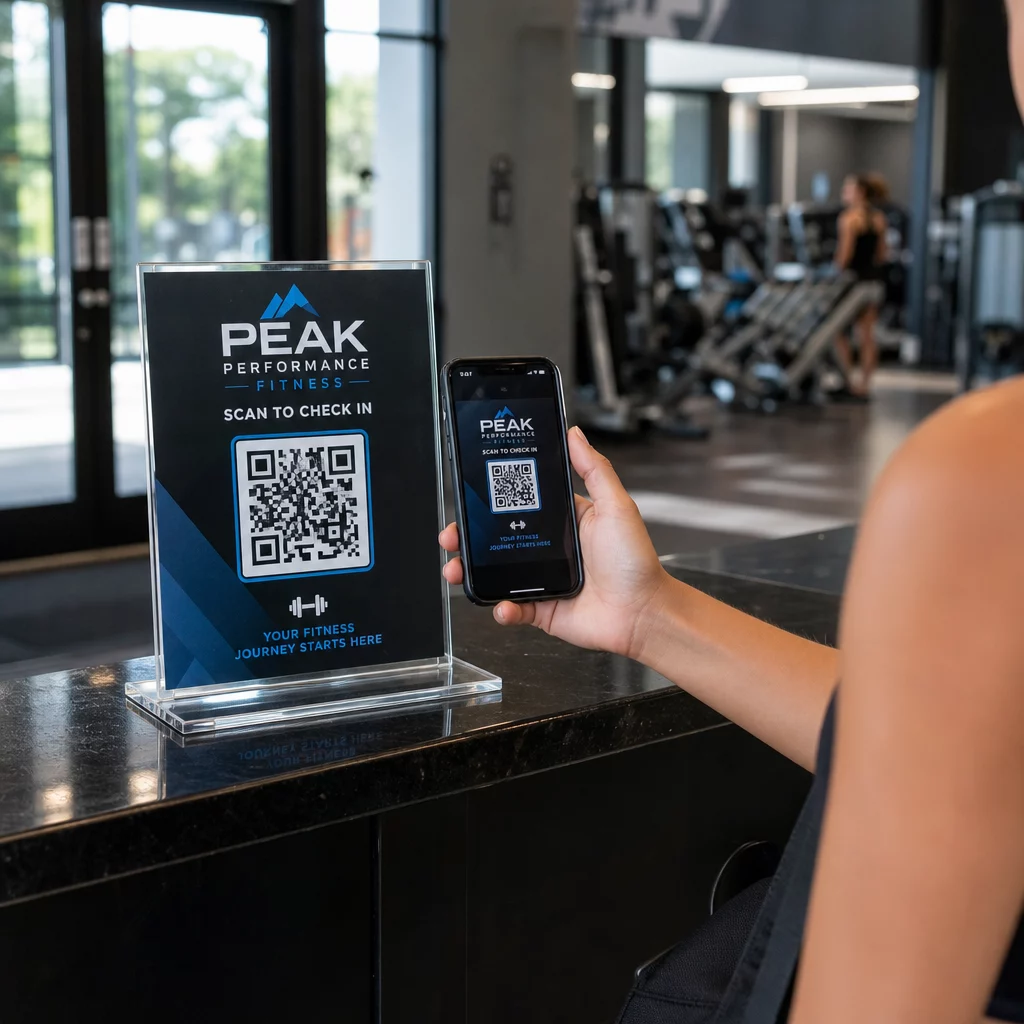
Mã QR là một mẫu có thể quét được mà bất kỳ camera điện thoại thông minh hiện đại nào cũng có thể đọc mà không cần ứng dụng chuyên dụng. Khi ai đó tìm thấy thú cưng của bạn, họ hướng điện thoại của mình vào thẻ, camera nhận diện mã, và trong vài giây họ đang xem hồ sơ thú cưng của bạn – tên, số điện thoại, địa chỉ, nhu cầu y tế của thú cưng của bạn, và bất cứ điều gì khác bạn đã bao gồm.
Chìa khóa để làm cho điều này hoạt động đáng tin cậy theo thời gian là sử dụng một mã QR động thay vì một mã tĩnh. Một mã QR tĩnh mã hóa thông tin trực tiếp vào mẫu của nó, có nghĩa là nó không bao giờ có thể thay đổi. Một mã QR động trỏ đến một liên kết chuyển hướng ngắn mà bạn kiểm soát, vì vậy bạn có thể cập nhật đích đến – số điện thoại, địa chỉ, một liên hệ khẩn cấp mới – mà không cần chạm vào thẻ vật lý. so sánh mã QR tĩnh và động giải thích sự khác biệt này chi tiết nếu bạn muốn tìm hiểu sâu hơn trước khi quyết định loại nào để sử dụng.
Luôn cập nhật hồ sơ thú cưng của bạn Sử dụng Tạo mã QR động để tạo một mã QR thẻ bạn có thể chỉnh sửa bất cứ lúc nào – thay đổi số điện thoại, thêm một liên hệ mới, hoặc cập nhật thông tin y tế mà không cần in lại hoặc thay thế thẻ.
Nên đưa gì vào hồ sơ kỹ thuật số của thú cưng của bạn
Mục tiêu là cung cấp cho người tìm thấy mọi thứ họ cần để liên hệ với bạn và xử lý thú cưng của bạn một cách an toàn – mà không làm họ quá tải. Dưới đây là những gì nên bao gồm:

- Tên và số điện thoại chính của bạn – những thông tin quan trọng nhất, ở vị trí nổi bật
- Một số điện thoại dự phòng hoặc liên hệ khẩn cấp – trong trường hợp bạn không liên lạc được
- Địa chỉ của bạn – hữu ích nếu thú cưng của bạn được tìm thấy gần đó
- Tên thú cưng của bạn – giúp người tìm thấy trấn an và giao tiếp với con vật
- Tình trạng sức khỏe hoặc thuốc men – đặc biệt quan trọng đối với thú cưng bị tiểu đường, những con đang dùng thuốc tim, hoặc động vật bị dị ứng nặng
- Ghi chú hành vi – liệu thú cưng của bạn có thân thiện, lo lắng khi gặp người lạ, hay có xu hướng bỏ chạy
- Số microchip – hữu ích nếu người tìm thấy đưa thú cưng của bạn đến bác sĩ thú y hoặc nơi trú ẩn có thể quét chip
- Thông tin liên hệ bác sĩ thú y – một nguồn tài nguyên thứ cấp nếu cần chăm sóc y tế nhanh chóng
Một định dạng thực tế cho việc này là một vCard mã QR, mã hóa thông tin liên hệ theo định dạng chuẩn mà điện thoại thông minh nhận diện nguyên bản. Khi được quét, thiết bị sẽ tự động nhắc người tìm thấy lưu chi tiết của bạn trực tiếp vào danh bạ của họ. Tạo mã QR vCard cho phép bạn tạo chính xác loại mã này – chỉ cần nhập tên và ít nhất một phương thức liên hệ để bắt đầu. Bạn có thể tìm thấy hướng dẫn bổ sung về cấu trúc mã vCard trong hướng dẫn về mã QR vCard.
Nếu bạn muốn chia sẻ nhiều hơn thông tin liên hệ – một hồ sơ thú cưng đầy đủ với ghi chú y tế, ảnh và nhiều liên hệ – một trang đích mã QR cung cấp cho bạn một đích quét duy nhất chứa tất cả thông tin đó trong một định dạng sạch sẽ, thân thiện với thiết bị di động. Bạn cũng có thể sử dụng Tạo mã QR nhiều liên kết để tạo một mã liên kết đến nhiều tài nguyên cùng một lúc, chẳng hạn như trang liên hệ của bạn, số điện thoại của bác sĩ thú y của bạn và một biểu mẫu báo cáo thú cưng bị lạc.
Thiết kế mã QR có thể quét đáng tin cậy trên thẻ thú cưng
Một thẻ thú cưng nhỏ, và nó di chuyển liên tục trên một con vật năng động. Những yếu tố này làm cho khả năng quét trở nên quan trọng hơn ở đây so với hầu hết các ứng dụng mã QR khác. Hãy làm theo các hướng dẫn này để đảm bảo mã hoạt động trong điều kiện thực tế:
- Kích thước tối thiểu 0.8 × 0.8 inch (2 × 2 cm) – kích thước tối thiểu được khuyến nghị để quét ở cự ly gần; lớn hơn sẽ tốt hơn nếu thẻ cho phép
- Độ tương phản cao – sử dụng mẫu tối trên nền sáng và nhắm đến tỷ lệ tương phản ít nhất 4:1; tránh các kết hợp màu sắc làm giảm khả năng đọc
- Vùng yên tĩnh rõ ràng – để lại một đường viền không gian trắng sạch xung quanh mã, khoảng 0.25 inch ở mỗi bên, để máy quét có thể phân biệt mã với bề mặt thẻ
- Chất liệu và lớp hoàn thiện bền – thẻ thú cưng phải đối mặt với vết trầy xước, độ ẩm và sự hao mòn liên tục; sử dụng lớp hoàn thiện mờ khi có thể để giảm chói, và chọn mã được khắc hoặc in UV thay vì nhãn giấy
- Đầu ra độ phân giải cao – tải mã QR của bạn ở định dạng vector như SVG hoặc EPS để đảm bảo nó sắc nét ở mọi kích thước in mà không bị vỡ hạt
Các thực hành tốt nhất về khả năng đọc mã QR và hướng dẫn về in mã QR trên nhãn bao gồm các nguyên tắc này sâu hơn. Cũng đáng để thêm một cụm từ kêu gọi hành động ngắn gọn gần hoặc trên thẻ nếu thiết kế cho phép – một cái gì đó như “Quét để biết thông tin chủ sở hữu” loại bỏ mọi sự không chắc chắn cho người tìm thấy có thể không nhận ra ngay mẫu QR dùng để làm gì.
Giữ hồ sơ thú cưng của bạn luôn cập nhật
Một trong những lợi thế thực tế nhất của thẻ thú cưng mã QR động là thẻ vật lý của bạn không bao giờ trở nên lỗi thời. Chuyển đến một thành phố mới? Cập nhật địa chỉ của bạn trong bảng điều khiển. Có số điện thoại mới? Thay đổi nó trong vài giây. Thêm một tình trạng y tế mà thú cưng của bạn phát triển sau này trong đời? Xong – mà không cần đặt một thẻ mới.
Điều này quan trọng vì thông tin tĩnh giảm giá trị sử dụng ngay khi hoàn cảnh của bạn thay đổi. Với một mã động, bạn chỉnh sửa đích đến của mã QR từ bảng điều khiển tài khoản của bạn và thẻ vật lý tiếp tục hoạt động chính xác như trước đây. Nền tảng của Pageloot cũng cung cấp cho bạn phân tích quét, để bạn có thể xem liệu và khi nào mã được quét – ngữ cảnh hữu ích nếu thú cưng của bạn bị mất và bạn đang cố gắng theo dõi tình hình trong thời gian thực.
Xây dựng hồ sơ thú cưng hoàn chỉnh ở một nơi Khám phá tất cả các tính năng có sẵn thông qua cái Nền tảng mã QR Pageloot để tạo, tùy chỉnh và quản lý một mã QR thẻ thú cưng luôn cập nhật bất kể những thay đổi nào trong cuộc sống của bạn.
Thẻ QR và Microchip: Sử dụng cả hai
Một thẻ mã QR và một microchip phục vụ các chức năng khác nhau và hoạt động tốt nhất khi kết hợp. Một microchip yêu cầu một máy quét tại phòng khám thú y hoặc nơi trú ẩn để đọc – nó vô hình đối với công chúng và không cung cấp sự giúp đỡ nào cho một người bình thường tìm thấy một con chó đi lạc trên đường phố. Một thẻ mã QR, ngược lại, có thể được đọc bởi bất kỳ điện thoại thông minh nào và ngay lập tức kết nối người tìm thấy với thông tin liên hệ của bạn, không yêu cầu thiết bị.

Nghiên cứu từ một nghiên cứu của trường đại học Ohio State về nơi trú ẩn cho thấy những con chó có gắn microchip được trả về cho chủ sở hữu với tỷ lệ 52.2%, so với 21.9% đối với những con chó không gắn microchip – một cải thiện đáng kể. Nhưng thẻ ID hiển thị vẫn quan trọng vì chúng là thứ đầu tiên bất kỳ ai nhìn thấy khi họ gặp một con vật bị lạc. Một thẻ mã QR làm cho ID hiển thị đó mạnh mẽ hơn nhiều so với chỉ văn bản khắc, bởi vì nó cung cấp một hồ sơ hoàn chỉnh, cập nhật thay vì một dòng văn bản tĩnh.
Cách tiếp cận thực tế là sử dụng một thẻ mã QR làm ID hiển thị chính của bạn – với một mã động liên kết đến một hồ sơ kỹ thuật số đầy đủ – và giữ một microchip làm lớp dự phòng trong trường hợp thẻ bị mất hoặc vòng cổ bị tuột ra.
Một mã QR trên thẻ thú cưng loại bỏ vấn đề thông tin. Thay vì hy vọng một bản khắc hai dòng là đủ, bạn cung cấp cho bất kỳ người tìm thấy nào quyền truy cập ngay lập tức vào mọi thứ họ cần. Thiết lập một mã QR động để hồ sơ của bạn luôn chính xác bất kể những thay đổi nào, chọn một định dạng thẻ bền chịu được sự hao mòn hàng ngày, và luôn kiểm tra quét trước khi thẻ được gắn vào vòng cổ của thú cưng của bạn.
Tạo thẻ QR cho thú cưng của bạn ngay hôm nay Bắt đầu với Trình tạo mã QR liên kết hoặc cái Tạo mã QR động để xây dựng một hồ sơ thú cưng có thể quét được mà bạn có thể cập nhật bất cứ lúc nào.
Câu hỏi thường gặp
Vâng. Bất kỳ điện thoại thông minh hiện đại nào với một ứng dụng camera tích hợp có thể quét một mã QR mà không cần tải xuống phần mềm bổ sung. Camera nhận diện mã tự động và mở trang liên kết trong trình duyệt, giúp nó dễ tiếp cận với hầu hết bất kỳ ai tìm thấy thú cưng của bạn.
Nếu bạn sử dụng một mã QR động, bạn chỉ cần đăng nhập vào bảng điều khiển tài khoản của mình và cập nhật thông tin liên hệ. Thẻ vật lý vẫn giữ nguyên – mã QR sẽ chuyển hướng đến hồ sơ đã cập nhật ngay lập tức. Với một mã QR tĩnh, thông tin được mã hóa không thể thay đổi, vì vậy bạn sẽ cần thay thế toàn bộ thẻ.
Một mã QR vCard được thiết kế đặc biệt cho thông tin liên hệ – khi được quét, nó sẽ nhắc người tìm thấy lưu chi tiết của bạn trực tiếp vào danh bạ điện thoại của họ. Một mã QR liên kết trỏ đến bất kỳ URL nào, có thể là một trang hồ sơ thú cưng đầy đủ với lịch sử y tế, ảnh và nhiều liên hệ. Đối với một hồ sơ thú cưng hoàn chỉnh, một mã QR liên kết hoặc trang đích mang lại cho bạn nhiều sự linh hoạt hơn; để chia sẻ liên hệ nhanh chóng, một mã QR vCard hoạt động tốt.