Χάσατε το κατοικίδιό σας και βασίζεστε σε ένα μικροσκοπικό χαραγμένο ταμπελάκι για να το φέρετε σπίτι; Τα χαραγμένα ταμπελάκια έχουν πραγματικούς περιορισμούς – οι αριθμοί τηλεφώνου αλλάζουν, το κείμενο φθείρεται, και απλά δεν υπάρχει χώρος για ιατρικές λεπτομέρειες ή εναλλακτικές επαφές. Ένας κωδικός QR σε ένα ταμπελάκι κατοικίδιου λύνει όλα αυτά συνδέοντας όποιον βρει το κατοικίδιό σας με ένα πλήρες ψηφιακό προφίλ σε δευτερόλεπτα.
Γιατί ένα Τυπικό Χαραγμένο Ταμπελάκι Συχνά Υστερεί
Ένα παραδοσιακό ταμπελάκι αναγνώρισης κατοικίδιου μπορεί να χωρέσει ίσως δύο γραμμές κειμένου. Αυτό μπορεί να είναι αρκετό για ένα όνομα και έναν μόνο αριθμό τηλεφώνου, αλλά παραλείπει όλα όσα χρειάζεται πραγματικά ένας ευρών σε μια αγχωτική κατάσταση: μια εφεδρική επαφή, τις ιατρικές καταστάσεις του κατοικίδιου σας, αν είναι μικροτσιπαρισμένο, ή οδηγίες για το χειρισμό ενός αγχωμένου ζώου.
Τα φυσικά ταμπελάκια επίσης υποβαθμίζονται. Η χάραξη ξεθωριάζει, τα ταμπελάκια γρατζουνίζονται, και αν μετακομίσετε ή αλλάξετε τον αριθμό σας, το ταμπελάκι καθίσταται αμέσως παρωχημένο. Η American Humane σημειώνει ότι ένα μικροτσίπ επανενώνει ένα κατοικίδιο με τον ιδιοκτήτη του μόνο όταν οι πληροφορίες επικοινωνίας στη βάση δεδομένων είναι ακριβείς και ενημερωμένες – η ίδια αρχή ισχύει για οποιαδήποτε μέθοδο αναγνώρισης χρησιμοποιείτε. Ένα ταμπελάκι με κωδικό QR παρακάμπτει πλήρως το πρόβλημα της ενημέρωσης, επειδή αλλάζετε τις πληροφορίες ψηφιακά αντί να αντικαθιστάτε το φυσικό ταμπελάκι.
Πώς Λειτουργεί ένα Ταμπελάκι Κατοικίδιου με Κωδικό QR
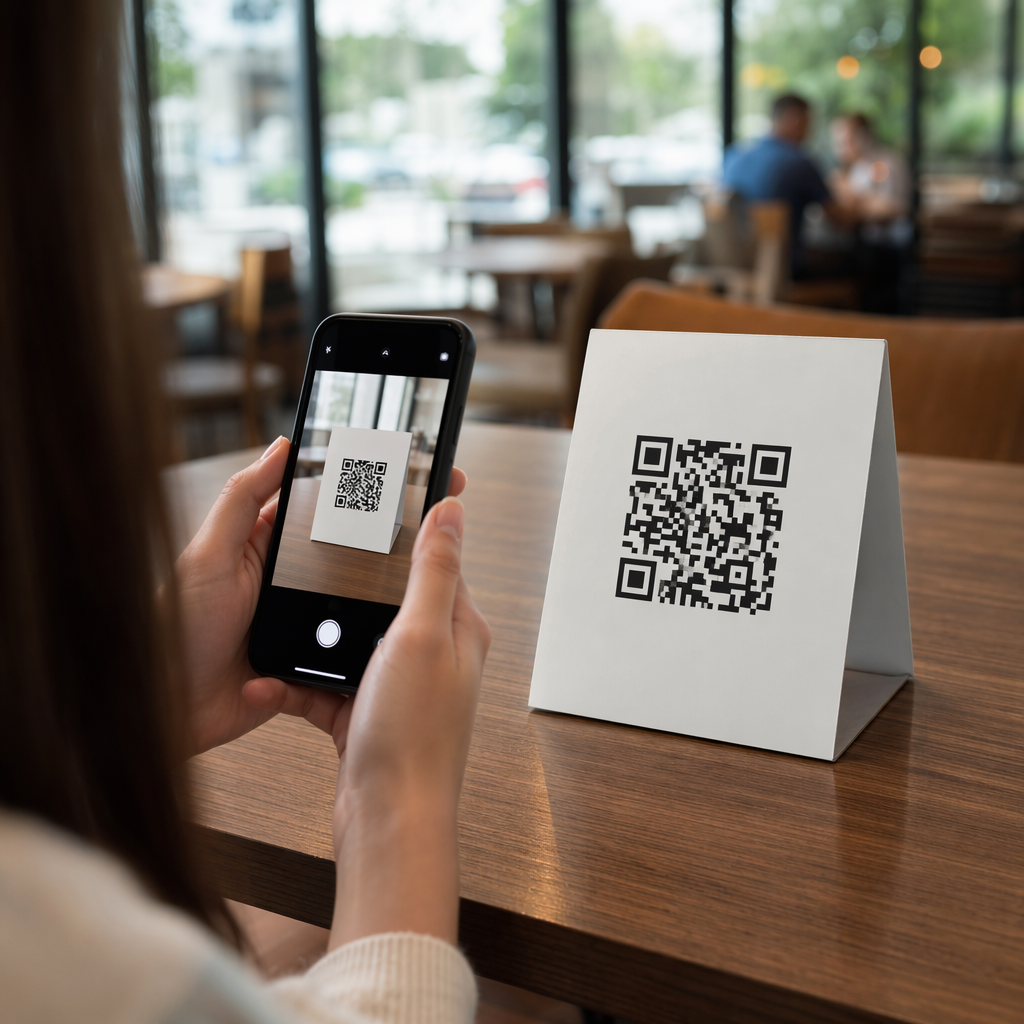
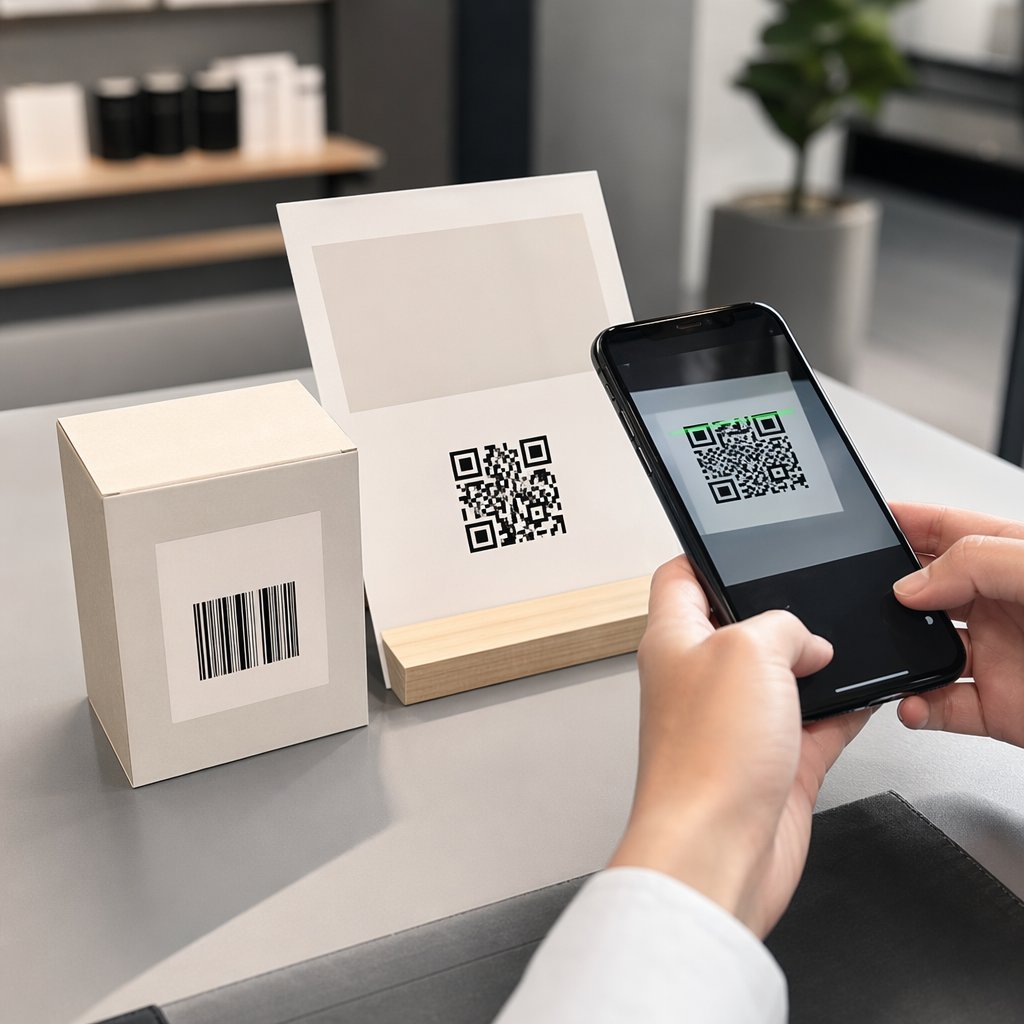
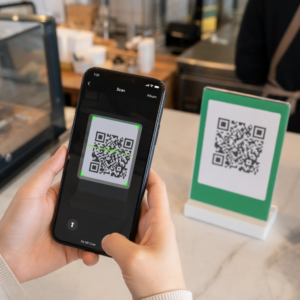
Ένας κωδικός QR είναι ένα σαρώσιμο μοτίβο που οποιαδήποτε σύγχρονη κάμερα smartphone μπορεί να διαβάσει χωρίς ειδική εφαρμογή. Όταν κάποιος βρει το κατοικίδιό σας, στρέφει το τηλέφωνό του στο ταμπελάκι, η κάμερα αναγνωρίζει τον κωδικό, και μέσα σε δευτερόλεπτα βλέπει το προφίλ του κατοικίδιου σας – το όνομά σας, τον αριθμό τηλεφώνου, τη διεύθυνση, τις ιατρικές ανάγκες του κατοικίδιου σας, και οτιδήποτε άλλο έχετε συμπεριλάβει.
Το κλειδί για να λειτουργεί αυτό αξιόπιστα με την πάροδο του χρόνου είναι η χρήση ενός δυναμικός κωδικός QR αντί για ένα στατικό. Ένας στατικός κωδικός QR κωδικοποιεί πληροφορίες απευθείας στο μοτίβο του, πράγμα που σημαίνει ότι δεν μπορεί ποτέ να αλλάξει. Ένας δυναμικός κωδικός QR παραπέμπει σε έναν σύντομο σύνδεσμο ανακατεύθυνσης που ελέγχετε, ώστε να μπορείτε να ενημερώσετε τον προορισμό – τον αριθμό τηλεφώνου σας, τη διεύθυνσή σας, μια νέα επαφή έκτακτης ανάγκης – χωρίς να αγγίξετε το φυσικό ταμπελάκι. Το σύγκριση στατικών έναντι δυναμικών κωδικών QR εξηγεί αυτή τη διάκριση λεπτομερώς αν θέλετε να εμβαθύνετε πριν αποφασίσετε ποιον τύπο να χρησιμοποιήσετε.
Διατηρήστε το Προφίλ του Κατοικίδιου σας Πάντα Ενημερωμένο Χρησιμοποιήστε το Δημιουργία dynamic QR code για να δημιουργήσετε έναν κωδικό QR ταμπελακίου που μπορείτε να επεξεργαστείτε ανά πάσα στιγμή – αλλάξτε τον αριθμό τηλεφώνου σας, προσθέστε μια νέα επαφή ή ενημερώστε ιατρικές πληροφορίες χωρίς να επανεκτυπώσετε ή να αντικαταστήσετε το ταμπελάκι.
Τι να Βάλετε στο Ψηφιακό Προφίλ του Κατοικίδιου σας
Ο στόχος είναι να δώσετε σε έναν ευρώντα όλα όσα χρειάζεται για να επικοινωνήσει μαζί σας και να χειριστεί με ασφάλεια το κατοικίδιό σας – χωρίς να τον κατακλύσετε. Εδώ είναι τι να συμπεριλάβετε:

- Το όνομά σας και ο κύριος αριθμός τηλεφώνου σας – τα πιο κρίσιμα στοιχεία, μπροστά και στο κέντρο
- Ένας εφεδρικός αριθμός τηλεφώνου ή επαφή έκτακτης ανάγκης – σε περίπτωση που είστε ανέφικτοι
- Η διεύθυνσή σας – χρήσιμο αν το κατοικίδιό σας βρεθεί κοντά
- Το όνομα του κατοικίδιου σας – βοηθά τον ευρώντα να ηρεμήσει και να επικοινωνήσει με το ζώο
- Ιατρικές καταστάσεις ή φάρμακα – ιδιαίτερα κρίσιμο για διαβητικά κατοικίδια, αυτά που λαμβάνουν φάρμακα για την καρδιά, ή ζώα με σοβαρές αλλεργίες
- Σημειώσεις συμπεριφοράς – αν το κατοικίδιό σας είναι φιλικό, αγχωμένο γύρω από αγνώστους, ή επιρρεπές στο να το σκάει
- Αριθμός μικροτσίπ – χρήσιμο αν ο ευρών πάει το κατοικίδιό σας σε κτηνίατρο ή καταφύγιο που μπορεί να σαρώσει για τσιπ
- Στοιχεία επικοινωνίας κτηνιάτρου – ένας δευτερεύων πόρος αν χρειαστεί γρήγορα ιατρική φροντίδα
Μια πρακτική μορφή για αυτό είναι ένα Κωδικός QR vCard, το οποίο κωδικοποιεί πληροφορίες επικοινωνίας σε μια τυπική μορφή που τα smartphones αναγνωρίζουν εγγενώς. Όταν σαρωθεί, η συσκευή ζητά αυτόματα από τον ευρώντα να αποθηκεύσει τα στοιχεία σας απευθείας στις επαφές του. Το Δημιουργία QR code vCard σας επιτρέπει να δημιουργήσετε ακριβώς αυτόν τον τύπο κωδικού – απλά εισάγετε το όνομά σας και τουλάχιστον μία μέθοδο επικοινωνίας για να ξεκινήσετε. Μπορείτε να βρείτε πρόσθετες οδηγίες για τη δομή των κωδικών vCard στο οδηγός για κωδικούς QR vCard.
Αν θέλετε να μοιραστείτε περισσότερα από στοιχεία επικοινωνίας – ένα πλήρες προφίλ κατοικίδιου με ιατρικές σημειώσεις, φωτογραφίες και πολλαπλές επαφές – ένα σελίδα προορισμού κωδικού QR σας δίνει έναν ενιαίο προορισμό σάρωσης που περιέχει όλα αυτά σε μια καθαρή, φιλική προς κινητά μορφή. Μπορείτε επίσης να χρησιμοποιήσετε το Δημιουργία QR code για πολλά links για να δημιουργήσετε έναν κωδικό που συνδέεται με διάφορους πόρους ταυτόχρονα, όπως τη σελίδα επικοινωνίας σας, τον αριθμό του κτηνιάτρου σας και μια φόρμα αναφοράς χαμένου κατοικίδιου.
Σχεδιασμός Κωδικού QR που Σαρώνεται Αξιόπιστα σε Ταμπελάκι Κατοικίδιου
Ένα ταμπελάκι κατοικίδιου είναι μικρό και κινείται συνεχώς σε ένα δραστήριο ζώο. Αυτοί οι παράγοντες καθιστούν τη δυνατότητα σάρωσης πιο σημαντική εδώ από ό,τι σε σχεδόν οποιαδήποτε άλλη εφαρμογή κωδικών QR. Ακολουθήστε αυτές τις οδηγίες για να διασφαλίσετε ότι ο κωδικός λειτουργεί σε πραγματικές συνθήκες:
- Ελάχιστο μέγεθος 0,8 × 0,8 ίντσες (2 × 2 εκ.) – το ελάχιστο συνιστώμενο για σάρωση από κοντινή απόσταση· μεγαλύτερο είναι καλύτερο αν το ταμπελάκι το επιτρέπει
- Υψηλή αντίθεση – χρησιμοποιήστε ένα σκούρο μοτίβο σε ανοιχτόχρωμο φόντο και στοχεύστε σε αναλογία αντίθεσης τουλάχιστον 4:1· αποφύγετε συνδυασμούς χρωμάτων που μειώνουν την αναγνωσιμότητα
- Καθαρή ήσυχη ζώνη – αφήστε ένα καθαρό περίγραμμα λευκού χώρου γύρω από τον κωδικό, περίπου 0,25 ίντσες σε κάθε πλευρά, ώστε ο σαρωτής να μπορεί να διακρίνει τον κωδικό από την επιφάνεια της ετικέτας
- Ανθεκτικό υλικό και φινίρισμα – οι ετικέτες κατοικίδιων αντιμετωπίζουν γρατζουνιές, υγρασία και συνεχή φθορά· χρησιμοποιήστε ματ φινίρισμα όταν είναι δυνατόν για να μειώσετε την αντανάκλαση, και επιλέξτε χαραγμένους ή UV-εκτυπωμένους κωδικούς αντί για χάρτινες ετικέτες
- Έξοδος υψηλής ανάλυσης – κατεβάστε τον κωδικό QR σας σε μορφή διανυσματικών γραφικών όπως SVG ή EPS για να διασφαλίσετε ότι παραμένει ευκρινής σε οποιοδήποτε μέγεθος εκτύπωσης χωρίς πιξελοποίηση
ο οδηγός βέλτιστων πρακτικών αναγνωσιμότητας κωδικών QR και τον οδηγό για εκτύπωση κωδικών QR σε ετικέτες καλύπτουν αυτές τις αρχές σε μεγαλύτερο βάθος. Αξίζει επίσης να προσθέσετε μια σύντομη φράση παρότρυνσης για δράση κοντά ή πάνω στην ετικέτα, αν το επιτρέπει ο σχεδιασμός – κάτι σαν το “Σαρώστε για πληροφορίες ιδιοκτήτη” αφαιρεί κάθε αβεβαιότητα για έναν εύρετη που μπορεί να μην αναγνωρίσει αμέσως σε τι χρησιμεύει το μοτίβο QR.
Διατηρώντας το προφίλ του κατοικίδιου ζώου σας ενημερωμένο
Ένα από τα πιο πρακτικά πλεονεκτήματα μιας δυναμικής ετικέτας κατοικίδιου με κωδικό QR είναι ότι η φυσική σας ετικέτα δεν καθίσταται ποτέ παρωχημένη. Μετακομίζετε σε νέα πόλη; Ενημερώστε τη διεύθυνσή σας στον πίνακα ελέγχου. Αποκτήσατε νέο τηλέφωνο; Αλλάξτε το σε δευτερόλεπτα. Προσθέστε μια ιατρική πάθηση που αναπτύσσει το κατοικίδιό σας αργότερα στη ζωή του; Έγινε – χωρίς να παραγγείλετε νέα ετικέτα.
Αυτό έχει σημασία γιατί οι στατικές πληροφορίες χάνουν την χρησιμότητά τους τη στιγμή που αλλάζουν οι συνθήκες σας. Με έναν δυναμικό κωδικό, εσείς επεξεργαστείτε τον προορισμό του κωδικού QR από τον πίνακα ελέγχου του λογαριασμού σας και η φυσική ετικέτα συνεχίζει να λειτουργεί ακριβώς όπως πριν. Η πλατφόρμα της Pageloot σας παρέχει επίσης αναλυτικά στοιχεία σάρωσης, ώστε να μπορείτε να δείτε αν και πότε σαρώθηκε ο κωδικός – χρήσιμο πλαίσιο αν το κατοικίδιό σας χαθεί και προσπαθείτε να παρακολουθήσετε την κατάσταση σε πραγματικό χρόνο.
Δημιουργήστε ένα πλήρες προφίλ κατοικίδιου σε ένα μέρος Εξερευνήστε όλες τις λειτουργίες που είναι διαθέσιμες μέσω του Πλατφόρμα κωδικών QR Pageloot για να δημιουργήσετε, να προσαρμόσετε και να διαχειριστείτε έναν κωδικό QR ετικέτας κατοικίδιου που παραμένει ενημερωμένος ανεξάρτητα από τις αλλαγές στη ζωή σας.
Ετικέτες QR και μικροτσίπ: Χρησιμοποιήστε και τα δύο
Μια ετικέτα κωδικού QR και ένα μικροτσίπ εξυπηρετούν διαφορετικές λειτουργίες και λειτουργούν καλύτερα μαζί. Ένα μικροτσίπ απαιτεί σαρωτή σε κτηνιατρείο ή καταφύγιο για να διαβαστεί – είναι αόρατο στο κοινό και δεν παρέχει καμία βοήθεια σε ένα συνηθισμένο άτομο που βρίσκει έναν αδέσποτο σκύλο στο δρόμο. Μια ετικέτα κωδικού QR, αντίθετα, μπορεί να διαβαστεί από οποιοδήποτε smartphone και συνδέει άμεσα τον ευρέτη με τα στοιχεία επικοινωνίας σας, χωρίς να απαιτείται εξοπλισμός.

Έρευνα από μια μελέτη καταφυγίου του Πανεπιστημίου του Οχάιο διαπίστωσε ότι οι σκύλοι με μικροτσίπ επιστράφηκαν στους ιδιοκτήτες τους σε ποσοστό 52,2%, σε σύγκριση με 21,9% για τους σκύλους χωρίς μικροτσίπ – μια σημαντική βελτίωση. Αλλά οι ορατές ετικέτες αναγνώρισης εξακολουθούν να έχουν σημασία επειδή είναι το πρώτο πράγμα που βλέπει κάποιος όταν συναντά ένα χαμένο ζώο. Μια ετικέτα κωδικού QR καθιστά αυτή την ορατή αναγνώριση πολύ πιο ισχυρή από το χαραγμένο κείμενο μόνο, επειδή παρέχει ένα πλήρες, ενημερωμένο προφίλ αντί για μια στατική γραμμή κειμένου.
Η πρακτική προσέγγιση είναι να χρησιμοποιήσετε μια ετικέτα κωδικού QR ως την κύρια ορατή σας αναγνώριση – με έναν δυναμικό κωδικό που συνδέεται με ένα πλήρες ψηφιακό προφίλ – και να διατηρήσετε ένα μικροτσίπ ως εφεδρικό σας επίπεδο σε περίπτωση που χαθεί η ετικέτα ή βγει το κολάρο.
Ένας κωδικός QR σε μια ετικέτα κατοικίδιου ζώου λύνει το πρόβλημα των πληροφοριών. Αντί να ελπίζετε ότι μια χάραξη δύο γραμμών είναι αρκετή, δίνετε σε οποιονδήποτε ευρέτη άμεση πρόσβαση σε όλα όσα χρειάζεται. Ρυθμίστε έναν δυναμικό κωδικό QR ώστε το προφίλ σας να παραμένει ακριβές ανεξάρτητα από τις αλλαγές, επιλέξτε μια ανθεκτική μορφή ετικέτας που αντέχει στην καθημερινή φθορά και δοκιμάζετε πάντα τη σάρωση πριν η ετικέτα τοποθετηθεί στο κολάρο του κατοικίδιου ζώου σας.
Δημιουργήστε την ετικέτα QR του κατοικίδιου ζώου σας σήμερα Ξεκινήστε με το Γεννήτρια Κωδικών QR Συνδέσμων ή το Δημιουργία dynamic QR code για να δημιουργήσετε ένα σαρώσιμο προφίλ κατοικίδιου ζώου που μπορείτε να ενημερώσετε ανά πάσα στιγμή.
Συχνές ερωτήσεις
Ναι. Οποιοδήποτε σύγχρονο smartphone με μια ενσωματωμένη εφαρμογή κάμερας μπορεί να σαρώσει έναν κωδικό QR χωρίς να κατεβάσει πρόσθετο λογισμικό. Η κάμερα αναγνωρίζει τον κωδικό αυτόματα και ανοίγει τη συνδεδεμένη σελίδα στον περιηγητή, καθιστώντας την προσβάσιμη σε σχεδόν οποιονδήποτε βρει το κατοικίδιό σας.
Εάν χρησιμοποιείτε έναν δυναμικό κωδικό QR, απλά συνδέεστε στον πίνακα ελέγχου του λογαριασμού σας και ενημερώνετε τα στοιχεία επικοινωνίας. Η φυσική ετικέτα παραμένει η ίδια – ο κωδικός QR ανακατευθύνει στο ενημερωμένο προφίλ αμέσως. Με έναν στατικό κωδικό QR, οι κωδικοποιημένες πληροφορίες δεν μπορούν να αλλάξουν, οπότε θα χρειαζόταν να αντικαταστήσετε ολόκληρη την ετικέτα.
Ένας κωδικός QR vCard έχει σχεδιαστεί ειδικά για πληροφορίες επικοινωνίας – όταν σαρώνεται, προτρέπει τον χρήστη να αποθηκεύσει τα στοιχεία σας απευθείας στις επαφές του τηλεφώνου του. Ένας κωδικός QR συνδέσμου παραπέμπει σε οποιαδήποτε διεύθυνση URL, η οποία θα μπορούσε να είναι μια πλήρης σελίδα προφίλ κατοικίδιου ζώου με ιατρικό ιστορικό, φωτογραφίες και πολλαπλές επαφές. Για ένα πλήρες προφίλ κατοικίδιου ζώου, ένας κωδικός QR συνδέσμου ή σελίδας προορισμού σας προσφέρει μεγαλύτερη ευελιξία· για γρήγορη κοινή χρήση επαφών, ένας κωδικός QR vCard λειτουργεί καλά.