Kehilangan haiwan kesayangan anda dan bergantung pada tag ukiran kecil untuk membawa mereka pulang? Tag ukiran mempunyai had sebenar – nombor telefon berubah, teks luntur, dan tiada ruang untuk butiran perubatan atau kenalan alternatif. Kod QR pada tag haiwan kesayangan menyelesaikan semua itu dengan menghubungkan sesiapa sahaja yang menemui haiwan kesayangan anda ke profil digital penuh dalam beberapa saat.
Mengapa Tag Ukiran Standard Sering Kali Tidak Mencukupi
Tag ID haiwan kesayangan tradisional mungkin boleh memuatkan dua baris teks. Itu mungkin cukup untuk nama dan satu nombor telefon, tetapi ia meninggalkan semua yang sebenarnya diperlukan oleh pencari dalam situasi yang tertekan: kenalan sandaran, keadaan perubatan haiwan kesayangan anda, sama ada mereka mempunyai mikrocip, atau arahan untuk mengendalikan haiwan yang cemas.
Tag fizikal juga merosot. Ukiran pudar, tag tercalar, dan jika anda berpindah atau menukar nombor anda, tag itu serta-merta menjadi tidak sah. American Humane menyatakan bahawa mikrocip hanya menyatukan semula haiwan kesayangan dengan pemiliknya apabila maklumat hubungan dalam pangkalan data adalah tepat dan terkini – prinsip yang sama berlaku untuk mana-mana kaedah ID yang anda gunakan. Tag kod QR mengelakkan masalah kemas kini sepenuhnya, kerana anda menukar maklumat secara digital dan bukannya menggantikan tag fizikal.
Bagaimana Tag Kod QR Haiwan Kesayangan Berfungsi
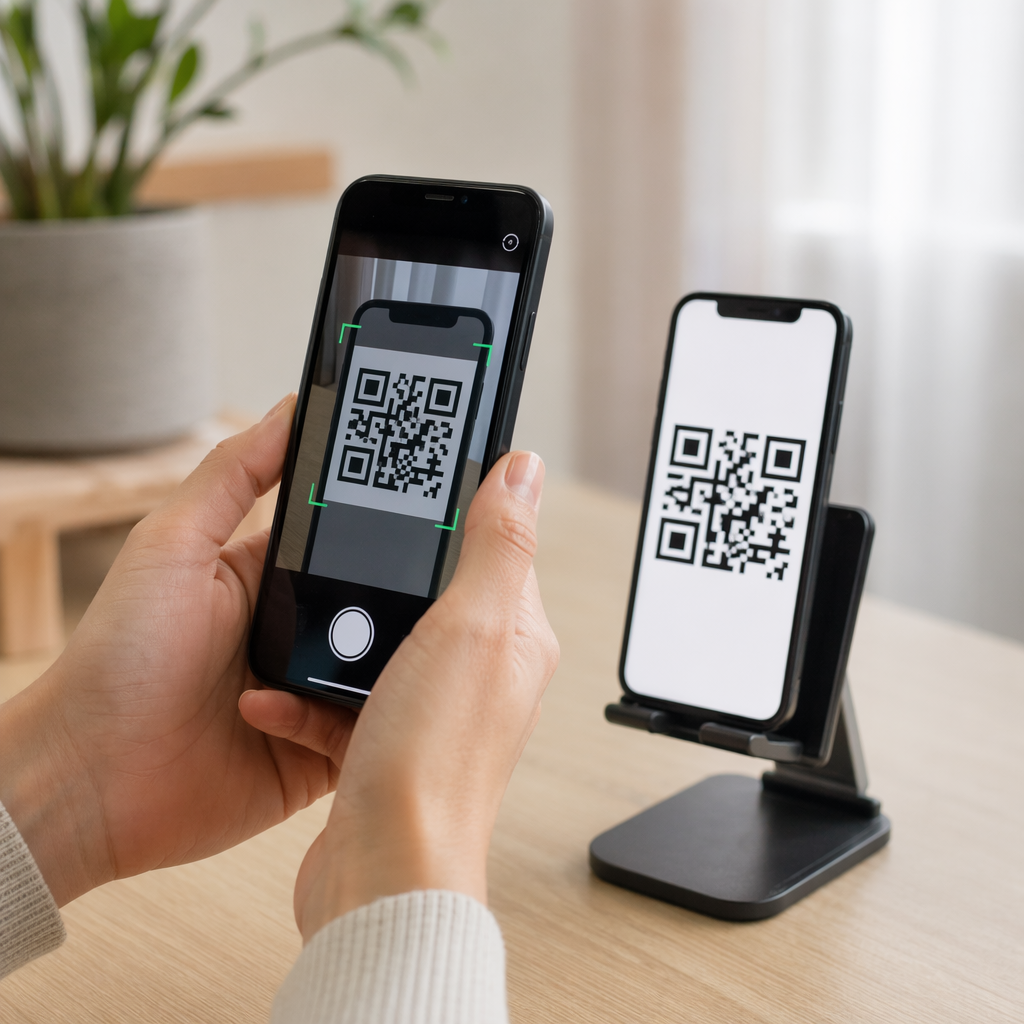
Kod QR ialah corak yang boleh diimbas yang boleh dibaca oleh mana-mana kamera telefon pintar moden tanpa aplikasi khusus. Apabila seseorang menemui haiwan kesayangan anda, mereka menghalakan telefon mereka ke tag, kamera mengecam kod itu, dan dalam beberapa saat mereka melihat profil haiwan kesayangan anda – nama anda, nombor telefon, alamat, keperluan perubatan haiwan kesayangan anda, dan apa sahaja yang anda telah sertakan.
Kunci untuk menjadikan ini berfungsi dengan pasti dari masa ke masa adalah dengan menggunakan kod QR dinamik dan bukannya yang statik. Kod QR statik mengekod maklumat secara langsung ke dalam coraknya, yang bermaksud ia tidak boleh diubah. Kod QR dinamik menunjuk ke pautan ubah hala pendek yang anda kawal, jadi anda boleh mengemas kini destinasi – nombor telefon anda, alamat anda, kenalan kecemasan baharu – tanpa menyentuh tag fizikal. The perbandingan kod QR statik vs. dinamik menerangkan perbezaan ini secara terperinci jika anda ingin mendalami sebelum memutuskan jenis mana yang akan digunakan.
Pastikan Profil Haiwan Kesayangan Anda Sentiasa Dikemas Kini Menggunakan Penjana dynamic QR code untuk mencipta kod QR tag yang boleh anda edit bila-bila masa – tukar nombor telefon anda, tambah kenalan baharu, atau kemas kini maklumat perubatan tanpa mencetak semula atau menggantikan tag.
Apa yang Perlu Dimasukkan dalam Profil Digital Haiwan Kesayangan Anda
Matlamatnya adalah untuk memberikan pencari semua yang mereka perlukan untuk menghubungi anda dan mengendalikan haiwan kesayangan anda dengan selamat – tanpa membebankan mereka. Berikut adalah apa yang perlu disertakan:

- Nama dan nombor telefon utama anda – maklumat paling penting, di hadapan dan di tengah
- Nombor telefon sandaran atau kenalan kecemasan – sekiranya anda tidak dapat dihubungi
- Alamat anda – berguna jika haiwan kesayangan anda ditemui berdekatan
- Nama haiwan kesayangan anda – membantu pencari menenangkan dan berkomunikasi dengan haiwan itu
- Keadaan perubatan atau ubat-ubatan – sangat penting untuk haiwan kesayangan diabetes, mereka yang mengambil ubat jantung, atau haiwan dengan alahan teruk
- Nota tingkah laku – sama ada haiwan kesayangan anda mesra, cemas di sekeliling orang asing, atau cenderung melarikan diri
- Nombor mikrocip – berguna jika pencari membawa haiwan kesayangan anda ke doktor haiwan atau tempat perlindungan yang boleh mengimbas cip
- Maklumat hubungan doktor haiwan – sumber sekunder jika perhatian perubatan diperlukan dengan cepat
Satu format praktikal untuk ini ialah kod QR vCard, yang mengekod maklumat hubungan dalam format standard yang dikenali secara asli oleh telefon pintar. Apabila diimbas, peranti secara automatik menggesa pencari untuk menyimpan butiran anda terus ke kenalan mereka. The Kod QR vCard: apa itu vCard? membolehkan anda mencipta jenis kod ini – hanya masukkan nama anda dan sekurang-kurangnya satu kaedah hubungan untuk bermula. Anda boleh mendapatkan panduan tambahan mengenai penstrukturan kod vCard dalam panduan kepada kod QR vCard.
Jika anda ingin berkongsi lebih daripada butiran hubungan – profil haiwan kesayangan penuh dengan nota perubatan, foto, dan pelbagai kenalan – a halaman pendaratan kod QR memberi anda satu destinasi imbasan yang menyimpan semua itu dalam format yang bersih dan mesra mudah alih. Anda juga boleh menggunakan Tukar link ke QR code berbilang pautan untuk mencipta kod yang menghubungkan ke beberapa sumber sekaligus, seperti halaman hubungan anda, nombor doktor haiwan anda, dan borang laporan haiwan kesayangan yang ditemui.
Merekabentuk Kod QR yang Boleh Diimbas dengan Boleh Dipercayai pada Tag Haiwan Kesayangan
Tag haiwan kesayangan adalah kecil, dan ia bergerak sentiasa pada haiwan yang aktif. Faktor-faktor ini menjadikan kebolehimbasan lebih penting di sini berbanding dalam hampir mana-mana aplikasi kod QR lain. Ikuti garis panduan ini untuk memastikan kod berfungsi dalam keadaan dunia sebenar:
- Saiz minimum 0.8 × 0.8 inci (2 × 2 cm) – minimum yang disyorkan untuk pengimbasan jarak dekat; lebih besar adalah lebih baik jika tag membenarkannya
- Kontras tinggi – gunakan corak gelap pada latar belakang terang dan sasarkan nisbah kontras sekurang-kurangnya 4:1; elakkan kombinasi warna yang mengurangkan kebolehbacaan
- Zon senyap yang jelas – tinggalkan sempadan ruang putih yang bersih di sekeliling kod, kira-kira 0.25 inci pada setiap sisi, supaya pengimbas dapat membezakan kod daripada permukaan tag
- Bahan dan kemasan tahan lasak – tag haiwan peliharaan menghadapi calar, kelembapan, dan kehausan berterusan; gunakan kemasan matte jika boleh untuk mengurangkan silau, dan pilih kod terukir atau bercetak UV berbanding label kertas
- Output resolusi tinggi – muat turun kod QR anda dalam format vektor seperti SVG atau EPS untuk memastikan ia kekal tajam pada sebarang saiz cetakan tanpa pikselasi
Yang panduan amalan terbaik kebolehbacaan kod QR dan panduan mengenai mencetak kod QR pada label meliputi prinsip-prinsip ini dengan lebih mendalam. Ia juga berbaloi untuk menambah frasa seruan tindakan pendek berhampiran atau pada tag jika reka bentuk membenarkan – sesuatu seperti “Imbas untuk maklumat pemilik” menghilangkan sebarang ketidakpastian bagi penemu yang mungkin tidak segera mengenali untuk apa corak QR itu.
Memastikan Profil Haiwan Peliharaan Anda Terkini
Salah satu kelebihan paling praktikal bagi tag haiwan peliharaan kod QR dinamik ialah tag fizikal anda tidak akan lapuk. Berpindah ke bandar baharu? Kemas kini alamat anda dalam papan pemuka. Dapat nombor telefon baharu? Tukar dalam beberapa saat. Tambah keadaan perubatan yang dialami haiwan peliharaan anda kemudian dalam hidup? Selesai – tanpa memesan tag baharu.
Ini penting kerana maklumat statik merosot kegunaannya sebaik sahaja keadaan anda berubah. Dengan kod dinamik, anda mengedit destinasi kod QR dari papan pemuka akaun anda dan tag fizikal terus berfungsi sama seperti sebelumnya. Platform Pageloot juga memberikan anda analitik imbasan, jadi anda boleh melihat jika dan bila kod itu diimbas – konteks yang berguna jika haiwan peliharaan anda hilang dan anda cuba menjejaki situasi dalam masa nyata.
Bina Profil Haiwan Peliharaan Lengkap di Satu Tempat Terokai semua ciri yang tersedia melalui Platform kod QR Pageloot untuk mencipta, menyesuaikan, dan mengurus kod QR tag haiwan peliharaan yang kekal terkini tidak kira apa perubahan dalam hidup anda.
Tag QR dan Mikrocip: Gunakan Kedua-duanya
Tag kod QR dan mikrocip mempunyai fungsi yang berbeza dan berfungsi paling baik bersama. Mikrocip memerlukan pengimbas di pejabat doktor haiwan atau tempat perlindungan untuk dibaca – ia tidak kelihatan kepada orang awam dan tidak memberikan bantuan kepada orang biasa yang menemui anjing yang berkeliaran di jalan. Tag kod QR, sebaliknya, boleh dibaca oleh mana-mana telefon pintar dan serta-merta menghubungkan penemu kepada maklumat hubungan anda, tanpa peralatan diperlukan.

Penyelidikan dari kajian tempat perlindungan Universiti Negeri Ohio mendapati bahawa anjing yang mempunyai mikrocip dikembalikan kepada pemiliknya pada kadar 52.2%, berbanding 21.9% untuk anjing tanpa mikrocip – satu peningkatan yang bermakna. Tetapi tag ID yang kelihatan masih penting kerana ia adalah perkara pertama yang dilihat oleh sesiapa sahaja apabila mereka menemui haiwan yang hilang. Tag kod QR menjadikan ID yang kelihatan itu jauh lebih berkuasa daripada teks terukir sahaja, kerana ia menyampaikan profil yang lengkap dan terkini berbanding baris teks statik.
Pendekatan praktikal adalah dengan menggunakan tag kod QR sebagai ID kelihatan utama anda – dengan kod dinamik yang menghubungkan ke profil digital penuh – dan menyimpan mikrocip sebagai lapisan sandaran anda sekiranya tag hilang atau kolar tercabut.
Kod QR pada tag haiwan peliharaan menyelesaikan masalah maklumat. Daripada berharap ukiran dua baris sudah mencukupi, anda memberikan penemu akses segera kepada semua yang mereka perlukan. Sediakan kod QR dinamik supaya profil anda kekal tepat tidak kira apa perubahan, pilih format tag tahan lasak yang tahan terhadap pemakaian harian, dan sentiasa uji imbasan sebelum tag diletakkan pada kolar haiwan peliharaan anda.
Cipta Tag QR Haiwan Peliharaan Anda Hari Ini Mulakan dengan Penjana Kod QR Pautan atau Penjana dynamic QR code untuk membina profil haiwan peliharaan yang boleh diimbas yang boleh anda kemas kini pada bila-bila masa.
Soalan lazim
Ya. Mana-mana telefon pintar moden dengan aplikasi kamera terbina dalam boleh mengimbas kod QR tanpa memuat turun perisian tambahan. Kamera itu mengecam kod secara automatik dan membuka halaman yang dipautkan dalam pelayar, menjadikannya boleh diakses oleh hampir sesiapa sahaja yang menemui haiwan kesayangan anda.
Jika anda menggunakan kod QR dinamik, anda hanya perlu log masuk ke papan pemuka akaun anda dan kemas kini maklumat hubungan. Tag fizikal kekal sama – kod QR akan mengubah hala ke profil yang dikemas kini dengan serta-merta. Dengan kod QR statik, maklumat yang dikodkan tidak boleh diubah, jadi anda perlu menggantikan tag tersebut sepenuhnya.
Kod QR vCard direka khusus untuk maklumat hubungan – apabila diimbas, ia menggesa penemu untuk menyimpan butiran anda terus ke kenalan telefon mereka. Kod QR pautan menunjuk kepada mana-mana URL, yang boleh menjadi halaman profil haiwan peliharaan penuh dengan sejarah perubatan, foto, dan pelbagai kenalan. Untuk profil haiwan peliharaan yang lengkap, kod QR pautan atau halaman pendaratan memberikan anda lebih fleksibiliti; untuk perkongsian kenalan pantas, kod QR vCard berfungsi dengan baik.