Elveszett a háziállatod, és egy apró gravírozott bilétára támaszkodsz, hogy hazahozza? A gravírozott bilétáknak valós korlátai vannak – a telefonszámok változnak, a szöveg lekopik, és egyszerűen nincs hely orvosi adatoknak vagy alternatív elérhetőségeknek. Egy QR-kód a kisállat bilétáján mindezt megoldja azáltal, hogy másodpercek alatt összeköti a háziállatodat megtaláló személyt egy teljes digitális profillal.
Miért elégtelen gyakran egy hagyományos gravírozott biléta
Egy hagyományos kisállat azonosító biléta talán két sor szöveget tud tárolni. Ez elegendő lehet egy névhez és egyetlen telefonszámhoz, de kihagy mindent, amire egy megtalálónak valójában szüksége van egy stresszes helyzetben: egy tartalék elérhetőséget, háziállatod egészségügyi állapotát, azt, hogy van-e mikrochipje, vagy utasításokat egy szorongó állat kezelésére.
A fizikai biléták is elhasználódnak. A gravírozás elhalványul, a biléták megkarcolódnak, és ha elköltözöl vagy megváltoztatod a számodat, a biléta azonnal elavulttá válik. Az American Humane megjegyzi, hogy egy mikrochip csak akkor egyesíti újra a háziállatot a gazdájával, ha az adatbázisban szereplő elérhetőségi adatok pontosak és naprakészek – ugyanez az elv vonatkozik bármely általad használt azonosítási módszerre. Egy QR-kódos biléta teljesen megkerüli a frissítési problémát, mert az információt digitálisan változtatod meg, ahelyett, hogy a fizikai bilétát cserélnéd.
Hogyan működik egy QR-kódos kisállat biléta
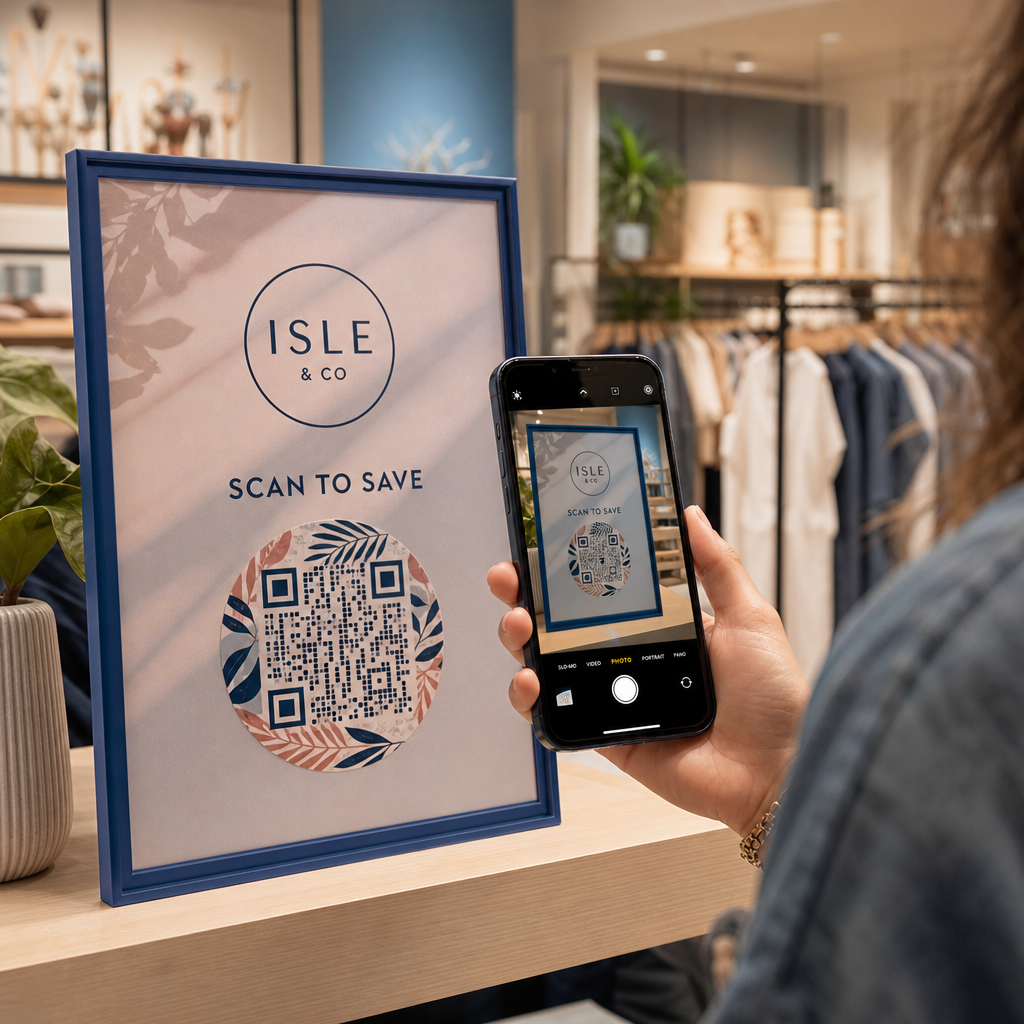
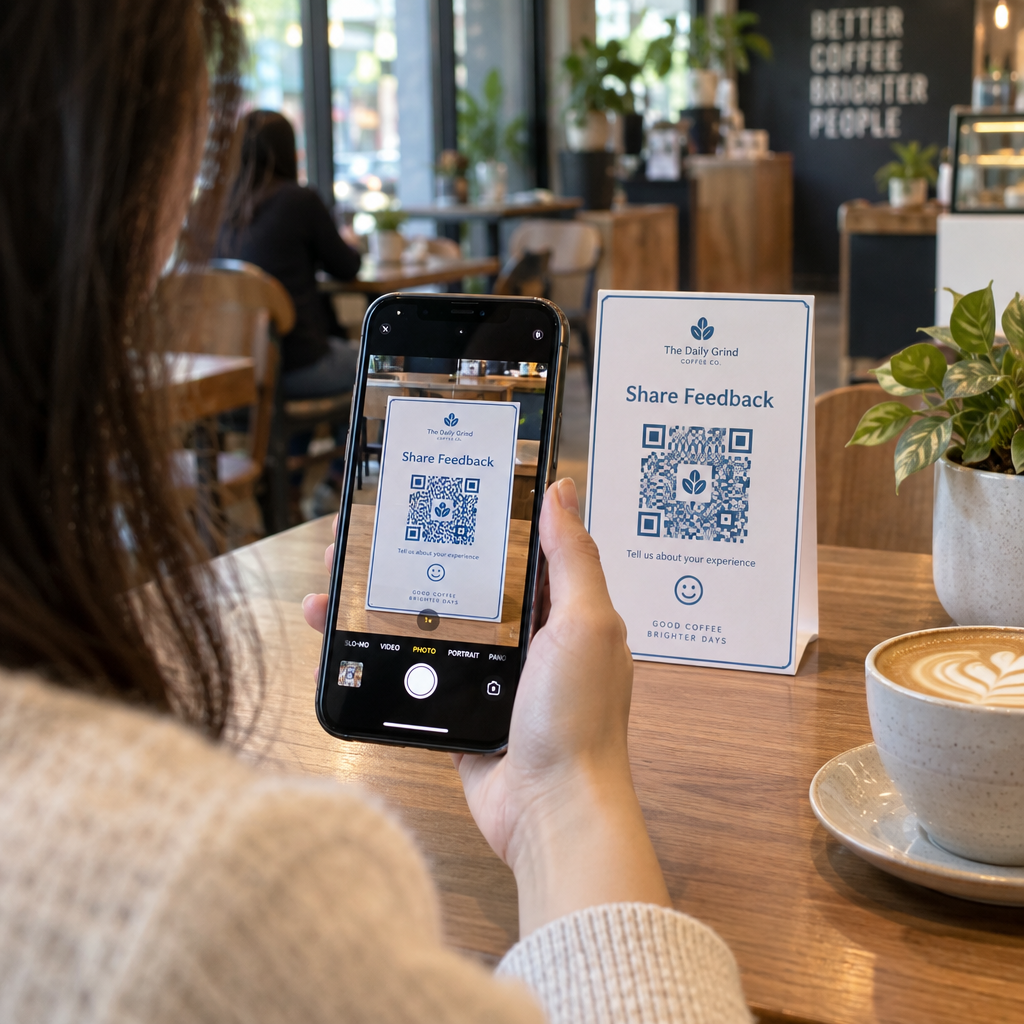
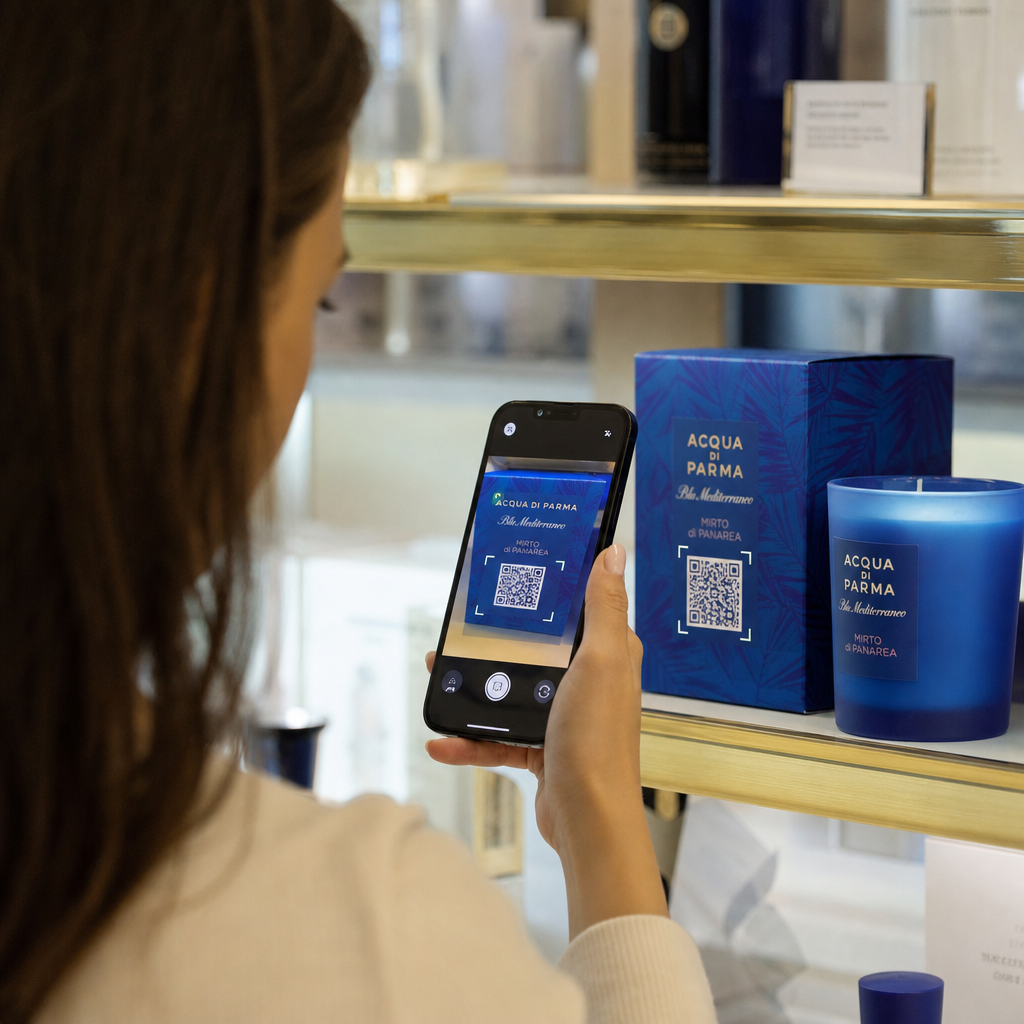
A QR-kód egy szkennelhető minta, amelyet bármely modern okostelefon kamera le tud olvasni dedikált alkalmazás nélkül. Amikor valaki megtalálja a háziállatodat, a telefonját a bilétára irányítja, a kamera felismeri a kódot, és másodperceken belül már a háziállatod profilját nézi – a nevedet, telefonszámodat, címedet, háziállatod egészségügyi szükségleteit, és bármi mást, amit belefoglaltál.
A kulcs ahhoz, hogy ez idővel megbízhatóan működjön, a következő használata: dinamikus QR-kód egy statikus helyett. Egy statikus QR-kód közvetlenül a mintájába kódolja az információt, ami azt jelenti, hogy soha nem változtatható meg. Egy dinamikus QR-kód egy rövid átirányítási linkre mutat, amelyet te irányítasz, így frissítheted a célállomást – a telefonszámodat, a címedet, egy új vészhelyzeti elérhetőséget – anélkül, hogy a fizikai bilétához nyúlnál. A statikus és dinamikus QR-kódok összehasonlítása részletesen elmagyarázza ezt a különbséget, ha mélyebben bele szeretnél ásni, mielőtt eldöntöd, melyik típust használd.
Tartsd mindig naprakészen háziállatod profilját Használja a Dinamikus QR-kód generátor hogy létrehozz egy biléta QR-kódot, amelyet bármikor szerkeszthetsz – változtasd meg a telefonszámodat, adj hozzá új elérhetőséget, vagy frissítsd az orvosi információkat a biléta újranyomtatása vagy cseréje nélkül.
Mit tegyél háziállatod digitális profiljába
A cél az, hogy a megtalálónak mindent megadj, amire szüksége van ahhoz, hogy felvegye veled a kapcsolatot és biztonságosan kezelje háziállatodat – anélkül, hogy túlterhelnéd. Íme, mit érdemes belefoglalni:

- Neved és elsődleges telefonszámod – a legkritikusabb információk, elöl és középen
- Tartalék telefonszám vagy vészhelyzeti elérhetőség – arra az esetre, ha elérhetetlen vagy
- Címed – hasznos, ha háziállatodat a közelben találják meg
- Háziállatod neve – segít a megtalálónak megnyugtatni és kommunikálni az állattal
- Egészségügyi állapotok vagy gyógyszerek – különösen kritikus cukorbeteg háziállatok, szívgyógyszert szedők vagy súlyos allergiás állatok esetében
- Viselkedési megjegyzések – hogy háziállatod barátságos-e, szorong-e idegenek közelében, vagy hajlamos-e a szökésre
- Mikrochip száma – hasznos, ha a megtaláló állatorvoshoz vagy menhelyre viszi háziállatodat, ahol be tudják olvasni a chipeket
- Állatorvos elérhetőségei – másodlagos forrás, ha gyors orvosi ellátásra van szükség
Ennek egyik praktikus formátuma a vCard QR-kód, amely szabványos formátumban kódolja az elérhetőségi adatokat, amelyet az okostelefonok natívan felismernek. Beolvasáskor az eszköz automatikusan felkéri a megtalálót, hogy mentse el az adataidat közvetlenül a névjegyei közé. A vCard QR kód generátor lehetővé teszi, hogy pontosan ilyen típusú kódot hozz létre – csak add meg a nevedet és legalább egy elérhetőségi módot a kezdéshez. További útmutatást találhatsz a vCard kódok strukturálásához a útmutatóban a vCard QR-kódokhoz.
Ha többet szeretnél megosztani, mint pusztán elérhetőségi adatokat – egy teljes kisállat profilt orvosi megjegyzésekkel, fotókkal és több elérhetőséggel – a QR-kód céloldal egyetlen szkennelési célállomást biztosít, amely mindezt tiszta, mobilbarát formátumban tartalmazza. Használhatod a Több linkes QR-kód generátor is, hogy olyan kódot hozz létre, amely egyszerre több forráshoz is kapcsolódik, például a kapcsolatfelvételi oldaladhoz, az állatorvosod számához és egy talált állat bejelentő űrlaphoz.
QR-kód tervezése, amely megbízhatóan szkennelhető egy kisállat bilétán
Egy kisállat biléta kicsi, és folyamatosan mozog egy aktív állaton. Ezek a tényezők fontosabbá teszik a szkennelhetőséget itt, mint szinte bármely más QR-kód alkalmazásban. Kövesd ezeket az irányelveket, hogy a kód valós körülmények között is működjön:
- Minimális méret: 0,8 × 0,8 hüvelyk (2 × 2 cm) – a közeli szkenneléshez ajánlott minimum; nagyobb jobb, ha a biléta lehetővé teszi
- Magas kontraszt – használj sötét mintát világos háttéren, és törekedj legalább 4:1 kontrasztarányra; kerüld az olvashatóságot csökkentő színkombinációkat
- Tiszta csendes zóna – hagyjon tiszta fehér szegélyt a kód körül, nagyjából 0,25 hüvelyk mindkét oldalon, hogy a szkenner meg tudja különböztetni a kódot a címke felületétől
- Tartós anyag és felületkezelés – a kisállat-címkék karcolásoknak, nedvességnek és állandó kopásnak vannak kitéve; használjon matt felületet, amikor csak lehetséges, a tükröződés csökkentése érdekében, és válasszon gravírozott vagy UV-nyomtatott kódokat a papírcímkék helyett
- Nagy felbontású kimenet – töltse le a QR-kódját vektoros formátumban, például SVG vagy EPS, hogy bármilyen nyomtatási méretben éles maradjon pixeláció nélkül
A QR-kód olvashatósági legjobb gyakorlatok útmutató és az útmutatót a QR-kódok nyomtatása címkékre részletesebben tárgyalja ezeket az elveket. Érdemes egy rövid cselekvésre ösztönző kifejezést is hozzáadni a címke közelében vagy rajta, ha a design lehetővé teszi – valami olyasmi, mint “Szkennelje be a tulajdonos adatait”, eltávolít minden bizonytalanságot egy megtaláló számára, aki esetleg nem ismeri fel azonnal, mire való a QR-minta.
Kisállat profiljának naprakészen tartása
A dinamikus QR-kódos kisállat-címke egyik legpraktikusabb előnye az, hogy a fizikai címkéje soha nem válik elavulttá. Új városba költözik? Frissítse címét a műszerfalon. Új telefonszáma van? Változtassa meg másodpercek alatt. Hozzáadna egy egészségügyi állapotot, ami később alakul ki kedvencénél? Kész – anélkül, hogy új címkét rendelne.
Ez azért fontos, mert a statikus információk hasznossága csökken abban a pillanatban, amikor a körülményei megváltoznak. Dinamikus kóddal Ön szerkessze a QR-kód célját a fiókja műszerfaláról, és a fizikai címke továbbra is pontosan úgy működik, mint korábban. A Pageloot platformja szkennelési analitikát is biztosít Önnek, így láthatja, hogy mikor és hányszor szkennelték be a kódot – hasznos kontextus, ha kedvence eltűnik, és Ön valós időben próbálja nyomon követni a helyzetet.
Építsen teljes kisállat profilt egy helyen Fedezze fel az összes elérhető funkciót a Pageloot QR kód platform hogy létrehozzon, testre szabjon és kezeljen egy kisállat-címke QR-kódot, amely naprakész marad, bármi is változzon az életében.
QR-címkék és mikrochipek: Használja mindkettőt
A QR-kódos címke és a mikrochip különböző funkciókat lát el, és együtt működnek a legjobban. A mikrochip leolvasásához szkenner szükséges egy állatorvosi rendelőben vagy menhelyen – láthatatlan a nyilvánosság számára, és nem nyújt segítséget egy átlagos embernek, aki egy kóbor kutyát talál az utcán. Ezzel szemben egy QR-kódos címkét bármely okostelefon leolvashat, és azonnal összeköti a megtalálót az Ön elérhetőségeivel, felszerelés nélkül.

Az Ohio Állami Egyetem menhelyi tanulmányának kutatása szerint a mikrochippel ellátott kutyák 52,2%-ban kerültek vissza gazdáikhoz, szemben a nem mikrochippel ellátott kutyák 21,9%-ával – ami jelentős javulás. De a látható azonosító címkék továbbra is fontosak, mert ezek az első dolog, amit bárki lát, amikor egy elveszett állattal találkozik. Egy QR-kódos címke sokkal erősebbé teszi ezt a látható azonosítót, mint a gravírozott szöveg önmagában, mert egy teljes, naprakész profilt biztosít, nem pedig egy statikus szövegsort.
A praktikus megközelítés az, hogy egy QR-kódos címkét használjon elsődleges látható azonosítóként – dinamikus kóddal, amely egy teljes digitális profilra mutat – és tartson egy mikrochipet tartalék rétegként arra az esetre, ha a címke elveszik, vagy a nyakörv leesik.
Egy QR-kód a kisállat-címkén leveszi az információs problémát a napirendről. Ahelyett, hogy reménykedne, hogy egy két soros gravírozás elegendő, azonnali hozzáférést biztosít bármely megtalálónak mindenhez, amire szüksége van. Állítson be egy dinamikus QR-kódot, hogy profilja pontos maradjon, bármi is változzon, válasszon egy tartós címkeformátumot, amely ellenáll a napi kopásnak, és mindig tesztelje a szkennelést, mielőtt a címke a kisállat nyakörvére kerül.
Hozza létre kisállata QR-címkéjét még ma Kezdje el a Link QR-kód generátor vagy a Dinamikus QR-kód generátor hogy építsen egy szkennelhető kisállat profilt, amelyet bármikor frissíthet.
Gyakori kérdések
Igen. Bármely modern okostelefon beépített kamera alkalmazással be tud olvasni egy QR kódot további szoftver letöltése nélkül. A kamera automatikusan felismeri a kódot és megnyitja a hivatkozott oldalt a böngészőben, így gyakorlatilag bárki számára hozzáférhetővé teszi azt, aki megtalálja a háziállatát.
Ha Ön dinamikus QR-kódot használ, egyszerűen bejelentkezik fiókja irányítópultjára, és frissíti az elérhetőségi adatokat. A fizikai címke változatlan marad – a QR-kód azonnal átirányít a frissített profilra. Statikus QR-kód esetén a kódolt információ nem módosítható, ezért teljesen ki kellene cserélnie a címkét.
Egy vCard QR-kód kifejezetten kapcsolattartási adatokhoz készült – beolvasáskor arra kéri a megtalálót, hogy mentse el az Ön adatait közvetlenül a telefonja névjegyei közé. Egy link QR-kód bármilyen URL-re mutat, ami lehet egy teljes kisállat profiloldal orvosi előzményekkel, fotókkal és több kapcsolattartóval. Egy teljes kisállat profilhoz egy link vagy céloldal QR-kód nagyobb rugalmasságot biztosít Önnek; gyors kapcsolattartás megosztásához egy vCard QR-kód jól működik.