ホーム > ブログ > QR Codes for Scientific Conferences: A Practical Guide
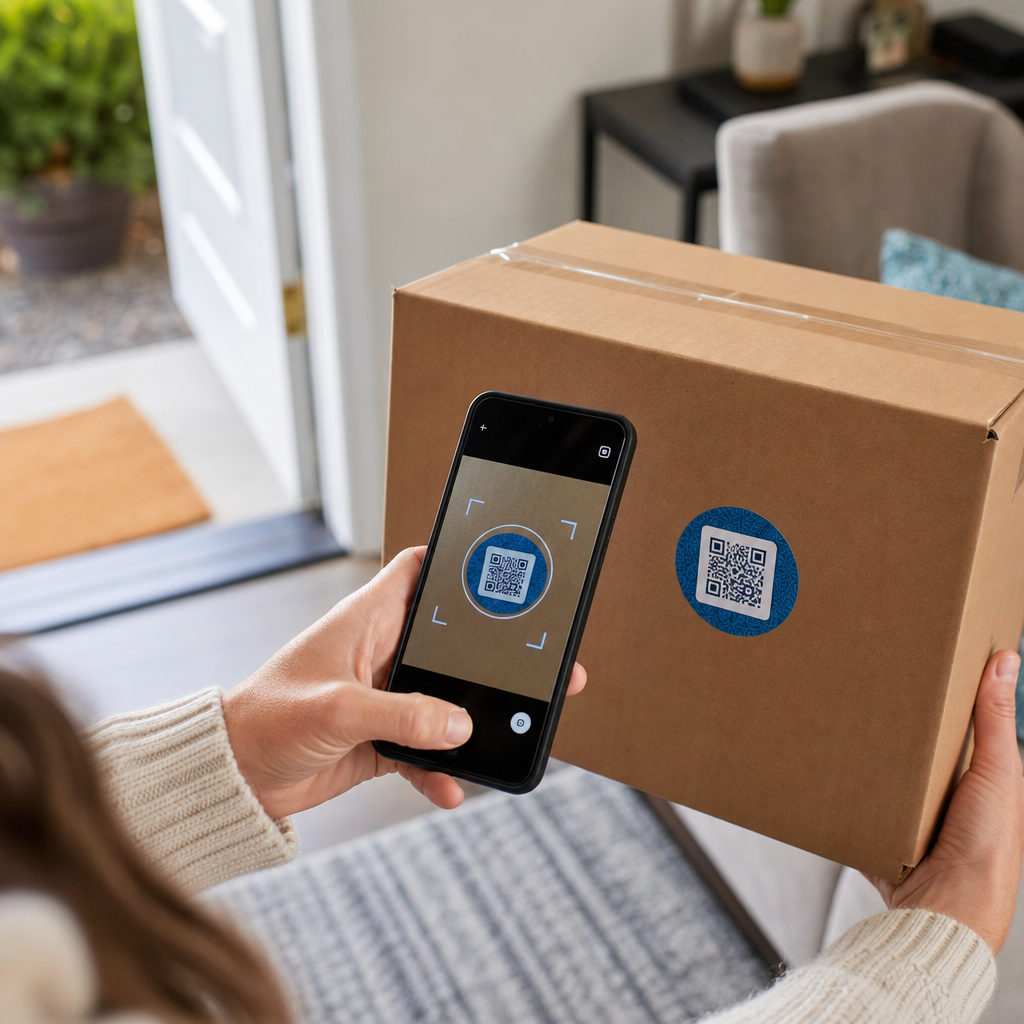
Conference poster scanning

QR Codes for Scientific Conferences: A Practical Guide

Learn how to use QR codes for scientific conferences. This guide covers linking to research data, design best practices, and tracking attendee engagement.
Updated on 6月 10, 2026
目次

How do you share a 40-page dataset or a full bibliography with someone standing in front of your poster for 90 seconds? Paper handouts run out, URLs are too long to type, and apps require downloads nobody wants. QR codes solve all three problems with a single scan – this guide explains how to use them effectively on research posters and conference presentations.

Before you generate a code, decide what it should actually do for the person scanning it. The most useful links at scientific conferences fall into a few clear categories.

Research materials and supplementary data are the most common use case. A poster has limited space, so a QR code can point to your full paper, a reference list, extra figures, raw datasets, or high-resolution versions of charts that are hard to read on print. University library guides note that QR codes are especially practical when there are too many references to list directly on the poster – the code simply directs viewers to a complete online list.

を使います。 PDF QRコード to host your paper or supplementary file directly, so attendees get instant access without needing to search a database or type a DOI.

Contact information is equally important. Conference networking happens fast, and a vカードQRコード lets someone scan your badge or poster and save your name, institution, email, and website directly to their phone’s contacts – no business cards required and no transcription errors.

Feedback and surveys extend the conversation beyond the poster session. Embedding a link to a short Google Form lets attendees submit questions or rate your work in seconds. A グーグルフォームQRコード makes the form accessible from any printed material without anyone needing to type a URL.

Presentation slides and multimedia work well when embedded in slide decks. Placing a QR code at the beginning or end of a talk lets the audience download the slides, access a recording, or visit related resources without interrupting the session.

Share Research Materials Instantly Upload your paper, poster, or supplementary file and generate a scannable code in minutes with the PDF QRコードジェネレータ.

Static vs. Dynamic QR Codes: Which to Use

静的QRコード encodes the destination URL directly into the pattern. Once printed, it cannot be changed – if the linked page moves or the file is updated, the code becomes useless.

ダイナミックQRコード encodes a short redirect URL instead. You can update the destination anytime from a dashboard without reprinting anything. This is particularly valuable for conference use, where schedule changes and last-minute file updates are routine. Dynamic codes also generate analytics: you can see total scans, unique scans, device types, geographic data, and timestamps, giving you a real measure of how many people actually engaged with your materials.

For anything you plan to print in advance – posters, badges, proceedings – dynamic QR codes are the safer choice. The ダイナミックQRコードジェネレーター lets you convert any URL to a dynamic code, edit the destination after printing, and track engagement from a single dashboard.

A DARPA-funded research team at the University of California, Santa Cruz, used dynamic QR codes to track quality control across five universities during bioelectronic device production. By monitoring scan data, they identified that one production step had only a 59% bonding success rate – a finding that would have been difficult to surface without embedded tracking. As researcher Cristian Hernandez noted, “The QR code tracking system has allowed our team to determine that step 6 only has had a 59% bonding success rate… having this data has pinpointed the root cause of the bioelectronic device failure mode.”

Designing QR Codes for Reliable Scanning

A QR code that looks good but fails to scan is worse than no code at all. These design principles ensure yours works in the conditions of a real conference environment.

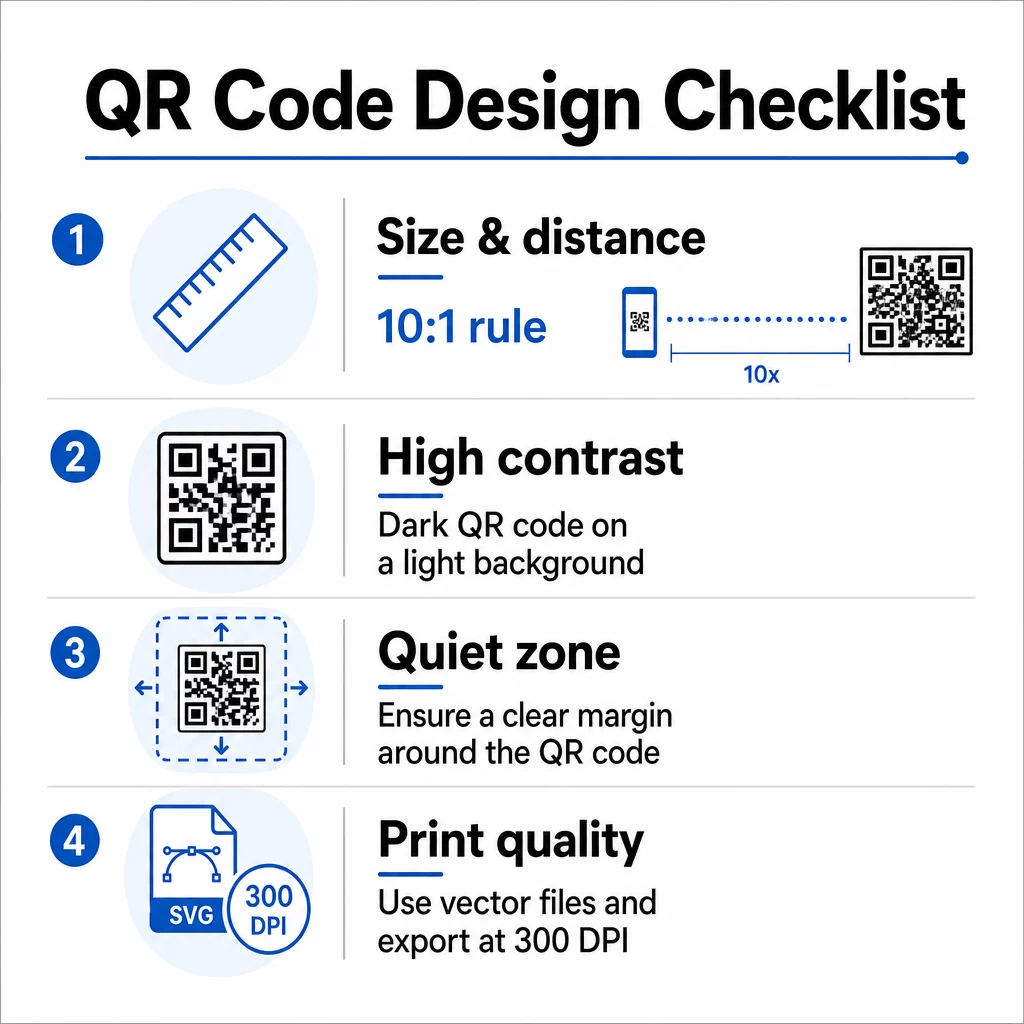
QR design checklist

サイズとスキャン距離

Follow the 10:1 rule: the code’s width should be roughly one-tenth of the expected scanning distance. For a research poster viewed from about 50 cm (20 inches) away, the code should be at least 5 cm (2 inches) wide. Pageloot’s size guidelines for print materials recommend a minimum of 3 × 3 cm for posters, with 6 × 6 cm as an ideal target. Some university guides suggest a minimum of around 5 × 5 inches for poster codes that need to be readable from a standing distance.

For presentation slides, the code needs to be large enough to scan from a seat. Test it at the actual projection distance before the session.

コントラストと色

Scanners read QR codes by detecting the contrast between dark modules and a light background. Insufficient contrast is one of the primary causes of scan failure. Use dark code patterns on a light or white background, and aim for a contrast ratio of at least 4.5:1. Avoid reversed schemes (light code on dark background), gradients, or patterned backgrounds behind the code.

If you want to use brand or institutional colors, you can – provided the contrast ratio stays high enough. For more detail on which color combinations work and which fail, see Pageloot’s QRコードの色のコントラストに関するベストプラクティス.

クワイエットゾーン

The quiet zone is the clear margin surrounding the code. ISO/IEC 18004 specifies a minimum of four modules of empty space on all four sides. Do not place text, logos, borders, or background textures inside this margin. On a poster, this means leaving visible white space around the code – treat it as part of the design, not wasted space.

File Format and Print Quality

Export your QR code as a vector file (SVG or EPS) for large-format printing. Raster formats like PNG can pixelate when scaled up, making individual modules harder to distinguish and reducing scannability. For standard print resolutions, 300 DPI minimum is the practical standard.

Get Print-Ready QR Code Files Download your code in SVG, EPS, or PDF format for high-resolution poster printing with the QRコードジェネレーター.

Placement on Posters and Slides

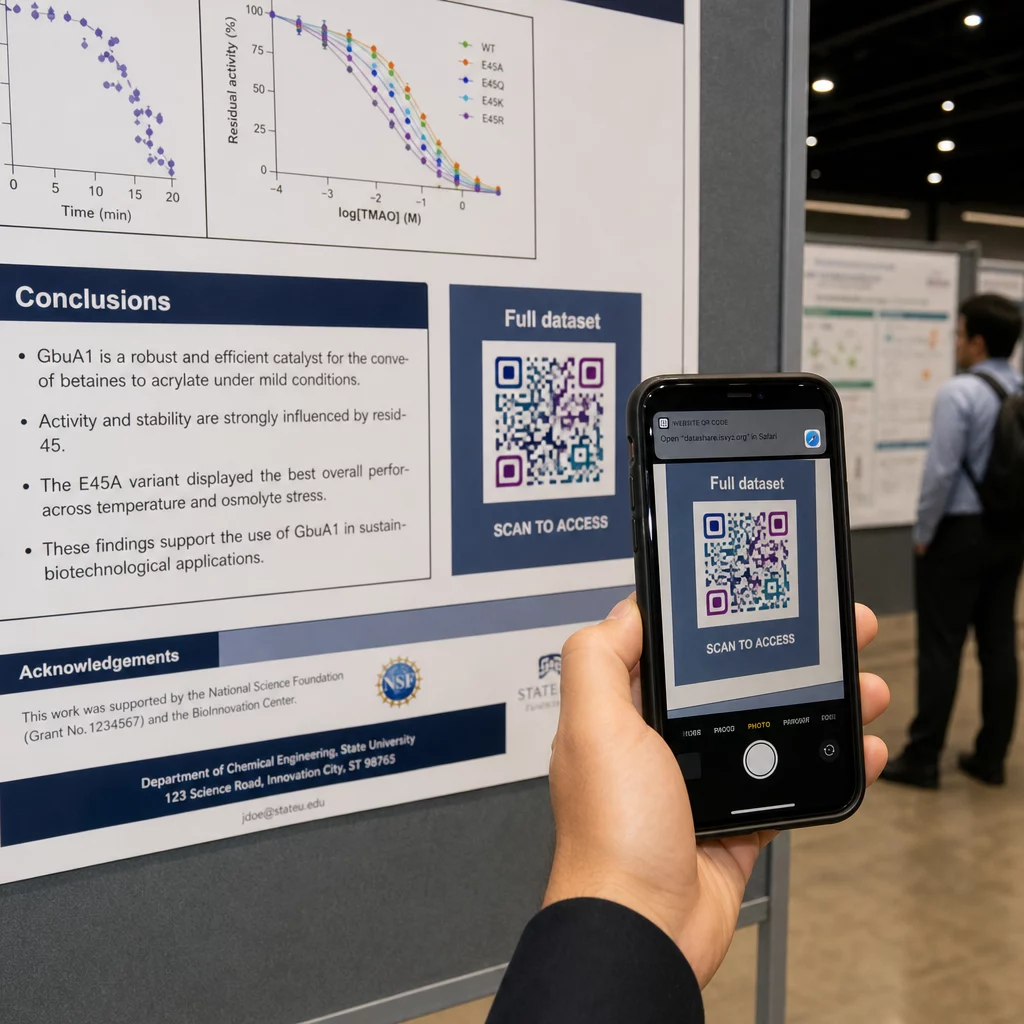
Where you put the code affects whether people actually scan it. Guidance from scientific communication sources recommends placing the QR code near the end of the poster’s reading path – by the conclusions or take-home message – so it appears after the viewer is already engaged with the content. This is a logical moment to offer more: “Want the full dataset? Scan here.”

Scanning conference poster

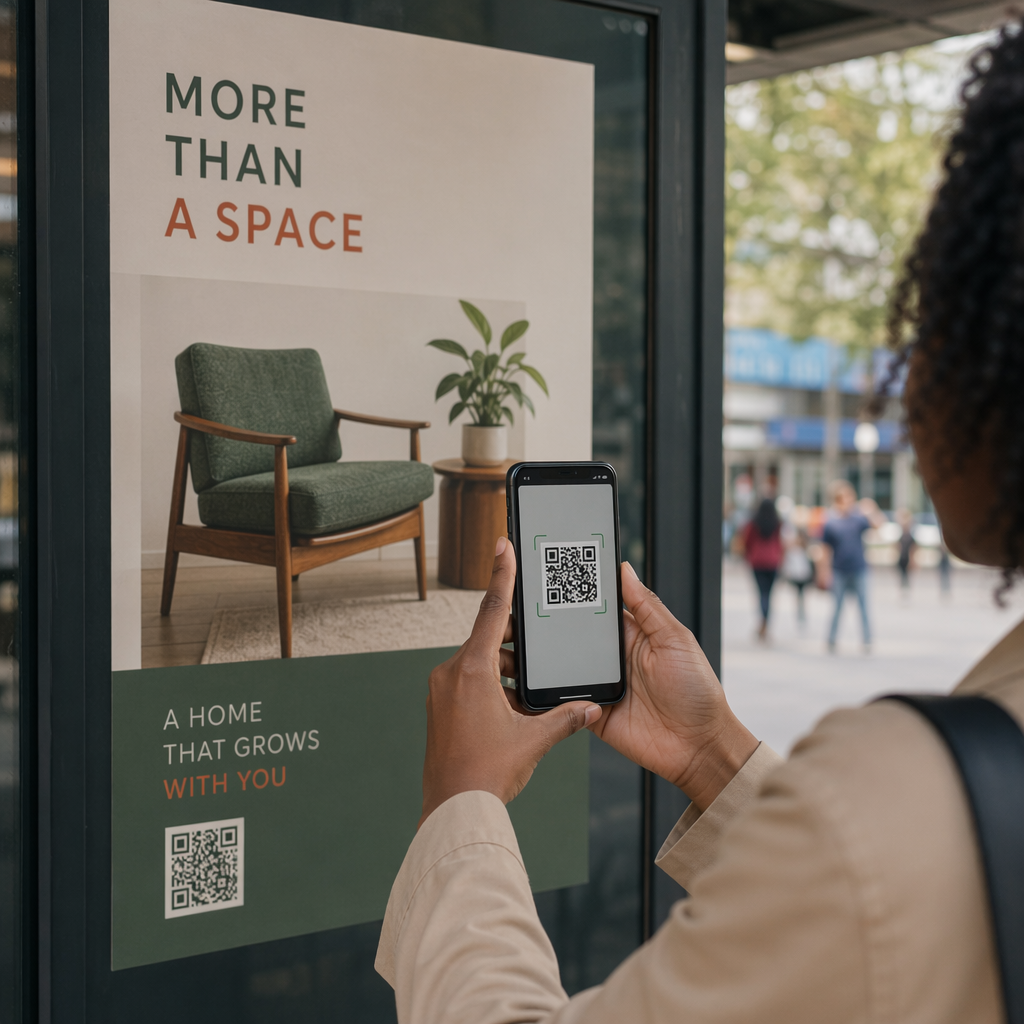
On a vertical poster, the bottom-right area is a natural resting point for the eye after reading. On a horizontal layout, the right side works similarly. For ポスターのQRコード, placement at eye level (roughly 3.5–5.5 feet from the floor) lets attendees scan comfortably without bending.

Always pair the code with a short call-to-action that tells people what they’ll get:

  • “Scan for the full paper”
  • “Access supplementary data”
  • “Save my contact details”
  • “Download the slide deck”

Without a CTA, many attendees will ignore the code entirely – they don’t know whether it’s worth scanning.

For presentation slides, display the QR code for at least 15–20 seconds and verbally acknowledge it. Placing it in the bottom-right corner of the slide keeps it visible without competing with your main content. Dynamic codes are especially useful here: if the destination changes between talks or conference dates, you update the link without touching the slide file.

For guidance on placement across different contexts, Pageloot’s QRコード配置ガイド covers eye-level positioning, background choices, and how to match placement to user intent.

印刷前のテスト

Test the code before sending your poster to print or finalizing your slides. Specifically:

  • Scan from the actual distance the audience will be standing or sitting
  • Test on at least two different devices (iOS and Android)
  • Try in different lighting conditions, including the fluorescent overheads common in conference halls
  • Verify the linked destination loads correctly, including on a cellular connection (not just Wi-Fi)
  • Check that PDFs and other files open on mobile without requiring a desktop app

If you’re using a dynamic code, confirm the redirect resolves correctly after any destination updates. For a full checklist of design and testing criteria, see Pageloot’s QRコードの可読性に関するベストプラクティス.

Using QR Codes Beyond the Poster

Scientific conferences offer multiple touchpoints where QR codes add practical value beyond the poster board.

Conference badges with vCard QR codes let any attendee save your contact details during hallway conversations – no phone number exchange needed, no card that gets lost in a bag.

Session handouts linked via QR code replace stacks of paper. A single code on a printed abstract can connect attendees to the full proceedings, related publications, or a post-session feedback form.

Registration and check-in flows benefit from attendance QR codes that verify identity and track participation, giving organizers real-time headcounts by session.

Networking materials can use a リンクQRコード to connect to a lab website, Google Scholar profile, or LinkedIn page – giving interested colleagues multiple ways to follow up after the conference ends.

The IASCON 2022 conference demonstrated what this looks like at scale. Organizers placed QR codes at the registration desk, outside meeting rooms, and in presentation slides, replacing paper schedules and handouts entirely. Attendees could access session details, speaker profiles, and presentation downloads by scanning codes at each location. A mobile response system triggered by QR codes enabled live polls and Q&A without any app downloads, achieving participation rates comparable to traditional paper forms. Analytics from the event revealed higher engagement during morning sessions and a measurable dip after lunch – data that directly informed future scheduling decisions.

QR codes work at conferences of any size for the same reason: they remove friction between a curious attendee and the information they want. A well-placed, properly sized, high-contrast QR code with a clear call-to-action does something a printed poster alone cannot – it keeps the conversation going after the session ends. Start with dynamic codes so you retain the flexibility to update destinations, track who engages with your materials, and make changes without reprinting. For all of these, the Pageloot QRコードジェネレータ provides the tools to create, customize, and manage your codes from a single dashboard.

よくある質問

Do QR codes on research posters require attendees to download an app?

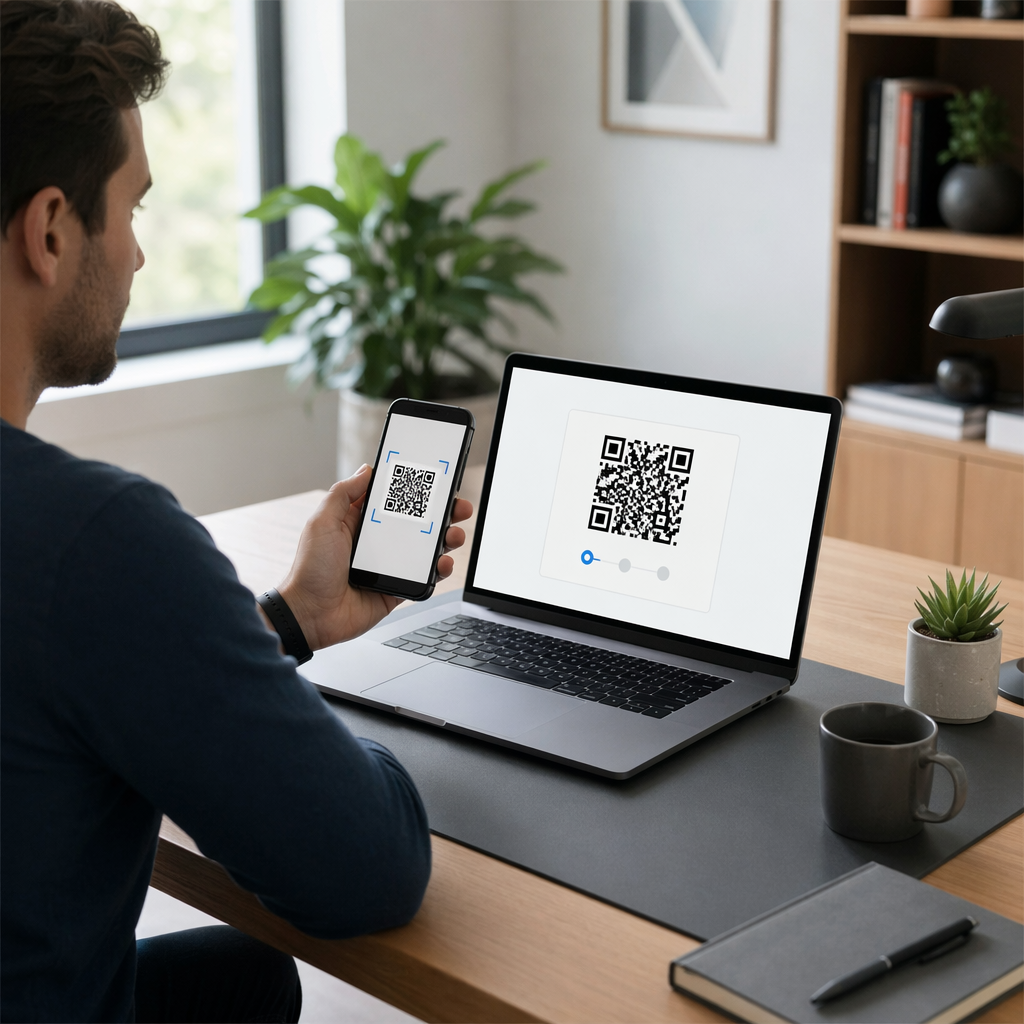
No. Modern smartphones on both iOS and Android can scan QR codes directly through the built-in camera app, with no additional software required. Attendees simply open their camera, point it at the code, and tap the notification to open the linked content in their browser.

What is the difference between a static and a dynamic QR code for conference use?

A static QR code encodes the destination URL directly in the pattern – once printed, it cannot be changed. A dynamic QR code encodes a short redirect URL, so you can update the destination at any time from a dashboard without reprinting. Dynamic codes also provide analytics such as scan counts, device types, and timestamps, which static codes do not. For conference posters and materials printed in advance, dynamic codes are strongly recommended.

How large should a QR code be on a research poster?

Follow the 10:1 rule: the code’s width should be approximately one-tenth of the scanning distance. For a poster viewed from about 50 cm (20 inches) away, that means a minimum width of 5 cm (2 inches). A practical target for poster use is 6 × 6 cm, which gives comfortable scanning room for most attendees. Always test the printed code from the actual viewing distance before the conference.

著者について

Siim KostabiはPagelootのコンテンツリードです。Pagelootの革新的なQRコード生成サービスについて執筆しています。5年以上にわたるQRコードに関する深い専門知識を持つSiimは、この分野の専門家です。QRテクノロジーを活用してデジタルインタラクションを簡素化・拡張する上で、大きな進歩を遂げています。.

カテゴリー
について詳しくはこちら
Students scanning classroom QR
のQRコードを作る 教室
グループQRコードのスキャン
のQRコード フェイスブック・グループ
✅ QRコードの#1ソリューション

オンラインでQRコードを作成する必要がある場合は QRコードを作る ここで無料で
ページルートは #1のGo-Toソリューション でQRコードを作成してスキャンすることができます。

売上、レビュー、フォロワーを増やすために 20,000 を超えるブランドから信頼されています。

クライアントのロゴ
トップブランドから信頼される
5 のうち 4.8 と評価しました

4.86 / 5つ星評価

ユーゴ・ローラン
ユーゴ・ローラン
レストランオーナー
最も簡単で信頼性の高いQRコードジェネレータです。PDFファイルを即座にアップロードできます。レストランのメニューがデジタル化されました。
ルーカス・ジャンセン
ルーカス・ジャンセン
不動産開発業者
これは優れたツールで、QRコードでちょうど欲しいところに連れて行ってくれます。私たちは位置情報のQRコードしか使っていませんが、とても便利な機能がたくさんあります。
エマ・モレッティ
エマ・モレッティ
小売製品
使いやすいし、早い。素晴らしい機能で、完璧な画像を作成してくれるので、社員は私のvCardをダウンロードすることができます。
ユーゴ・ローラン
ユーゴ・ローラン
レストランオーナー
最も簡単で信頼性の高いQRコードジェネレータです。PDFファイルを即座にアップロードできます。レストランのメニューがデジタル化されました。
ルーカス・ジャンセン
ルーカス・ジャンセン
不動産開発業者
これは優れたツールで、QRコードでちょうど欲しいところに連れて行ってくれます。私たちは位置情報のQRコードしか使っていませんが、とても便利な機能がたくさんあります。
エマ・モレッティ
エマ・モレッティ
小売製品
使いやすいし、早い。素晴らしい機能で、完璧な画像を作成してくれるので、社員は私のvCardをダウンロードすることができます。
QRコードをもっと見る
あらゆるものをデジタル体験に変えよう 3分以内に。

14日間の無料トライアル。

クレジットカードは必要ありません。

初回購入で30%オフ

次のコードを使用してください:

MP3ファイルを共有

PDF QRコードを作成するにはサインアップしてください

必要なものをすべてアップロードして表示する。

  • オーディオファイル
  • ポッドキャスト
  • 音楽

サインアップで14日間無料トライアル。.
トライアル終了後、QRコードは期限切れになります。.

オーディオmp3 QRコードを作成するにはサインアップしてください

フレームでより多くのスキャンを獲得

QRコードにフレームを追加するにはサインアップしてください

コールトゥアクションフレームは、お客様が簡単にQRコードと対話できるようにします。ぜひお試しください。

サインアップで14日間無料トライアル。.
トライアル終了後、QRコードは期限切れになります。.

QRコードにフレームを追加するにはサインアップしてください

シェイプでスタイルを追加

より多くの図形を作成するにはサインアップしてください

QRコードは四角いものである必要はありません。あなたのブランドのイメージに合わせて変えてみてください。

サインアップで14日間無料トライアル。.
トライアル終了後、QRコードは期限切れになります。.

より多くの図形を作成するにはサインアップしてください

QRコードにロゴを追加

QRコードにロゴを追加するにはサインアップしてください

QRコードにロゴやブランドを入れることで、目立たせることができます。

サインアップで14日間無料トライアル。.
トライアル終了後、QRコードは期限切れになります。.

QRコードにロゴを追加するにはサインアップしてください

スマートなApp Storeリダイレクト

アプリストアのQRコードを作成するにはサインアップしてください

スマートなApp StoreのQRコードに、あなたのアプリのリンクを追加します。ユーザーは、デバイスに応じてリダイレクトされます。

サインアップで14日間無料トライアル。.
トライアル終了後、QRコードは期限切れになります。.

アプリストアのQRコードを作成するにはサインアップしてください

QRコードに画像をアップロード

画像QRコードを作成するにはサインアップしてください

画像を簡単に共有できます。どんな画像も、数秒でダイナミックに変化します。

サインアップで14日間無料トライアル。.
トライアル終了後、QRコードは期限切れになります。.

画像QRコードを作成するにはサインアップしてください

PDFファイルを共有

PDF QRコードを作成するにはサインアップしてください

必要なものをすべてアップロードして表示する。

  • メニュー&プライスリスト
  • 指示
  • 任意の書類

サインアップで14日間無料トライアル。.
トライアル終了後、QRコードは期限切れになります。.

PDF QRコードを作成するにはサインアップしてください

印刷せずに後で編集

再度印刷せずにQRコードを編集するにはサインアップしてください

ダイナミックQRコードは、新たにQRコードを印刷することなく、QRコードの内容を変更することができます。

サインアップで14日間無料トライアル。.
トライアル終了後、QRコードは期限切れになります。.

再度印刷せずにQRコードを編集するにはサインアップしてください

いつ?どこで?QRコードのスキャンを追跡

QRコードを追跡するにはサインアップしてください

どのQRコードが最も多くスキャンされ、何が最も顧客を喜ばせているのかを知ることができます。

サインアップで14日間無料トライアル。.
トライアル終了後、QRコードは期限切れになります。.

QRコードを追跡するにはサインアップしてください

印刷可能なファイルが利用可能

PDFやSVGのようなベクターQRコードを作成するにはサインアップしてください

.eps、.pdf、.svg

QRコードをHD解像度でダウンロードしたいですか?すぐに印刷できるベクターまたはピクセル形式を入手しましょう。

サインアップで14日間無料トライアル。.
トライアル終了後、QRコードは期限切れになります。.

PDFやSVGのようなベクターQRコードを作成するにはサインアップしてください

しばらくお待ちください。あなたのQRコードは ロード... ロード...

あなただけのものに

サインアップしてQRコードを後で保存してください

異なる色、ロゴ、コールトゥアクションフレームで素晴らしいQRコードを作成することで、より多くのスキャンを得ることができます。

サインアップで14日間無料トライアル。.
トライアル終了後、QRコードは期限切れになります。.

サインアップしてQRコードを後で保存してください