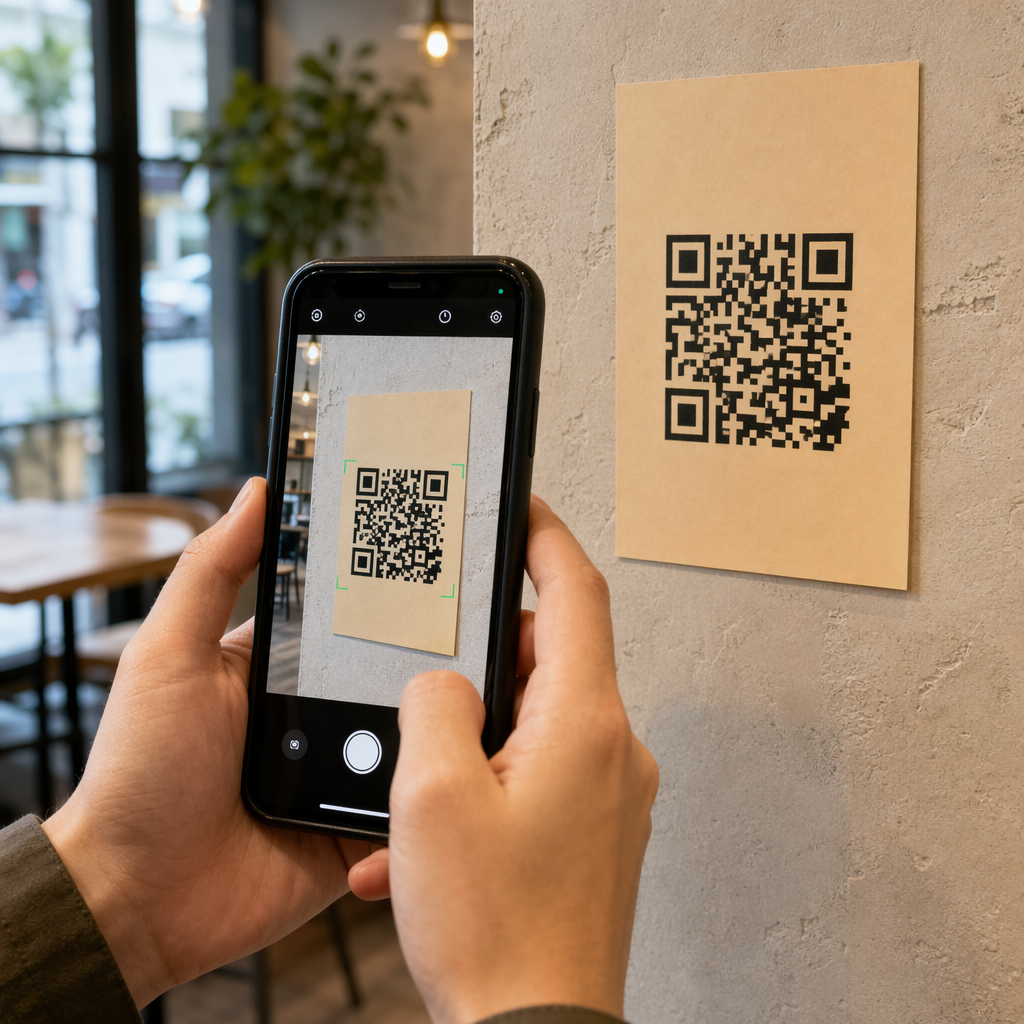
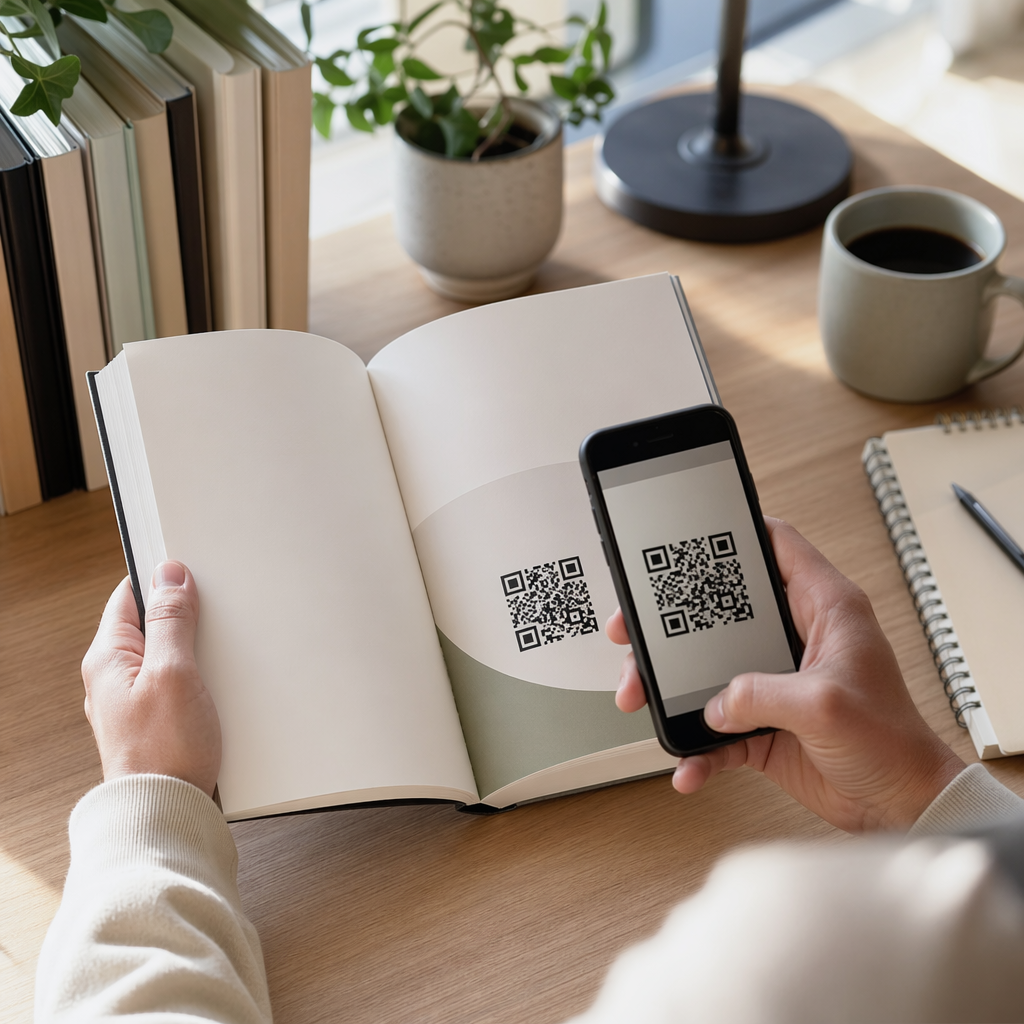
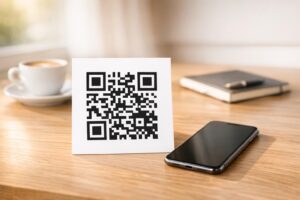
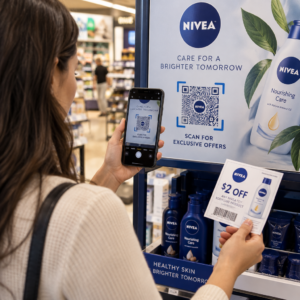
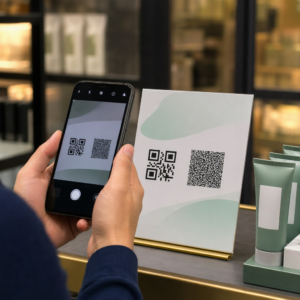
A legjobb QR-kód színek a sötét modulok (a négyzetek) világos háttéren, és igen, a QR-kódok lehetnek színesek. A szabály egyszerű: a moduloknak egyértelműen sötétebbnek kell lenniük, mint a háttér. A fekete fehéren 21:1 kontrasztarányt biztosít, és a legbiztonságosabb választás. Márkás kód esetén törekedjen legalább 4:1 arányra, és használjon 7:1 vagy nagyobb arányt kültéri táblákhoz, ahol a napfény és a távolság csökkenti a tényleges kontrasztot. Ez az útmutató tartalmazza az arányokat, egy színtáblázatot és egy tesztelési rutint.
Milyen QR-kód színek működnek, és lehetnek-e színesek a QR-kódok?
Egy QR-kód szinte bármilyen színű lehet, és különböző színeket használhat a modulokhoz és a háttérhez. A telefon kamerája nem látja a színárnyalatot. Az átalakítja a képet szürkeárnyalatossá, és négyzetről négyzetre dönti el, mi sötét és mi világos. Tehát a kérdés nem az, hogy milyen színt választ, hanem az, hogy mennyire különbözik a két szürkeárnyalatos érték.
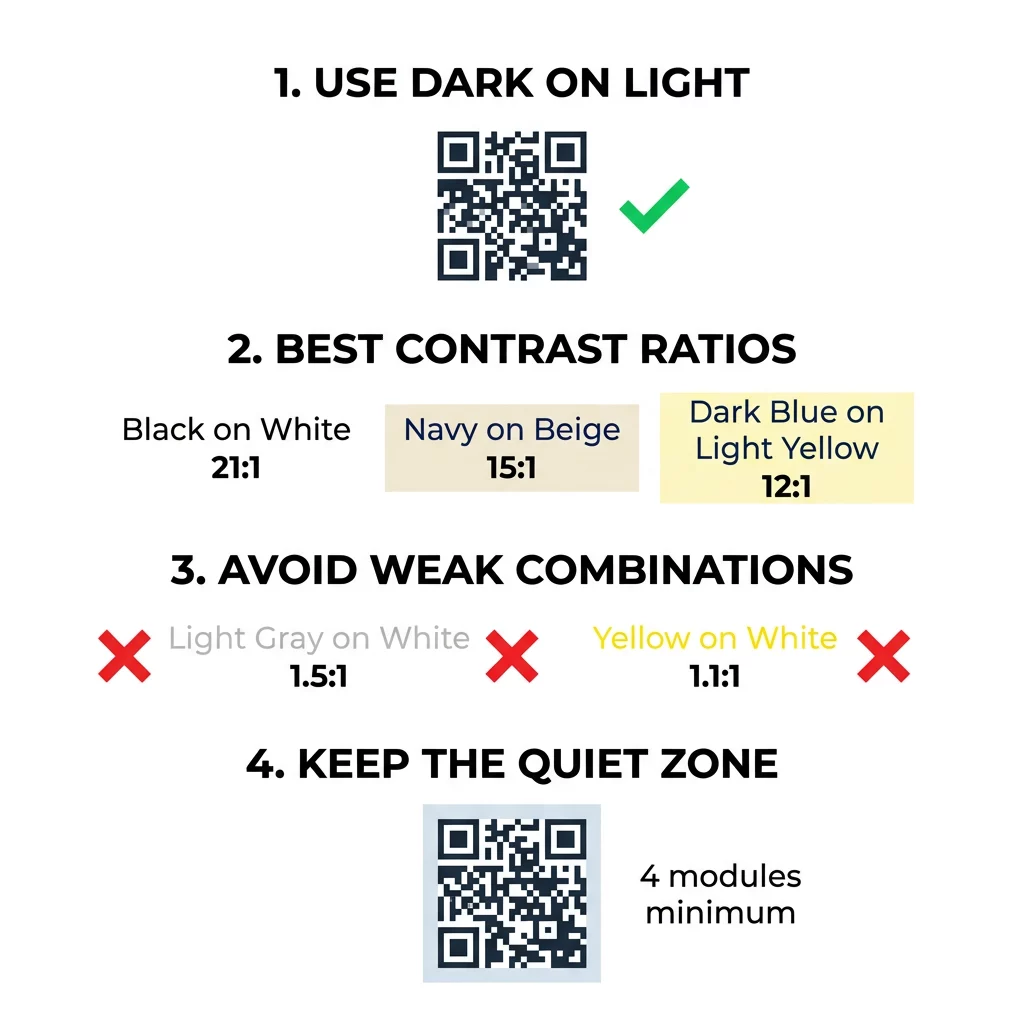
- Működik: sötétkék, sötétzöld, antracit, sötétlila, sötétbarna vagy fekete modulok fehér, krém vagy más nagyon világos háttéren.
- Teszteléssel működik: sötétvörös, sötétkékeszöld és sötétnarancssárga fehér alapon. Először ellenőrizze az arányt, majd szkenneljen be egy nyomtatott próbát.
- Nem működik: sárga, világosszürke, pasztell vagy neon modulok, valamint bármilyen azonos fényerejű színpár, például középzöld középvörösön.
- Kockázatos: világos modulok sötét háttéren (invertált kódok). Sok szkennelő alkalmazás olvassa őket, de néhány nem, ezért kerülje őket minden fontos dolog esetén.
Miért befolyásolja a kontraszt a QR-kód olvashatóságát?
Az optikai érzékelők a QR-kódokat a sötét és világos modulok közötti visszaverődési különbség mérésével olvassák be. A QR-kód szabvány, az ISO/IEC 18004, sötét modulokat feltételez világos háttéren. A sötét modulok elnyelik a fényt, a világos háttér pedig visszaveri azt. Ha a különbség túl kicsi, a dekóder nem tudja elkülöníteni az adatmintát a háttértől.
Vonalkód-teszteléskor (ISO/IEC 15415) a szimbólum kontrasztja a kód legvilágosabb és legsötétebb visszaverődése közötti különbség. A 70% vagy annál magasabb szimbólumkontraszt a legjobb minősítést kapja, a 20% alatti pedig megbukik. Az értékelők a modulációt is ellenőrzik, amely megmutatja, hogy a világos és sötét modulok mennyire egyenletesen verődnek vissza a teljes szimbólumon. Az egyenetlen színek vagy a gyenge elválasztás miatt a szkenner nem érzékeli a modulok széleit.
A normál polaritás, ahol sötét modulok vannak világos háttéren, minden eszközön működik. Egyes beépített telefonkamera-alkalmazások nem tudják olvasni a sötét háttéren lévő világos kódokat, és a támogatás telefonmodellenként és szoftververziónként eltérő. Használjon normál polaritást, kivéve, ha tesztelte az inverz verziót a célközönség által használt eszközökön.
Színkontraszt arányok és küszöbértékek értékelése
A kontrasztarány egy szám 1:1-től (nincs különbség) 21:1-ig (fekete fehéren). Az arány a Web Content Accessibility Guidelines (WCAG) akadálymentesítési szabályaiból származik, amelyeket szövegekhez írtak, de praktikus módja a QR-színek ellenőrzésének. Egy kontrasztellenőrző (keressen rá: "WCAG kontrasztellenőrző") két hexakódot fogad el, és visszaadja az arányt. Az inkluzív tervezésről bővebben olvashat útmutatónkban: hogyan tegyük a QR-kódokat ADA-kompatibilissé.
Használja ezeket a célokat. Legalább 4:1 a minimum beltéri nyomtatás és képernyők esetén. 7:1 vagy több biztonságosabb csomagoláshoz, szórólapokhoz és bármihez, amit változó fényviszonyok között fényképeznek. 10:1 vagy több a cél kültéri jelzésekhez. Az alábbi arányok hozzávetőlegesek és a pontos árnyalattól függnek.
| Színkombináció | Hozzávetőleges kontrasztarány | Szkennelhetőségi értékelés |
|---|---|---|
| Fekete fehéren | 21:1 | Optimális (ipari szabvány) |
| Sötétkék bézsen | ~15:1 | Kiváló |
| Sötétkék világossárgán | ~12:1 | Nagyon jó |
| Sötétbarna törtfehéren | ~8:1 | Jó |
| Tiszta piros (#FF0000) fehéren | ~4:1 | Határeset, nyomtatás előtt tesztelje |
| Sötétvörös (#8B0000) fehéren | ~11:1 | Nagyon jó |
| Világosszürke fehéren | ~1.5:1 | Gyenge (gyakori beolvasási hibák) |
| Sárga fehéren | ~1.1:1 | Beolvashatatlan |
Kódok testreszabása a szkennelhetőség feláldozása nélkül Tesztelje a színeket és tekintse meg terveit valós időben a mi segítségünkkel QR kód generálás logóval hogy egyensúlyba hozza a márkaesztétikát a megbízható szkenneléssel.
A legjobb QR-kód kontrasztarány kültéri jelzésekhez
Nincs szabvány a kültéri QR-kódokhoz szükséges arányra, de a kültéri körülmények háromféleképpen csökkentik a kontrasztot: a közvetlen napfény kifakítja a világos területeket, a tükröződés elrejti a kód egyes részeit, és a távolság elmossa a kis modulokat. Tervezz nagyobb biztonsági tartalékkal, mint beltérben.
- Használjon feketét vagy nagyon sötét színt fehéren. Törekedjen legalább 10:1 arányra.
- Nyomtasson matt anyagra, vagy használjon matt laminálást. A fényes vinil és üveg visszaveri a napfényt, és megtöri a mintázatot.
- Méretezze a kódot a szkennelési távolsághoz. Általános szabály, hogy a kódszélesség 1 egysége 10 távolsági egységre essen, így egy 2 méterről (kb. 6,5 láb) szkennelt kódnak körülbelül 20 cm (8 hüvelyk) szélesnek kell lennie.
- Tartsa meg a teljes csendes zónát, és helyezze a kódot egy egyszínű, világos panelre fénykép helyett.
- Kerülje a kód elhelyezését olyan helyen, ahol alacsonyan álló napnak van kitéve, vagy üveg mögött van, és szkennelje be a kinyomtatott táblát a tényleges helyszínen, mielőtt megrendelné a teljes gyártási tételt.
Vonalkód kontraszt: QR-kódok vs. lineáris vonalkódok
Ugyanezek a kontrasztra vonatkozó szabályok érvényesek más nagy kontrasztú vonalkódokra is, mint például a Code 128 vagy az EAN. A kiskereskedelmi szkennerek gyakran piros lézert használnak, és a piros fény nem látja sötétnek a piros vonalakat vagy piros tintát. Lineáris vonalkódok esetén a vonalakat fekete, sötétkék vagy sötétzöld színnel nyomtassa fehér alapon, és soha ne piros vagy narancssárga színnel. A telefon kamerájával olvasott QR-kódok kevésbé érzékenyek a színtónusra, de ugyanez a tanács adja a legmegbízhatóbb eredményt mindkét esetben.
A csendes zóna és a kódméretek biztosítása
A nagy kontrasztnak a kód széléig kell terjednie. A minta körüli üres margó a csendes zóna. Ez jelzi a kamerának, hol kezdődik a kód, és hol végződik más művészeti alkotás.
- Tartson legalább négy modul szélességű csendes zónát mind a négy oldalon.
- Tartsa ezt a margót szövegtől, illusztrációktól és szegélyektől mentesen.
- Illessze a csendes zónát a világos háttérszínhez, hogy a határ tiszta legyen.
- Nyomtasson legalább 2 x 2 cm (0,8 x 0,8 hüvelyk) méretű kódokat közeli, kézi szkenneléshez. Hosszabb linkek esetén válasszon nagyobbat, mert több adat kisebb modulokat jelent.
- Előnyben részesítse a rövid linket. Egy rövid URL egyszerűbb mintázatot hoz létre nagyobb modulokkal, amelyek gyenge fényviszonyok között is jobban olvashatók.
A csendes zónán belüli szöveg vagy grafika gyakori oka a beolvasási hibáknak a márkás anyagokon. Útmutatónk a(z) a QR-kód olvashatóságára vonatkozó legjobb gyakorlatokat megmutatja, hogyan tarthatja meg a margókat, miközben illeszti az elrendezést.
Gyakori szín- és stílushibák elkerülése
A kód testreszabása ronthatja az olvashatóságot. A kamerák szürkeárnyalatossá alakítják a képet, így két különböző árnyalat azonos fényerővel rendelkezhet, és egy szürke színné olvadhat össze.
- Kerülje a pasztell modulokat, mint például a babakék, menta vagy halványsárga.
- Kerülje az élénkvörös vagy narancssárga modulokat. A lézerszkennerek a vöröset világosként olvassák, és a kontrasztarány gyakran 5:1 alatt van. Egy sötétvörös, például a bordó sokkal biztonságosabb.
- Kerülje azokat a színátmeneteket, ahol a modul színének legvilágosabb része közel van a háttérhez.
- Kerülje az átlátszó háttereket fényképek, texturált papír vagy mintás csomagolás felett. Helyezze a kódot egy egyszínű, világos panelre.
- Kerülje az inverz terveket, ahol világos modulok vannak sötét háttéren, hacsak nem tesztelte őket a közönsége által használt telefonokon.
- Kerülje a nagy logókat. Egy logó, amely túl sok modult takar, meghaladhatja a kód hibajavító képességét.
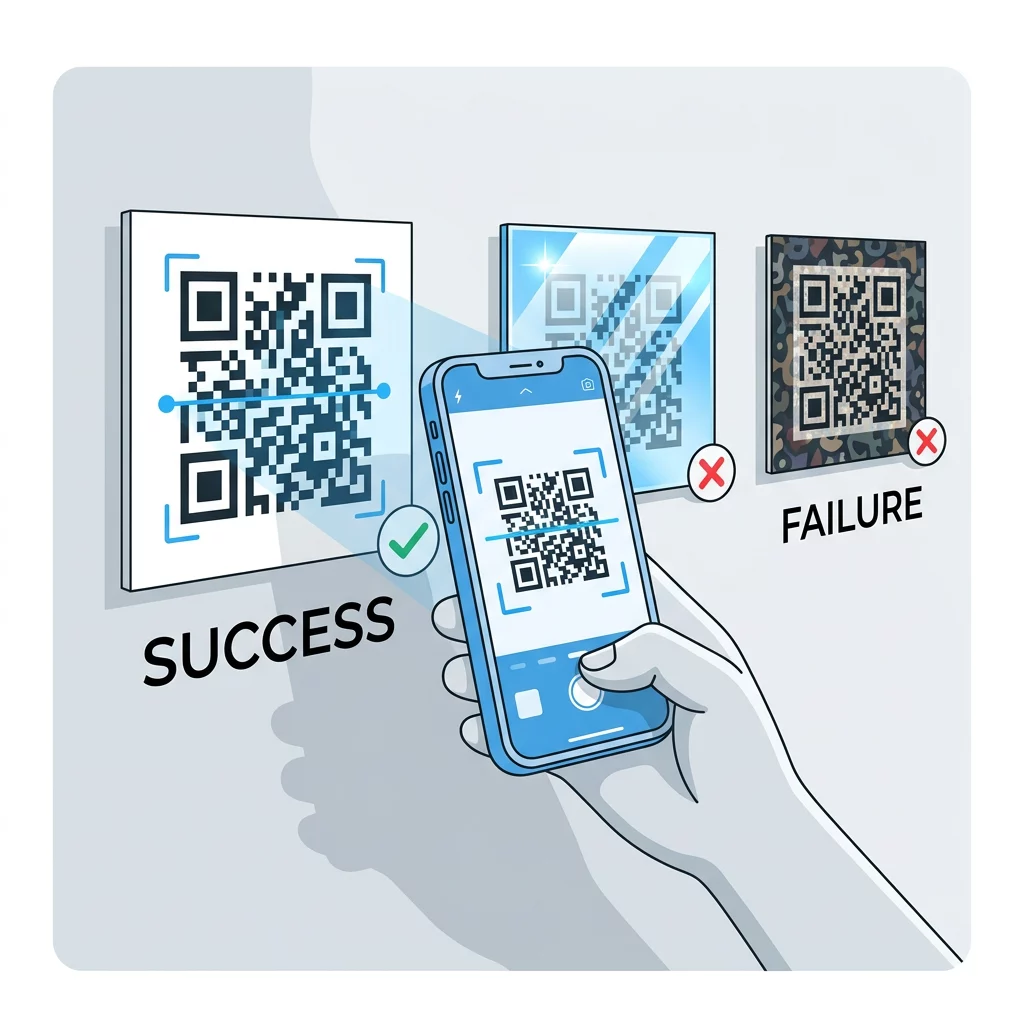
Ezen korlátok ismerete lehetővé teszi, hogy megtanulja hogyan készítsünk egyedi QR-kódot amely megjeleníti a márkáját a dekódolás megszakítása nélkül.
Tesztelés és validálás valós környezetekben
Egy kód, amely fényes monitorról beolvasható, papíron meghiúsulhat. A szobavilágítás, a látószög és az anyag textúrája mind megváltoztatja a lencsébe jutó kontrasztot. A közvetlen napfény elmossa a kis színkülönbségeket, a sötét szobák csökkentik az érzékelő modulok szétválasztására való képességét, és a fényes felületek tükröződést okoznak.
Futtassa le ezt az ellenőrzést minden nyomtatási feladat előtt:
- Ellenőrizze a színpárt egy kontrasztellenőrzővel. Az aránynak legalább 4:1-nek kell lennie, csomagolás és kültéri használat esetén pedig 7:1-nek vagy többnek.
- Nyomtasson próbatervet a valódi anyagra, valódi méretben, valódi felülettel.
- Olvassa be a beépített kamerával legalább egy iPhone-on és egy Android telefonon, ha lehetséges, egy régebbi telefonon, és egy böngészőalapú QR-kód olvasó.
- Vizsgálja meg a kódot a legrosszabb fényviszonyok között, amelyekkel találkozni fog: félhomályos szobában, közvetlen napfényben és szögből.
- Ha habozik, növelje a kontrasztot, nagyítsa meg a kódot, rövidítse a linket, vagy állítsa vissza a csendes zónát.
Útmutatónk a(z) QR-kód tesztelése nyomtatás előtt részletesebben tárgyalja ezt, és a(z) QR-kód olvashatóságának javítása a sikertelen kódok javítását ismerteti.
A QR-kód megbízhatóságának és vonzerejének maximalizálása
Kezelje a kontrasztot technikai követelményként, ne utolsó simításként. Válasszon sötét színt világos háttérre, tartsa be a csendes zónát, és tesztelje a nyomtatott próbanyomatot azon fényviszonyok között, amelyekkel találkozni fog. Ez megvédi a nyomtatási költségvetését a nem olvasható kódoktól.
Hozza létre nagy kontrasztú kódját a mi QR-kód generátorunk felfedezésével kezdheti.segítségével. Állítsa be a modul és a háttér színeit, majd töltse le PNG, SVG vagy PDF formátumban. Ha kinyomtat egy kódot, és később módosítania kell a linket, használjon dinamikus kódot: nyomtatás után szerkesztheti a célt, és láthatja a szkennelési statisztikákat. A dinamikus kódokhoz 14 napos ingyenes próbaidőszak tartozik, és a csomagok a következő címen találhatók: https://pageloot.com/pricing/.
Gyakori kérdések
Törekedjen legalább 4:1 arányra a modulok és a háttér között. Csomagoláshoz és szórólapokhoz használjon 7:1-et vagy többet, kültéri táblákhoz pedig 10:1-et vagy többet. Fekete fehéren az arány 21:1.
Igen. Bármilyen szín működik, ha a modulok egyértelműen sötétebbek a háttérnél. A sötétkék, erdőzöld, szénfekete és bordó fehér vagy krémszínű alapon jól működnek. A sárga, világosszürke és pasztellszínek nem.
A modulok és a háttér különböző színekben is lehetnek, és bármilyen árnyalatot használhatsz, de csak a fényerő-különbség számít. Egy telefon szürkeárnyalatosan olvassa a kódot, így két, azonos fényerejű szín nem fog működni. Ellenőrizd az arányt, és szkennelj be egy nyomtatott próbát.
Nincs hivatalos szabvány. A 10:1 vagy nagyobb arány biztonságos cél, például fekete fehéren. Használjon matt felületet a tükröződés csökkentésére, a kód méretét állítsa be a szkennelési távolság körülbelül 1/10-ére, és tesztelje a helyszínen.
Igen, ha a márkaszíned elég sötét, például mélykék, erdei zöld vagy szénszürke, és egyenletes világos háttéren helyezkedik el. Ha a márkaszíned világos, akkor annak sötét árnyalatát használd a modulokhoz.
A QR szabvány sötét modulokat határoz meg világos háttéren. Sok kameraalkalmazás először ezt a mintát keresi, és némelyik nem tudja olvasni a világos modulokat sötét háttéren. A támogatás telefononként változik, ezért nyomtatás előtt tesztelje.
Igen. A lineáris vonalkódok, mint például a Code 128 vagy az EAN, szintén sötét sávokat igényelnek világos háttéren. A bolti lézerszkennerek piros fényt használnak, ezért soha ne nyomtassa a sávokat piros vagy narancssárga színnel.