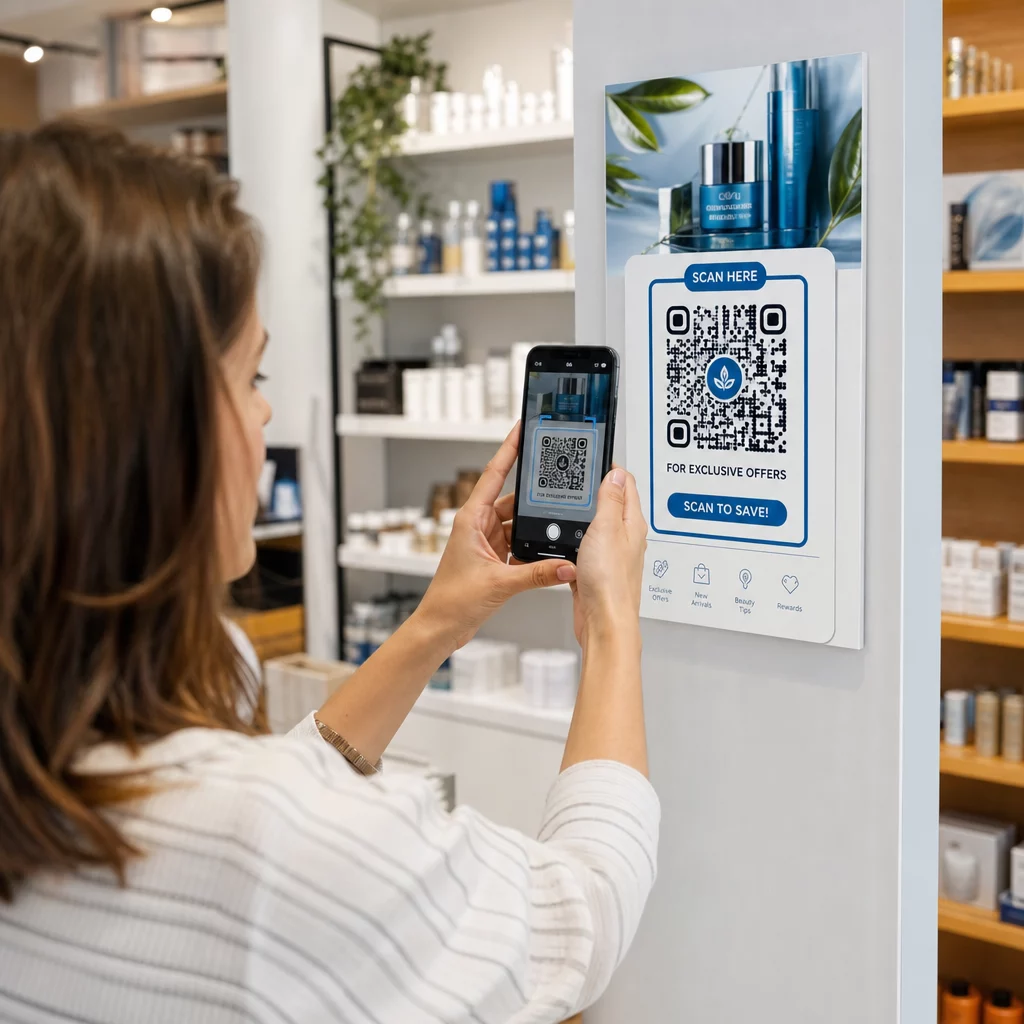
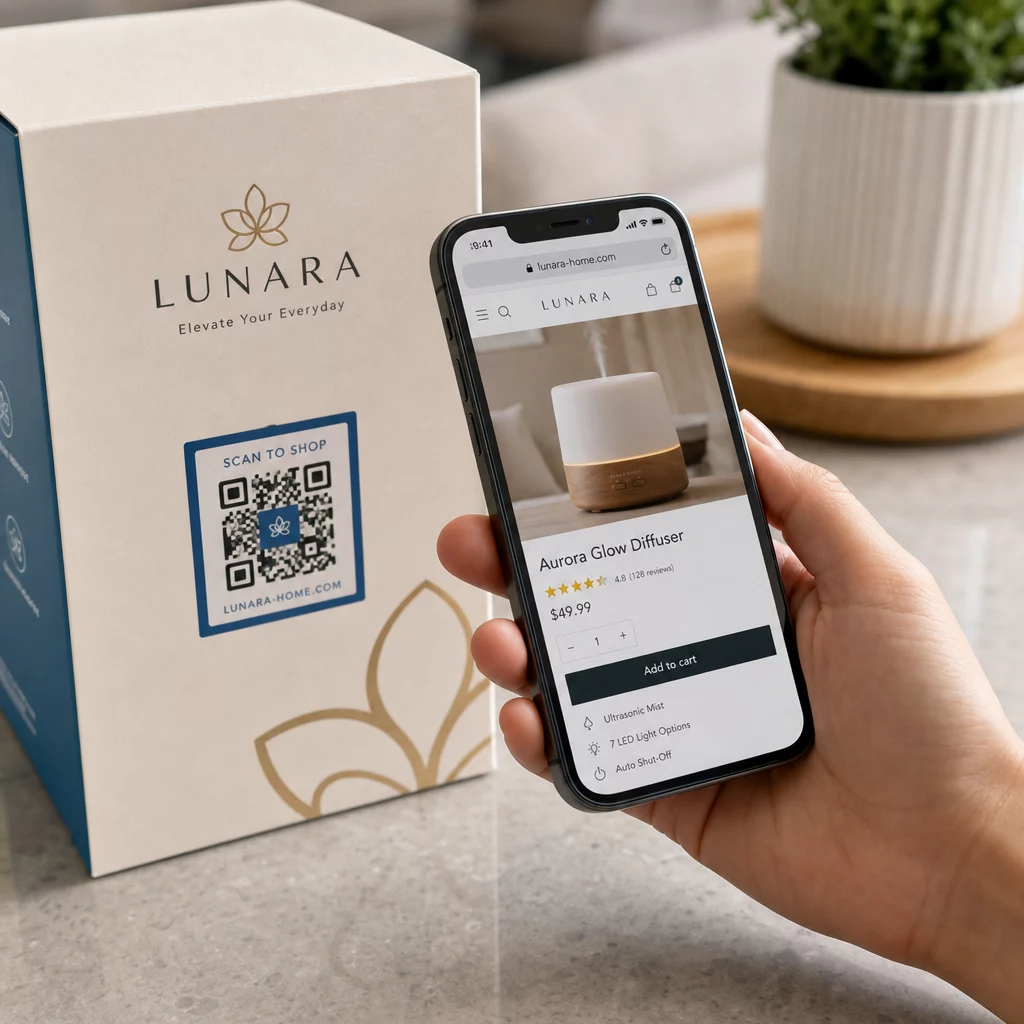
Parimad QR-koodi värvid on tumedad moodulid (ruudud) heledal taustal ja jah, QR-koode saab värvida. Reegel on lihtne: moodulid peavad olema taustast selgelt tumedamad. Must valgel annab kontrastsussuhte 21:1 ja on kõige turvalisem valik. Bränditud koodi puhul püüdke vähemalt 4:1 suhte poole ja kasutage välireklaamidel 7:1 või rohkem, kus päikesevalgus ja kaugus vähendavad efektiivset kontrasti. See juhend annab numbrid, värvitabeli ja testimiskorra.
Millised QR-koodi värvid toimivad ja kas QR-koode saab värvida?
QR-kood võib olla peaaegu mis tahes värvi ja see võib kasutada moodulite ja tausta jaoks erinevaid värve. Telefoni kaamera ei näe tooni. See teisendab pildi halltoonidesse ja otsustab ruuthaaval, mis on tume ja mis hele. Seega ei ole küsimus selles, millise värvi te valite, vaid selles, kui erinevad on kaks halltooni väärtust.
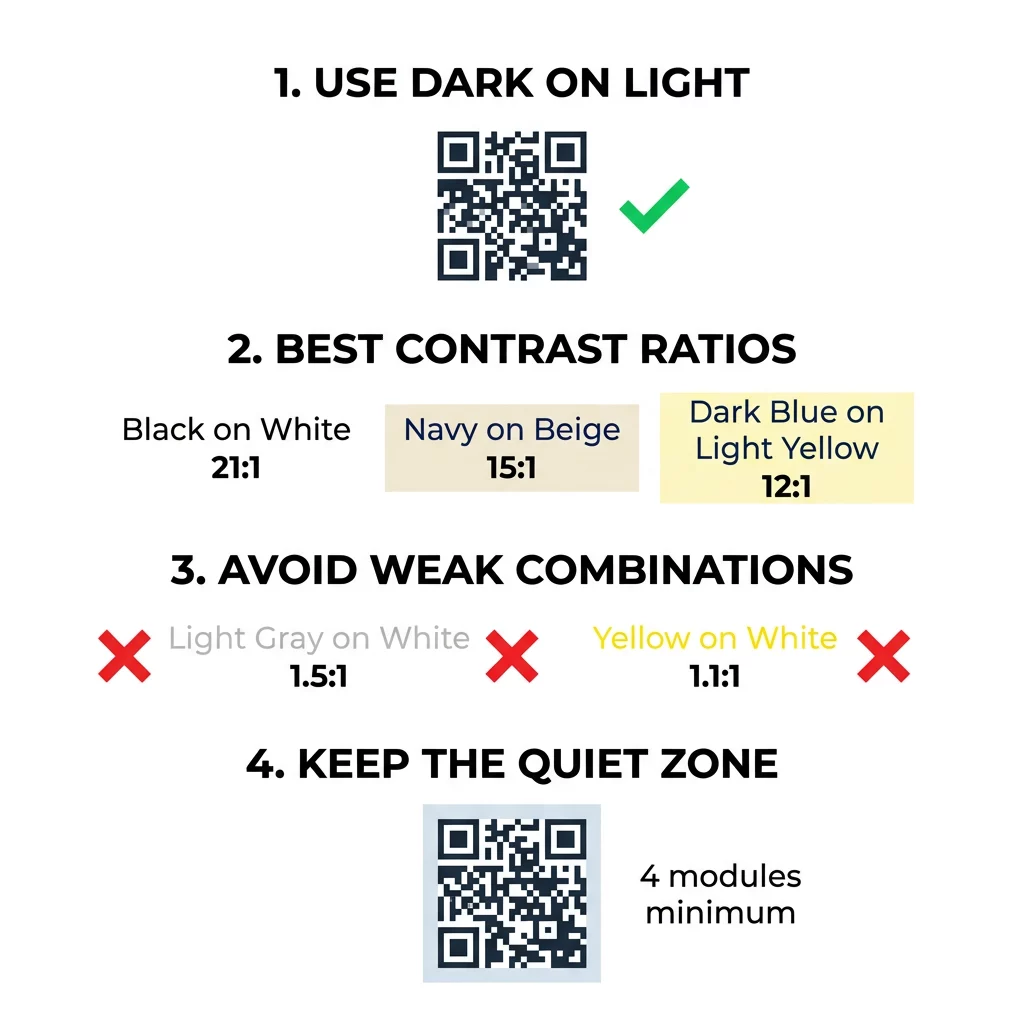
- Toimib: tumesinine, tumeroheline, süsi, tumelilla, tumepruun või mustad moodulid valgel, kreemjal või muul väga heledal taustal.
- Toimib testiga: tume punane, tumesinine-roheline ja tume oranž valgel. Kontrollige esmalt suhet ja skaneerige prinditud proov.
- Ei toimi: kollased, helehallid, pastelsed või neoonmoodulid ja mis tahes värvipaar, millel on sama heledus, näiteks keskmine roheline keskmisel punasel.
- Riskantne: heledad moodulid tumedal taustal (inverteeritud koodid). Paljud skannerirakendused loevad neid, kuid mõned mitte, seega vältige neid kõige olulisel.
Miks kontrast kontrollib QR-koodi skannitavust
Optilised andurid loevad QR-koode, mõõtes tumedate ja heledate moodulite vahelist peegeldumise erinevust. QR-koodi standard, ISO/IEC 18004, eeldab tumedaid mooduleid heledal taustal. Tumedad moodulid neelavad valgust ja hele taust peegeldab seda. Kui erinevus on liiga väike, ei saa dekooder andmemustrit taustast eraldada.
Triipkoodi testimisel (ISO/IEC 15415) on sümboli kontrast heledaima ja tumedaima peegelduse erinevus koodis. Sümboli kontrast 70% või rohkem annab parima hinde ja alla 20% on ebaõnnestumine. Hindajad kontrollivad ka modulatsiooni, mis näitab, kui ühtlaselt heledad ja tumedad moodulid kogu sümbolil peegelduvad. Ebaühtlased värvid või nõrk eraldusvõime panevad skanneri mooduli servi mööda panema.
Tavaline polaarsus, tumedate moodulitega heledal taustal, töötab igas seadmes. Mõned sisseehitatud telefoni kaamerarakendused ei suuda lugeda heledaid koode tumedal taustal ning tugi erineb telefoni mudeli ja tarkvara versiooni lõikes. Kasuta tavalist polaarsust, välja arvatud juhul, kui oled testinud pööratud versiooni seadmetel, mida su publik kasutab.
Värvikontrasti suhete ja lävede hindamine
Kontrastsussuhe on arv vahemikus 1:1 (vahet pole) kuni 21:1 (must valgel). Suhe tuleneb veebisisu ligipääsetavuse juhiste (WCAG) ligipääsetavuse reeglitest, mis kirjutati teksti jaoks, kuid on praktiline viis QR-koodi värvide kontrollimiseks. Kontrastsuse kontrollija (otsi "WCAG contrast checker") aktsepteerib kahte hekskoodi ja tagastab suhte. Kaasava disaini kohta lisateabe saamiseks loe meie juhendit teemal kuidas muuta QR-koodid ADA-nõuetele vastavaks.
Kasuta neid sihtväärtusi. Vähemalt 4:1 on miinimum siseruumides trükitavate ja ekraanide jaoks. 7:1 või rohkem on ohutum pakendite, flaierite ja kõige muu jaoks, mida pildistatakse erinevas valguses. 10:1 või rohkem on välireklaamide sihtväärtus. Allpool toodud suhted on ligikaudsed ja sõltuvad täpsest toonist.
| Värvikombinatsioon | Ligikaudne kontrastsussuhe | Skannitavuse hindamine |
|---|---|---|
| Must valgel | 21:1 | Optimaalne (tööstusstandard) |
| Tumesinine beežil | ~15:1 | Suurepärane |
| Tumesinine helekollasel | ~12:1 | Väga hea |
| Tume pruun valkjal | ~8:1 | Hea |
| Puhas punane (#FF0000) valgel | ~4:1 | Piiripealne, testi enne printimist |
| Tume punane (#8B0000) valgel | ~11:1 | Väga hea |
| Helehall valgel | ~1.5:1 | Kehv (sagedased skannimisvead) |
| Kollane valgel | ~1.1:1 | Skaneerimatu |
Kohanda koode skannitavust ohverdamata Testi värve ja eelvaata oma disaini reaalajas, kasutades meie QR-koodi generaator logoga et tasakaalustada brändi esteetikat usaldusväärse skannimisega.
Parim QR-koodi kontrastsussuhe välireklaamidele
Ükski standard ei määra välistingimustes kasutatavate QR-koodide jaoks nõutavat kontrastsussuhet, kuid välistingimused vähendavad kontrasti kolmel viisil: otsene päike hajutab heledad alad, pimestamine peidab osa koodist ja kaugus udustab väikesed moodulid. Planeerige suurem ohutusvaru kui siseruumides.
- Kasutage valgel pinnal musta või väga tumedat värvi. Eesmärgiks on suhe 10:1 või kõrgem.
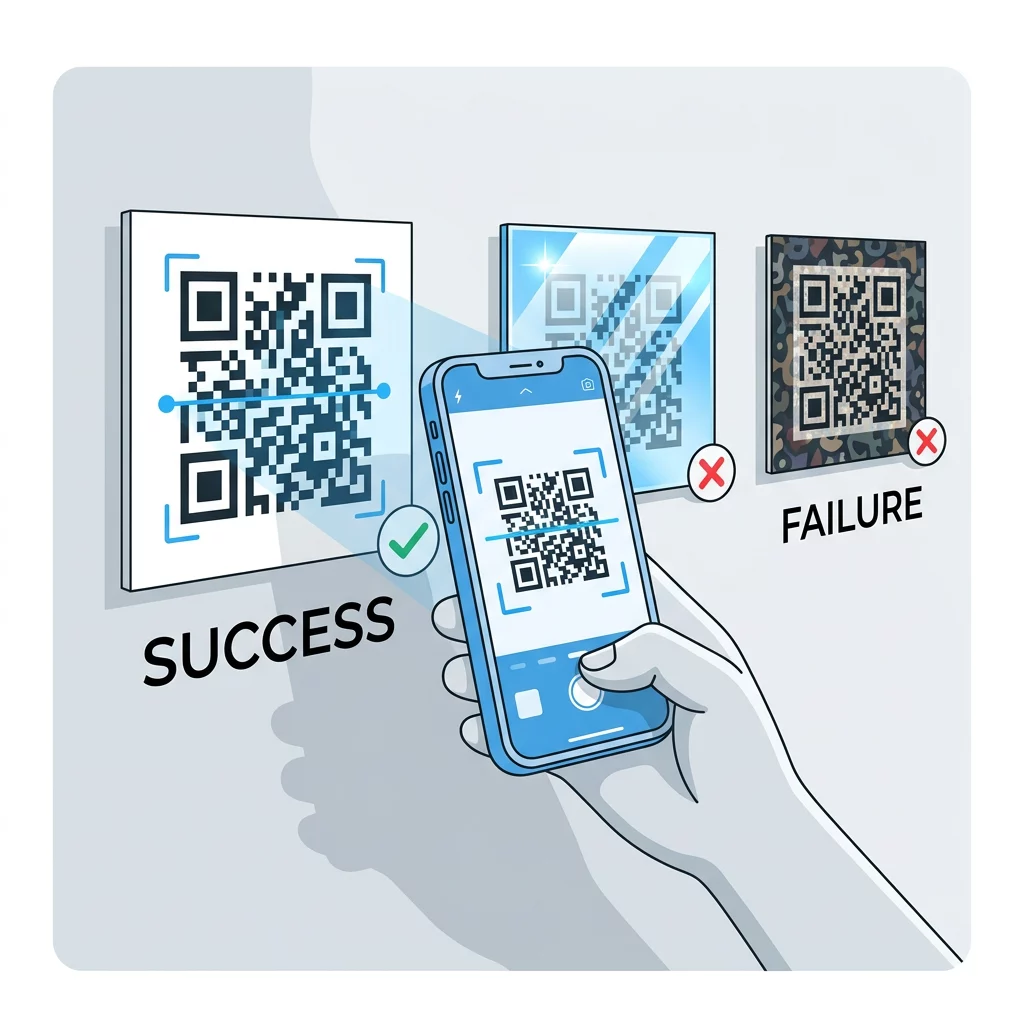
- Printige matile materjalile või lisage matt laminaat. Läikiv vinüül ja klaas peegeldavad päikest ja lõhuvad mustrit.
- Mõõtke kood vastavalt skaneerimiskaugusele. Levinud reegel on 1 ühik koodilaiust iga 10 kauguse ühiku kohta, seega 2 meetri (umbes 6,5 jala) kauguselt skaneeritav kood peaks olema umbes 20 cm (8 tolli) lai.
- Säilitage täielik vaikne tsoon ja asetage kood foto asemel ühevärvilisele heledale paneelile.
- Vältige koodi paigutamist kohta, kus see on madala päikese poole või klaasi taha, ja skaneerige trükitud silti tegelikus kohas enne täieliku tiraaži tellimist.
Vöötkoodi kontrast: QR-koodid vs. lineaarsed vöötkoodid
Samad kontrastsuse reeglid kehtivad ka teistele kõrge kontrastsusega vöötkoodidele, nagu Code 128 või EAN. Jaemüügiskannerid kasutavad sageli punast laserit ja punane valgus ei näe punaseid ribasid ega punast tinti tumedana. Lineaarsete vöötkoodide puhul printige ribad musta, tumesinise või tumerohelisena valgele ja mitte kunagi punase või oranžina. Telefonikaameraga loetavad QR-koodid on värvitooni suhtes vähem tundlikud, kuid sama nõuanne annab mõlema puhul kõige usaldusväärsema tulemuse.
Vaikse tsooni ja koodi mõõtmete kaitsmine
Kõrge kontrast peab ulatuma koodi servani. Mustri ümber olev tühi äär on vaikne tsoon. See annab kaamerale teada, kust kood algab ja kus muu kunstiteos lõpeb.
- Hoidke vaikne tsoon vähemalt nelja mooduli laiune kõigil neljal küljel.
- Hoidke see äär tekstist, illustratsioonidest ja piiridest puhas.
- Sobitage vaikne tsoon oma heleda taustavärviga, et piir oleks puhas.
- Printige koodid vähemalt 2 x 2 cm (0,8 x 0,8 tolli) suurused lähiskaneerimiseks. Pikemate linkide puhul tehke need suuremaks, sest rohkem andmeid tähendab väiksemaid mooduleid.
- Eelista lühilinki. Lühike URL loob lihtsama mustri suuremate moodulitega, mis skaneerivad paremini halvas valguses.
Tekst või kunstiteos vaikses tsoonis on sagedane skaneerimisvigade põhjus bränditud materjalidel. Meie juhend QR-koodi loetavuse parimaid tavasid näitab, kuidas säilitada veeriseid, samal ajal oma paigutust sobitades.
Levinud värvi- ja kujundusvigade vältimine
Koodi kohandamine võib kahjustada loetavust. Kaamerad teisendavad pildi halltoonidesse, nii et kaks erinevat värvitooni võivad lõppeda sama heledusega ja sulanduda üheks halliks.
- Vältige pastelltoonis mooduleid nagu beebisinine, piparmündiroheline või kahvatukollane.
- Vältige erkpunaseid või oranže mooduleid. Laserskannerid loevad punast heledana ja kontrastsussuhe on sageli alla 5:1. Tume punane, nagu veinipunane, on palju ohutum.
- Vältige gradiente, kus mooduli värvi heledaim osa on taustale lähedal.
- Vältige läbipaistvaid taustu fotodel, tekstureeritud paberil või mustrilisel pakendil. Asetage kood ühtlasele heledale paneelile.
- Vältige inversseid kujundusi heledate moodulitega tumedal taustal, välja arvatud juhul, kui olete neid testinud telefonidel, mida teie sihtrühm kasutab.
- Vältige suuri logosid. Logo, mis katab liiga palju mooduleid, võib ületada koodi veaparanduse võimekuse.
Nende piirangute tundmine võimaldab teil õppida kuidas luua kohandatud QR-koodi mis näitab teie brändi dekodeerimist rikkumata.
Testimine ja valideerimine reaalmaailma keskkondades
Kood, mis skaneerib eredalt monitorilt, võib paberil ebaõnnestuda. Toavalgus, vaatenurk ja materjali tekstuur muudavad kõik läätse jõudvat kontrasti. Otsene päikesevalgus ähmasb väikesed värvierinevused, hämarad ruumid vähendavad anduri võimet mooduleid eristada ja läikivad viimistlused lisavad pimestamist.
Teostage see kontroll enne iga trükitööd:
- Kontrollige värvipaari kontrasti kontrollijas. Suhe peaks olema vähemalt 4:1 ja pakendite ning välistingimustes kasutamisel 7:1 või rohkem.
- Trükkige proov tegelikule materjalile, tegelikus suuruses, tegeliku viimistlusega.
- Skaneerige seda sisseehitatud kaameraga vähemalt ühel iPhone'il ja ühel Android-telefonil, ühel vanemal telefonil, kui võimalik, ja brauseripõhise QR-koodi lugeja.
- Skannige koodi kõige halvemas valguses, millega see kokku puutub: hämar ruum, otsene päikesevalgus ja nurga alt.
- Kui see kõhkleb, tõstke kontrasti, suurendage koodi, lühendage linki või taastage vaikne ala.
Meie juhend kuidas QR-koodi enne printimist testida käsitleb seda üksikasjalikumalt, ja kuidas parandada QR-koodi loetavust käsitleb lahendusi ebaõnnestunud koodidele.
QR-koodi usaldusväärsuse ja kaasatuse maksimeerimine
Käsitsege kontrasti kui tehnilist nõuet, mitte viimistlusdetaili. Valige heledale taustale tume värv, hoidke vaikset ala ja testige trükitud proovi valguse käes, millega see kokku puutub. See kaitseb teie trükieelarvet koodide eest, mis ei skaneerita.
Looge oma suure kontrastsusega kood meie QR-koodi generaator. Määrake mooduli ja tausta värvid ning laadige alla PNG, SVG või PDF. Kui prindite koodi ja peate hiljem linki muutma, kasutage dünaamilist koodi: saate sihtkohta pärast printimist muuta ja näha skannimise statistikat. Dünaamilistel koodidel on 14-päevane tasuta prooviperiood ja plaanid on loetletud aadressil https://pageloot.com/pricing/.
Korduma kippuvad küsimused
Eesmärgiks seada vähemalt 4:1 moodulite ja tausta vahel. Kasuta 7:1 või rohkem pakendite ja flaierite puhul, ja 10:1 või rohkem välireklaami puhul. Must valgel on 21:1.
Jah. Iga värv sobib, kui moodulid on taustast selgelt tumedamad. Sügavsinine, metsaroheline, antratsiit ja kastanpruun valgel või kreemivärvilisel taustal sobivad hästi. Kollane, helehall ja pastelltoonid ei sobi.
Moodulid ja taust võivad olla erinevat värvi ning kasutada saab mis tahes tooni, kuid oluline on ainult heleduse erinevus. Telefon loeb koodi halltoonides, seega ebaõnnestuvad kaks võrdse heledusega värvi. Kontrollige suhet ja skannige prinditud tõestust.
Ametlikku standardit ei ole. Ohutuks sihtmärgiks on 10:1 või kõrgem kontrastisuhe, näiteks must valgel. Kasutage matti viimistlust pimestamise vähendamiseks, mõõtke kood umbes 1/10 skaneerimiskaugusest ja testige seda kohapeal.
Jah, kui teie brändivärv on piisavalt tume, näiteks sügavsinine, metsa roheline või antratsiit, ja asub ühtlasel heledal taustal. Kui teie brändivärv on hele, kasutage moodulite jaoks selle tumedat varjundit.
QR-standard määratleb tumedad moodulid heledal taustal. Paljud kaamerarakendused otsivad kõigepealt seda mustrit ja mõned ei suuda lugeda heledaid mooduleid tumedal taustal. Toetus varieerub telefoni järgi, seega testige enne printimist.
Jah. Lineaarsed vöötkoodid, nagu Code 128 või EAN, vajavad samuti tumedaid ribasid heledal taustal. Jaemüügi laserskannerid kasutavad punast valgust, seega ärge kunagi printige ribasid punase või oranžina.