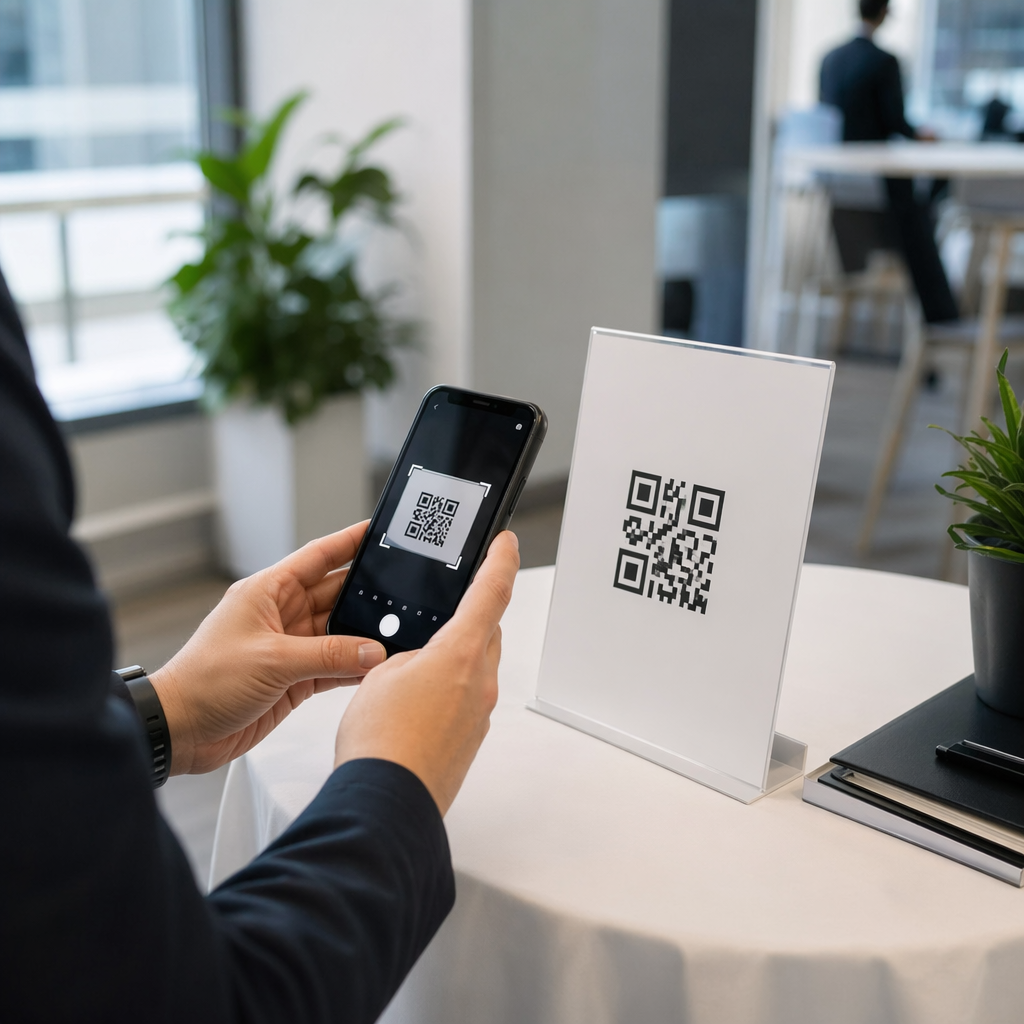
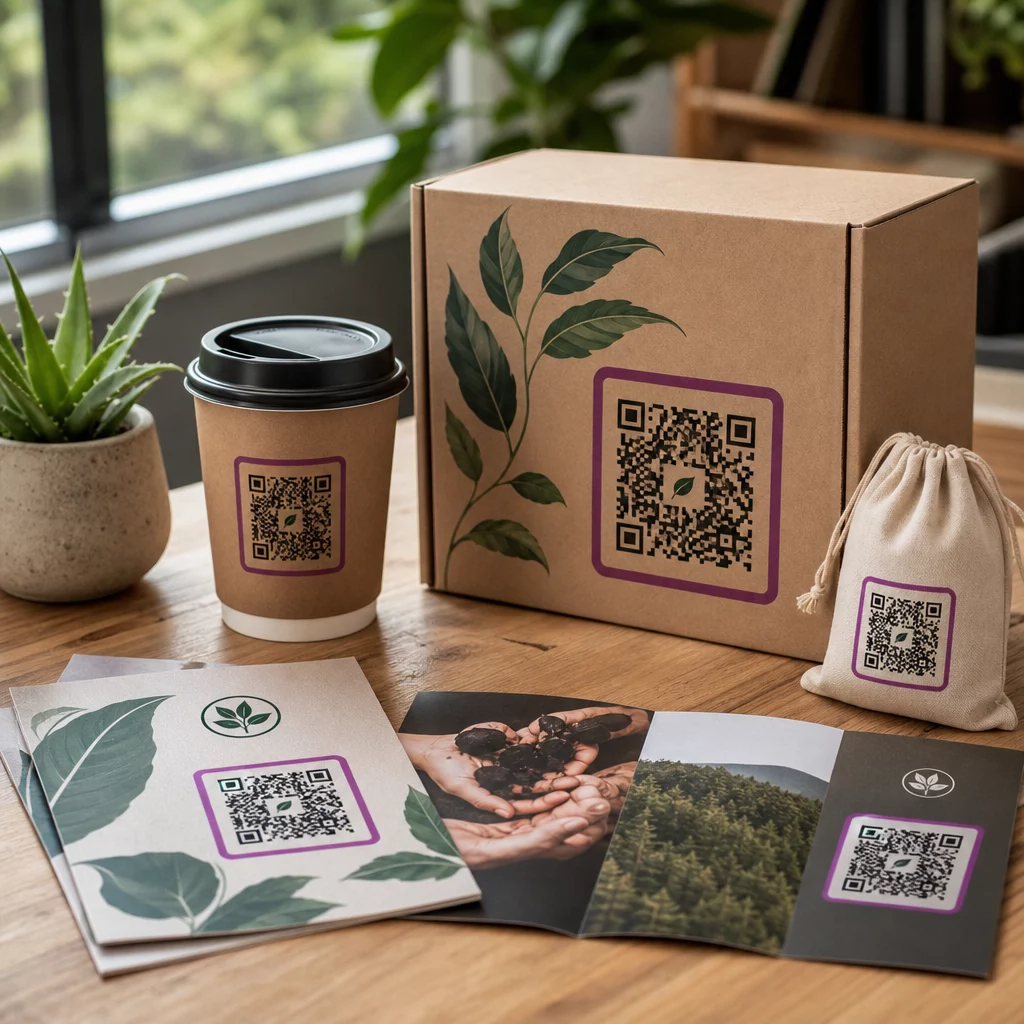
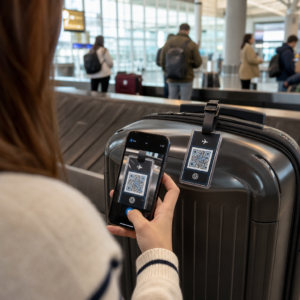
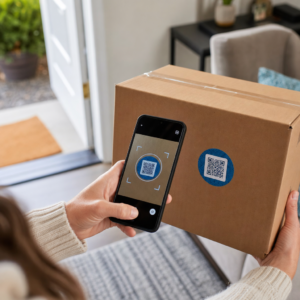
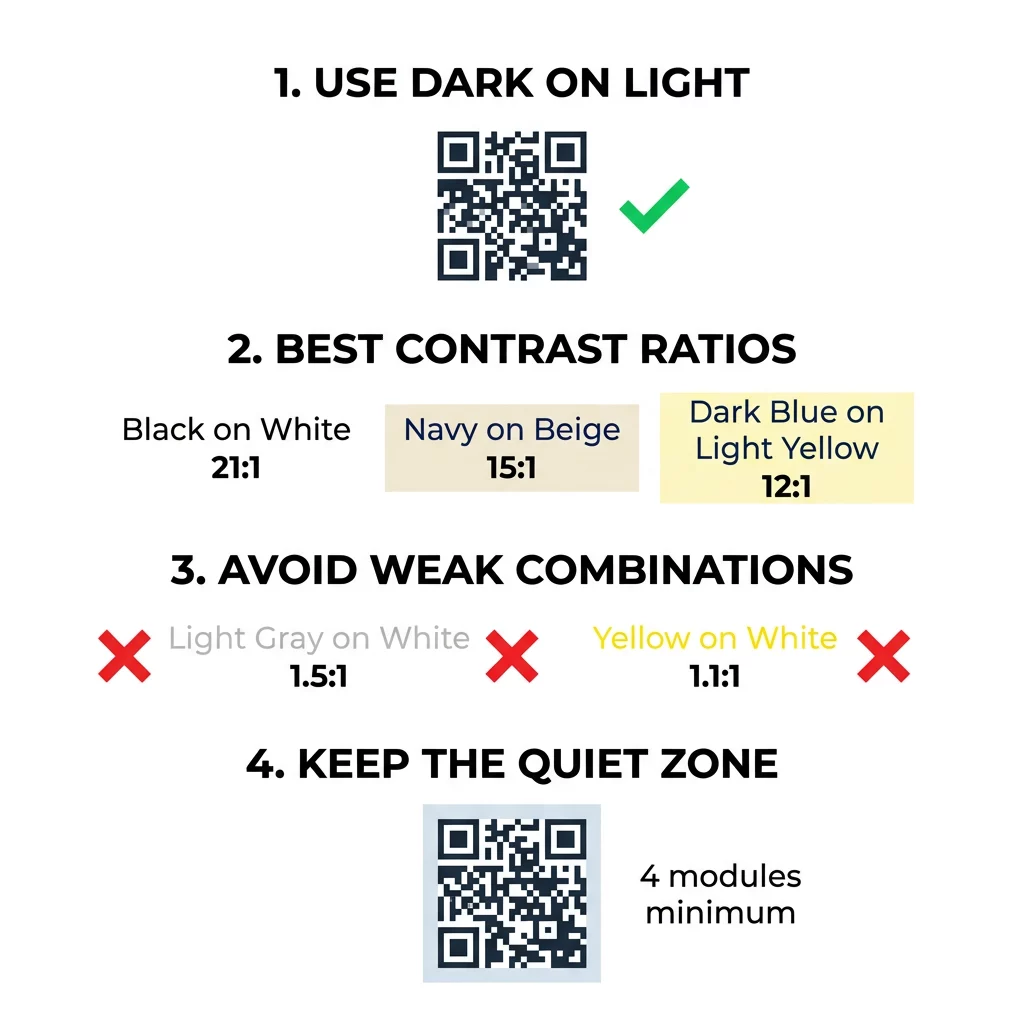
Najboljše barve za QR kodo so temni moduli (kvadrati) na svetlem ozadju, in da, QR kode so lahko barvne. Pravilo je preprosto: moduli morajo biti očitno temnejši od ozadja. Črna na beli zagotavlja kontrastno razmerje 21:1 in je najvarnejša izbira. Za blagovno znamko si prizadevajte za vsaj 4:1, za zunanje oznake pa uporabite 7:1 ali več, kjer sončna svetloba in razdalja zmanjšata učinkovit kontrast. Ta vodnik ponuja številke, barvno tabelo in rutino testiranja.
Katere barve QR kode delujejo in ali so QR kode lahko barvne?
QR koda je lahko skoraj katerekoli barve in lahko uporablja različne barve za module in ozadje. Kamera telefona ne vidi barvnega odtenka. Sliko pretvori v sivine in kvadrat za kvadratom določi, kaj je temno in kaj svetlo. Torej vprašanje ni, katero barvo izberete, ampak kako različni sta dve vrednosti sivin.
- Delujejo: mornarsko modri, temno zeleni, antracitni, temno vijolični, temno rjavi ali črni moduli na belem, krem ali drugem zelo svetlem ozadju.
- Delujejo s testom: temno rdeči, temno petrolejni in temno oranžni na belem. Najprej preverite razmerje in skenirajte natisnjen preizkus.
- Ne delujejo: rumeni, svetlo sivi, pastelni ali neonski moduli ter kateri koli par barv z enako svetlostjo, kot je srednje zelena na srednje rdeči.
- Tvegano: svetli moduli na temnem ozadju (invertirane kode). Številne aplikacije za skeniranje jih preberejo, nekatere pa ne, zato se jim izogibajte pri vsem, kar je pomembno.
Zakaj kontrast nadzoruje skenirnost QR kode
Optični senzorji berejo QR kode z merjenjem razlike v odbojnosti med temnimi in svetlimi moduli. Standard za QR kode, ISO/IEC 18004, predpostavlja temne module na svetlem ozadju. Temni moduli absorbirajo svetlobo, svetlo ozadje pa jo odbija. Če je razlika premajhna, dekoder ne more ločiti podatkovnega vzorca od ozadja.
Pri testiranju črtnih kod (ISO/IEC 15415) je kontrast simbola razlika med najsvetlejšim in najtemnejšim odbojem v kodi. Kontrast simbola 70 % ali več si prisluži najvišjo oceno, pod 20 % pa je neuspešen. Ocenjevalci preverjajo tudi modulacijo, ki prikazuje, kako enakomerno se svetli in temni moduli odbijajo po celotnem simbolu. Neenakomerne barve ali šibka ločitev povzročijo, da optični bralnik zgreši robove modulov.
Normalna polarnost, s temnimi moduli na svetlem ozadju, deluje na vsaki napravi. Nekatere vgrajene aplikacije kamer v telefonih ne morejo prebrati svetlih kod na temnih ozadjih, podpora pa se razlikuje glede na model telefona in različico programske opreme. Uporabite normalno polarnost, razen če ste preizkusili invertirano različico na napravah, ki jih uporablja vaše občinstvo.
Vrednotenje razmerij in pragov barvnega kontrasta
Kontrastno razmerje je število od 1:1 (brez razlike) do 21:1 (črna na beli). Razmerje izhaja iz pravil dostopnosti v Smernicah za dostopnost spletnih vsebin (WCAG), ki so bile napisane za besedilo, vendar so praktičen način za preverjanje barv QR kod. Preverjevalnik kontrasta (iščite "WCAG contrast checker") sprejme dve heksadecimalni kodi in vrne razmerje. Za več o vključujočem oblikovanju preberite naš vodnik o kako narediti QR kode skladne z ADA.
Uporabite te cilje. Vsaj 4:1 je minimum za notranje tiskovine in zaslone. 7:1 ali več je varneje za embalažo, letake in vse, kar se fotografira v različni svetlobi. 10:1 ali več je cilj za zunanje oznake. Spodnja razmerja so približna in so odvisna od natančnega odtenka.
| Barvna kombinacija | Približno kontrastno razmerje | Ocena berljivosti |
|---|---|---|
| Črna na beli | 21:1 | Optimalno (industrijski standard) |
| Mornarsko modra na bež | ~15:1 | Odlično |
| Temno modra na svetlo rumeni | ~12:1 | Zelo dobro |
| Temno rjava na umazano beli | ~8:1 | Dobro |
| Čisto rdeča (#FF0000) na beli | ~4:1 | Mejno, preizkusite pred tiskanjem |
| Temno rdeča (#8B0000) na beli | ~11:1 | Zelo dobro |
| Svetlo siva na beli | ~1.5:1 | Slabo (pogoste napake pri skeniranju) |
| Rumena na beli | ~1.1:1 | Neskenabilno |
Prilagodite kode brez žrtvovanja berljivosti Preizkusite barve in si oglejte svoj dizajn v realnem času z našim Generator QR kod z logotipom za uravnoteženje estetike blagovne znamke z zanesljivim skeniranjem.
Najboljše kontrastno razmerje QR kode za zunanje oznake
Noben standard ne določa zahtevanega razmerja za zunanje QR kode, vendar zunanji pogoji zmanjšajo kontrast na tri načine: neposredno sonce izpira svetle površine, bleščanje skrije dele kode in oddaljenost zamegli majhne module. Predvidite večjo varnostno rezervo, kot bi jo v notranjih prostorih.
- Uporabite črno ali zelo temno barvo na belem ozadju. Prizadevajte si za razmerje 10:1 ali več.
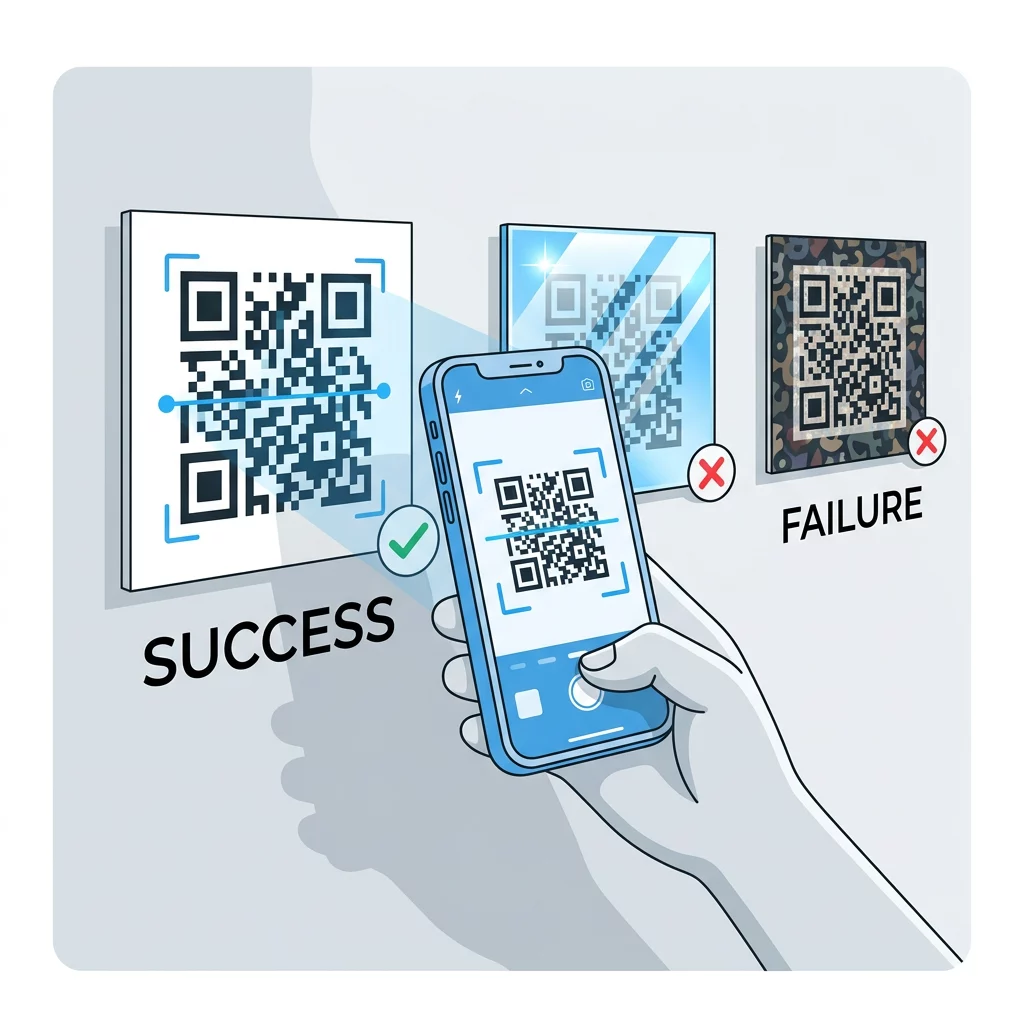
- Tiskajte na mat material ali dodajte mat laminacijo. Sijajni vinil in steklo odbijata sonce in razbijata vzorec.
- Velikost kode prilagodite razdalji skeniranja. Pogosto pravilo je 1 enota širine kode na vsakih 10 enot razdalje, tako da mora biti koda, skenirana z 2 metrov (približno 6,5 čevljev), široka približno 20 cm (8 palcev).
- Ohranite celotno mirno cono in kodo namestite na enobarvno svetlo ploščo namesto na fotografijo.
- Izogibajte se postavljanju kode tam, kjer je obrnjena proti nizkemu soncu ali se nahaja za steklom, in skenirajte natisnjen znak na dejanskem mestu, preden naročite celotno serijo.
Kontrast črtne kode: QR kode proti linearnim črtnim kodam
Ista pravila kontrasta veljajo za druge visoko kontrastne črtne kode, kot sta Code 128 ali EAN. Maloprodajni skenerji pogosto uporabljajo rdeč laser, rdeča svetloba pa ne zazna rdečih črt ali rdečega črnila kot temnega. Za linearne črtne kode natisnite črte v črni, temno modri ali temno zeleni barvi na beli, nikoli pa v rdeči ali oranžni. QR kode, ki jih bere kamera telefona, so manj občutljive na barvni odtenek, vendar isti nasvet zagotavlja najbolj zanesljiv rezultat za oboje.
Varovanje mirne cone in dimenzij kode
Visok kontrast se mora raztezati do roba kode. Prazen rob okoli vzorca je mirna cona. Pove kameri, kje se koda začne in kje se konča drugo umetniško delo.
- Ohranite mirno cono, široko vsaj štiri širine modulov, na vseh štirih straneh.
- Ta rob naj bo brez besedila, ilustracij in obrob.
- Mirno cono uskladite s svetlo barvo ozadja, da bo meja čista.
- Kode natisnite v velikosti vsaj 2 x 2 cm (0,8 x 0,8 palca) za skeniranje iz bližine, ročno. Za daljše povezave pojdite na večje, ker več podatkov pomeni manjše module.
- Raje imejte kratko povezavo. Kratek URL ustvari enostavnejši vzorec z večjimi moduli, ki se bolje skenirajo v slabi svetlobi.
Besedilo ali umetniško delo znotraj tihe cone je pogost vzrok napak pri skeniranju na blagovnih materialih. Naš vodnik o najboljšim praksam za berljivost QR kod kaže, kako ohraniti robove, hkrati pa prilagoditi postavitev.
Izogibanje pogostim napakam pri barvah in stilu
Prilagajanje kode lahko škodi berljivosti. Kamere pretvorijo sliko v sivino, zato se lahko dva različna odtenka končata z enako svetlostjo in se združita v eno sivo.
- Izogibajte se pastelnim modulom, kot so otroško modra, mint ali bledo rumena.
- Izogibajte se svetlo rdečim ali oranžnim modulom. Laserski skenerji berejo rdečo kot svetlobo, in kontrastno razmerje je pogosto pod 5:1. Temno rdeča, kot je bordo barva, je veliko varnejša.
- Izogibajte se prelivom, kjer je najsvetlejši del barve modula blizu ozadja.
- Izogibajte se prozornim ozadjem nad fotografijami, teksturiranim papirjem ali pakiranjem z vzorcem. Kodo postavite na enobarvno svetlo ploščo.
- Izogibajte se obrnjenim dizajnom s svetlimi moduli na temnem ozadju, razen če ste jih preizkusili na telefonih, ki jih uporablja vaše občinstvo.
- Izogibajte se velikim logotipom. Logotip, ki pokriva preveč modulov, lahko preseže zmožnost popravljanja napak kode.
Poznavanje teh omejitev vam omogoča, da se naučite kako ustvariti QR kodo po meri ki prikazuje vašo blagovno znamko, ne da bi prekinila dekodiranje.
Preizkušanje in potrjevanje v resničnih okoljih
Koda, ki se skenira s svetlega monitorja, lahko odpove na papirju. Sobna svetloba, kot gledanja in tekstura materiala spreminjajo kontrast, ki doseže lečo. Neposredno sonce izbriše majhne barvne razlike, temne sobe zmanjšajo senzorjevo sposobnost za ločevanje modulov, in sijajni premazi dodajo bleščanje.
Izvedite to preverjanje pred vsakim tiskanjem:
- Preverite barvni par v preverjevalniku kontrasta. Razmerje naj bo vsaj 4:1, za pakiranje in zunanjo uporabo pa 7:1 ali več.
- Natisnite preizkus na pravem materialu, v pravi velikosti, s pravim zaključkom.
- Skenirajte ga z vgrajeno kamero na vsaj enem iPhonu in enem Android telefonu, enem starejšem telefonu, če je mogoče, in brskalniku temelječo Skeniranje kode QR.
- Skenirajte kodo v najslabši svetlobi, s katero se bo srečala: zatemnjena soba, neposredna sončna svetloba in pod kotom.
- Če okleva, povečajte kontrast, povečajte kodo, skrajšajte povezavo ali obnovite mirno območje.
Naš vodnik o kako testirati QR kodo pred tiskanjem to podrobneje opisuje, in kako izboljšati berljivost QR kode zajema popravke za kode, ki ne delujejo.
Maksimiranje zanesljivosti in angažiranosti QR kode
Kontrast obravnavajte kot tehnično zahtevo, ne kot piko na i. Izberite temno barvo na svetlem ozadju, ohranite mirno območje in preizkusite natisnjen vzorec pod svetlobo, s katero se bo srečal. To ščiti vaš proračun za tisk pred kodami, ki jih ni mogoče skenirati.
Ustvarite svojo visokokontrastno kodo z našim generator QR kod. Nastavite barve modulov in ozadja ter prenesite PNG, SVG ali PDF. Če natisnete kodo in boste morda morali pozneje spremeniti povezavo, uporabite dinamično kodo: cilj lahko uredite po tiskanju in si ogledate statistiko skeniranja. Dinamične kode imajo 14-dnevno brezplačno preizkusno obdobje, načrti pa so navedeni na https://pageloot.com/pricing/.
Pogosta vprašanja
Prizadevajte si za razmerje vsaj 4:1 med moduli in ozadjem. Uporabite 7:1 ali več za embalažo in letake ter 10:1 ali več za zunanje oznake. Črno na belem je 21:1.
Da. Vsaka barva deluje, če so moduli jasno temnejši od ozadja. Temno modra, gozdno zelena, ogljeno siva in bordo barva na belem ali krem ozadju delujejo dobro. Rumena, svetlo siva in pastelne barve ne.
Moduli in ozadje so lahko različnih barv in uporabite lahko kateri koli odtenek, vendar je pomembna le razlika v svetlosti. Telefon prebere kodo v sivinah, zato bosta dve barvi enake svetlosti neuspešni. Preverite razmerje in skenirajte natisnjen dokaz.
Uradnega standarda ni. Varno razmerje je 10:1 ali večje, na primer črna na belem. Uporabite mat premaz za zmanjšanje bleščanja, velikost kode naj bo približno 1/10 razdalje skeniranja, in jo preizkusite na mestu.
Da, če je barva vaše blagovne znamke dovolj temna, kot so temno mornarsko modra, gozdno zelena ali antracitna, in se nahaja na enotnem svetlem ozadju. Če je barva vaše blagovne znamke svetla, uporabite temnejši odtenek le-te za module.
Standard QR kode določa temne module na svetlem ozadju. Številne aplikacije za kamere najprej iščejo ta vzorec, nekatere pa ne morejo prebrati svetlih modulov na temnem ozadju. Podpora se razlikuje glede na telefon, zato preizkusite, preden natisnete.
Da. Linearnim črtnim kodam, kot sta Code 128 ali EAN, prav tako potrebujejo temne črtice na svetli podlagi. Maloprodajni laserski skenerji uporabljajo rdečo svetlobo, zato nikoli ne tiskajte črtic v rdeči ali oranžni barvi.