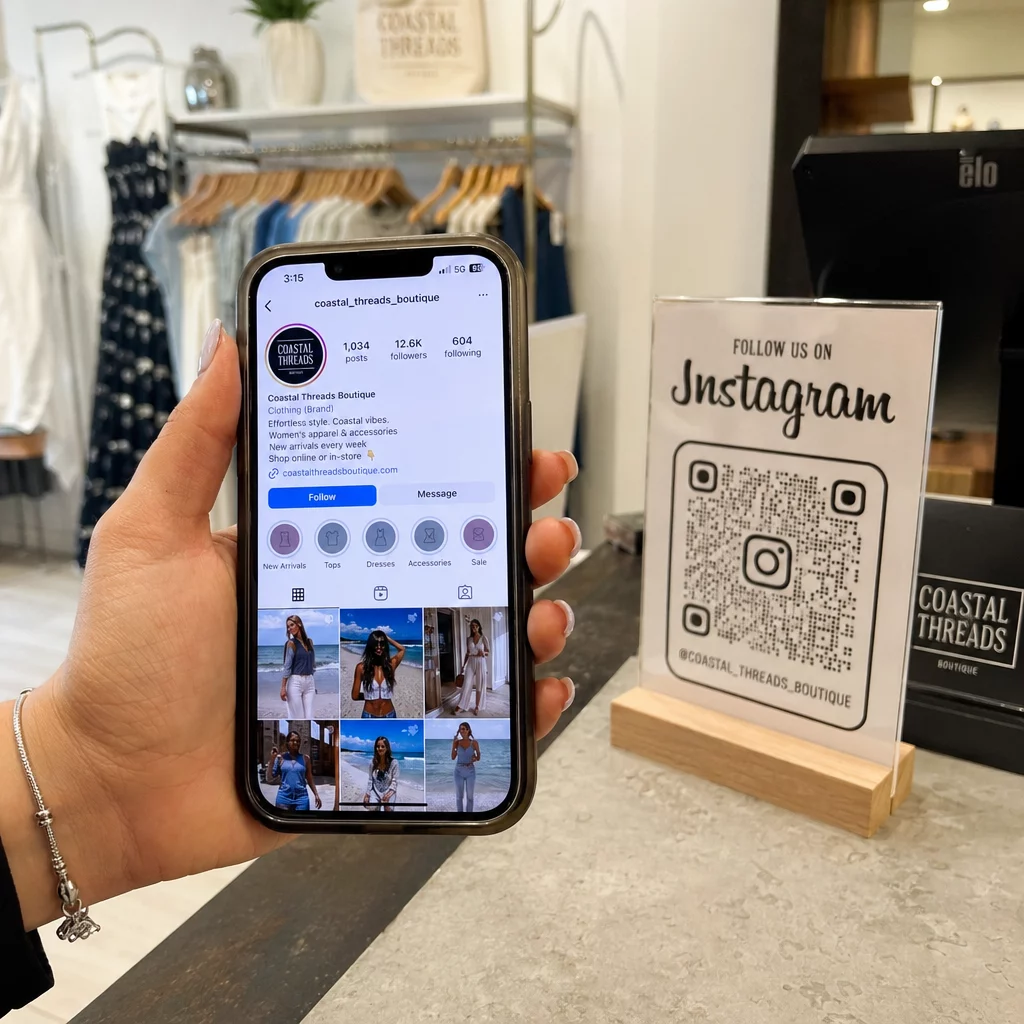
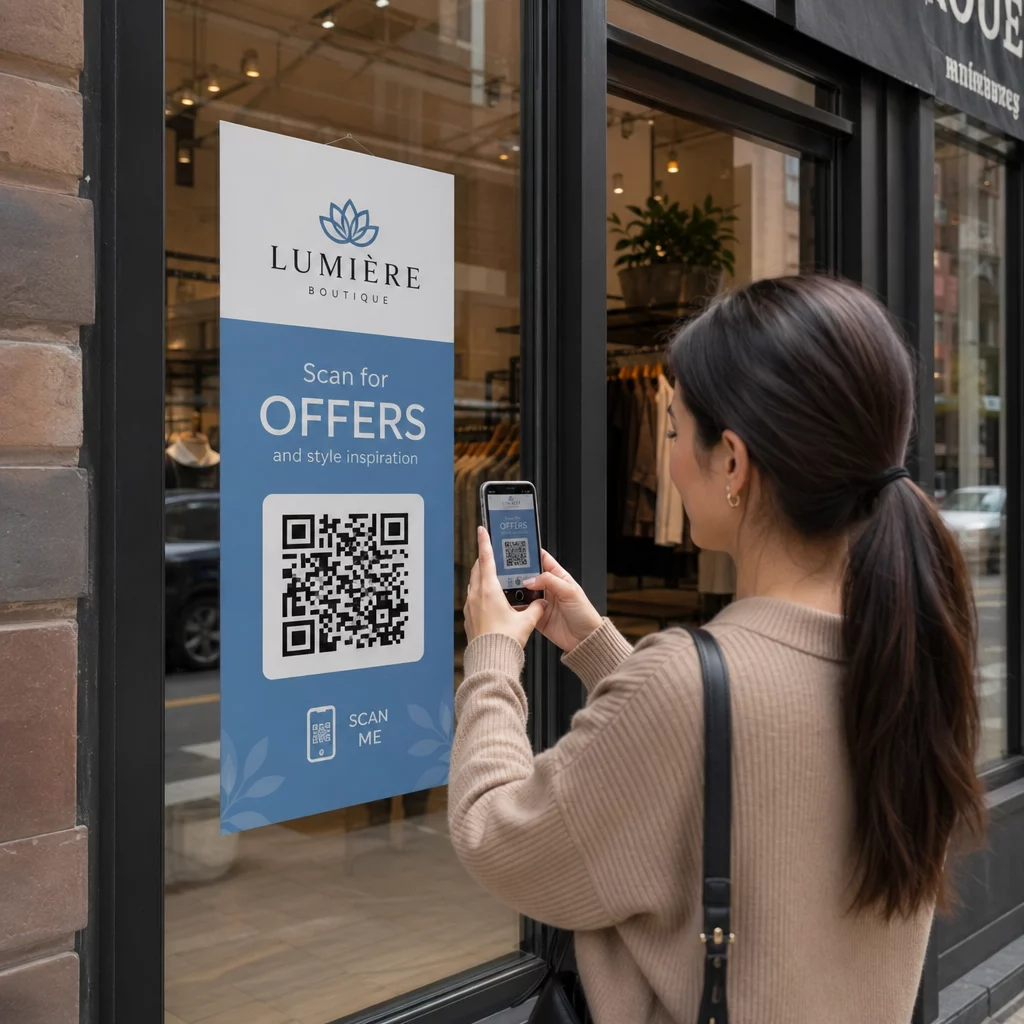
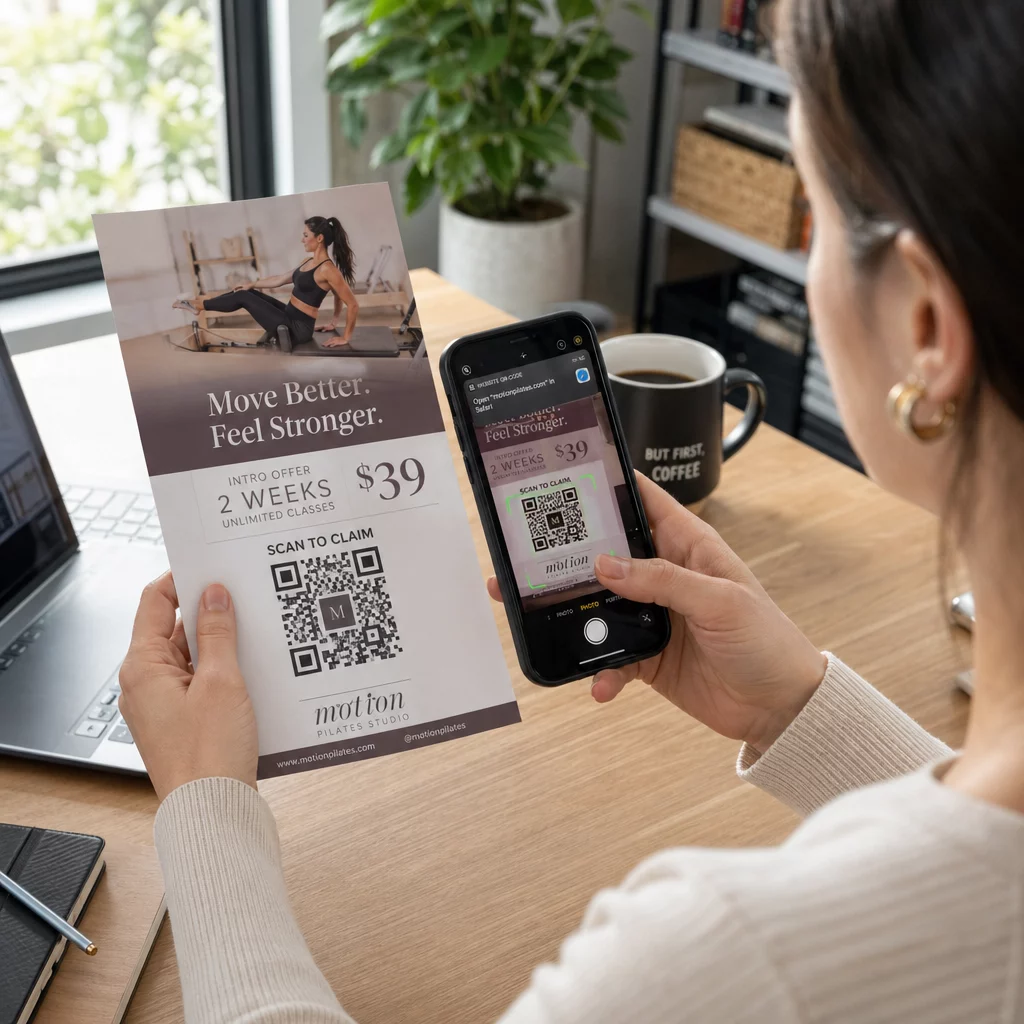
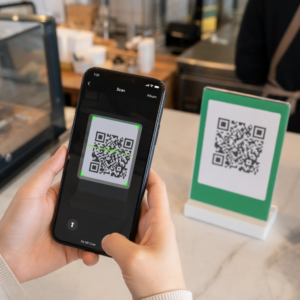
Honnan tudhatja, hogy a nyomtatott hirdetései valóban működnek-e? A válaszok mérésének módja nélkül csak találgat – és a felesleges hirdetési kiadások gyorsan felhalmozódnak. A QR-kódok ezt úgy oldják meg, hogy minden nyomtatott elhelyezést nyomon követhető digitális érintkezési ponttá alakítanak, konkrét adatokat szolgáltatva arról, hogy ki, mikor és mit tett ezután.
Miért nehéz mérni a nyomtatott hirdetéseket QR-kódok nélkül
A hagyományos nyomtatott hirdetések – magazinok, direkt marketing levelek, plakátok, szórólapok – mindig is szenvedtek az attribúciós hiánytól. A terjesztési számok alapján becsülheti a elérést, de nincs natív módja annak, hogy megtudja, hány olvasó reagált ténylegesen egy adott hirdetésre, nem is beszélve arról, hogy mit tettek utána.
A QR-kódok áthidalják ezt a hiányt. Amikor egy olvasó beolvas egy kódot a nyomtatott anyagában, az a művelet digitálisan naplózásra kerül. Rögzíti a beolvasási eseményt, a helyet, az eszköz típusát és az időt – és ha a cél URL tartalmaz UTM paramétereket, akkor nyomon követheti a felhasználót egészen a vásárlásig, regisztrációig vagy letöltésig. Az offline megjelenés mérhető digitális konverzióvá válik.
Ezért váltak a QR-kódok a nyomtatott kampányok attribúciójának standard eszközévé. Egyedi QR-kódok használatával különböző elhelyezéseken – egy minden magazinhoz, egy minden direkt marketing levél köteghez, egy minden óriásplakát helyszínhez – összehasonlíthatja a teljesítményt a csatornák között ugyanúgy, ahogy a fizetett digitális kampányokat hasonlítaná össze.
Alakítsa át a nyomtatott elhelyezéseket mérhető kampányokká Használja a Dinamikus QR-kód generátor egyedi, nyomon követhető kódok létrehozásához minden nyomtatott elhelyezéshez, és kezdje el rögzíteni a valós elkötelezettségi adatokat.
Statikus vs. Dinamikus QR-kódok a nyomon követéshez
Nem minden QR-kód támogatja a nyomon követést. A statikus és dinamikus kódok közötti különbség megértése a nyomtatott mérés bármely stratégiájának alapja.
Statikus QR-kódok közvetlenül a kódmintába kódolják a cél URL-t. Kinyomtatás után a cél nem módosítható, és nincs mechanizmus a beolvasási események naplózására. Jól működnek állandó tartalomra való hivatkozáshoz, de nem kínálnak elemzést.
Dinamikus QR-kódok helyette egy rövid átirányítási URL-t kódolnak. Beolvasáskor az átirányítás a kiválasztott célra mutat – és a platform naplózza a beolvasási eseményt időbélyeggel, helyszínnel és eszközadatokkal. Mivel az átirányítási URL rögzített marad, miközben a cél változhat, bármikor frissítheti a hivatkozott tartalmat anélkül, hogy újra kellene nyomtatnia az anyagait.
Nyomtatott hirdetések nyomon követéséhez, dinamikus QR kódok az egyetlen praktikus megoldás. Ezek biztosítják a kampány teljesítményének méréséhez szükséges beolvasási adatokat, és a rugalmasságot a céloldalak módosításához az adatok alapján.
QR-kódok beállítása nyomtatott kampányok nyomon követéséhez
Hozzon létre egyedi kódokat minden elhelyezéshez
A nyomtatott nyomon követés legfontosabb szabálya: egy QR-kód elhelyezésenként. Ha ugyanazt a hirdetést három különböző magazinban futtatja egyetlen megosztott QR-kóddal, akkor összesített beolvasási számokat fog látni, de nem fogja tudni, melyik kiadvány hozott eredményeket.
Rendeljen külön QR-kódot mindegyikhez:
- Kiadvány vagy csatorna (pl. minden magazin címe)
- Földrajzi terjesztési terület (pl. Északkelet vs. Nyugati partvidéki küldemények)
- Hirdetés formátuma vagy mérete (pl. egész oldalas vs. féloldalas)
- Kampány időtartama vagy időszaka
Ez a megközelítés lehetővé teszi, hogy közvetlenül összehasonlítsa a teljesítményt a különböző elhelyezések között, és a jövőbeli kiadásokat arra fordítsa, ami működik. A Pageloot kampánykezelő eszközei lehetővé teszik, hogy kampányok szerint rendezze a kódokat, al-fiókokhoz rendelje őket különböző csapatok számára, és az összes elhelyezést egyetlen irányítópultról kezelje.
Adjon hozzá UTM paramétereket a cél URL-jeihez
A QR-kód platformjáról származó szkennelési adatok megmondják, hányan léptek kapcsolatba a nyomtatott hirdetésével. Az UTM paraméterek megmondják, mit tettek ezek az emberek a szkennelés után. Együtt adják meg a teljes attribúciós képet.
Az UTM paraméterek a cél URL-hez fűzött címkék, amelyek azonosítják a forgalom forrását a Google Analyticsben. Egy megfelelően címkézett URL egy nyomtatott kampányhoz így nézhet ki:
`https://yourwebsite.com/landing-page?utmsource=voguemagazine&utmközeg=QRkód&utmcampaign=falllaunch_2025`
Ezzel a beállítással minden munkamenet, amely az adott QR-kód beolvasásából származik, megjelenik a Google Analyticsben, az adott elhelyezéshez címkézve. Ezután mérheti a későbbi műveleteket – vásárlásokat, űrlapkitöltéseket, tartalomletöltéseket – és hozzárendelheti azokat a nyomtatott hirdetéshez, amely a beolvasást generálta.
A névkonvenciók és a GA4 jelentéskészítés teljes áttekintéséhez az útmutató a UTM paraméterek QR-kódokhoz részletesen tárgyalja a beállítást.
Nyomtatott beolvasások összekapcsolása a Google Analytics-szel A Pageloot analitikai funkciók lehetővé teszi UTM paraméterek hozzáadását a QR-kód létrehozása során, így minden beolvasás automatikusan hozzárendelődik a GA4-ben.
Tervezzen olyan kódokat, amelyeket ténylegesen beolvasnak
A nyomon követés csak akkor működik, ha az emberek beolvassák a kódjait. Néhány technikai követelmény kifejezetten a nyomtatott anyagokra vonatkozik:
- Minimális méret: 0,8 × 0,8 hüvelyk szabványos nyomtatott anyagokhoz, például névjegykártyákhoz vagy szórólapokhoz; plakátok és táblák esetén arányosan növelje a 10:1 szabály szerint – legalább egy hüvelyk QR-kód szélesség tíz hüvelyk várható beolvasási távolságonként
- Kontraszt: Lényeges a sötét modulok és a világos háttér közötti nagy kontraszt; kerülje az alacsony kontrasztú párosításokat, mint például a világosszürke fehéren, és soha ne fordítsa meg a színeket
- Elhelyezés: A szemmagasság ideális plakátok és táblák esetén, jellemzően 3,5 és 5,5 láb között a talajtól; kerülje az ívelt felületeket, mint például a palackcímkék vagy magazinredők, ahol a torzítás megakadályozhatja a beolvasást
- Fájlformátum: Használjon vektoros formátumokat (EPS vagy SVG) nagy formátumú nyomtatáshoz; PNG vagy JPEG elegendő kisebb anyagokhoz
Egy cselekvésre ösztönző keret – “Szkennelje be exkluzív ajánlatért” vagy “Azonnali hozzáférés” – hozzáadása a kód közelében egyértelmű okot ad az olvasóknak a részvételre. A logóját és színeit tartalmazó márkás QR-kódok szintén növelik az ismertséget és a bizalmat. Részletes méretezési és elhelyezési irányelveket talál a útmutatóban a QR-kódok nyomtatott médiában való használatához.
A nyomtatott hirdetések attribúciójához fontos mérőszámok
Miután a kódjai élesek, az összegyűjtött adatok két kategóriába sorolhatók: elkötelezettségi mérőszámok, amelyek azt mérik, hányan reagáltak a nyomtatott hirdetésére, és konverziós mérőszámok, amelyek azt mérik, mit tettek ezek az emberek ezután.
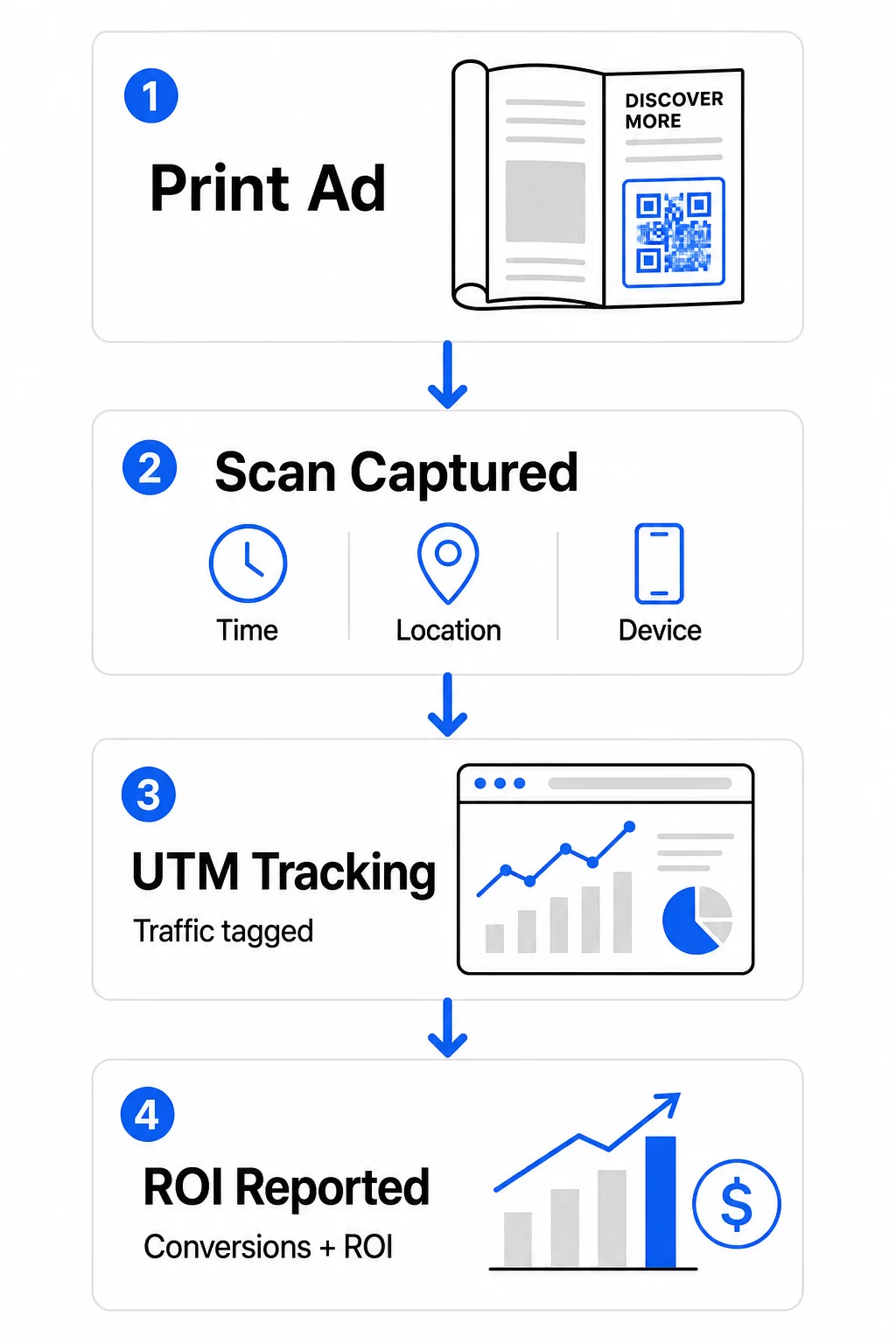
Íme a legfontosabb figyelemre méltó mérőszámok bontása:
| Metrika | Mit mér | Miért fontos |
|---|---|---|
| ÖSSZES BEOLVASÁS | Minden szkennelési esemény, beleértve az ismételt szkenneléseket is | Megmutatja az általános kampányelérést |
| Egyedi szkennelések | Egyedi eszközök, amelyek szkenneltek | Tükrözi a tényleges közönségméretet |
| Átszkennelési arány | Szkennelések a becsült hirdetésmegjelenéshez képest | Értékeli a kreatív és elhelyezés hatékonyságát |
| Szkennelés helye | A szkennelések földrajzi eloszlása | Azonosítja a jól teljesítő régiókat |
| Eszköztípus | iOS, Android, asztali | Segíti a mobiloptimalizálást a céloldalakhoz |
| Csúcs szkennelési idők | Mikor történnek a szkennelések a nap vagy a hét folyamán | Tájékoztatja a jövőbeli kampányok időzítési stratégiáját |
| Konverziós arány | Beolvasás utáni műveletek (vásárlások, regisztrációk) | Méri a valós üzleti hatást |
Összes szkennelés vs. egyedi szkennelések fontos különbség. Az összes beolvasás minden alkalommal számolja a kód aktiválását, beleértve ugyanazon személy többszöri beolvasását is. Az egyedi beolvasások eszközszintű azonosítást használnak az egyéni felhasználók számlálására, pontosabb képet adva a tényleges közönség eléréséről. Nyomtatott kampányok esetén az egyedi beolvasások általában a jelentősebb szám.
A beolvasási arány a kattintási arány nyomtatott megfelelője – megmutatja, hogy a hirdetésének kitett emberek hány százaléka reagált ténylegesen. Ezt úgy becsülheti meg, hogy elosztja az egyedi beolvasások számát a nyomtatott példányszámmal vagy az adott elhelyezés becsült olvasottságával.
A vállalati szintű analitikák mélyebb megismeréséhez a cikk a kulcsfontosságú QR-kód analitikai mutatók arról szól, hogyan léphet túl a beolvasások számán a valódi üzleti hatás mérésére.
Valós idejű analitika használata a kampányok optimalizálására futás közben
A dinamikus QR-kódok egyik jelentős előnye a hagyományos nyomtatott mérésekkel szemben az, hogy a kampány futása közben is lehet cselekedni az adatok alapján. A valós idejű analitikával nem kell megvárnia a kampány végét, hogy megtudja, mi működött.
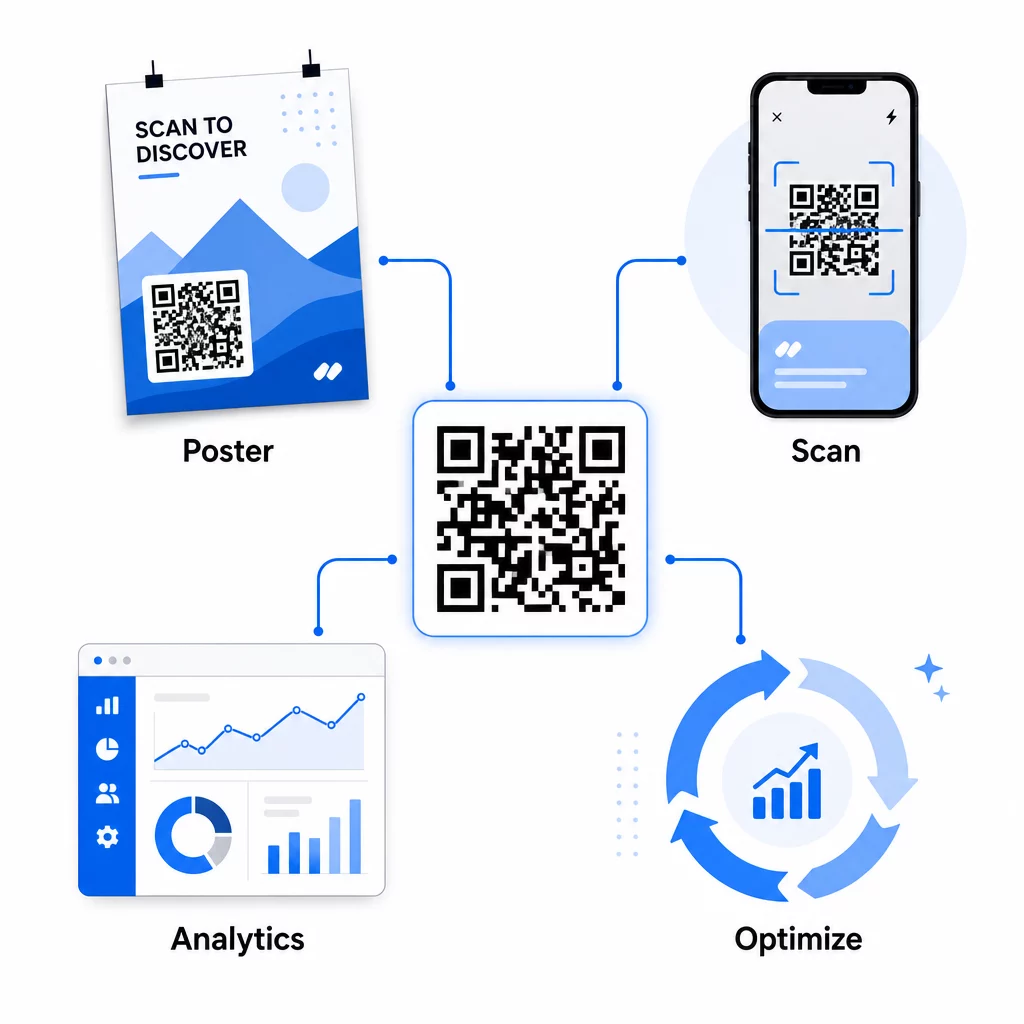
Gyakorlati kampány közbeni optimalizálások a következők:
- A cél URL frissítése ha az eredeti céloldal nem konvertál jól – anélkül, hogy bármilyen anyagot újra kellene nyomtatni
- A költési allokáció módosítása az alacsony beolvasási arányú elhelyezések szüneteltetésével és a jól teljesítő csatornákba történő befektetés növelésével
- Céloldalak A/B tesztelése ugyanazon QR-kódról érkező forgalom különböző időpontokban különböző célokra irányításával
- Földrajzi minták azonosítása a szkennelési adatokban és a nyomon követő üzenetek testreszabása a magas válaszadási arányú régiók számára
A Pageloot valós idejű analitikai irányítópultja integrálódik a Google Analytics-szel, így a QR-kódok által generált forgalmat más digitális csatornáival együtt tekintheti meg. Ez teljes képet ad arról, hogyan járulnak hozzá nyomtatott kampányai az ügyfél teljes útjához – attól a pillanattól kezdve, hogy valaki meglátja a hirdetést, egészen a végső konverzióig.
Kampányának valós idejű nyomon követése Szeretné pontosan látni, hol és mikor szkennelik be ügyfelei a nyomtatott anyagaikat? Használja a Pageloot QR-kód analitikai eszközeit egy teljesítmény-irányítópult eléréséhez és a kampányok optimalizálásához, amíg azok még futnak.
Dinamikus QR-kódok rugalmas, folyamatos kampányokhoz
Több elhelyezésen vagy időszakon át futó kampányok esetén a dinamikus QR-kódok olyan szintű rugalmasságot biztosítanak, amelyet a statikus kódok nem tudnak felülmúlni. Tesztelhet szezonális ajánlatokat, frissítheti a céloldalakat az aktuális promóciók tükrözésére, és átirányíthatja a forgalmat anélkül, hogy a nyomtatott anyagokhoz hozzáérne.
Ez a rugalmasság különösen értékes a következőkhöz:
- Hosszú távú nyomtatott kampányok ahol az ajánlatok változnak (pl. szezonális promóciók csomagoláson vagy táblákon)
- Több helyszínes kampányok ahol a regionális céloldalaknak eltérőnek kell lenniük
- Költségvetés optimalizálás ahol át szeretnéd irányítani a forgalmat az alulteljesítő elhelyezésekről erősebbekre
Mivel maga a QR-kód sosem változik – csak a cél, amire mutat – nyomtatott anyagaid korlátlan ideig érvényesek maradnak. Ez kiküszöböli az újranyomtatási költségeket, miközben naprakészen tartja a kampány tartalmát.
A QR-kódok marketing automatizálási eszközökkel való összekapcsolása tovább bővíti ezt. Amikor egy szkennelés belépést vált ki egy e-mail sorozatba vagy CRM munkafolyamatba, minden nyomtatott hirdetés interakciója strukturált ügyfélutat indíthat el – nem csupán egy egyszeri weboldal látogatást. A Pageloot támogatja az integrációkat olyan platformokkal, mint a HubSpot és a Zapier, hogy lehetővé tegye ezeket az automatizált munkafolyamatokat.
A nyomtatott kampányok ROI-jának bizonyítása
A QR-kód követés végső célja a nyomtatott anyagokban a befektetés megtérülésének bizonyítása. A megfelelő beállítással ezt közvetlenül kiszámíthatja.
Ha ismeri a nyomtatott kampány költségét, és hozzá tudja rendelni a konverziókat – vásárlásokat, érdeklődőket, feliratkozásokat – specifikus QR-kód szkennelésekhez UTM paraméterek és Google Analytics segítségével, akkor kiszámíthatja az akvizíciós költséget minden elhelyezéshez. Ez ugyanazt az elszámoltathatóságot biztosítja, amit a digitális hirdetésektől várna, offline médiára alkalmazva.
A kulcsfontosságú lépések ennek működéséhez:
- Használjon egyedi QR-kódokat minden elhelyezéshez, így az attribúció tiszta lesz
- Címkézze meg a cél URL-eket UTM paraméterekkel, így a GA4 rögzíti a teljes konverziós utat
- Állítson be konverziós célokat a GA4-ben azokhoz a műveletekhez, amelyek fontosak vállalkozása számára
- Használja a Pageloot analitikai műszerfalát a szkennelési adatok és a konverziós adatok összevetéséhez
Azoknak a csapatoknak, amelyek egyszerre több ügyfelet vagy kampányt kezelnek, a marketing ügynökségi eszközök a Pagelootban lehetővé teszik a teljesítmény nyomon követését a kampányok között egy helyen, és tiszta attribúciós jelentéseket mutathat be az érdekelt feleknek. A QR-kódok nem csak interaktívvá teszik a nyomtatott hirdetéseket – mérhetővé is teszik őket. Dinamikus QR-kódok, UTM-címkével ellátott cél URL-ek és valós idejű analitikával rendelkező platform kombinálásával ugyanazzal a pontossággal tulajdoníthatja az offline nyomtatott elkötelezettséget a digitális eredményeknek, mint bármely digitális csatorna esetében. Kezdje azzal, hogy egyedi kódokat hoz létre minden jelenlegi nyomtatott elhelyezéséhez, és nézze meg, melyek hoznak ténylegesen eredményeket.
Kezdje el a Ingyenes QR-kód generátor vagy fedezze fel dinamikus QR-kód követés hogy megtekinthesse a nyomtatott kampányaihoz elérhető összes funkciót.
Gyakori kérdések
Igen, ha dinamikus QR-kódokat használ. A dinamikus kódok egy átirányítási URL-re mutatnak, amelyet Ön irányít. Frissítheti a célállomást – legyen az egy új céloldal, egy szezonális ajánlat vagy egy felülvizsgált UTM-címkével ellátott URL – anélkül, hogy megváltoztatná a nyomtatott QR-kódot. A fizikai anyagok érvényesek maradnak, és a követés megszakítás nélkül folytatódik.
Az összes beolvasás száma minden alkalommal, amikor a kód aktiválódik, beleértve ugyanazon személy többszöri beolvasását is. Az egyedi beolvasások az egyes eszközöket számolják, tisztább képet adva arról, hogy hány különböző személy reagált a hirdetésére. A nyomtatott hirdetések elérésének méréséhez és a beolvasási arányok kiszámításához az egyedi beolvasások jellemzően értelmesebbek.
Adjon hozzá UTM paramétereket a QR-kódjába ágyazott cél URL-hez. Amikor valaki beolvassa a kódot és megérkezik a webhelyére, a Google Analytics rögzíti a munkamenetet ezekkel az UTM címkékkel. Ha beállított konverziós célokat a GA4-ben – vásárlások, űrlapbeküldések, letöltések – pontosan láthatja, hány konverzió származott az egyes nyomtatott elhelyezésekből. Ez az offline-ról digitálisra történő attribúció magja a nyomtatott kampányok esetében.