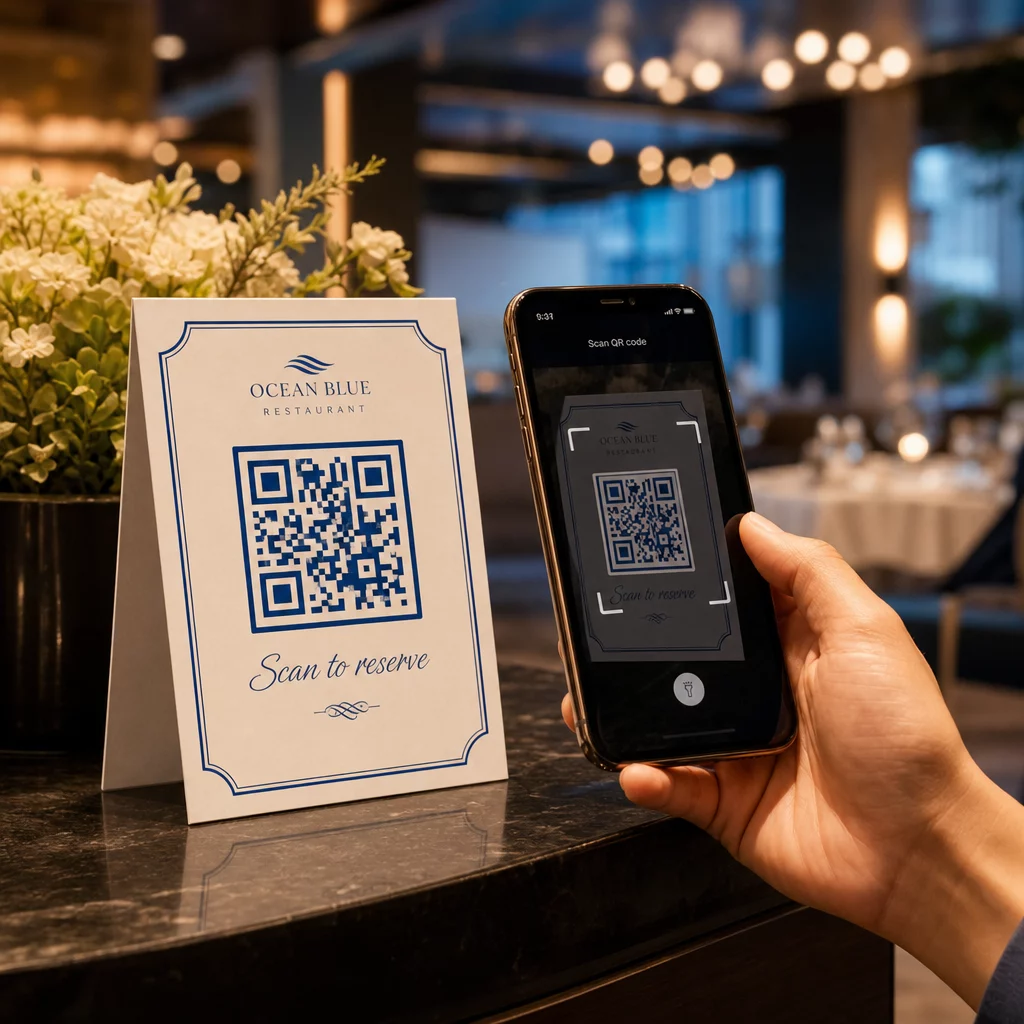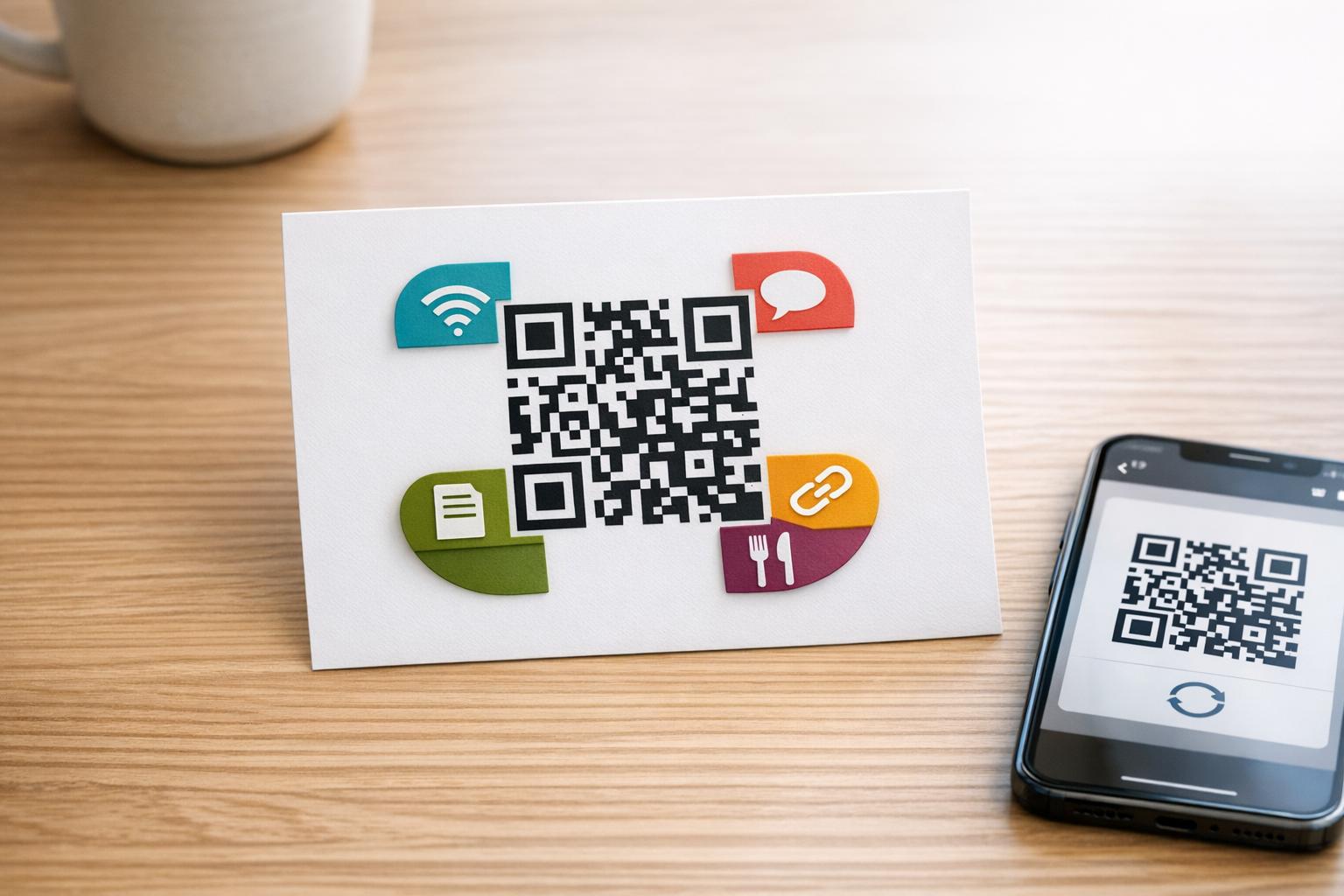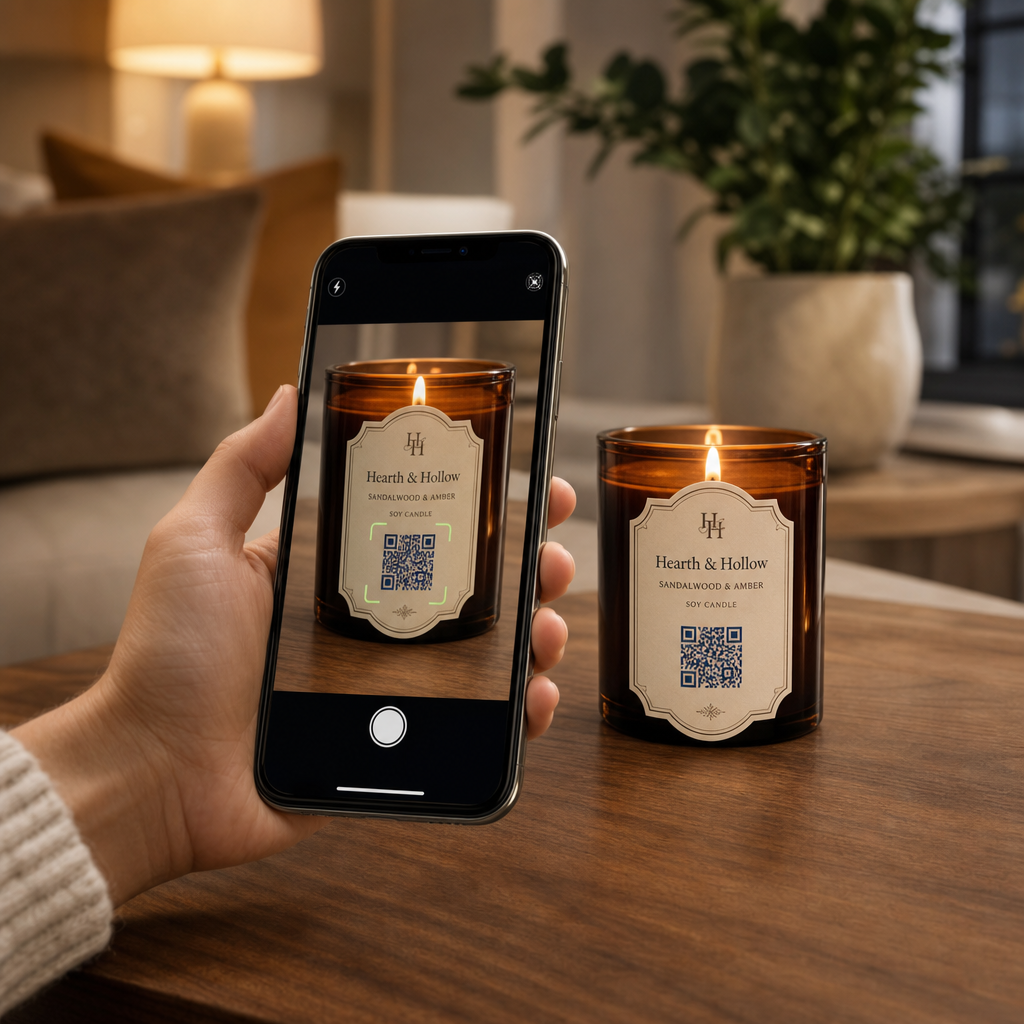
Kamppailetko bränditarinasi ja tarjouksiesi jakamisen kanssa pienillä kynttiläetiketeillä? Fyysisen etiketitilan rajallisuus pakottaa valmistajat uhraamaan tuotekuvauksia, käyttöohjeita tai lahjaviestintää. QR-koodien lisääminen pakkauksiin yhdistää fyysiset tuotteet interaktiiviseen digitaaliseen sisältöön pitäen visuaalisen asettelun siistinä.
Luovia tapoja käyttää QR-koodeja kynttiläetiketeissä
Kynttilät ovat monipuolisia tuotteita, joita ostetaan yleisesti kodin sisustukseen, hyvinvointituotteiksi tai harkituiksi lahjoiksi. Skannattavan digitaalisen pisteen integroiminen pakkaukseen tai astiaan nostaa tavallisen tuotteen mukaansatempaavaksi brändikokemukseksi.
- Yksilöllisten lahjaviestien toimittaminen: Antamalla ostajien liittää video-, ääni- tai kirjallisia viestejä käyttämällä Tekstin QR-koodi generaattori tai MP3 QR-koodi generaattori muuttaa kynttilät ikimuistoisiksi lahjoiksi juhlapyhiin, häihin tai muistotilaisuuksiin.
- Tuoksun yhdistäminen kuratoituihin soittolistoihin: Tuoksuprofiilien yhdistäminen äänimaailmoihin käyttämällä Spotify QR-koodi generaattori antaa ostajien skannata purkin ja soittaa tuoksuun sopivaa musiikkia. Lisätietoja asennuksesta löytyy oppaastamme Spotify-soittolistojen jakamista koskeva opas.
- Toistuvien myyntien edistäminen kampanja-alennuksilla: Asiakasuskollisuuden edistäminen tarjoamalla kohdennettuja tarjouksia käyttämällä Kuponki QR-koodi generaattori suoraan pakkauksessa edistää toistuvia verkkotilauksia.
- Kattavien kynttilänhoito-ohjeiden tarjoaminen: Jakamalla tietoa käsinvaletusta vahasta, eteeristen öljyjen profiileista, sydämen leikkausohjeista ja purkin uudelleenkäyttövinkeistä fyysiset etiketit pysyvät siisteinä.
Sääntelyn noudattamisen ja etikettitilan tasapainottaminen
Kun suunnittelet strategisia sijoituksia QR-koodien sijoittamiselle tuotepakkauksiin, sinun on tasapainotettava digitaalinen sitoutuminen ja pakolliset lainmukaiset pakkausvaatimukset.
Yhdysvalloissa kuluttajakynttilöiden etikettien on noudatettava Fair Packaging and Labeling Act (FPLA) -lakia. Tämä liittovaltion laki edellyttää, että ensisijaiset näyttöpaneelit sisältävät tietyt tiedot:
- Tunnistekuvaus, joka kuvaa tuotteen selkeästi (kuten “Tuoksuva soijakynttilä”).
- Sisällön nettomäärä ilmoitettuna sekä Yhdysvaltojen tavanomaisissa yksiköissä (unssit) että metrisissä yksiköissä (grammat).
- Valmistajan, pakkaajan tai jakelijan yrityksen nimi ja fyysinen sijainti (kaupunki, osavaltio ja postinumero).
Lisäksi ASTM F2058 -standardin mukaiset turvallisuusstandardit edellyttävät nimenomaisia paloturvallisuusvaroituksia. Vakiovaroitusetiketeissä on kolme keskeistä varotoimenpidettä: “Polta näkyvissä,” “Pidä poissa syttyvistä materiaaleista” ja “Pidä poissa lasten ja lemmikkien ulottuvilta.” Jos sijoitat täydelliset paloturvallisuusohjeet purkin pohjapaneeliin, pakkausstandardit edellyttävät, että sivu- tai yläetiketissä on ohje käyttäjille “Katso turvallisuustiedot pohjapaneelista.”
Taustatarinoiden, tuoksupyramidien ja markkinointilinkkien siirtäminen skannattavan koodin taakse auttaa täyttämään pakolliset säädöstekstivaatimukset samalla kun suojaa pakkauksen yleistä estetiikkaa.
Lisää toistuvia tilauksia dynaamisilla alennuksilla Haluatko palkita asiakasuskollisuutta ilman, että joudut painamaan kynttiläpakkauksesi uudelleen jokaiselle kampanjalle? Luo muokattavia alennuslinkkejä käyttämällä Kuponki QR-koodi generaattori tänään.
Skannattavien kynttiläetikettien suunnittelu- ja paino-ohjeet
Skannattavan koodin on toimittava luotettavasti arkipäivän valaistus- ja käsittelyolosuhteissa. Kun käytät kuvioita lasipurkkeihin, alumiinitölkkeihin tai pahvilaatikoihin, käytä kriittisiä parhaita käytäntöjä QR-koodin luettavuudelle:
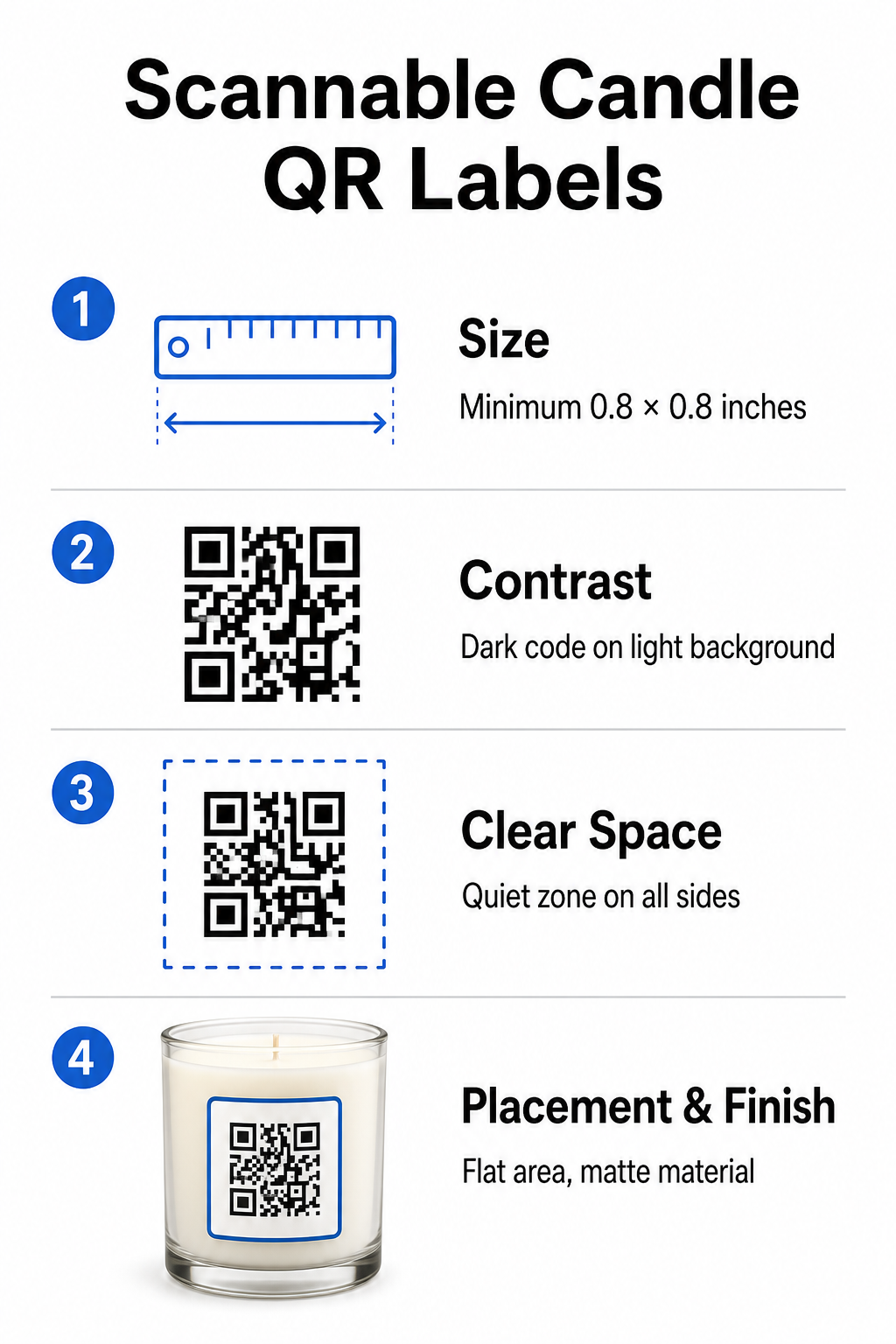
- Oikeiden painokuvien mittojen ylläpitäminen: Pidä fyysiset mitat vähintään 0.8 x 0.8 tuumaa (2 x 2 cm) etiketeille, laajentuen 3 x 3 cm ulompia laatikoita varten, kuten on mainittu meidän QR-koodien kokooppaassa.
- Vahvan visuaalisen kontrastin varmistaminen: Käytä tummia kuvioita vaaleilla taustoilla, jotta tavalliset puhelimen kamerasensorit voivat helposti lukea matriisin.
- Riittävän hiljaisen vyöhykkeen säilyttäminen: Säilytä painamaton reunus kaikilla neljällä sivulla, jonka leveys on vähintään neljä kertaa moduulin leveys.
- Säiliön heijastuksen ja pinnan kaarevuuden vähentäminen: Aseta koodit tasaisille sekundääripakkauksille tai pidä etiketit kapeina kaarevan vääristymisen estämiseksi, valitsemalla mattapintaiset tai puolikiiltävät etikettimateriaalit kiiltävien pintojen sijaan.
- Korkearesoluutioisten vektoriresurssien vienti: Tallenna kuvitus SVG- tai EPS-muodossa 300 DPI:n tai korkeammalla tarkkuudella reunojen terävyyden säilyttämiseksi, noudattaen opastamme aiheesta QR-koodin tulostaminen etikettiin.
Paranna kynttiläkokemustasi äänellä Yhdistä tunnusomaiset tuoksusi mukautettuihin ääniraitoihin tai soittolistoihin hurmataksesi asiakkaasi. Käytä Spotify QR-koodi generaattori luodaksesi skannattavia musiikkikoodeja tuotteillesi.
Staattisten ja dynaamisten QR-koodien vertailu kynttilämerkeille
Oikean koodiarkkitehtuurin valinta määrää, pysyykö myynnin jälkeinen markkinointisi mukautuvana ajan mittaan.
| OMINAISUUS | Staattiset QR-koodit | Dynaamiset QR-koodit |
|---|---|---|
| Muokattava linkki | Pysyvä (Ei voi muuttaa tulostuksen jälkeen) | Täysin muokattavissa milloin tahansa ilman pakkauksen uudelleentulostusta |
| Skannausanalytiikka | Seuranta ei käytettävissä | Seuraa skannausten kokonaismäärää, sijaintia, laitteen käyttöjärjestelmää ja aikaa |
| Kuvion tiheys | Tiheämpi kuvio pitkillä kohde-URL-osoitteilla | Selkeä, harvempi kuvio käyttäen lyhyitä uudelleenohjauslinkkejä |
| Paras käyttökotelo | Pysyvät ohjeet tai yksinkertaiset tekstimuistiinpanot | Kausimyynnit, vaihtuvat soittolistat, dynaamiset lahjaviestit |
Käyttämällä Dynaaminen QR-koodi generaattori antaa sinun muuttaa kampanjakohteita, päivittää kausiluonteisia musiikkisoittolistoja tai muokata digitaalisia lahjaviestiä pitkään sen jälkeen, kun tuotteesi ovat poistuneet hyllyiltä. Täydelliset toteutustiedot löydät kattavasta oppaastamme oppaasta QR-koodeista tuote-etiketteihin.
Kuinka luoda brändättyjä QR-koodeja kynttiläpakkauksiin
Räätälöityjen, tulostusvalmiiden koodien suunnittelu kynttiläpakkauksiisi vaatii vain muutaman jäsennellyn vaiheen:
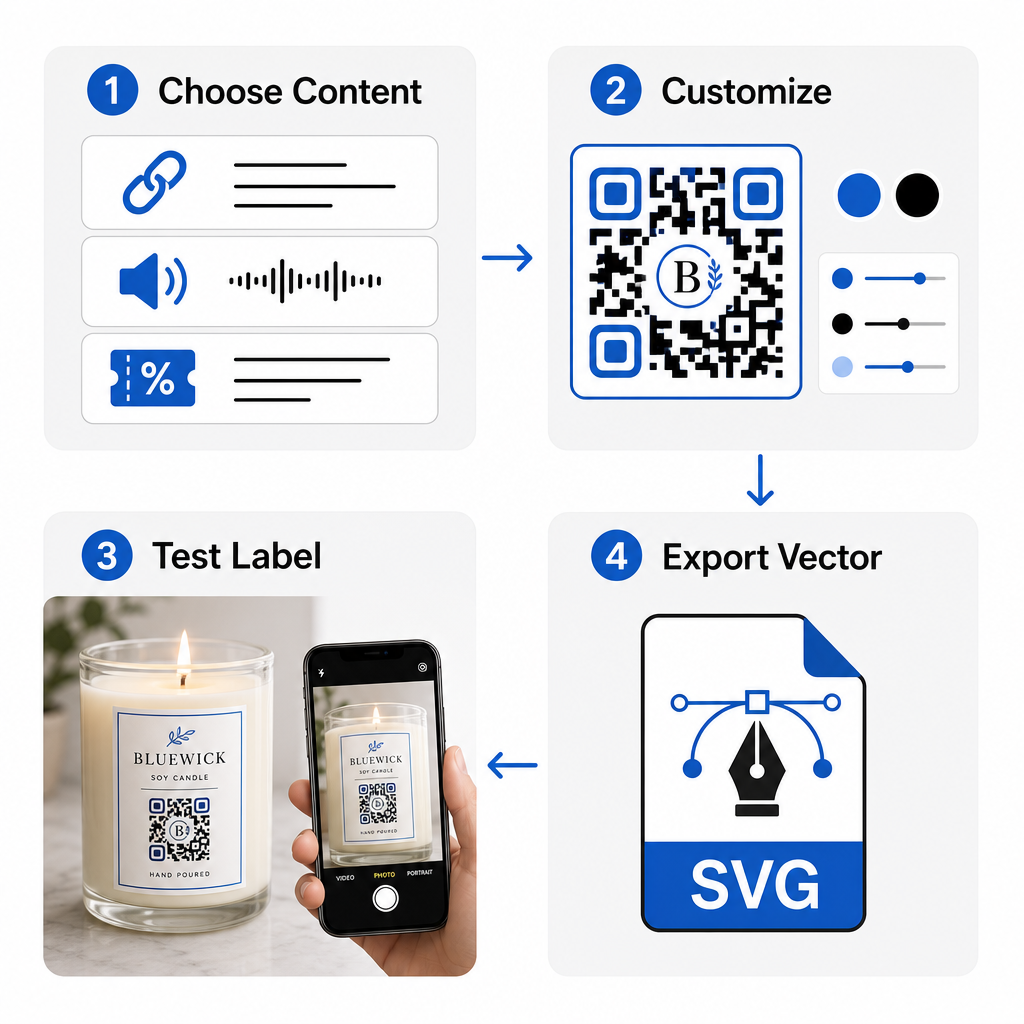
- QR-koodityyppisi valitseminen: Päätä, ohjaatko ostajat verkkosivustolle, äänitiedostoon, PDF-oppaaseen tai kuponkiin käyttämällä Ilmainen QR-koodi generaattori.
- Kohdetietojen syöttäminen: Syötä kohteen verkko-osoite tai lataa digitaalinen mediatiedostosi.
- Visuaalisen suunnittelun mukauttaminen: Käytä mukautettuja brändivärejä, kehyksiä ja logoja QR-koodi generaattori logolla rakentaaksesi visuaalista luottamusta.
- Testaus useilla laitteilla: Tarkista skannaussuorituskyky testitulosteista eri älypuhelimilla ja valaistusympäristöissä.
- Tulostusvalmiiden tiedostojen lataaminen: Vie vektori tiedostot SVG- tai EPS-muodossa korkearesoluutioista tulostusta varten.
Skannattavien koodien integroiminen kynttiläpakkauksiisi muuttaa tavalliset fyysiset tuotteet interaktiivisiksi brändin kosketuspisteiksi ilman, että pakollinen etikettitila ylikuormittuu. Upotitpa sitten kausiluonteisia äänisoittolistoja, tarjositpa tarjousalennuksia tai toimititpa henkilökohtaisia asiakasviestejä, digitaaliset linkit antavat brändillesi pitkäaikaisen joustavuuden. Aloita jäljitettävien, mukautettavien koodien luominen jo tänään Pagelootin Ilmainen QR-koodi generaattori avulla nostaaksesi kynttiläpakkausstrategiasi uudelle tasolle.
Usein kysytyt kysymykset
Kyllä. Voit tulostaa QR-koodin pohjan turvapaneeliin palovaroitusten rinnalle, edellyttäen että säilytät riittävän värikontrastin, riittävän hiljaisen vyöhykkeen ja selkeän toimintakehotteen pääetiketissä, ohjaten asiakkaita skannaamaan pohjan.
Suositeltu vähimmäiskoko painetulle QR-koodille ensisijaisessa kynttilän etiketissä on 0.8 x 0.8 tuumaa (2 x 2 cm). Toissijaisessa ulkopakkauksessa tai lähetyslaatikoissa 3 x 3 cm:n koko varmistaa nopeamman ja tasaisemman skannauksen.
Jos käytät dynaamisia QR-koodeja, voit muuttaa kohde-URL-osoitetta tai digitaalista sisältöä hallintapaneelissasi milloin tahansa tulostamatta uudelleen fyysisiä kynttiläetikettejäsi tai pakkauslaatikoitasi.