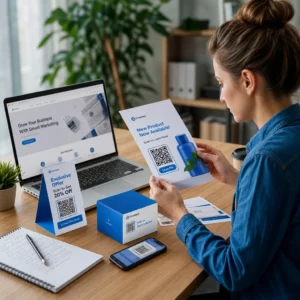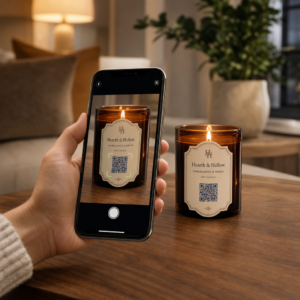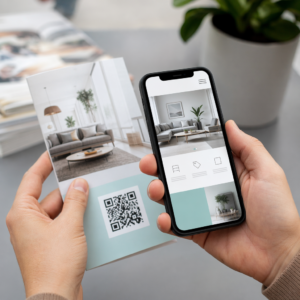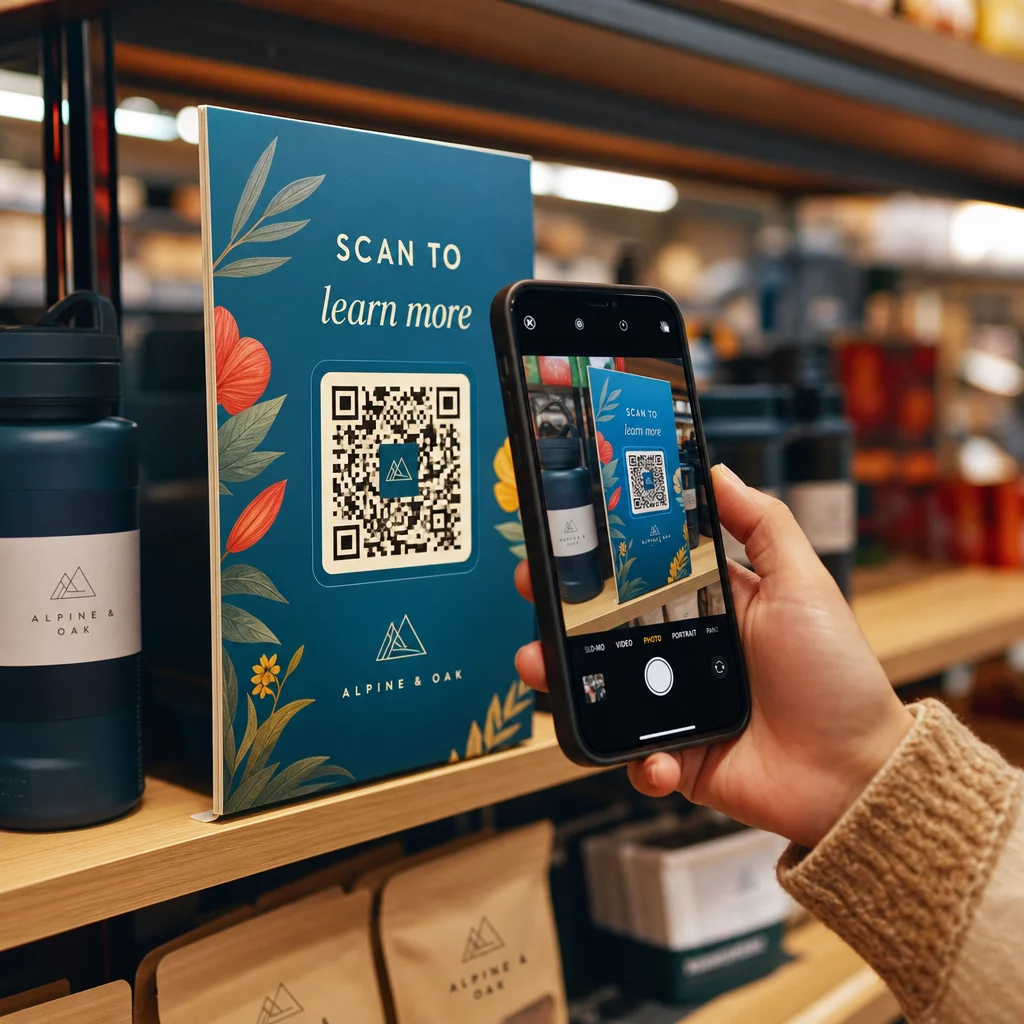
Kas otsite praktilisi viise, kuidas ühendada oma füüsiline pood klientide digitaalsete harjumustega? Ilma sillata teie riiulite ja ostjate nutitelefonide vahel jätate kaasamise – ja tulu – kasutamata. See juhend käsitleb, kuidas jaemüüjad saavad kasutada QR-koode maksete, kampaaniate, tootehariduse ja lojaalsusprogrammide jaoks, pakkudes praktilisi paigutusnõuandeid ja rakendamise näpunäiteid.
Miks QR-koodid on jaemüüjate jaoks tänapäeval olulised
Nutitelefoni skaneerimine on muutunud peavooluks. Hinnanguliselt skaneeris 2025. aastal QR-koodi 89 miljonit ameeriklast, kusjuures see arv peaks 2026. aastal ületama 100 miljonit. Umbes 43% nutitelefoni kasutajatest skaneerib nüüd vähemalt ühe QR-koodi nädalas ja 72% tarbijatest ütleb, et nad eelistavad QR-koodi skaneerimist brändispetsiifilise rakenduse allalaadimisele.
Füüsiliste poodide jaemüüjate jaoks loob see käitumine otsekanali klientideni – sellise, mis töötab ilma rakenduse installimiseta, lojaalsuskaardita või trükitud kupongita. Hästi paigutatud QR-kood võib viia ostja tooteriililt ostuotsuseni, lojaalsusprogrammi registreerimiseni või kontaktivaba makseni sekunditega.
Ainuüksi USA QR-koodi maksete turu väärtus oli 2024. aastal üle 3,5 miljardi USD. Veelgi olulisem on see, et uuringud näitavad, et üle kolmandiku küsitletud tarbijatest ei ostaks teatud kaupmeestelt üldse, kui QR-koodi maksevõimalused poleks saadaval.
QR-koodide peamised kasutusjuhud jaemüügis
Kontaktivabad maksed müügikohas
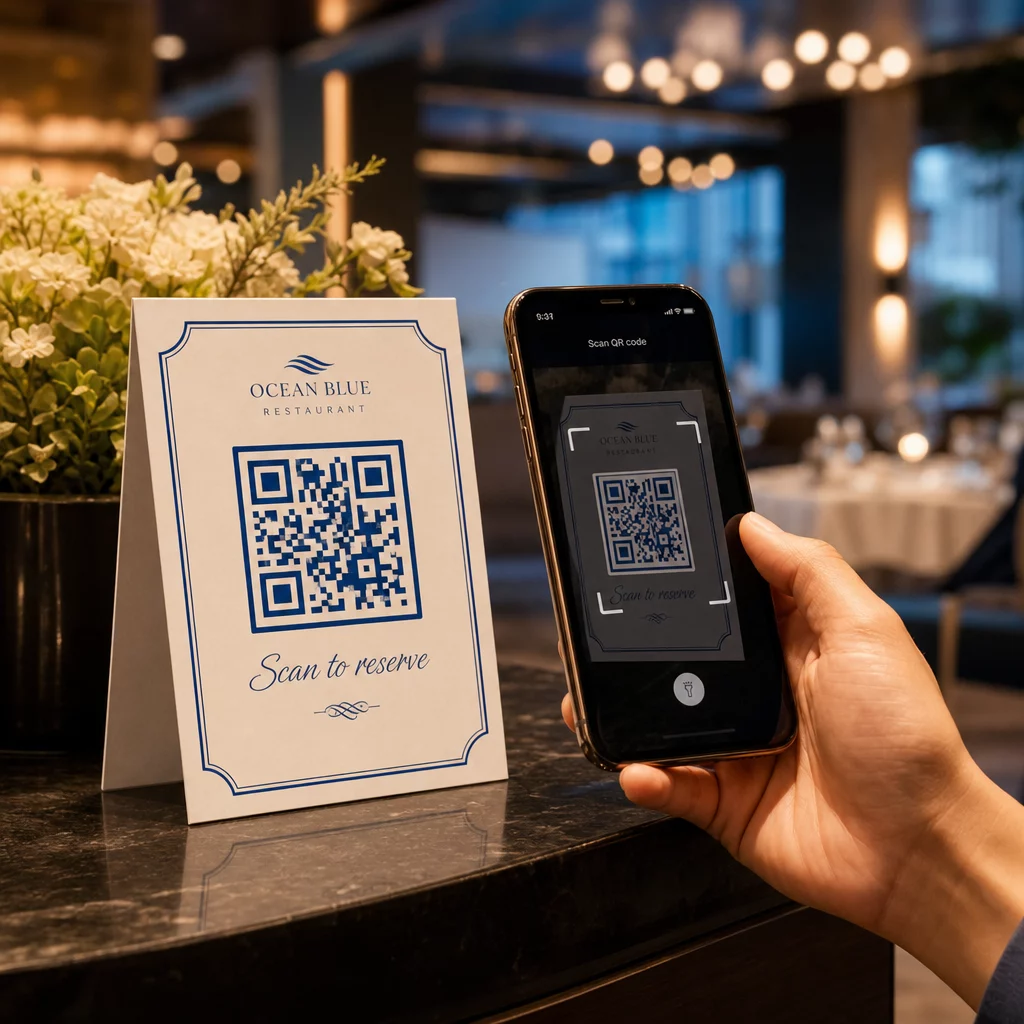
QR-koodi maksed kaotavad vajaduse spetsiaalse kaarditerminali järele ja vähendavad kassas tekkivat hõõrdumist nii personali kui ka klientide jaoks. Protsess on lihtne: teie pood kuvab QR-koodi kassas või trükitud sildil, klient skaneerib selle oma nutitelefoni kaameraga ja tehing viiakse lõpule teie makseteenuse pakkuja kaudu – kaardi pühkimist ega rakenduse allalaadimist pole vaja.
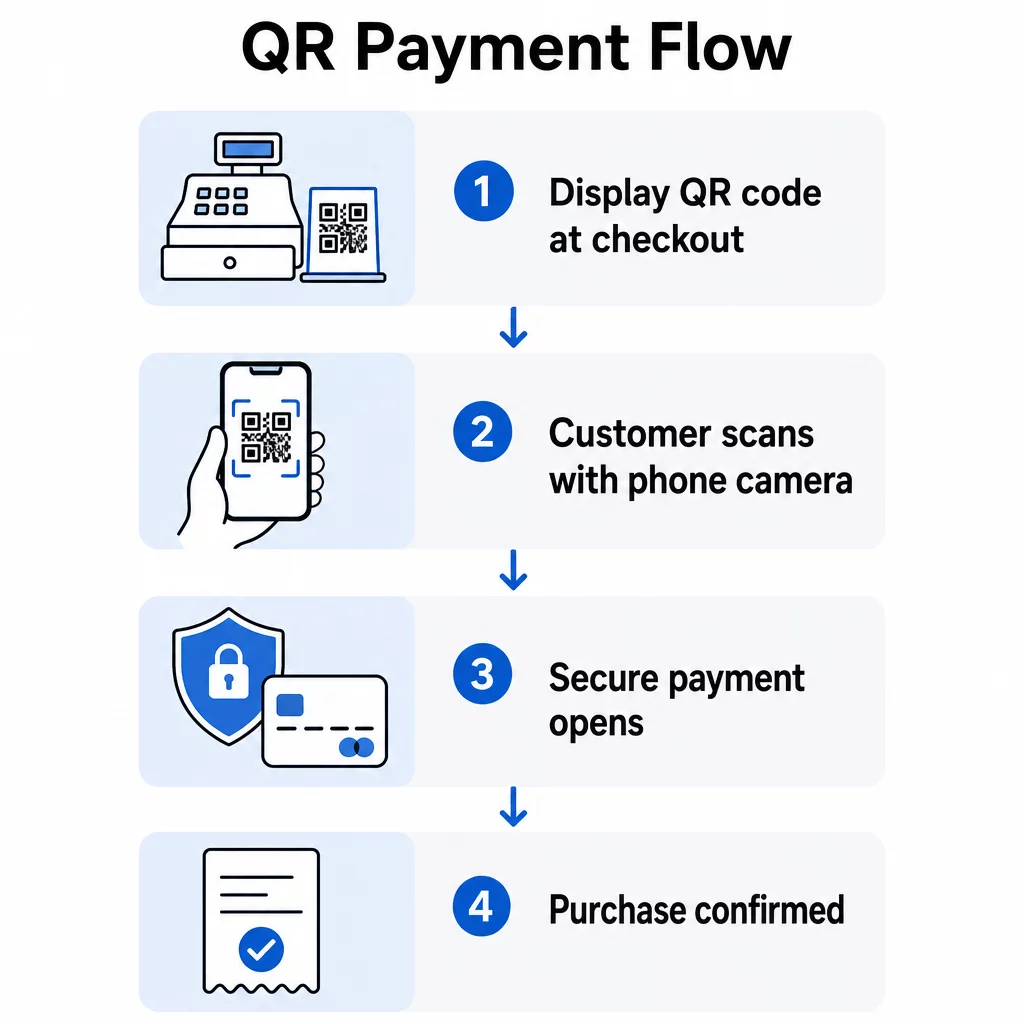
Jaemüüjad nagu Walmart ja Target on kasutanud kassas QR-koode, et ühendada ostjad oma rakenduste ja maksevoogudega. Väiksemate poodide jaoks on tööriistad nagu PayPali QR koodi loomine muudavad kontaktivabade maksete vastuvõtmise lihtsaks ilma kalli riistvarata. Saate täieliku seadistusprotsessi kohta rohkem teada juhendist kuidas QR-koodid jaemaksete tegemist lihtsustavad.
Võta vastu makseid ilma terminalita Seadista kontaktivaba kassa minutitega, kasutades PayPali QR koodi loomine – riistvara ega rakendust pole vaja.
Kampaaniad, allahindlused ja kupongid
QR-kood riiulikõnelejal, poeaknal või toote rippsildil võib pakkuda sooduskoodi, piiratud aja pakkumist või eksklusiivset tehingut kohe, kui klient selle skaneerib. See lähenemine sobib hästi:
- Impulssostude soodustamine otsustuspunktis
- Poe klientide premeerimine skaneerimisega säästmise pakkumistega
- Hooajaliste müükide või tühjendusmüükide reklaamimine ilma kõiki silte uuesti trükkimata
Võti on spetsiifilisus. Üleskutse tegevusele nagu “Skaneeri ja saad täna 20% soodustust” edestab iga kord üldist “Skaneeri mind”. Ostjad peavad kohe teadma, mida nad saavad, enne kui nad viitsivad skaneerida. The Kupongi QR-koodi generaator võimaldab teil luua bränditud sihtlehe, mis kuvab mitu kupongi, millest igaühel on oma kirjeldus ja ümbersuunamine.
Tooteteave ja haridus
Füüsiline riiulipind piirab seda, mida saate toote kohta edastada. QR-kood pakendil või riiulisildil laiendab seda ruumi digitaalselt – linkides kliendid:
- Videodemonstratsioonid või õpetused
- Koostisosade loetelud, hankimise üksikasjad või allergeeniteave
- Ühilduvusjuhendid (elektroonika, tarvikute või osade jaoks)
- Klientide arvustused ja hinnangud
See lähenemine on eriti tõhus keeruliste või kõrge kaalutlusega ostude puhul, kus ostjad soovivad enne kohustuse võtmist rohkem üksikasju. See vähendab ka müügisaali personali koormust vastata korduvatele tooteküsimustele. Sügavama ülevaate saamiseks, kuidas seda toote pindadel rakendada, vaadake QR-koodid pakendil: eelised jaekaubandusele.
Püsikliendiprogrammi registreerimine
Püsikliendiprogrammi registreerimine kassas on aeglane ja ebamugav. QR-kood kassaletil, kviitungil või spetsiaalsel ekraanil võimaldab klientidel oma telefonist registreeruda vähem kui minutiga – hetkel, mil nad on juba kaasatud.
Dünaamilised QR-koodid toimivad siin eriti hästi, sest saate registreerimislinki värskendada ilma oma materjale uuesti trükkimata. Kui teie programmi platvorm muutub või käivitate boonusregistreerimiskampaania, värskendate sihtkohta, mitte koodi.
Google'i arvustused ja ostujärgne tagasiside
Kliendiarvustused on otsene poe- ja veebimüügi edendaja. Asetades Google'i arvustuse QR-koodile kviitungitele, proovikabiini peeglitele või väljapääsu lähedale, kogutakse tagasisidet, kui ostukogemus on veel värske. See on üks madalaima pingutusega viise arvustuste arvu suurendamiseks ja kohaliku otsingu nähtavuse parandamiseks.
Virtuaalsed tootekataloogid ja laost otsas olevad kaubad
Paljud poed ei saa eksponeerida iga värvi, suurust või varianti müügisaalis. Tootekaardile või riiulietiketile trükitud QR-kood võib linkida otse teie täielikule veebikataloogile, võimaldades klientidel sirvida ja tellida variante, mida teil laos ei ole. See muudab kaotatud müügi veebikonversiooniks ja hoiab kliendid teie ökosüsteemis, selle asemel et suunata neid konkurendi juurde.
Kuhu paigutada QR-koode oma poes
Paigutus määrab, kas QR-kood skaneeritakse või ignoreeritakse. Eesmärk on paigutada koodid sinna, kus ostjad loomulikult peatuvad, vaatavad või otsuseid teevad. Tõhusad asukohad hõlmavad:
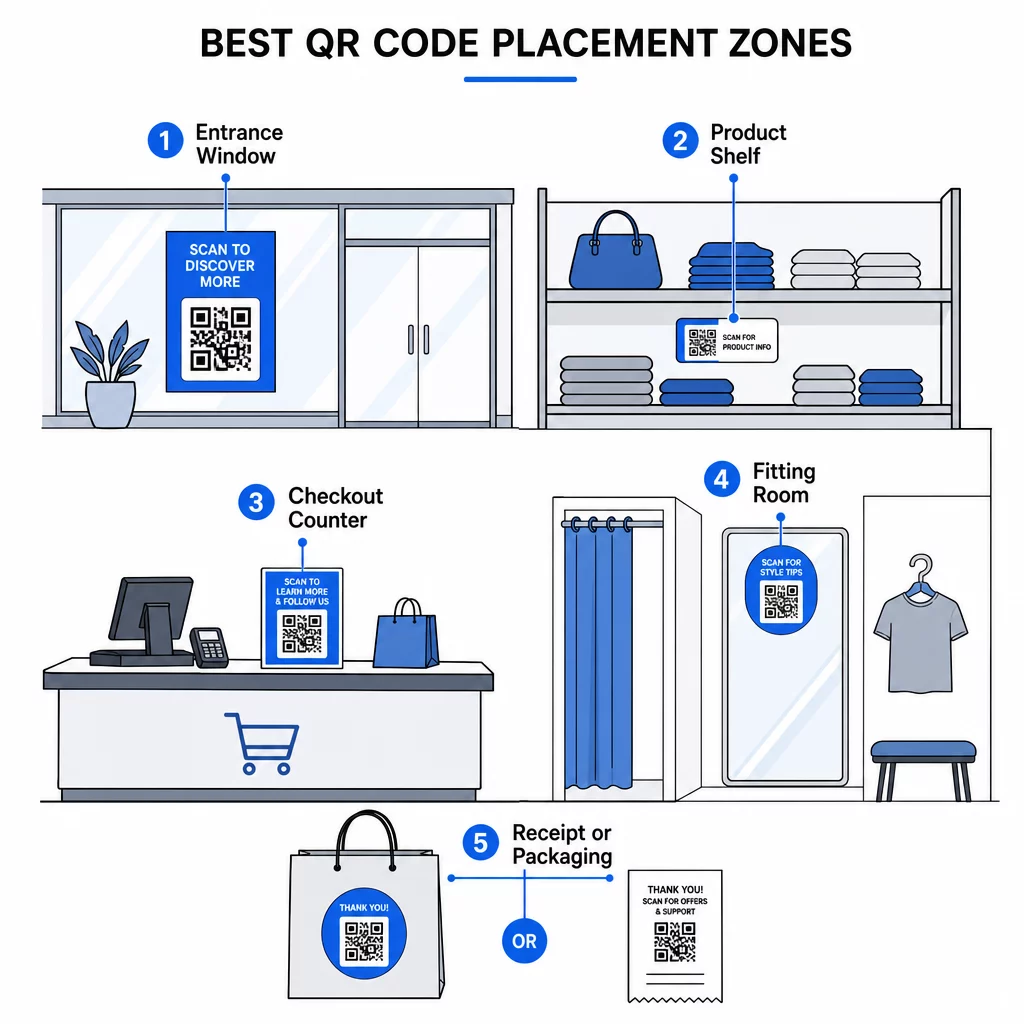
- Poe sissepääsud ja aknad – Jagage praeguseid pakkumisi, poe lahtiolekuaegu või tulevasi sündmusi. Need toimivad isegi siis, kui pood on suletud.
- Tooteriiulid ja etiketid – Linkige laiendatud tooteteabele, võrdlusjuhenditele või õppevideotele täpselt kaalumise hetkel.
- Kassaaparaadid – Võimaldage kontaktivabasid makseid, lojaalsusprogrammiga liitumisi ja digitaalseid kviitungeid.
- Proovikabiinid ja riietusruumid – Paluge arvustusi, jagage stiilinõuandeid või tooge esile täiendavaid tooteid.
- Kviitungid ja pakendid – Suurendage ostujärgset kaasatust, tagasiside taotlusi ja korduvaid külastusi.
Poe tsooni paigutusstrateegia üksikasjaliku jaotuse kohta leiate juhendist parimate QR-koodi paigutuste juurde jaekauplustes hõlmab konkreetseid soovitusi ja näiteid.
Staatilised vs. dünaamilised QR-koodid: milliseid peaksid jaemüüjad kasutama?
A staatiline QR-kood kodeerib fikseeritud sihtkoha otse mustrisse. Pärast printimist ei saa seda muuta. Kui lingitud URL muutub, peate uuesti printima.
A dünaamiline QR-kood osutab lühikesele ümbersuunamise URL-ile, mida te kontrollite. Saate sihtkohta igal ajal värskendada – ilma uut koodi genereerimata või oma materjale uuesti printimata. See on jaemüügis oluline, sest:
- Kampaaniad muutuvad sageli
- Tootepilte värskendatakse või teisaldatakse
- Makselingid võivad pakkujate vahel muutuda
- Soovite skannimisanalüüsi jõudluse mõõtmiseks
Dünaamilised koodid annavad teile juurdepääsu ka jälgimisandmetele: skannimiste arv, geograafilised asukohad, seadmetüübid ja skannimise ajamustrid. Need andmed aitavad teil mõista, millised paigutused toimivad ja millised kampaaniad kõnetavad.
Värskendage pakkumisi ilma uuesti printimata Kasuta Dünaamilise QR koodi generaator et luua muudetavaid koode oma kampaaniate, tootelehtede ja maksevoogude jaoks – ning jälgida iga skannimist ühest juhtpaneelist.
Lisateavet QR-koodide tõhusa kasutamise kohta kampaaniates leiate QR-koodide kasutamise juhendist.
Parimad tavad jaemüügi QR-koodide jaoks
Mõne järjepideva juhise järgimine teeb vahe ignoreeritud QR-koodi ja sellise vahel, mis tekitab tõelist kaasatust.
- Kirjutage spetsiifiline üleskutse tegevusele. Öelge ostjatele täpselt, mida nad saavad: “Skaneeri, et näha, kuidas see töötab”, “Skaneeri 20% allahindluse saamiseks” või “Skaneeri, et liituda meie lojaalsusprogrammiga”.”
- Linkige mobiilile optimeeritud sihtkohtadele. QR-koode skaneeritakse peaaegu alati nutitelefonidega. Maandumisleht peab laadima kiiresti ja kuvama õigesti väikesel ekraanil.
- Kasutage piisavat suurust ja kontrasti. Usaldusväärseks skaneerimiseks on soovitatav minimaalselt umbes 2 cm × 2 cm. Kasutage tumedat koodi heledal, mittepeegelduval taustal.
- Testige enne printimist. Kontrollige iga koodi mitmel seadmel ja oma poe valgustingimustes enne trükkimisele pühendumist.
- Hoidke sihtkohad ajakohasena. QR-kood, mis viib katkisele lehele, aegunud pakkumisele või valele tootele, hävitab usalduse ja raiskab teie paigutuse. Dünaamilised koodid lahendavad selle; vastasel juhul lisage oma töövoogu regulaarne audit.
- Lisage alati varukoopia. Mitte iga klient ei skaneeri. Kaaluge lühikese URL-i lisamist QR-koodi kõrvale ostjatele, kes eelistavad tippimist või kelle kaamerarakendus ei tööta.
- Kasutage HTTPS-sihtkohti. Mis tahes makseid või isikuandmeid käsitleva koodi puhul linkige alati turvalistele lehtedele ja olge läbipaistev kliendiandmete kasutamise osas.
Täiendavate valdkonnaspetsiifiliste lähenemiste jaoks sirvige QR-koodi lahendused tööstusharude kaupa et näha, kuidas teised jaemüügisektorid neid tööriistu rakendavad.
QR-koodi toimivuse mõõtmine
QR-koodide juurutamine tulemusi jälgimata on nagu kampaania korraldamine müügiaruandeta. Dünaamiliste QR-koodide ja sisseehitatud analüütikaga saate mõõta:
- Skannimiste koguarv koodi ja asukoha kohta
- Geograafiline jaotus skannimiste
- Seade ja operatsioonisüsteem jaotust
- Kellaaja ja nädalapäeva mustreid, mis võivad anda teavet personali planeerimise ja pakkumiste ajastamise kohta
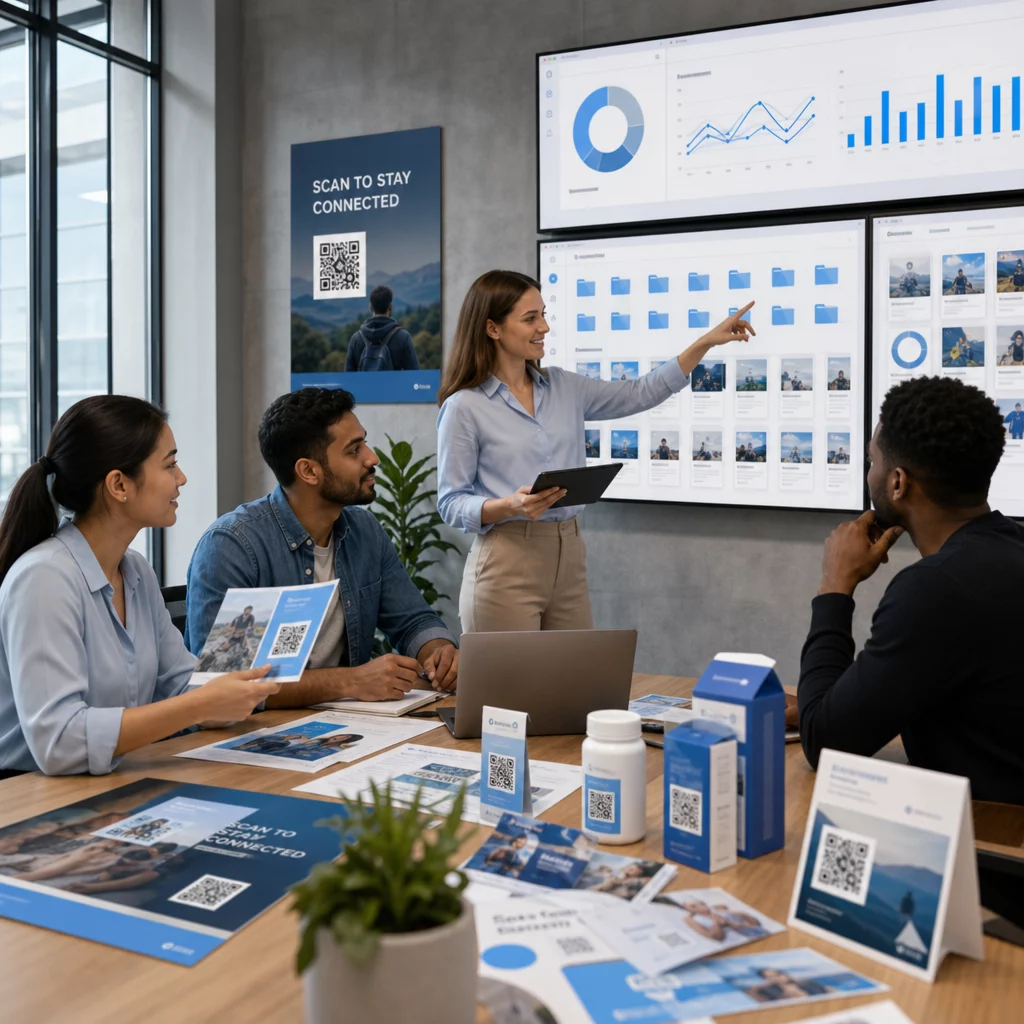
Need andmed võimaldavad teil võrrelda paigutusi (kas aknakood või kviitungikood toob rohkem lojaalsusprogrammi registreerumisi?), täpsustada oma üleskutseid tegevusele ja luua selgema pildi sellest, kuidas teie füüsiline pood digitaalset käitumist mõjutab. Dünaamilise QR koodi generaator sisaldab tsentraliseeritud armatuurlauda kõigi teie aktiivsete koodide haldamiseks ja analüüsimiseks ühes kohas.
Korduma kippuvad küsimused
Ei. Enamik tänapäevaseid nutitelefone – nii iOS-i kui ka Androidi – saavad skannida QR-koode kasutades sisseehitatud kaamerarakendust. Kliendid lihtsalt suunavad oma kaamera koodile ja puudutavad ilmuvat teavitust. Põhiskannimiseks ei ole vaja kolmanda osapoole rakendust alla laadida.
Nii tihti kui pakkumine või teave muutub. Dünaamilised QR-koodid muudavad selle lihtsaks – uuendate siht-URL-i oma juhtpaneelil ja iga olemasolev prinditud kood osutab koheselt uuele sisule. Minimaalselt auditeerige oma QR-koodi sihtkohti iga uue kampaania tsükli alguses ja alati, kui tootelehed või makselingid muutuvad.
Koodi paigutamine ilma selge üleskutseta tegevusele. Ostjad vajavad kohest põhjust skannimiseks. Ebamäärane silt nagu “Skanni mind” motiveerib harva tegutsema. Konkreetne vihje – “Skanni, et saada järgmiselt ostult 15% soodustust” või “Skanni, et näha seda igas värvitoonis” – annab ostjatele konkreetse eelise ja parandab oluliselt skannimismäärasid.