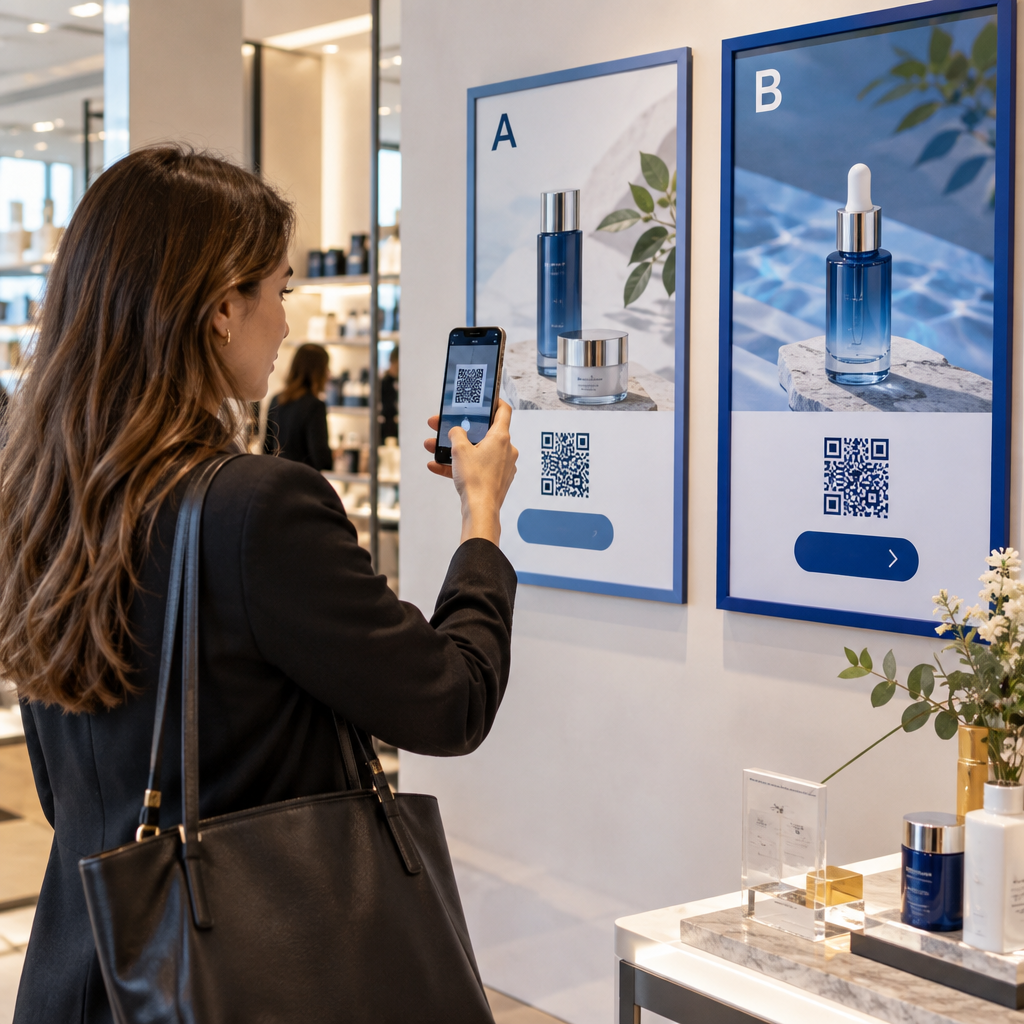

Are your QR code campaigns generating fewer scans and interactions than your team anticipated? When physical materials fail to drive digital engagement, businesses waste valuable print budgets and miss out on qualified leads. A/B testing allows you to replace guesswork with concrete data, systematically optimizing each creative and contextual element to increase scan rates and downstream conversions.
Miks A/B testimine on turunduse ROI jaoks hädavajalik
A/B testing, or split testing, compares two versions of a marketing asset against a single control variable to determine which option produces higher engagement. In physical marketing, this methodology transforms static print collateral into measurable digital entry points. By isolating specific elements and measuring direct consumer responses, you can identify high-performing assets, scale winning campaigns, and discontinue underperforming materials before executing large-scale distribution.
Relying on real-time scan data creates campaign agility. For example, major e-commerce platforms like Flipkart have used dynamic QR tracking to analyze design variations during live campaigns, reaching over two million scans and hundreds of thousands of unique users in days. Continuous experimentation helps teams pinpoint friction points across both the physical trigger and the digital destination.
Key Variables to Test for Higher Engagement
To maintain scientific validity, test only one variable at a time. Changing multiple attributes simultaneously – such as the frame design, placement, and landing page – makes it impossible to identify which specific update influenced the change in performance.
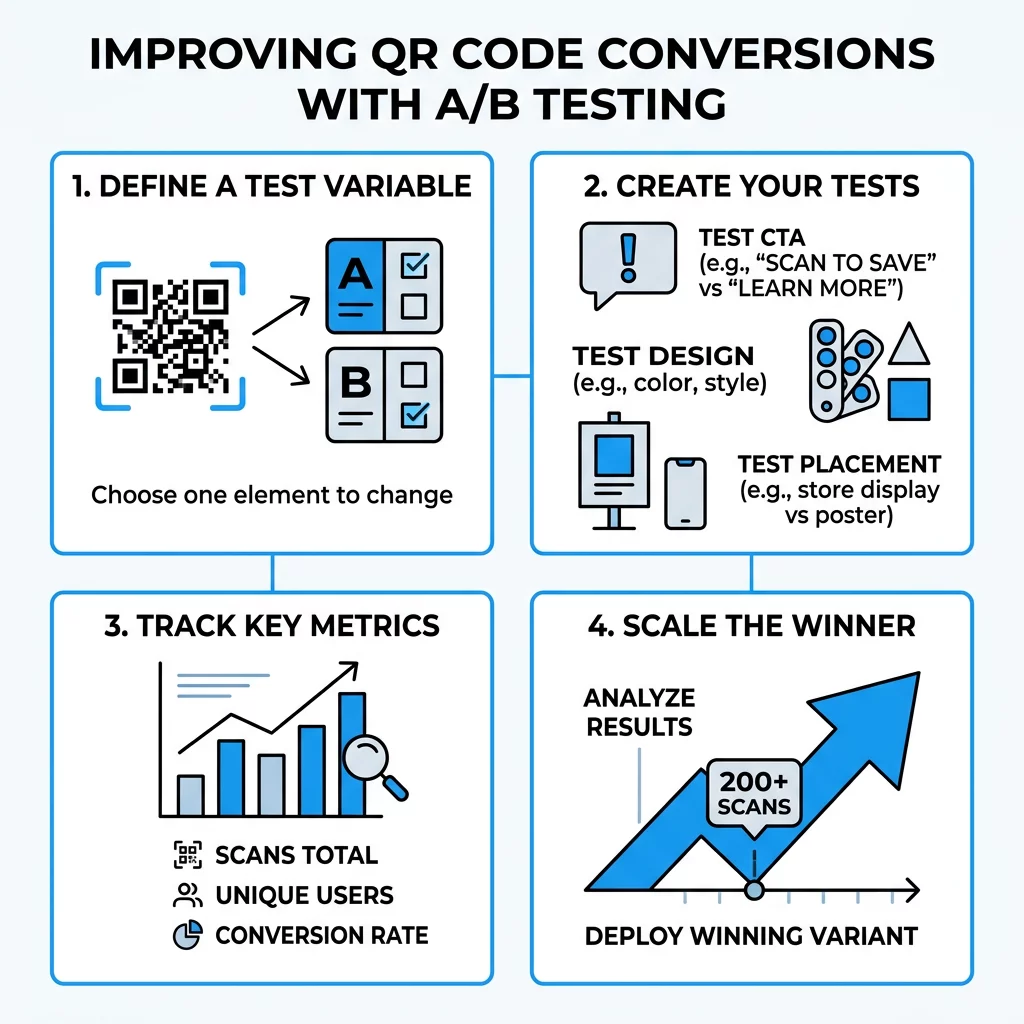
Visual Design and Branding Elements
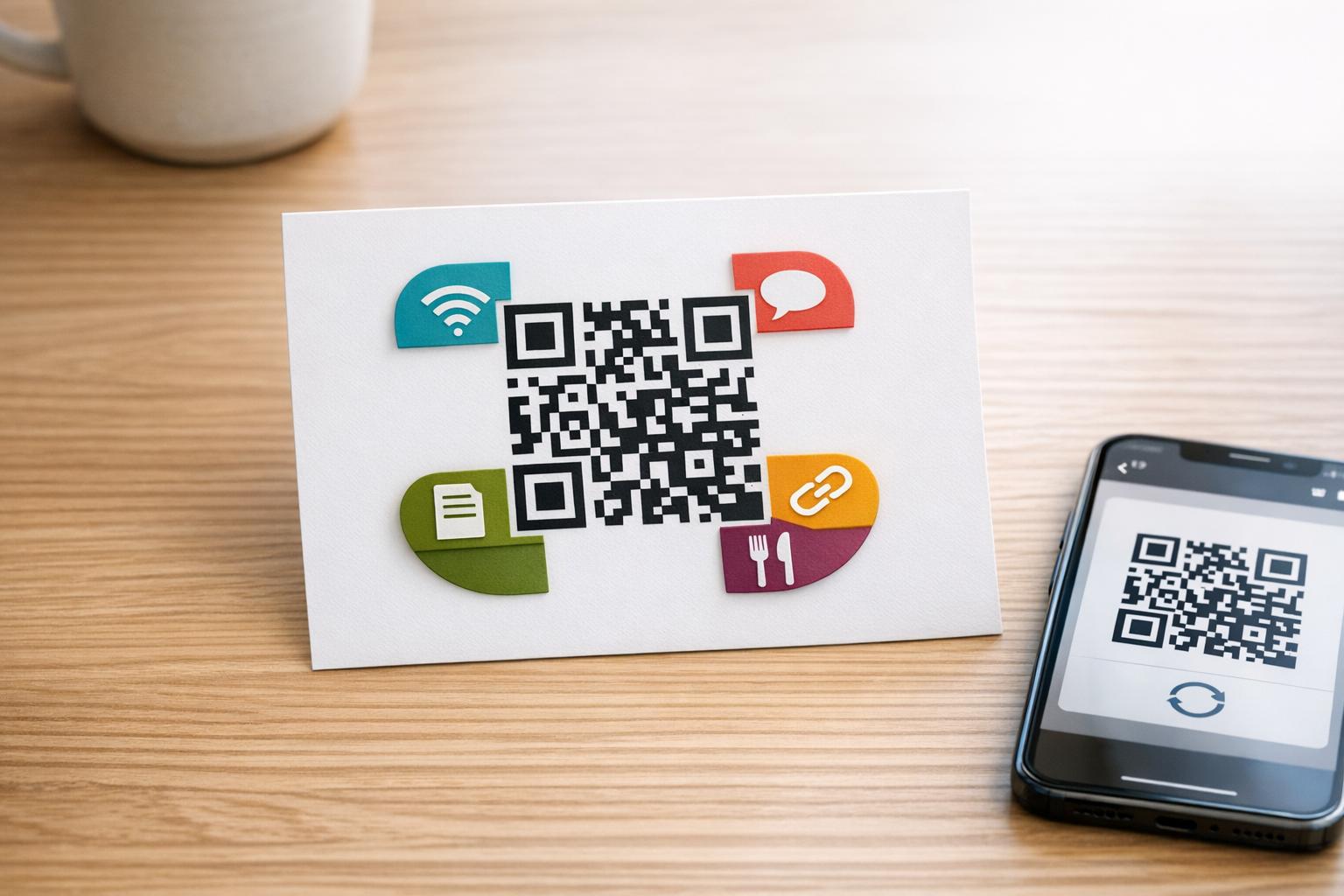
The visual styling of a QR code dictates whether consumers notice it and trust it enough to scan. Standard black-and-white pixel grids often look utilitarian or untrustworthy. You can test several visual components against a control version:
- Custom brand colors instead of default monochrome palettes
- Centered brand logos versus clean, unbranded code bodies
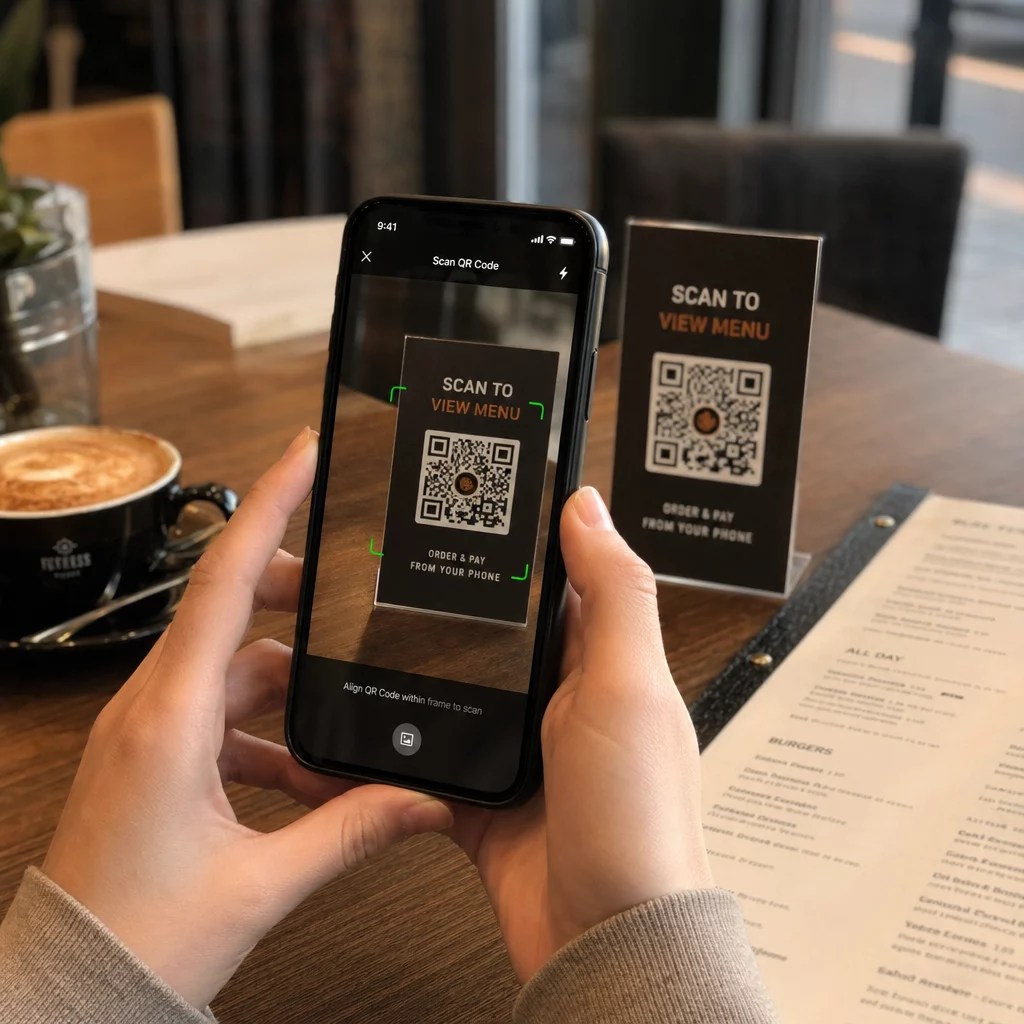
- Distinct frame styles and border callouts that invite scanning
- Varied eye shapes and corner styling templates
When testing visual modifications, ensure your code maintains proper contrast ratios. Scanners rely on light reflection to detect the data grid, meaning dark foreground elements must sit on a contrasting light background.
Call-to-Action Messaging
The text surrounding your code sets user expectations by explaining the tangible benefit of scanning. Unclear prompts like “Scan Here” or “Learn More” often yield poor engagement because they fail to communicate value.
A/B testing different messaging angles helps you discover what motivates your audience. You can test value-driven offers against curiosity-driven prompts, such as comparing “Scan for 15% Off Your Order” against “Unlock Today’s Secret Menu.” Clear, specific calls-to-action that articulate immediate incentives consistently outperform generic instructions across print and out-of-home media.
Physical Placement and Environment
Where and how a code is displayed affects scan rates just as much as its visual design. Evaluating QR code placement helps you understand consumer posture, dwell time, and internet connectivity across environments.
- Eye level versus table height on restaurant menus and table tents
- Product packaging panels versus point-of-sale checkout counter displays
- Direct mail front-cover placements versus back-panel inserts
- High-traffic pedestrian walkways versus stationary waiting areas
Ensure that your code is positioned where people can comfortably hold their devices. A standard rule of thumb recommends placing codes at chest-to-eye level (roughly 3.5 to 5.5 feet from the ground) for standing adult audiences.
Destination URLs and Landing Page Experiences
Maximizing scans solves only half the conversion equation. If the destination experience is slow or disorganized, users bounce immediately. A/B testing allows you to send traffic to distinct destination URLs or mobile layouts to see which yields better downstream conversions.
You can direct users to dedicated, lightweight landing pages built specifically for mobile screens. Test direct product pages against interactive experiences, single-offer vouchers against multi-link hubs, and streamlined one-field forms against multi-step checkouts.
Create and Track High-Converting QR Codes Build customizable, trackable dynamic codes and monitor real-time user behavior across every campaign using the Dünaamilise QR koodi generaator.
Setting Up a Structured A/B Testing Framework
A disciplined experimentation process ensures your scan data is actionable, reliable, and statistically valid before you make major marketing investments.
- Formulate a precise hypothesis: State the intended change, expected lift, and business rationale, such as “Adding a branded frame with the prompt ‘View Menu’ will increase unique scans by 15% compared to an unbordered code.”
- Select dynamic over static infrastructure: Understanding dynamic QR codes vs static is essential because dynamic codes use short redirect URLs, allowing you to update destinations or swap designs without reprinting physical materials.
- Split your sample evenly: Distribute Version A and Version B simultaneously across identical locations or demographics to avoid seasonal and environmental bias.
- Pre-test across physical devices: Scan both variations under varied lighting conditions and operating systems (iOS and Android) prior to commercial printing.
- Establish duration and sample size targets: Run the test through at least one full business cycle (typically one to two weeks) and gather sufficient scans to achieve statistical significance before declaring a winning variation.
Technical Standards to Ensure Scannability
No marketing refinement will compensate for an unreadable QR code. Before publishing an A/B test, verify that both variants follow core technical specifications.
Every code requires an unprinted border known as the “quiet zone.” This clear margin must measure at least four modules wide on all sides to prevent adjacent text, graphics, or packaging folds from disrupting the scanner’s optical detection.
Sizing must also match the intended viewing distance. A standard sizing principle requires the QR code width to equal approximately one-tenth of the distance between the user and the printed code (a 10:1 viewing ratio). For hand-held materials viewed at close range, maintain a minimum physical size of 0.8 x 0.8 inches (2 x 2 cm). If you incorporate centered logos or graphic artwork, adjust the error correction setting to Level Q or H so the code remains fully functional even if up to 30% of the pattern is obscured.
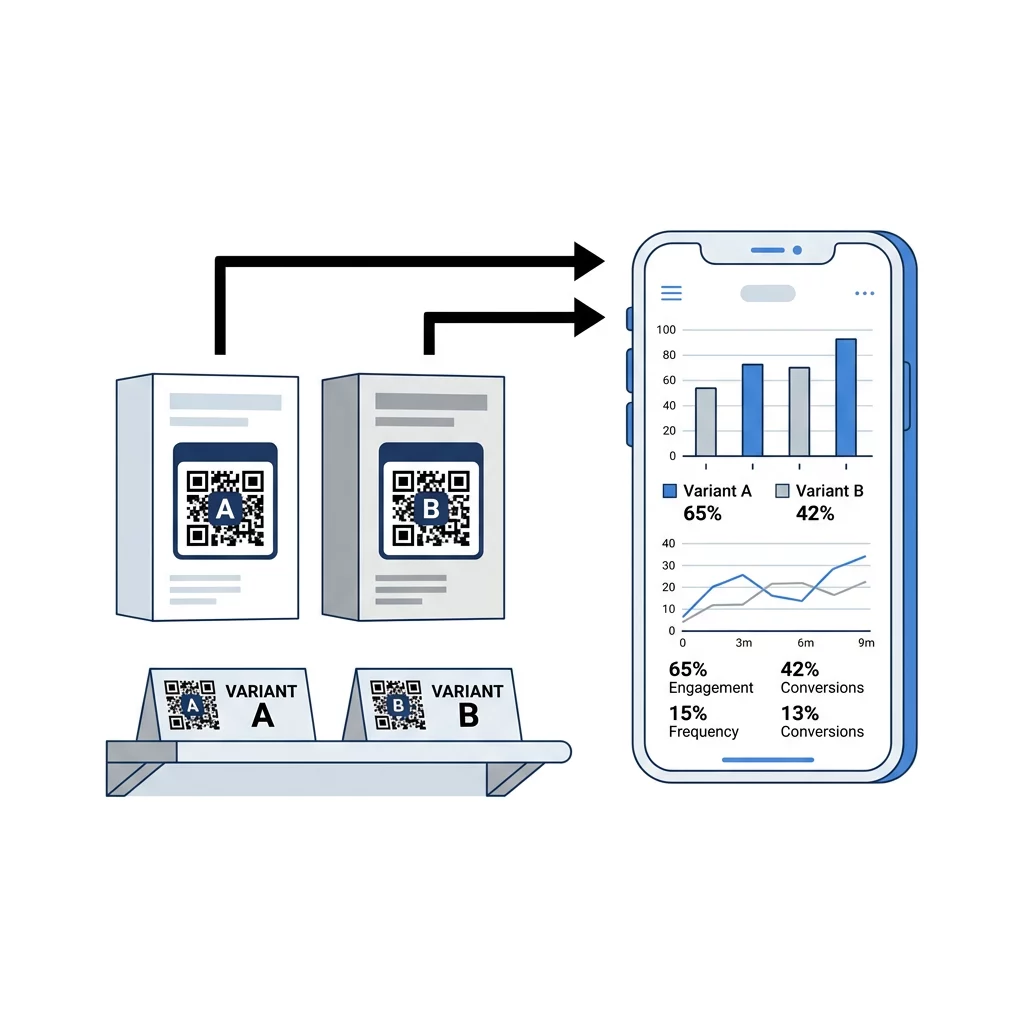
Track Scan Analytics in Real Time Evaluate location trends, device models, and engagement spikes across every test variation using comprehensive QR-koodi statistika.
Metrics to Measure Post-Scan Performance
Evaluating an A/B test requires looking beyond raw scan numbers. Comprehensive measurement tracks the entire user path from optical scan to final digital conversion.
| Mõõdik | Mida see mõõdab | Strategic Value |
|---|---|---|
| SKANEERINGUID KOKKU | Overall volume of scans logged | Indicates general visibility and traffic spikes |
| Unikaalsed skaneeringud | Number of distinct individual users scanning | Measures true audience reach and adoption |
| Läbiskaneerimise määr | Percentage of exposed viewers who initiate a scan | Evaluates the strength of your visual CTA and placement |
| Konversioonimäär | Percentage of scanners who complete the goal action | Measures post-scan landing page relevance and speed |
| Bounce Rate | Users who leave the destination page immediately | Identifies mobile friction or misaligned expectations |
| Device & Location Data | Operating system, city, and time of day | Identifies your most responsive audience segments |
To connect physical QR engagement with broader web analytics, append UTM parameters to each dynamic QR destination URL. Tracking parameters allow tools like Google Analytics to report exact traffic sources, campaign channels, and downstream e-commerce purchases generated by each printed variant.
To learn more about structured testing techniques across marketing channels, read our ultimate guide to A/B testing QR code campaigns.
Turning Physical Scans into Predictable Growth
A/B testing eliminates the uncertainty of offline marketing by measuring exactly how design, copy, placement, and destination pages influence user action. By systematically testing one element at a time and monitoring performance through dynamic tracking, you can iteratively improve scan rates, enhance post-scan conversions, and maximize the return on your printed collateral.
To begin running structured experiments on your own marketing materials, create your first pair of trackable, branded codes and monitor engagement through real-time dashboards.
Korduma kippuvad küsimused
Yes, provided you generated dynamic QR codes rather than static ones. Dynamic codes route scanners through an editable redirect URL, allowing you to split traffic or update destination landing pages inside your account dashboard without reprinting existing collateral.
Run your experiment for at least one to two full weeks to account for cyclical fluctuations in consumer behavior across weekdays and weekends. Ensure each variant collects enough unique scans to establish statistical confidence before making long-term strategic decisions.
Total scans represent every single scan recorded, including multiple scans completed by the same individual. Unique scans filter out repeat scans from the same device, showing the exact number of distinct users who engaged with your code.