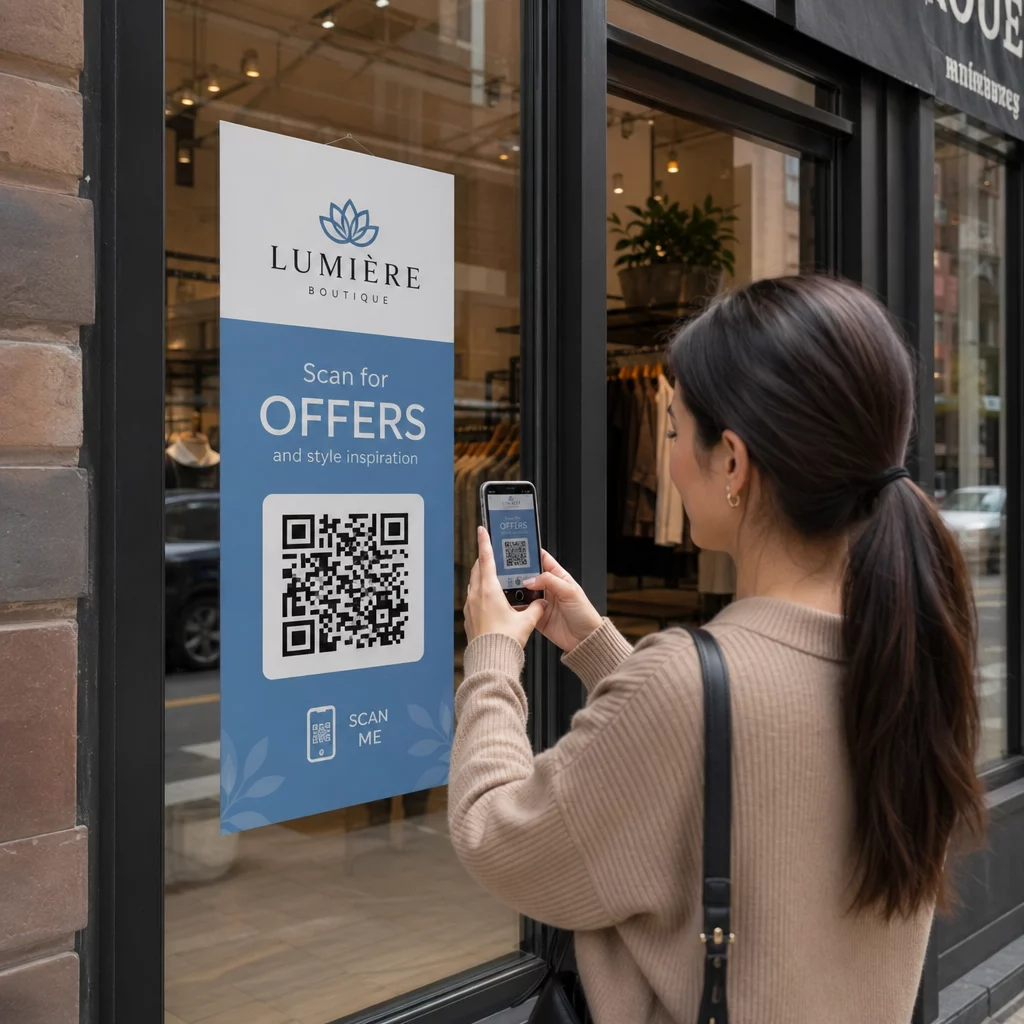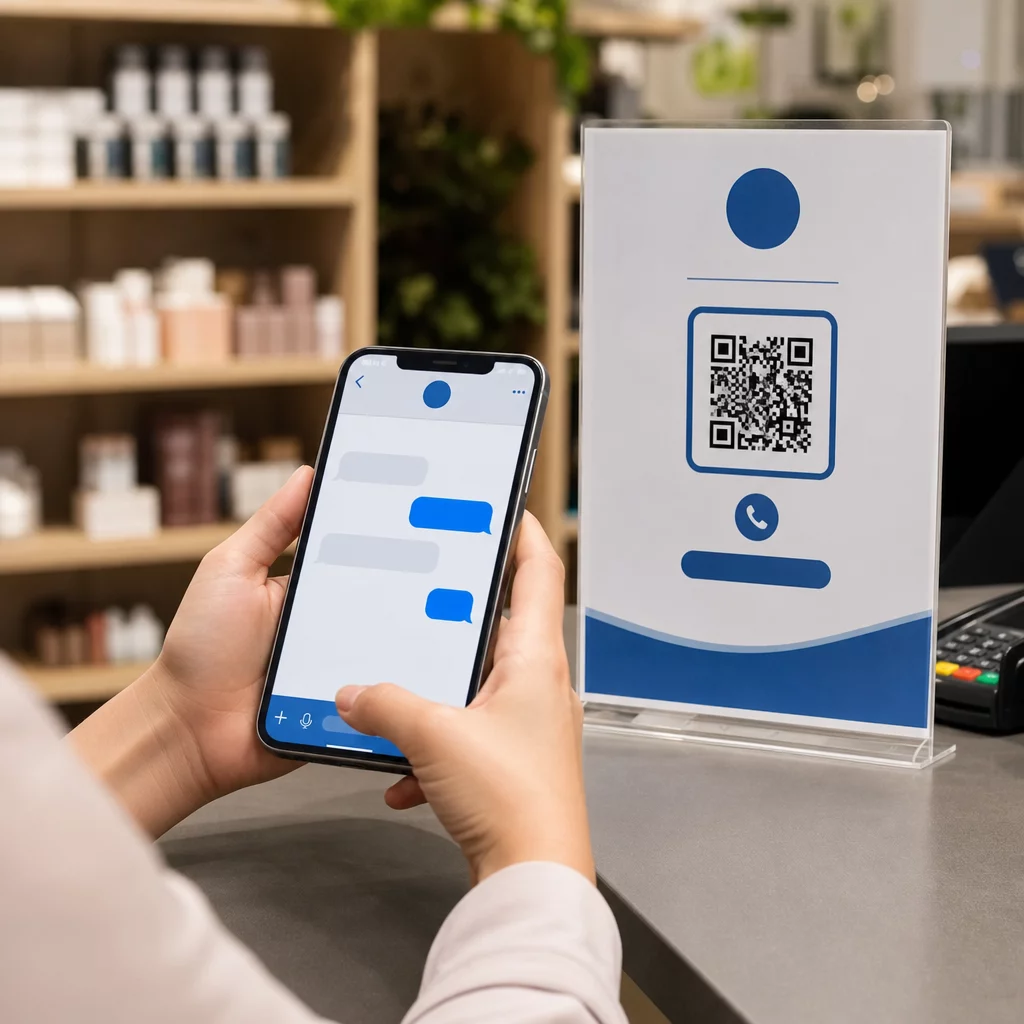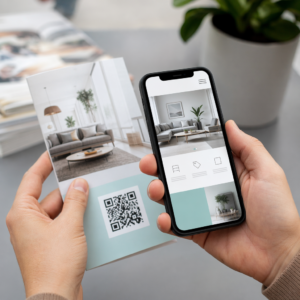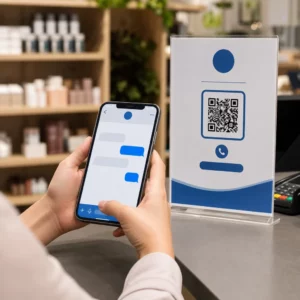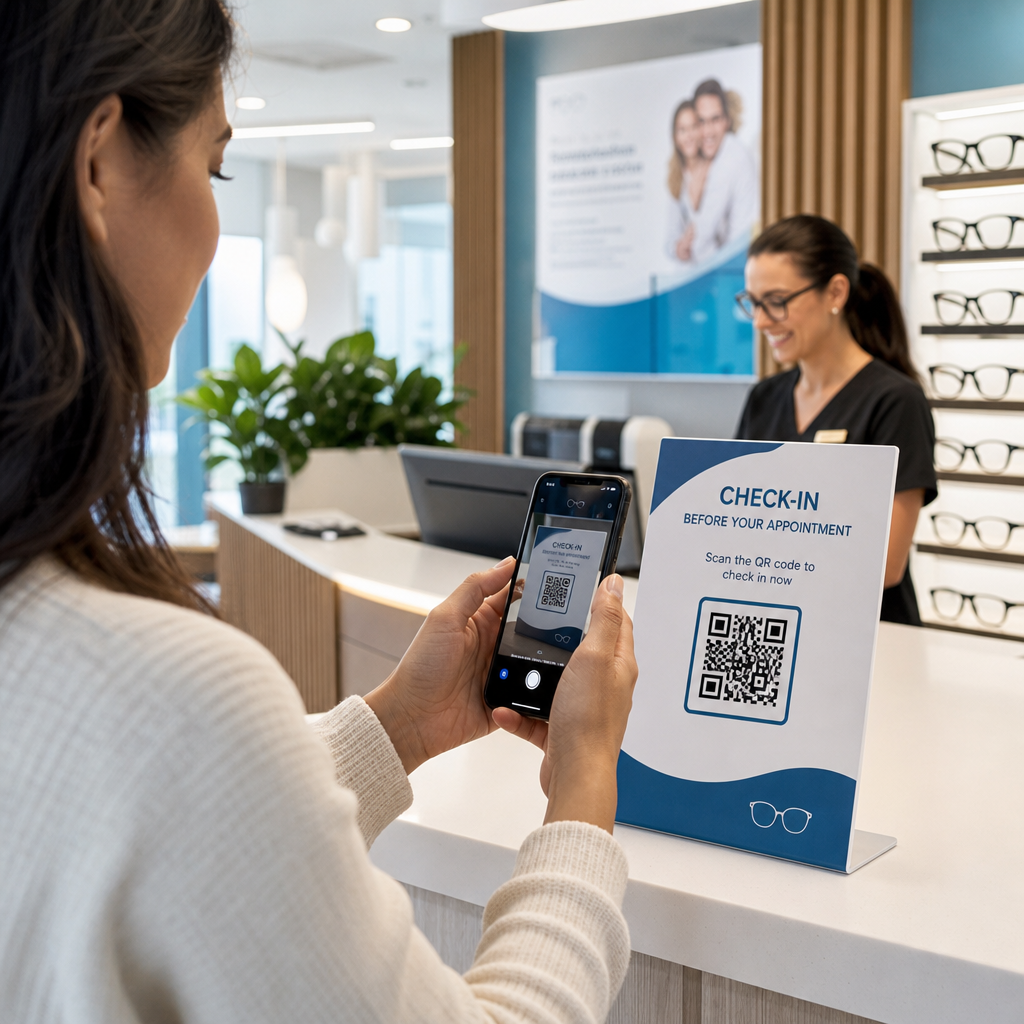

Adakah pendaftaran pesakit yang lambat dan temujanji susulan yang terlepas menyebabkan kesesakan dalam amalan optometri anda? Kelewatan pentadbiran mengecewakan pesakit dan mengalihkan kakitangan kaunter hadapan daripada menyediakan penjagaan penglihatan secara langsung. Meletakkan kod QR yang boleh diimbas di meja penyambut tetamu anda, bilik pameran optik, dan helaian penjagaan pasca cetakan menghubungkan pesakit kepada perkhidmatan digital dengan serta-merta.
Pendaftaran Pesakit Tanpa Sentuhan dan Borang Pengambilan
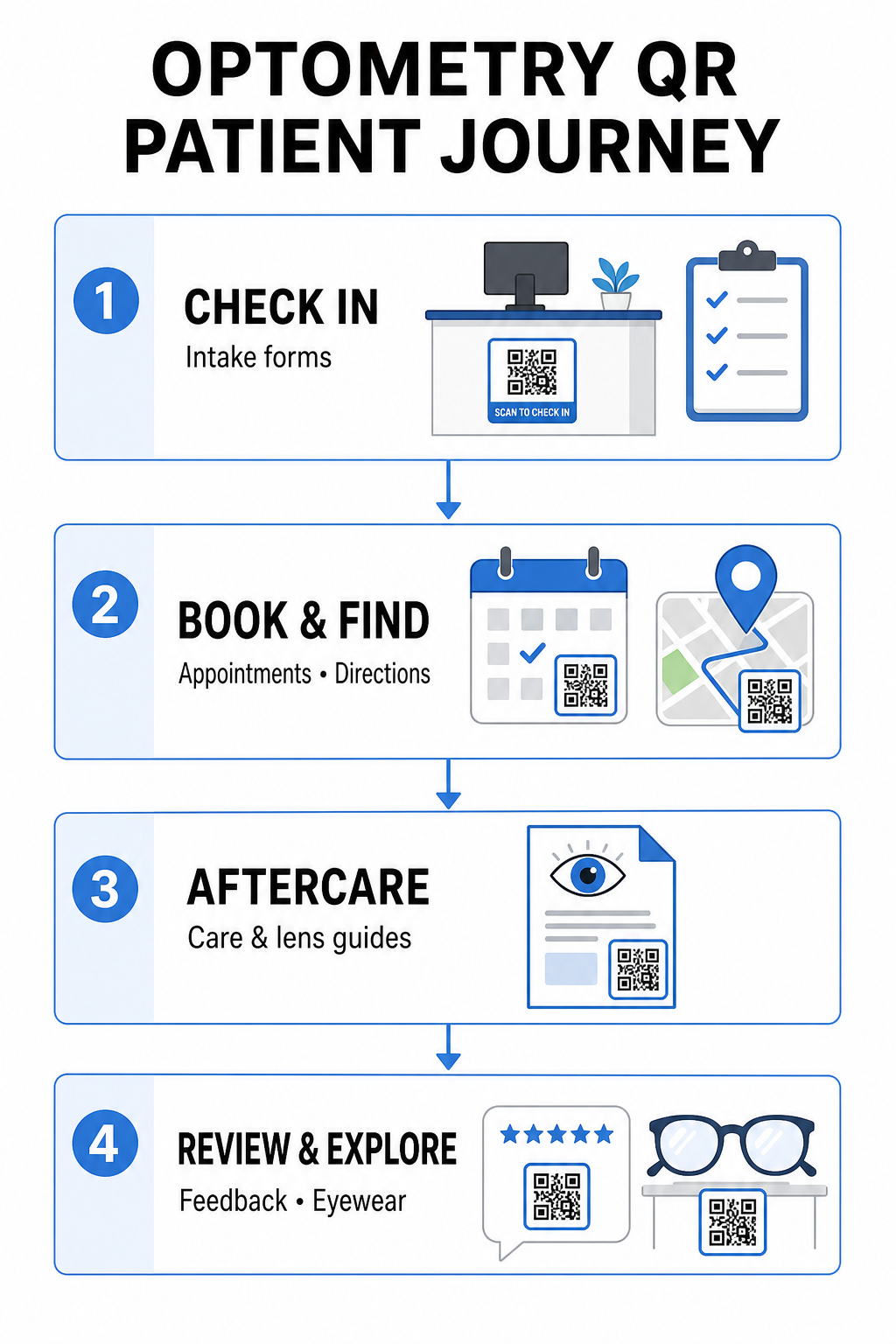
Pek pendaftaran kertas memerlukan kemasukan data secara manual, mewujudkan kekusutan fizikal di ruang menunggu, dan meningkatkan masa menunggu keseluruhan. Memaparkan kod QR pendaftaran di meja penyambut tetamu atau pintu masuk anda membolehkan pesakit yang tiba melengkapkan borang pengambilan, mengemas kini sejarah perubatan, dan menandatangani dokumen persetujuan terus pada peranti mudah alih mereka.
Menggunakan a Cara buat QR code untuk Google Form, amalan anda boleh menukar soal selidik kesihatan digital menjadi titik sentuh yang mudah diimbas. Pesakit yang tiba mengimbas kod, menyerahkan maklumat mereka, dan memaklumkan pasukan pentadbiran anda tanpa menunggu papan klip fizikal. Sama seperti aliran kerja digital yang digunakan dalam klinik pergigian, pengambilan automatik meminimumkan ralat transkripsi dan mempercepatkan pemprosesan kaunter hadapan.
Perkemas Pengambilan Kaunter Hadapan Anda Ingin menghapuskan pek pendaftaran kertas dan mengurangkan masa menunggu pesakit? Gunakan Cara buat QR code untuk Google Form untuk mencipta titik sentuh pendaftaran tanpa sentuhan untuk kawasan penyambut tetamu anda hari ini.
Memudahkan Tempahan Janji Temu dan Navigasi Lokasi
Menguruskan pemeriksaan penglihatan rutin, pemasangan kanta sentuh, dan perundingan susulan memerlukan aliran kerja penjadualan yang lancar. Meletakkan kod QR tempahan pada kad peringatan janji temu, surat panggilan balik, dan papan tanda tingkap klinik membolehkan pesakit membuka portal tempahan dalam talian anda dalam beberapa saat.
Dengan menukar URL penjadualan anda menjadi corak yang boleh diimbas dengan penjana kod QR pautan, anda memberikan pesakit yang kembali laluan segera untuk menempah lawatan seterusnya. Untuk amalan penjagaan mata berbilang lokasi atau klinik yang terletak di dalam kompleks perubatan yang lebih besar, panduan lokasi langsung adalah sama penting. Menggabungkan kod yang dihasilkan oleh sebuah Cara buat QR location Google Maps pada poskad panggilan balik memastikan pesakit melancarkan arahan pemanduan belok demi belok terus pada telefon pintar mereka.
Menyediakan Penjagaan Selepas Penglihatan dan Arahan Kanta Sentuh
Arahan selepas rawatan yang jelas mengurangkan panggilan telefon kecemasan dan menyokong pemulihan pesakit yang betul selepas prosedur khusus atau pemasangan kanta sentuh awal. Pesakit kerap tersalah letak risalah kertas yang memperincikan penyelenggaraan bingkai, langkah berjaga-jaga selepas pelebaran, atau garis panduan kebersihan kanta sentuh.
Anda boleh mengekod panduan digital, video arahan, dan lembaran penjagaan ke dalam format yang boleh diimbas menggunakan Cara buat QR code untuk dokumen PDF. Melekatkan kod ini pada beg preskripsi atau dokumentasi pengeluaran memberi pesakit akses kekal kepada sumber penjagaan selepas yang penting. Untuk kemas kini perubatan sensitif, semak amalan sedia ada untuk perkongsian data kesihatan selamat dengan kod QR untuk melindungi privasi pesakit semasa pemindahan maklumat.
Pemasaran Klinik, Jualan Optik, dan Ulasan Pesakit
Kod QR menghubungkan dispensari optik fizikal anda dengan saluran pemasaran digital anda, memacu penglibatan pesakit dan mengukuhkan reputasi dalam talian anda.
- Memaparkan butiran bingkai: Letakkan kod yang boleh diimbas di sebelah barisan bingkai pereka atau paparan kanta khas supaya pesakit boleh melihat pilihan warna, peningkatan kanta, atau kisah jenama semasa melayari.
- Berkongsi butiran hubungan pengamal: Cetak kod yang boleh diimbas dari Kod QR vCard: apa itu vCard? pada kad perniagaan pengamal untuk membolehkan pesakit menyimpan butiran hubungan klinik secara langsung ke senarai hubungan mudah alih mereka.
- Mengumpul maklum balas pesakit: Gesa pesakit yang berpuas hati untuk berkongsi pengalaman mereka sebelum meninggalkan klinik. Menggunakan Cara buat QR Google review di kaunter pembayaran mengarahkan pesakit terus ke profil ulasan anda, memudahkan gelung maklum balas sebagai sebahagian daripada strategi kod QR maklum balas pelanggan strategi.
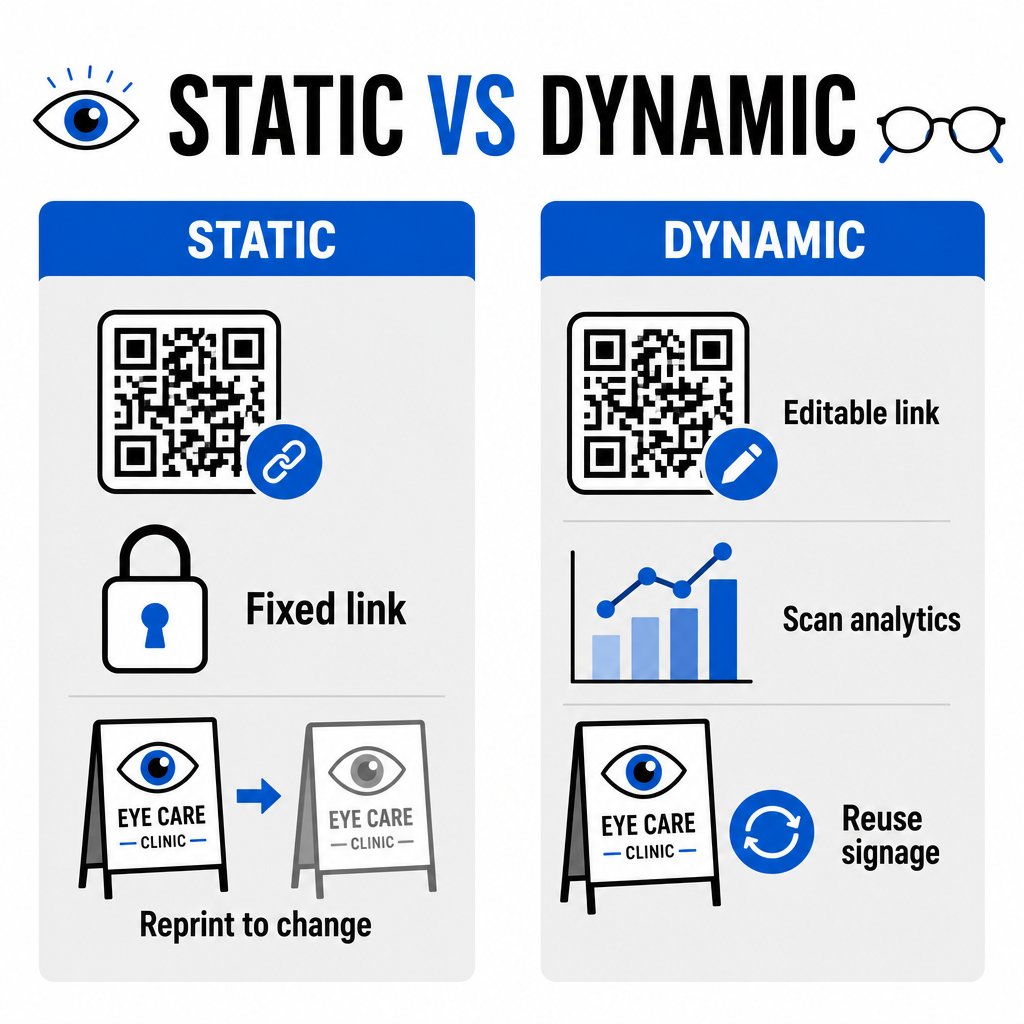
Kod QR Statik lwn. Dinamik untuk Klinik Penjagaan Mata
Pemilihan antara format statik dan dinamik bergantung sama ada kandungan destinasi anda memerlukan kemas kini atau pengukuran prestasi dari masa ke masa.
| CIRI | Kod QR Statik | Kod QR Dinamik |
|---|---|---|
| URL Destinasi | Tetap secara kekal selepas penciptaan | Boleh diedit sepenuhnya pada bila-bila masa tanpa cetakan semula |
| Analitik Imbasan | Tidak tersedia | Penjejakan masa nyata isipadu imbasan, lokasi, dan peranti |
| Kes Penggunaan Utama | Wi-Fi amalan kekal, arahan statik | Tempahan dalam talian, promosi bermusim, borang pendaftaran |
| Ketahanan Cetakan | Memerlukan pencetakan semula jika destinasi berubah | Penggunaan semula berterusan papan tanda fizikal yang dicetak |
Untuk kempen klinik aktif dan penjadualan temu janji, kod dinamik menyediakan pandangan operasi yang penting. Melaksanakan menjejaki kod QR membolehkan pengurus amalan menganalisis masa imbasan puncak dan menilai lokasi penempatan fizikal mana yang menghasilkan penglibatan pesakit tertinggi.
Piawaian Pelaksanaan untuk Cetakan dan Privasi Pesakit
Untuk memastikan setiap pesakit menikmati pengalaman yang boleh dipercayai dan mudah diakses, patuhi piawaian teknikal ini apabila menggunakan kod boleh imbas di seluruh klinik anda:
- Mengekalkan saiz cetakan: Cetak kod pada saiz minimum 2 × 2 cm (0.8 × 0.8 inci) untuk bahan jarak dekat seperti kad perniagaan atau lembaran pasca-penjagaan, mengekalkan saiz yang lebih besar untuk papan tanda dinding atau paparan tingkap.
- Memastikan kontras warna: Kekalkan kontras visual yang kuat dengan meletakkan modul QR gelap di atas latar belakang terang dengan sekurang-kurangnya 4:1 nisbah kontras, mengelakkan corak sibuk atau permukaan bertekstur.
- Mengekalkan zon senyap: Tinggalkan margin yang jelas di sekeliling keempat-empat sisi kod sekurang-kurangnya empat modul (blok segi empat kecil dalam grid) untuk mengelakkan gangguan pengimbas optik.
- Memilih format fail vektor: Eksport format vektor resolusi tinggi seperti SVG atau EPS untuk projek cetakan komersial, atau simpan fail raster seperti PNG pada 300 DPI atau lebih tinggi.
- Menyokong alternatif boleh akses: Patuhi garis panduan kebolehcapaian dengan memaparkan URL teks yang kelihatan di sebelah kod QR supaya pesakit tanpa peranti pengimbasan masih boleh mengakses destinasi.
- Melindungi privasi pesakit: Laksanakan penyulitan dan perlindungan pentadbiran untuk melindungi maklumat kesihatan yang boleh dikenal pasti secara individu yang dikumpul melalui borang pesakit dan alat penjadualan digital.
Untuk rangka kerja penggunaan penjagaan kesihatan yang lebih luas, rujuk panduan muktamad untuk kod QR bagi penjagaan kesihatan dan terokai pilihan khusus merentasi pelbagai sektor industri penjagaan kesihatan.
Memodenkan Aliran Kerja Optometri Anda
Mengintegrasikan kod QR ke dalam amalan penjagaan mata anda menghapuskan geseran pentadbiran, mempercepatkan daftar masuk, dan mewujudkan titik sentuhan interaktif di seluruh bilik pameran optik anda. Dengan menggabungkan piawaian reka bentuk yang boleh diakses dengan kod dinamik yang boleh dikemas kini, klinik anda boleh menyampaikan perkhidmatan moden dan cekap pada setiap peringkat perjalanan pesakit. Mula membina kod tersuai yang boleh dikesan untuk meningkatkan aliran kerja amalan optometri anda hari ini.
Soalan lazim
Kod QR membolehkan pesakit melengkapkan pendaftaran, kemas kini sejarah kesihatan, dan borang kebenaran pada telefon pintar mereka sendiri sebelum memasuki bilik pemeriksaan. Ini menghapuskan kemasukan data manual di meja penyambut tetamu dan mempercepatkan proses pengambilan pesakit.
Ya, jika anda menggunakan kod QR dinamik. Kod dinamik membolehkan anda mengedit URL destinasi pada bila-bila masa dalam papan pemuka anda tanpa perlu mencetak semula paparan pengambilan, risalah, atau kad pos peringatan anda.
Cetak kod QR dengan kontras visual yang tinggi (sekurang-kurangnya nisbah 4:1) dan saiz yang sesuai (sekurang-kurangnya 2 × 2 cm). Selain itu, sediakan URL pendek teks biasa di samping kod tersebut supaya pesakit tanpa keupayaan mengimbas masih boleh mengakses destinasi tersebut.