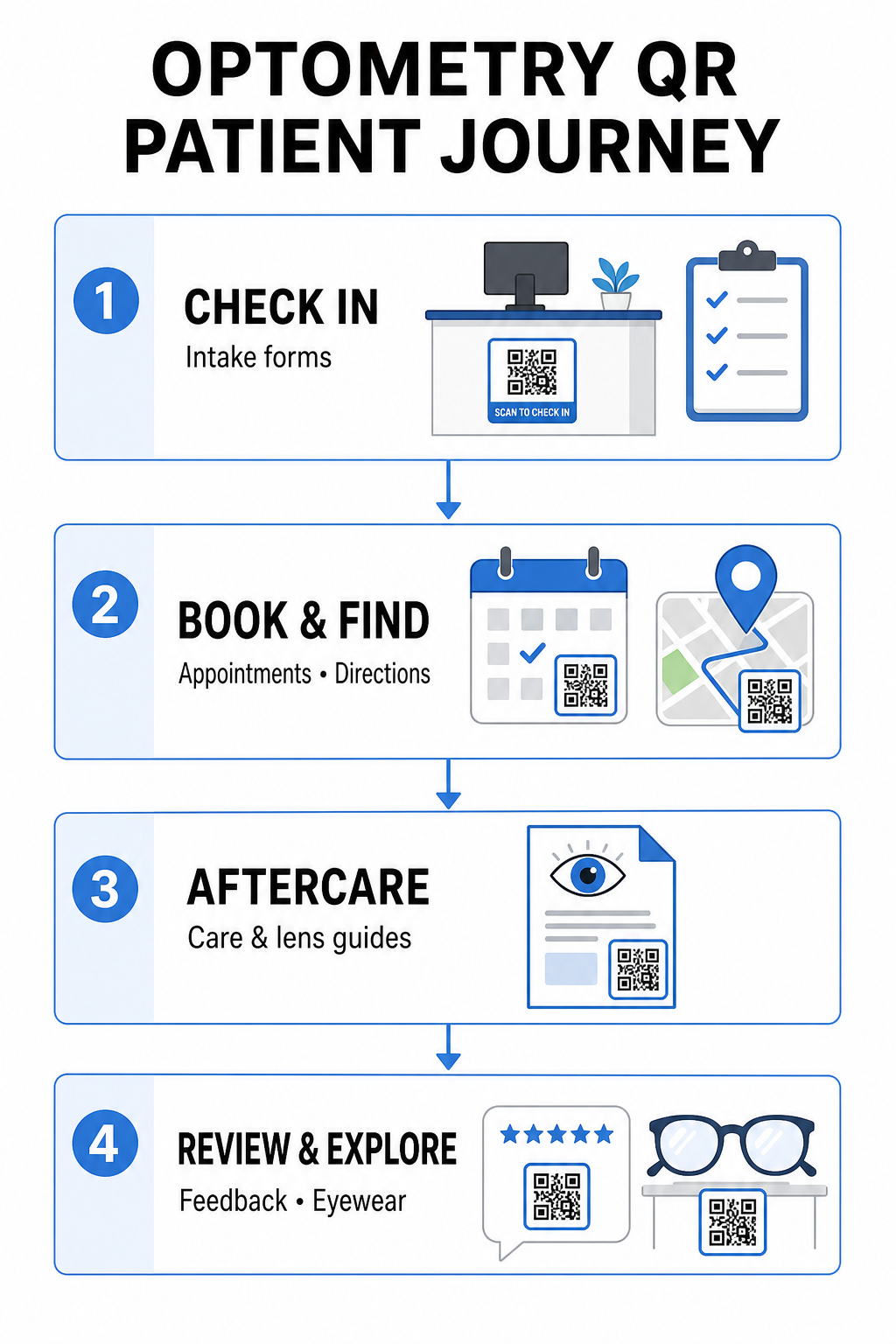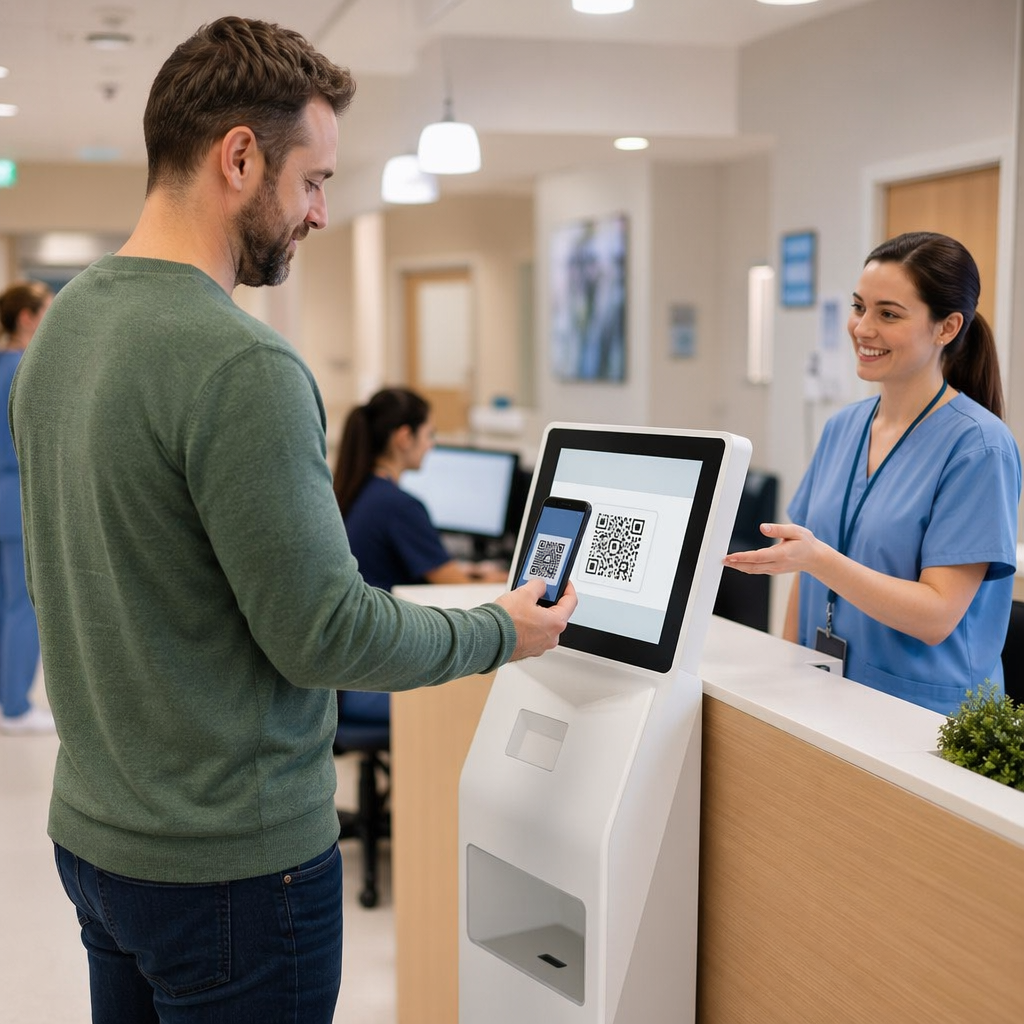

Are slow patient check-ins and missed follow-up appointments creating bottlenecks in your optometry practice? Administrative delays frustrate patients and divert front-desk staff away from providing direct vision care. Placing scannable QR codes across your reception desk, optical showroom, and printed post-care sheets connects patients to digital services instantly.
Contactless Patient Check-In and Intake Forms
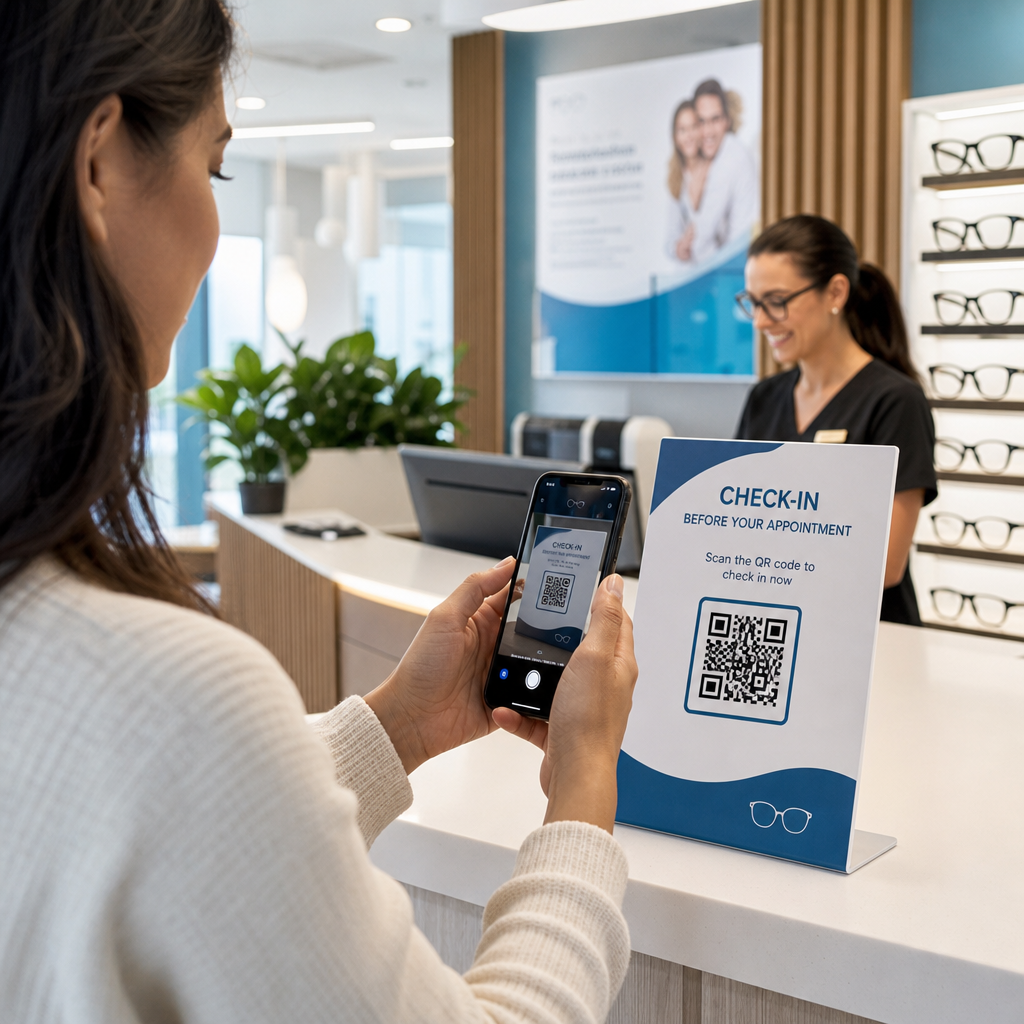
Paper registration packets require manual data entry, create physical clutter in the waiting area, and increase overall wait times. Displaying a check-in QR code at your reception desk or entrance allows arriving patients to complete intake forms, update medical histories, and sign consent documents directly on their mobile devices.
使用 谷歌表单二维码生成器, your practice can convert digital health questionnaires into simple scannable touchpoints. Arriving patients scan the code, submit their information, and alert your administrative team without waiting for a physical clipboard. Similar to digital workflows used in dental offices, automated intake minimizes transcript errors and accelerates front-desk processing.
Streamline Your Front-Desk Intake Want to eliminate paper registration packets and cut patient wait times? Use the 谷歌表单 QR 代码生成器 to create contactless check-in touchpoints for your reception area today.
Simplifying Appointment Booking and Location Navigation
Managing routine vision exams, contact lens fittings, and follow-up consultations requires a frictionless scheduling workflow. Placing booking QR codes on appointment reminder cards, recall letters, and clinic window signage enables patients to open your online booking portal in seconds.
By converting your scheduling URL into a scannable pattern with a 链接二维码生成器, you give returning patients an immediate path to reserve their next visit. For multi-location eye care practices or clinics situated within larger medical complexes, direct location guidance is equally critical. Incorporating a code generated by a Google 地图二维码生成器 onto recall postcards ensures patients launch turn-by-turn driving directions directly on their smartphones.
Delivering Vision Aftercare and Contact Lens Instructions
Clear post-treatment instructions reduce emergency phone calls and support proper patient recovery following specialized procedures or initial contact lens fittings. Patients frequently misplace paper leaflets detailing frame maintenance, post-dilation precautions, or contact lens hygiene guidelines.
You can encode digital guides, instructional videos, and care sheets into scannable formats using a PDF QR 码生成器. Affixing these codes to prescription bags or dispense documentation gives patients permanent access to essential aftercare resources. For sensitive medical updates, review established practices for 使用二维码安全共享健康数据 to protect patient privacy during information transfers.


Practice Marketing, Optical Sales, and Patient Reviews
QR codes bridge your physical optical dispensary with your digital marketing channels, driving patient engagement and strengthening your online reputation.
- Displaying frame details: Place scannable codes next to designer frame lines or specialty lens displays so patients can view color options, lens upgrades, or brand stories while browsing.
- Sharing practitioner contact details: Print a scannable code from a vCard QR码生成器 on practitioner business cards to allow patients to save direct clinic contact details directly to their mobile contact lists.
- Collecting patient feedback: Prompt satisfied patients to share their experience before leaving the clinic. Using a Google 评论二维码生成器 at checkout directs patients straight to your review profile, simplifying the feedback loop as part of a broader customer feedback QR code strategy.
Static vs. Dynamic QR Codes for Eye Care Clinics
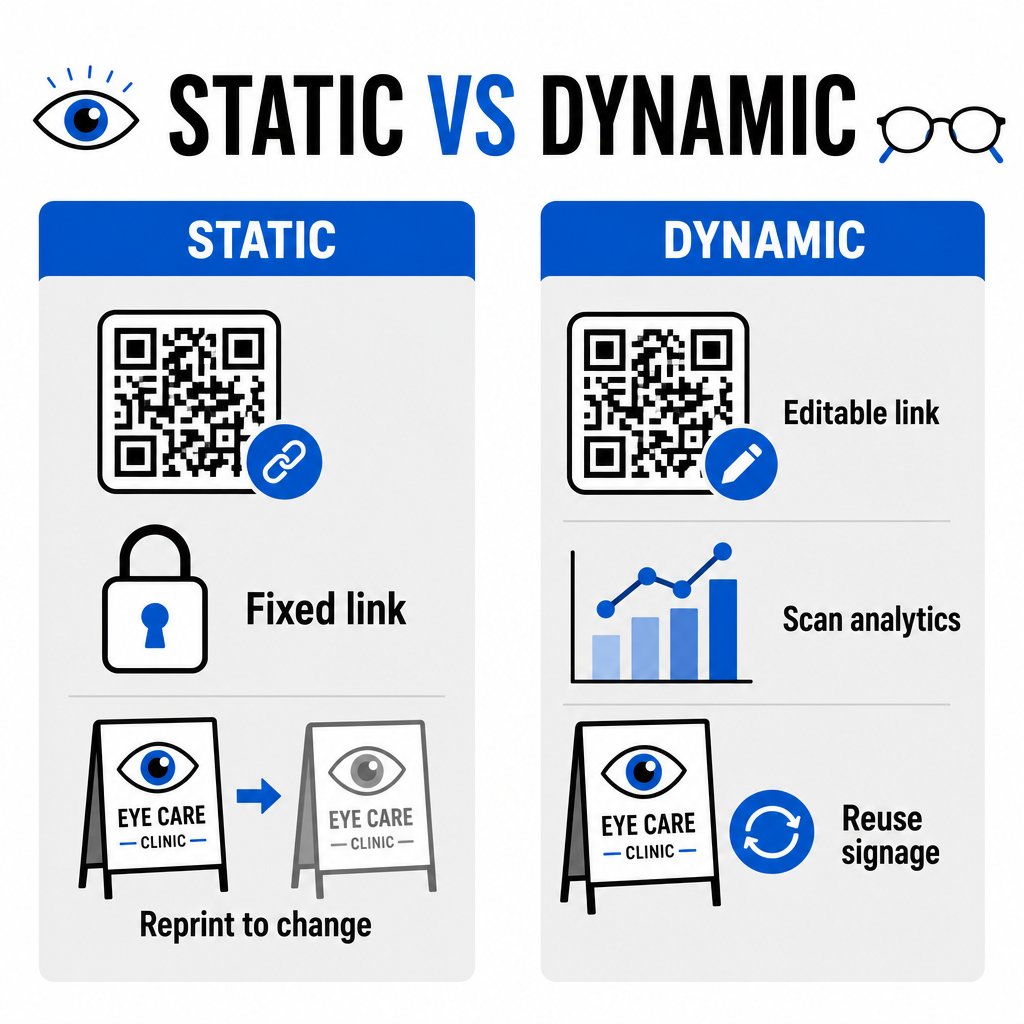
Selecting between static and dynamic formats depends on whether your destination content requires updates or performance measurement over time.
| 功能 | 静态二维码 | 动态二维码 |
|---|---|---|
| Destination URL | Fixed permanently upon creation | Fully editable at any time without reprinting |
| 扫描分析 | 不可用 | Real-time tracking of scan volume, location, and device |
| Primary Use Cases | Permanent practice Wi-Fi, static directions | Online booking, seasonal promotions, intake forms |
| Print Longevity | Requires reprinting if destination changes | Continuous reuse of printed physical signage |
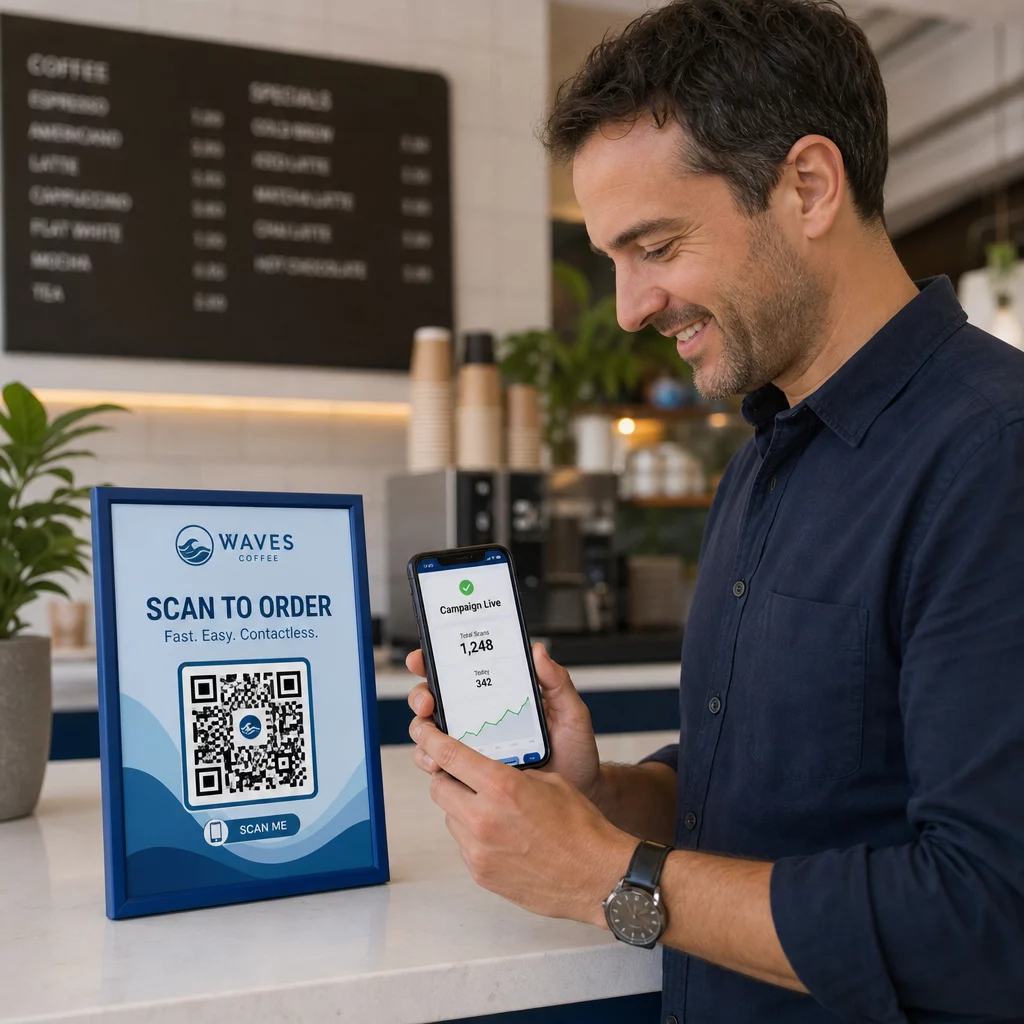
For active clinic campaigns and appointment scheduling, dynamic codes provide essential operational insights. Implementing 追踪QR码 allows practice managers to analyze peak scan times and evaluate which physical placement locations yield the highest patient engagement.


Implementation Standards for Print and Patient Privacy
To ensure every patient enjoys a reliable and accessible experience, follow these technical standards when deploying scannable codes across your clinic:
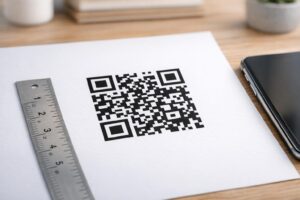
- Maintaining print sizing: Print codes at a minimum size of 2 × 2 cm (0.8 × 0.8 in) for close-range materials like business cards or post-care sheets, reserving larger sizes for wall signs or window displays.
- Ensuring color contrast: Maintain strong visual contrast by placing dark QR modules over a light background with at least a 4:1 contrast ratio, avoiding busy patterns or textured surfaces.
- Preserving quiet zones: Leave a clear margin around all four sides of the code equal to at least four modules (the small square blocks in the grid) to prevent optical scanner interference.
- Choosing vector file formats: Export high-resolution vector formats like SVG 或 EPS for commercial print projects, or save raster files like 巴新 at 300 DPI 或更高.
- Supporting accessible alternatives: Conform to accessibility guidelines by displaying a visible text URL adjacent to the QR code so patients without scanning devices can still access the destination.
- Safeguarding patient privacy: Implement encryption and administrative safeguards to protect individually identifiable health information collected through patient forms and digital scheduling tools.
For broader healthcare deployment frameworks, consult the 医疗保健QR码终极指南 and explore specialized options across different healthcare industry sectors.
Modernizing Your Optometry Workflows
Integrating QR codes into your eye care practice eliminates administrative friction, speeds up check-ins, and creates interactive touchpoints across your optical showroom. By combining accessible design standards with updatable dynamic codes, your clinic can deliver modern, efficient service at every stage of the patient journey. Start building customized, trackable codes to upgrade your optometry practice workflows today.
常见问题
QR codes allow patients to complete registration, health history updates, and consent forms on their own smartphones before entering the exam room. This eliminates manual data entry at the reception desk and speeds up patient intake.
Yes, if you use dynamic QR codes. Dynamic codes allow you to edit the destination URL at any time in your dashboard without reprinting your intake displays, brochures, or recall postcards.
Print QR codes with high visual contrast (at least a 4:1 ratio) and appropriate sizing (at least 2 × 2 cm). Additionally, provide a plain-text short URL alongside the code so patients without scanning capability can still access the destination.