
Skapar långsamma patientincheckningar och missade uppföljningsbesök flaskhalsar i din optikerpraktik? Administrativa förseningar frustrerar patienter och avleder receptionens personal från att tillhandahålla direkt synvård. Att placera skanningsbara QR-koder vid receptionsdisken, i optikbutiken och på tryckta eftervårdsblad kopplar omedelbart patienter till digitala tjänster.
Kontaktlös patientincheckning och inskrivningsformulär
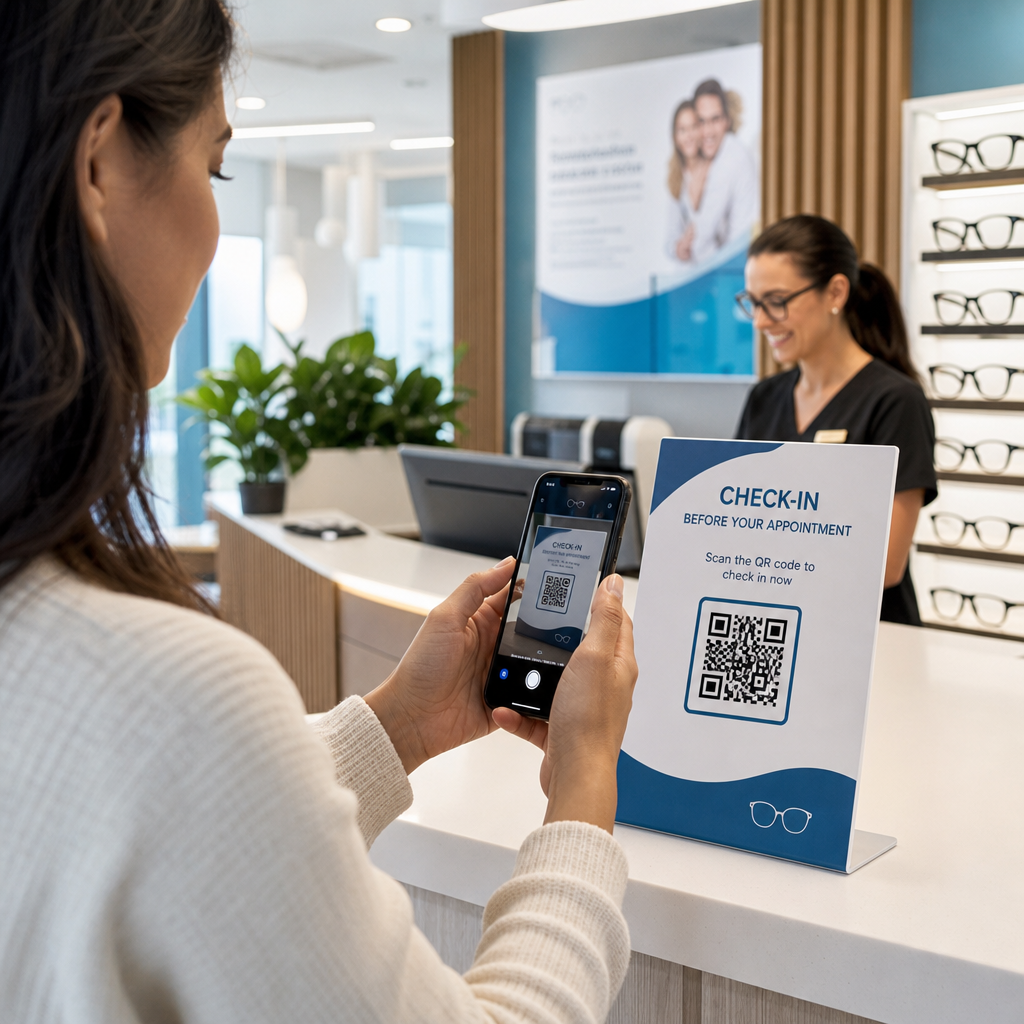
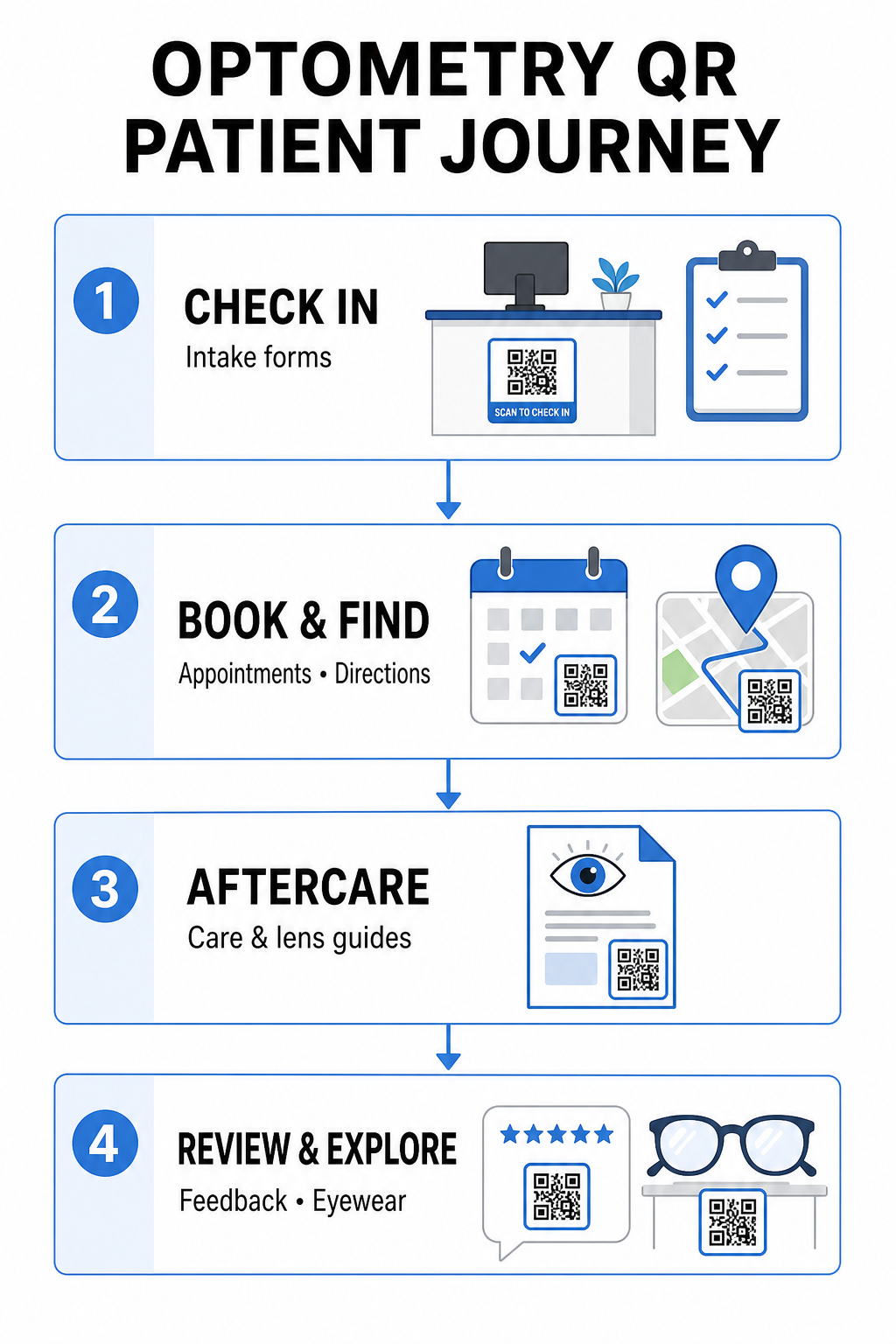
Pappersbaserade registreringspaket kräver manuell datainmatning, skapar fysisk oreda i väntrummet och ökar den totala väntetiden. Genom att visa en inchecknings-QR-kod vid receptionsdisken eller entrén kan ankommande patienter fylla i inskrivningsformulär, uppdatera medicinsk historik och signera samtyckesdokument direkt på sina mobila enheter.
Använda en QR-kodgenerator för Google Formulär, kan din praktik omvandla digitala hälsofrågeformulär till enkla skanningsbara kontaktpunkter. Ankommande patienter skannar koden, skickar in sin information och varnar ditt administrativa team utan att vänta på en fysisk urklippstavla. Liknande digitala arbetsflöden som används på tandläkarmottagningar, automatiserad inskrivning minimerar transkriptionsfel och påskyndar receptionens bearbetning.
Effektivisera din receptionens inskrivning Vill du eliminera pappersbaserade registreringspaket och förkorta patienternas väntetider? Använd QR-kodgenerator för Google Formulär för att skapa kontaktlösa incheckningspunkter för din reception idag.
Förenkla bokning av tider och platsnavigering
Att hantera rutinmässiga synundersökningar, kontaktlinsanpassningar och uppföljningskonsultationer kräver ett friktionsfritt schemaläggningsflöde. Att placera boknings-QR-koder på påminnelsekort, återkallelsebrev och klinikens fönsterskyltar gör det möjligt för patienter att öppna din online-bokningsportal på några sekunder.
Genom att omvandla din schemaläggnings-URL till ett skanningsbart mönster med en länk-QR-kodgenerator, ger du återkommande patienter en omedelbar möjlighet att boka sitt nästa besök. För ögonvårdskliniker med flera platser eller kliniker belägna inom större medicinska komplex är direkt platsvägledning lika avgörande. Genom att inkludera en kod genererad av en QR-kodgenerator för Google Maps på återkallelsekort säkerställer att patienter kan starta sväng-för-sväng-vägbeskrivningar direkt på sina smartphones.
Tillhandahålla eftervård för syn och instruktioner för kontaktlinser
Tydliga instruktioner efter behandlingen minskar akuta telefonsamtal och stöder korrekt patientåterhämtning efter specialiserade procedurer eller initiala kontaktlinstillpassningar. Patienter tappar ofta bort pappersbroschyrer som beskriver ramunderhåll, försiktighetsåtgärder efter pupillvidgning eller riktlinjer för kontaktlinshygien.
Du kan koda digitala guider, instruktionsvideor och vårdblad till skanningsbara format med hjälp av en QR-kodgenerator för PDF. Att fästa dessa koder på receptpåsar eller utlämningsdokumentation ger patienter permanent tillgång till viktiga eftervårdsresurser. För känsliga medicinska uppdateringar, granska etablerade rutiner för säker delning av hälsodata med QR-koder för att skydda patientens integritet vid informationsöverföringar.
Klinikmarknadsföring, optisk försäljning och patientrecensioner
QR-koder kopplar samman din fysiska optiska butik med dina digitala marknadsföringskanaler, vilket driver patientengagemang och stärker ditt online-rykte.
- Visa ramdetaljer: Placera skanningsbara koder bredvid designerbågar eller speciallinsutställningar så att patienter kan se färgalternativ, linsuppgraderingar eller varumärkeshistorier medan de bläddrar.
- Dela kontaktuppgifter för vårdpersonal: Skriv ut en skanningsbar kod från en vCard QR-kodgenerator på vårdpersonalens visitkort för att låta patienter spara direkta klinikers kontaktuppgifter direkt i sina mobila kontaktlistor.
- Samla in patientfeedback: Uppmuntra nöjda patienter att dela sin upplevelse innan de lämnar kliniken. Att använda en QR-kodgenerator för Google-recensioner vid kassan leder patienter direkt till din recensionsprofil, vilket förenklar feedbackloopen som en del av en bredare QR-kod för kundfeedback strategi.
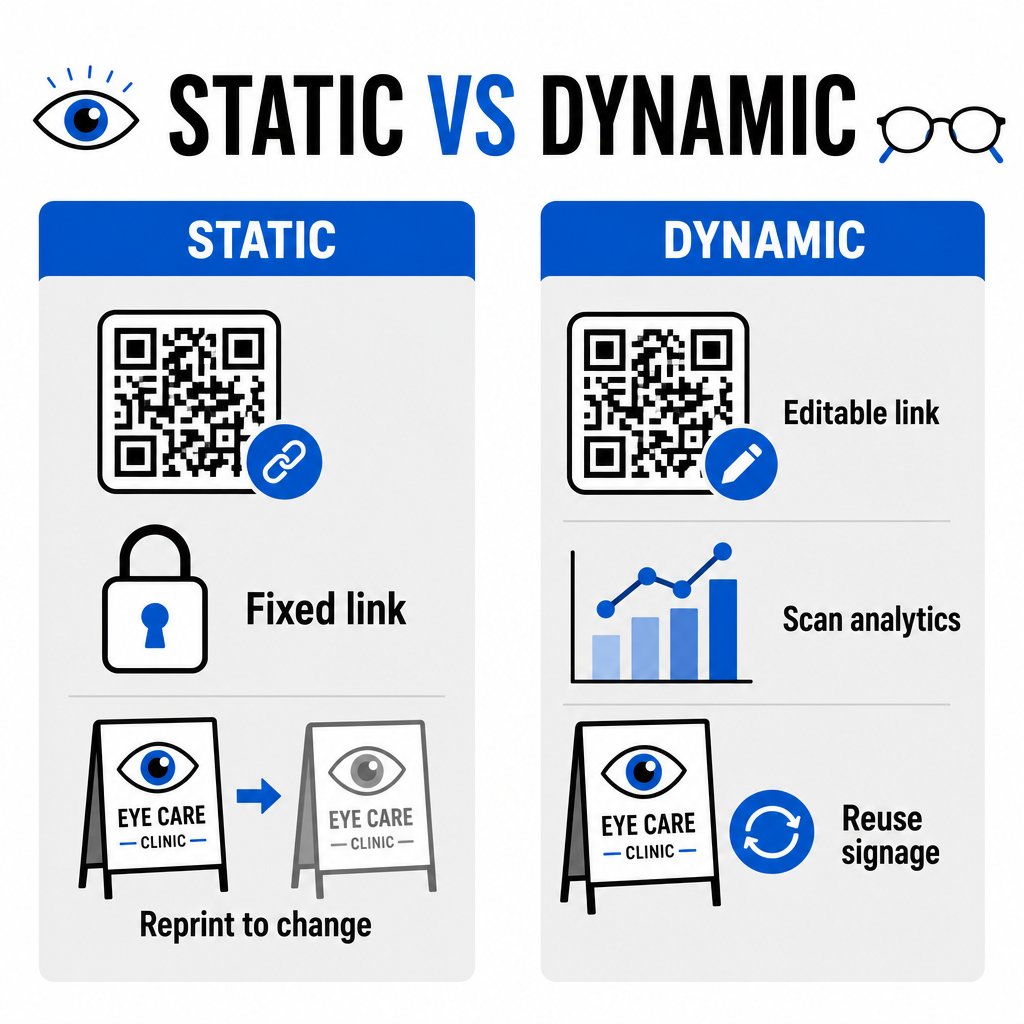
Statiska vs. Dynamiska QR-koder för ögonvårdskliniker
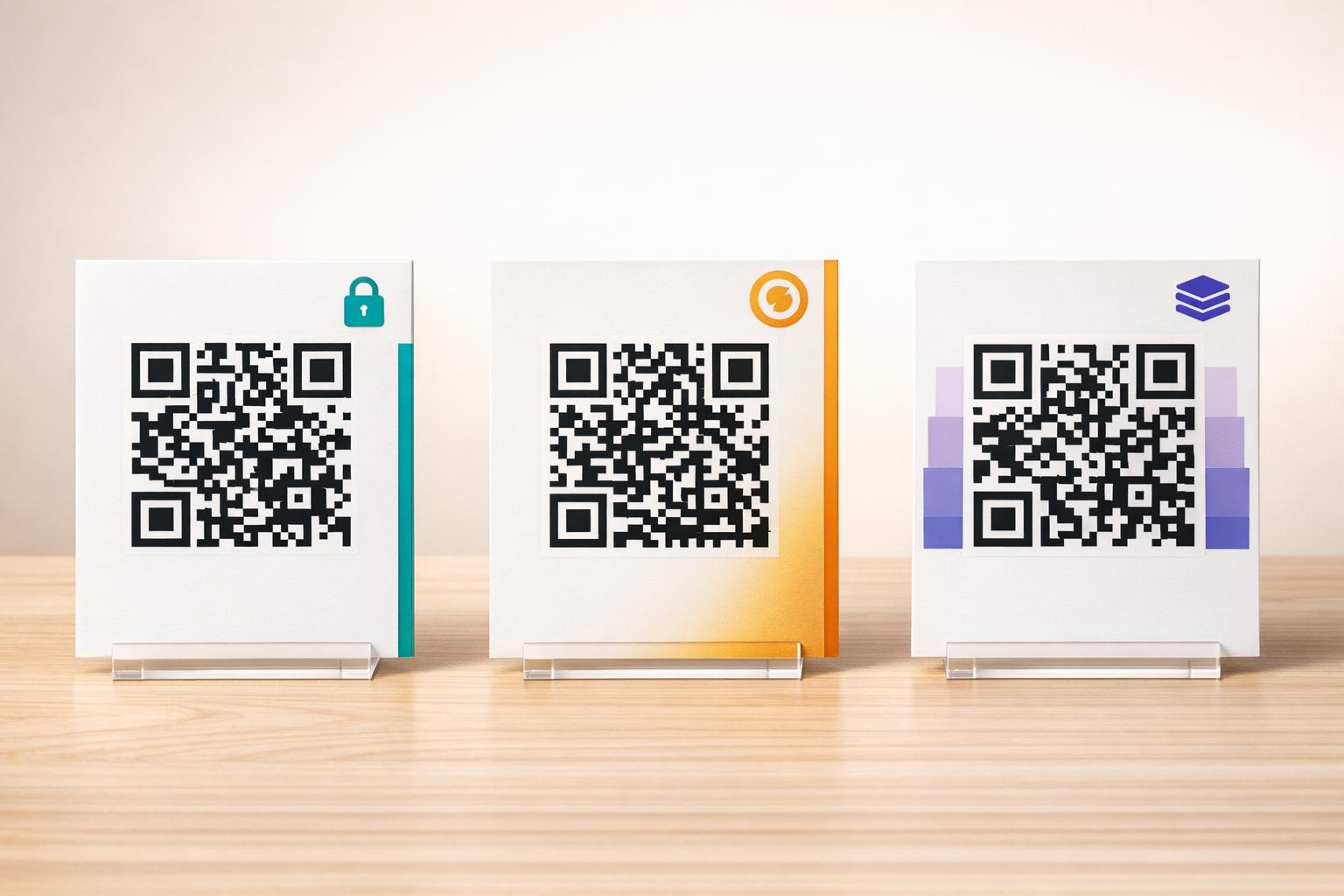
Valet mellan statiska och dynamiska format beror på om ditt målinnehåll kräver uppdateringar eller prestandamätning över tid.
| FUNKTION | Statiska QR-koder | Dynamiska QR-koder |
|---|---|---|
| Mål-URL | Fast permanent vid skapande | Fullt redigerbar när som helst utan att behöva tryckas om |
| Skanningsanalys | Ej tillgänglig | Spårning i realtid av skanningsvolym, plats och enhet |
| Primära användningsområden | Permanent Wi-Fi på mottagningen, statiska vägbeskrivningar | Onlinebokning, säsongserbjudanden, intagningsformulär |
| Utskriftens hållbarhet | Kräver omtryckning om destinationen ändras | Kontinuerlig återanvändning av tryckt fysisk skyltning |
För aktiva klinikampanjer och tidsbokning ger dynamiska koder viktig operativ insikt. Genom att implementera spåra QR-koder kan verksamhetschefer analysera toppskanningstider och utvärdera vilka fysiska placeringar som ger högst patientengagemang.
Implementeringsstandarder för utskrift och patientintegritet
För att säkerställa att varje patient får en pålitlig och tillgänglig upplevelse, följ dessa tekniska standarder när du implementerar skanningsbara koder i din klinik:
- Bibehålla utskriftsstorlek: Skriv ut koder med en minimistorlek på 2 × 2 cm (0,8 × 0,8 tum) för material på nära håll som visitkort eller eftervårdsinformation, och reservera större storlekar för väggskyltar eller fönsterdisplayer.
- Säkerställa färgkontrast: Upprätthåll stark visuell kontrast genom att placera mörka QR-moduler på en ljus bakgrund med minst ett 4:1 kontrastförhållande, undvik upptagna mönster eller texturerade ytor.
- Bevara tysta zoner: Lämna en tydlig marginal runt kodens alla fyra sidor, motsvarande minst fyra moduler (de små fyrkantiga blocken i rutnätet) för att förhindra störningar från optiska skannrar.
- Välja vektorfilformat: Exportera högupplösta vektorformat som SVG eller EPS för kommersiella utskriftsprojekt, eller spara rasterfiler som PNG vid 300 DPI eller högre.
- Stödja tillgängliga alternativ: Följ riktlinjerna för tillgänglighet genom att visa en synlig text-URL bredvid QR-koden så att patienter utan skanningsenheter fortfarande kan komma åt destinationen.
- Skydda patientintegriteten: Implementera kryptering och administrativa säkerhetsåtgärder för att skydda individuellt identifierbar hälsoinformation som samlas in via patientformulär och digitala bokningsverktyg.
För bredare ramverk för implementering inom hälso- och sjukvården, konsultera ultimat guide till QR-koder för hälsovården och utforska specialiserade alternativ inom olika sektorer inom hälso- och sjukvården.
Modernisering av dina optometriarbetsflöden
Att integrera QR-koder i din ögonvårdspraktik eliminerar administrativ friktion, snabbar upp incheckningar och skapar interaktiva kontaktpunkter i hela ditt optiska showroom. Genom att kombinera tillgängliga designstandarder med uppdaterbara dynamiska koder kan din klinik leverera modern, effektiv service i varje steg av patientresan. Börja bygga anpassade, spårbara koder för att uppgradera dina arbetsflöden inom optometri redan idag.
Vanliga frågor
QR-koder gör det möjligt för patienter att fylla i registrering, uppdateringar av hälsouppgifter och samtyckesformulär på sina egna smartphones innan de går in i undersökningsrummet. Detta eliminerar manuell datainmatning vid receptionen och snabbar upp patientintaget.
Ja, om du använder dynamiska QR-koder. Dynamiska koder låter dig redigera destinations-URL:en när som helst i din kontrollpanel utan att trycka om dina informationsskärmar, broschyrer eller återkallelsekort.
Skriv ut QR-koder med hög visuell kontrast (minst ett 4:1-förhållande) och lämplig storlek (minst 2 × 2 cm). Tillhandahåll dessutom en kort URL i klartext bredvid koden så att patienter utan skanningsmöjlighet fortfarande kan komma åt destinationen.