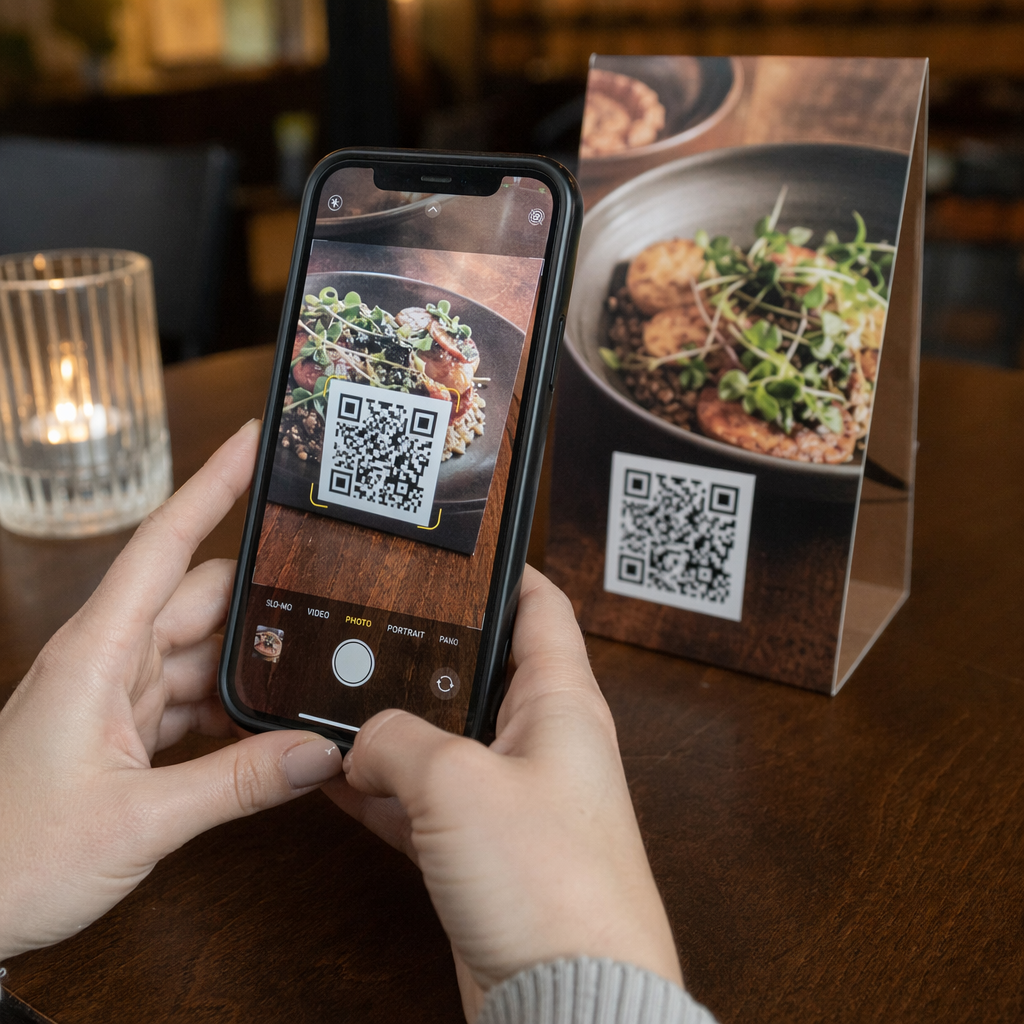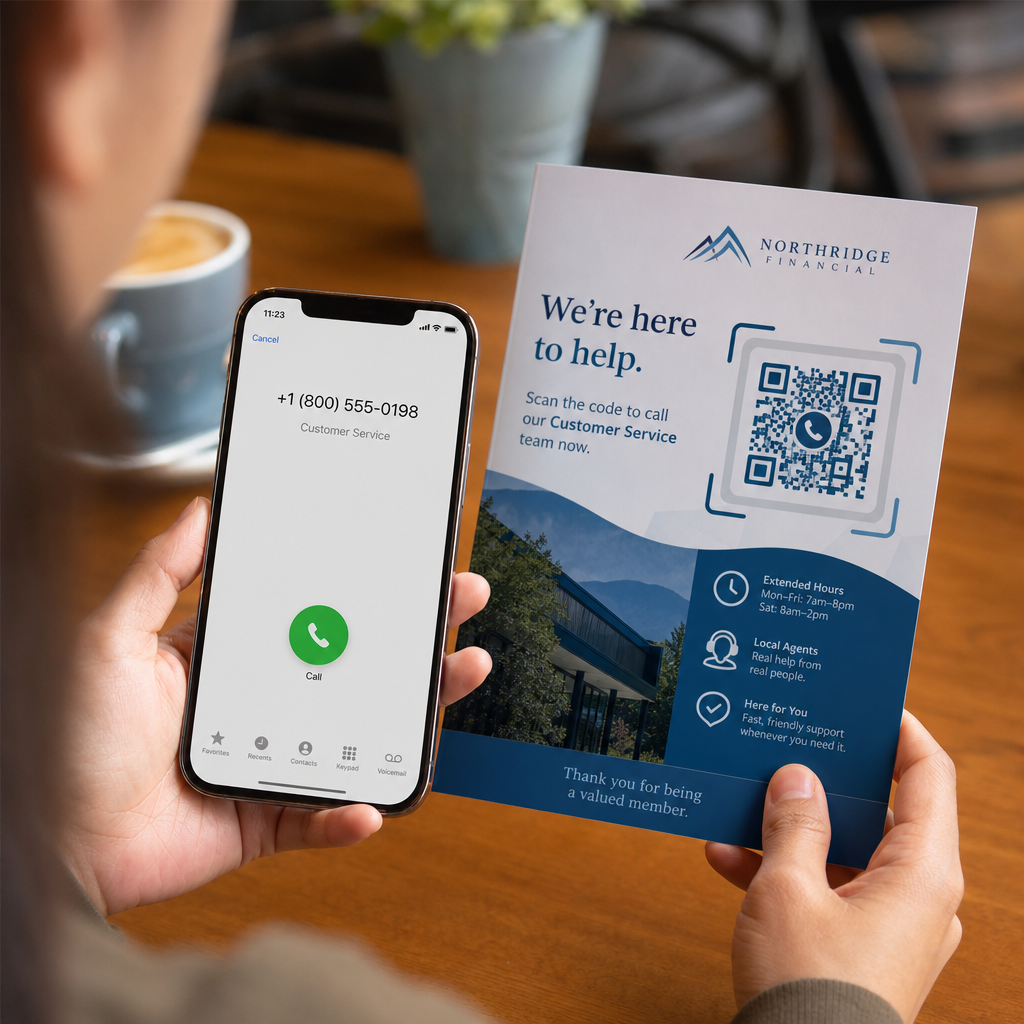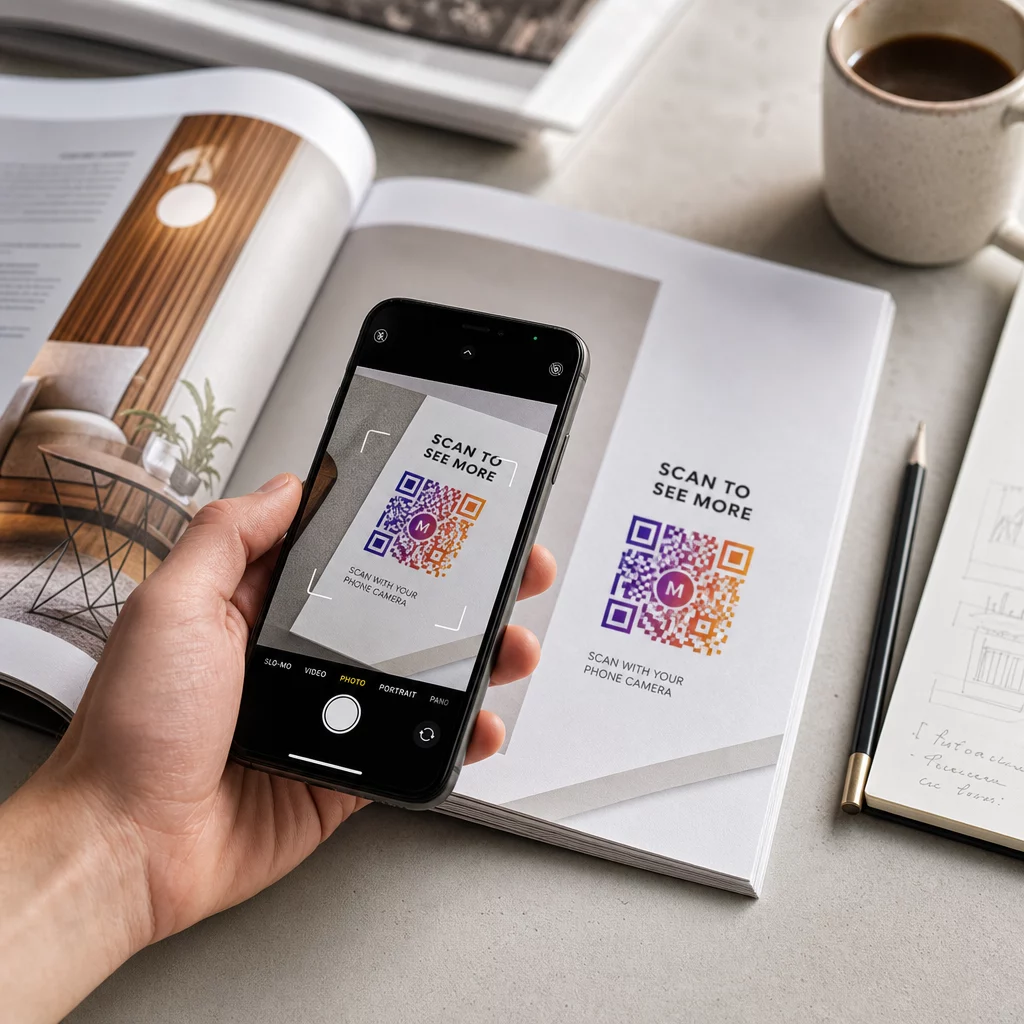

A lassú betegfelvétel és az elmulasztott kontrollvizsgálatok szűk keresztmetszeteket okoznak az optometriai rendelőjében? Az adminisztratív késedelmek frusztrálják a pácienseket, és elvonják a recepció személyzetét a közvetlen látásgondozás nyújtásától. A recepción, az optikai bemutatóteremben és a nyomtatott utógondozási lapokon elhelyezett beolvasható QR-kódok azonnal összekapcsolják a pácienseket a digitális szolgáltatásokkal.
Érintésmentes betegfelvétel és adatlapok
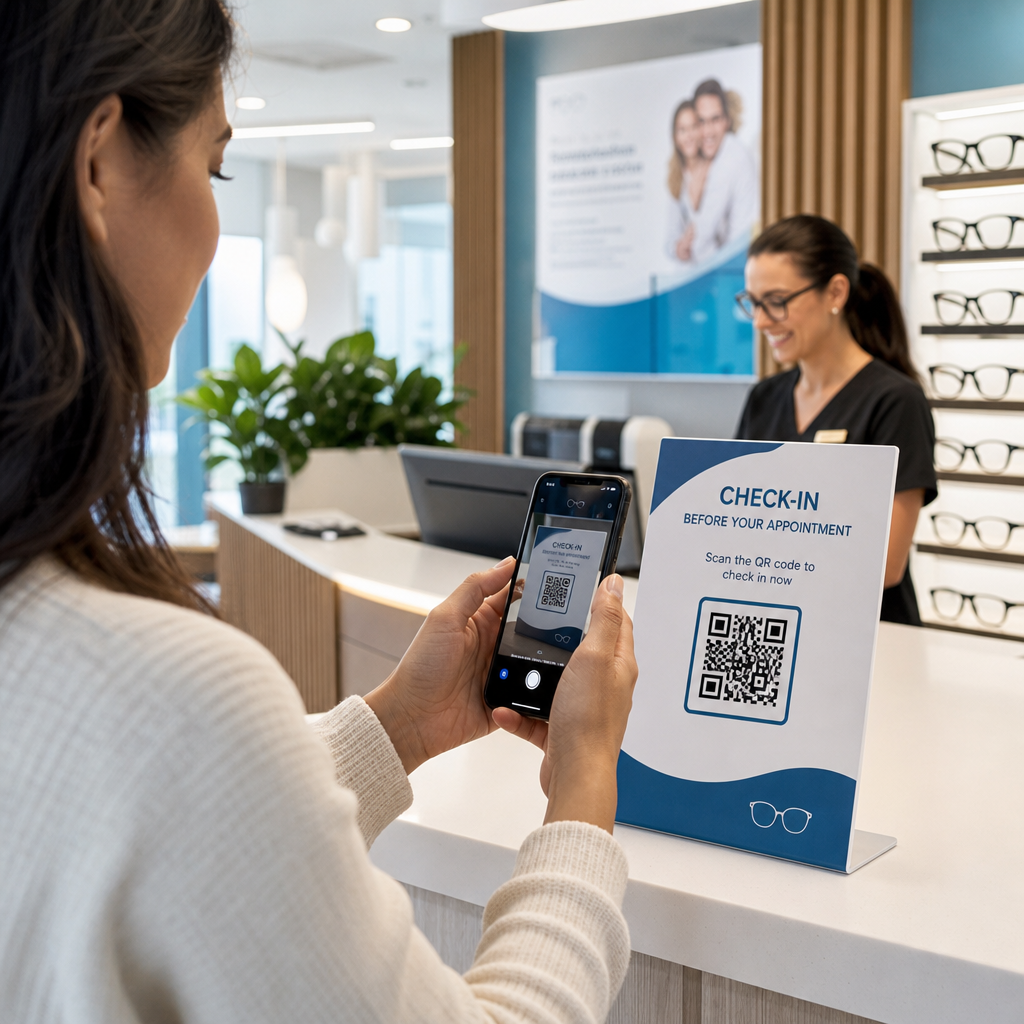
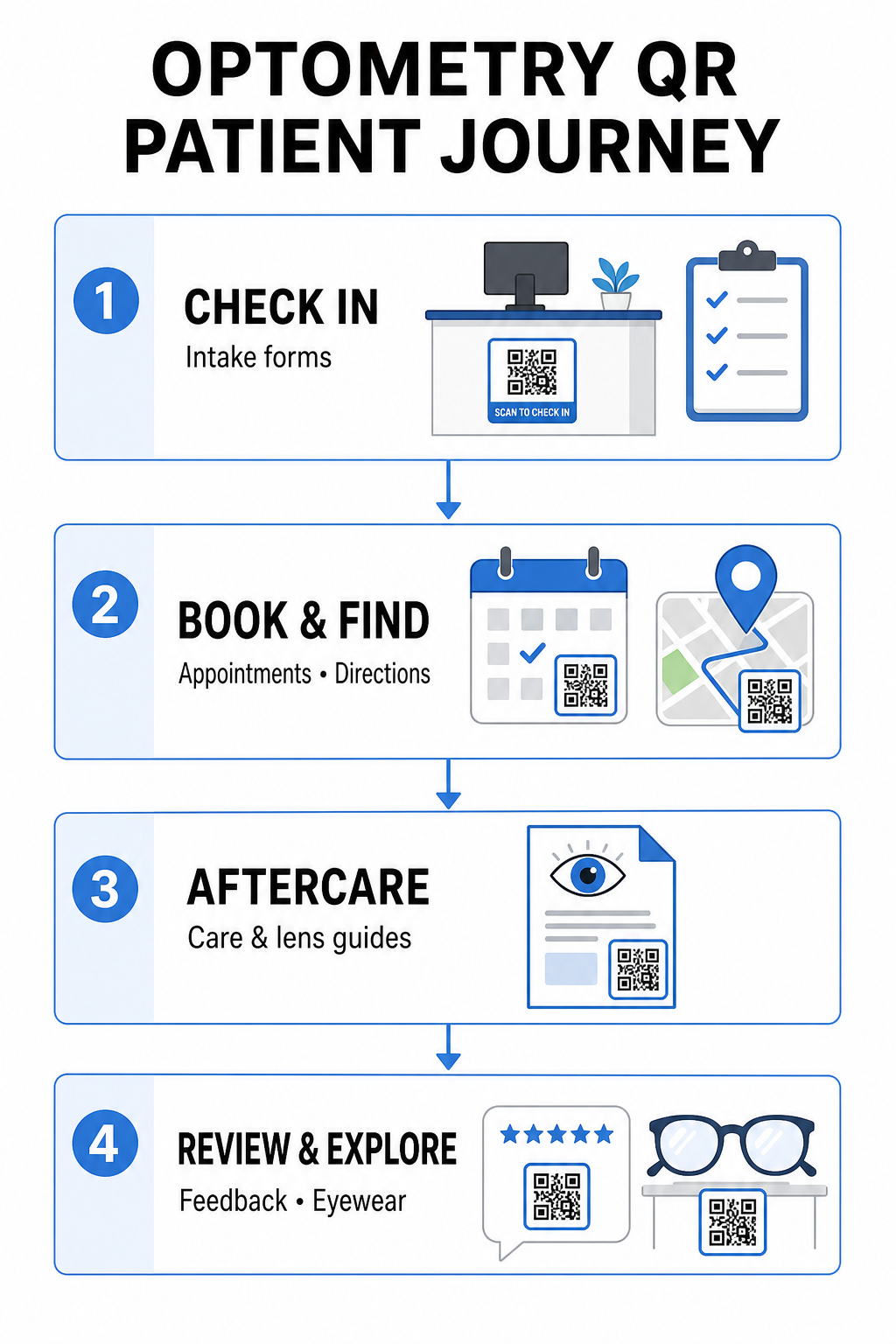
A papíralapú regisztrációs csomagok kézi adatbevitelt igényelnek, fizikai zsúfoltságot okoznak a váróban, és növelik az általános várakozási időt. Egy bejelentkezési QR-kód kihelyezése a recepción vagy a bejáratnál lehetővé teszi az érkező betegek számára, hogy közvetlenül mobilkészülékükön töltsék ki az adatlapokat, frissítsék kórtörténetüket és aláírják a hozzájáruló dokumentumokat.
Egy Google Forms kérdőív QR kód generátor, az Ön rendelője egyszerűen beolvasható érintési pontokká alakíthatja a digitális egészségügyi kérdőíveket. Az érkező betegek beolvassák a kódot, elküldik adataikat, és értesítik az adminisztrációs csapatot anélkül, hogy fizikai vágólapra várnának. Hasonlóan a digitális munkafolyamatokhoz, amelyeket a fogorvosi rendelőkben, az automatizált adatgyűjtés minimalizálja az átírási hibákat és felgyorsítja a recepciós feldolgozást.
Egyszerűsítse recepciós adatgyűjtését Szeretné kiküszöbölni a papíralapú regisztrációs csomagokat és csökkenteni a betegek várakozási idejét? Használja a Google Forms kérdőív QR kód generátor hogy érintésmentes bejelentkezési pontokat hozzon létre recepciójához még ma.
Időpontfoglalás és helymeghatározás egyszerűsítése
A rutin látásvizsgálatok, kontaktlencse-illesztések és kontrollvizsgálatok kezelése súrlódásmentes ütemezési munkafolyamatot igényel. A foglalási QR-kódok elhelyezése az időpont-emlékeztető kártyákon, visszahívó leveleken és a klinika ablakában lévő táblákon lehetővé teszi a betegek számára, hogy másodpercek alatt megnyissák online foglalási portálját.
Az ütemezési URL beolvasható mintává alakításával a link QR-kód generátor, azonnali lehetőséget biztosít visszatérő betegeinek, hogy lefoglalják következő látogatásukat. Több telephelyen működő szemészeti rendelők vagy nagyobb orvosi komplexumokban található klinikák esetében a közvetlen helymeghatározás ugyanolyan kritikus. Egy, a Google Térkép QR-kód generátor az emlékeztető képeslapokra biztosítja, hogy a betegek közvetlenül az okostelefonjaikon indíthassák el a részletes útvonalterveket.
Látás utókezelési és kontaktlencse használati utasítások biztosítása
Az egyértelmű kezelés utáni utasítások csökkentik a sürgősségi telefonhívásokat és támogatják a betegek megfelelő felépülését speciális beavatkozások vagy az első kontaktlencse illesztés után. A betegek gyakran elveszítik a papír alapú tájékoztatókat, amelyek a keret karbantartásáról, a pupillatágítás utáni óvintézkedésekről vagy a kontaktlencse higiéniai irányelveiről szólnak.
Digitális útmutatókat, oktatóvideókat és ápolási lapokat kódolhat be szkennelhető formátumba egy PDF QR kód generátor. Ezen kódok recepttáskákra vagy adagolási dokumentációra való felragasztása állandó hozzáférést biztosít a betegeknek az alapvető utókezelési forrásokhoz. Érzékeny orvosi frissítések esetén tekintse át a bevett gyakorlatokat a biztonságos egészségügyi adatmegosztás QR-kódokkal a beteg adatainak védelme érdekében az információátvitel során.
Rendelői marketing, optikai értékesítés és betegvélemények
A QR-kódok összekötik az Ön fizikai optikai szaküzletét a digitális marketing csatornáival, növelve a páciensek elkötelezettségét és erősítve az online hírnevét.
- Keret részleteinek megjelenítése: Helyezzen szkennelhető kódokat a designer keretsorok vagy speciális lencsekijelzők mellé, hogy a betegek böngészés közben megtekinthessék a színválasztékot, a lencsefejlesztéseket vagy a márkatörténeteket.
- Szakorvos elérhetőségeinek megosztása: Nyomtasson szkennelhető kódot egy vCard QR kód generátor a szakorvos névjegykártyáira, hogy a betegek közvetlenül elmenthessék a klinika elérhetőségeit a mobiltelefonjuk névjegyzékébe.
- Beteg visszajelzések gyűjtése: Kérje meg az elégedett betegeket, hogy osszák meg tapasztalataikat, mielőtt elhagyják a klinikát. Egy Google értékelés QR kód generátor a pénztárnál közvetlenül a véleményprofiljához irányítja a betegeket, egyszerűsítve a visszajelzési folyamatot egy szélesebb körű ügyfél visszajelzés QR-kód stratégia részeként.
Statikus vs. dinamikus QR-kódok szemészeti klinikák számára
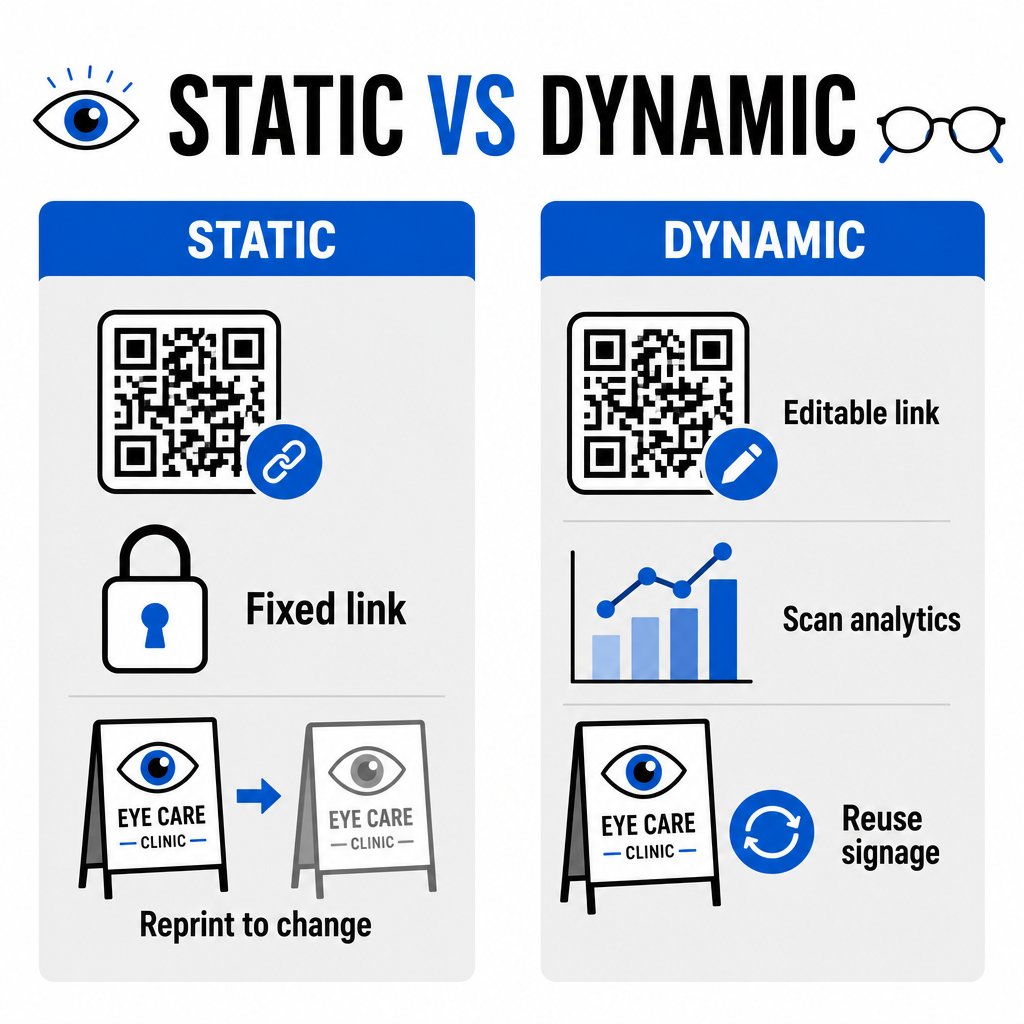
A statikus és dinamikus formátumok közötti választás attól függ, hogy a cél tartalma igényel-e frissítéseket vagy teljesítménymérést idővel.
| FUNKCIÓ | Statikus QR-kódok | Dinamikus QR-kódok |
|---|---|---|
| Cél URL | Létrehozáskor véglegesen rögzített | Bármikor teljesen szerkeszthető újranyomtatás nélkül |
| Szkennelési analitika | Nem elérhető | A szkennelések számának, helyének és eszközének valós idejű nyomon követése |
| Fő felhasználási esetek | Állandó rendelői Wi-Fi, statikus útmutatók | Online foglalás, szezonális akciók, adatfelvételi űrlapok |
| Nyomtatás tartóssága | Újra kell nyomtatni, ha a cél megváltozik | Nyomtatott fizikai jelzések folyamatos újrahasználata |
Az aktív klinikai kampányokhoz és az időpontfoglaláshoz a dinamikus kódok alapvető működési betekintést nyújtanak. A megvalósításuk QR-kódok követése lehetővé teszi a rendelővezetők számára, hogy elemezzék a csúcsidőben történő szkennelések számát, és felmérjék, mely fizikai elhelyezések eredményezik a legmagasabb betegbevonást.
Megvalósítási szabványok a nyomtatásra és a betegadatok védelmére
Annak biztosítása érdekében, hogy minden páciens megbízható és hozzáférhető élményben részesüljön, kövesse ezeket a műszaki szabványokat a szkennelhető kódok klinikáján történő bevezetésekor:
- Nyomtatási méret fenntartása: Nyomtassa ki a kódokat legalább ekkora méretben: 2 × 2 cm (0,8 × 0,8 hüvelyk) közeli anyagokhoz, például névjegyekhez vagy utókezelési lapokhoz, nagyobb méreteket fenntartva fali táblákhoz vagy kirakati kijelzőkhöz.
- Színkontraszt biztosítása: Tartson fenn erős vizuális kontrasztot sötét QR modulok világos háttérre helyezésével, legalább a következővel: 4:1 kontrasztarány, kerülve a zsúfolt mintákat vagy texturált felületeket.
- Csendes zónák megőrzése: Hagyjon tiszta margót a kód mind a négy oldalán, legalább ekkora méretben: négy modult (a rácsban lévő kis négyzetes blokkok) az optikai szkenner interferencia elkerülése érdekében.
- Vektoros fájlformátumok kiválasztása: Exportáljon nagy felbontású vektoros formátumokat, például SVG vagy EPS kereskedelmi nyomtatási projektekhez, vagy mentsen raszteres fájlokat, például PNG a 300 DPI vagy magasabb felbontásban.
- Hozzáférhető alternatívák támogatása: Feleljen meg az akadálymentességi irányelveknek egy látható szöveges URL megjelenítésével a QR-kód mellett, hogy a szkennelő eszközökkel nem rendelkező páciensek is hozzáférhessenek a célállomáshoz.
- Betegadatok védelme: Alkalmazzon titkosítást és adminisztratív védelmi intézkedéseket az egyedileg azonosítható egészségügyi adatok védelme érdekében, amelyeket a betegűrlapokon és a digitális időpontfoglaló eszközökön keresztül gyűjtenek.
Szélesebb körű egészségügyi bevezetési keretrendszerekhez olvassa el a következőt: átfogó útmutató a QR kódokhoz az egészségügyben és fedezze fel a speciális lehetőségeket különböző egészségügyi ipari szektorokban.
Optometriai munkafolyamatok modernizálása
A QR-kódok beépítése a szemészeti gyakorlatba megszünteti az adminisztratív súrlódásokat, felgyorsítja a bejelentkezéseket, és interaktív érintkezési pontokat hoz létre az optikai bemutatóteremben. Az akadálymentes tervezési szabványok és a frissíthető dinamikus kódok kombinálásával klinikája modern, hatékony szolgáltatást nyújthat a páciens utazásának minden szakaszában. Kezdje el ma a testreszabott, nyomon követhető kódok építését, hogy frissítse optometria gyakorlatának munkafolyamatait.
Gyakori kérdések
A QR-kódok lehetővé teszik a betegek számára, hogy saját okostelefonjukon töltsék ki a regisztrációt, az egészségügyi kórtörténet frissítését és a beleegyező nyilatkozatokat, mielőtt belépnének a vizsgálóba. Ez megszünteti a manuális adatbevitelt a recepción, és felgyorsítja a betegek felvételét.
Igen, ha dinamikus QR-kódokat használ. A dinamikus kódok lehetővé teszik, hogy bármikor szerkessze a céloldal URL-jét az irányítópulton anélkül, hogy újra kellene nyomtatnia a felvételi kijelzőket, brosúrákat vagy visszahívó képeslapokat.
Nyomtasson QR-kódokat nagy vizuális kontraszttal (legalább 4:1 arány) és megfelelő méretben (legalább 2 × 2 cm). Ezenkívül biztosítson egy egyszerű szöveges rövid URL-t a kód mellett, hogy a szkennelési képességgel nem rendelkező betegek is hozzáférhessenek a célhelyhez.