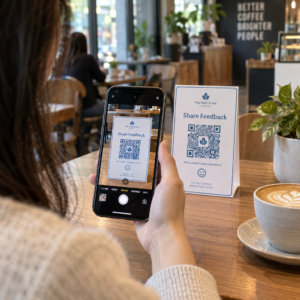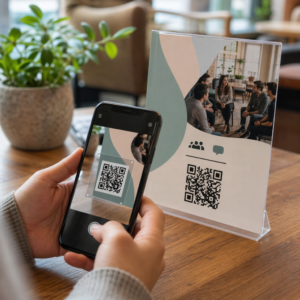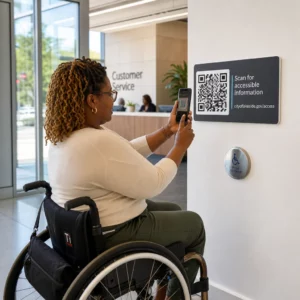
Adakah bahan pemasaran fizikal anda gagal menarik trafik ke kandungan digital anda? Kod QR hitam-putih generik sering kali bercampur dengan gangguan visual latar belakang, mengakibatkan interaksi pelanggan yang terlepas dan pembaziran belanjawan kempen. Dengan mengaplikasikan kontras warna strategik, penjenamaan tersuai, seruan bertindak yang jelas, dan penjejakan dinamik, anda boleh mengubah kod biasa menjadi aset visual yang berdaya penukaran tinggi.
Utamakan Kebolehpengimbasan dengan Kontras Warna Tinggi
Reka bentuk visual tidak sepatutnya menjejaskan kebolehpengimbasan berfungsi. Sensor kamera menyahkod corak QR dengan mengukur kontras pantulan cahaya antara modul latar depan dan permukaan latar belakang. Warna yang lebih gelap menyerap cahaya manakala warna yang lebih cerah memantulkannya, membolehkan lensa optik membaca titik data yang terbenam dengan jelas.
Untuk mengekalkan kebolehbacaan maksimum merentasi pelbagai keadaan pencahayaan, gunakan yang telah ditetapkan garis panduan kontras warna kod QR:
- Kekalkan latar depan gelap pada latar belakang cerah: Pilih warna corak pejal, gelap seperti biru gelap, arang, atau merah marun gelap pada latar belakang yang bersih dan cerah. Hitam standard pada putih memberikan nisbah kontras optimum 21:1.
- Penuhi keperluan nisbah kontras standard: Kekalkan nisbah kontras minimum 4.5:1 untuk bahan cetakan kecil dan sekurang-kurangnya 3:1 untuk paparan papan tanda yang lebih besar.
- Elakkan gradien dalaman dan bayangan jatuh: Elakkan gradien pelbagai tona dan bayangan jatuh lembut, kerana warna tona pertengahan mencipta gangguan visual yang mengelirukan sensor optik.
- Elakkan reka bentuk penyongsangan warna: Elakkan menggunakan corak terang pada latar belakang gelap, kerana reka bentuk terbalik gagal pada banyak pengimbas kamera telefon pintar asli.
Satukan Logo Jenama Anda Tanpa Mengorbankan Kebolehbacaan
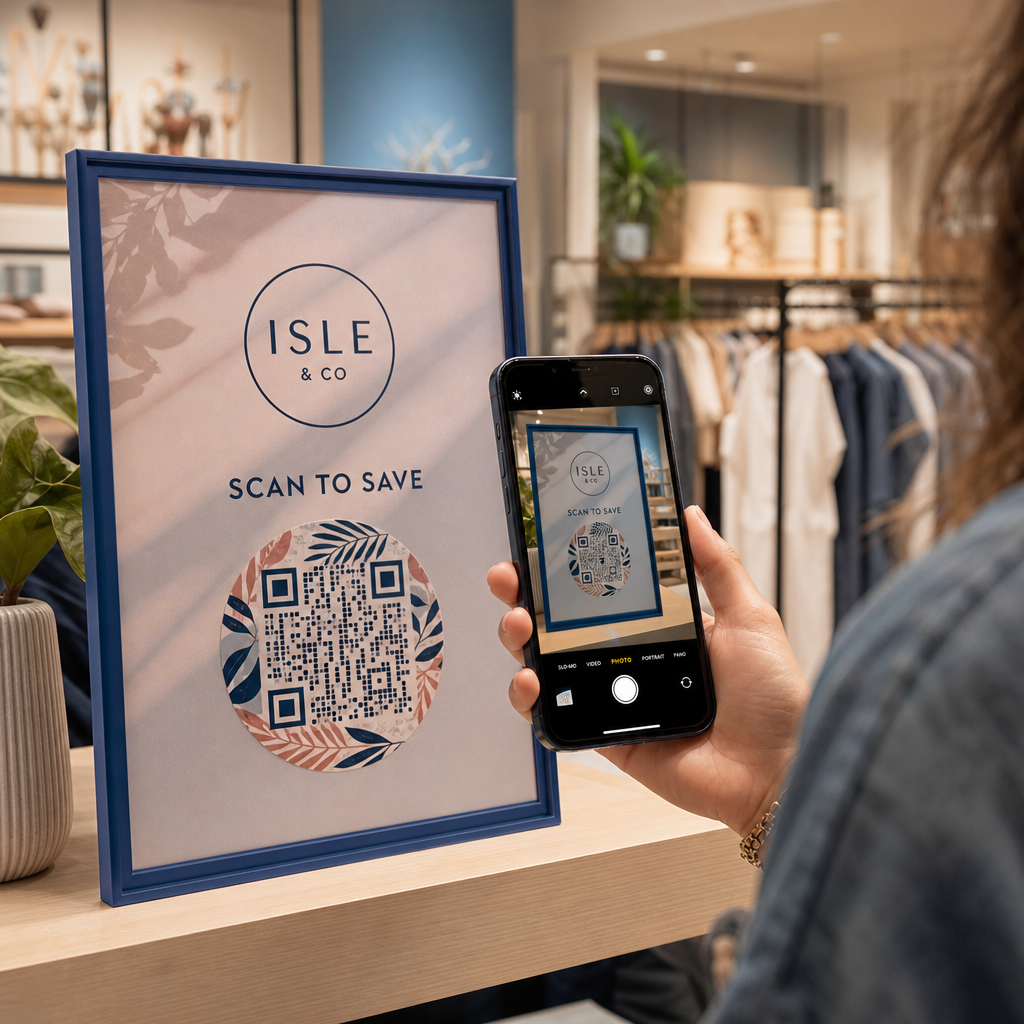
Meletakkan logo syarikat di dalam matriks QR membina pengiktirafan jenama serta-merta dan meyakinkan pengguna bahawa URL destinasi adalah sah. Mengkaji dunia sebenar contoh kod QR berjenama menunjukkan bahawa reka bentuk tersuai menjana penglibatan pengguna yang lebih tinggi berbanding kotak monokrom biasa.
Semasa belajar cara menambah logo pada kod QR, lindungi zon pengesanan pengimbas kritikal untuk memastikan kod anda mudah dibaca:
- Pusatkan kedudukan logo: Letakkan grafik tepat di tengah grid, memastikan tiga corak penjajaran segi empat besar di sudut kekal tidak terhalang sepenuhnya.
- Hadkan liputan logo keseluruhan: Kekalkan dimensi logo kepada 25% atau kurang daripada jumlah lebar dan tinggi QR, tidak melebihi 30% daripada jumlah luas permukaan.
- Pilih tahap pembetulan ralat yang lebih tinggi: Tetapkan Pembetulan Ralat Reed-Solomon ke Tahap Q (memulihkan sehingga 25% data yang dilindungi) atau Tahap H (memulihkan sehingga 30%) supaya pengimbas boleh membina semula maklumat corak yang hilang.
- Lindungi kontras latar belakang logo: Tambah sempadan putih kosong di sekeliling ikon jenama gelap untuk mengelakkan tepi logo daripada bercantum dengan modul corak sekeliling.
Cipta Kod QR Berjenama dalam Beberapa Saat Ingin menaik taraf bahan pemasaran anda dengan warna tersuai, logo, dan bingkai penukaran tinggi? Mula mereka bentuk kod boleh imbas hari ini dengan kami QR code with logo.
Bingkaikan Kod QR Anda dengan Panggilan Tindakan yang Jelas
Kod QR tanpa label tidak memberi pelanggan alasan yang kukuh untuk mengimbas. Menambah bingkai seruan tindakan (CTA) memberikan konteks segera, memberitahu pengguna nilai atau kandungan apa yang menanti mereka.
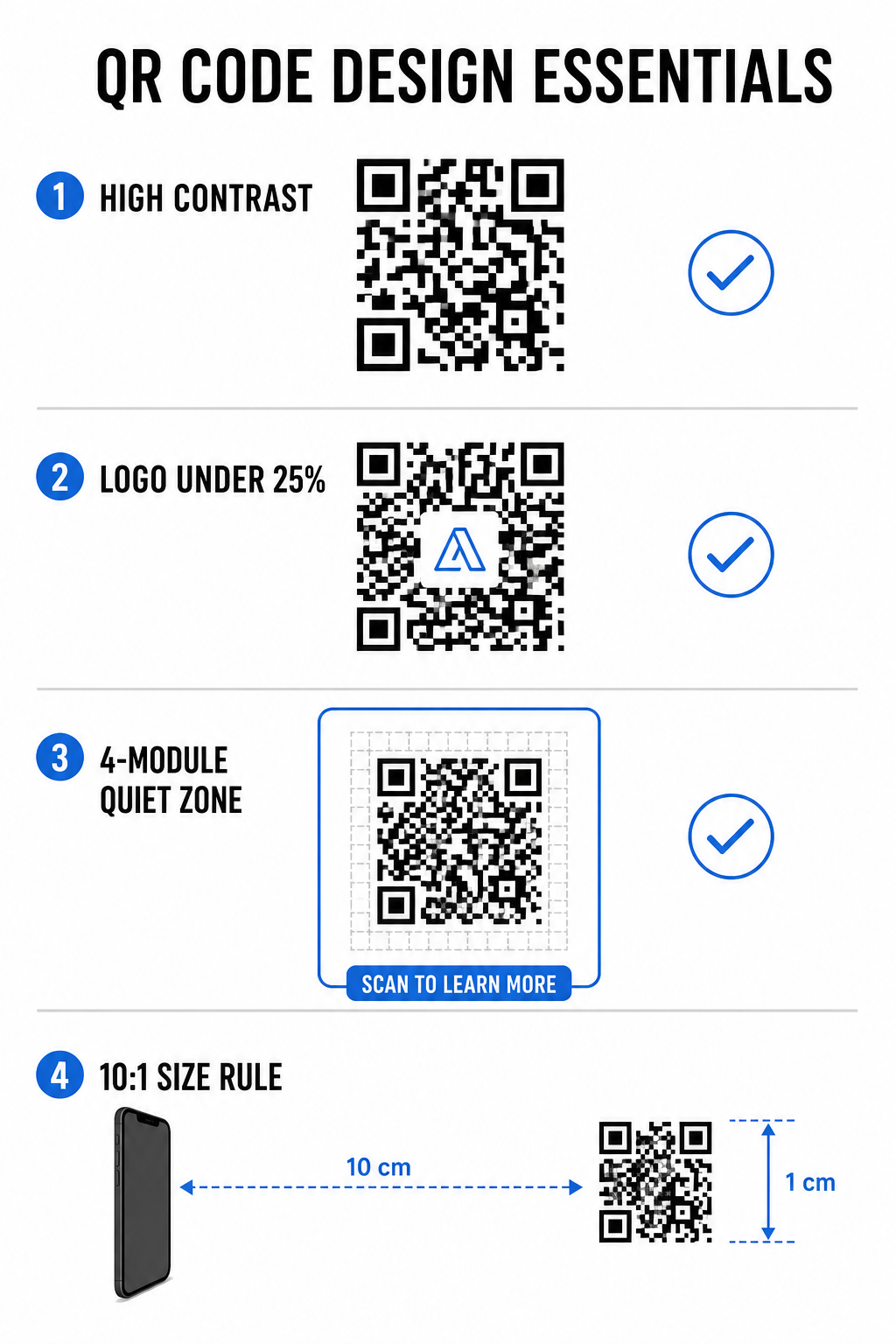
Menggunakan berkesan bingkai CTA kod QR membantu membimbing tingkah laku pengguna dan meningkatkan kadar penukaran:
- Tambah mikrosalinan berorientasikan faedah: Gantikan label generik dengan arahan eksplisit seperti “Imbas untuk Diskaun 20%,” “Imbas untuk Lihat Menu,” atau “Imbas untuk WiFi Percuma.”
- Lindungi zon senyap: Kekalkan margin yang tidak terhalang sekurang-kurangnya empat modul pada keempat-empat sisi kod, memastikan sempadan bingkai dan teks berada di luar ruang ini.
- Guna templat visual pra-bina: Gunakan yang direka Templat kod QR untuk memastikan pembingkaian sepadan dengan aset cetakan anda sambil mematuhi peraturan zon senyap teknikal.
| unsur | Standard Disyorkan | Mengapa Ia Penting |
|---|---|---|
| Margin Zon Senyap | Minimum 4 modul pada semua sisi | Mencegah grafik sekeliling daripada mengganggu pengecaman kamera |
| Liputan Logo | 20% hingga 25% daripada jumlah luas permukaan | Mengekalkan modul data penting mudah dibaca sambil mengekalkan keterlihatan jenama |
| Nisbah Kontras | Minimum 4.5:1 (cetakan kecil) / 3:1 (cetakan besar) | Menjamin perbezaan yang jelas antara titik latar depan dan latar belakang |
| Saiz Cetakan Minimum | 0.8 x 0.8 inci (2 x 2 cm) | Memastikan lensa kamera mudah alih standard dapat fokus dengan betul pada jarak dekat |
Skala Dimensi Kod untuk Penempatan Fizikal Strategik
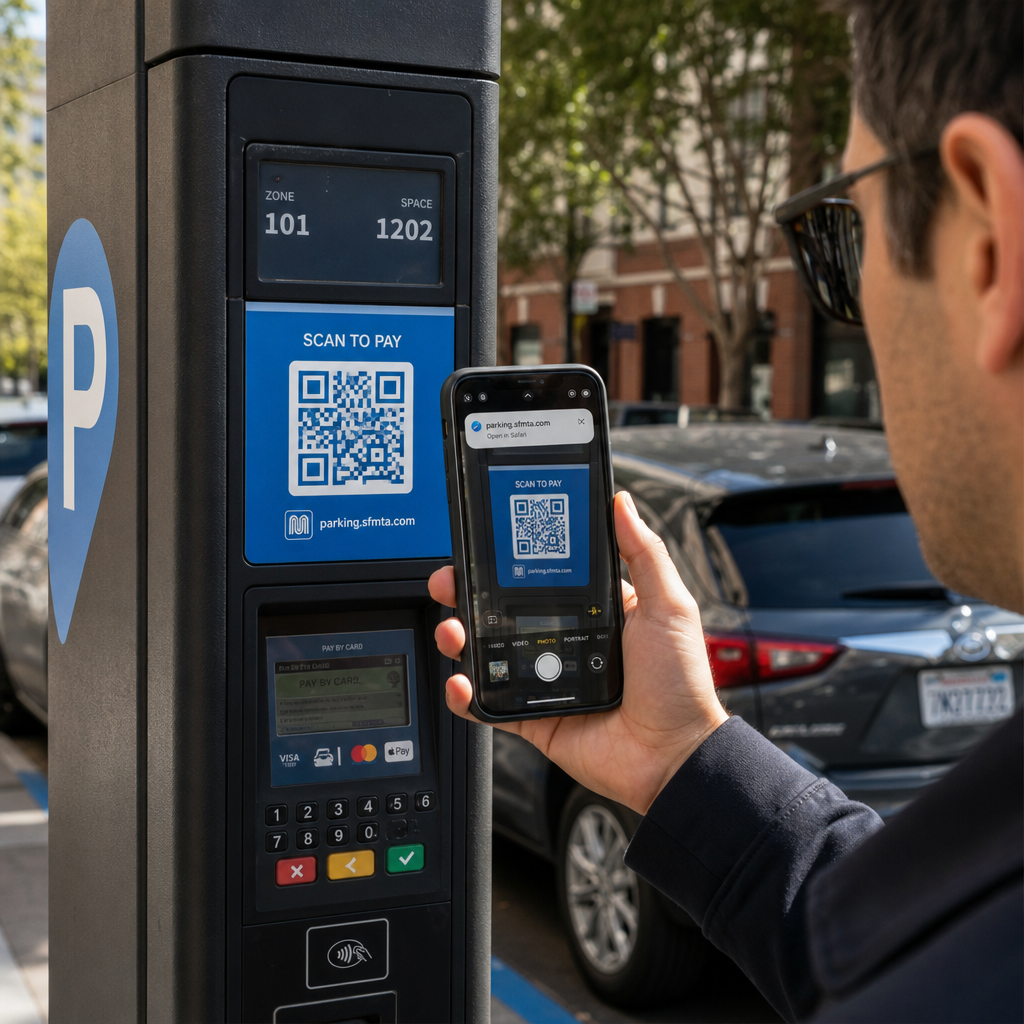
Walaupun kod QR yang menarik secara visual akan gagal jika penempatan fizikal menghalang pengimbasan yang selesa. Penempatan yang berkesan memerlukan penilaian jarak pandangan, tekstur permukaan, ketinggian pemasangan, dan skala cetakan.
Mengikuti garis panduan yang ditetapkan untuk kod QR dalam pemasaran membantu memastikan prestasi yang boleh dipercayai:
- Kira dimensi menggunakan jarak pandang: Gunakan peraturan nisbah 10:1, di mana setiap 10 cm jarak imbasan memerlukan sekurang-kurangnya 1 cm lebar kod QR.
- Letakkan bahan pada ketinggian pandangan semula jadi: Pasang papan tanda dan paparan cetakan antara 3.5 hingga 5.5 kaki dari tanah supaya pengguna boleh mengimbas tanpa perlu membongkok atau mencapai pada sudut yang janggal.
- Pilih bahan cetakan yang rata, tidak memantulkan cahaya: Pilih permukaan matte berbanding laminasi berkilat atau pembungkusan melengkung untuk menghilangkan silau cahaya dan herotan corak.
- Eksport grafik dalam format vektor beresolusi tinggi: Semak lebih lanjut petua reka bentuk kod QR untuk imbasan yang lebih baik untuk memastikan grafik dieksport sebagai fail SVG atau EPS untuk cetakan yang jelas.
Gunakan Kod QR Dinamik untuk Menjejak dan Mengoptimumkan Kempen
Kod QR statik mengekod URL sasaran terus ke dalam corak matriks, menghasilkan grid padat yang sukar diimbas dari jauh. Kod QR dinamik mengarahkan pengimbas melalui URL pendek, mengekalkan corak matriks bersih sambil membolehkan fleksibiliti selepas cetakan.
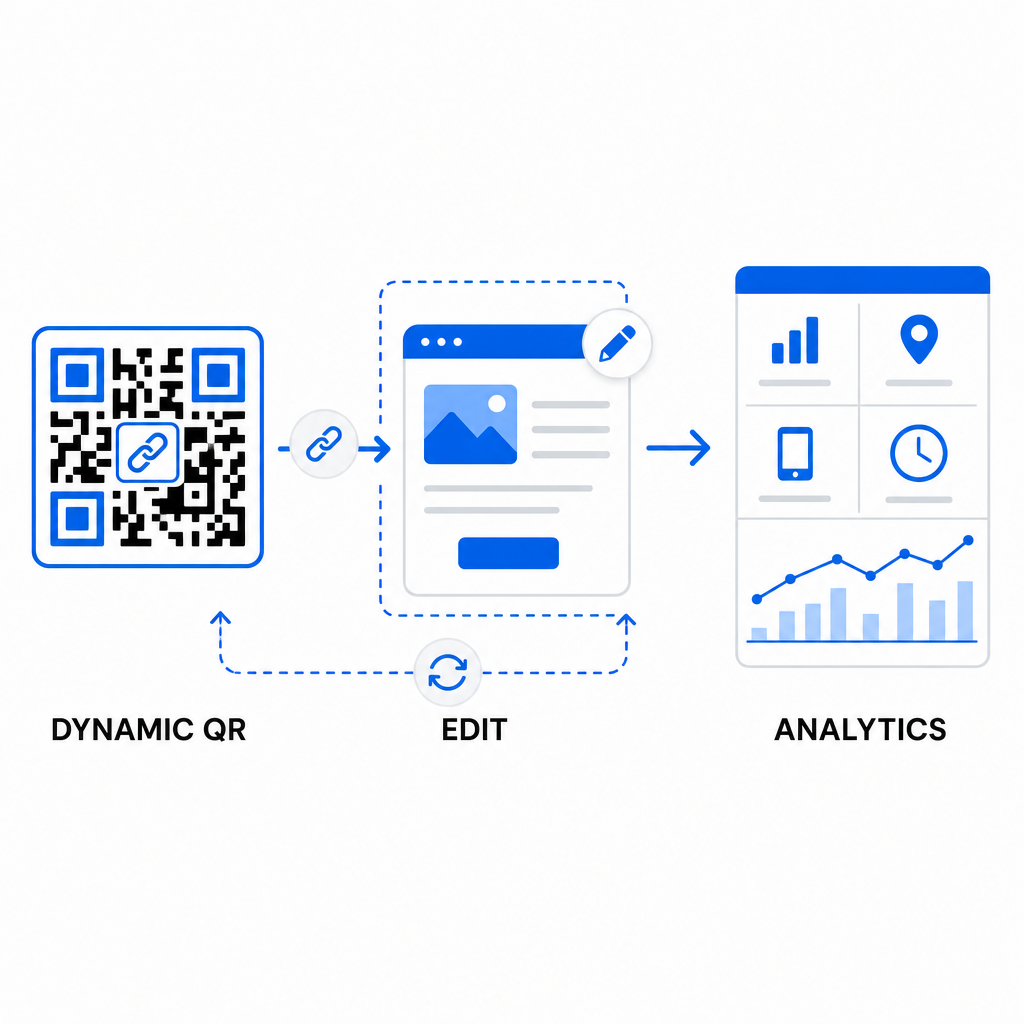
Melaksanakan aliran kerja dinamik menyokong pengoptimuman berterusan untuk meningkatkan kadar penukaran kod QR:
- Kemas kini URL destinasi tanpa mencetak semula: Ubah suai pautan halaman pendaratan, tawaran promosi, atau fail digital pada bila-bila masa tanpa menggantikan aset cetakan fizikal.
- Tangkap analitik imbasan yang boleh diambil tindakan: Jejaki jumlah imbasan, lokasi geografi, jenis peranti, dan masa imbasan untuk mengukur prestasi kempen dalam masa nyata.
- Lakukan pengujian A/B berstruktur: Bandingkan reka bentuk bingkai, CTA, atau halaman pendaratan yang berbeza dengan mengubah satu pemboleh ubah pada satu masa dan menjejaki URL unik.
Merekabentuk kod QR visual memerlukan pengimbangan penjenamaan kreatif dengan keperluan teknikal teras. Dengan menggabungkan kontras warna yang kuat, zon senyap yang dilindungi, bingkai CTA yang berorientasikan tindakan, dan penjejakan dinamik, anda boleh mengubah titik sentuh fizikal menjadi interaksi digital yang boleh diukur.
Terokai pelbagai pilihan kami ciri kod QR tersuai untuk mereka bentuk aset visual penukaran tinggi, atau mula membina kempen anda yang seterusnya dengan Penjana Kod Pageloot QR hari ini.
Soalan lazim
Untuk bahan jarak dekat seperti kad perniagaan atau menu restoran, kod QR mestilah sekurang-kurangnya 0.8 x 0.8 inci (2 x 2 cm). Untuk papan tanda yang dilihat dari jauh, ikuti peraturan nisbah 10:1, di mana setiap 10 cm jarak imbasan memerlukan sekurang-kurangnya 1 cm lebar kod QR.
Menambah logo tidak akan mengganggu pengimbasan selagi anda menetapkan tahap pembetulan ralat anda kepada Q atau H (yang memulihkan sehingga 25% atau 30% data) dan mengekalkan liputan logo di bawah 25% daripada kawasan kod tanpa menghalang penanda kedudukan sudut.
Ya, dengan syarat anda menggunakan kod QR dinamik. Kod dinamik menyimpan URL pendek yang boleh diedit, membolehkan anda mengemas kini pautan sasaran atau kandungan digital pada bila-bila masa dari papan pemuka pengurusan anda tanpa perlu mencetak semula bahan fizikal.