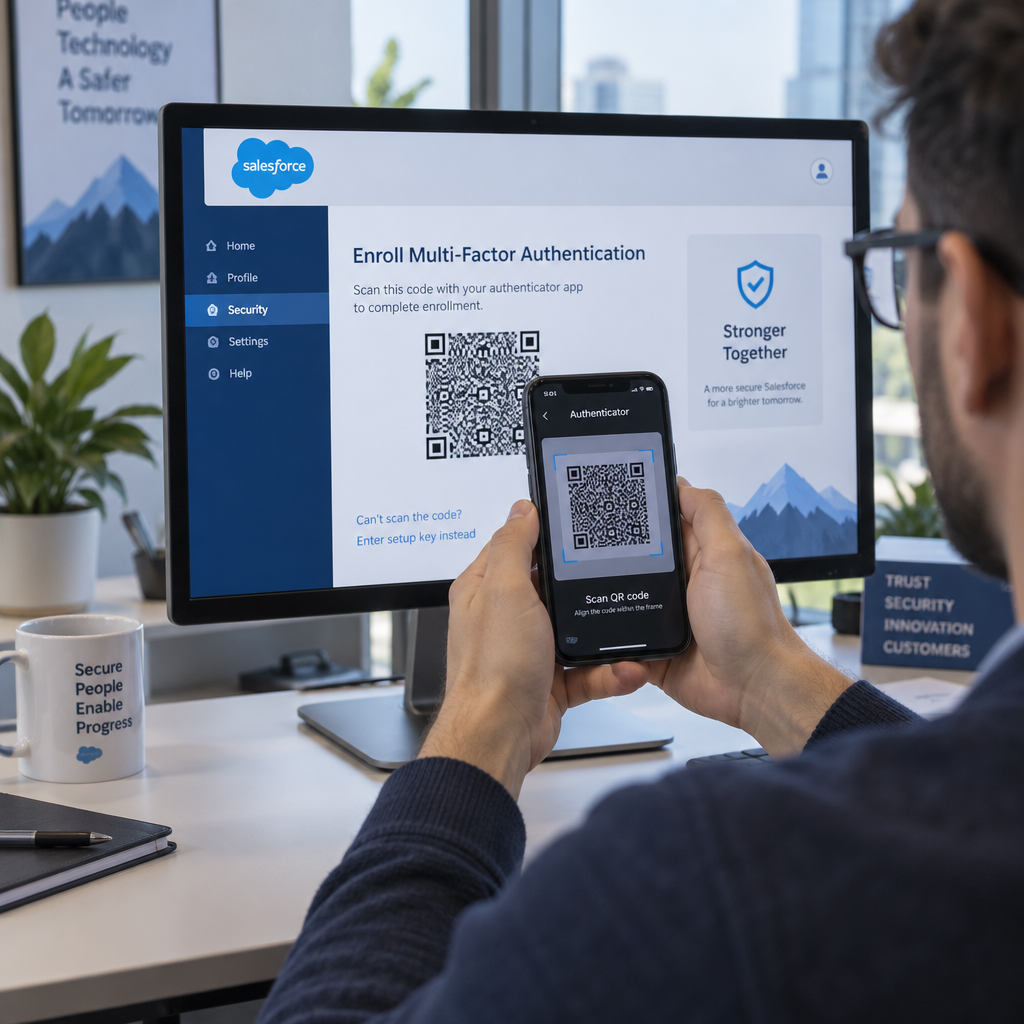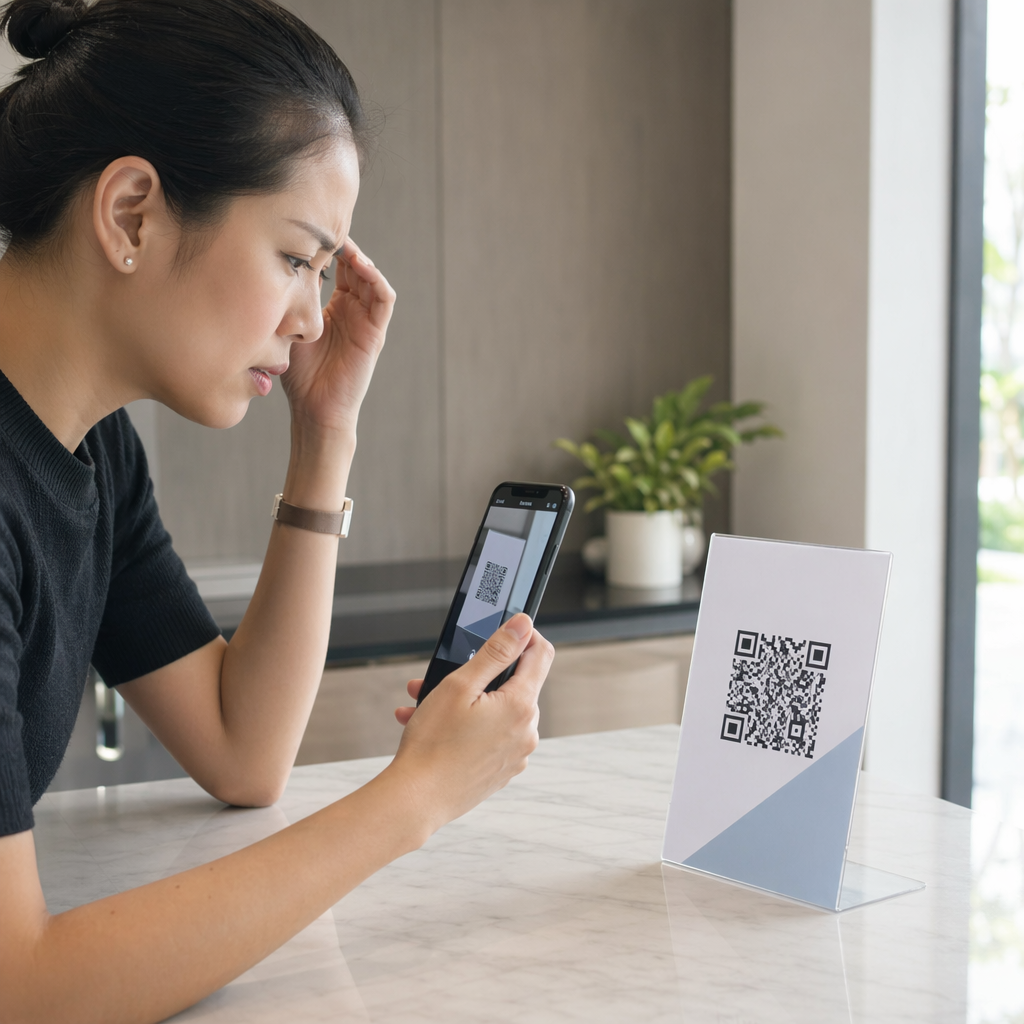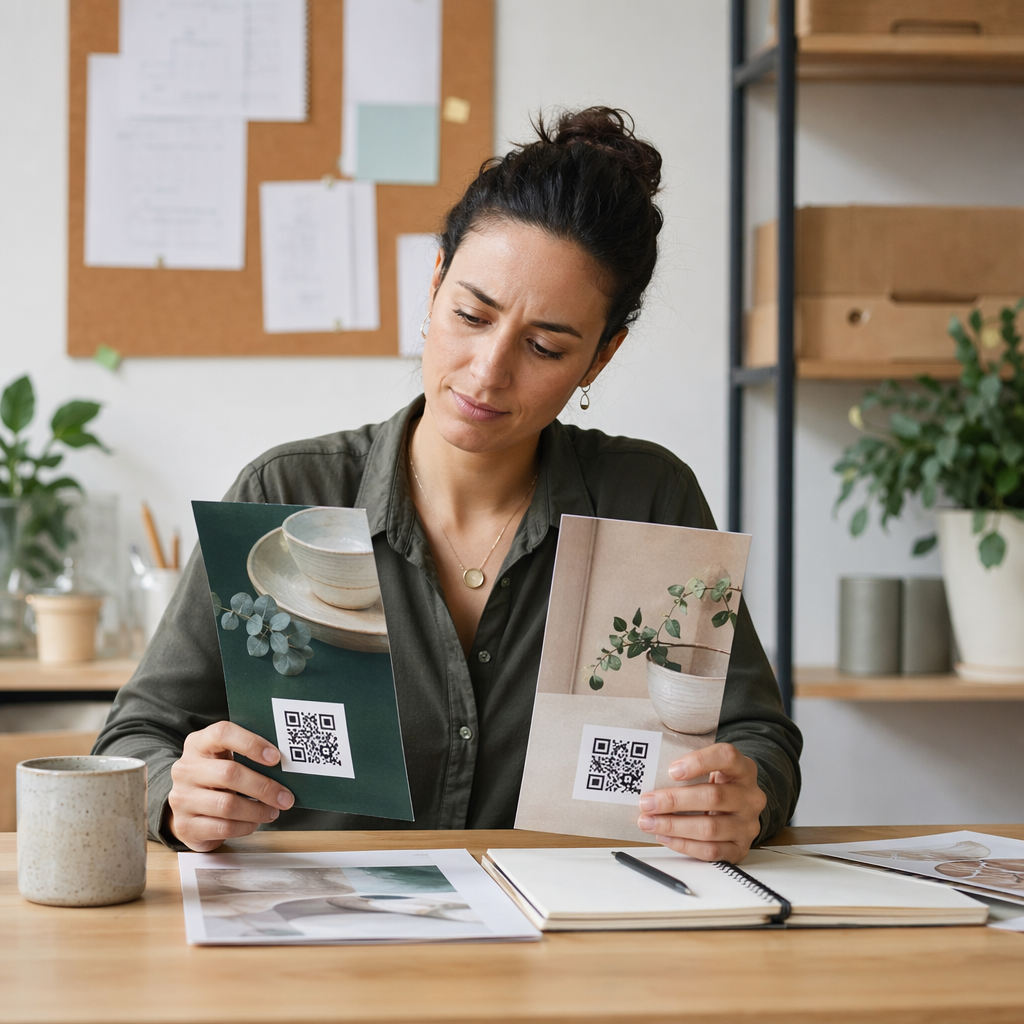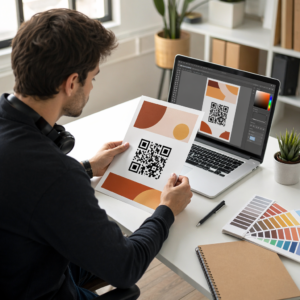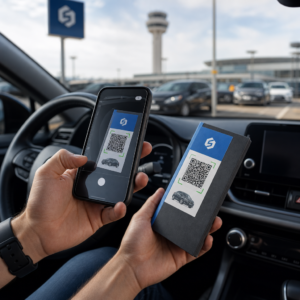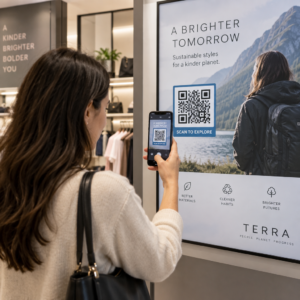
Kas teie füüsilised turundusmaterjalid ei suuda suunata liiklust teie digitaalsele sisule? Tavalised mustvalged QR-koodid sulanduvad sageli taustamürasse, mille tulemuseks on möödaminnes kliendisuhtlused ja raisatud kampaaniaeelarved. Rakendades strateegilist värvikontrasti, kohandatud brändingut, selgeid üleskutseid tegevusele ja dünaamilist jälgimist, saate muuta lihtsad koodid kõrge konversioonimääraga visuaalseteks varadeks.
Eelista skannitavust kõrge värvikontrastiga
Visuaalne disain ei tohiks kunagi ohustada funktsionaalset skannitavust. Kaamera sensorid dekodeerivad QR-mustreid, mõõtes valguse peegelduskontrasti esiplaanimoodulite ja taustapindade vahel. Tumedamad toonid neelavad valgust, heledamad aga peegeldavad seda, võimaldades optilistel läätsedel sisseehitatud andmepunkte selgelt lugeda.
Maksimaalse loetavuse säilitamiseks erinevates valgustingimustes rakendage kehtestatud QR-koodi värvikontrasti juhised:
- Hoidke heledal taustal tumedaid esiplaanimustreid: Valige puhastele, heledatele taustadele ühtlased, tumedad mustrivärvid, nagu mereväesinine, süsi- või tume burgundia. Standardne must valgel annab optimaalse 21:1 kontrastsussuhte.
- Vastake standardsetele kontrastsussuhte nõuetele: Hoidke väikeste trükimaterjalide puhul minimaalset kontrastsussuhet 4,5:1 ja suuremate siltide puhul vähemalt 3:1.
- Vältige sisemisi gradiente ja varjusid: Jätke vahele mitmevärvilised gradiendid ja pehmed varjud, kuna keskmised toonid tekitavad visuaalset müra, mis segab optilisi sensoreid.
- Vältige värviinversiooniga disaine: Vältige heledate mustrite kasutamist tumedatel taustadel, kuna pööratud disainid ebaõnnestuvad paljudes nutitelefoni kaamera skannerites.
Integreerige oma brändi logo loetavust ohverdamata
Ettevõtte logo paigutamine QR-maatriksi sisse loob koheselt brändituvastuse ja kinnitab kasutajatele, et siht-URL on legitiimne. Tegeliku maailma ülevaatamine bränditud QR-koodide näited näitab, et kohandatud kujundused genereerivad suuremat kasutajate kaasatust kui lihtsad ühevärvilised kastid.
Õppides kuidas lisada logosid QR-koodidele, kaitske kriitilisi skanneri tuvastustsoone, et teie kood jääks loetavaks:
- Tsentreerige logo asukoht: Asetage graafika otse ruudustiku keskele, tagades, et kolm suurt ruudukujulist joondusmustrit nurkades jäävad täielikult takistamatuks.
- Piirake logo üldist katvust: Hoidke logo mõõtmed 25% või vähem QR-koodi kogu laiusest ja kõrgusest, mitte kunagi ületades 30% kogu pindalast.
- Valige kõrgemad veaparanduse tasemed: Seadistage Reed-Solomoni veaparandus tasemele Q (taastab kuni 25% kaetud andmetest) või tasemele H (taastab kuni 30%), et skannerid saaksid puuduva mustriteabe rekonstrueerida.
- Kaitske logo tausta kontrasti: Lisage tumedate brändiikoonide ümber lihtne valge äär, et vältida logo servade sulandumist ümbritsevate mustrimoodulitega.
Looge kaubamärgiga QR-koode sekunditega Soovite oma turundusmaterjale täiustada kohandatud värvide, logode ja suure konversiooniga raamidega? Alustage skannitavate koodide kujundamist juba täna meie QR-koodi generaator logoga.
Raamige oma QR-kood selgete üleskutsetega
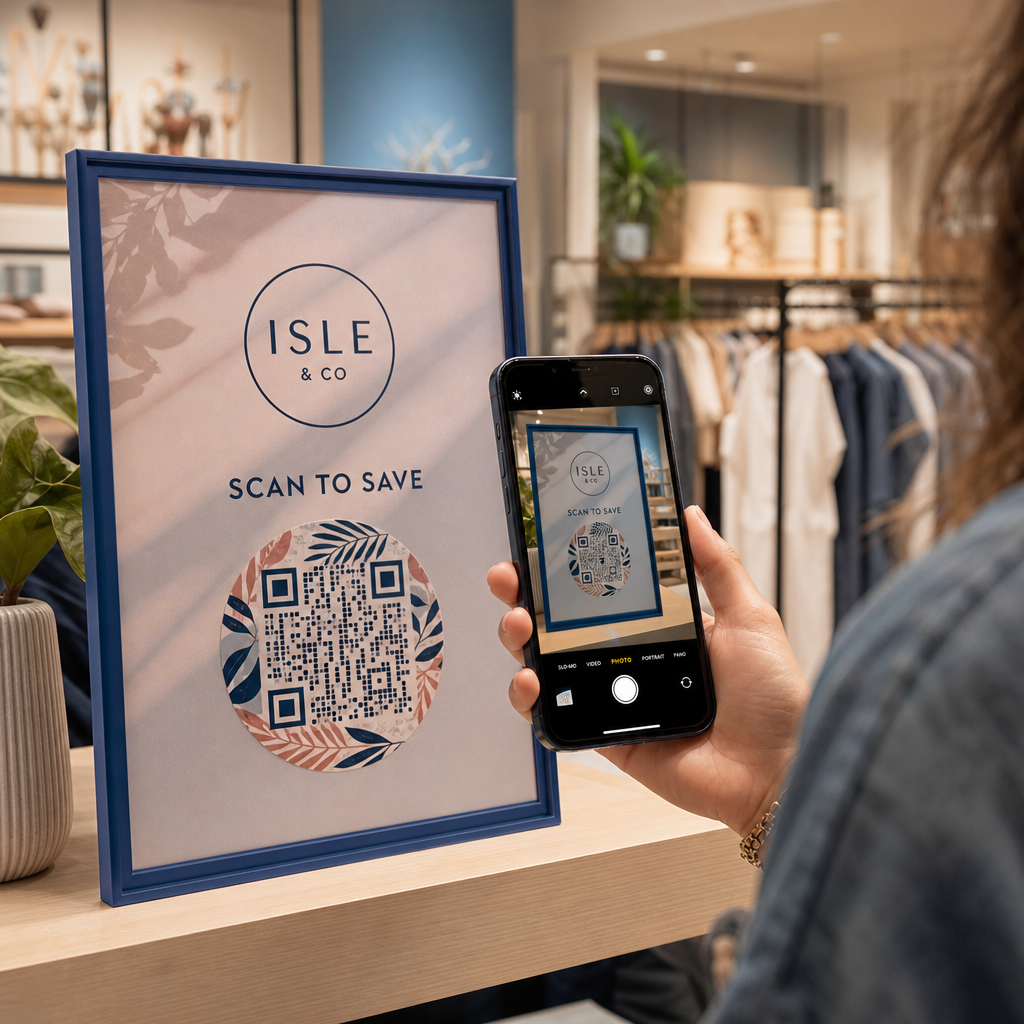
Märgistamata QR-kood ei anna klientidele mõjuvat põhjust skannimiseks. Üleskutse (CTA) raami lisamine annab kohese konteksti, öeldes kasutajatele täpselt, milline väärtus või sisu neid ees ootab.
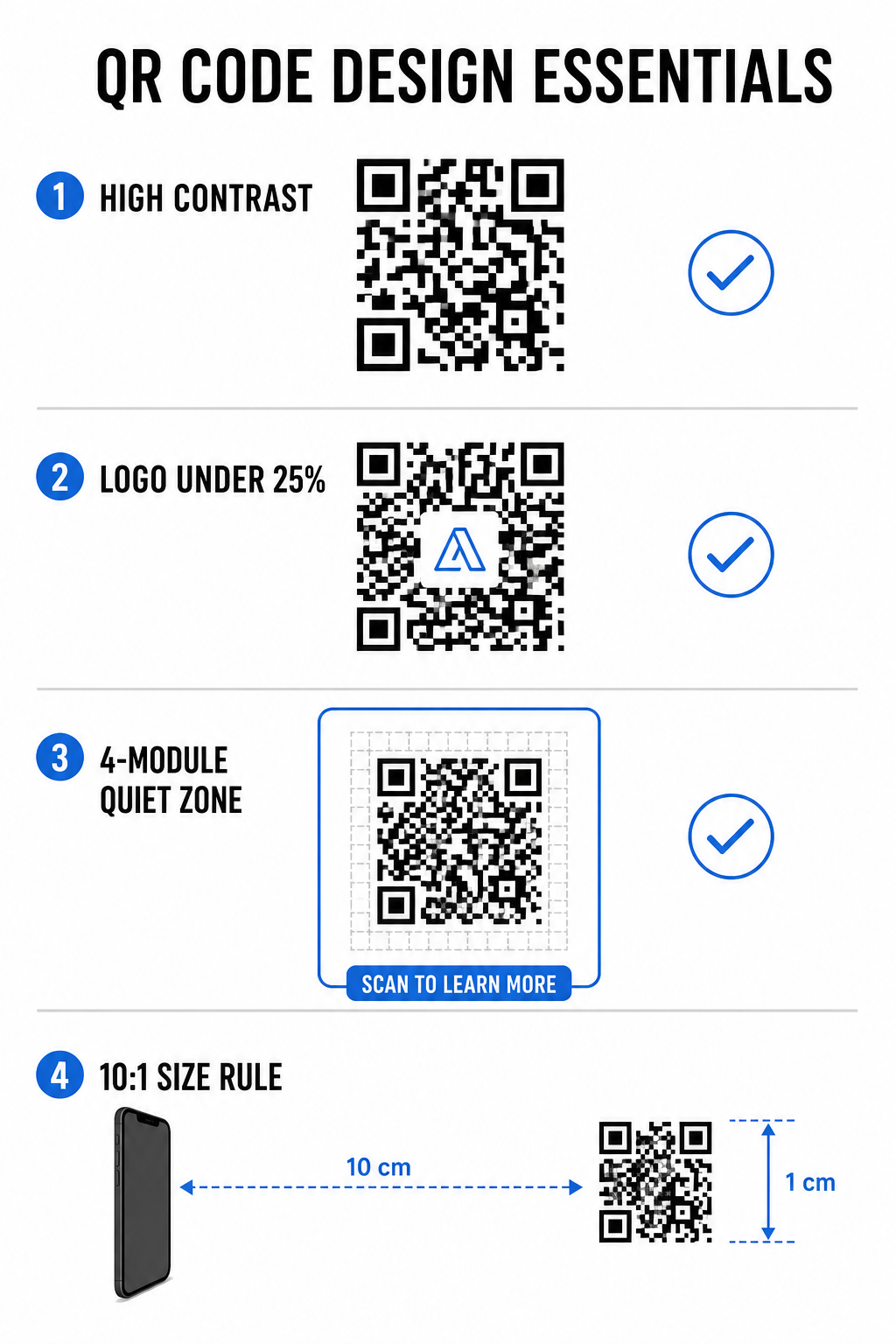
Tõhusate kasutamine QR-koodi CTA raamid aitab suunata kasutajakäitumist ja suurendada konversioonimäärasid:
- Lisage kasupõhine mikrotekst: Asendage üldised sildid selgesõnaliste juhistega nagu “Skanni 20% allahindluse saamiseks,” “Skanni menüü vaatamiseks” või “Skanni tasuta WiFi saamiseks.”
- Kaitske vaikset tsooni: Säilitage takistusteta vähemalt nelja mooduli suurune marginaal koodi kõigil neljal küljel, hoides raami piirid ja teksti sellest ruumist väljaspool.
- Rakendage eelnevalt loodud visuaalseid malle: Kasutage kujundatud QR-koodi mallid tagamaks, et raamimine vastab teie trükimaterjalidele, järgides samal ajal tehnilisi vaikse tsooni reegleid.
| Element | Soovitatav standard | Miks see oluline on |
|---|---|---|
| Vaikse tsooni veeris | Minimaalselt 4 moodulit igal küljel | Takistab ümbritseva graafika häirimist kaamera tuvastamisel |
| Logo katvus | 20% kuni 25% kogu pindalast | Hoiab olulised andmemoodulid loetavana, säilitades samal ajal brändi nähtavuse |
| Kontrastsussuhe | Miinimum 4.5:1 (väike kiri) / 3:1 (suur kiri) | Garanteerib selge eristuse esiplaanil olevate punktide ja tausta vahel |
| Minimaalne printimissuurus | 0,8 x 0,8 tolli (2 x 2 cm) | Tagab, et standardsed mobiilikaamerate läätsed suudavad lähedalt korralikult fokusseerida |
Koodi mõõtmete skaleerimine strateegilise füüsilise paigutuse jaoks
Isegi visuaalselt atraktiivne QR-kood ebaõnnestub, kui füüsiline paigutus takistab mugavat skaneerimist. Tõhus paigutus nõuab vaatekauguse, pinna tekstuuri, paigalduskõrguse ja trükimastaabi hindamist.
Järgides kehtestatud juhiseid QR-koodide paigutus turunduses aitab tagada usaldusväärse toimivuse:
- Arvuta mõõtmed vaatekauguse järgi: Rakenda 10:1 suhtarvu reeglit, kus iga 10 cm skaneerimiskauguse kohta on vaja vähemalt 1 cm QR-koodi laiust.
- Paiguta materjalid loomulikule vaatamiskõrgusele: Paigalda sildid ja trükiekraanid 3,5 kuni 5,5 jala kõrgusele maapinnast, et kasutajad saaksid skaneerida ilma kummardumata või ebamugavatesse nurkadesse ulatumata.
- Vali lamedad, mittepeegeldavad trükimaterjalid: Valige mattpinnad läikivate laminaatide või kumera pakendi asemel, et vältida valguse peegeldust ja mustri moonutusi.
- Ekspordi graafika kõrge resolutsiooniga vektormaatides: Vaata üle laiemad QR-koodi kujundamise näpunäited paremate skannimiste jaoks et tagada graafika eksportimine SVG- või EPS-failidena terava printimise jaoks.
Kasutage dünaamilisi QR-koode kampaaniate jälgimiseks ja optimeerimiseks
Staatilised QR-koodid kodeerivad siht-URL-id otse maatriksmustrisse, mille tulemuseks on tihedad ruudustikud, mida on kaugelt raske skaneerida. Dünaamilised QR-koodid suunavad skaneerijad lühikese URL-i kaudu, hoides maatriksmustri puhtana, võimaldades samal ajal paindlikkust pärast printimist.
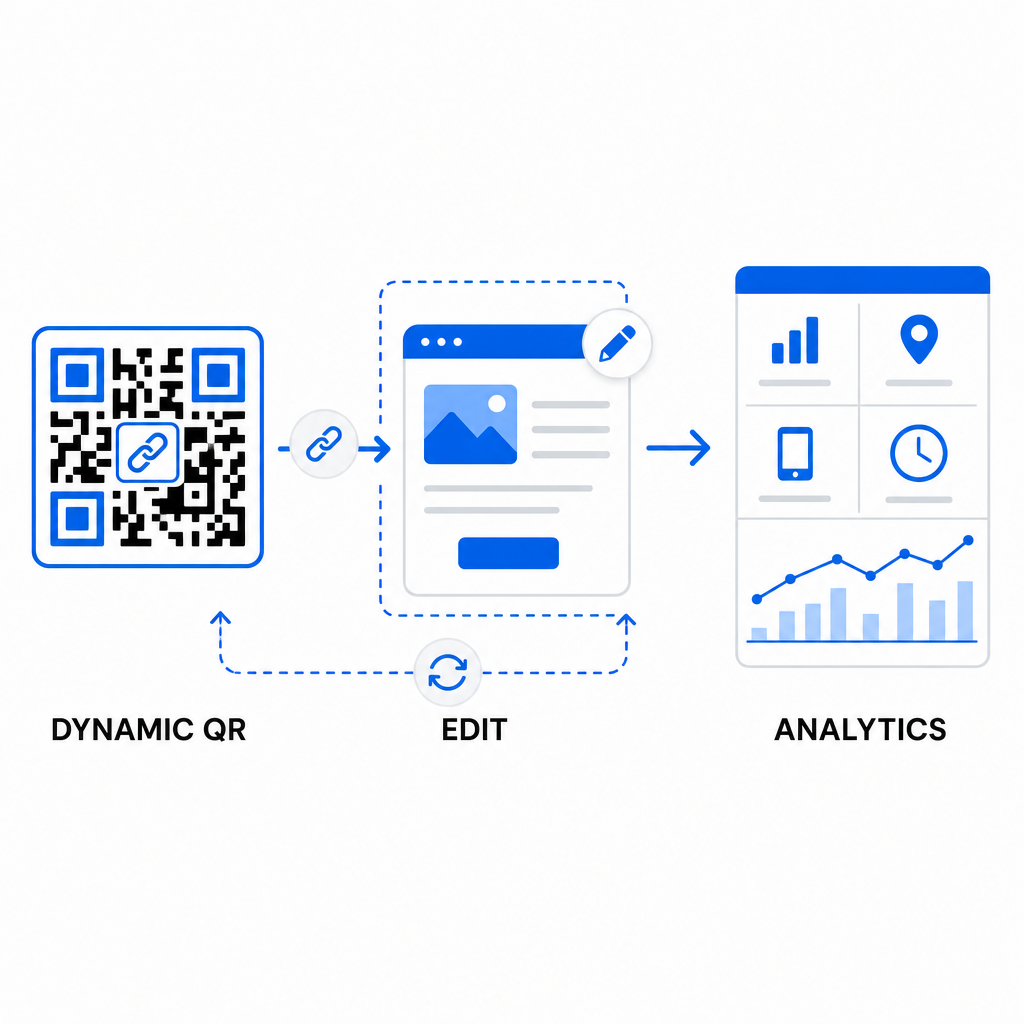
Dünaamiliste töövoogude rakendamine toetab pidevat optimeerimist QR-koodi konversioonimäärade parandamine:
- Uuenda siht-URL-e ilma uuesti printimata: Muutke maandumislehtede linke, pakkumisi või digitaalseid faile igal ajal, ilma et peaksite füüsilisi trükimaterjale asendama.
- Jäädvusta käegakatsutavat skaneerimisanalüütikat: Jälgige skannimiste koguarvu, geograafilisi asukohti, seadmetüüpe ja skannimisaegu, et mõõta kampaania toimivust reaalajas.
- Viige läbi struktureeritud A/B testimine: Võrrelge erinevaid raamikujundusi, CTA-sid või sihtlehti, muutes korraga ühte muutujat ja jälgides unikaalseid URL-e.
Visuaalsete QR-koodide kujundamine nõuab loomingulise brändingu tasakaalustamist põhiliste tehniliste nõuetega. Kombineerides tugevat värvikontrasti, kaitstud vaikseid tsoone, tegevusele suunatud CTA raame ja dünaamilist jälgimist, saate muuta füüsilised puutepunktid mõõdetavateks digitaalseteks interaktsioonideks.
Avastage meie täielik valik kohandatud QR-koodi funktsioone kujundamaks kõrge konversioonimääraga visuaalseid varasid, või alustage oma järgmise kampaaniaga kasutades Pageloot QR-koodi generaator täna.
Korduma kippuvad küsimused
Lähivaate materjalide, nagu visiitkaardid või restoranide menüüd, puhul peaksid QR-koodid olema vähemalt 0,8 x 0,8 tolli (2 x 2 cm). Eemalt vaadatavate siltide puhul järgige 10:1 suhte reeglit, kus iga 10 cm skaneerimiskauguse kohta on vaja vähemalt 1 cm QR-koodi laiust.
Logo lisamine ei häiri skannimist, kui seate oma veaparanduse taseme Q-le või H-le (mis taastab kuni 25% või 30% andmetest) ja hoiate logo katvuse alla 25% koodialast, takistamata nurga positsioonimärkijaid.
Jah, tingimusel, et kasutate dünaamilist QR-koodi. Dünaamilised koodid salvestavad muudetava lühiaadressi, mis võimaldab teil igal ajal oma halduspaneelilt sihtlinki või digitaalset sisu värskendada füüsilisi materjale uuesti printimata.