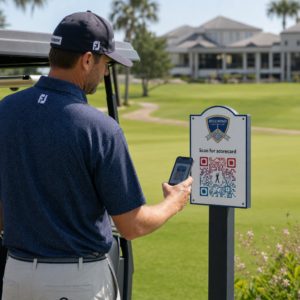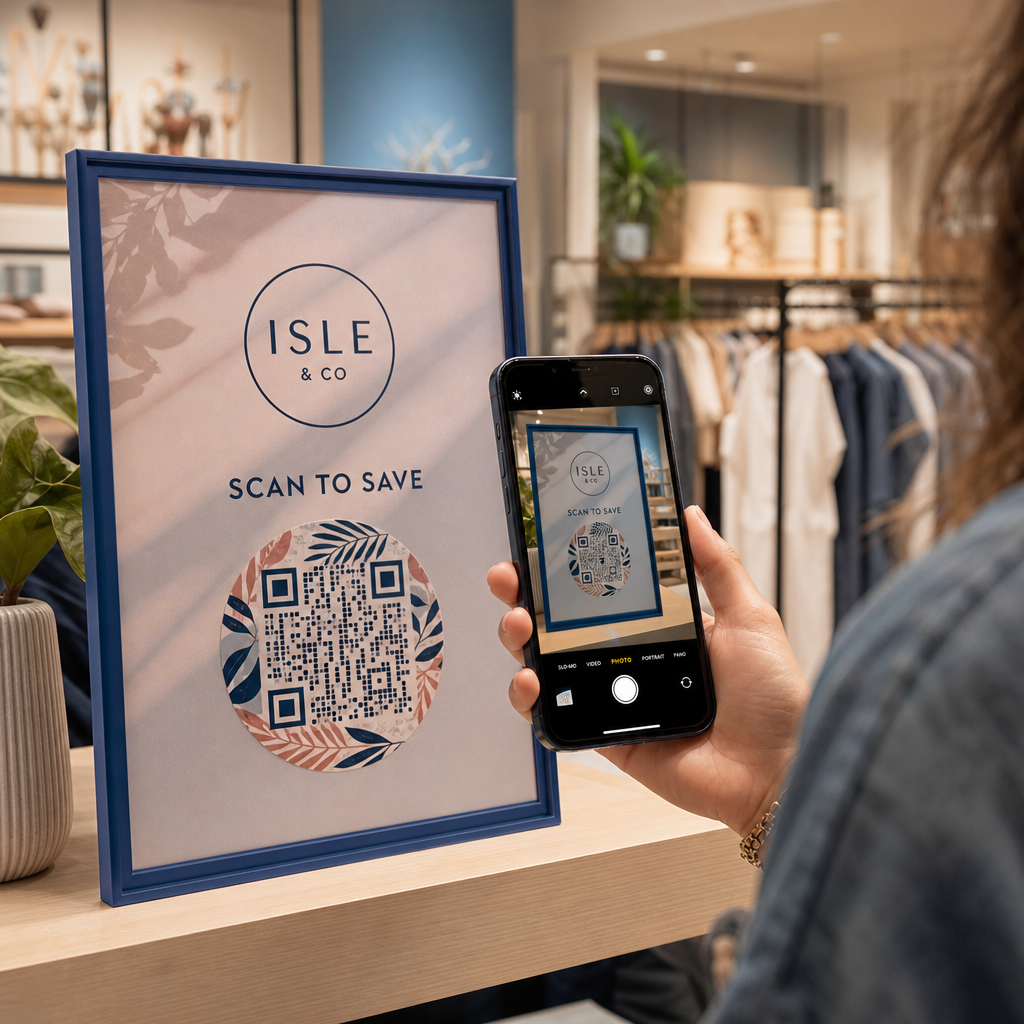
Slagen uw fysieke marketingmaterialen er niet in om verkeer naar uw digitale content te leiden? Generieke zwart-wit QR-codes vallen vaak weg in visuele ruis op de achtergrond, wat resulteert in gemiste klantinteracties en verspilde campagnebudgetten. Door strategisch kleurcontrast, aangepaste branding, duidelijke calls to action en dynamische tracking toe te passen, kunt u eenvoudige codes omzetten in hoogconverterende visuele activa.
Prioriteer Scanbaarheid met Hoog Kleurcontrast
Visueel ontwerp mag nooit ten koste gaan van functionele scanbaarheid. Camerasensoren decoderen QR-patronen door het contrast van lichtreflectie te meten tussen voorgrondmodules en achtergrondoppervlakken. Donkere tinten absorberen licht terwijl lichtere tinten het reflecteren, waardoor optische lenzen ingebedde gegevenspunten duidelijk kunnen lezen.
Om maximale leesbaarheid te behouden onder wisselende lichtomstandigheden, past u de gevestigde richtlijnen voor kleurcontrast van QR-codes:
- Houd donkere voorgronden op lichte achtergronden: Kies effen, donkere patroonkleuren zoals marineblauw, houtskoolgrijs of donker bordeauxrood op schone, lichte achtergronden. Standaard zwart op wit levert een optimale contrastverhouding van 21:1 op.
- Voldoe aan de standaardvereisten voor contrastverhouding: Handhaaf een minimale contrastverhouding van 4,5:1 voor klein drukwerk en minimaal 3:1 voor grotere displays voor bewegwijzering.
- Vermijd interne verlopen en slagschaduwen: Sla meergetinte verlopen en zachte slagschaduwen over, aangezien middentoonkleuren visuele ruis creëren die optische sensoren in verwarring brengt.
- Sla kleurinversieontwerpen over: Vermijd het gebruik van lichte patronen op donkere achtergronden, aangezien omgekeerde ontwerpen op veel native smartphonecamerascanapparaten niet werken.
Integreer Uw Merklogo Zonder In Te Leveren Op Leesbaarheid
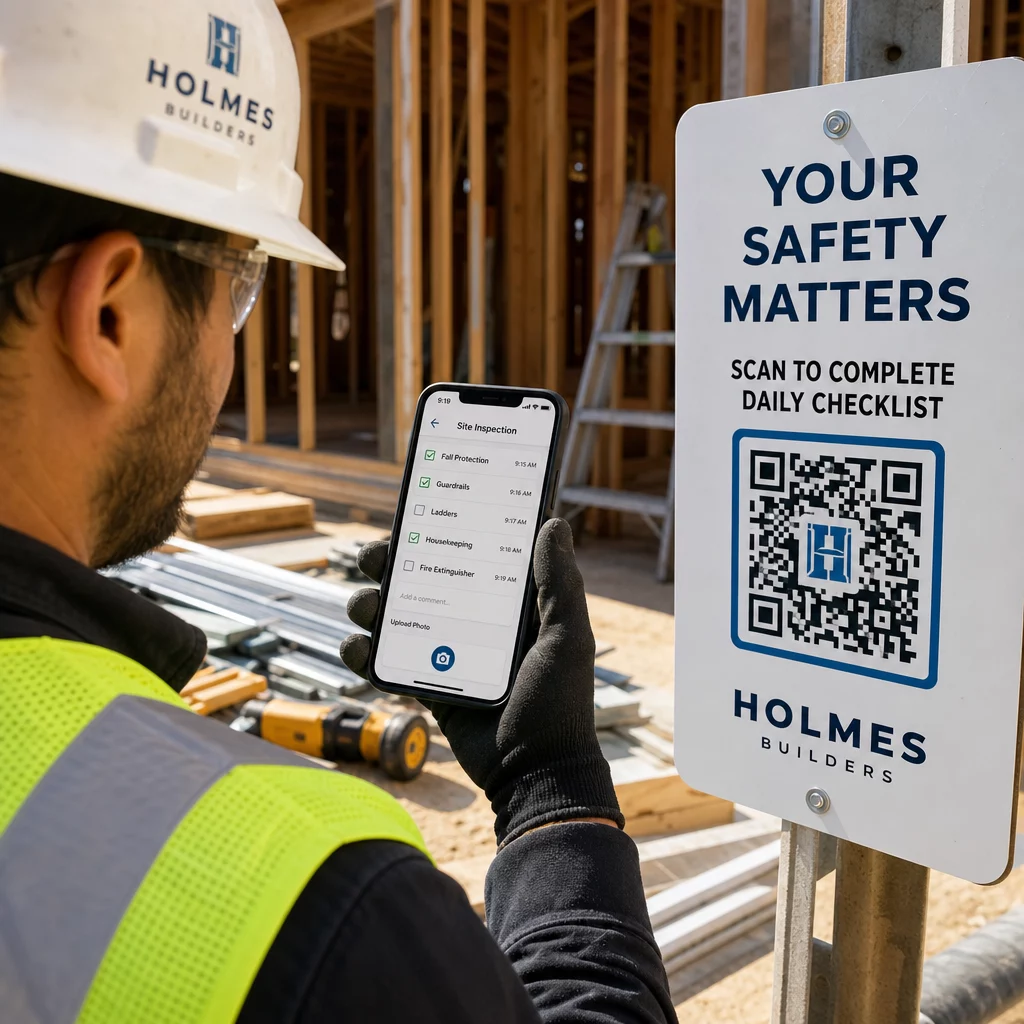
Het plaatsen van een bedrijfslogo in een QR-matrix bouwt onmiddellijke merkherkenning op en verzekert gebruikers ervan dat de bestemmings-URL legitiem is. Het bekijken van praktijkgerichte voorbeelden van branded QR-codes toont aan dat aangepaste ontwerpen hogere gebruikersbetrokkenheid genereren dan eenvoudige monochrome vakken.
Bij het leren hoe u logo's aan QR-codes toevoegt, bescherm kritieke detectiezones van de scanner om je code leesbaar te houden:
- Centreer de logopositie: Plaats afbeeldingen direct in het midden van het raster en zorg ervoor dat de drie grote vierkante uitlijningspatronen in de hoeken volledig vrij blijven.
- Beperk de totale logobedekking: Houd de afmetingen van het logo tot 25% of minder van de totale QR-breedte en -hoogte, en overschrijd nooit 30% van het totale oppervlak.
- Selecteer hogere foutcorrectieniveaus: Stel de Reed-Solomon foutcorrectie in op niveau Q (herstelt tot 25% van de bedekte gegevens) of niveau H (herstelt tot 30%), zodat scanners ontbrekende patrooninformatie kunnen reconstrueren.
- Bescherm het contrast van de logo-achtergrond: Voeg een eenvoudige witte rand toe rond donkere merksymbolen om te voorkomen dat logo-randen samensmelten met omliggende patroonmodules.
Maak branded QR-codes in seconden Wil je jouw marketingmateriaal verrijken met aangepaste kleuren, logo's en conversieverhogende frames? Begin vandaag nog met het ontwerpen van scanbare codes met onze QR code met logo maken.
Omkader je QR-code met duidelijke oproepen tot actie
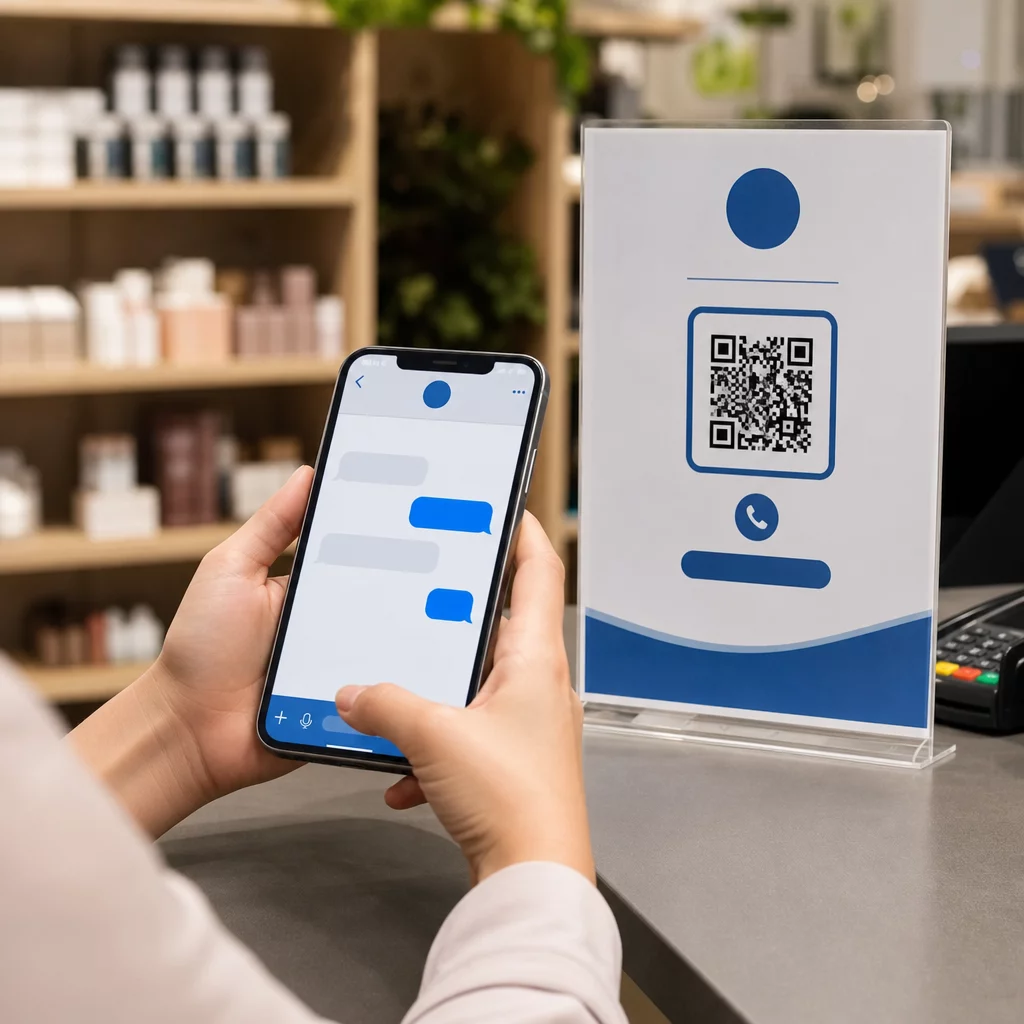
Een niet-gelabelde QR-code geeft klanten geen dwingende reden om te scannen. Het toevoegen van een call-to-action (CTA)-frame biedt onmiddellijke context en vertelt gebruikers precies welke waarde of inhoud hen te wachten staat.
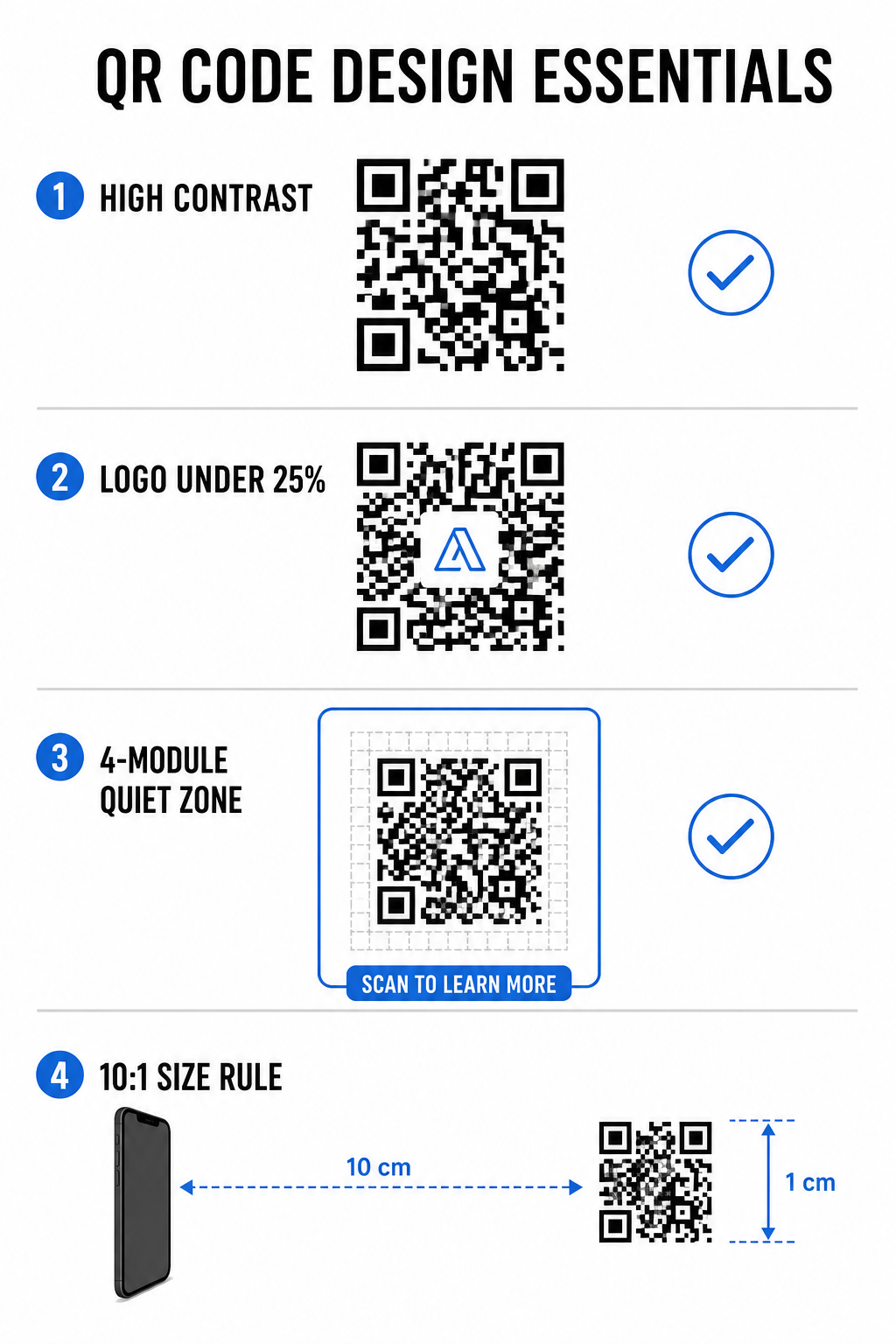
Het gebruik van effectieve QR-code CTA-frames helpt het gebruikersgedrag te sturen en de conversiepercentages te verhogen:
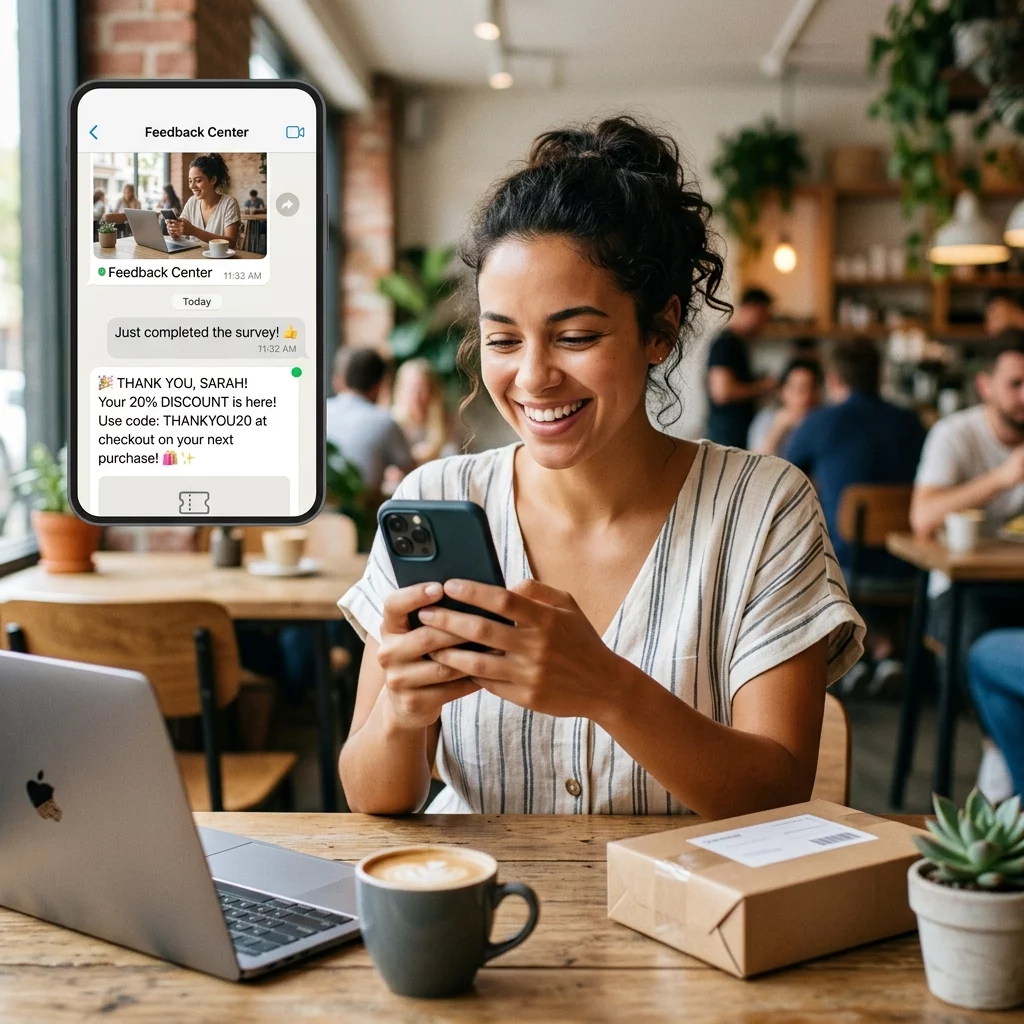
- Voeg voordeelgedreven microcopy toe: Vervang generieke labels door expliciete instructies zoals “Scan voor 20% korting,” “Scan om menu te bekijken,” of “Scan voor gratis wifi.”
- Bescherm de stille zone: Houd een onbelemmerde marge van minstens vier modules aan alle vier zijden van de code aan, en houd frameborders en tekst buiten deze ruimte.
- Pas vooraf gebouwde visuele sjablonen toe: Gebruik ontworpen QR-code templates om ervoor te zorgen dat de omkadering overeenkomt met je drukwerk, terwijl je voldoet aan de technische regels voor de stille zone.
| Element | Aanbevolen Standaard | Waarom het belangrijk is |
|---|---|---|
| Stillezonemarge | Minimaal 4 modules aan alle zijden | Voorkomt dat omringende afbeeldingen de cameradetectie verstoren |
| Logobedekking | 20% tot 25% van het totale oppervlak | Houdt essentiële gegevensmodules leesbaar met behoud van merkzichtbaarheid |
| Contrastverhouding | Minimum 4.5:1 (kleine afdruk) / 3:1 (grote afdruk) | Garandeert een duidelijk onderscheid tussen voorgrondpunten en achtergrond |
| Minimale afdrukformaat | 0.8 x 0.8 inch (2 x 2 cm) | Zorgt ervoor dat standaard mobiele cameralenzen goed kunnen scherpstellen van dichtbij |
Schaal codeafmetingen voor strategische fysieke plaatsing
Zelfs een visueel aantrekkelijke QR-code zal falen als de fysieke plaatsing comfortabel scannen verhindert. Effectieve positionering vereist het evalueren van kijkafstand, oppervlaktetextuur, montagehoogte en afdrukschaal.
Door gevestigde richtlijnen te volgen voor plaatsing van QR-codes in marketing wordt een betrouwbare prestatie gegarandeerd:
- Bereken afmetingen met behulp van de kijkafstand: Pas de 10:1-verhoudingsregel toe, waarbij elke 10 cm scanafstand ten minste 1 cm QR-codebreedte vereist.
- Plaats materialen op natuurlijke kijkhoogtes: Monteer borden en printdisplays tussen 3,5 en 5,5 voet boven de grond, zodat gebruikers kunnen scannen zonder te bukken of ongemakkelijke hoeken aan te nemen.
- Kies vlakke, niet-reflecterende afdrukmaterialen: Kies matte oppervlakken boven glanzende laminaten of gebogen verpakkingen om lichtweerkaatsing en patroonvervorming te elimineren.
- Exporteer afbeeldingen in vectorformaten met hoge resolutie: Bekijk bredere QR-code ontwerptips voor betere scans om ervoor te zorgen dat afbeeldingen worden geëxporteerd als SVG- of EPS-bestanden voor scherpe afdrukken.
Gebruik dynamische QR-codes om campagnes te volgen en te optimaliseren
Statische QR-codes coderen doel-URL's direct in het matrixpatroon, wat resulteert in dichte rasters die moeilijk te scannen zijn van een afstand. Dynamische QR-codes leiden scanners via een korte URL, waardoor het matrixpatroon schoon blijft en flexibiliteit na het afdrukken mogelijk wordt.
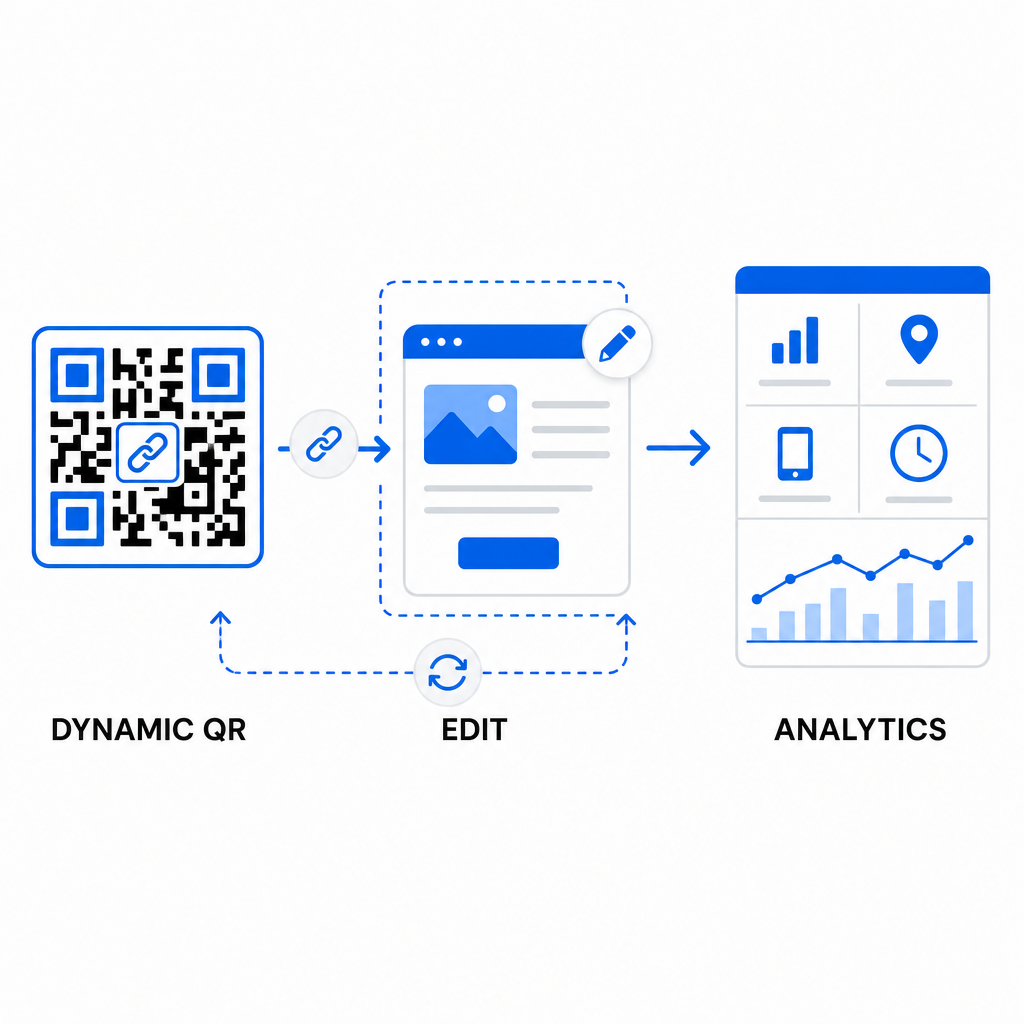
Het implementeren van dynamische workflows ondersteunt continue optimalisatie voor verbeteren van QR-code conversiepercentages:
- Bestemmings-URL's bijwerken zonder opnieuw af te drukken: Wijzig landingspagina-links, promotieaanbiedingen of digitale bestanden op elk gewenst moment zonder fysieke afdrukmaterialen te vervangen.
- Leg bruikbare scananalyses vast: Volg het totale aantal scans, geografische locaties, apparaattypen en scantijden om campagneprestaties in realtime te meten.
- Voer gestructureerde A/B-tests uit: Vergelijk verschillende frame-ontwerpen, CTA's of landingspagina's door één variabele tegelijk te wijzigen en unieke URL's te volgen.
Het ontwerpen van visuele QR-codes vereist een balans tussen creatieve branding en essentiële technische vereisten. Door sterk kleurcontrast, beschermde stille zones, actiegerichte CTA-frames en dynamische tracking te combineren, kunt u fysieke contactpunten omzetten in meetbare digitale interacties.
Ontdek ons volledige aanbod van aangepaste QR-codefuncties om visuele activa met hoge conversie te ontwerpen, of begin met het bouwen van uw volgende campagne met de Pageloot QR-codegenerator vandaag.
Veelgestelde vragen
Voor materialen op korte afstand, zoals visitekaartjes of restaurantmenu's, moeten QR-codes minstens 0,8 x 0,8 inch (2 x 2 cm) zijn. Voor borden die van een afstand worden bekeken, volgt u de 10:1-verhoudingsregel, waarbij elke 10 cm scanafstand minstens 1 cm QR-codenbreedte vereist.
Het toevoegen van een logo zal het scannen niet verstoren, zolang u uw foutcorrectieniveau instelt op Q of H (dat tot 25% of 30% van de gegevens herstelt) en de logo-dekking onder 25% van het codegebied houdt zonder de hoekpositie-markeringen te blokkeren.
Ja, mits u een dynamische QR-code gebruikt. Dynamische codes slaan een bewerkbare korte URL op, waardoor u de doellink of digitale inhoud op elk moment kunt bijwerken vanuit uw managementdashboard zonder fysiek materiaal opnieuw af te drukken.