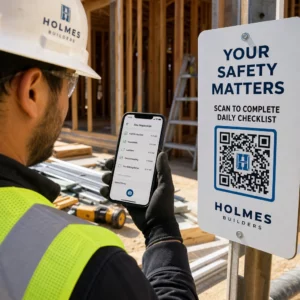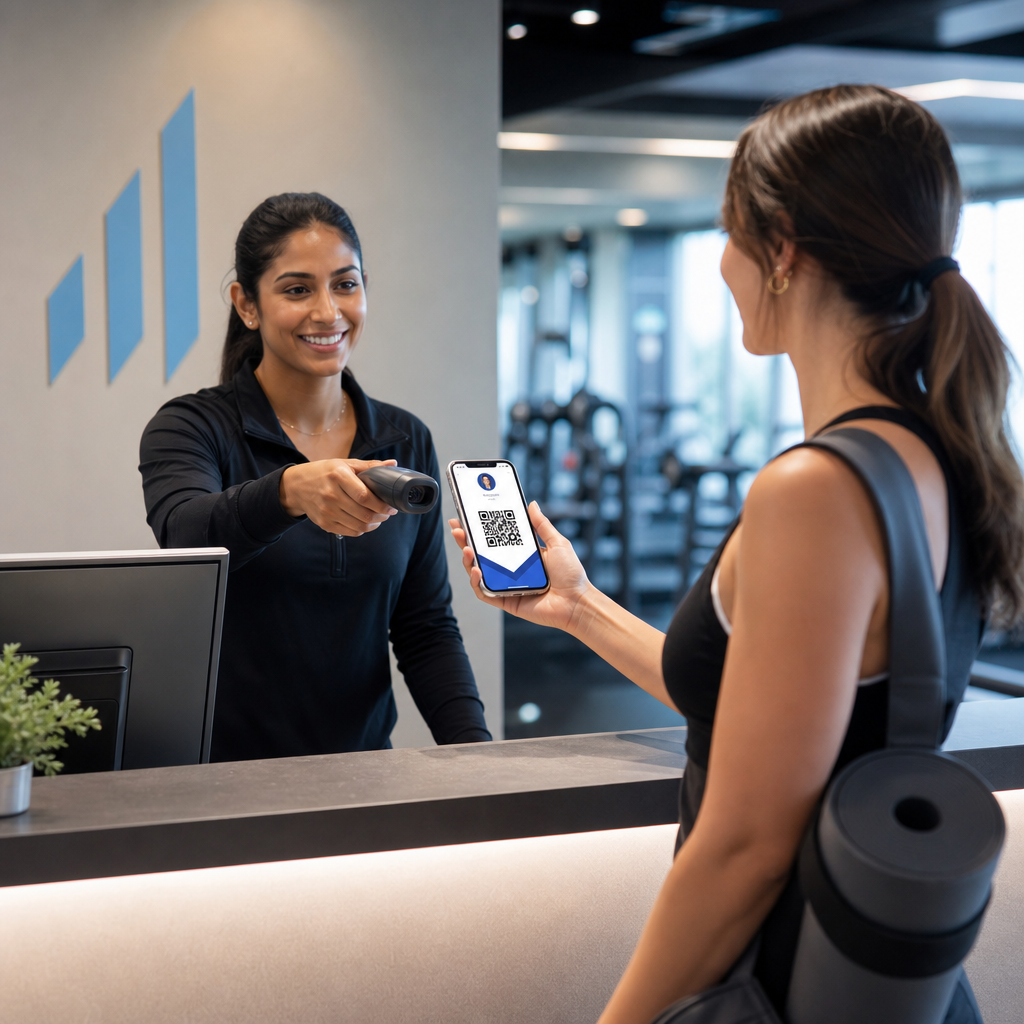
Vai biedru identifikācijas pārvaldība ar papīra kartēm vai manuāliem reģistrācijas sarakstiem palēnina jūsu darbu? Pazudušas kartes, garas rindas un nespēja reāllaikā pārbaudīt biedra statusu rada reālas grūtības gan personālam, gan biedriem. Šis ceļvedis parādīs, kā ieviest digitālās biedra kartes ar QR kodiem – no unikālu kodu ģenerēšanas līdz to skenēšanai pie durvīm un biedru datu drošības nodrošināšanai.
Kāpēc QR kodi labi darbojas biedra kartēm
Tradicionālajām plastikāta vai papīra biedra kartēm ir viena nemainīga problēma: tās satur statisku informāciju, nolietojas, pazūd un nesniedz nekādu ieskatu par to, kā biedri tās izmanto. QR kods digitālajā biedra kartē atrisina visas šīs problēmas.
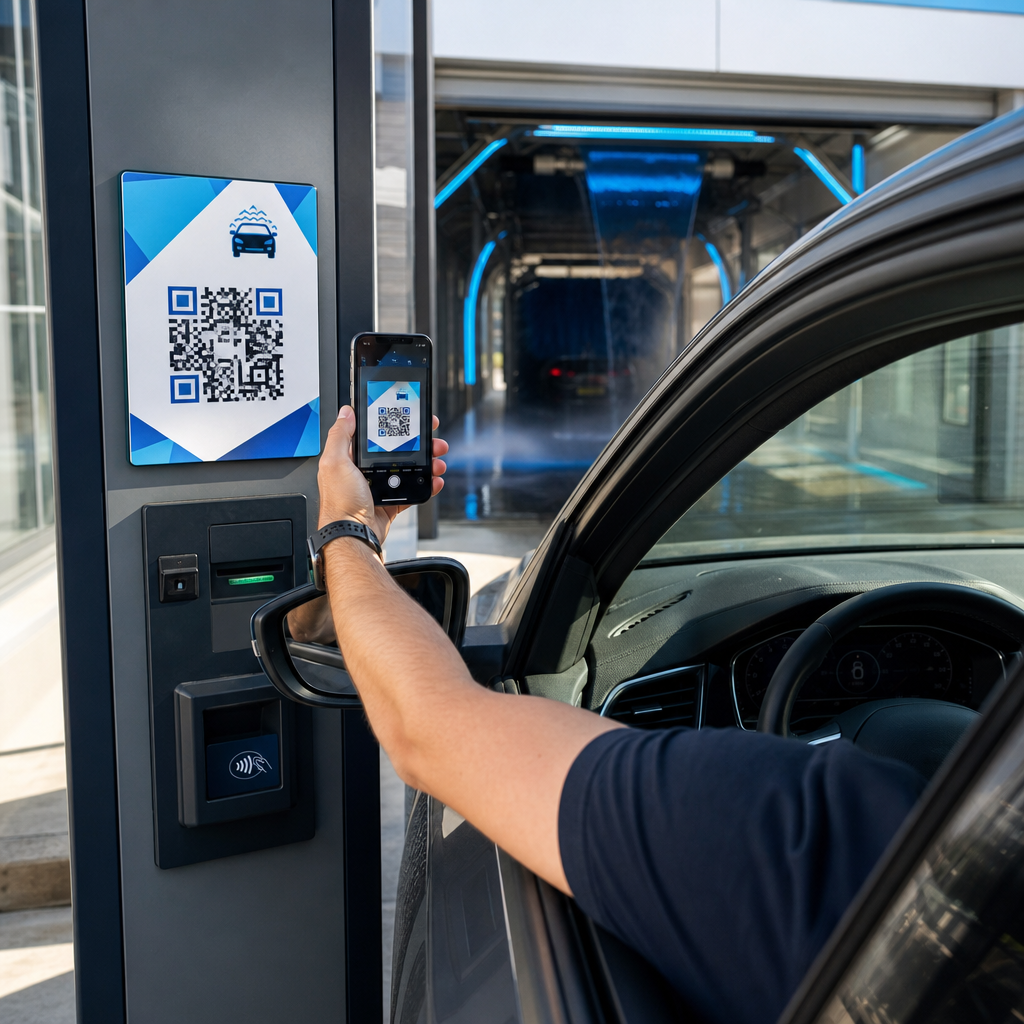
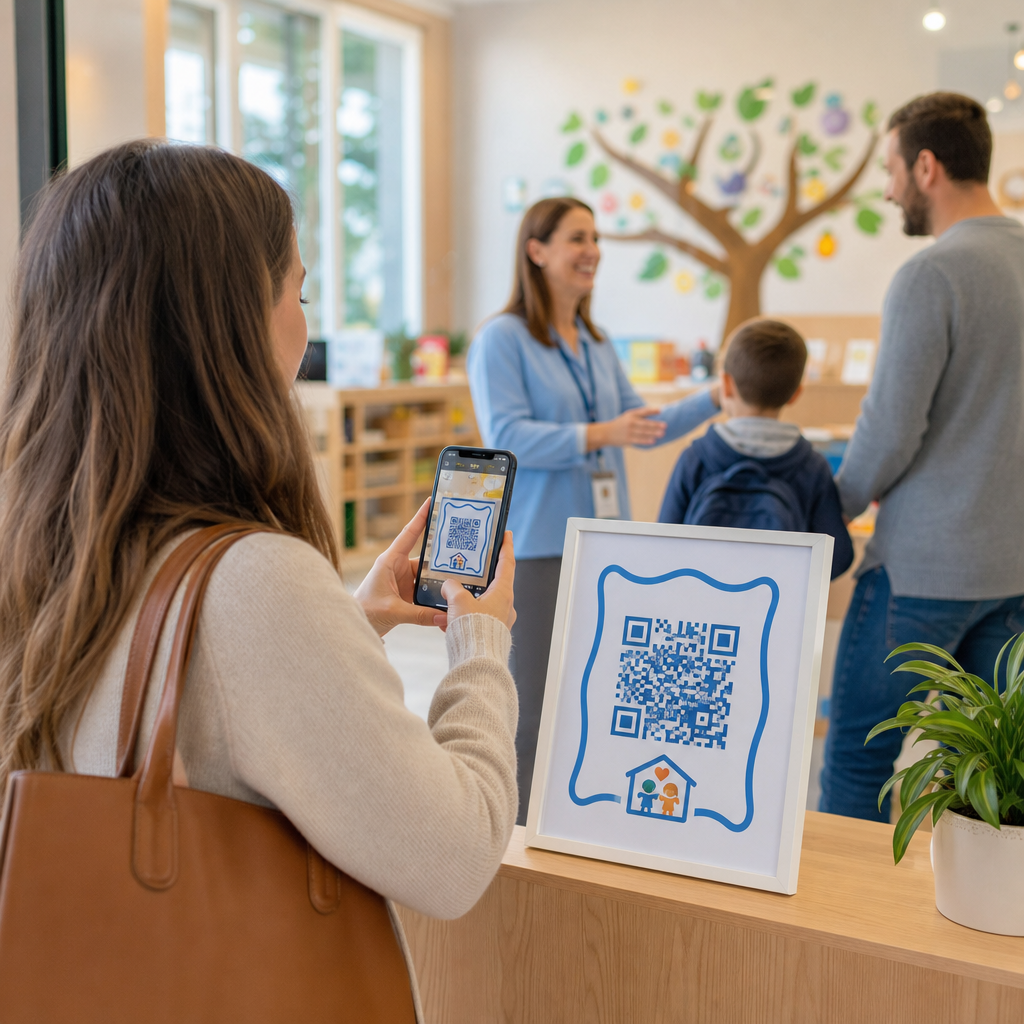
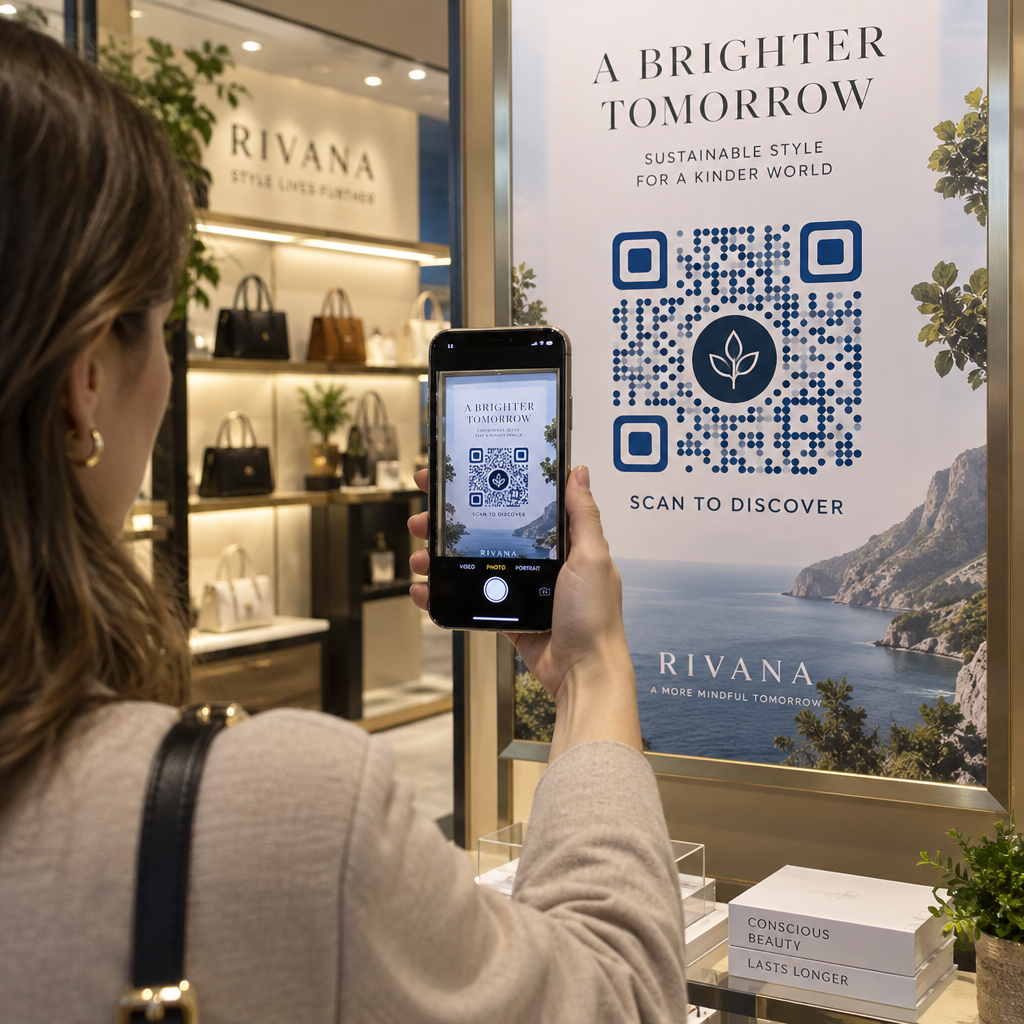
Kad biedrs uzrāda savu karti – savā tālrunī, makā lietotnē vai pat izdrukātu uz papīra – personāls vienkārši skenē QR kodu. Skeneris nolasa unikālu identifikatoru, kas saistīts ar šī biedra ierakstu jūsu sistēmā, apstiprina viņu statusu un reģistrē ierašanos. Viss process aizņem sekundes.
Aptuveni 99,5 miljoni viedtālruņu lietotāju Amerikas Savienotajās Valstīs skenēja QR kodus 2025. gadā, kas ir par 19% vairāk nekā 2022. gadā. Jūsu biedri gandrīz noteikti jau zina, kā to lietot. Papildus ērtībām, uz QR kodiem balstītas biedra kartes sniedz jums kaut ko, ko fiziskās kartes nekad nevarēja: datus. Jūs varat izsekot, kad biedri reģistrējas, cik bieži viņi apmeklē un kādas vietas vai pasākumus viņi apmeklē – informācija, kas palīdz pieņemt labākus lēmumus par personāla nodrošināšanu, programmu veidošanu un biedru iesaisti.
Kā darbojas verifikācijas process
Izpratne par plūsmu palīdz jums izveidot sistēmu, kas atbilst jūsu organizācijai. Lūk, kas notiek no brīža, kad biedrs ienāk, līdz brīdim, kad viņam tiek atļauta ieeja.
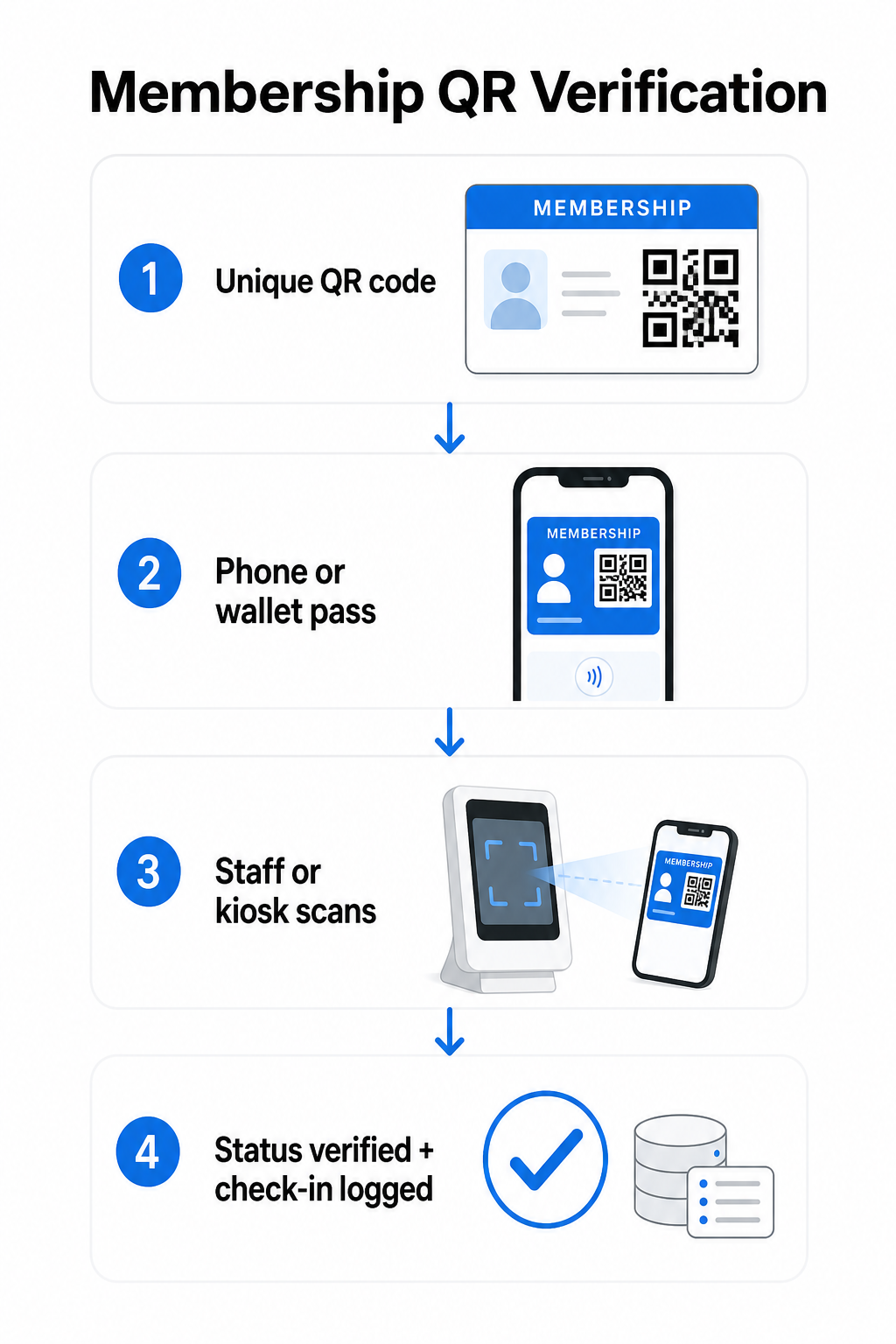
Katram biedram tiek piešķirts unikāls QR kods reģistrācijas vai ievadīšanas laikā. Šis kods kodē drošu identifikatoru – nevis biedra personisko informāciju tieši, bet atsauci, ko jūsu sistēma var meklēt. Biedrs uzrāda savu QR kodu, atverot savu digitālo karti tālrunī, parādot izdrukātu karti vai attēlojot caurlaidi no Apple Wallet vai Google Wallet. Personāls vai kiosks pēc tam skenē kodu, izmantojot viedtālruņa kameru, īpašu svītrkodu skeneri vai rīku, piemēram, Pageloot QR Code Scanner.
Sistēma validē akreditācijas datus – apstiprinot biedra statusu, piekļuves līmeni, derīguma termiņu vai jebkuras citas jūsu konfigurētās atļaujas – pirms ieejas atļaušanas vai atzīmēšanas un reģistrācijas ierakstīšanas jūsu biedru datu bāzē. Jūs varat arī pievienot laika vai zonas specifiskus noteikumus, piemēram, atļaujot piekļuvi tikai darba laikā vai ierobežojot noteiktu biedru līmeņu piekļuvi konkrētām telpām.
Šis process darbojas neatkarīgi no tā, vai jūs vadāt sporta zāli, profesionālu asociāciju, klubu vai jebkuru organizāciju, kurai ir jāpārbauda, kas ienāk pa durvīm.
Sāciet ģenerēt biedru QR kodus Izveidojiet unikālus, izsekojamus QR kodus katram biedram ar Pageloot QR kodu ģenerators. Bezmaksas 14 dienu izmēģinājums, nav nepieciešama kredītkarte.
Izvēle starp statiskajiem un dinamiskajiem QR kodiem
Ne visi QR kodi darbojas vienādi, un šai atšķirībai ir nozīme biedru pārvaldībā.
Statiskie QR kodi kodē informāciju neatgriezeniski izveides brīdī. Pēc izdrukāšanas dati iekšpusē nevar mainīties. Tie darbojas vienkāršiem lietošanas gadījumiem, bet, ja biedra statuss mainās – piemēram, viņa biedra statuss beidzas vai viņš pāriet uz augstāku līmeni – jūs nevarat atjaunināt kodu. Jums būtu jāizdod pilnīgi jauns.
Dinamiskie QR kodi iekšēji saglabā īsu novirzīšanu un norāda uz galamērķi, ko varat atjaunināt jebkurā laikā, nepārprintējot kodu. Biedra kartēm tas nozīmē, ka varat mainīt to, ko atgriež skenēšana – atjauninātus piekļuves līmeņus, atjaunotu derīguma termiņu vai pārskatītu biedra profilu – neizdodot jaunu karti. Dinamiskie QR kodi ir arī izsekojami, sniedzot jums skenēšanas līmeņa analītiku, tostarp laika, atrašanās vietas un ierīces datus. Organizācijām, kas pārvalda desmitiem vai simtiem biedru, šāda redzamība ir patiesi noderīga.
| FUNKCIJA | Statiskais QR kods | Dinamiskais QR kods |
|---|---|---|
| Atjaunināms pēc drukāšanas | Nē | Jā |
| Skenēšanas analītika | Nē | Jā |
| Darbojas, ja mainās biedra statuss | Nepieciešama atkārtota izdošana | Atjaunināt galamērķi, tas pats kods |
| Izmaksas | Bezmaksas | Nepieciešama maksas abonēšana |
Lielākajai daļai biedru programmu dinamiskie QR kodi ir pareizā izvēle. Statiskie kodi ir pieņemami tikai tad, ja jūsu biedra informācija nekad nemainās un jums nav nepieciešama izsekošana.
Kā izveidot biedru QR kodus ar Pageloot
Lūk, praktiska soli pa solim pieeja QR kodu ģenerēšanai un izplatīšanai jūsu biedriem.
solis: Izvēlieties QR koda veidu. Piesakieties Pageloot un izvēlieties QR koda veidu, kas atbilst tam, kam vēlaties, lai biedri piekļūtu – URL, kas ved uz viņu biedra profilu, vCard ar kontaktinformāciju un biedra informāciju, vai veidlapu reģistrācijas apstiprināšanai. Pageloot atbalsta vairāk nekā 25 QR kodu veidus, lai jūs varētu saskaņot formātu ar savu esošo darba plūsmu.
solis: Ievadiet biedram specifisku informāciju. Katram biedram ir nepieciešams unikāls kods. Ja veidojat saiti uz individuāliem biedru profiliem vai ID, pārliecinieties, ka katrs QR kods norāda uz unikālu identifikatoru, nevis uz vispārīgu kopīgu saturu.
solis: Pielāgojiet dizainu. Pievienojiet savas organizācijas logotipu un zīmola krāsas. Atpazīstams kartes dizains veido biedru uzticību un samazina krāpšanas iespējamību. Saglabājiet pašu QR kodu ar augstu kontrastu – tumšs priekšplāns uz gaiša fona – un nodrošiniet, ka tas atbilst minimālajam drukas izmēram 0,8 × 0,8 collas tuvplāna skenēšanai.
solis: Lejupielādējiet un izplatiet. Pageloot nodrošina drukāšanai gatavus failus .SVG, .PDF un .EPS formātos. Jūs varat iegult QR kodu digitālās kartes dizainā, nosūtīt to tieši biedriem pa e-pastu vai likt viņiem to pievienot Apple Wallet vai Google Wallet kā caurlaidi.
solis: Sakārtojiet savus kodus. Izmantojiet Pageloot QR kodu mapes lai grupētu biedru kodus pēc dalības līmeņa, atrašanās vietas vai atjaunošanas cikla. Tas uztur jūsu informācijas paneli pārvaldāmu, pieaugot jūsu biedru sarakstam.
Izsekojiet katru biedra reģistrāciju Pārraugiet skenēšanas datus visā jūsu dalībā no viena informācijas paneļa. Pageloot QR kodu ģenerators ļauj jums izveidot dinamiskus, izsekojamus kodus un atjaunināt tos jebkurā laikā bez atkārtotas drukāšanas.
Karšu izplatīšana biedriem
Kad esat ģenerējis kodus, jums ir vairākas iespējas, kā tos nogādāt biedru rokās.
- E-pasta piegāde: Nosūtiet katram biedram digitālās kartes attēlu vai PDF failu, kas satur viņu unikālo QR kodu. Tas darbojas nekavējoties un izplatīšana neko nemaksā.
- Apple Wallet un Google Wallet: Biedri var pievienot dalības caurlaidi tieši sava tālruņa maka lietotnei. Apple Wallet saglabā caurlaides `.pkpass` formātā, kas var ietvert QR kodu un biedra datus. Google Wallet atbalsta līdzīgu funkcionalitāti, izmantojot savu Passes API. Pēc pievienošanas biedrs atver caurlaidi un uzrāda QR kodu skenēšanai pie durvīm.
- Drukātas kartes: Biedriem, kuri dod priekšroku fiziskai kartei, vai ieejas punktiem, kur tālruņi nav praktiski, jūs varat izdrukāt QR kodu uz standarta kartes. Izmantojiet augstas kvalitātes drukāšanu, lai saglabātu skenējamību.
- Lietotnes vai portāla displejs: Ja jūsu organizācijai ir biedru portāls vai lietotne, parādiet QR kodu tieši tajā, lai biedriem vienmēr būtu piekļuve bez atsevišķa faila lejupielādes.
Uz apmeklējumu vērstām programmām – nodarbībām, semināriem vai atkārtotiem pasākumiem – īpašs QR kodu apmeklējumu sistēmu ļauj biedriem reģistrēties pašiem, nevis gaidīt, kamēr personāls skenēs viņu kartes, kas var ievērojami samazināt ieejas laiku.
QR koda dizaina prasības uzticamai skenēšanai
Dalības kartes QR kods, kas neizdodas skenēt pie durvīm, rada berzi un mazina biedru uzticību. Ievērojiet šīs tehniskās prasības, lai nodrošinātu konsekventu veiktspēju.
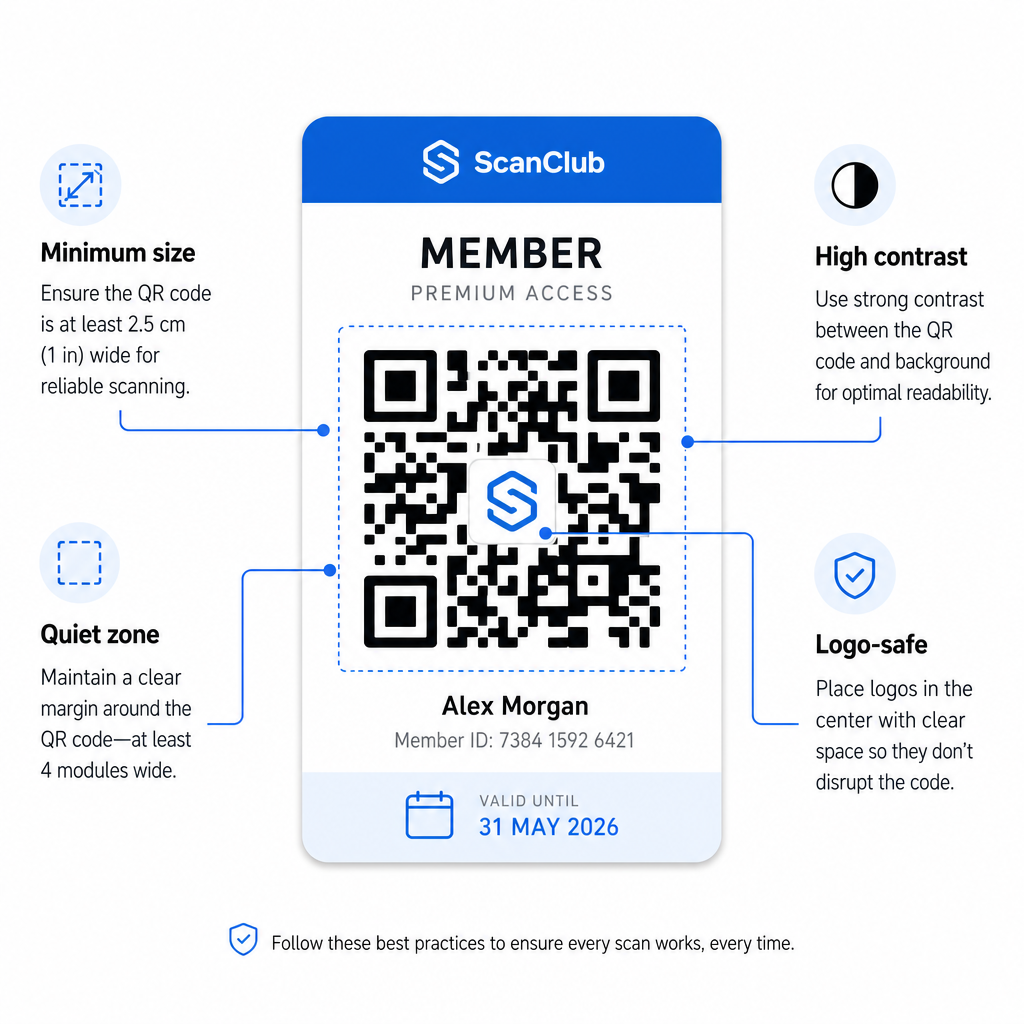
- Minimālais izmērs: Drukājiet QR kodus ne mazākus par 0,8 × 0,8 collām (2 cm × 2 cm) tuvplāna skenēšanai. Attālumam piemērojiet likumu 10:1 – uz katrām 10 collām starp skeneri un kodu, kodam jābūt vismaz 1 collu platam.
- Klusā zona: Saglabājiet vismaz 4 tukšas vietas moduļus visās QR koda pusēs. Šī mala ļauj skeneriem noteikt, kur kods sākas un beidzas.
- Kontrasts: Izmantojiet tumšu priekšplānu uz gaiša fona ar minimālo kontrasta attiecību 4:1. Izvairieties novietot QR kodu virs attēliem vai aizņemtiem rakstiem, kas samazina lasāmību.
- Kļūdu labošana: Ja QR kodā iekļaujat savas organizācijas logotipu, izmantojiet H līmeņa kļūdu labošanu, kas nodrošina līdz pat 30% atjaunošanas jaudu. Tas kompensē koda daļu, ko vizuāli sedz logotips.
- Pārbaudiet pirms izplatīšanas: Skenējiet katru koda veidni vairākās ierīcēs un dažādos apgaismojuma apstākļos pirms tās ieviešanas biedriem.
Šie paši principi attiecas uz fiziskām atrašanās vietām. QR kodi sporta zālēm un labsajūtas ceļvedis aptver, kā fitnesa centri īpaši apstrādā liela apjoma skenēšanas vidi.
Drošības apsvērumi biedru QR kodiem
Dalības kartes bieži piešķir reālas piekļuves tiesības – telpām, pasākumiem vai atlaidēm – tāpēc drošība nav izvēles iespēja. Slikti izstrādāta QR sistēma var tikt kopēta, fotografēta vai kopīgota.
- Kodējiet drošu identifikatoru, nevis personas datus. QR kodam jāietver necaurspīdīga atsauce – piemēram, kriptogrāfiski hešēts biedra ID – nevis vārds, e-pasta adrese vai cita personiskā informācija. Ja kāds nofotografē QR kodu, viņam nevajadzētu iegūt tiešu piekļuvi biedra datiem.
- Izmantojiet laika ierobežotus vai vienreizējas lietošanas kodus augstas drošības scenārijiem. Pasākumiem vai vienreizējas piekļuves situācijām ģenerējiet kodus, kas beidzas pēc īsa laika perioda vai kļūst nederīgi pēc vienas skenēšanas. Tas novērš kodu kopēšanu vai pārsūtīšanu.
- Izmantojiet dinamiskos QR kodus pastāvīgām biedrībām. Tā kā dinamiskie kodi norāda uz servera puses galamērķi, jūs varat nekavējoties anulēt beigušos vai kompromitēto biedrību – nav nepieciešama jauna karte.
- Uzturiet revīzijas pierakstu. Reģistrējiet katru skenēšanu ar laika zīmogu un atrašanās vietu. Tas palīdz jums identificēt neparastus modeļus, piemēram, viena koda skenēšanu no divām vietām vienlaicīgi.
- Ievērojiet datu aizsardzības noteikumus. Ja jūsu biedrības kartes vai skenēšanas žurnāli satur personas datus, nodrošiniet, ka jūsu sistēma atbilst piemērojamajiem privātuma likumiem. Sadarbojieties ar piegādātājiem, kas praktizē datu minimizēšanu un kuriem ir skaidra datu glabāšanas politika.
Organizācijām, kas apstrādā sensitīvus biedrības datus, drošības vadlīnijas ir konsekventas: autentifikācijai izmantotajiem QR kodiem jāsatur tikai necaurspīdīgi identifikatori, nevis personas dati, un kodiem jābūt ierobežotiem laikā un dinamiski ģenerētiem, kur vien tas ir iespējams.
QR biedrības karšu savienošana ar lojalitātes programmām
Biedrības kartes un lojalitātes programmas bieži pārklājas. Ja jūsu organizācija atalgo biedru iesaisti – ar punktiem, apmeklējumu atskaites punktiem vai daudzpakāpju priekšrocībām – QR bāzēta karte var vienlaicīgi pildīt abas funkcijas.
Kad biedrs skenējas, šis notikums var aktivizēt punktu kredītu, atjaunināt viņu apmeklējumu skaitu vai atbloķēt jaunu priekšrocību līmeni. Tas pilnībā novērš nepieciešamību pēc atsevišķas lojalitātes kartes. Ceļvedis par kā iestatīt QR koda lojalitātes programmas izskaidro, kā strukturēt atlīdzības kopā ar biedrības sistēmu. Lai veiktu digitālo un fizisko pieeju salīdzinājumu, QR kodi pret tradicionālo lojalitātes karšu analīze detalizēti aptver praktiskos kompromisus.
Ja jūsu programma ietver pasākumus ar biļetēm, tā pati QR infrastruktūra attiecas arī tur. QR kodi pasākumu biļetēm ceļvedis izskaidro, kā paplašināt jūsu iestatījumus, lai aptvertu pasākumam specifisku piekļuvi un reģistrāciju.
Digitālās biedrības kartes ar QR kodiem samazina administratīvās izmaksas, sniedz biedriem ērtāku pieredzi un nodrošina jūsu organizācijai reālus datus par iesaisti un apmeklējumu. Galvenie lēmumi – statiskie pret dinamiskajiem kodiem, pašskenēšana pret personāla skenēšanu, maka integrācija pret e-pasta piegādi – ir atkarīgi no jūsu biedru skaita un darbības iestatījumiem, taču pamatā esošie rīki ir pieejami neatkarīgi no organizācijas lieluma. Sāciet ar dinamiskajiem kodiem, izstrādājiet skenējamību un veidojiet savu izplatīšanas metodi atbilstoši tam, kā jūsu biedri faktiski uzvedas.
Izveidojiet savu biedrības karšu sistēmu Ģenerējiet, pielāgojiet un pārvaldiet QR kodus katram biedram no viena informācijas paneļa. Izmēģiniet Pageloot QR kodu ģenerators bez maksas 14 dienas – nav nepieciešama kredītkarte.
Biežāk uzdotie jautājumi
Jā. Biedri var saglabāt savu QR kodu kā caurlaidi Apple Wallet vai Google Wallet, kam nav nepieciešama trešās puses lietotne. Alternatīvi, jūs varat nosūtīt viņiem digitālās kartes attēlu pa e-pastu, ko viņi atver tieši no sava tālruņa fotoattēlu bibliotēkas vai e-pasta klienta. Personāls skenē ekrānā redzamo QR kodu, izmantojot jebkuru standarta kameru vai Pageloot QR koda skeneri.
Ar dinamiskajiem QR kodiem jūs atjaunināt galamērķi vai dalības statusu jūsu vadības panelī nekavējoties. Pati fiziskā vai digitālā karte nemainās, bet nākamreiz, kad tā tiek skenēta, jūsu sistēma atgriež atjaunināto statusu – beidzis termiņu, apturēts vai atjaunots – neizsniedzot jaunu karti dalībniekam.
Pageloot ļauj jums izveidot un pārvaldīt QR kodus lielapjoma, sakārtotus mapēs pēc dalības līmeņa, atrašanās vietas vai atjaunošanas perioda. Centralizētais informācijas panelis nodrošina skenēšanas analīzi un pārvaldības rīkus visiem jūsu kodiem vienuviet. Apmeklējiet Pageloot QR kodu ģeneratora lapu, lai iegūtu sīkāku informāciju par plānam specifiskiem ierobežojumiem un funkcijām.