Vai meklējat praktiskus veidus, kā padarīt savas nodarbības interaktīvākas un samazināt lieku darbu? Garu URL adrešu rakstīšana tērē mācību laiku un frustrē studentus, pirms mācīšanās vispār sākas. Šis ceļvedis aptver radošus, praktiskus veidus, kā izmantot QR kodus mācīšanā, studentu iesaistīšanā un klases vadībā.
Kāpēc QR kodi darbojas klases apstākļos
QR kods ir skenējams attēls, kas nekavējoties novirza studenta tālruni vai planšetdatoru uz URL, PDF, video, audio failu vai veidlapu – nav nepieciešama rakstīšana. Tas vien atrisina vienu no visbiežāk sastopamajiem klases berzes punktiem.
Papildus ērtībām, pētījumi apstiprina to vērtību. Saūda Arābijas skolās veikts pētījums atklāja, ka studenti, kuri izmantoja mācību grāmatās iegultos QR kodus, sasniedza ievērojami augstākus akadēmiskos rezultātus nekā tie, kuri to nedarīja, un neziņoja par ievērojamām tehniskām grūtībām. Atsevišķs pētījums par profesionālās izglītības studentiem atklāja, ka tie, kuriem bija spēcīgāka digitālā pratība, izrādīja labvēlīgāku attieksmi pret mācībām, ja QR kodi bija daļa no mācību procesa.
Praktiskais rezultāts: QR kodi ir lēti, viegli ģenerējami un efektīvi, ja skolotāji tos sagatavo pārdomāti un pārbauda, vai saistītais saturs ir piemērots vecumam. Rīki, piemēram, Pageloot izglītības QR kodu risinājums padara vienkāršu klases kodu izveidi, kas ir rediģējami, droši un vienmēr aktuāli.
15 veidi, kā izmantot QR kodus klasē
1. Saite uz papildu resursiem
Izdrukājiet QR kodus uz darba lapām, mācību grāmatām vai sienas displejiem, lai nodrošinātu studentiem tūlītēju piekļuvi tiešsaistes rakstiem, video, simulācijām vai mācību ceļvežiem. Tas novērš nepieciešamību rakstīt garas tīmekļa adreses un uztur mācību tempu. A URL QR kods ir vienkāršākais formāts tam – ielīmējiet saiti, ģenerējiet kodu un izdrukājiet.
2. Rīkojiet dārgumu medības vai orientēšanās spēli
Izvietojiet QR kodus klasē vai skolā, katrs no tiem ved uz jautājumu vai mājienu. Tikai pareizā atbilde novirza studentus uz nākamo atrašanās vietu; nepareiza atbilde atgriež mājienu. Šī pieeja liek studentiem kustēties, veicina problēmu risināšanu un pārvērš satura pārskatīšanu spēlē. Tas īpaši labi darbojas vārdu krājumam, vēsturiskiem faktiem vai zinātnes jēdzieniem.

3. Izveidojiet mācību stacijas
Katrai rotācijas stacijai piešķiriet atšķirīgu QR kodu. Katrs kods ved uz stacijai specifisku saturu – video, aktivitāti, viktorīnu vai lasāmvielu. Studenti var strādāt neatkarīgi savā tempā, un jūs varat viegli diferencēt, saistot materiālus ar dažādiem sarežģītības līmeņiem, neizdrukājot vairākas versijas.
Pārnesiet savas klases stacijas tiešsaistē Izveidojiet atsevišķus QR kodus katrai mācību stacijai, izmantojot Pageloot QR kodu ģenerators un jebkurā laikā atjauniniet saistīto saturu, nepārprintējot nevienu lapu.
4. Apkopojiet izejas biļetes un atsauksmes
Saistiet QR kodu ar Google Formu vai ātru aptauju un parādiet to nodarbības beigās. Studenti skenē un iesniedz savas atbildes mazāk nekā minūtes laikā, sniedzot jums reāllaika datus par izpratni, pirms viņi atstāj telpu. The Google Form QR koda ģenerators padara šo iestatīšanu ātru – izveidojiet veidlapu, nokopējiet kopīgošanas saiti un ģenerējiet kodu.
5. Kopīgojiet kursa materiālus bez papīra
Tā vietā, lai drukātu mācību programmas, lekciju piezīmes vai lasāmvielu sarakstus, kodējiet tos kā PDF QR kods un ievietojiet kodu uz klases sienas vai prezentācijas slaidu komplektā. Studenti skenē vienreiz un iegūst digitālu kopiju. Ja atjaunināt dokumentu, dinamiskais QR kods ļauj nomainīt saistīto failu, neģenerējot vai nepārprintējot jaunu kodu.
6. Atbalstiet studentus ar lasīšanas grūtībām
Ierakstiet instrukciju, vārdu krājuma sarakstu vai galveno fragmentu audio versijas un augšupielādējiet tās YouTube vai mitināšanas platformā. Kodējiet saiti kā MP3 QR kodu un kopīgojiet to ar studentiem, kuriem labāk palīdz klausīšanās, nevis lasīšana. Šī pieeja atbalsta audzēkņus ar redzes traucējumiem, disleksiju vai angļu valodas apguves vajadzībām, nevienu neizceļot.
7. Izstādiet studentu darbus
Palūdziet studentu grupām ierakstīt īsu video, paskaidrojot, ko viņi iemācījās, kā viņi atrisināja problēmu vai ko viņi izveidoja projekta laikā. Augšupielādējiet šos video YouTube vai Google Drive, pēc tam kodējiet saites kā QR kodus un ievietojiet tos klasē vai gaitenī. Vecāki, vienaudži un administratori var skenēt, lai apskatītu darbu atvērto durvju dienās vai vecāku-skolotāju pasākumos.
8. Sekojiet apmeklējumam digitāli
Ievietojiet QR kodu pie klases ieejas, kas saistīts ar reģistrācijas veidlapu. Studenti skenē, ierodoties, automātiski iesniedzot savu vārdu un laiku. Tas novērš vajadzību pēc manuālām sarakstu pārbaudēm un ģenerē laika zīmogu ierakstu, ko varat pārskatīt vēlāk. Pageloot’s izglītības rīki ietver iespējas skenēšanas un iesaistes izsekošanai, kas padara apmeklējuma reģistrēšanu vienkāršu.
9. Veicināt grupu sadarbību
Saistiet QR kodu ar koplietotu Google Doc, Jamboard vai sadarbības platformu, kur studentu grupas var piekļūt savām instrukcijām, sniegt idejas vai dokumentēt savu progresu. Katrai grupai var būt savs kods, kas norāda uz tās koplietoto telpu, tādējādi saglabājot projektus organizētus un samazinot laiku, kas pavadīts materiālu izplatīšanai.
10. Pievienojiet QR kodus laboratorijas iekārtām
Pievienojiet QR kodus laboratorijas aprīkojumam, modeļiem vai eksperimentu stacijām. Katrs kods var būt saistīts ar drošības lapu, soli pa solim procedūru, demonstrācijas video vai papildu jautājumiem. Studenti iegūst nepieciešamo informāciju kontekstā, tieši tad, kad tā ir vajadzīga, bez nepieciešamības meklēt atsevišķu izdales materiālu.
11. Iespējot balsošanu un aptaujas klasē
Parādiet QR kodu nodarbības sākumā vai beigās, kas saistīts ar tiešraides aptauju. Studenti skenē, lai nobalsotu par diskusijas jautājumu, novērtētu savu pārliecību par kādu tēmu vai piedalītos ātrā klases lēmumā. Tas labi noder iesildīšanās vingrinājumiem, viedokļu aptaujām pirms debatēm vai, lai pārbaudītu klases noskaņojumu par kādu koncepciju.
12. Izveidot studentu pētniecības centru
Lieciet studentiem atrast un apkopot resursus par kādu tēmu, pēc tam kodēt savus avotus kā QR kodus, kas izvietoti uz ziņojumu dēļa vai koplietoti digitāli. Tas rada “runājošu sienu” – vizuālu, skenējamu bibliogrāfiju, ko var izpētīt vienaudži. Tas attīsta pētniecības prasmes un dod studentiem auditoriju viņu darbam, kas pārsniedz tikai skolotāju.
13. Atbalstīt diferencētu mācīšanu
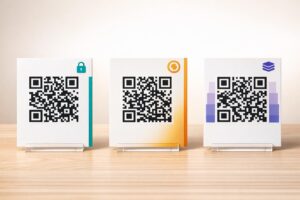
Izveidojiet vairākus QR kodus, kas saistīti ar dažādām viena satura versijām – pamata skaidrojumu, standarta uzdevumu un paplašinātu izaicinājumu. Publicējiet visus trīs un ļaujiet studentiem pašiem izvēlēties, vai arī diskrēti piešķiriet konkrētus kodus. Tas ļauj jums satikt studentus tur, kur viņi atrodas, nepadarot diferenciāciju acīmredzamu vai loģistiski sarežģītu.
14. Sazināties ar vecākiem un ģimenēm
Pievienojiet QR kodus jaunumiem, liecību vākiem vai studentu projektu izstādēm. Saistiet tos ar pasākumu kalendāriem, atļauju veidlapām, projektu video vai papildu informāciju, kas uztur ģimenes iesaistītas notiekošajā klasē. Tas samazina e-pasta saraksti un dod vecākiem vieglu, skenējamu piekļuves punktu skolas komunikācijai.
15. Veicināt skolas pasākumus
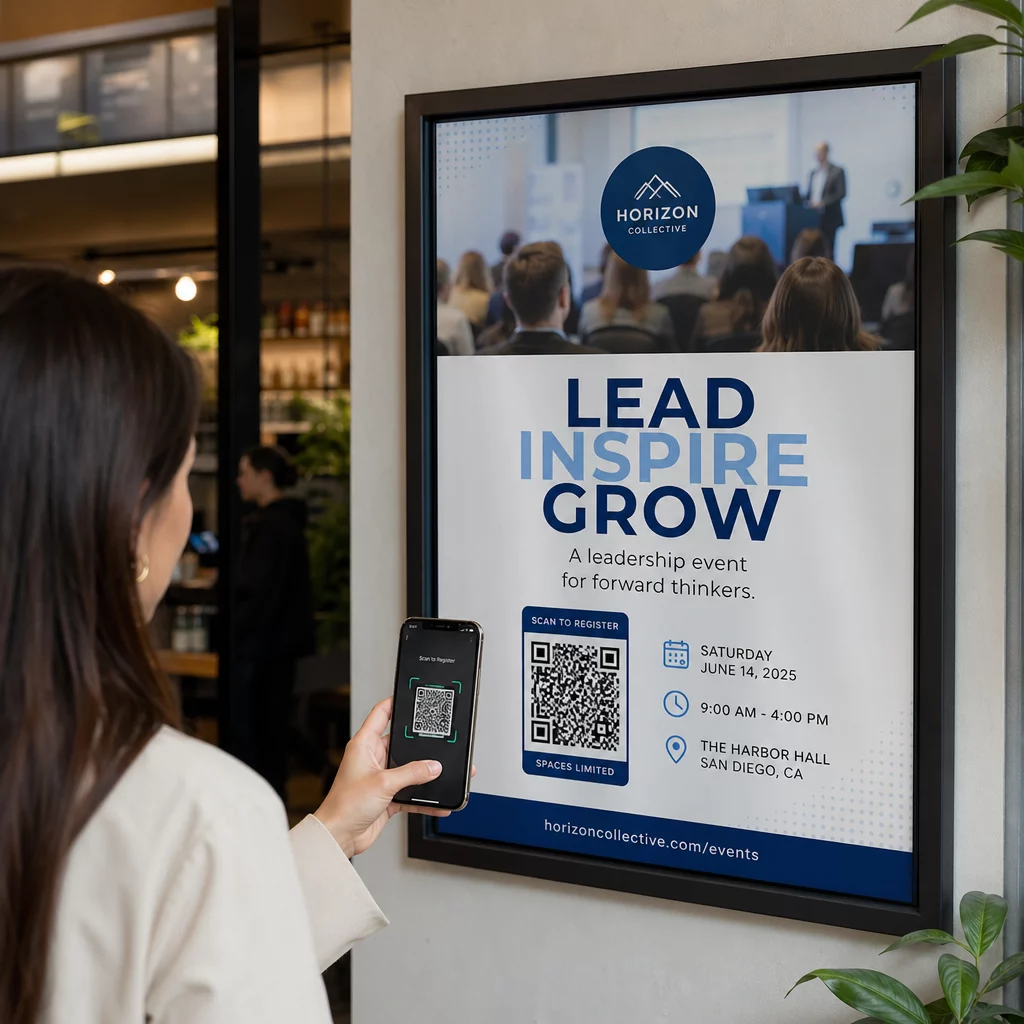
Izvietojiet QR kodus uz gaiteņu plakātiem vai skrejlapām, kas tieši saistīti ar pasākumu reģistrāciju, RSVP veidlapām vai grafika detaļām. Studenti un vecāki skenē, nevis pieraksta URL vai meklē manuāli, kas palielina dalību un samazina neierašanos uz tādām lietām kā izrādes, sporta pasākumi vai pulciņi.
Praktiski padomi pirms sākat
Dažas lietas, kas jāpārbauda pirms kodu drukāšanas un izplatīšanas:
- Pārbaudiet katru kodu pirms drukāšanas. Skenējiet katru no tiem vismaz divās dažādās ierīcēs, lai pārliecinātos, ka saite darbojas un saturs tiek ielādēts pareizi.
- Izmērs ir svarīgs skenēšanas attālumam. Kodam, kas novietots uz sienas vai plakāta, mērķējiet uz vismaz 4 × 4 cm, lai skolēni varētu skenēt no ērtas distances. Skatiet QR kodu izmēru ceļvedī sīkākai informācijai.
- Izmantojiet dinamiskos QR kodus visam, kas var mainīties. Dinamiskie kodi ļauj atjaunināt saistīto saturu pēc drukāšanas, tāpēc kods uz klases displeja paliek noderīgs visu gadu. Uzziniet vairāk par statiskajiem un dinamiskajiem QR kodiem lai izlemtu, kurš ir piemērots katram lietošanas gadījumam.
- Saglabājiet augstu kontrastu. Tumšs raksts uz gaiša fona skenējas uzticami. Pārskatiet ar QR kodu lasāmības labāko praksi ja pielāgojat krāsas vai pievienojat logotipu.
- Pievienojiet īsu etiķeti. Īsa teksta rindiņa zem koda – “Skenējiet šodienas lasījumam” vai “Skenējiet, lai iesniegtu savu izejas biļeti” – novērš minējumus un palielina skenēšanas ātrumu.
QR kodi vislabāk darbojas, ja tie samazina berzi, nevis to palielina. Jo skaidrāk kods ir marķēts, jo uzticamāk tas tiek skenēts un jo vairāk tas veicina fokusētu klases vidi.

Izveidojiet klases QR kodus dažu minūšu laikā Pageloot atbalsta 25+ QR kodu veidu tostarp saites, PDF failus, veidlapas, attēlus un audio – viss pielāgojams un izsekojams. Sāciet bezmaksas 14 dienu izmēģinājumu, lai izveidotu savu pirmo klases kodu komplektu jau šodien.
Biežāk uzdotie jautājumi
Nē. Lielākā daļa mūsdienu viedtālruņu un planšetdatoru var skenēt QR kodus tieši, izmantojot iebūvēto kameras lietotni. Studenti vienkārši atver kameru, pavērš to pret kodu un pieskaras paziņojumam, kas parādās. Vecākām ierīcēm tā vietā var izmantot bezmaksas QR kodu skenera lietotni.
Statisks QR kods ved uz fiksētu galamērķi, ko nevar mainīt pēc izdrukāšanas. Dinamisks QR kods glabā īsu novirzīšanas URL, lai jūs varētu atjaunināt saistīto saturu – jaunu video, pārskatītu darba lapu vai citu veidlapu – neizdrukājot kodu no jauna. Klases materiāliem, kas mainās visa gada garumā, dinamiskie kodi ir praktiskāka izvēle.
Jūs kontrolējat, uz ko katrs kods ved, tāpēc jūs izlemjat, kam studenti var piekļūt. Izmantojiet uzticamas platformas, piemēram, Google Drive, YouTube (ar atbilstošiem privātuma iestatījumiem) vai skolas apstiprinātus rīkus satura mitināšanai. Pārbaudiet katru saiti pirms kodu izplatīšanas un apsveriet iespēju izmantot tādu platformu kā Pageloot izglītības risinājums, kas ļauj jebkurā laikā atjaunināt vai atspējot saites, ja saturs ir jāmaina.