Está à procura de formas práticas de tornar as suas aulas mais interativas e reduzir o trabalho desnecessário? Digitar URLs longos desperdiça tempo de aula e frustra os alunos antes mesmo de a aprendizagem começar. Este guia aborda formas criativas e acionáveis de usar códigos QR no ensino, envolvimento dos alunos e gestão da sala de aula.
Por Que os Códigos QR Funcionam num Ambiente de Sala de Aula
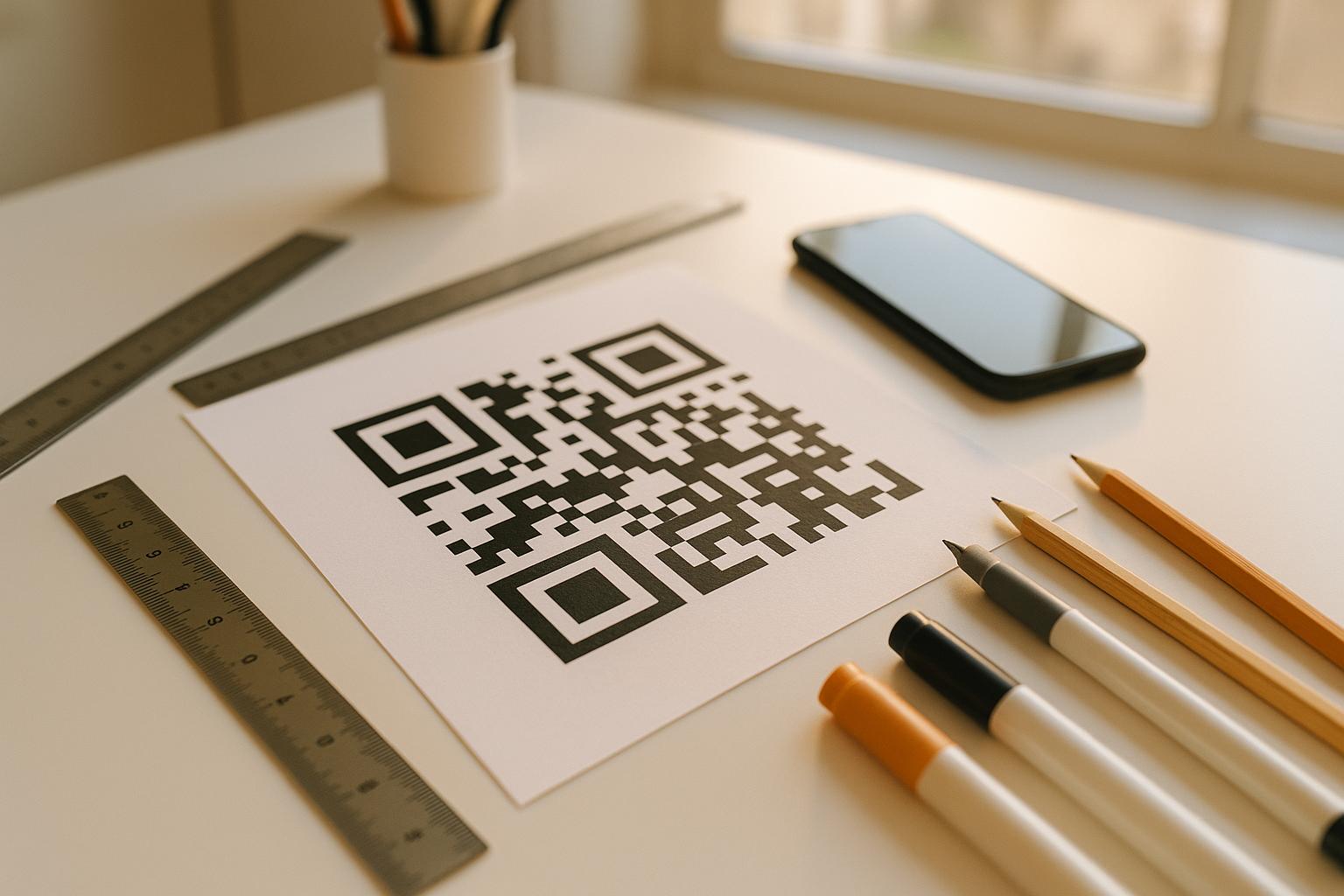
Um código QR é uma imagem escaneável que direciona instantaneamente o telefone ou tablet de um aluno para um URL, PDF, vídeo, arquivo de áudio ou formulário – sem necessidade de digitação. Só isso resolve um dos pontos de atrito mais comuns na sala de aula.
Além da conveniência, a pesquisa apoia o seu valor. Um estudo em escolas sauditas descobriu que os alunos que usaram códigos QR incorporados em livros didáticos alcançaram um desempenho académico significativamente superior aos que não o fizeram, e não relataram dificuldades técnicas notáveis. Pesquisas separadas com alunos vocacionais descobriram que aqueles com maior literacia digital mostraram atitudes de aprendizagem mais favoráveis quando os códigos QR faziam parte da instrução.
O resultado prático: os códigos QR são de baixo custo, fáceis de gerar e eficazes quando os professores os preparam cuidadosamente e verificam se o conteúdo vinculado é apropriado para a idade. Ferramentas como a solução de código QR para educação da Pageloot tornam simples a criação de códigos de sala de aula que são editáveis, seguros e sempre atualizados.
15 Formas de Usar Códigos QR na Sala de Aula
1. Ligar a Recursos Suplementares
Imprima códigos QR em folhas de trabalho, livros didáticos ou expositores de parede para dar aos alunos acesso instantâneo a artigos online, vídeos, simulações ou guias de estudo. Isso elimina a necessidade de digitar endereços web longos e mantém o ímpeto de aprendizagem. Um Código QR da URL é o formato mais simples para isso – cole o link, gere o código e imprima.
2. Realizar uma Caça ao Tesouro ou Pista do Tesouro
Coloque códigos QR pela sala de aula ou escola, cada um ligando a uma pergunta ou pista. Apenas a resposta correta direciona os alunos para o próximo local; uma resposta incorreta retorna uma dica. Esta abordagem faz os alunos moverem-se, incentiva a resolução de problemas e transforma a revisão de conteúdo num jogo. Funciona especialmente bem para vocabulário, factos históricos ou conceitos científicos.

3. Configurar Estações de Aprendizagem
Atribua um código QR diferente a cada estação numa rotação. Cada código liga a conteúdo específico da estação – um vídeo, uma atividade, um questionário ou uma leitura. Os alunos podem trabalhar independentemente ao seu próprio ritmo, e pode diferenciar facilmente ligando a materiais com diferentes níveis de complexidade sem imprimir várias versões de nada.
Leve as Suas Estações de Sala de Aula Online Crie códigos QR separados para cada estação de aprendizagem usando o Gerador de Código QR Pageloot e atualize o conteúdo vinculado a qualquer momento sem reimprimir uma única folha.
4. Colete Bilhetes de Saída e Feedback
Vincule um código QR a um Google Form ou pesquisa rápida e exiba-o no final da aula. Os alunos escaneiam e enviam suas respostas em menos de um minuto, fornecendo dados em tempo real sobre a compreensão antes que saiam da sala. O Gerador de QR Code do Google Forms torna esta configuração rápida – crie o formulário, copie o link de compartilhamento e gere o código.
5. Compartilhe Materiais do Curso Sem Papel
Em vez de imprimir ementas, notas de aula ou listas de leitura, codifique-os como um Código QR em PDF e poste o código na parede da sua sala de aula ou apresentação de slides. Os alunos escaneiam uma vez e têm uma cópia digital. Se você atualizar o documento, um código QR dinâmico permite que você troque o arquivo vinculado sem gerar ou reimprimir um novo código.
6. Apoie Alunos com Dificuldades de Leitura
Grave versões em áudio de instruções, listas de vocabulário ou passagens-chave e faça upload para o YouTube ou uma plataforma de hospedagem. Codifique o link como um código QR MP3 e compartilhe com alunos que se beneficiam de ouvir em vez de ler. Essa abordagem apoia alunos com deficiência visual, dislexia ou necessidades de aprendizado de inglês sem destacar ninguém.
7. Exponha o Trabalho dos Alunos
Peça aos grupos de alunos para gravarem um vídeo curto explicando o que aprenderam, como resolveram um problema ou o que criaram durante um projeto. Faça upload desses vídeos para o YouTube ou Google Drive, depois codifique os links como códigos QR e poste-os na sala de aula ou no corredor. Pais, colegas e administradores podem escanear para ver o trabalho durante noites abertas ou eventos de pais e professores.
8. Rastreie a Presença Digitalmente
Cole um código QR na entrada da sala de aula vinculado a um formulário de check-in. Os alunos escaneiam ao chegar, enviando seu nome e horário automaticamente. Isso elimina a necessidade de chamadas manuais e gera um registro com carimbo de data/hora que você pode revisar mais tarde. O Pageloot ferramentas educacionais incluem opções para rastrear digitalizações e engajamento, o que torna o registro de presença simples.
9. Facilitar a Colaboração em Grupo
Vincule um código QR a um Google Doc, Jamboard ou plataforma colaborativa compartilhada onde os grupos de alunos acessam suas instruções, contribuem com ideias ou documentam seu progresso. Cada grupo pode ter seu próprio código apontando para seu próprio espaço compartilhado, mantendo os projetos organizados e reduzindo o tempo gasto na distribuição de materiais.
10. Adicionar Códigos QR a Montagens de Laboratório
Anexe códigos QR a equipamentos de laboratório, modelos ou estações de experimento. Cada código pode vincular a uma ficha de segurança, um procedimento passo a passo, um vídeo de demonstração ou perguntas de extensão. Os alunos obtêm as informações de que precisam no contexto, exatamente quando precisam, sem ter que localizar um material impresso separado.
11. Habilitar Votação e Enquetes em Sala de Aula
Exiba um código QR no início ou fim da aula que se vincule a uma enquete ao vivo. Os alunos digitalizam para votar em uma pergunta de discussão, classificar sua confiança em um tópico ou participar de uma rápida decisão de classe. Isso funciona bem para aquecimentos, pesquisas de opinião antes de um debate ou para verificar o entendimento da turma sobre um conceito.
12. Construir um Centro de Pesquisa para Alunos
Peça aos alunos para encontrar e organizar recursos sobre um tópico, e então codificar suas fontes como códigos QR postados em um mural ou compartilhados digitalmente. Isso cria uma “parede que fala” – uma bibliografia visual e escaneável que os colegas podem explorar. Isso desenvolve habilidades de pesquisa e dá aos alunos uma audiência para seu trabalho além do professor.
13. Apoiar a Instrução Diferenciada
Crie múltiplos códigos QR vinculando a diferentes versões do mesmo conteúdo – uma explicação fundamental, uma tarefa padrão e um desafio de extensão. Publique todos os três e deixe os alunos se auto selecionarem, ou atribua códigos específicos discretamente. Isso permite que você atenda os alunos onde eles estão sem tornar a diferenciação óbvia ou logisticamente complexa.
14. Conectar com Pais e Famílias
Adicione códigos QR a boletins informativos, capas de boletins escolares ou exposições de projetos de alunos. Vincule-os a calendários de eventos, autorizações, vídeos de projetos ou informações suplementares que mantêm as famílias engajadas com o que está acontecendo na sala de aula. Isso reduz a troca de e-mails e oferece aos pais um ponto de entrada fácil e escaneável para as comunicações escolares.
15. Promover Eventos Escolares
Coloque códigos QR em cartazes de corredor ou folhetos vinculando diretamente ao registro de eventos, formulários de RSVP ou detalhes de horários. Alunos e pais digitalizam em vez de anotar um URL ou pesquisar manualmente, o que aumenta a participação e reduz as faltas em eventos como apresentações, eventos esportivos ou clubes.
Dicas Práticas Antes de Começar
Algumas coisas para verificar antes de imprimir e distribuir códigos:
- Teste cada código antes de imprimir. Digitalize cada um em pelo menos dois dispositivos diferentes para confirmar que o link funciona e o conteúdo carrega corretamente.
- O tamanho importa para a distância de leitura. Para um código colocado numa parede ou cartaz, procure um tamanho de pelo menos 4 × 4 cm para que os alunos possam digitalizar a uma distância confortável. Consulte o guia de tamanho de código QR para mais detalhes.
- Use códigos QR dinâmicos para qualquer coisa que possa mudar. Os códigos dinâmicos permitem-lhe atualizar o conteúdo ligado após a impressão, para que um código num ecrã de sala de aula permaneça útil durante todo o ano. Saiba mais sobre códigos QR estáticos vs dinâmicos para decidir qual se adequa a cada caso de uso.
- Mantenha o contraste alto. Padrão escuro num fundo claro digitaliza de forma fiável. Reveja o as melhores práticas de legibilidade de códigos QR se estiver a personalizar cores ou a adicionar um logótipo.
- Adicione uma breve etiqueta. Uma pequena linha de texto abaixo do código – “Digitalize para a leitura de hoje” ou “Digitalize para enviar o seu bilhete de saída” – elimina as suposições e aumenta as taxas de digitalização.
Os códigos QR funcionam melhor quando reduzem o atrito em vez de o adicionar. Quanto mais claramente um código é rotulado, mais fiável é a sua digitalização e mais contribui para um ambiente de sala de aula focado.

Crie Códigos QR para a Sala de Aula em Minutos Suporte para Pageloot Mais de 25 tipos de QR code incluindo links, PDFs, formulários, imagens e áudio – tudo personalizável e rastreável. Comece um teste gratuito de 14 dias para criar seu primeiro conjunto de códigos de sala de aula hoje.
Perguntas frequentes
Não. A maioria dos smartphones e tablets modernos pode escanear códigos QR diretamente através do aplicativo de câmera integrado. Os alunos simplesmente abrem a câmera, apontam-na para o código e tocam na notificação que aparece. Para dispositivos mais antigos, um aplicativo gratuito de leitura de código QR pode ser usado em vez disso.
Um código QR estático liga a um destino fixo que não pode ser alterado após a impressão. Um código QR dinâmico armazena um URL de redirecionamento curto, para que você possa atualizar o conteúdo vinculado – um novo vídeo, uma folha de trabalho revisada ou um formulário diferente – sem reimprimir o código. Para materiais de sala de aula que mudam ao longo do ano, os códigos dinâmicos são a escolha mais prática.
Você controla para onde cada código direciona, então você decide o que os alunos podem acessar. Use plataformas confiáveis como Google Drive, YouTube (com configurações de privacidade apropriadas) ou ferramentas aprovadas pela escola para hospedar conteúdo. Teste cada link antes de distribuir os códigos e considere usar uma plataforma como a solução educacional da Pageloot que permite atualizar ou desabilitar links a qualquer momento se o conteúdo precisar ser alterado.