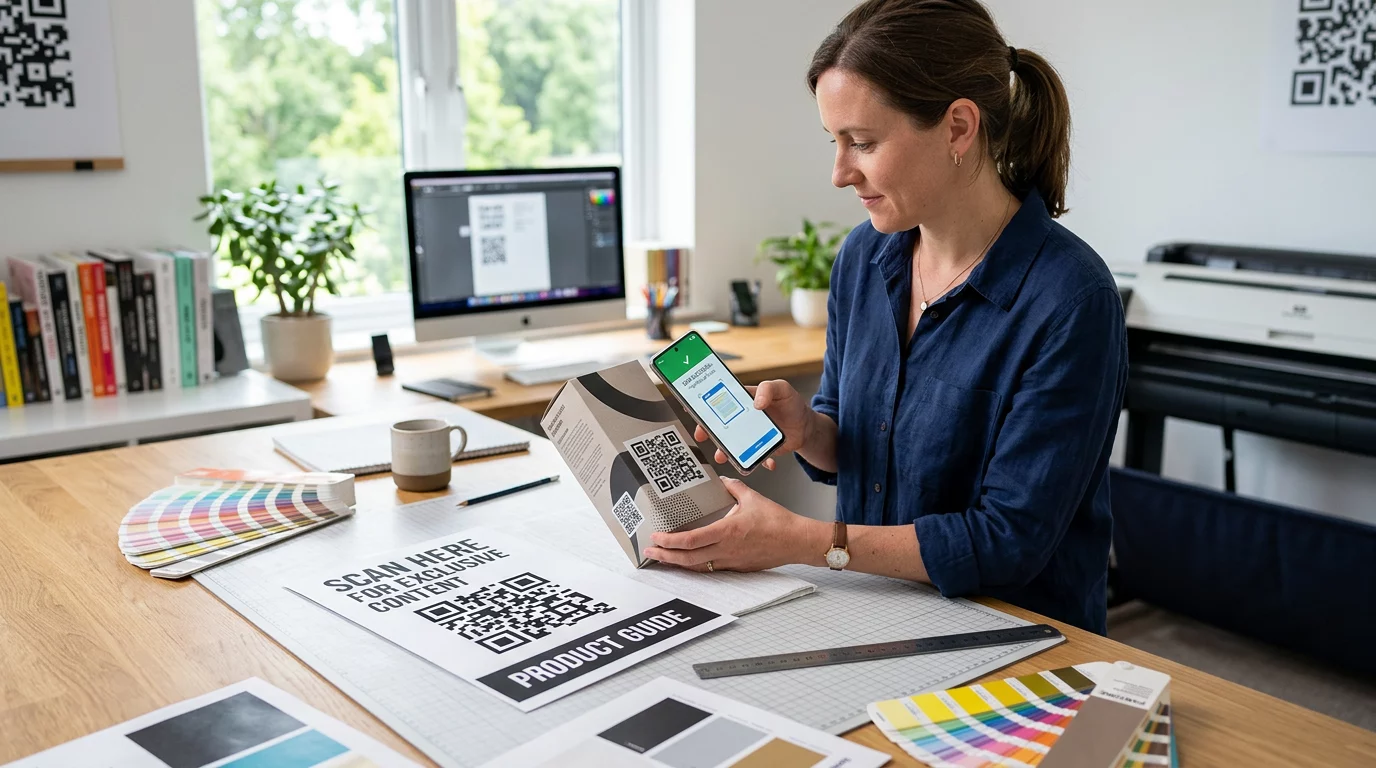
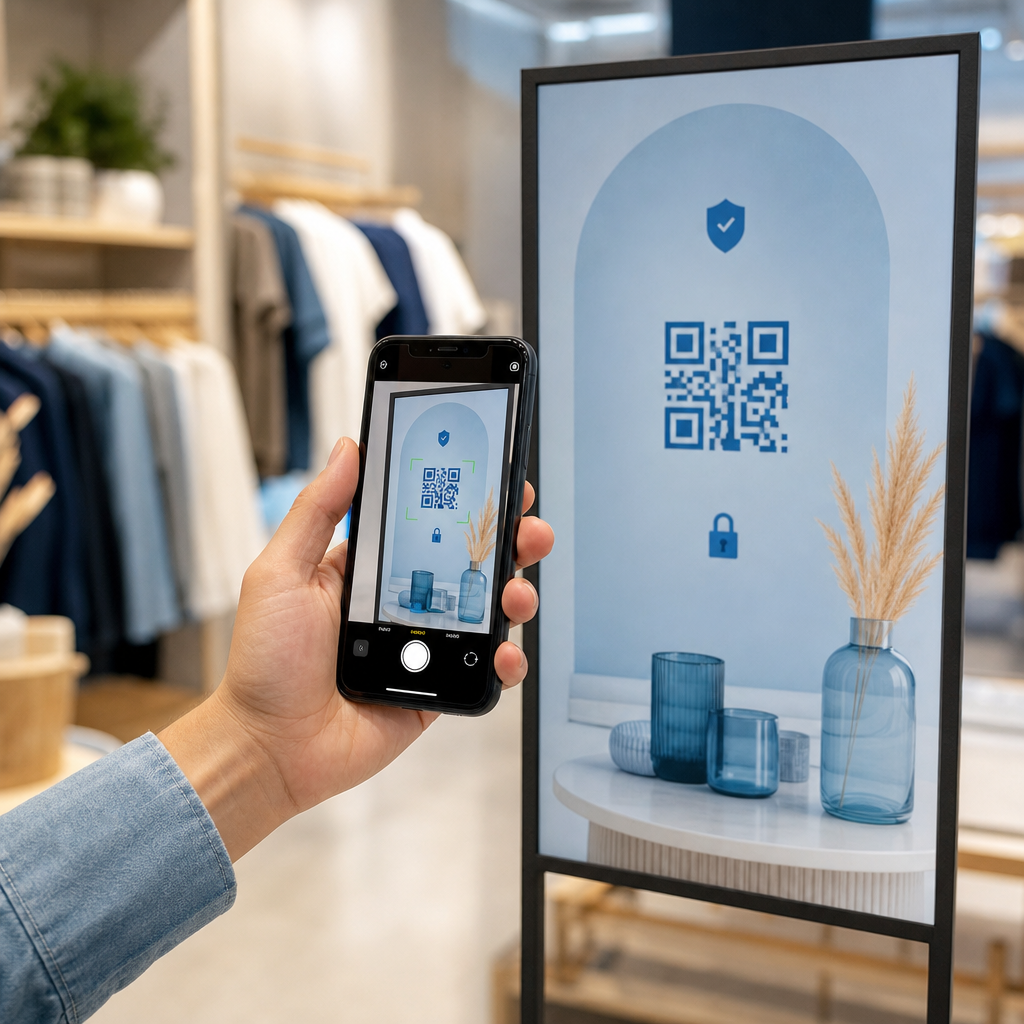
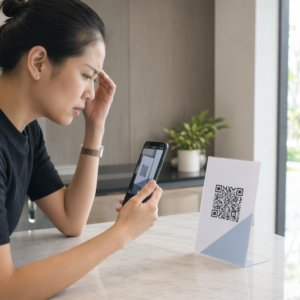
Ieškote praktinių būdų, kaip padaryti pamokas interaktyvesnes ir sumažinti nereikalingą darbą? Ilgų URL adresų rašymas gaišina pamokos laiką ir erzina mokinius dar prieš prasidedant mokymuisi. Šiame vadove aptariami kūrybiški, veiksmingi būdai, kaip naudoti QR kodus mokyme, mokinių įtraukime ir klasės valdyme.
Kodėl QR kodai veikia klasės aplinkoje
QR kodas yra nuskaitomas vaizdas, kuris akimirksniu nukreipia mokinio telefoną ar planšetinį kompiuterį į URL, PDF, vaizdo įrašą, garso failą ar formą – nereikia nieko rašyti. Vien tai išsprendžia vieną dažniausių klasės trinties taškų.
Be patogumo, tyrimai patvirtina jų vertę. Saudo Arabijos mokyklose atliktas tyrimas parodė, kad mokiniai, kurie naudojo į vadovėlius įterptus QR kodus, pasiekė žymiai geresnių akademinių rezultatų nei tie, kurie jų nenaudojo, ir nepranešė apie jokius pastebimus techninius sunkumus. Atskiras profesinių mokyklų mokinių tyrimas parodė, kad tie, kurie turėjo stipresnį skaitmeninį raštingumą, demonstravo palankesnį požiūrį į mokymąsi, kai QR kodai buvo mokymo dalis.
Praktinė išvada: QR kodai yra nebrangūs, lengvai generuojami ir veiksmingi, kai mokytojai juos apgalvotai paruošia ir patikrina, ar susietas turinys yra tinkamas amžiui. Įrankiai, tokie kaip „Pageloot“ edukacinių QR kodų sprendimas leidžia lengvai kurti klasės kodus, kurie yra redaguojami, saugūs ir visada atnaujinti.
15 būdų, kaip naudoti QR kodus klasėje
1. Nuoroda į papildomus išteklius
Spausdinkite QR kodus ant darbalapių, vadovėlių ar sieninių ekranų, kad mokiniai galėtų akimirksniu pasiekti internetinius straipsnius, vaizdo įrašus, simuliacijas ar mokymosi vadovus. Tai pašalina poreikį rašyti ilgus interneto adresus ir palaiko mokymosi pagreitį. A URL QR kodas yra paprasčiausias formatas tam – įklijuokite nuorodą, sugeneruokite kodą ir atsispausdinkite.
2. Organizuokite lobių paiešką ar orientacinį žaidimą
Išdėstykite QR kodus klasėje ar mokykloje, kiekvienas iš jų susietas su klausimu ar užuomina. Tik teisingas atsakymas nukreipia mokinius į kitą vietą; neteisingas atsakymas pateikia užuominą. Šis metodas priverčia mokinius judėti, skatina problemų sprendimą ir paverčia turinio peržiūrą žaidimu. Jis ypač tinka žodynui, istoriniams faktams ar mokslo sąvokoms.

3. Įrenkite mokymosi stoteles
Kiekvienai rotacijos stotelei priskirkite skirtingą QR kodą. Kiekvienas kodas susieja su konkrečios stotelės turiniu – vaizdo įrašu, veikla, viktorina ar skaitymu. Mokiniai gali dirbti savarankiškai savo tempu, o jūs galite lengvai diferencijuoti, susiedami su skirtingo sudėtingumo lygio medžiaga, nespausdindami kelių versijų.
Perkelti savo klasės stoteles į internetą Sukurkite atskirus QR kodus kiekvienai mokymosi stotelei naudodami „Pageloot“ QR kodų generatorius ir bet kada atnaujinkite susietą turinį, neperspausdindami nė vieno lapo.
4. Surinkite išėjimo bilietus ir atsiliepimus
Susiekite QR kodą su „Google“ forma arba greita apklausa ir parodykite jį pamokos pabaigoje. Mokiniai nuskenuoja ir pateikia savo atsakymus per mažiau nei minutę, suteikdami jums realaus laiko duomenis apie supratimą, prieš jiems išeinant iš kambario. Google formos QR kodo generatorius leidžia greitai nustatyti šią sąranką – sukurkite formą, nukopijuokite bendrinimo nuorodą ir sugeneruokite kodą.
5. Dalinkitės kurso medžiaga be popieriaus
Užuot spausdinę mokymo programas, paskaitų užrašus ar skaitymo sąrašus, užkoduokite juos kaip PDF QR kodas ir paskelbkite kodą ant savo klasės sienos arba skaidrių rinkinyje. Mokiniai nuskenuoja vieną kartą ir turi skaitmeninę kopiją. Jei atnaujinate dokumentą, dinaminis QR kodas leidžia pakeisti susietą failą, negeneruojant ar neperspausdinant naujo kodo.
6. Palaikykite mokinius, turinčius skaitymo sunkumų
Įrašykite garso versijas instrukcijų, žodyno sąrašų ar pagrindinių ištraukų ir įkelkite jas į „YouTube“ ar prieglobos platformą. Užkoduokite nuorodą kaip MP3 QR kodą ir pasidalykite ja su mokiniais, kuriems naudingiau klausytis, o ne skaityti. Šis metodas palaiko mokinius, turinčius regos sutrikimų, disleksiją ar besimokančius anglų kalbos, neišskiriant nė vieno.
7. Pristatykite studentų darbus
Paprašykite studentų grupių įrašyti trumpą vaizdo įrašą, kuriame paaiškintų, ką jie išmoko, kaip išsprendė problemą ar ką sukūrė projekto metu. Įkelkite tuos vaizdo įrašus į „YouTube“ ar „Google Drive“, tada užkoduokite nuorodas kaip QR kodus ir paskelbkite juos klasėje ar koridoriuje. Tėvai, bendraamžiai ir administratoriai gali nuskenuoti, kad per atvirų durų vakarus ar tėvų ir mokytojų susitikimus peržiūrėtų darbus.
8. Sekite lankomumą skaitmeniniu būdu
Paskelbkite QR kodą prie klasės įėjimo, susietą su registracijos forma. Mokiniai nuskenuoja atvykę, automatiškai pateikdami savo vardą ir laiką. Tai pašalina rankinių sąrašų poreikį ir sugeneruoja laiko žyma pažymėtą įrašą, kurį galite peržiūrėti vėliau. Pageloot's edukacinės priemonės apima galimybes sekti nuskaitymus ir įsitraukimą, todėl lankomumo registravimas tampa paprastas.
9. Palengvinkite grupės bendradarbiavimą
Susiekite QR kodą su bendrinamu „Google Doc“, „Jamboard“ ar bendradarbiavimo platforma, kurioje studentų grupės gali pasiekti savo instrukcijas, prisidėti idėjomis ar dokumentuoti savo pažangą. Kiekviena grupė gali turėti savo kodą, nukreipiantį į savo bendrinamą erdvę, taip išlaikant projektų tvarką ir sumažinant laiką, sugaištą medžiagų platinimui.
10. Pridėkite QR kodus prie laboratorijos įrangos
Pritvirtinkite QR kodus prie laboratorijos įrangos, modelių ar eksperimentų stočių. Kiekvienas kodas gali būti susietas su saugos lapu, nuoseklia procedūra, demonstraciniu vaizdo įrašu ar papildomais klausimais. Studentai gauna reikiamą informaciją kontekste, būtent tada, kai jos reikia, be būtinybės ieškoti atskiro dalijamojo lapelio.
11. Įgalinkite balsavimą ir apklausas klasėje
Pamokos pradžioje arba pabaigoje parodykite QR kodą, kuris susietas su tiesiogine apklausa. Studentai nuskaito, kad balsuotų diskusijos klausimu, įvertintų savo pasitikėjimą tam tikra tema arba dalyvautų greitame klasės sprendime. Tai puikiai tinka apšilimui, nuomonės apklausoms prieš debatus arba norint patikrinti klasės nuotaiką dėl tam tikros koncepcijos.
12. Sukurkite studentų tyrimų centrą
Paprašykite studentų rasti ir kuruoti išteklius tam tikra tema, tada užkoduokite jų šaltinius kaip QR kodus, paskelbtus skelbimų lentoje arba bendrinamus skaitmeniniu būdu. Taip sukuriama “kalbanti siena” – vizuali, nuskaitoma bibliografija, kurią gali tyrinėti bendraamžiai. Tai ugdo tyrimų įgūdžius ir suteikia studentams auditoriją jų darbui, neapsiribojant tik mokytoju.
13. Palaikykite diferencijuotą mokymą
Sukurkite kelis QR kodus, susietus su skirtingomis to paties turinio versijomis – pagrindiniu paaiškinimu, standartine užduotimi ir papildomu iššūkiu. Paskelbkite visus tris ir leiskite studentams pasirinkti patiems arba diskretiškai priskirkite konkrečius kodus. Tai leidžia jums pasiekti studentus ten, kur jie yra, nepadarant diferenciacijos akivaizdžios ar logistiškai sudėtingos.
14. Bendraukite su tėvais ir šeimomis
Pridėkite QR kodus prie naujienlaiškių, pažymių knygelių viršelių ar studentų projektų parodų. Susiekite juos su renginių kalendoriais, leidimais, projektų vaizdo įrašais ar papildoma informacija, kuri palaiko šeimų įsitraukimą į tai, kas vyksta klasėje. Tai sumažina el. laiškų susirašinėjimą ir suteikia tėvams lengvą, nuskaitomą prieigos tašką prie mokyklos komunikacijos.
15. Reklamuokite mokyklos renginius
Ant koridoriaus plakatų ar skrajučių patalpinkite QR kodus, tiesiogiai susietus su renginių registracija, RSVP formomis ar tvarkaraščio detalėmis. Studentai ir tėvai nuskaito, užuot užsirašę URL adresą ar ieškoję rankiniu būdu, o tai padidina dalyvavimą ir sumažina neatvykstančiųjų skaičių į tokius renginius kaip pasirodymai, sporto renginiai ar klubai.
Praktiniai patarimai prieš pradedant
Keletas dalykų, kuriuos reikia patikrinti prieš spausdinant ir platinant kodus:
- Išbandykite kiekvieną kodą prieš spausdinant. Nuskaitykite kiekvieną bent dviem skirtingais įrenginiais, kad patvirtintumėte, jog nuoroda veikia ir turinys įkeliamas teisingai.
- Dydis svarbus nuskaitymo atstumui. Ant sienos ar plakato dedamam kodui siekite bent 4 × 4 cm dydžio, kad mokiniai galėtų nuskaityti iš patogaus atstumo. Daugiau informacijos rasite QR kodo dydžio vadove (This line is incomplete in English, so it will be incomplete in Lithuanian too, maintaining structure).
- Naudokite dinaminius QR kodus viskam, kas gali keistis. Dinaminiai kodai leidžia atnaujinti susietą turinį po spausdinimo, todėl klasės ekrane esantis kodas išlieka naudingas visus metus. Sužinokite daugiau apie statinių ir dinaminių QR kodų (This line is incomplete in English, so it will be incomplete in Lithuanian too, maintaining structure).
- Išlaikykite didelį kontrastą. Tamsus raštas šviesiame fone nuskaitomas patikimai. Peržiūrėkite su QR kodų skaitomumo geriausia praktika jei pritaikote spalvas ar pridedate logotipą.
- Pridėkite trumpą etiketę. Trumpa teksto eilutė po kodu – “Nuskaitykite, kad gautumėte šiandienos skaitymą” arba “Nuskaitykite, kad pateiktumėte išėjimo bilietą” – pašalina spėliones ir padidina nuskaitymo dažnumą.
QR kodai geriausiai veikia, kai jie sumažina trintį, o ne ją padidina. Kuo aiškiau kodas pažymėtas, tuo patikimiau jis nuskaitomas ir tuo labiau prisideda prie sutelktos klasės aplinkos.

Sukurkite klasės QR kodus per kelias minutes Pageloot palaiko 25+ QR kodų tipų įskaitant nuorodas, PDF, formas, paveikslėlius ir garso įrašus – visa tai pritaikoma ir stebima. Pradėkite nemokamą 14 dienų bandomąjį laikotarpį, kad šiandien sukurtumėte pirmąjį klasės kodų rinkinį.
Dažniausiai užduodami klausimai
Ne. Dauguma šiuolaikinių išmaniųjų telefonų ir planšetinių kompiuterių gali nuskaityti QR kodus tiesiogiai per integruotą kameros programėlę. Studentai tiesiog atidaro kamerą, nukreipia ją į kodą ir paliečia pasirodžiusį pranešimą. Senesniems įrenginiams vietoj to galima naudoti nemokamą QR kodo skaitytuvo programėlę.
Statinis QR kodas nukreipia į fiksuotą paskirties vietą, kurios negalima pakeisti atspausdinus. Dinaminis QR kodas saugo trumpą nukreipimo URL, todėl galite atnaujinti susietą turinį – naują vaizdo įrašą, pataisytą darbalapį ar kitą formą – neperspausdinant kodo. Mokymo medžiagai, kuri keičiasi visus metus, dinaminiai kodai yra praktiškesnis pasirinkimas.
Jūs kontroliuojate, į ką nukreipia kiekvienas kodas, todėl jūs nusprendžiate, ką mokiniai gali pasiekti. Naudokite patikimas platformas, tokias kaip „Google Drive“, „YouTube“ (su atitinkamais privatumo nustatymais) arba mokyklos patvirtintus įrankius turinio talpinimui. Išbandykite kiekvieną nuorodą prieš platindami kodus ir apsvarstykite galimybę naudoti tokią platformą kaip „Pageloot“ švietimo sprendimas, kuris leidžia bet kuriuo metu atnaujinti arba išjungti nuorodas, jei turinį reikia pakeisti.