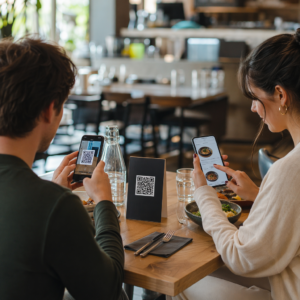
Stai cercando modi pratici per rendere le tue lezioni più interattive e ridurre il lavoro inutile? Digitare URL lunghi spreca tempo in classe e frustra gli studenti prima ancora che l'apprendimento inizi. Questa guida copre modi creativi e attuabili per utilizzare i codici QR nell'insegnamento, nel coinvolgimento degli studenti e nella gestione della classe.
Perché i codici QR funzionano in un contesto di classe
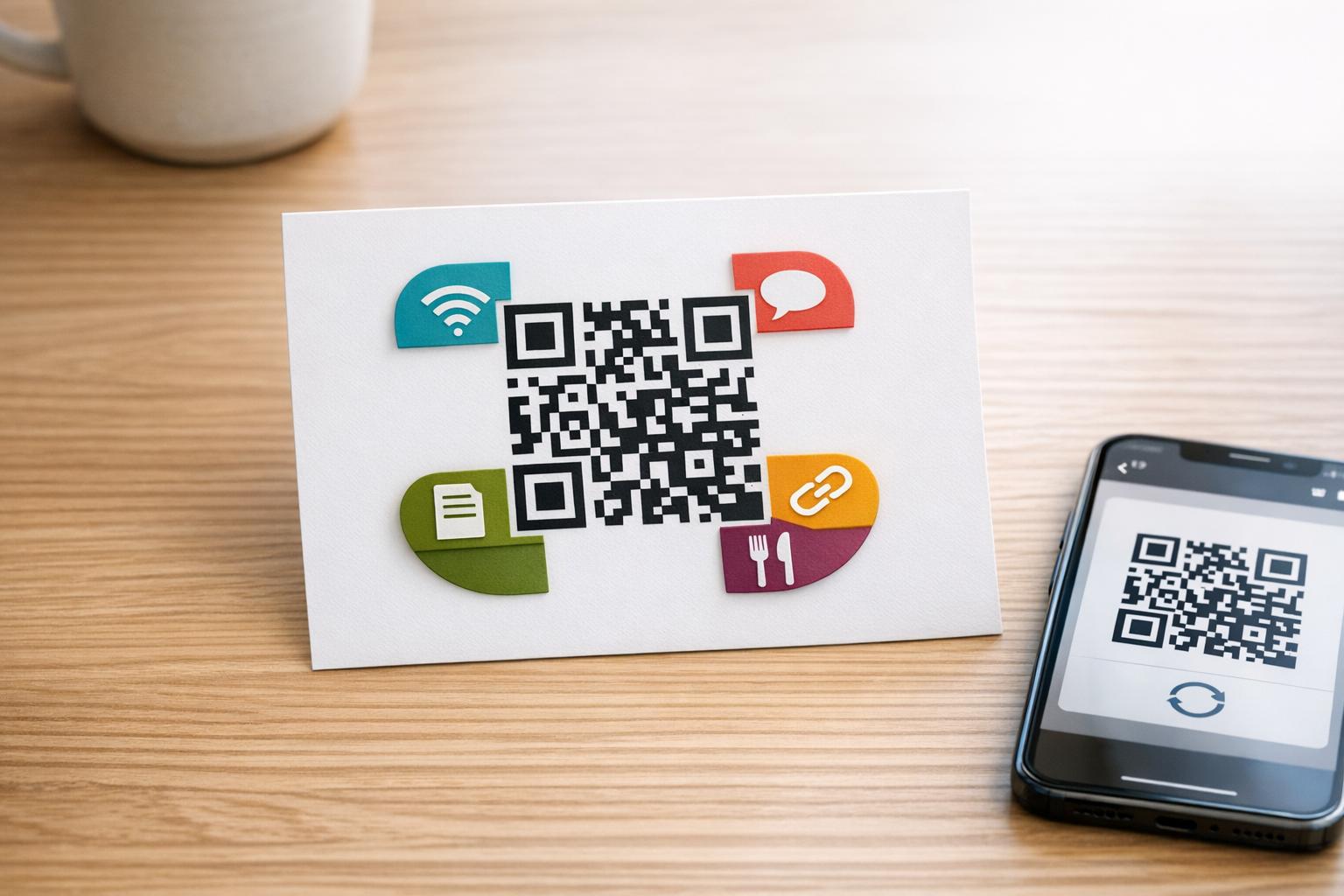
Un codice QR è un'immagine scansionabile che indirizza istantaneamente il telefono o il tablet di uno studente a un URL, un PDF, un video, un file audio o un modulo – senza bisogno di digitare. Questo da solo risolve uno dei punti di attrito più comuni in classe.
Oltre alla comodità, la ricerca ne supporta il valore. Uno studio nelle scuole saudite ha rilevato che gli studenti che hanno utilizzato codici QR incorporati nei libri di testo hanno ottenuto prestazioni accademiche significativamente più elevate rispetto a quelli che non lo hanno fatto, e non hanno segnalato difficoltà tecniche degne di nota. Ricerche separate sugli studenti professionali hanno rilevato che quelli con una maggiore alfabetizzazione digitale mostravano atteggiamenti di apprendimento più favorevoli quando i codici QR facevano parte dell'istruzione.
Il risultato pratico: i codici QR sono a basso costo, facili da generare ed efficaci quando gli insegnanti li preparano con attenzione e verificano che il contenuto collegato sia appropriato all'età. Strumenti come la soluzione di codici QR per l'istruzione di Pageloot rendono semplice creare codici per la classe che siano modificabili, sicuri e sempre aggiornati.
15 modi per usare i codici QR in classe
1. Collegamento a risorse supplementari
Stampa codici QR su schede di lavoro, libri di testo o display a parete per dare agli studenti accesso istantaneo ad articoli online, video, simulazioni o guide di studio. Questo elimina la necessità di digitare lunghi indirizzi web e mantiene lo slancio dell'apprendimento. Un codice QR URL è il formato più semplice per questo – incolla il link, genera il codice e stampa.
2. Organizzare una caccia al tesoro o un percorso a indizi
Posiziona codici QR in giro per l'aula o la scuola, ognuno collegato a una domanda o un indizio. Solo la risposta corretta indirizza gli studenti alla posizione successiva; una risposta errata restituisce un suggerimento. Questo approccio fa muovere gli studenti, incoraggia la risoluzione dei problemi e trasforma la revisione dei contenuti in un gioco. Funziona particolarmente bene per il vocabolario, i fatti storici o i concetti scientifici.

3. Allestire stazioni di apprendimento
Assegna un codice QR diverso a ogni stazione in una rotazione. Ogni codice si collega a contenuti specifici della stazione – un video, un'attività, un quiz o una lettura. Gli studenti possono lavorare in modo indipendente al proprio ritmo, e tu puoi differenziare facilmente collegandoti a materiali con diversi livelli di complessità senza stampare più versioni di nulla.
Porta le tue stazioni didattiche online Crea codici QR separati per ogni stazione di apprendimento utilizzando il Generatore di codici QR di Pageloot e aggiorna il contenuto collegato in qualsiasi momento senza ristampare un singolo foglio.
4. Raccogli i biglietti d'uscita e il feedback
Collega un codice QR a un modulo Google o a un breve sondaggio e visualizzalo alla fine della lezione. Gli studenti scansionano e inviano le loro risposte in meno di un minuto, fornendoti dati in tempo reale sulla comprensione prima che lascino l'aula. Il Generatore di QR code per Google Form rende questa configurazione veloce – crea il modulo, copia il link di condivisione e genera il codice.
5. Condividi i materiali del corso senza carta
Invece di stampare programmi, appunti delle lezioni o liste di lettura, codificali come un Codice PDF QR e pubblica il codice sulla parete della tua aula o sulla presentazione. Gli studenti scansionano una volta e hanno una copia digitale. Se aggiorni il documento, un codice QR dinamico ti permette di scambiare il file collegato senza generare o ristampare un nuovo codice.
6. Supporta gli studenti con difficoltà di lettura
Registra versioni audio di istruzioni, liste di vocaboli o passaggi chiave e caricali su YouTube o una piattaforma di hosting. Codifica il link come un codice QR MP3 e condividilo con gli studenti che traggono beneficio dall'ascolto piuttosto che dalla lettura. Questo approccio supporta gli studenti con disabilità visive, dislessia o esigenze di apprendimento della lingua inglese senza isolare nessuno.
7. Mostra i lavori degli studenti
Chiedi ai gruppi di studenti di registrare un breve video che spieghi cosa hanno imparato, come hanno risolto un problema o cosa hanno creato durante un progetto. Carica questi video su YouTube o Google Drive, quindi codifica i link come codici QR e pubblicali in classe o nel corridoio. Genitori, colleghi e amministratori possono scansionare per visualizzare il lavoro durante le serate aperte o gli eventi genitori-insegnanti.
8. Traccia la presenza digitalmente
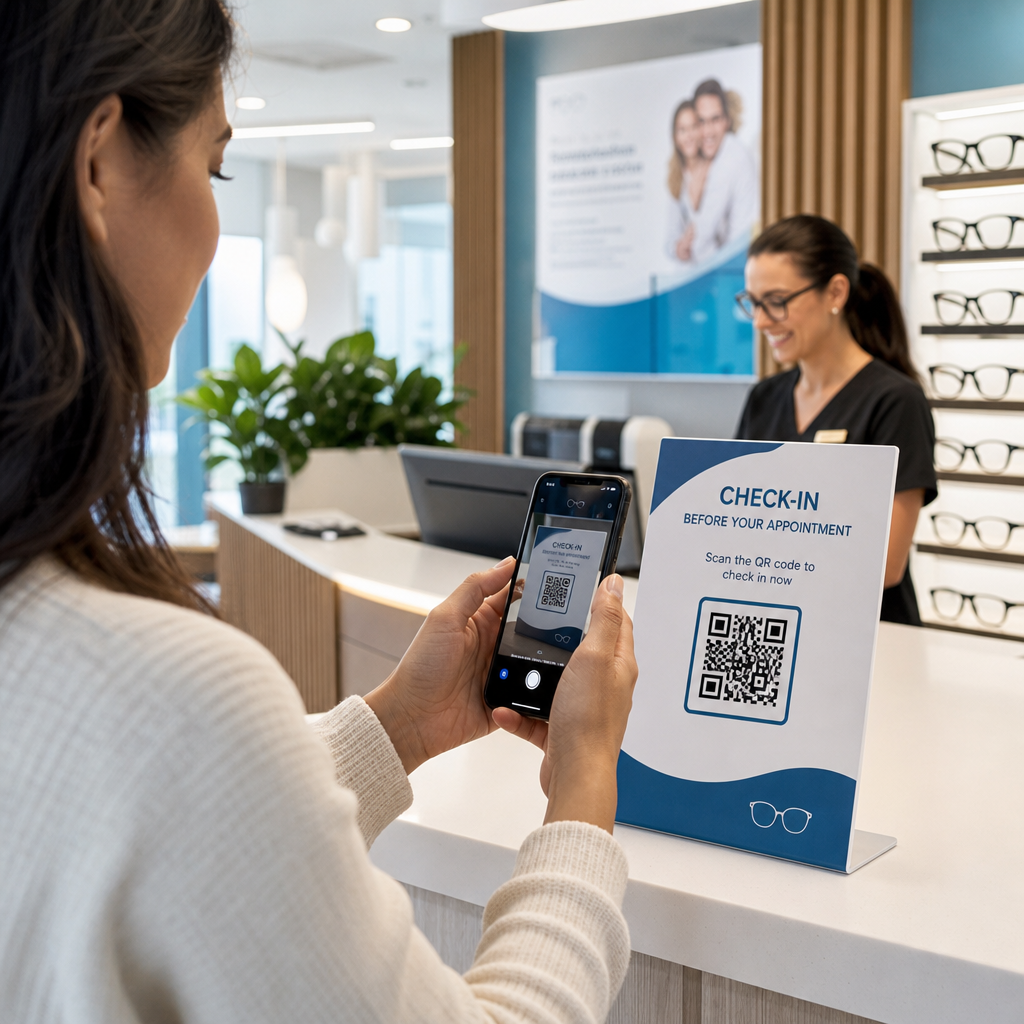
Affiggi un codice QR all'ingresso dell'aula collegato a un modulo di check-in. Gli studenti scansionano all'arrivo, inviando automaticamente il loro nome e l'ora. Ciò elimina la necessità di appelli manuali e genera un registro con data e ora che puoi rivedere in seguito. Pageloot’s strumenti didattici includono opzioni per il tracciamento delle scansioni e dell'engagement, il che rende la registrazione delle presenze semplice.
9. Facilitare la collaborazione di gruppo
Collega un codice QR a un Google Doc condiviso, Jamboard o piattaforma collaborativa dove i gruppi di studenti accedono alle loro istruzioni, contribuiscono con idee o documentano i loro progressi. Ogni gruppo può avere il proprio codice che punta al proprio spazio condiviso, mantenendo i progetti organizzati e riducendo il tempo dedicato alla distribuzione dei materiali.
10. Aggiungere codici QR alle configurazioni di laboratorio
Allega codici QR ad attrezzature di laboratorio, modelli o postazioni sperimentali. Ogni codice può collegarsi a una scheda di sicurezza, una procedura passo-passo, un video dimostrativo o domande di approfondimento. Gli studenti ottengono le informazioni di cui hanno bisogno nel contesto, esattamente quando ne hanno bisogno, senza dover cercare un foglio separato.
11. Abilitare votazioni e sondaggi in classe
Visualizza un codice QR all'inizio o alla fine della lezione che si collega a un sondaggio in tempo reale. Gli studenti scansionano per esprimere un voto su una domanda di discussione, classificare la loro fiducia su un argomento o partecipare a una rapida decisione di classe. Questo funziona bene per i riscaldamenti, i sondaggi d'opinione prima di un dibattito o per verificare l'atmosfera della classe su un concetto.
12. Costruire un centro di ricerca per studenti
Chiedi agli studenti di trovare e curare risorse su un argomento, quindi di codificare le loro fonti come codici QR affissi su una bacheca o condivisi digitalmente. Questo crea una “parete che parla” – una bibliografia visiva e scansionabile che i compagni possono esplorare. Costruisce competenze di ricerca e offre agli studenti un pubblico per il loro lavoro oltre al solo insegnante.
13. Supportare l'istruzione differenziata
Crea più codici QR che si collegano a diverse versioni dello stesso contenuto – una spiegazione fondamentale, un compito standard e una sfida di approfondimento. Pubblica tutti e tre e lascia che gli studenti si auto-selezionino, o assegna codici specifici discretamente. Questo ti permette di incontrare gli studenti dove si trovano senza rendere la differenziazione ovvia o logisticamente complessa.
14. Connettersi con genitori e famiglie
Aggiungi codici QR a newsletter, copertine di pagelle o esposizioni di progetti studenteschi. Collegali a calendari di eventi, moduli di autorizzazione, video di progetti o informazioni supplementari che mantengono le famiglie coinvolte in ciò che accade in classe. Ciò riduce lo scambio di e-mail e offre ai genitori un punto di accesso facile e scansionabile alle comunicazioni scolastiche.
15. Promuovere eventi scolastici
Posiziona codici QR su poster o volantini nei corridoi che rimandano direttamente alla registrazione di eventi, moduli RSVP o dettagli del programma. Studenti e genitori scansionano invece di annotare un URL o cercare manualmente, il che aumenta la partecipazione e riduce le assenze per cose come spettacoli, eventi sportivi o club.
Consigli Pratici Prima di Iniziare
Alcune cose da controllare prima di stampare e distribuire i codici:
- Testa ogni codice prima di stampare. Scansiona ciascuno su almeno due dispositivi diversi per confermare che il link funzioni e che il contenuto si carichi correttamente.
- La dimensione è importante per la distanza di scansione. Per un codice posizionato su una parete o un poster, punta ad almeno 4 × 4 cm in modo che gli studenti possano scansionare da una distanza confortevole. Vedi il guida alle dimensioni dei codici QR per maggiori dettagli.
- Usa codici QR dinamici per tutto ciò che potrebbe cambiare. I codici dinamici ti permettono di aggiornare il contenuto collegato dopo la stampa, così un codice su un display in classe rimane utile tutto l'anno. Scopri di più su codici QR statici vs dinamici per decidere quale si adatta a ogni caso d'uso.
- Mantieni un contrasto elevato. Un motivo scuro su uno sfondo chiaro si scansiona in modo affidabile. Rivedi il le migliori pratiche di leggibilità dei codici QR se stai personalizzando i colori o aggiungendo un logo.
- Aggiungi una breve etichetta. Una breve riga di testo sotto il codice – “Scansiona per la lettura di oggi” o “Scansiona per inviare il tuo biglietto d'uscita” – elimina le congetture e aumenta i tassi di scansione.
I codici QR funzionano meglio quando riducono l'attrito piuttosto che aggiungerlo. Più chiaramente un codice è etichettato, più affidabilmente viene scansionato e più contribuisce a un ambiente di classe focalizzato.

Crea codici QR per la classe in pochi minuti Pageloot supporta Oltre 25 tipi di QR code inclusi link, PDF, moduli, immagini e audio – tutti personalizzabili e tracciabili. Inizia una prova gratuita di 14 giorni per creare il tuo primo set di codici per la classe oggi stesso.
Domande frequenti
No. La maggior parte degli smartphone e tablet moderni può scansionare i codici QR direttamente tramite l'app fotocamera integrata. Gli studenti devono semplicemente aprire la fotocamera, puntarla sul codice e toccare la notifica che appare. Per i dispositivi più datati, è possibile utilizzare invece un'app scanner di codici QR gratuita.
Un codice QR statico si collega a una destinazione fissa che non può essere modificata dopo la stampa. Un codice QR dinamico memorizza un URL di reindirizzamento breve, in modo da poter aggiornare il contenuto collegato – un nuovo video, un foglio di lavoro rivisto o un modulo diverso – senza ristampare il codice. Per i materiali didattici che cambiano durante l'anno, i codici dinamici sono la scelta più pratica.
Tu controlli a cosa si collega ogni codice, quindi decidi tu a cosa gli studenti possono accedere. Utilizza piattaforme affidabili come Google Drive, YouTube (con impostazioni di privacy appropriate) o strumenti approvati dalla scuola per ospitare i contenuti. Testa ogni link prima di distribuire i codici e considera l'utilizzo di una piattaforma come la soluzione educativa di Pageloot che ti consente di aggiornare o disabilitare i link in qualsiasi momento se il contenuto deve cambiare.