Are you looking for practical ways to make your lessons more interactive and cut down on busywork? Typing long URLs wastes class time and frustrates students before learning even begins. This guide covers creative, actionable ways to use QR codes across teaching, student engagement, and classroom management.
Why QR Codes Work in a Classroom Setting
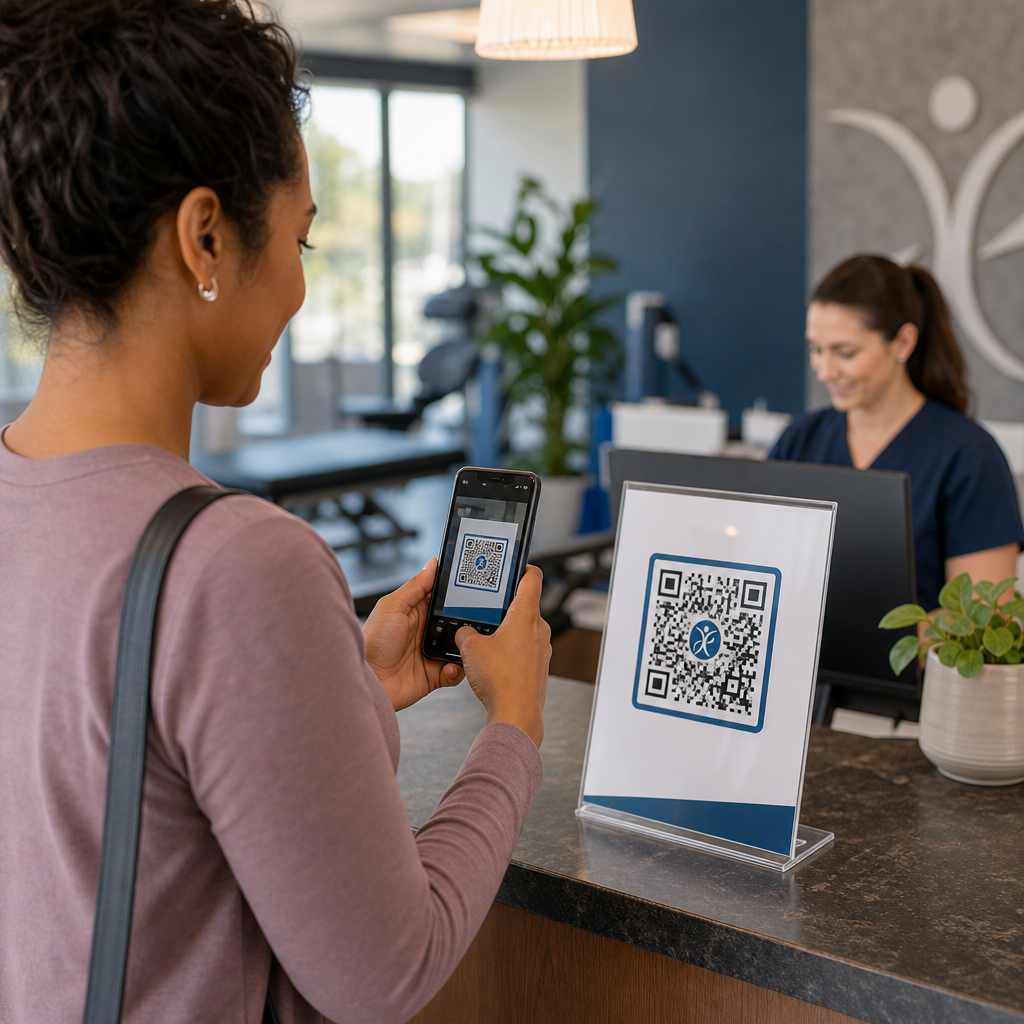
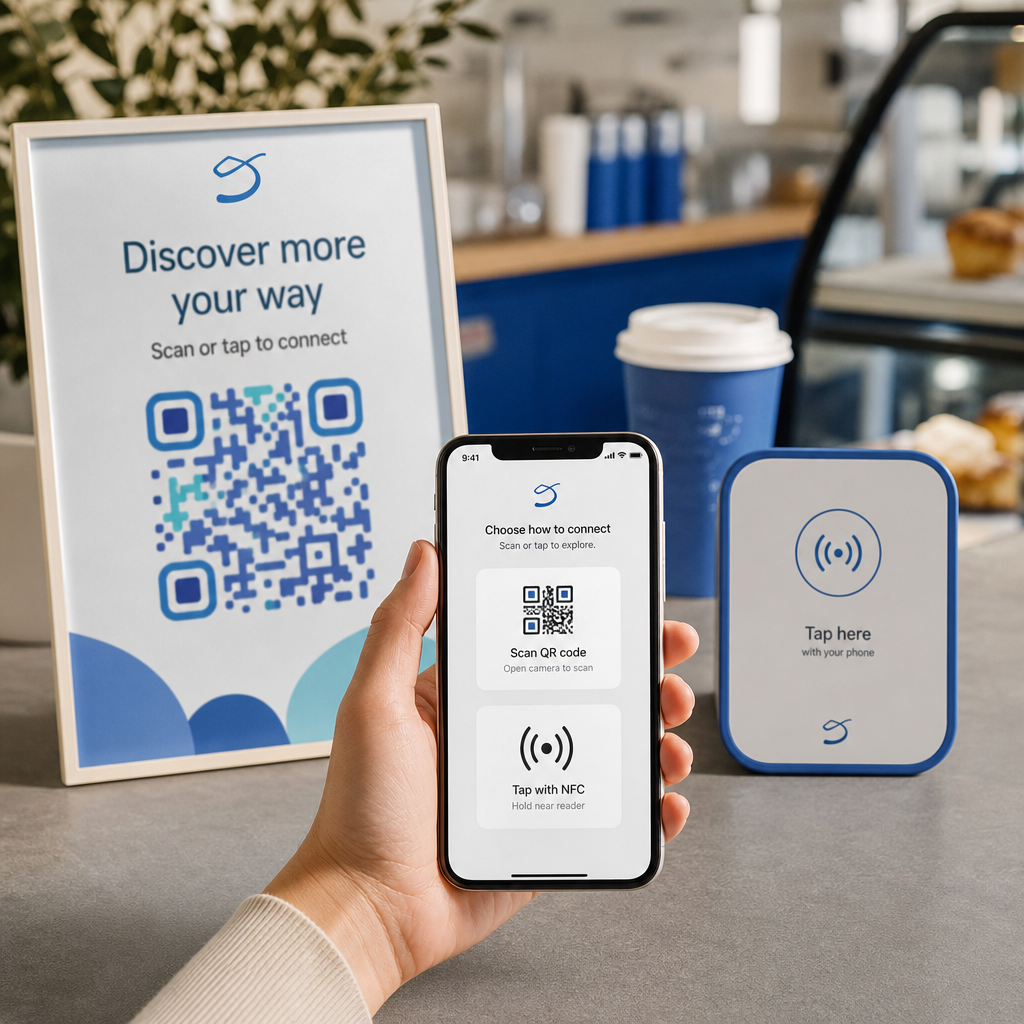
A QR code is a scannable image that instantly directs a student’s phone or tablet to a URL, PDF, video, audio file, or form – no typing required. That alone solves one of the most common classroom friction points.
Beyond convenience, research supports their value. A study in Saudi schools found that students who used QR codes embedded in textbooks achieved significantly higher academic performance than those who did not, and reported no notable technical difficulties. Separate research on vocational students found that those with stronger digital literacy showed more favorable learning attitudes when QR codes were part of instruction.
The practical upshot: QR codes are low-cost, easy to generate, and effective when teachers prepare them thoughtfully and verify that linked content is age-appropriate. Tools like Pageloot’s education QR code solution make it straightforward to create classroom codes that are editable, safe, and always up to date.
15 Ways to Use QR Codes in the Classroom
1. Link to Supplementary Resources
Print QR codes on worksheets, textbooks, or wall displays to give students instant access to online articles, videos, simulations, or study guides. This eliminates the need to type long web addresses and keeps learning momentum going. A QR kod URL-a is the simplest format for this – paste the link, generate the code, and print.
2. Run a Scavenger Hunt or Treasure Trail
Place QR codes around the classroom or school, each linking to a question or clue. Only the correct answer directs students to the next location; an incorrect answer returns a hint. This approach gets students moving, encourages problem-solving, and turns content review into a game. It works especially well for vocabulary, historical facts, or science concepts.

3. Set Up Learning Stations
Assign a different QR code to each station in a rotation. Each code links to station-specific content – a video, an activity, a quiz, or a reading. Students can work independently at their own pace, and you can differentiate easily by linking to materials at varying complexity levels without printing multiple versions of anything.
Bring Your Classroom Stations Online Create separate QR codes for each learning station using the Pageloot Generator QR kodova and update the linked content anytime without reprinting a single sheet.
4. Collect Exit Tickets and Feedback
Link a QR code to a Google Form or quick survey and display it at the end of class. Students scan and submit their responses in under a minute, giving you real-time data on comprehension before they leave the room. The Google Form generator QR koda makes this setup fast – create the form, copy the share link, and generate the code.
5. Share Course Materials Paperlessly
Instead of printing syllabi, lecture notes, or reading lists, encode them as a PDF QR kod and post the code on your classroom wall or slide deck. Students scan once and have a digital copy. If you update the document, a dynamic QR code lets you swap the linked file without generating or reprinting a new code.
6. Support Students with Reading Difficulties
Record audio versions of instructions, vocabulary lists, or key passages and upload them to YouTube or a hosting platform. Encode the link as an MP3 QR code and share it with students who benefit from listening rather than reading. This approach supports learners with visual impairments, dyslexia, or English language learning needs without singling anyone out.
7. Showcase Student Work
Ask student groups to record a short video explaining what they learned, how they solved a problem, or what they created during a project. Upload those videos to YouTube or Google Drive, then encode the links as QR codes and post them in the classroom or hallway. Parents, peers, and administrators can scan to view the work during open nights or parent-teacher events.
8. Track Attendance Digitally
Post a QR code at the classroom entrance linked to a check-in form. Students scan as they arrive, submitting their name and time automatically. This removes the need for manual roll calls and generates a timestamped record you can review later. Pageloot’s education tools include options for tracking scans and engagement, which makes attendance logging straightforward.
9. Facilitate Group Collaboration
Link a QR code to a shared Google Doc, Jamboard, or collaborative platform where student groups access their instructions, contribute ideas, or document their progress. Each group can have its own code pointing to its own shared space, keeping projects organized and reducing the time spent distributing materials.
10. Add QR Codes to Lab Setups
Attach QR codes to lab equipment, models, or experiment stations. Each code can link to a safety sheet, a step-by-step procedure, a demonstration video, or extension questions. Students get the information they need in context, exactly when they need it, without having to locate a separate handout.
11. Enable Classroom Voting and Polls
Display a QR code at the start or end of class that links to a live poll. Students scan to cast a vote on a discussion question, rank their confidence on a topic, or participate in a quick class decision. This works well for warm-ups, opinion polls before a debate, or checking the temperature of the room on a concept.
12. Build a Student Research Hub
Have students find and curate resources on a topic, then encode their sources as QR codes posted on a bulletin board or shared digitally. This creates a “wall that talks” – a visual, scannable bibliography that peers can explore. It builds research skills and gives students an audience for their work beyond just the teacher.
13. Support Differentiated Instruction
Create multiple QR codes linking to different versions of the same content – a foundational explainer, a standard assignment, and an extension challenge. Post all three and let students self-select, or assign specific codes discretely. This allows you to meet students where they are without making differentiation obvious or logistically complex.
14. Connect with Parents and Families
Add QR codes to newsletters, report card covers, or student project displays. Link them to event calendars, permission slips, project videos, or supplementary information that keeps families engaged with what is happening in the classroom. This reduces email back-and-forth and gives parents an easy, scannable entry point to school communications.
15. Promote School Events
Place QR codes on hallway posters or flyers linking directly to event registration, RSVP forms, or schedule details. Students and parents scan instead of writing down a URL or searching manually, which increases participation and reduces no-shows for things like performances, sports events, or clubs.
Practical Tips Before You Start
A few things to check before printing and distributing codes:
- Test every code before printing. Scan each one on at least two different devices to confirm the link works and the content loads correctly.
- Veličina je važna za udaljenost skeniranja. For a code placed on a wall or poster, aim for at least 4 × 4 cm so students can scan from a comfortable distance. See the vodiču za veličinu QR koda for more detail.
- Use dynamic QR codes for anything that might change. Dynamic codes let you update the linked content after printing, so a code on a classroom display stays useful all year. Learn more about statičkih i dinamičkih QR kodova to decide which suits each use case.
- Keep contrast high. Dark pattern on a light background scans reliably. Review the najbolje prakse čitljivosti QR kodova if you are customizing colors or adding a logo.
- Add a brief label. A short line of text below the code – “Scan for today’s reading” or “Scan to submit your exit ticket” – removes guesswork and increases scanning rates.
QR codes work best when they reduce friction rather than add it. The more clearly a code is labeled, the more reliably it is scanned and the more it contributes to a focused classroom environment.

Create Classroom QR Codes in Minutes Pageloot podržava 25+ vrsta QR kodova including links, PDFs, forms, images, and audio – all customizable and trackable. Start a free 14-day trial to build your first set of classroom codes today.
Često postavljana pitanja
No. Most modern smartphones and tablets can scan QR codes directly through the built-in camera app. Students simply open the camera, point it at the code, and tap the notification that appears. For older devices, a free QR code scanner app can be used instead.
A static QR code links to a fixed destination that cannot be changed after printing. A dynamic QR code stores a short redirect URL, so you can update the linked content – a new video, a revised worksheet, or a different form – without reprinting the code. For classroom materials that change throughout the year, dynamic codes are the more practical choice.
You control what each code links to, so you decide what students can access. Use trusted platforms such as Google Drive, YouTube (with appropriate privacy settings), or school-approved tools for hosting content. Test every link before distributing codes, and consider using a platform like Pageloot’s education solution that lets you update or disable links at any time if content needs to change.