Ali iščete praktične načine, kako narediti svoje lekcije bolj interaktivne in zmanjšati nepotrebno delo? Tipkanje dolgih URL-jev zapravlja čas pouka in frustrira učence, še preden se učenje sploh začne. Ta vodnik pokriva kreativne, uporabne načine uporabe QR kod pri poučevanju, angažiranju učencev in upravljanju razreda.
Zakaj QR kode delujejo v razrednem okolju
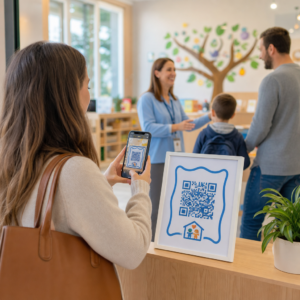
QR koda je slika, ki jo je mogoče skenirati in takoj usmeri telefon ali tablico učenca na URL, PDF, video, zvočno datoteko ali obrazec – tipkanje ni potrebno. Že to samo rešuje eno najpogostejših težav v razredu.
Poleg priročnosti raziskave potrjujejo njihovo vrednost. Študija v savdskih šolah je pokazala, da so učenci, ki so uporabljali QR kode, vdelane v učbenike, dosegli bistveno višjo akademsko uspešnost kot tisti, ki jih niso, in niso poročali o nobenih pomembnih tehničnih težavah. Ločena raziskava o poklicnih študentih je pokazala, da so tisti z močnejšo digitalno pismenostjo pokazali bolj ugodne učne odnose, ko so bile QR kode del pouka.
Praktični rezultat: QR kode so poceni, enostavne za generiranje in učinkovite, če jih učitelji premišljeno pripravijo in preverijo, ali je povezana vsebina primerna starosti. Orodja, kot so Pagelootova rešitev za izobraževalne QR kode omogočajo enostavno ustvarjanje razrednih kod, ki so urejevalne, varne in vedno posodobljene.
15 načinov uporabe QR kod v razredu
1. Povezava do dodatnih virov
Natisnite QR kode na delovne liste, učbenike ali stenske prikaze, da učencem omogočite takojšen dostop do spletnih člankov, videoposnetkov, simulacij ali učnih priročnikov. To odpravlja potrebo po tipkanju dolgih spletnih naslovov in ohranja učni zagon. A QR koda URL-ja je najpreprostejša oblika za to – prilepite povezavo, ustvarite kodo in natisnite.
2. Organizirajte lov na smeti ali iskanje zaklada
Postavite QR kode po razredu ali šoli, vsaka naj bo povezana z vprašanjem ali namigom. Le pravilen odgovor usmeri učence na naslednjo lokacijo; napačen odgovor vrne namig. Ta pristop spodbudi učence k gibanju, spodbuja reševanje problemov in spremeni pregled vsebine v igro. Posebej dobro deluje pri besedišču, zgodovinskih dejstvih ali znanstvenih konceptih.

3. Postavite učne postaje
Vsaki postaji v rotaciji dodelite drugačno QR kodo. Vsaka koda se poveže z vsebino, specifično za postajo – video, aktivnost, kviz ali branje. Učenci lahko delajo samostojno s svojim tempom, vi pa lahko enostavno diferencirate tako, da povežete materiale različnih stopenj kompleksnosti, ne da bi tiskali več različic česar koli.
Prenesite svoje razredne postaje na splet Ustvarite ločene kode QR za vsako učno postajo z uporabo Generator QR kode Pageloot in posodobite povezano vsebino kadar koli, ne da bi ponovno natisnili en sam list.
4. Zbirajte izhodne lističe in povratne informacije
Povežite kodo QR z Google Obrazcem ali hitro anketo in jo prikažite ob koncu pouka. Učenci skenirajo in oddajo svoje odgovore v manj kot minuti, kar vam daje podatke o razumevanju v realnem času, preden zapustijo učilnico. Generator QR kod za Google obrazec omogoča hitro nastavitev – ustvarite obrazec, kopirajte povezavo za skupno rabo in ustvarite kodo.
5. Delite učna gradiva brez papirja
Namesto tiskanja učnih načrtov, zapiskov predavanj ali seznamov literature, jih kodirajte kot Koda QR PDF in objavite kodo na steni učilnice ali na diapozitivih. Učenci skenirajo enkrat in imajo digitalno kopijo. Če posodobite dokument, vam dinamična koda QR omogoča zamenjavo povezane datoteke, ne da bi ustvarili ali ponovno natisnili novo kodo.
6. Podprite učence z bralnimi težavami
Posnemite zvočne različice navodil, seznamov besedišča ali ključnih odlomkov in jih naložite na YouTube ali gostiteljsko platformo. Povezavo kodirajte kot kodo QR MP3 in jo delite z učenci, ki jim bolj koristi poslušanje kot branje. Ta pristop podpira učence z okvarami vida, disleksijo ali potrebami po učenju angleškega jezika, ne da bi kogar koli izpostavljali.
7. Predstavite študentsko delo
Prosite študentske skupine, naj posnamejo kratek video, v katerem razložijo, kaj so se naučili, kako so rešili problem ali kaj so ustvarili med projektom. Te videoposnetke naložite na YouTube ali Google Drive, nato kodirajte povezave kot kode QR in jih objavite v učilnici ali na hodniku. Starši, vrstniki in administratorji lahko skenirajo in si ogledajo delo med dnevi odprtih vrat ali roditeljskimi sestanki.
8. Digitalno spremljajte prisotnost
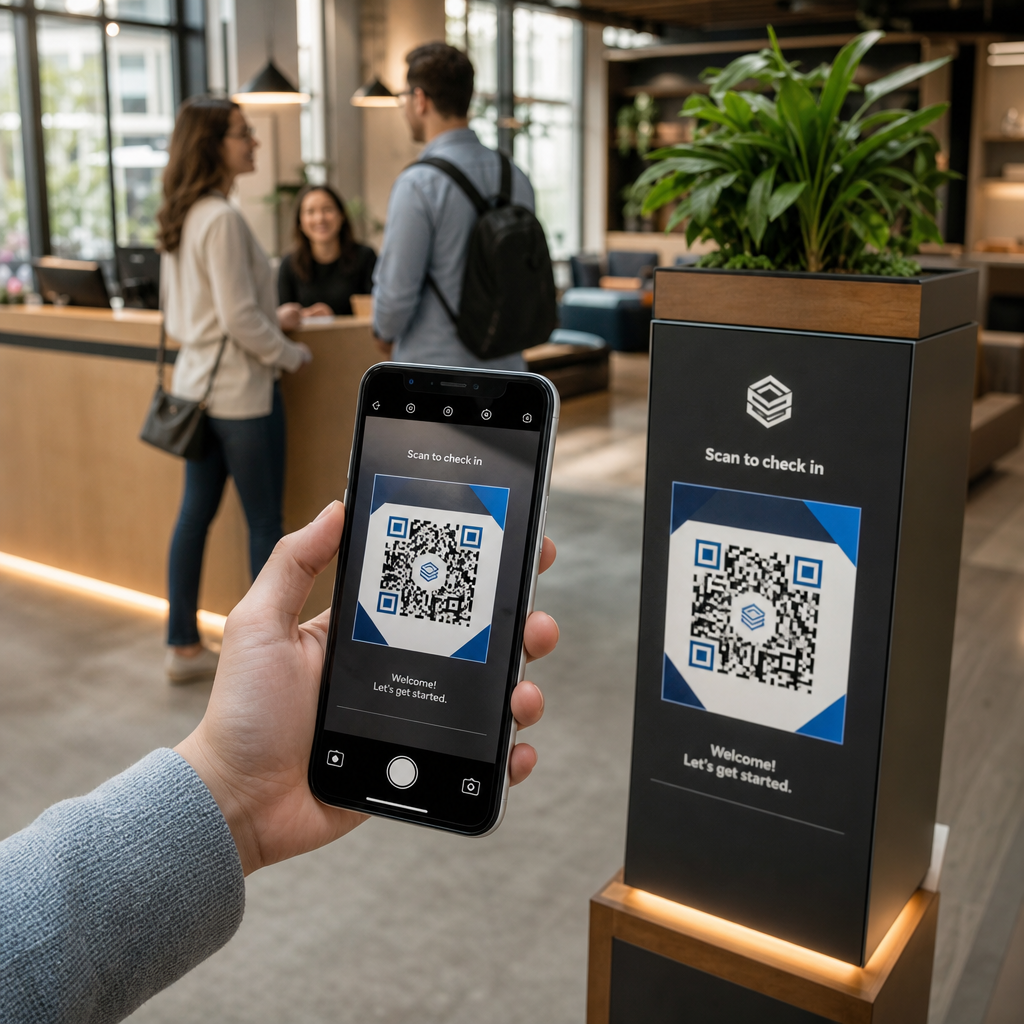
Ob vhodu v učilnico objavite kodo QR, povezano z obrazcem za prijavo. Učenci skenirajo ob prihodu in samodejno oddajo svoje ime in čas. To odpravlja potrebo po ročnem klicanju in ustvari časovno žigosan zapis, ki ga lahko pregledate pozneje. Pagelootov izobraževalna orodja vključujejo možnosti za sledenje skeniranjem in angažiranosti, kar poenostavi beleženje prisotnosti.
9. Olajšajte skupinsko sodelovanje
Povežite kodo QR z deljenim dokumentom Google Doc, Jamboardom ali platformo za sodelovanje, kjer študentske skupine dostopajo do svojih navodil, prispevajo ideje ali dokumentirajo svoj napredek. Vsaka skupina ima lahko svojo kodo, ki kaže na njen lastni deljeni prostor, kar ohranja projekte organizirane in zmanjšuje čas, porabljen za distribucijo materialov.
10. Dodajte kode QR v laboratorijske postavitve
Kode QR pritrdite na laboratorijsko opremo, modele ali eksperimentalne postaje. Vsaka koda se lahko poveže z varnostnim listom, postopkom po korakih, demonstracijskim videom ali dodatnimi vprašanji. Študenti dobijo informacije, ki jih potrebujejo v kontekstu, točno takrat, ko jih potrebujejo, ne da bi morali iskati ločen izroček.
11. Omogočite glasovanje in ankete v razredu
Na začetku ali koncu pouka prikažite kodo QR, ki se povezuje z anketo v živo. Študenti skenirajo, da oddajo glas o vprašanju za razpravo, ocenijo svojo samozavest glede teme ali sodelujejo pri hitri odločitvi v razredu. To dobro deluje za ogrevanja, ankete mnenj pred debato ali preverjanje razpoloženja v razredu glede koncepta.
12. Zgradite študentsko raziskovalno središče
Naj študenti poiščejo in uredijo vire o določeni temi, nato pa svoje vire kodirajo kot kode QR, objavljene na oglasni deski ali deljene digitalno. To ustvari “steno, ki govori” – vizualno, skenabilno bibliografijo, ki jo lahko raziskujejo vrstniki. Gradi raziskovalne veščine in študentom daje občinstvo za njihovo delo, ki presega le učitelja.
13. Podprite diferencirano poučevanje
Ustvarite več kod QR, ki se povezujejo z različnimi različicami iste vsebine – temeljno razlago, standardno nalogo in razširitveni izziv. Objavite vse tri in pustite študentom, da si sami izberejo, ali diskretno dodelite določene kode. To vam omogoča, da študente srečate tam, kjer so, ne da bi bila diferenciacija očitna ali logistično kompleksna.
14. Povežite se s starši in družinami
Dodajte kode QR v novice, na naslovnice spričeval ali na razstave študentskih projektov. Povežite jih s koledarji dogodkov, soglasji, videoposnetki projektov ali dodatnimi informacijami, ki družine ohranjajo vključene v dogajanje v razredu. To zmanjšuje izmenjavo e-pošte in staršem omogoča enostavno, skenabilno vstopno točko v šolske komunikacije.
15. Promovirajte šolske dogodke
Kode QR postavite na plakate na hodnikih ali letake, ki se neposredno povezujejo z registracijo dogodkov, obrazci za potrditev udeležbe ali podrobnostmi urnika. Študenti in starši skenirajo namesto da bi zapisovali URL ali ročno iskali, kar poveča udeležbo in zmanjša odsotnosti pri stvareh, kot so predstave, športni dogodki ali klubi.
Praktični nasveti, preden začnete
Nekaj stvari, ki jih morate preveriti pred tiskanjem in distribucijo kod:
- Preizkusite vsako kodo pred tiskanjem. Skenirajte vsako na vsaj dveh različnih napravah, da potrdite, da povezava deluje in da se vsebina pravilno naloži.
- Velikost je pomembna za razdaljo skeniranja. Za kodo, nameščeno na steni ali plakatu, ciljajte na vsaj 4 × 4 cm, da lahko učenci skenirajo z udobne razdalje. Glejte vodniku po velikosti QR kod za več podrobnosti.
- Uporabite dinamične QR kode za vse, kar se lahko spremeni. Dinamične kode vam omogočajo posodobitev povezane vsebine po tiskanju, tako da koda na razrednem zaslonu ostane uporabna celo leto. Izvedite več o statičnimi in dinamičnimi kodami QR da se odločite, katera ustreza posameznemu primeru uporabe.
- Ohranite visok kontrast. Temen vzorec na svetlem ozadju se zanesljivo skenira. Preglejte najboljšimi praksami za berljivost QR kod če prilagajate barve ali dodajate logotip.
- Dodajte kratko oznako. Kratka vrstica besedila pod kodo – “Skeniraj za današnje branje” ali “Skeniraj za oddajo izhodne vstopnice” – odpravlja ugibanje in povečuje stopnjo skeniranja.
QR kode najbolje delujejo, ko zmanjšujejo trenje, namesto da bi ga dodajale. Bolj ko je koda jasno označena, bolj zanesljivo je skenirana in bolj prispeva k osredotočenemu razrednemu okolju.

Ustvarite razredne QR kode v nekaj minutah Pageloot podpira 25+ vrst QR kod vključno s povezavami, PDF-ji, obrazci, slikami in zvokom – vse prilagodljivo in sledljivo. Začnite brezplačno 14-dnevno preizkusno obdobje, da danes ustvarite svoj prvi nabor učilniških kod.
Pogosta vprašanja
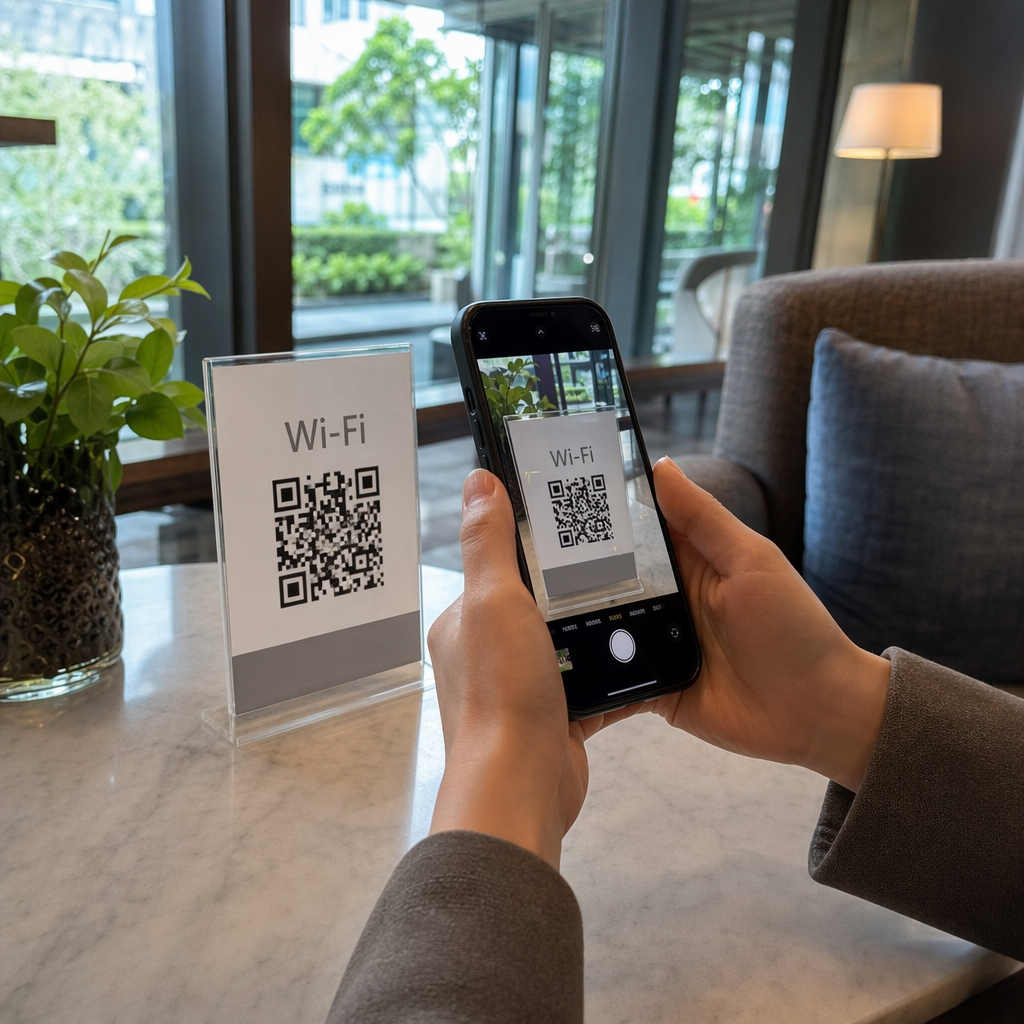
Ne. Večina sodobnih pametnih telefonov in tablic lahko skenira QR kode neposredno prek vgrajene aplikacije za kamero. Študenti preprosto odprejo kamero, jo usmerijo na kodo in tapnejo obvestilo, ki se prikaže. Za starejše naprave se lahko namesto tega uporabi brezplačna aplikacija za skeniranje QR kod.
Statična QR koda povezuje na fiksno destinacijo, ki je ni mogoče spremeniti po tiskanju. Dinamična QR koda shrani kratek preusmeritveni URL, tako da lahko posodobite povezano vsebino – nov videoposnetek, popravljen delovni list ali drugačen obrazec – brez ponovnega tiskanja kode. Za učna gradiva, ki se spreminjajo skozi leto, so dinamične kode bolj praktična izbira.
Vi nadzorujete, na kaj se vsaka koda povezuje, zato vi odločate, do česa lahko dostopajo učenci. Uporabite zaupanja vredne platforme, kot so Google Drive, YouTube (z ustreznimi nastavitvami zasebnosti) ali orodja, ki jih je odobrila šola za gostovanje vsebine. Preizkusite vsako povezavo, preden razdelite kode, in razmislite o uporabi platforme, kot je izobraževalna rešitev Pageloot, ki vam omogoča posodabljanje ali onemogočanje povezav kadar koli, če se vsebina mora spremeniti.